StreamYard is the best live broadcast software for creators who want browser-based production, with support for 6 on-screen participants on its free plan. Choose Restream for broadcasting across multiple social platforms or vMix for more advanced desktop video production.
How we make this list: we compare pricing pages, product documentation and public user reviews, then re-check every price before each update. No product paid for a place. Disclosure.
StreamYard supports 6 on-screen participants on its free plan.
Restream broadcasts to 2 channels simultaneously without a paid subscription.
vMix Basic HD costs $60 as a one-time software purchase.
Ecamm Live Standard supports broadcasting to 10 destinations.
XSplit Broadcaster Premium has a yearly subscription costing $59.99.
What to look for in live broadcast software
Live broadcast software combines cameras, microphones, screen captures and graphics into a video feed that viewers can watch in real time.
Browser-based studios simplify remote interviews and guest management. Desktop applications generally offer more control over video sources, audio mixing and production layouts.
Multistreaming lets you distribute a broadcast across several platforms without operating separate production sessions. Check destination limits before choosing a subscription.
Consider recording quality, branding restrictions, computer requirements and commercial usage policies alongside the subscription price.
StreamYard is a browser-based broadcasting studio for interviews, presentations and creator-led shows. Its free plan accommodates 6 on-screen participants and includes 2 hours of local recording per month.
The trade off is that custom branding requires the higher Core subscription, while Essential costs $14.99 per month with annual billing or $18.99 monthly. It suits individual creators who prioritize simple guest participation over advanced production controls.
What we like
No desktop encoder installation required
Remote guest participation
Full HD available on Essential
Free plan for smaller productions
Watch out for
Entry subscription retains branding restrictions
Individual subscriptions exclude organizational use
Free streaming has usage limits
Essential adds unlimited streaming, Full HD and additional destinations.Visit streamyard.com
02
Restream
4.6/5on Capterra (405 reviews, checked Nov 2026)
Paid from$19/mo
Best for simultaneous social broadcasting
ProductionBrowser and external encoder
Free destinations2
Standard destinations3
Paid planStandard
restream.io
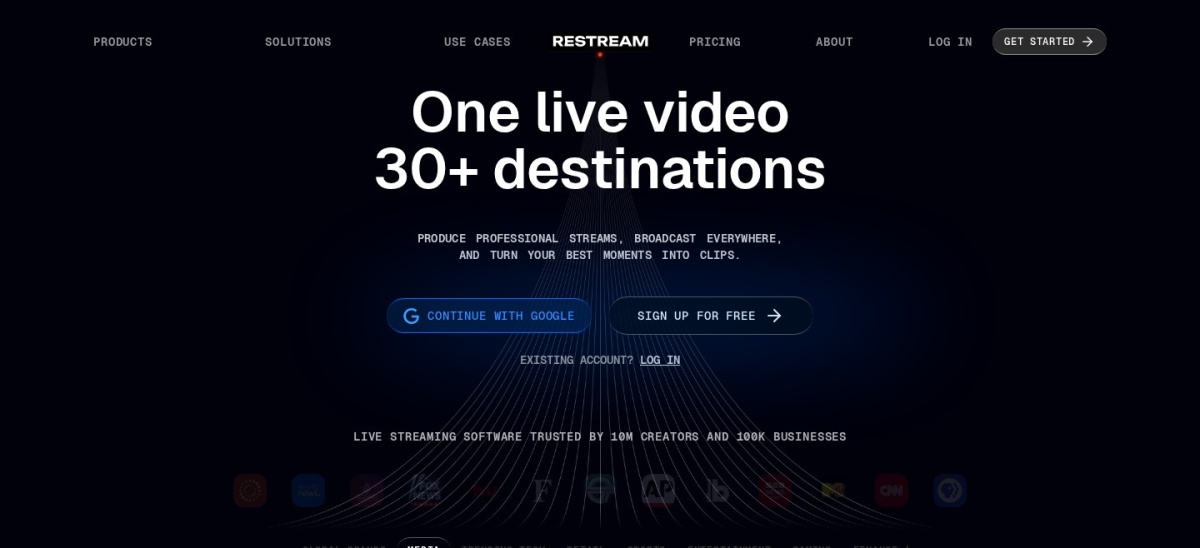
Restream homepage, captured Nov 2026.
Restream is a cloud broadcasting platform that distributes live video across multiple channels. Its free subscription supports 2 simultaneous destinations and access to browser-based production tools.
The trade off is that free broadcasts carry vendor branding, while Standard costs $19 per month and Full HD requires Professional. It suits creators who want to expand their audience across social platforms without managing separate broadcasts.
What we like
Free multichannel broadcasting
Browser-based production
External encoder compatibility
Guest channel support on paid plans
Watch out for
Full HD requires a higher subscription
Free broadcasts include branding
Standard removes vendor branding and increases destination capacity.Visit restream.io
03
vMix
4.7/5on Capterra (23 reviews, checked Nov 2026)
Starts at$60 one-time
Best for professional desktop production
Operating systemWindows
Basic HD resolution1920 x 1080
Basic HD overlay channels1
Paid planBasic HD
vmix.com
vMix homepage, captured Nov 2026.
vMix is desktop video production software for switching cameras, adding graphics and broadcasting live events. Its Basic HD edition supports Full HD production and includes 1 overlay channel.
The trade off is that advanced production features require more expensive editions, starting with Basic HD at $60 as a one-time purchase. It suits event producers who prefer local production controls and perpetual licensing.
What we like
One-time licensing options
Integrated recording and broadcasting
Multiple production editions
Advanced video switching options
Watch out for
Windows-only application
Entry edition has limited production capacity
Requires more technical preparation
Basic HD provides paid desktop production and streaming capabilities.Visit vmix.com
04
Ecamm Live
4.8/5on Capterra (174 reviews, checked Nov 2026)
Starts at$16/mo
Best for Mac-based broadcasters
Operating systemmacOS
Multistream destinations10
Free trial14 days
Paid planStandard, billed yearly
ecamm.com
Ecamm Live homepage, captured Nov 2026.
Ecamm Live is a Mac broadcasting and recording application for presentations, interviews and branded video content. Its Standard subscription includes custom layouts, screen sharing and streaming to 10 destinations.
The trade off is that the application requires a Mac, and Standard costs $16 per month with yearly billing. It suits Mac users who want integrated production tools without assembling a collection of encoder plugins.
What we like
Custom production layouts
Integrated multistreaming
Automatic recording
Green screen support
Watch out for
Unavailable for Windows
No permanent free subscription
Advanced features require Pro
Standard includes branded production layouts and multichannel broadcasting.Visit ecamm.com
05
OBS Studio
4.7/5on Capterra (1,070 reviews, checked Nov 2026)
PriceFree
Best for free desktop broadcasting
Operating systemsWindows, macOS, Linux
ScenesUnlimited
Audio mixingIncluded
Paid planNone
obsproject.com
OBS Studio homepage, captured Nov 2026.
OBS Studio is a free, open-source broadcasting application available across 3 desktop operating systems. It includes unlimited scenes, audio filters, screen capture and customizable video transitions.
The trade off is a more technical setup process, although the software is completely free at $0. It suits independent broadcasters who want extensive production control without recurring software expenses.
What we like
Completely free and open source
Unlimited production scenes
Customizable audio controls
Cross-platform compatibility
Watch out for
Steeper learning curve
Remote guest workflows require additional setup
No dedicated commercial support subscription
All core broadcasting features are available without a paid upgrade.Visit obsproject.com
06
XSplit Broadcaster
4.1/5on Capterra (57 reviews, checked Nov 2026)
Paid from$59.99/yr
Best for affordable Windows broadcasting
Operating systemWindows
Free resolution720p
MultistreamingPremium
Paid planBroadcaster Premium
xsplit.com
XSplit Broadcaster homepage, captured Nov 2026.
XSplit Broadcaster is a desktop application for live streaming, screen recording and video production. Its free edition supports broadcasting at up to 720p without a watermark.
The trade off is that higher-resolution broadcasting, commercial usage and simultaneous streaming require Premium at $59.99 per year. It suits Windows users who want an affordable alternative to more complex production applications.
What we like
Affordable annual subscription
Free watermark-free streaming
Integrated screen recording
Lifetime licensing option
Watch out for
Free resolution capped at 720p
No native Mac application
Commercial usage requires Premium
Premium adds higher-resolution output, commercial usage and multistreaming.Visit xsplit.com
07
Castr
4.7/5on Capterra (446 reviews, checked Nov 2026)
Starts at$199.99/yr
Best for embedded live video distribution
Starter destinations6
Monthly bandwidth200 GB on monthly billing
Video storage100 GB
Paid planStarter
castr.com
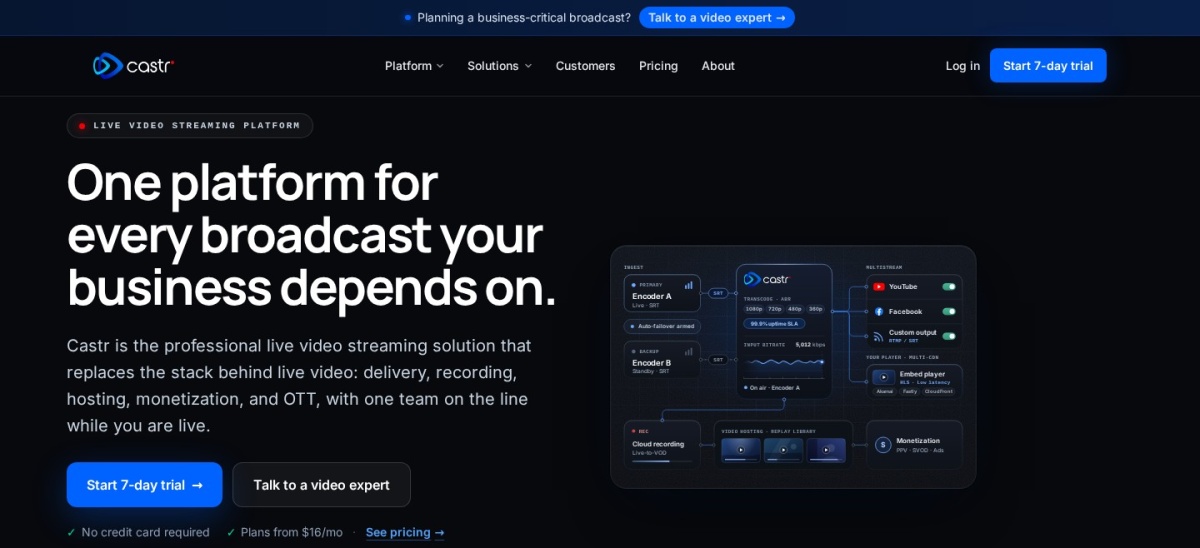
Castr homepage, captured Nov 2026.
Castr is a cloud broadcasting and video hosting platform for distributing live content across social channels and websites. Its Starter subscription supports 6 destinations and includes 100 GB of video storage.
The trade off is that bandwidth allowances can restrict larger broadcasts, and Starter costs $199.99 per year or $19.99 monthly. It suits organizations that already have a video production workflow and need cloud distribution or embedded playback.
What we like
Embedded video player
Multiple streaming destinations
Cloud-based recording
Integrated video monetization
Watch out for
Bandwidth allowances apply
No permanent free plan
Advanced distribution controls cost more
Starter adds cloud distribution, video hosting, recording and embedded playback.Visit castr.com
Browser-based vs. desktop live broadcast software
Browser-based tools are generally easier for interviews, remote presentations and recurring social broadcasts. Guests can participate without configuring professional broadcasting equipment.
Desktop applications are preferable when your production involves capture cards, complex scenes, multiple camera feeds or detailed audio processing.
Cloud distribution platforms serve a different purpose. They receive an existing video feed and distribute it to viewing destinations, making them useful alongside desktop production software.
How we chose
We selected established broadcasting applications from public software directories and official product documentation. We prioritized video production, destination flexibility, recording capabilities and suitability for different broadcasting workflows.
The requested editorial verification date is 22 Nov 2026. Pricing and ratings were checked against currently accessible vendor and Capterra pages during research, rather than independently verified against historical snapshots for that date. Annual billing discounts and one-time license costs are identified where applicable.
We excluded products with insufficient public pricing information, limited broadcasting relevance or inadequate review evidence. No vendor paid for a place, and we do not claim testing for this list.
How to choose the best live broadcast software
Compare your production requirements, streaming destinations and software budget before selecting a broadcasting application.
**Identify your broadcast format.** Decide whether you primarily produce interviews, gaming streams, conferences, presentations or multi-camera events.
**Check device compatibility.** Confirm that the application supports your operating system, cameras, microphones and available capture hardware.
**Review destination and recording limits.** Check simultaneous broadcasting allowances, maximum video resolution, recording options and branding restrictions.
**Calculate the complete production cost.** Include subscription fees, hardware purchases, storage requirements and any additional cloud distribution services.
FAQ
What is the best live broadcast software?
StreamYard is our top pick for creators who want accessible browser-based broadcasting and remote guest participation. Restream is preferable for multichannel distribution, while vMix offers more specialized desktop production capabilities.
What is the best free live broadcast software?
OBS Studio is an excellent free option because it provides customizable scenes, audio mixing and video recording without a subscription. StreamYard and Restream also provide free plans for simpler browser-based broadcasting.
Can I broadcast live to multiple platforms simultaneously?
Yes. Restream, StreamYard, Ecamm Live and Castr support multichannel broadcasting. Available destinations depend on the subscription, and individual streaming platforms may impose their own account eligibility or broadcasting restrictions.
Do I need a high-end computer for live broadcasting?
Not necessarily. Browser-based broadcasting can reduce the need for complicated local production setups, while desktop applications may require better hardware for multiple cameras, detailed graphics and higher-resolution encoding.
What is the difference between broadcasting and video hosting software?
Broadcasting software prepares and transmits live video, while video hosting software stores and delivers content to viewers. Some cloud platforms combine live distribution, embedded playback, recording and video storage within a subscription.
Is paid live broadcast software worth it?
Paid software can be worthwhile when you need custom branding, additional destinations, commercial usage rights or more advanced recording capabilities. Free software remains suitable for many independent creators with basic production requirements.
SaaS SEO and WordPress specialist with about 8 years of experience. Rakib compares WordPress plugins, themes, hosting and software using public pricing, documentation and user reviews. See how we rank.