CLO 3D is the best fashion design software for most designers, pairing 2D pattern drafting with 3D drape simulation for $50 a month. Pick Adobe Illustrator for flats and tech sketches, or Affinity Designer if you need free flats and vector work.
How we make this list: we compare pricing pages, product documentation and public user reviews, then re-check every price before each update. No product paid for a place. Disclosure.
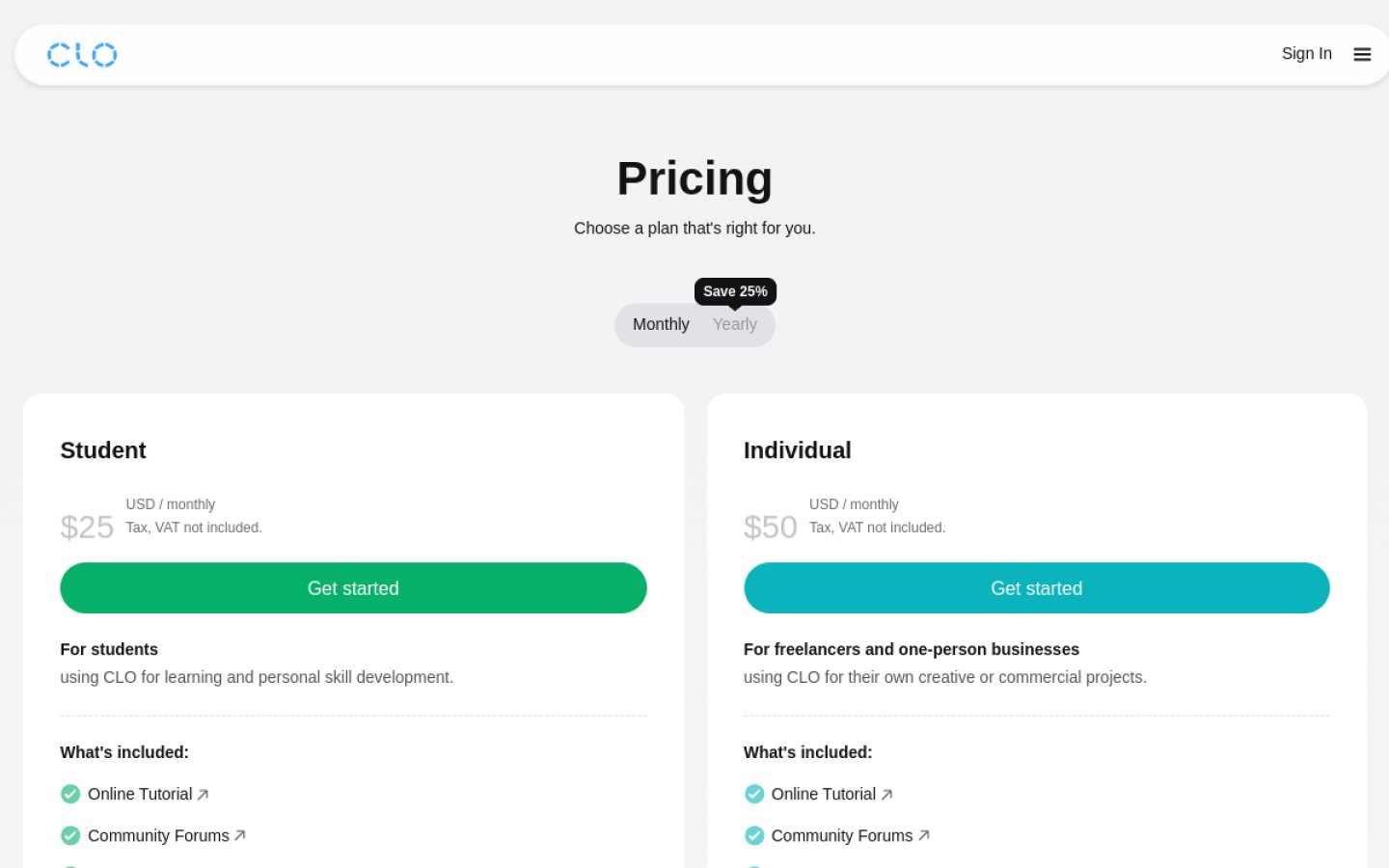
CLO 3D is the strongest all-round pick: 2D patterns, 3D drape on an avatar and a published $50 a month individual price.
Adobe Illustrator remains the standard for flats and tech sketches, at $22.99 a month with a 7-day trial.
Browzwear VStitcher leads on measured fabric data and team workflows, but its Freelancer plan starts at $75 a month.
Marvelous Designer is the cheapest way into 3D cloth at $39 a month, though it is built for characters and games, not factory patterns.
Affinity Designer is the only free option here, drawing flats and prints at no cost.
What fashion design software should cover
Fashion design software splits into three jobs: drawing flats, drafting patterns, and simulating garments in 3D. Most designers need at least two of the three.
Flats are the flat technical sketches that go into a tech pack. Illustrator and CorelDRAW handle these, Affinity Designer does the same work free, and Techpacker turns them into factory-ready packs.
Pattern tools draft and grade the pieces that get cut and sewn. CLO 3D, Browzwear and TUKAcad cover this work, each with its own price and limits.
3D simulation shows drape and fit on an avatar before a sample is sewn. Once the work exists, our guide on creating a portfolio site with WordPress shows one way to present it to clients.
CLO 3D is the industry standard for 3D garment design, turning 2D pattern pieces into a simulated garment on an avatar. You draft or import a pattern, assign a fabric, and check drape and fit before cutting a physical sample. The Individual plan costs $50 a month, or $450 a year paid yearly, with a 14-day trial.
The trade off is the licence limit. Individual covers freelancers and one-person businesses only, so any company with two or more employees needs a custom Enterprise plan. It suits independent designers and small labels that want to cut samples and check fit in 3D.
Adobe Illustrator is the vector editor most fashion studios use for flats, prints and tech sketches. It draws clean, scalable artwork that a factory can read, with pattern tools, brushes and precise colour control. The single-app plan costs $22.99 a month on an annual plan billed monthly and includes 100GB of cloud storage.
The trade off is the subscription. There is no perpetual licence, so the $275.88 a year continues as long as you use it, and cancelling an annual plan early can bring a fee. It suits designers whose flats and prints must open cleanly anywhere.
What we like
Industry standard, so files transfer anywhere
Precise vector tools for flats and prints
Includes Adobe Fonts and cloud storage
Watch out for
Subscription only, no one-time purchase
Steep learning curve for beginners
The full Creative Cloud bundle costs more per monthVisit adobe.com
03
Browzwear VStitcher
4.8/5on G2 (56 reviews, checked Nov 2026)
Starts at$75/mo
Best for teams and measured fabric data
3D simulationMeasured fabric physics
Tech packsBuilt-in tech pack output
Free trialLearner licence for students
Cheapest planFreelancer, $75/mo
browzwear.com
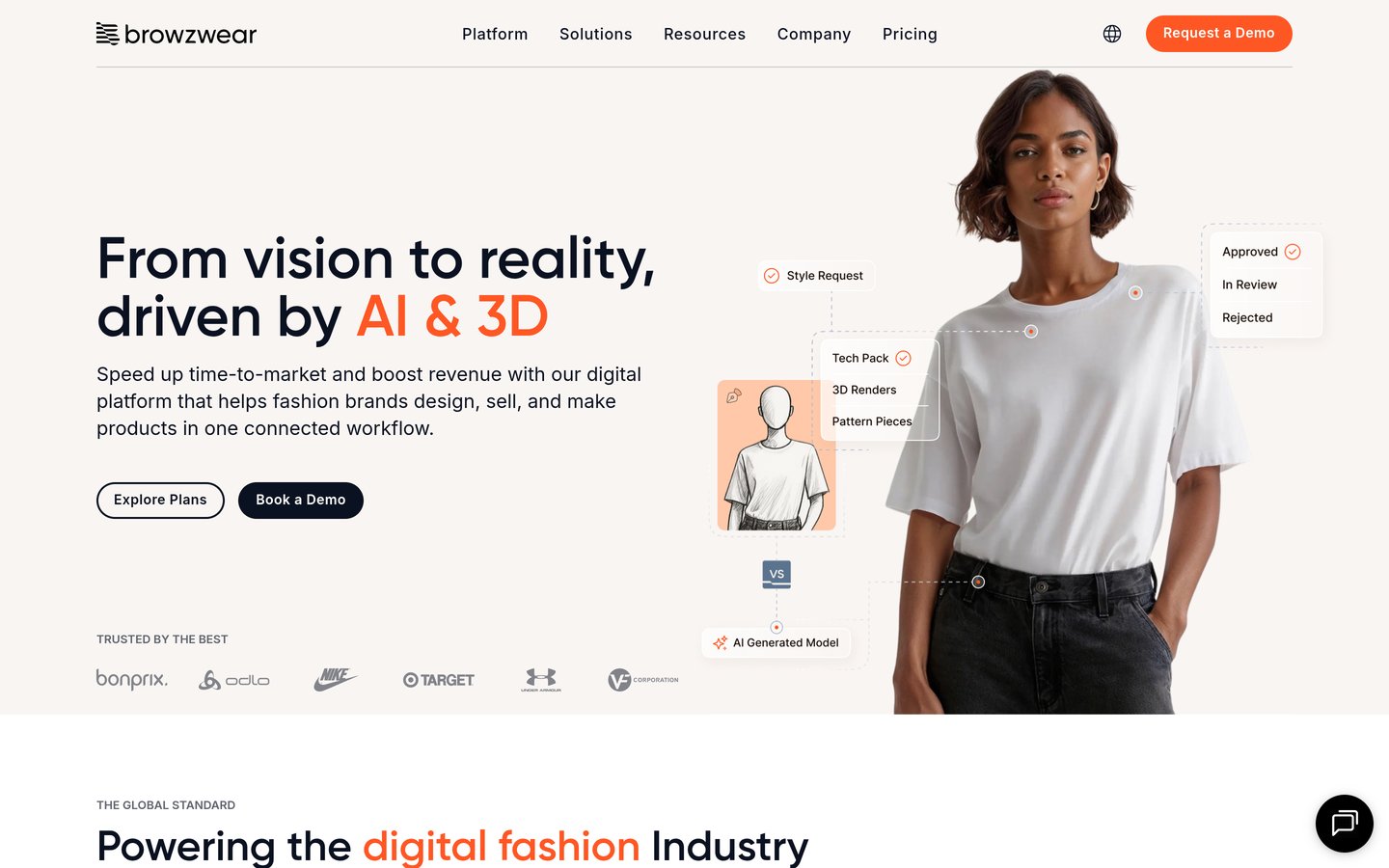
Browzwear VStitcher homepage, captured Nov 2026.
Browzwear VStitcher is enterprise 3D apparel software for brands that develop garments at scale. It simulates drape from measured fabric data, checks fit across sizes, and produces tech packs in the same system. The Freelancer plan costs $75 a month or $750 a year for one user.
The trade off is price and weight. The Freelancer plan is about 1.5 times the cost of CLO 3D, and reviewers report crashes on heavy garments. It suits product teams that need fabric-accurate simulation and PLM links.
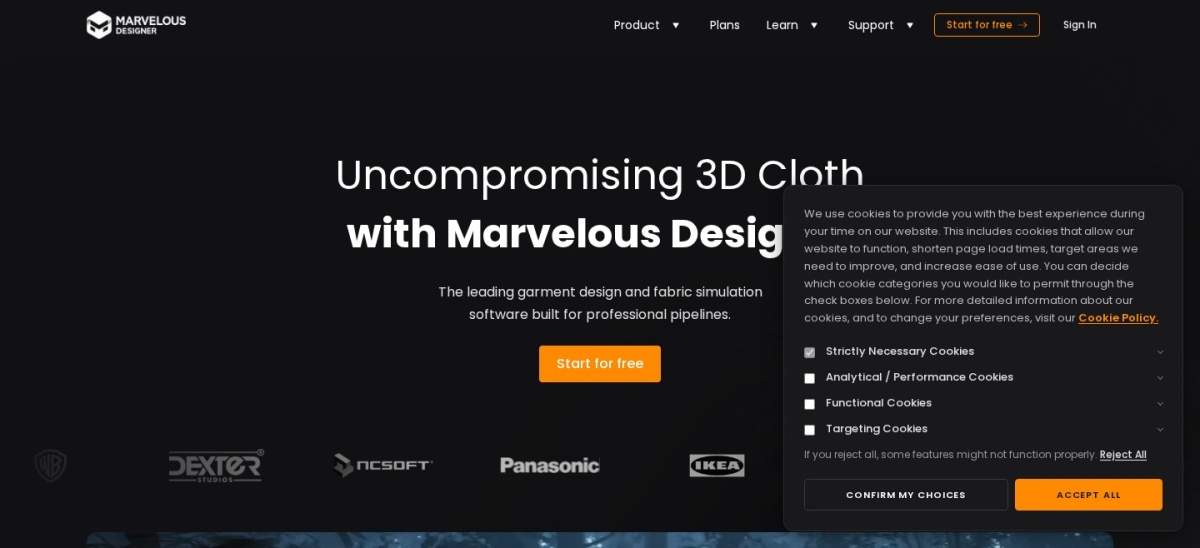
Marvelous Designer is 3D garment software that sews 2D pattern pieces into cloth and simulates drape on an avatar. It is built for games, film and animation, where clothes must move and fold on a character. The Personal plan costs $39 a month or $280 prepaid for a year, with a 14-day trial.
The trade off is the audience. It has no grading or factory marker tools, so it cannot send a graded pattern to production. It suits 3D artists and designers who need fast, realistic cloth for characters and digital fashion.
CorelDRAW is a vector suite for illustration, page layout and photo editing. It covers flats, prints, packaging and signage in one purchase, with font tools and templates included. The annual plan costs $269 a year, and a 15-day trial is available.
The trade off is the first-year price. CorelDRAW lists a cheaper first year at $185, so budget on the $269 renewal figure, not the intro offer. It suits print shops and designers who want a suite without a monthly Adobe bill.
What we like
Vector, layout and photo editing in one suite
One-time purchase option at $549
Strong print and signage tools
Watch out for
Smaller community than Illustrator
Annual plan renews at $269 after a cheaper first year
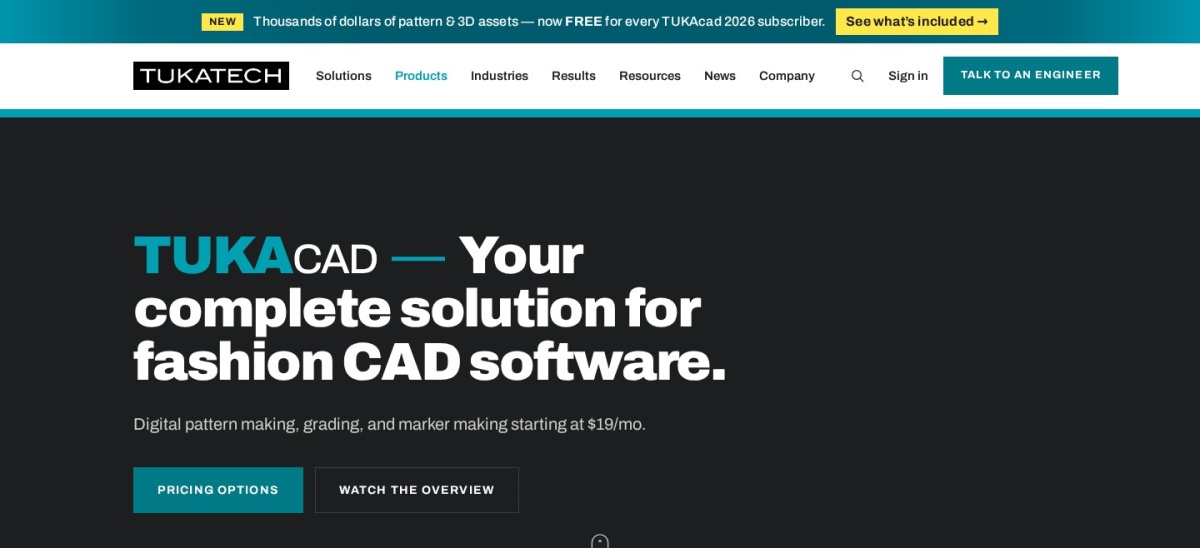
Tukatech TUKAcad is pattern CAD for the production room: digital pattern making, grading and marker making. It drafts patterns from measurements, grades across sizes and nests markers with yield reports. The Learning Edition starts at $19 a month, with a 14-day trial.
The trade off is scope and platform. The $19 edition caps files at 14 pattern pieces and 4 graded sizes, and TUKAcad runs on Windows only. It suits pattern makers and small factories that need graded patterns at a published price.
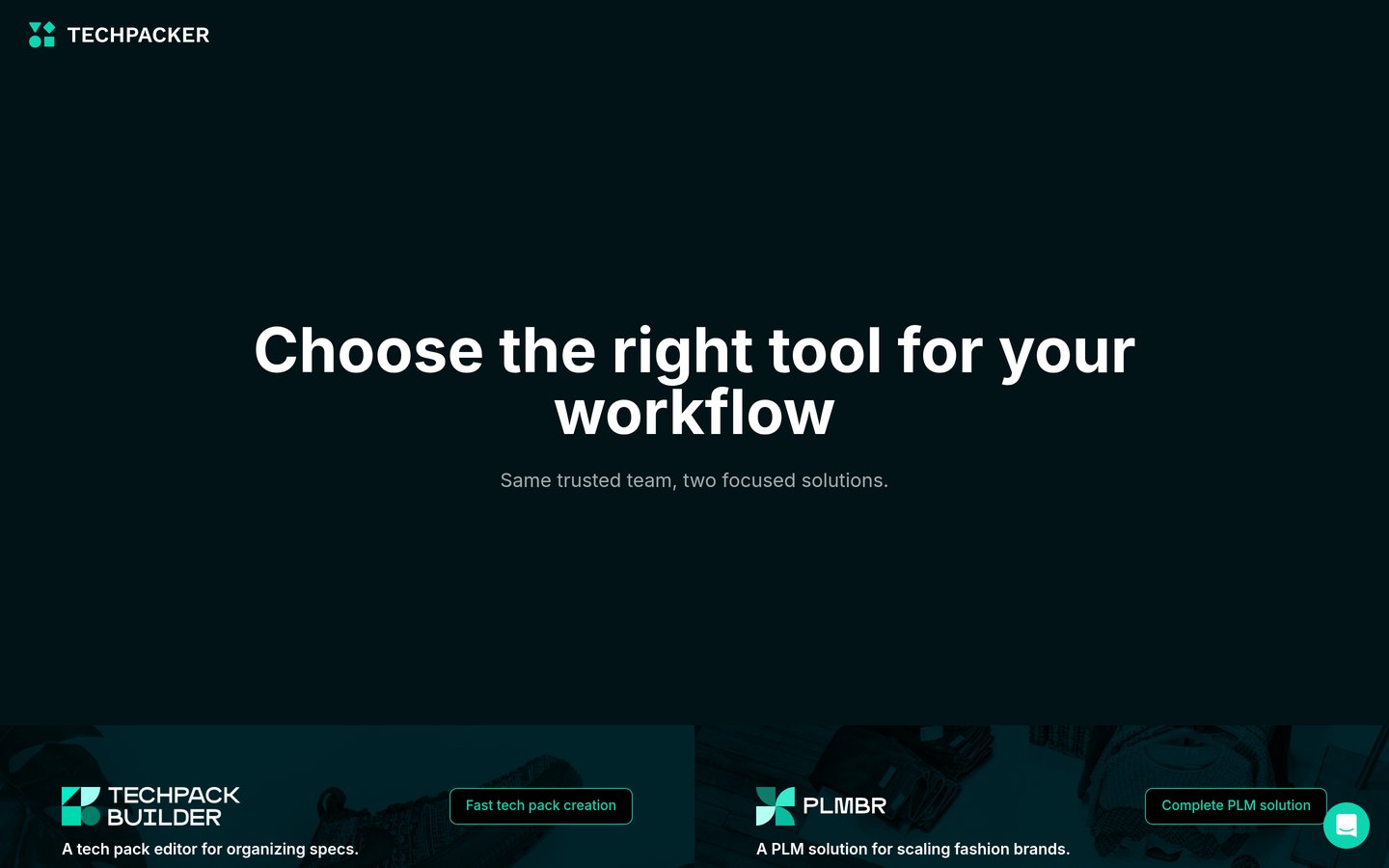
Techpacker is cloud software for building and sharing tech packs with factories. It organises measurements, construction notes and bills of materials into reusable cards, with version history when a spec changes. The Builder plan costs $35 per user a month billed annually, with a 7-day trial.
The trade off is that it does not draw the flat sketch. You draw flats in Illustrator and upload them, then build the pack around them. It suits small brands that need clean, versioned tech packs more than another drawing tool.
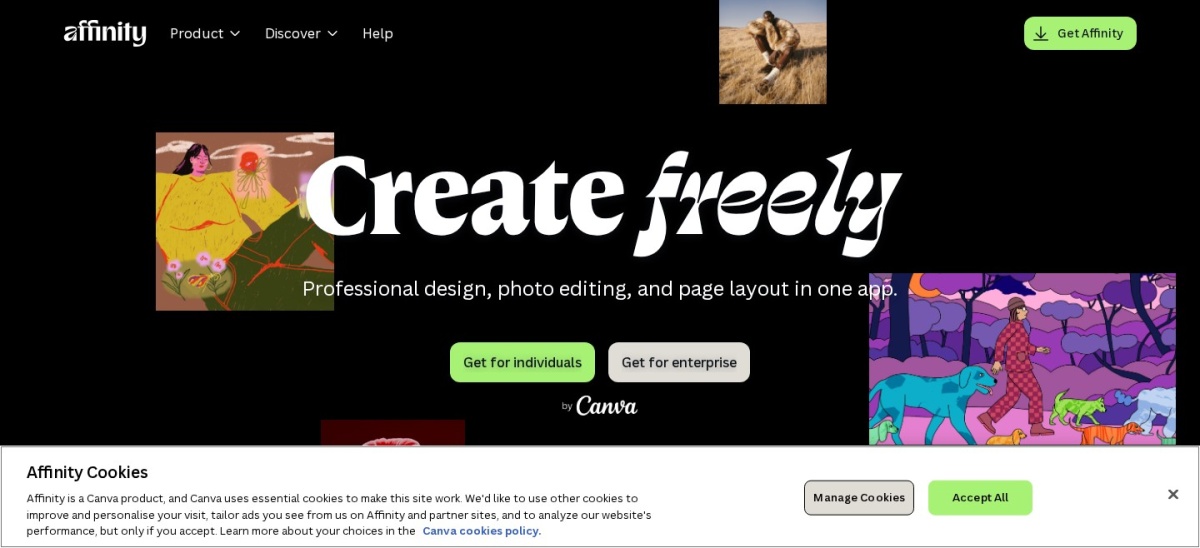
Affinity Designer is the vector studio inside the free Affinity app from Canva, covering vector drawing, pixel painting and page layout in one download. It draws precise flats and prints with pen and shape tools, and opens PSD, AI and IDML files. The core app is free for individuals on Windows and macOS.
The trade off is the AI paywall. Generative features need a paid Canva plan, and the unified app has no iPad version yet. It suits designers who want professional vector tools for flats without a subscription.
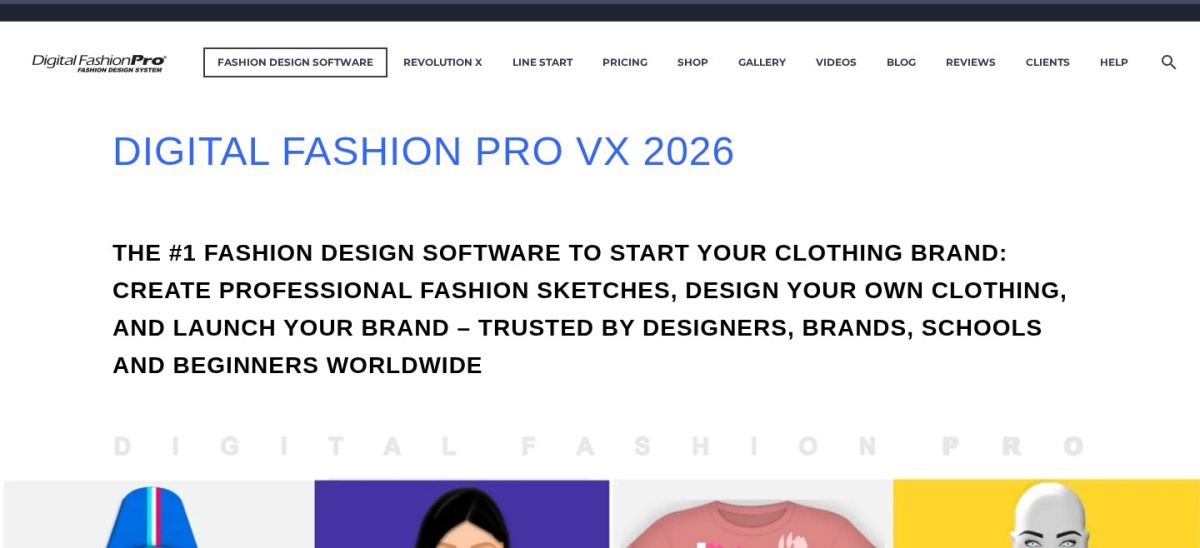
Digital Fashion Pro is template-based fashion design software for beginners starting a clothing line. It includes hundreds of clothing templates, digital fabrics, trims and model poses, plus video training. It costs $199 as a one-time payment, with a trial available.
The trade off is depth. It is a sketch and template tool, not pattern CAD, so it will not grade patterns or simulate drape. It suits beginners who need presentable sketches and a clothing-line starter kit without a subscription.
Free tools cover one job well. Affinity Designer draws flats at no cost, but it has no 3D view and no pattern grading.
Paid tools connect the jobs. CLO 3D links patterns to 3D drape, and Techpacker links flats to factory-ready packs, which is what the subscription pays for.
If you sell clothes, a paid tool usually pays for itself with one avoided sample. If you sew for yourself, start free and upgrade when the work outgrows the tool.
How we chose
We started from the tools fashion schools, pattern rooms and apparel teams name most often, then kept the nine with published prices or a free download and a public review record.
Prices come from each vendor's pricing page, checked on 25 November 2026. Ratings come from G2 or Capterra on the same day, except Marvelous Designer, which has no verified rating on either site, and Digital Fashion Pro, rated on SourceForge.
We left out quote-only enterprise systems such as Optitex and Gerber AccuMark, which publish no starting price. No vendor paid for a place, and we do not claim hands-on testing for this list.
How to choose fashion design software
Match the tool to the job you do most, then check the price and the file formats your factory or client needs.
Decide which job comes first. Flats need a vector editor, patterns need CAD, and virtual samples need 3D simulation. Buy for the job you do every week.
Check the export formats. Factories usually want DXF patterns and PDF tech packs. Confirm your tool exports both before you commit.
Try the trial on a real garment. Most paid tools here offer a 7 to 15-day trial. Draft one of your own styles end to end and check the fit result.
Add up the yearly cost. Monthly prices look small, but CLO 3D costs $600 a year on monthly billing against $450 paid yearly. Compare yearly totals, not monthly ones.
FAQ
What is the best fashion design software?
CLO 3D is the best pick for most designers. It pairs 2D pattern drafting with 3D drape simulation on an avatar, so you can check fit before cutting a sample, and its Individual plan costs $50 a month with a 14-day trial.
Can I design clothes for free?
Yes, with limits. Affinity Designer draws flats free, and Seamly2D drafts parametric patterns free, but neither simulates 3D drape or builds tech packs. For free 3D work, Blender can drape cloth, though it is not built for garments.
Do I need 3D software to design fashion?
No. Flats in Illustrator or CorelDRAW plus a tech pack in Techpacker is enough to send a design to a factory. 3D tools such as CLO 3D save money by cutting fewer physical samples, which matters most when you develop many styles.
What is the difference between CLO 3D and Marvelous Designer?
CLO 3D is built for real garments: patterns, grading and fit checks that feed production. Marvelous Designer is built for characters in games and film, with faster cloth simulation but no grading or factory output. CLO 3D costs $50 a month; Marvelous Designer costs $39.
Which software do fashion schools use?
CLO 3D and Adobe Illustrator are the pair most often taught, since one covers 3D sampling and the other covers flats and prints. Browzwear appears in enterprise courses.
What software makes tech packs?
Techpacker is the dedicated option here, organising measurements, construction notes and bills of materials into shareable packs from $35 per user a month. CLO 3D and Browzwear also export tech pack data, but Techpacker is built around the factory handoff.
SaaS SEO and WordPress specialist with about 8 years of experience. Rakib compares WordPress plugins, themes, hosting and software using public pricing, documentation and user reviews. See how we rank.