BurnAware Free is the best free CD burning software for most people. Its free version burns data discs, audio CDs and ISO images, and it is rated 4.4 out of 5 from 750 FileForum votes, while ImgBurn suits precise ISO work and Ashampoo Burning Studio FREE suits guided steps.
How we make this list: we compare pricing pages, product documentation and public user reviews, then re-check every price before each update. No product paid for a place. Disclosure.
BurnAware Free covers data, audio and ISO burning at no cost, with a maintained release in November 2026.
ImgBurn is the most precise free ISO burner, but its last release dates from 2013.
Ashampoo Burning Studio FREE is the friendliest option for beginners, though it needs an email signup.
AnyBurn is the smallest pick at under 6 MB, with a portable build for USB sticks.
Five of the nine tools cost under $50 if you ever pay, and BurnAware Premium is the cheapest at $29.95 once.
Roxio Creator NXT is the priciest pick at $99.99, but it is the only one that adds video and photo editing.
What to look for in a free CD burner
Most people burn a disc for one of three jobs: an audio CD for the car, a data backup, or a bootable disc from an ISO file. The right tool depends on the job, not the brand, because a good audio burner can be a poor ISO burner and the other way round.
Free tools cover all three jobs well. The differences are interface polish, Blu-ray support and whether the program is still maintained: some free burners on this list had their last release years ago, while others shipped new versions in 2026.
Check the disc type before you buy. Blu-ray and M-Disc support, Mac support and video DVD menus vary a lot between tools. Our 3-2-1 backup guide explains why discs still work as one copy in a backup plan.
Download only from the vendor's own site. Older free burners are often repackaged elsewhere with extra software bundled in, so the official download page is the safe source.
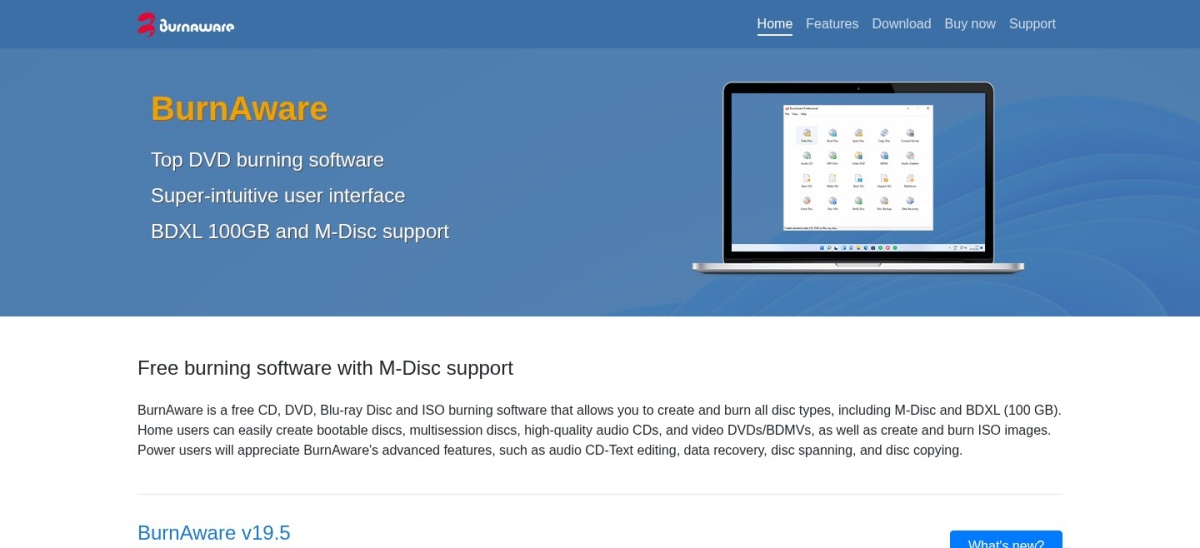
BurnAware Free is a free CD, DVD and Blu-ray burner for Windows, and its free version covers the everyday jobs: data discs, audio CDs, MP3 discs, video DVDs, bootable discs and ISO creation and burning. Version 19.5 arrived on 10 November 2026, and the free version also handles multisession discs, disc spanning and M-Disc media.
The trade off is that the free version is 32-bit only and leaves disc-to-disc copying, audio extraction and data recovery to the paid editions. Premium costs $29.95 as a one-time licence and adds copying and a 64-bit build. It suits anyone who wants a clean, modern burner for regular CD and DVD work.
What we like
Free version covers data, audio, MP3 and ISO burning
Still maintained, with version 19.5 in November 2026
Disc spanning splits large backups across discs
Cheapest paid upgrade in this list
Watch out for
Free version is 32-bit only
Disc copying and audio extraction need Premium
Free version promotes the paid editions
Premium adds disc copying, a 64-bit build and a video converterVisit burnaware.com
02
ImgBurn
4.8/5on FileForum (1,755 reviews, checked Nov 2026)
PriceFree
Best for ISO and image burning
Free planYes, fully free
Image formats12 formats
Verify after burnYes
Paid planNone
imgburn.com
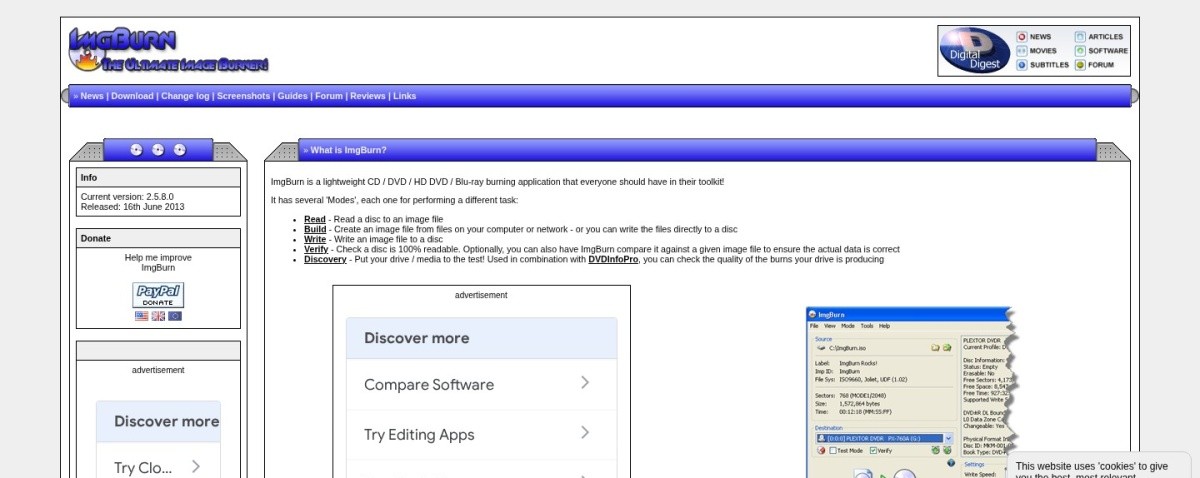
ImgBurn homepage, captured Nov 2026.
ImgBurn is a lightweight free burner for Windows that focuses on disc images. It reads discs to image files, builds images from files and folders, and writes ISO, BIN, IMG and other image formats, with a verification pass that checks the burned disc against the source. Its queue system lines up several images to burn one after another.
The trade off is age and looks. The last release, version 2.5.8.0, dates from June 2013, the interface is dated, and the installer offers extra software you must decline. It suits advanced users who burn ISOs and boot discs and want precise control over write speed and verification.
What we like
Strongest free ISO and image support
Verify-after-write catches bad burns
Tiny download with no background services
Free with no paid tier at all
Watch out for
No updates since 2013
Dated, technical interface
Installer offers extra software to decline
No video DVD menu authoring
No paid version exists, so the free version is the full toolVisit imgburn.com
03
Ashampoo Burning Studio FREE
4.7/5on Trustpilot (21,331 reviews, checked Nov 2026)
Paid from$30/once
Best for beginners
Free planYes, email signup
Guided wizardsYes
Blu-rayPaid version
Paid plan2027, $30 once
ashampoo.com
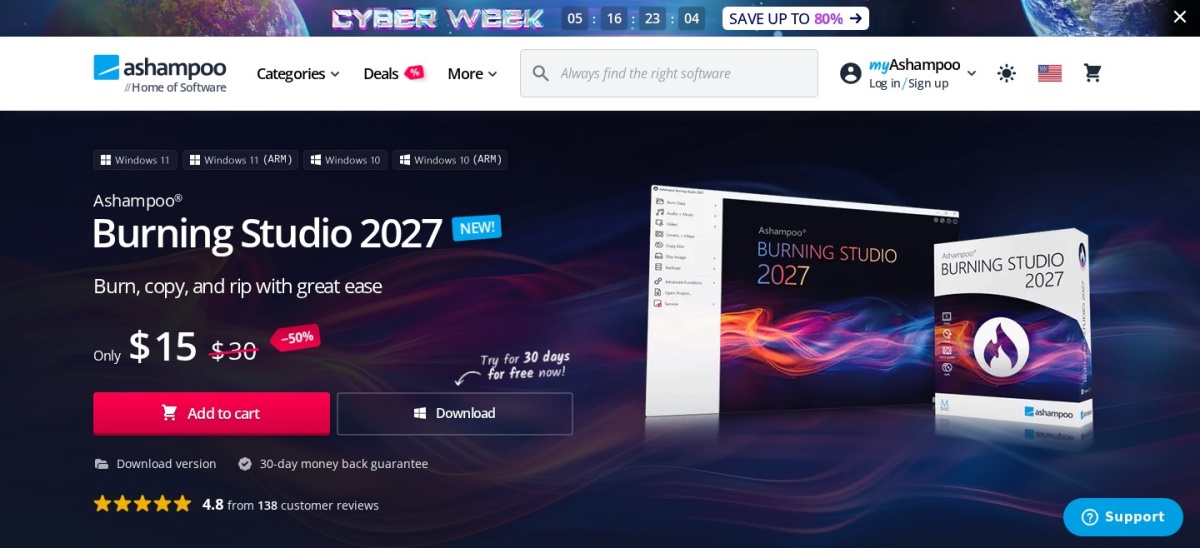
Ashampoo Burning Studio FREE homepage, captured Nov 2026.
Ashampoo Burning Studio FREE is a guided burner for Windows that walks first-timers through each job with wizards. It burns data discs, audio CDs, video DVDs and disc images, copies discs and backs up files, and its product page shows 4.8 out of 5 from 138 verified buyer reviews.
The trade off is the signup. The free version needs an email address for a licence key, skips Blu-ray, and promotes the paid edition inside the app. Burning Studio 2027 lists at $30 as a one-time licence and was $15 in a sale when checked. It suits beginners who want each step explained.
What we like
Guided wizards explain every burn type
Covers data, audio, video and disc images
Attractive interface that does not intimidate
Watch out for
Free version needs an email signup for a licence key
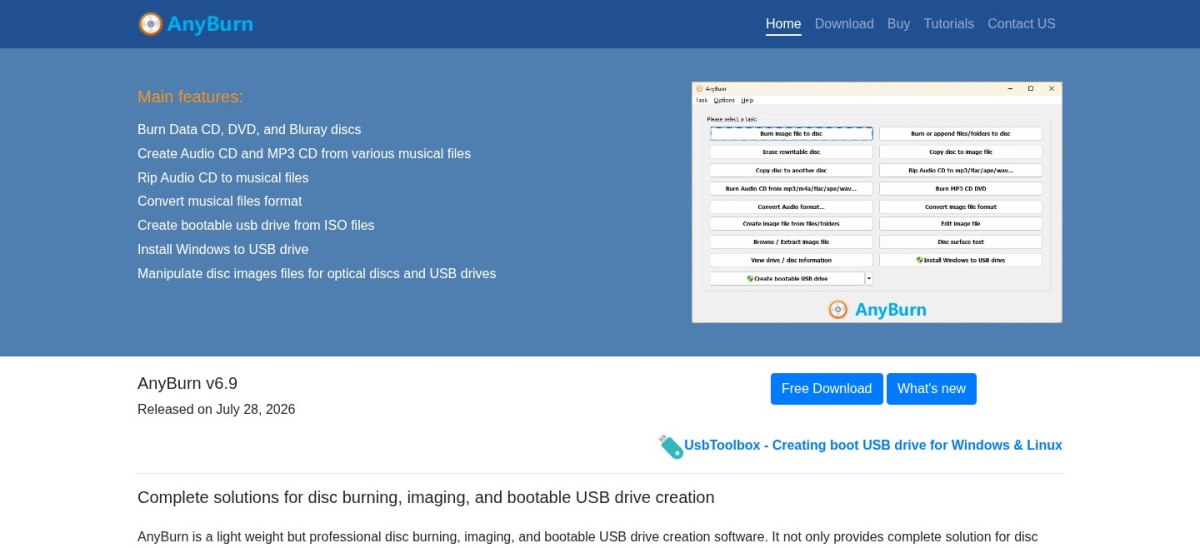
AnyBurn is a small free burner for Windows that runs from a single executable, with a portable build for a USB stick. Version 6.9, released on 28 July 2026, burns data and audio discs, creates and burns image files, rips audio CDs, converts image formats and makes bootable USB drives. It needs no install.
The trade off is polish. The interface is a plain list of tasks, the help files are thin, and there is no video DVD authoring with menus. It suits technicians and anyone who keeps a rescue toolkit on a flash drive and wants a burner that just works.
What we like
Tiny portable executable with 32-bit and 64-bit builds
Burns images, audio CDs and data discs with no install
Converts between image formats
Also creates bootable USB drives
Watch out for
Plain utilitarian interface
Documentation is thin
No video DVD authoring with menus
No paid version exists, so the free version is the full toolVisit anyburn.com
05
Nero Burning ROM
4.5/5on G2 (29 reviews, checked Nov 2026)
Starts at$49.95/once
Best paid burner for regular use
Free planTrial only
SecurDisc encryptionYes
Audio CD rippingYes, Gracenote
Paid planBurning ROM, $49.95 once
nero.com
Nero Burning ROM homepage, captured Nov 2026.
Nero Burning ROM is the long-running paid burner for Windows, now in its 2026 edition. It burns data discs, audio CDs, video DVDs and Blu-ray discs, copies discs, creates ISO images and rips audio CDs with Gracenote track details. SecurDisc 4.0 adds password protection and extra redundancy for sensitive archives.
The trade off is price and platform. A one-time licence costs $49.95 for one PC, there is only a free trial rather than a free version, and there is no Mac version. It suits people who burn discs often and want encryption and cover design in one program.
What we like
Blu-ray and SecurDisc encryption support
Disc copying and audio ripping
Cover design included
Watch out for
Windows only
Paid licence needed for full features
Installer pulls in companion tools
Paid licence is one-time for one PC, with a free trial firstVisit nero.com
06
Express Burn
4.2/5on Trustpilot (1,610 reviews, checked Nov 2026)
Paid from$39.95/once
Best for Mac and Windows
Free planYes, CDs only
PlatformsWindows and Mac
DVD and Blu-rayPlus edition
Paid planPlus, $39.95 once
nch.com.au
Express Burn homepage, captured Nov 2026.
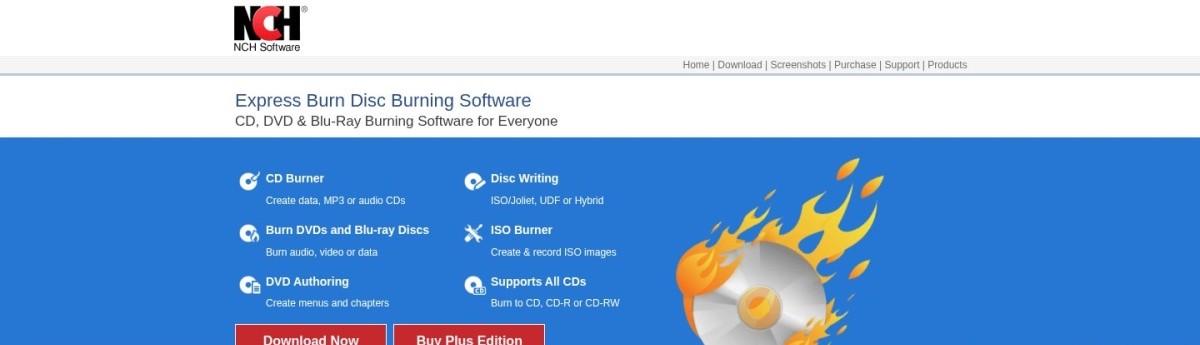
Express Burn is NCH Software's burner for Windows and Mac, built around drag-and-drop. It burns data, audio and video discs, creates ISO images and bootable discs, and writes to CD, DVD and Blu-ray. The free version covers CD burning for non-commercial use, with no signup and no expiry.
The trade off is the paywall. DVD and Blu-ray burning need the Plus edition at $39.95 as a one-time licence, and the NCH store lists that price as a discount from $80. It suits people who want one simple burner that works the same on Windows and Mac.
What we like
Works the same on Windows and Mac
Fast drag-and-drop burning
Free version never expires for CDs
Watch out for
Free version burns CDs only
DVD and Blu-ray need the Plus edition
Store price is shown as a discount from $80
Plus edition adds DVD and Blu-ray burning for $39.95 onceVisit nch.com.au
07
CyberLink Power2Go
3.5/5on FileHippo (456 reviews, checked Nov 2026)
Paid from$69.99/once
Best for video DVDs and archives
Free planYes, Essential
Video DVD menusYes, Platinum
EncryptionYes
Paid planPlatinum, $69.99 once
cyberlink.com
CyberLink Power2Go homepage, captured Nov 2026.
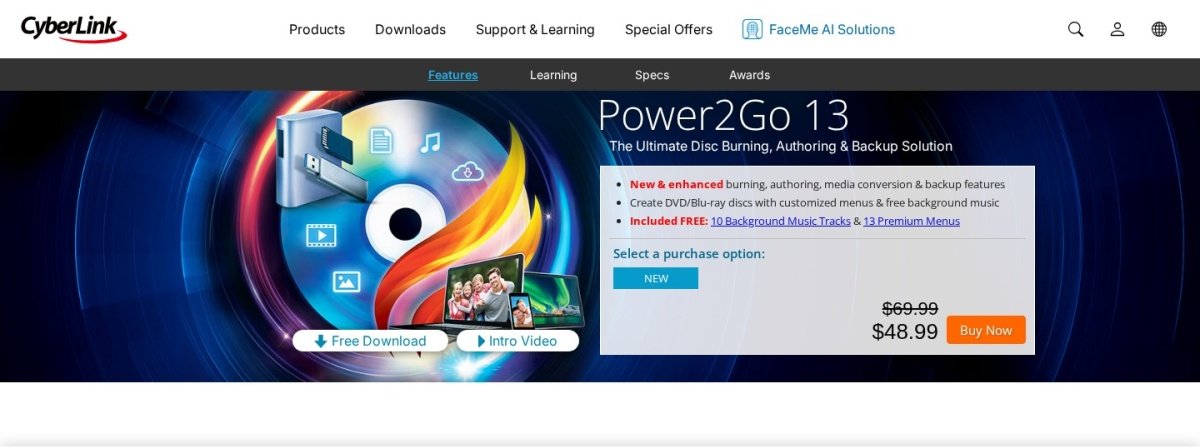
CyberLink Power2Go 13 is a burning, authoring and backup tool for Windows. It burns data, music and video discs including Blu-ray, creates video DVDs with menus and chapters, converts media files and backs up a system to disc or USB with encryption. A free Essential edition covers basic burning.
The trade off is scope and price. Platinum lists at $69.99 as a one-time licence and was $48.99 in a sale when checked, and the full feature set is more program than a quick data burn needs. It suits home archivists who want playable video discs and encrypted backups.
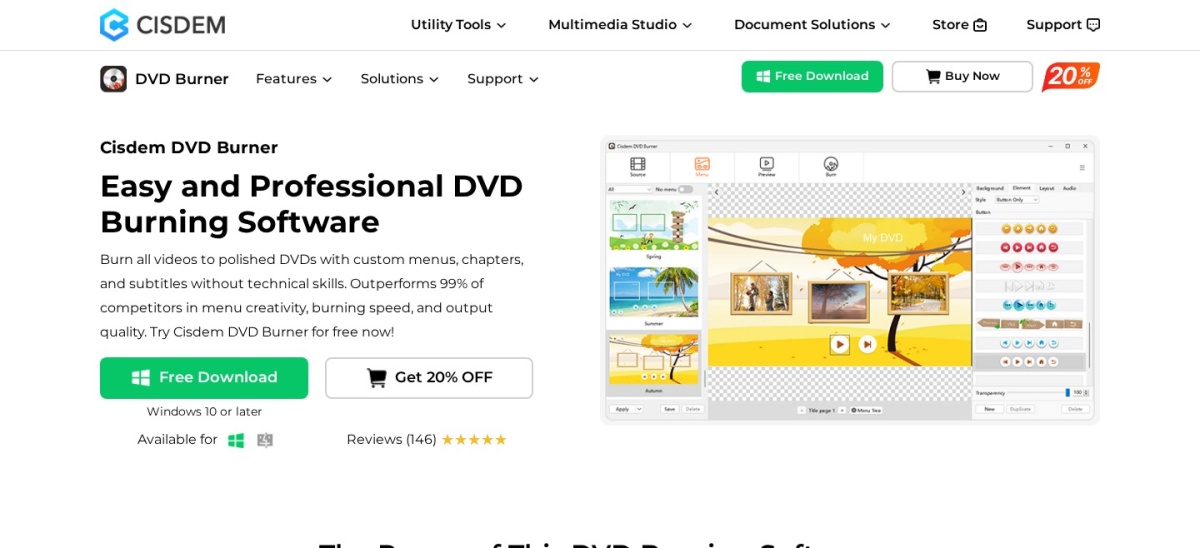
Cisdem DVD Burner is a video-to-DVD authoring tool for Windows and Mac. It turns video files into playable DVDs with menu templates, chapters, subtitles and background music, and includes a video editor for trimming, cropping and effects. Version 3.3.0 was released on 25 December 2025.
The trade off is focus. It authors video DVDs only, so it will not burn data or audio CDs, and the free trial burns only half of a video up to 5 minutes. The one-year plan lists at $49.99 a year and was $39.99 in a sale when checked. It suits family video projects on Mac or Windows.
What we like
Wide video format support
Menu templates and chapters
Subtitle and audio track options
Works on Windows and Mac
Watch out for
Video DVDs only, no data or audio CD burning
Free trial burns only half a video up to 5 minutes
Lowest G2 rating in this list, from 4 reviews
One-year plan adds full-length burns with free upgrades for lifeVisit cisdem.com
09
Roxio Creator NXT
1.9/5on Trustpilot (15 reviews, checked Nov 2026)
Starts at$99.99/once
Best suite for finished video discs
Free planTrial only
Video editingYes, included
Blu-rayYes
Paid planNXT 9, $99.99 once
roxio.com
Roxio Creator NXT homepage, captured Nov 2026.
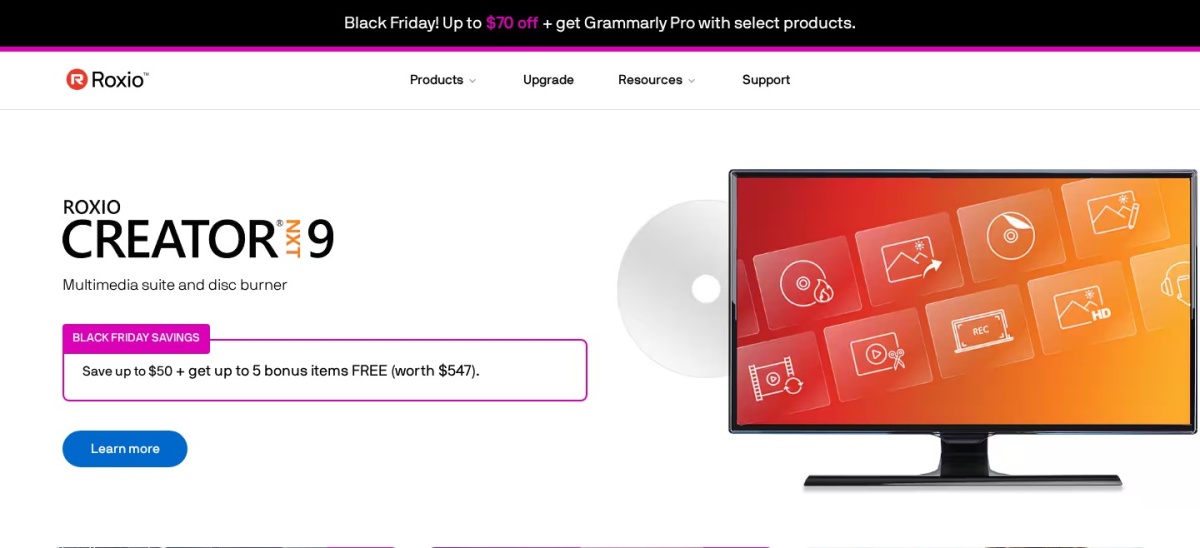
Roxio Creator NXT 9 is a multimedia suite for Windows that burns discs as part of a much larger package. Alongside CD, DVD and Blu-ray burning it includes video editing, photo editing, file conversion and disc copying, so a home video project can move from editing to a finished disc without switching programs.
The trade off is cost and reputation. Creator NXT 9 lists at $99.99 as a one-time licence and was $69.99 in a Black Friday sale when checked, and Roxio rates 1.9 out of 5 from 15 Trustpilot reviews. It suits people who want one program for editing and disc delivery.
What we like
Disc authoring plus video and photo editing
Blu-ray support
Broad format conversion
Watch out for
Highest price in this list
Lowest Trustpilot rating in this list
Windows only
Large install
Paid licence is one-time, with a free trial firstVisit roxio.com
Free vs paid: what you give up
Free versions cover the everyday jobs: data discs, audio CDs and ISO burning. Most people never need more.
Paid versions mostly add copying, encryption and video menus. BurnAware Premium adds disc-to-disc copying, Nero adds SecurDisc encryption and Power2Go adds video DVD menus.
Watch the sale prices. Several vendors in this list show a struck-through regular price beside a lower sale price, so the list shows the regular price and notes the sale where it applies.
If you burn discs a few times a year, start free. Pay only when a missing feature blocks a job you actually do.
How we chose
We started from the free burners people still download in 2026, then kept those with a live download page, clear licence terms and a distinct use case, from portable ISO burning to video DVD authoring.
Prices come from each vendor's pricing or store page, checked on 25 November 2026, and the list shows the regular price where a sale was running. Ratings come from G2, Capterra, Trustpilot and, where those had no listing for a desktop freeware tool, FileForum, FossHub, FileHippo or SourceForge, checked the same day.
We left out tools whose official site no longer loads, including CDBurnerXP, whose site returns an error, and Burn, whose download page is blocked. No vendor paid for a place, and we do not claim hands-on testing for this list.
How to choose a free CD burning software
Match the tool to the disc you need to make, then check the platform and the price.
Decide what the disc is for. An audio CD needs proper audio mode and gap control, a boot disc needs image burning with verification, and a data archive needs multisession or disc spanning.
Check your platform. Most burners here are Windows only. Mac users should pick Express Burn or Cisdem DVD Burner, and check the free version covers the disc type they need.
Start with the free version. Burn one disc of each type you need before paying. The free tiers in this list cover data, audio and ISO work without a time limit.
Pay only for a missing feature. Upgrade when you need disc copying, Blu-ray, encryption or video menus. Compare the regular price, not the sale price, before you buy.
FAQ
What is the best free CD burning software?
BurnAware Free is the best free CD burning software for most people. Its free version burns data discs, audio CDs and ISO images, and it is rated 4.4 out of 5 from 750 FileForum votes. Pick ImgBurn for precise ISO work and Ashampoo Burning Studio FREE for guided steps.
Is CDBurnerXP still safe to use?
CDBurnerXP's site returns an error and its developer stopped operating, so we left it off this list. The last release still works for people who already have it, but new users should pick BurnAware Free or AnyBurn instead, since both shipped maintained versions in 2026.
Can I burn a CD on Windows 11 without extra software?
Windows can burn a basic data disc and mount ISO files, but it cannot make a proper audio CD with track gaps or verify a burn against the source. A free burner adds audio CD mode, verification and bootable ISO burning, which is why most people still install one.
Do I need to pay to burn Blu-ray discs?
Not always. BurnAware Free and ImgBurn burn Blu-ray data discs at no cost. Ashampoo's free version skips Blu-ray, and Express Burn needs the $39.95 Plus edition for Blu-ray, so check Blu-ray support before you settle on a tool.
What is the best CD burner for Mac?
Express Burn is the best free option for Mac users, since its free version burns CDs on macOS and Windows. Cisdem DVD Burner also runs on Mac, but it authors video DVDs only and its free trial burns just half of a video up to 5 minutes.
Is ImgBurn still good if it has not been updated since 2013?
Yes, for ISO work. The last release, version 2.5.8.0, still runs on current Windows, and its verification pass catches bad burns before you find out the hard way. Decline the optional offers in the installer, and pair it with a newer tool if you need video DVD menus.
SaaS SEO and WordPress specialist with about 8 years of experience. Rakib compares WordPress plugins, themes, hosting and software using public pricing, documentation and user reviews. See how we rank.