Glyphr Studio is the best free font design software for beginners, because it is a full vector editor that runs in your browser with no sign-up and no cost. Pick Calligraphr to turn your handwriting into a font, or FontForge for the deepest free desktop editor.
How we make this list: we compare pricing pages, product documentation and public user reviews, then re-check every price before each update. No product paid for a place. Disclosure.
Glyphr Studio is the easiest free start: a full vector editor in your browser, with no sign-up and no cost.
Calligraphr's free plan covers 75 characters, enough for upper and lower case, digits and basic punctuation.
FontForge, Glyphr Studio and Birdfont are all free, with FontForge rated 4.2 out of 5 on SourceForge.
Birdfont's free version limits your fonts to the SIL Open Font License; commercial use starts at $4.99 one-time.
Paid step-ups stay cheap: FontCreator and Fontself cost $49 one-time, while FontLab 9 costs $499 for a lifetime license.
What beginners should look for in font design software
A first font should be finished, not perfect. Look for a tool that lets you draw or build a full alphabet, set spacing, and export a file you can install.
Export format matters most. A TrueType or OpenType file works in Word, Canva and design apps, while a project file that never exports is a dead end.
Free plans differ in what they take away. Some cap characters, some limit your font to an open license, and some add a watermark, so read the free limits before you start. Our guide on adding fonts to WordPress shows what to do once your font file is ready.
Paid tools are a step up, not a starting point. Start free, finish one font, and only pay when a free tool blocks something you need.
4/5on FreeDownloadManager (30 reviews, checked Nov 2026)
PriceFree
Best free browser editor for beginners
Free planYes, fully free
Runs inBrowser, no sign-up
ImportSVG, OTF, TTF, WOFF
ExportReady-to-use font files
glyphrstudio.com
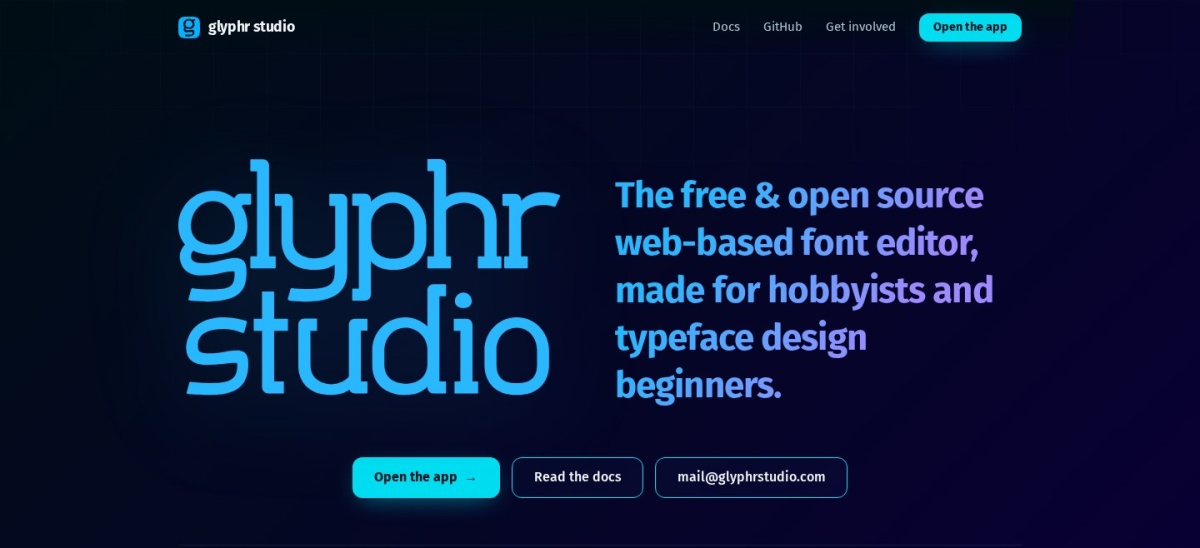
Glyphr Studio homepage, captured Nov 2026.
Glyphr Studio is a free and open source vector font editor that runs 100% in your browser. You draw glyphs with familiar vector tools, import SVG, OTF, TTF and WOFF files, mix glyphs from several fonts, and export ready-to-use font files. There is no app to download and no account to create.
The trade off is depth. It covers core type design well, but it has no variable or color fonts and no advanced OpenType features, so large or complex projects will outgrow it. It suits hobbyists and beginners who want a real editor without installing anything.
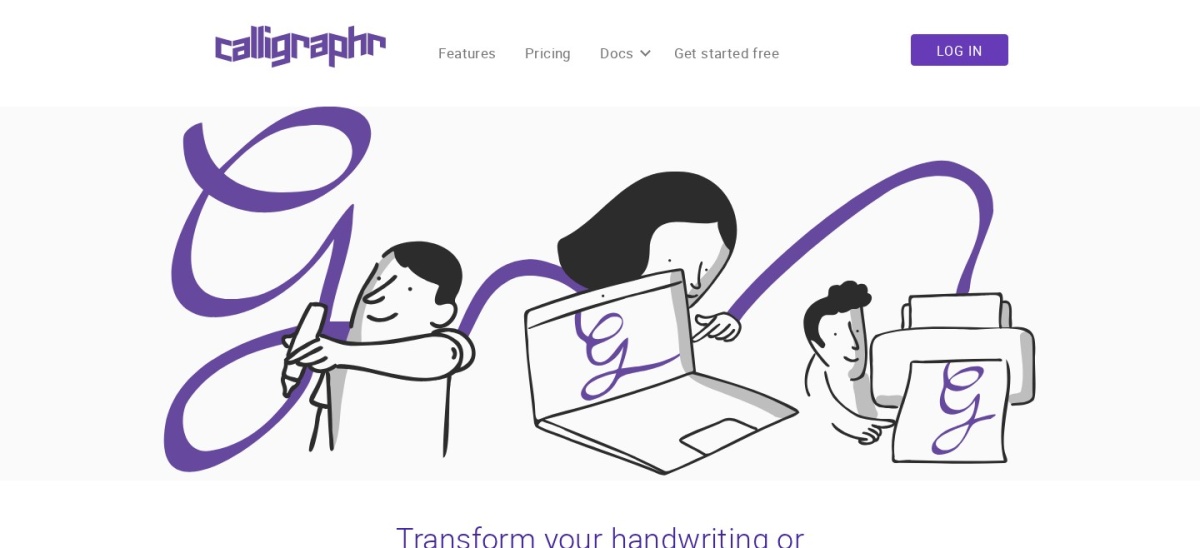
Calligraphr is a web app that turns your handwriting into a font. You print a template, write each letter in its box, scan or photograph the page, and the site builds a TrueType or OpenType font from it. The free plan covers 75 characters, 1 font at a time, and 2 variants per character.
The trade off is the 75-character cap. That covers upper and lower case, digits and basic punctuation, but ligatures and per-character spacing need Pro at $10 for one month or $6 a month on a 6-month upgrade. It suits anyone whose handwriting is the point of the font.
What we like
Fastest path from handwriting to a real font file
Free plan covers a full basic alphabet
Fonts keep working after your upgrade ends
100% money-back guarantee on Pro
Watch out for
Free plan stops at 75 characters and 1 font at a time
Ligatures need Pro
Free work is stored in your browser only, with no backup
4.2/5on SourceForge (54 reviews, checked Nov 2026)
PriceFree
Best free desktop editor for serious fonts
Free planYes, open source
PlatformsWindows, Mac, Linux
ExportTrueType, OpenType
ScriptingPython built in
fontforge.org
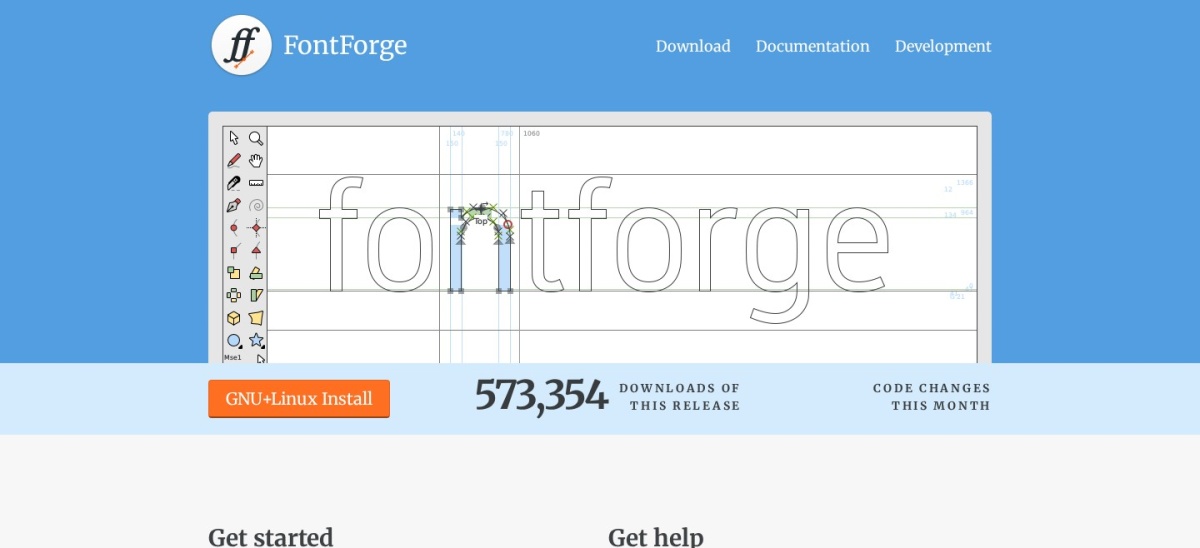
FontForge homepage, captured Nov 2026.
FontForge is a free and open source font editor for Windows, Mac and Linux. You can draw glyphs, adjust spacing and kerning, import SVG artwork, and export TrueType, OpenType and other formats. It also has Python scripting for repeat work and checks that catch errors before export.
The trade off is the learning curve. The interface looks older than modern design apps, and the panels and options can overwhelm a first-time user, so start with the free Design With FontForge guide. It suits anyone who wants full pro-level depth at no cost.
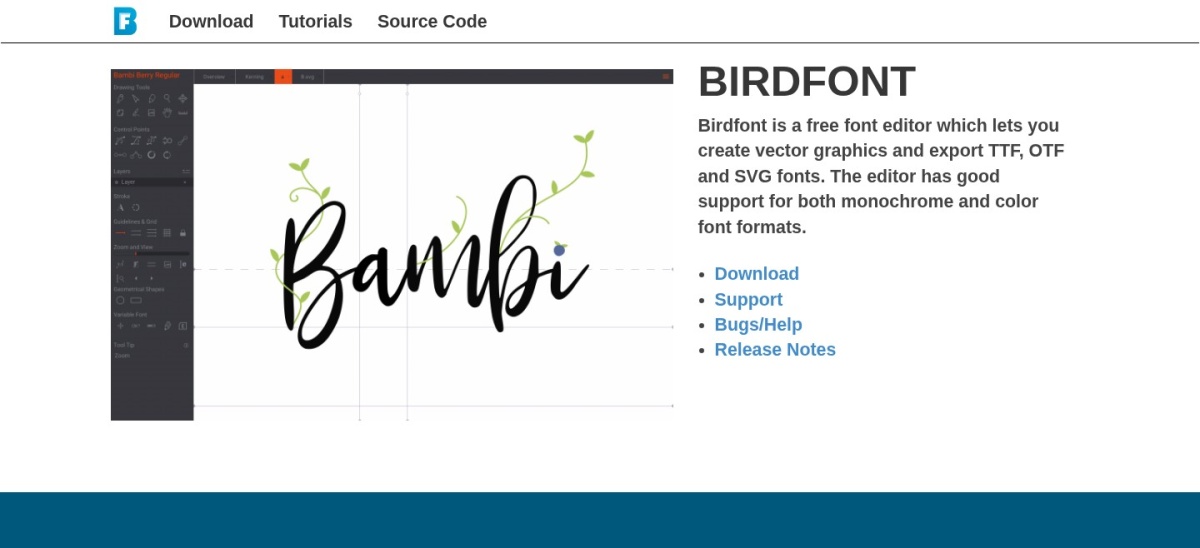
Birdfont is a free desktop font editor for Windows, Mac and Linux. You draw glyphs on a clear canvas, trace scanned lettering placed behind it, or import SVG artwork, then export TTF, OTF and SVG fonts. It also handles kerning, spacing and color fonts.
The trade off is licensing. Fonts made with the free version must be released under the SIL Open Font License, so selling a font or keeping it private needs the Commercial version from $4.99 one-time. It suits learners and personal projects, and anyone happy to share their font openly.
What we like
Easier to learn than FontForge
Trace scans or import SVG artwork
Kerning and spacing tools built in
Rated 4.0 out of 5 on SourceForge
Watch out for
Free fonts must use the SIL Open Font License
OTF export, color and variable fonts need the paid Plus version
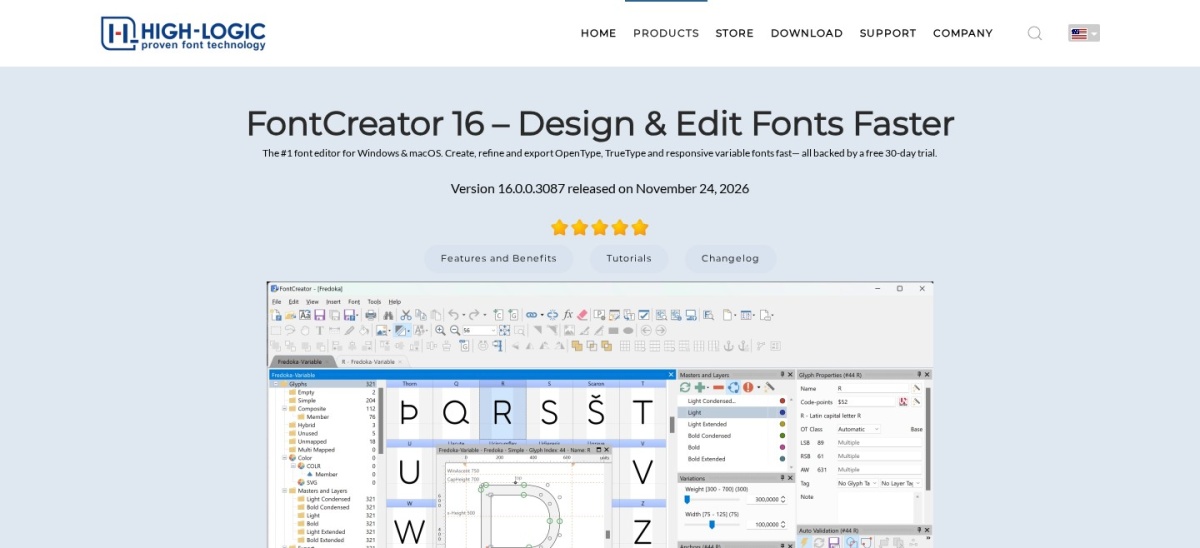
FontCreator is a Windows and Mac font editor from High-Logic, in continuous development since 1997. It has a clear WYSIWYG workspace for drawing glyphs, editing spacing and kerning, and proofing fonts in real time. It opens and exports OpenType, TrueType and variable fonts.
The trade off is price. There is no free plan, only a 30-day trial, and the cheapest paid edition is Essentials at $49 one-time, with Professional at $199. It suits beginners on Windows or Mac who have outgrown the free editors and want a polished desktop app.
What we like
Polished workspace that guides beginners
Real-time proofing and font validation
One-time price, no subscription
Works with Glyphs, UFO and designspace files
Watch out for
No free plan, only a 30-day trial
Cheapest edition costs $49 one-time
Advanced tools like auto-kerning need Professional
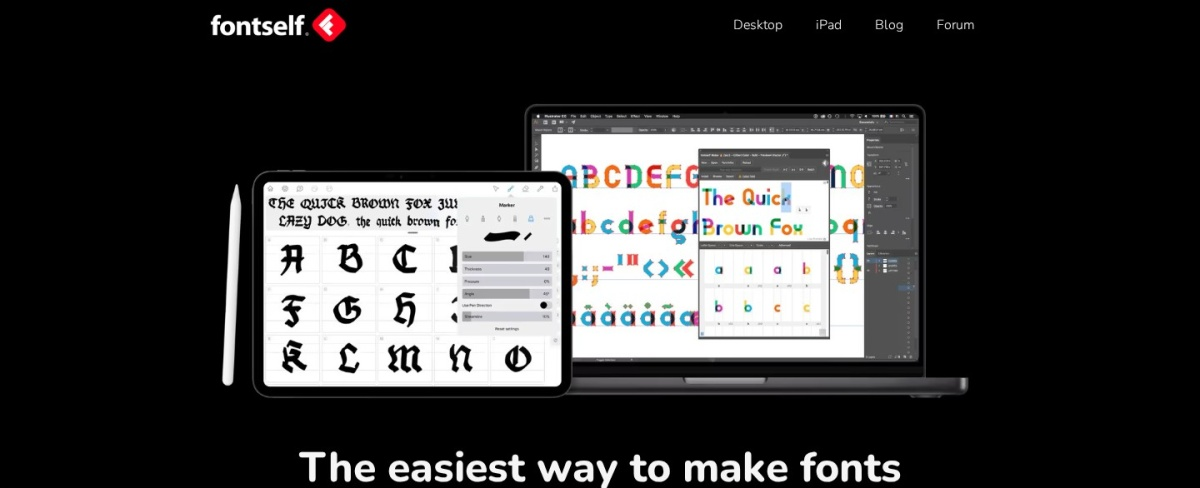
Fontself is a plug-in for Adobe Illustrator and Photoshop that turns artwork into fonts. You draw letters in Illustrator or Photoshop, drag them into the Fontself panel, adjust spacing and kerning, and export an OpenType font. It also handles ligatures, alternates and color fonts.
The trade off is cost and setup. It costs $49 one-time for one app, or $79 for the bundle, and it needs a paid Adobe Creative Cloud plan, since there is no free trial. The store showed a $39 sale price when we checked. It suits designers who already draw lettering in Adobe apps.
2.2/5on SourceForge (67 reviews, checked Nov 2026)
Starts at$499/yr
Best pro editor to grow into
Price$499 lifetime
PlatformsMac and Windows
FontsVariable, color, web
ScriptingPython built in
fontlab.com
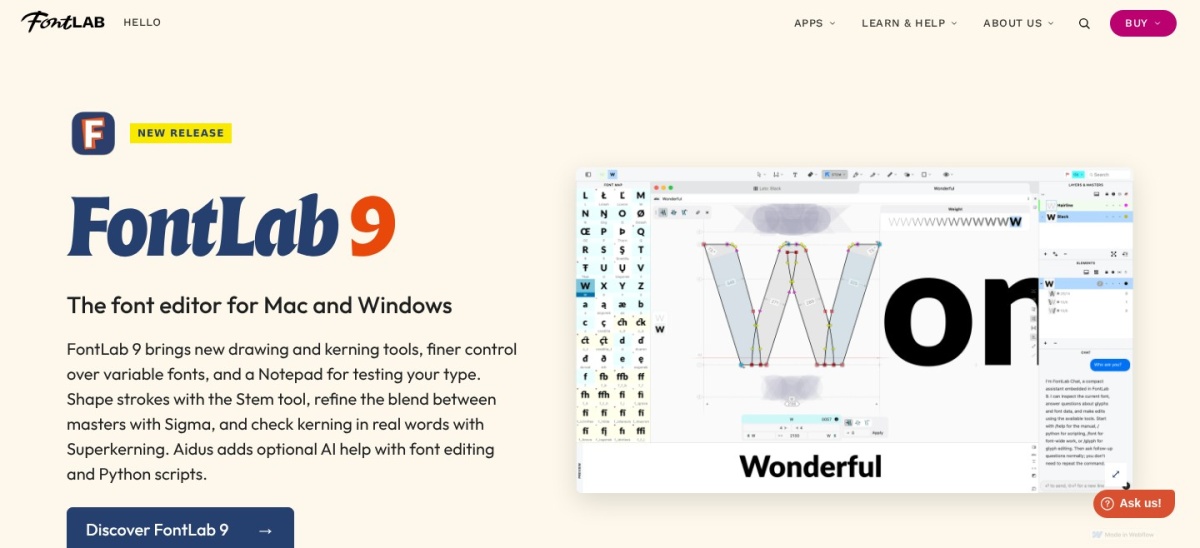
FontLab 9 homepage, captured Nov 2026.
FontLab 9 is the professional font editor for Mac and Windows. It covers drawing, spacing, kerning and OpenType features, plus variable and color fonts, webfont export and Python scripting. Version 9 adds new drawing and kerning tools, finer variable-font control and optional AI help.
The trade off is price and depth. The lifetime license costs $499, and the editor is built for working type designers, so beginners face a steep learning curve. It suits anyone who has finished fonts in a free editor and wants one pro tool to grow into.
Free plans cover the basics well. Most let you draw a full alphabet, set spacing and export a font you can install.
Paid plans mostly add depth and freedom. You get more characters, ligatures, variable fonts and the right to sell your font without an open license.
The cheapest paid step is Birdfont Commercial at $4.99 one-time, then FontCreator and Fontself at $49. FontLab 9 at $499 is a pro purchase, not a beginner one.
If you only need one font for a logo or a project, a free tool is enough. Our guide on changing the font in WordPress shows how to use a finished font on a site.
How we chose
We started from font editors with a genuine free starting point: a free plan, a free trial, or a one-time price, then kept the ones a beginner can finish a font in.
Prices come from each vendor's pricing or store page, checked on 25 November 2026. Ratings come from G2, Trustpilot or SourceForge where a public rating exists; Glyphr Studio's comes from FreeDownloadManager and FontCreator's from the vendor's own page.
We left out FontStruct and Fontra, two obvious free picks, because no public user rating exists for either and this list requires one per tool. We also left out Prototypo, which was shut down in 2020. No vendor paid for a place, and we do not claim hands-on testing for this list.
How to choose font design software as a beginner
Match the tool to the font you want to make, then check the free limits before you start.
Decide how your font starts. Handwriting points to Calligraphr, and drawn letters point to Glyphr Studio or FontForge.
Check the free limits first. Count the characters you need, check the license, and confirm the export format before you draw a single letter.
Finish one small font. Build A to Z plus digits, install the file, and use it in a real document. Our guide on adding fonts to WordPress shows the next step for a site.
Pay only when a free tool blocks you. Buy Birdfont Commercial for private fonts, Fontself for Adobe lettering, or FontCreator when you want a polished desktop editor.
FAQ
What is the best free font design software for beginners?
Glyphr Studio is the best free starting point for most beginners. It is a full vector font editor that runs in your browser, needs no sign-up, and exports ready-to-use font files for free.
Can I make a font for free?
Yes. Glyphr Studio, FontForge and Birdfont are all free, and Calligraphr has a free plan covering 75 characters. A free tool can take you from a first sketch to an installed TrueType or OpenType font.
How do I turn my handwriting into a font?
Use Calligraphr. Print its template, write each letter in its box, scan or photograph the page, and upload it. The free plan builds a font of up to 75 characters, which covers upper and lower case, digits and basic punctuation.
Can I sell a font I make with a free tool?
It depends on the license. Fonts from Birdfont's free version must use the SIL Open Font License, while FontForge and Glyphr Studio place no such limit on your work. Check the license of any tool before you sell a font.
What is the cheapest paid font design software?
Birdfont Commercial costs from $4.99 one-time and lets you make private fonts. FontCreator Essentials and Fontself each cost $49 one-time, and Calligraphr Pro costs $6 a month on a 6-month upgrade.
Do I need a paid tool to make a professional font?
No. FontForge is a full, free editor used for real font projects, and Glyphr Studio covers serious work too. Paid tools like FontLab 9 add depth and speed, but they are not needed for a first finished font.
SaaS SEO and WordPress specialist with about 8 years of experience. Rakib compares WordPress plugins, themes, hosting and software using public pricing, documentation and user reviews. See how we rank.