Milanote is the best mood board software for most creative professionals, offering 100 notes, images or links on its free plan and unlimited content for $9.99 a month billed annually. Choose Miro for collaborative brainstorming or FigJam for affordable visual planning within the Figma ecosystem.
How we make this list: we compare pricing pages, product documentation and public user reviews, then re-check every price before each update. No product paid for a place. Disclosure.
Milanote offers 100 free visual items and unlimited shared boards, making it a practical starting point for creative projects.
Miro includes 3 editable boards for free, with unlimited boards available for $96 per member annually.
FigJam has the lowest entry price at $36 per collaboration seat annually.
Adobe Express Premium costs $9.99 a month and includes 250 monthly generative AI credits.
Padlet receives 4.9/5 from 353 G2 reviews and supports 500MB file uploads on its Platinum plan.
All 7 tools offer free plans, so you can begin collecting visual references without purchasing a subscription.
What to look for in mood board software
A mood board brings images, colors, typography, textures and written references together to communicate a creative direction. Designers, photographers, filmmakers and marketing teams use these boards before committing to production.
Look for flexible image placement, straightforward uploads and ways to organize references into meaningful groups. An open canvas works particularly well when you are still exploring different ideas.
Presentation-focused tools are better when you need a finished visual document. Templates, typography controls and image editing features help turn rough inspiration into a client-ready concept.
Collaboration matters when several people contribute references or approve a creative direction. Check whether external participants can view, comment on or edit boards without purchasing subscriptions.
Compare storage allowances, editable board limits and export quality before upgrading. A free plan may support occasional projects but become restrictive when you maintain a permanent inspiration library.
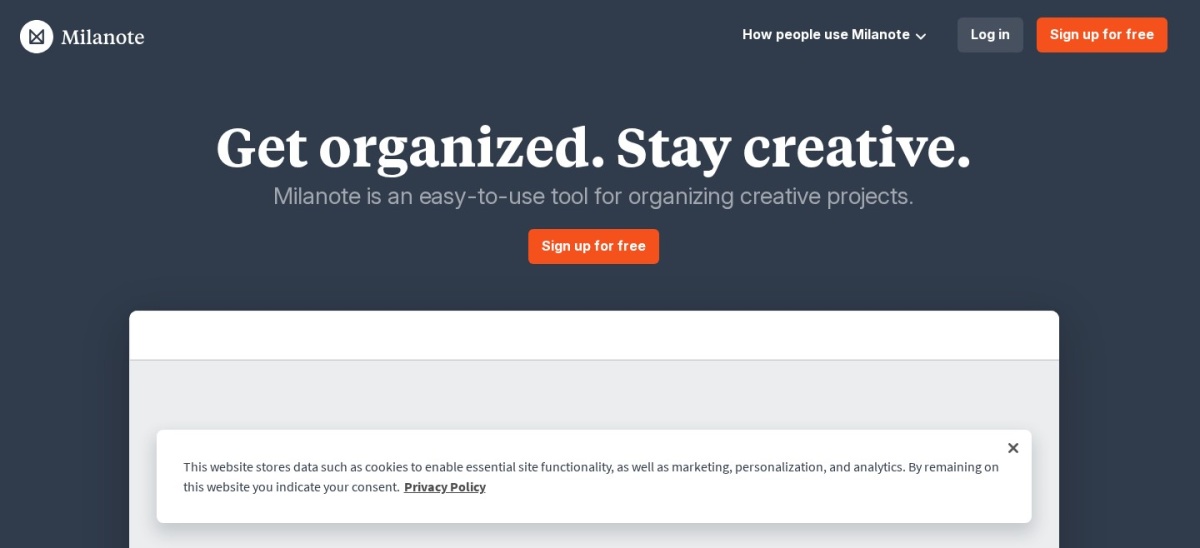
Milanote is a visual workspace designed for organizing creative projects through images, notes, links and flexible boards. Its free plan accommodates 100 content items, with sharing available across boards.
The trade off is the limited capacity for growing reference collections, which makes the $9.99 monthly subscription billed annually useful for regular creative work. It suits designers, photographers and filmmakers who want research and visual planning in the same workspace.
What we like
Flexible layouts for arranging visual references
Browser-based collection of online inspiration
Combines creative planning with written notes
Suitable for sharing concepts with clients
Watch out for
Free content allowance fills up quickly
Smaller public review sample than general design platforms
Less suitable for detailed graphic production
The paid individual plan removes content and attachment limits.Visit milanote.com
02
Miro
4.6/5on G2 (13,831 reviews, checked Nov 2026)
Paid from$8/mo
Best for collaborative brainstorming
Free editable boards3
Board templates7,000+
High-resolution exportPaid
Paid planStarter, per member annually
miro.com
Miro homepage, captured Nov 2026.
Miro is a collaborative whiteboard for organizing visual concepts, brainstorming and comparing creative directions. Its free tier keeps 3 boards editable and includes templates that help teams structure their ideas.
The trade off is that larger projects may require Starter at $8 per member per month with annual billing, particularly when privacy and better export quality matter. It suits agencies and remote creative teams that develop mood boards during shared working sessions.
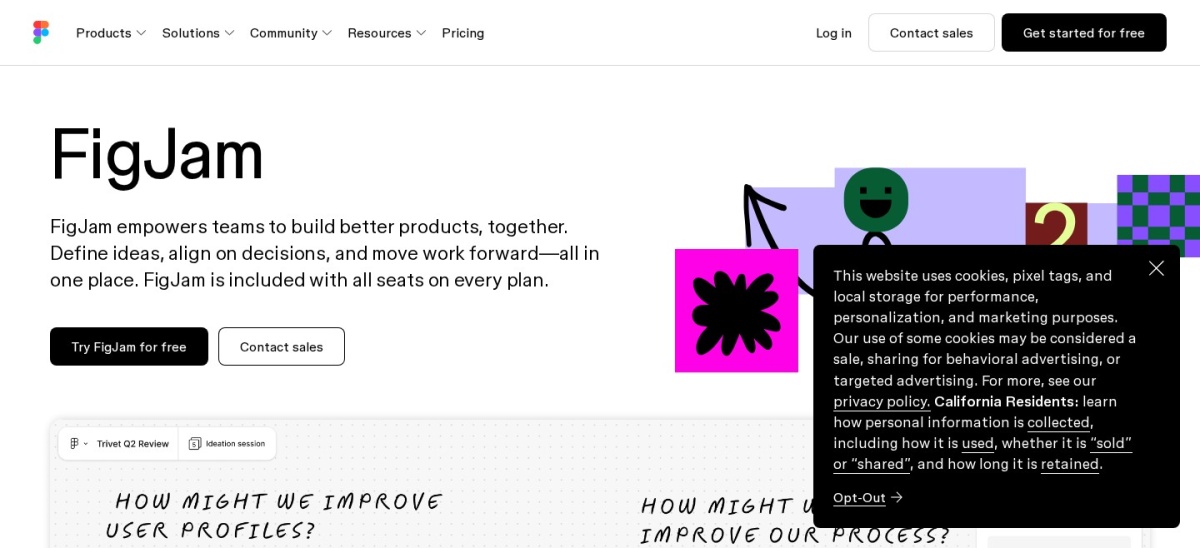
FigJam is Figma's digital whiteboard for collecting visual references, mapping concepts and discussing design decisions. The Professional Collab seat costs $3 a month and includes a monthly allocation of 500 AI credits.
The trade off is that the $36 annual collaboration seat does not provide the complete Figma Design editing experience. It suits product designers and creative teams that want to establish a visual direction before moving into detailed interface design.
What we like
Low entry cost for paid collaboration
Works within the Figma ecosystem
Supports informal sketches and visual references
Useful for early-stage design discussions
Watch out for
Seat types can make subscription selection confusing
Advanced interface design requires a different seat
Fewer presentation design tools than dedicated editors
Professional Collab expands access to collaborative files and projects.Visit figma.com
04
Canva
4.7/5on G2 (7,927 reviews, checked Nov 2026)
Paid from$18/mo
Best for polished mood board presentations
Free templates1.6M+
Free storage5GB
Free brand colors3
Paid planPro, individual monthly billing
canva.com
Canva homepage, captured Nov 2026.
Canva is a visual design platform for creating mood boards, presentations and branded creative materials through an accessible editor. Its free subscription provides 5GB of storage and a brand kit supporting 3 colors.
The trade off is that premium assets and additional brand controls require an upgrade, with Pro regularly priced at $18 monthly on the opened pricing page. A temporary 50% introductory promotion applies to the first 3 months. It suits creators who need finished visual concepts rather than an unstructured inspiration library.
What we like
Templates reduce layout preparation time
Suitable for users without design experience
Supports branded visual presentations
Combines whiteboards and finished design formats
Watch out for
Some attractive templates and assets require payment
Subscription cost exceeds several whiteboard alternatives
Fixed layouts can constrain early creative exploration
Pro adds premium media, background removal and expanded brand management.Visit canva.com
05
Adobe Express
4.4/5on G2 (1,110 reviews, checked Nov 2026)
Paid from$9.99/mo
Best for image editing and visual compositions
Premium AI credits250/month
Premium storage100GB
Premium version history30 days
Paid planPremium, monthly billing
adobe.com
Adobe Express homepage, captured Nov 2026.
Adobe Express is a visual content editor for assembling images, typography and graphic elements into mood board compositions. Its Premium subscription provides 250 monthly generative credits alongside additional design assets and editing capabilities.
The trade off is that premium content and advanced editing require the $9.99 monthly subscription, while unlimited access to Firefly Boards belongs to a higher-priced offering. It suits marketing teams and independent creatives who want to refine individual images before presenting a visual concept.
What we like
Image editing within the design workspace
Access to Adobe creative assets
Supports typography-focused mood boards
Monthly Premium billing without annual commitment
Watch out for
Generative features have usage allowances
Not primarily designed as an inspiration database
Unlimited Firefly Boards access requires another plan
Premium expands template access, editing options and brand controls.Visit adobe.com
06
Mural
4.6/5on G2 (1,512 reviews, checked Nov 2026)
Paid from$9.99/mo
Best for facilitated creative workshops
Free editable murals3 at a time
Free membersUnlimited
Visitor editingTeam+
Paid planTeam+, per member annually
mural.co
Mural homepage, captured Nov 2026.
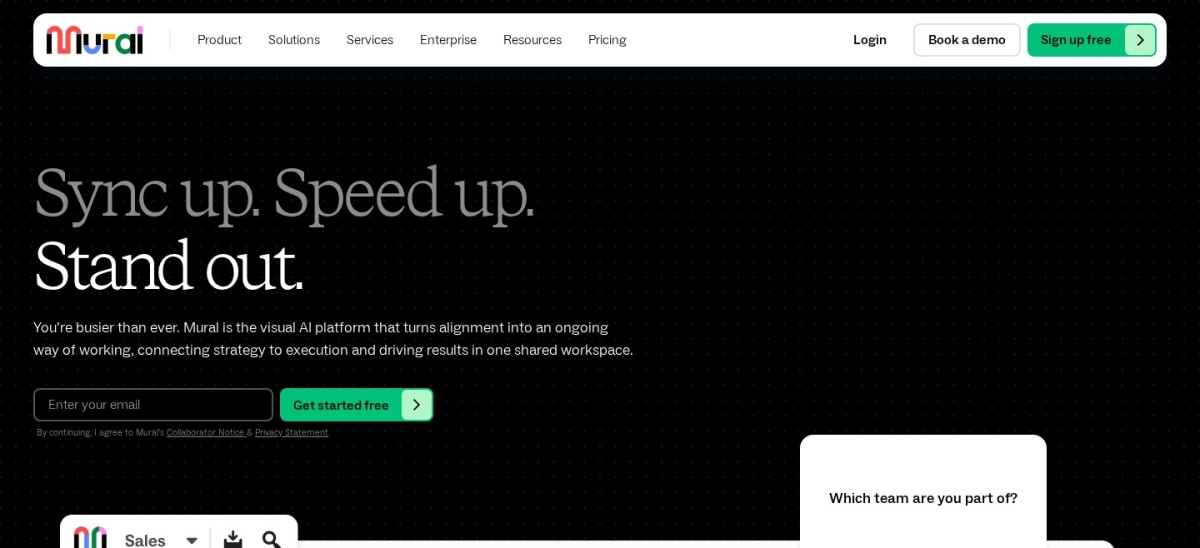
Mural is a visual collaboration platform that helps groups collect references, organize ideas and discuss creative directions. Its free workspace accommodates unlimited members but keeps simultaneous editable mural access to 3 boards.
The trade off is that frequent workshops may require Team+ at $9.99 per member per month with annual billing. It suits creative facilitators and distributed teams that need a structured environment for group contributions and visual decision-making.
Padlet is a multimedia collaboration platform for collecting images, links, videos and written ideas into shared visual boards. Its free subscription supports 3 padlets and individual attachments up to 20MB.
The trade off is that the $120 annual Platinum subscription becomes useful when you maintain many reference collections or work with larger files. It suits educators, students and creative groups that prioritize collecting and sharing inspiration over precise graphic layout.
What we like
Supports different media formats
Accessible format for collecting group contributions
Suitable for visual research and educational projects
High aggregate rating on G2
Watch out for
Free plan limits the number of collections
Less precise design control than graphic editors
Individual Platinum subscription includes a single account
Platinum removes board-count restrictions and increases attachment capacity.Visit padlet.com
Free-form canvas vs. template-based mood boards
Free-form canvas tools such as Milanote, Miro and FigJam work well during early creative exploration. You can move references around, compare competing concepts and attach explanations without committing to a finished layout.
Template-based design tools such as Canva and Adobe Express are more appropriate when the board needs to communicate a clear visual direction to stakeholders. Their editing features help you establish consistent spacing, typography and image treatments.
Some creative workflows benefit from both approaches. Collect and discuss references on a shared canvas, then transfer the approved direction into a presentation-focused editor.
Remember image licensing when creating mood boards
Images saved from websites and social platforms may still be protected by copyright. Adding them to a mood board does not automatically grant permission to distribute or use them in commercial materials.
Keep source information alongside important references. If a client approves a particular photograph, illustration or typeface, establish whether it can be licensed before incorporating it into the finished design.
Stock libraries can simplify asset sourcing, but their licenses still have conditions. Review the applicable usage terms before publishing a mood board publicly or incorporating its assets into commercial deliverables.
How we chose
We selected established creative design platforms and visual collaboration tools that support collecting, arranging or presenting mood board references. Products were ranked according to their relevance to creative workflows, free-plan usefulness, sharing capabilities and subscription costs.
The editorial check-date label is 22 Nov 2026. Official pricing pages and G2 review listings were consulted during preparation, although the live figures cannot be independently confirmed as historical snapshots from that exact date. Annualized costs use the verified regular subscription rates displayed in the consulted sources.
We excluded products without sufficiently established public review profiles, tools without verifiable pricing and applications primarily intended for unrelated project management tasks. No vendor paid for a place, and we do not claim testing for this list.
How to choose the best mood board software
Start by identifying how your creative references will be collected, reviewed and presented before choosing a subscription.
Define the purpose of your mood board. Choose Milanote for inspiration collections, Miro for collaborative exploration or Canva for presentation-ready compositions. The right interface depends on whether your project is exploratory or already moving toward approval.
Check how people will contribute. Determine whether colleagues and clients need editing, commenting or viewing access. Review visitor permissions and subscription requirements before inviting external collaborators.
Compare content and storage restrictions. Consider how frequently you upload images, videos and supporting documents. Milanote restricts free content by item count, while other products limit editable boards or individual attachment sizes.
Calculate the full subscription cost. Compare annual billing, monthly commitments and per-member charges. FigJam starts at $36 annually for a collaboration seat, while Miro Starter costs $96 per member annually.
FAQ
What is the best mood board software?
Milanote is our top choice because it focuses on organizing creative inspiration rather than general document production. Its flexible boards accommodate images, notes and links, while its paid subscription removes the main content restrictions.
What is the best free mood board software?
Milanote is suitable for personal creative research, with 100 visual items included in its free subscription. Miro is another practical choice when collaboration matters, providing 3 editable boards without a paid membership.
Is Canva or Milanote better for mood boards?
Milanote is better suited to collecting inspiration and exploring ideas through flexible visual arrangements. Canva is more appropriate when you want a finished mood board with controlled typography, consistent spacing and polished presentation elements.
What mood board software is best for interior designers?
Milanote works well for gathering furniture references, material samples, room photography and design notes. Canva and Adobe Express are alternatives when interior designers need to assemble these references into presentation-ready documents for client approval.
Can I create a mood board collaboratively?
Yes. Miro, FigJam, Mural and Milanote support collaborative visual planning. Check the selected subscription's sharing controls because guest editing, private boards and workspace administration may require payment depending on the platform.
How much does mood board software cost?
Paid plans in this comparison start at $36 annually for a FigJam collaboration seat. Milanote costs $119.88 annually, while Miro Starter costs $96 per member annually. Team subscriptions can cost more as contributors are added.
Can AI help create mood boards?
Yes. AI-assisted design tools can generate reference imagery, explore alternative visual concepts and assist with image editing. Adobe Express Premium includes 250 monthly generative credits, although creative direction and licensing decisions still require human oversight.
What should a professional mood board include?
A professional mood board should communicate a consistent creative direction through relevant photography, colors, textures, typography and explanatory notes. Organize references around a defined project objective rather than collecting attractive images without a shared purpose.
SaaS SEO and WordPress specialist with about 8 years of experience. Rakib compares WordPress plugins, themes, hosting and software using public pricing, documentation and user reviews. See how we rank.