Softr is the strongest no code AI platform for most business apps and portals, holding a 4.7/5 G2 rating from 758 reviews and starting at $19/mo. Pick Zapier for connecting 9,000+ apps with AI steps or Make for visual automation starting at $12/mo.
How we make this list: we compare pricing pages, product documentation and public user reviews, then re-check every price before each update. No product paid for a place. Disclosure.
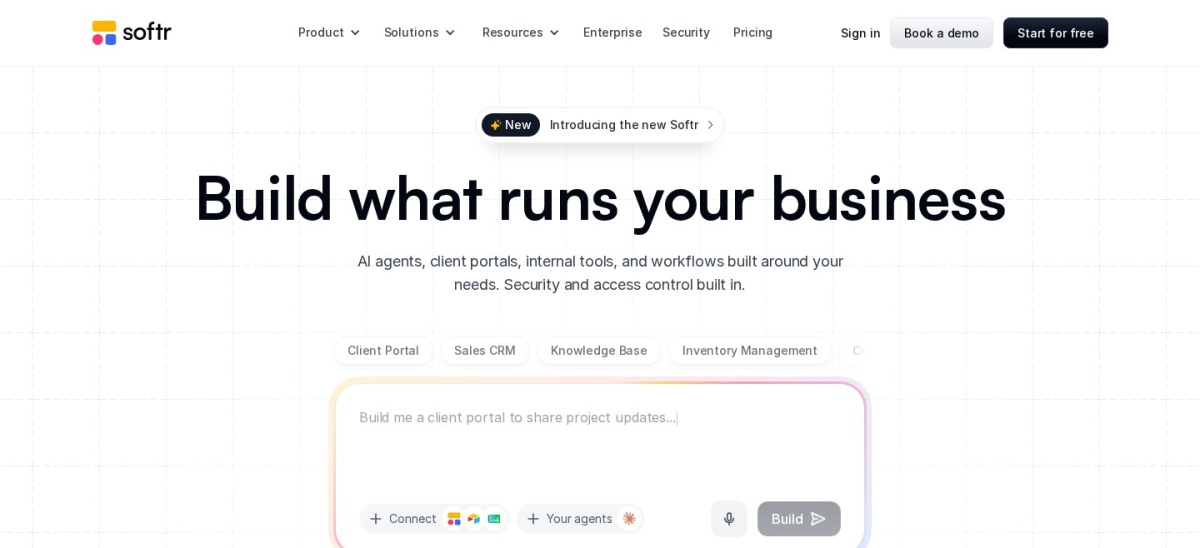
Softr starts at $19/mo for Basic with custom domains and 10 AI credits/mo, backed by a 4.7/5 G2 score from 758 reviews.
Zapier starts at $19.99/mo for Professional with multi-step Zaps and AI tools, holding a 4.5/5 G2 rating from 2,170 reviews.
Make starts at $12/mo for Core with 10,000 credits/mo and AI agents, rated 4.6/5 on G2 across 514 reviews.
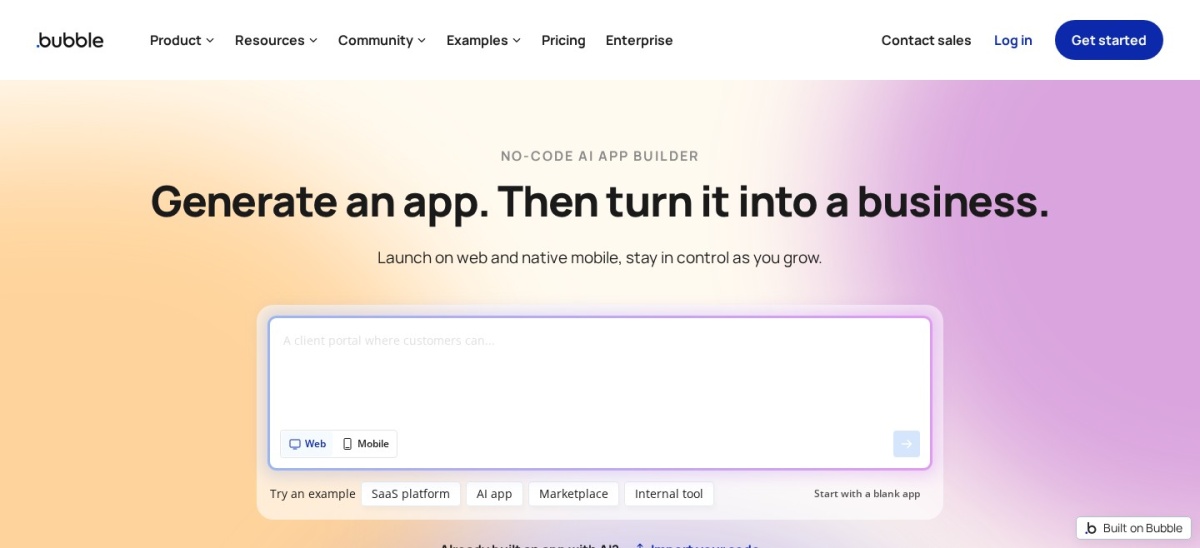
Bubble starts at $32/mo for Starter web apps with AI app generation and workflows, rated 4.4/5 on G2 from 166 reviews.
All 7 platforms offer a free plan or free starting tier, with entry paid plans ranging from $12/mo to $65/mo.
What to look for in a no code AI platform
No code AI platforms now span two main jobs: generating or assembling apps and portals, and automating workflows or conversational agents across business tools.
AI allowances are usually metered by credits, tasks, or conversations rather than flat seat fees. A workflow or AI step that looks inexpensive on a base tier can climb quickly once volume rises.
Check where your data lives before you commit. Some builders pair best with spreadsheets, Airtable, or SQL databases, while automation tools focus on API triggers and app actions.
Free plans let you test builders and logic, but custom domains, live publishing, higher quotas, or multi-step runs usually require a paid plan.
Softr is an AI app builder for business operations, portals, and internal tools. Its Free plan includes 5 AI credits/mo, up to 3 builders, 5 app users, 5K database records, and 500 workflow actions/mo.
The trade off is limits on app users, database records, and AI credits as you scale, plus no native app store publishing. Basic starts at $19/mo and suits small teams launching portals or internal tools without heavy coding.
What we like
4.7/5 rating on G2 across 758 reviews
Combines AI building, visual blocks, databases, and workflows
Continues letting you build even after monthly AI credits run out
Watch out for
App users and database records scale by plan tier
No native Apple App Store or Google Play publishing
Basic adds custom domains, 10 AI credits/mo, and automated backupsVisit softr.io
02
Zapier
4.5/5on G2 (2,170 reviews, checked Nov 2026)
Paid from$19.99/mo
Best for app-to-app AI automation
Free planYes, 100 tasks/mo
Entry paid planProfessional, from $19.99/mo
App ecosystem9,000+ apps
G2 rating4.5/5 (2,170 reviews)
zapier.com
Zapier homepage, captured Nov 2026.
Zapier is a no code workflow automation platform with AI steps, Tables, Forms, and MCP connections across 9,000+ apps. Its Free plan includes 100 tasks/mo, two-step Zaps, and 15-minute polling.
The trade off is task-based pricing that rises as automation volume or multi-step runs grow. Professional starts at $19.99/mo and suits teams connecting everyday business apps quickly with minimal setup.
What we like
Large review base on G2 with 2,170 reviews at 4.5/5
Broad library of over 9,000 app integrations
Includes Tables, Forms, and AI steps in one workspace
Watch out for
Free plan limits workflows to two-step Zaps and 100 tasks/mo
Costs climb as monthly task volume scales up
Professional adds multi-step Zaps, webhooks, and AI fieldsVisit zapier.com
03
Make
4.6/5on G2 (514 reviews, checked Nov 2026)
Paid from$12/mo
Best budget pick for visual AI workflows
Free planYes, 1,000 credits/mo
Entry paid planCore, $12/mo
Active scenarios (Free)Up to 2
G2 rating4.6/5 (514 reviews)
make.com
Make homepage, captured Nov 2026.
Make is a visual workflow and AI automation platform with scenarios, AI agents, and 3,500+ app integrations. Its Free plan includes 1,000 credits/mo, up to 2 active scenarios, and a 15-minute minimum schedule interval.
The trade off is that module actions consume credits and free scenarios are capped at 2 active flows. Core starts at $12/mo and suits builders who want visual branching and lower entry pricing.
What we like
Lowest entry paid plan on this list at $12/mo for Core
4.6/5 rating on G2 across 514 reviews
Visual canvas supports routers, filters, subscenarios, and AI agents
Watch out for
Free plan caps active scenarios at 2 with 15-minute intervals
Credit usage can add up across multi-module runs
Core adds unlimited active scenarios, 1-minute intervals, and API accessVisit make.com
04
Bubble
4.4/5on G2 (166 reviews, checked Nov 2026)
Paid from$32/mo
Best for custom web and mobile apps
Free planYes, for building
Entry paid planStarter web, $32/mo
MeteringAI credits and workload units
G2 rating4.4/5 (166 reviews)
bubble.io
Bubble homepage, captured Nov 2026.
Bubble is a visual web and native mobile app builder that includes AI generation, AI agents, a built-in database, and workflow logic. Its Free plan lets you build apps while you test and design before launching.
The trade off is a steeper learning curve and usage metering across workload units and AI credits. Starter starts at $32/mo for web apps and suits founders building custom software with complex logic.
What we like
Combines visual UI design, database, workflows, and AI features
Supports web apps as well as native iOS and Android projects
Active ecosystem of plugins, templates, and community guides
Watch out for
Steeper learning curve than simpler form or portal builders
Workload units and AI credits require monitoring as traffic grows
Starter unlocks live app deployment along with workload and AI credit allowancesVisit bubble.io
05
Glide
4.7/5on G2 (811 reviews, checked Nov 2026)
Paid from$25/mo
Best for AI apps built from spreadsheets
Free planYes, 2 team members
Entry paid planBasic, $25/mo
Projects (Free)Up to 10
G2 rating4.7/5 (811 reviews)
glideapps.com
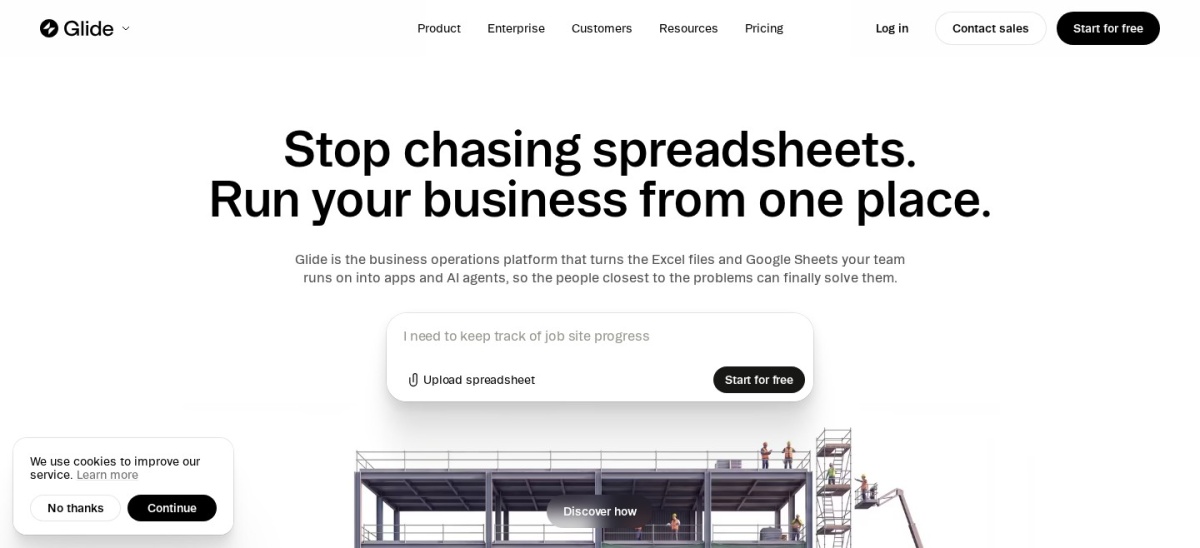
Glide homepage, captured Nov 2026.
Glide is a no code platform for turning spreadsheets, prompts, or files into business apps with AI features. Its Free plan includes up to 2 team members, 10 projects, integrations, and limited free credits.
The trade off is credit limits and feature gates across tiers, such as publishing public apps or custom agent options. Basic starts at $25/mo with 100 credits and suits teams turning operational data into apps.
What we like
4.7/5 rating on G2 across 811 reviews
Fast path from spreadsheets or prompts to working apps
Clear credit and workflow tiers for internal tools
Watch out for
Free plan does not include public app publishing
Additional credit top-ups and team features cost more on higher plans
Basic adds 100 credits, 2 published apps, 1 enabled workflow, and unlimited guestsVisit glideapps.com
06
FlutterFlow
4.5/5on G2 (30 reviews, checked Nov 2026)
Paid from$39/mo
Best for cross-platform apps with code export
Free planYes, up to 2 projects
Entry paid planBasic, $39/mo
DatabasesFirebase and Supabase
G2 rating4.5/5 (30 reviews)
flutterflow.io
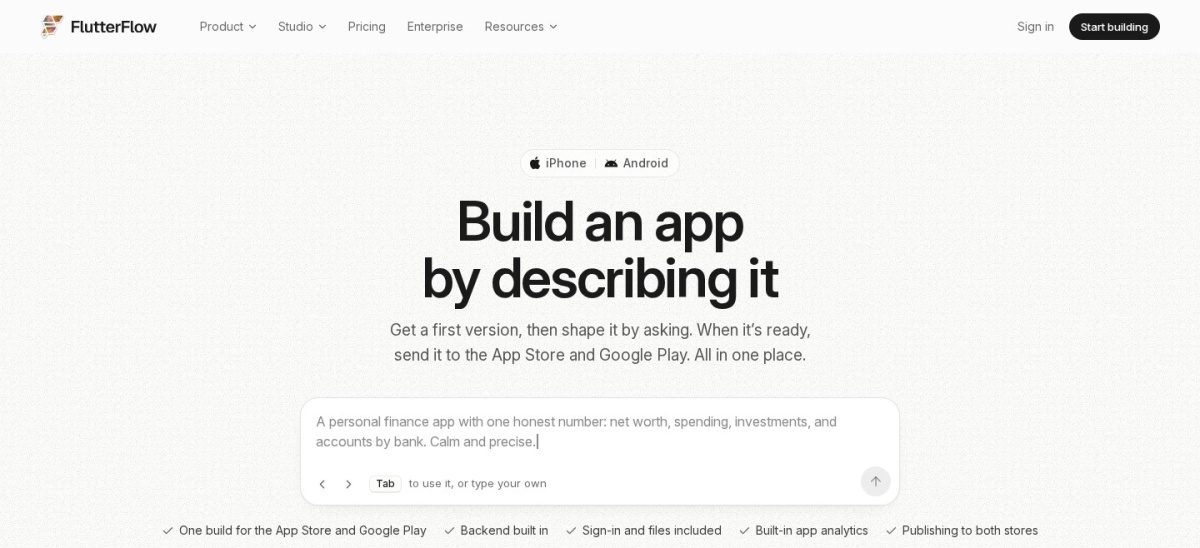
FlutterFlow homepage, captured Nov 2026.
FlutterFlow is a visual app builder with AI assistance, drag-and-drop layouts, and Firebase or Supabase integrations. Its Free plan covers up to 2 projects with a free AI allowance and 1,000+ templates.
The trade off is that code downloads, custom domains, and store deployment require a paid plan, and some logic benefits from developer familiarity. Basic starts at $39/mo and suits builders who want code export.
What we like
4.5/5 rating on G2 across 30 reviews
Supports visual building alongside custom code and code download
Connects with Firebase, Supabase, and external APIs
Watch out for
Free plan caps projects at 2 and excludes code export
Technical concepts like state management take time to learn
Basic adds unlimited projects, code and APK downloads, custom domains, and store deploymentVisit flutterflow.io
07
Adalo
4.4/5on G2 (7 reviews, checked Nov 2026)
Paid from$65/mo
Best for publishing native mobile apps with AI
Free planYes, 5 AI prompts/mo
Entry paid planBuilder, $65/mo
Database rows (Free)500 records per app
G2 rating4.4/5 (7 reviews)
adalo.com
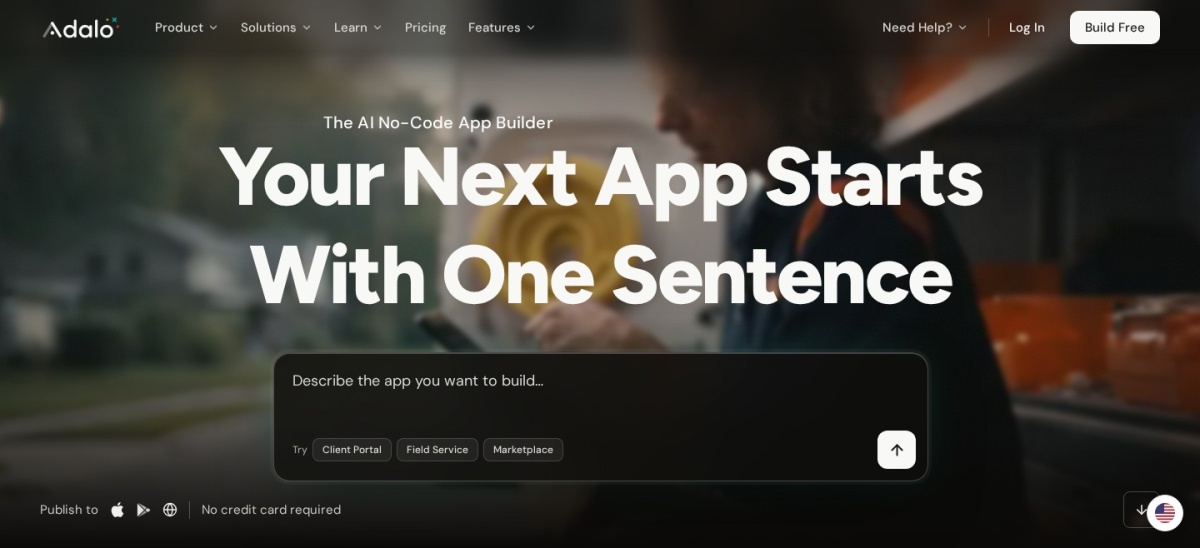
Adalo homepage, captured Nov 2026.
Adalo is a visual AI app builder for web apps and native iOS and Android apps with a built-in database. Its Free plan includes 5 AI prompts/mo, 1 free app build, unlimited test apps, and 500 records per app.
The trade off is a higher entry price to publish to app stores and a small G2 review count. Builder lists at $65/mo full price and suits founders publishing mobile apps without usage overage fees.
What we like
Publishes to web, Apple App Store, and Google Play from one project
Flat plan pricing without per-action or workload overage fees
Includes a built-in database and AI prompt builder
Watch out for
Highest starting paid price on this list at $65/mo
Small review sample on G2 with 7 reviews
Builder adds app store and web publishing, custom domains, and 2 published appsVisit adalo.com
App builders vs workflow platforms
Some tools in this list focus on user interfaces, databases, and published apps or portals, such as Softr, Bubble, Glide, FlutterFlow, and Adalo.
Others focus on connecting apps, moving data, and running automated steps or AI agents, such as Zapier and Make.
Many teams pair both: a portal or app builder handles what users see, while a workflow tool moves records between CRMs, spreadsheets, and messaging tools.
Pick the category that matches your primary bottleneck first so you do not overpay for features you will not use.
How we chose
We started from established no code platforms that include AI features for building apps, portals, or automated workflows.
Prices come from each vendor's official pricing page, and ratings and review counts come from G2, checked on 22 November 2026. Where a vendor shows a lower introductory or annual discount, we list the standard monthly paid price and note how pricing works.
We excluded WordPress plugins and tools whose pricing or active status could not be confirmed on their official pages. No vendor paid for a place, and we do not claim testing for this list.
How to choose a no code AI platform
Start with the outcome you need first, then check usage limits and publishing rules.
Match the tool to your main output. Choose an app or portal builder for user-facing screens and databases, or a workflow tool for automated triggers and multi-app actions.
Check how AI and usage are metered. Compare monthly AI credits, tasks, or conversations against your expected traffic so overages do not surprise you.
Verify publishing and data connections. Confirm whether you need custom domains, app store publishing, or live connections to spreadsheets, Airtable, or external APIs.
Test on the free tier before upgrading. Build a small prototype on the free plan first to check the editor workflow and limits before paying.
FAQ
What is the best no code AI platform for most teams?
Softr is a strong fit for teams building business apps and client portals with AI assistance and data connections. It holds a 4.7/5 G2 rating from 758 reviews and starts at $19/mo on the Basic plan.
Which no code AI platform is cheapest to start on?
All 7 tools offer a free plan to get started. Among entry paid plans, Make starts at $12/mo for Core and Softr starts at $19/mo for Basic.
Do no code AI platforms charge extra for AI usage?
Many platforms meter AI through monthly credits, prompts, or task counts rather than unlimited usage. Once your monthly allowance runs out, you may need to wait for a reset, buy add-ons, or upgrade.
Can I publish a native mobile app without coding?
Yes. Platforms such as Adalo, Bubble, and FlutterFlow support mobile app building, though publishing to app stores or exporting code typically requires a paid plan.
Should I pick a workflow tool or an app builder?
Pick a workflow tool like Zapier or Make when your main goal is moving data and automating tasks between apps. Pick an app builder like Softr, Bubble, or Glide when users need a front-end interface.
Are free plans enough for a live business tool?
Free plans are best for testing, small drafts, or light initial usage. Launching on a custom domain, raising record or task limits, or publishing to app stores usually requires a paid tier.
SaaS SEO and WordPress specialist with about 8 years of experience. Rakib compares WordPress plugins, themes, hosting and software using public pricing, documentation and user reviews. See how we rank.