Granola is the best pick for meeting notes without a bot joining your call, rated 4.6/5 across 197 G2 reviews with a free Basic plan. Choose Wispr Flow for cross-app voice dictation or Viktor for Slack and Teams task agents.
How we make this list: we compare pricing pages, product documentation and public user reviews, then re-check every price before each update. No product paid for a place. Disclosure.
Granola captures meetings on your device without a bot and offers a free Basic plan with the last 30 days of notes visible.
Viktor runs workspace agents in Slack, Microsoft Teams and email with a free tier and a Team plan at $100/mo.
Wispr Flow focuses on cross-app voice typing and meeting notes, with a free tier and Pro starting at $12/user/mo.
Superwhisper offers local Whisper dictation on a permanent free tier and Pro at $8.49/mo or $84.99/yr.
Bluedot and Scribbl record calls without a meeting bot, while Lindy automates inbox and workflow tasks by credit pool.
What to look for in newer AI tools
Many newer AI tools focus on specific daily bottlenecks rather than replacing your main chat app, such as meeting capture, voice dictation or background task execution.
Free tiers often restrict history, weekly word counts or monthly runs rather than core features. Check where a tool caps usage before building a team habit around it.
Bot-free meeting tools and credit-based agents each carry trade-offs. Bot-free recorders avoid meeting bots on calls, while credit-based agents can burn through allowances faster than seat-based plans.
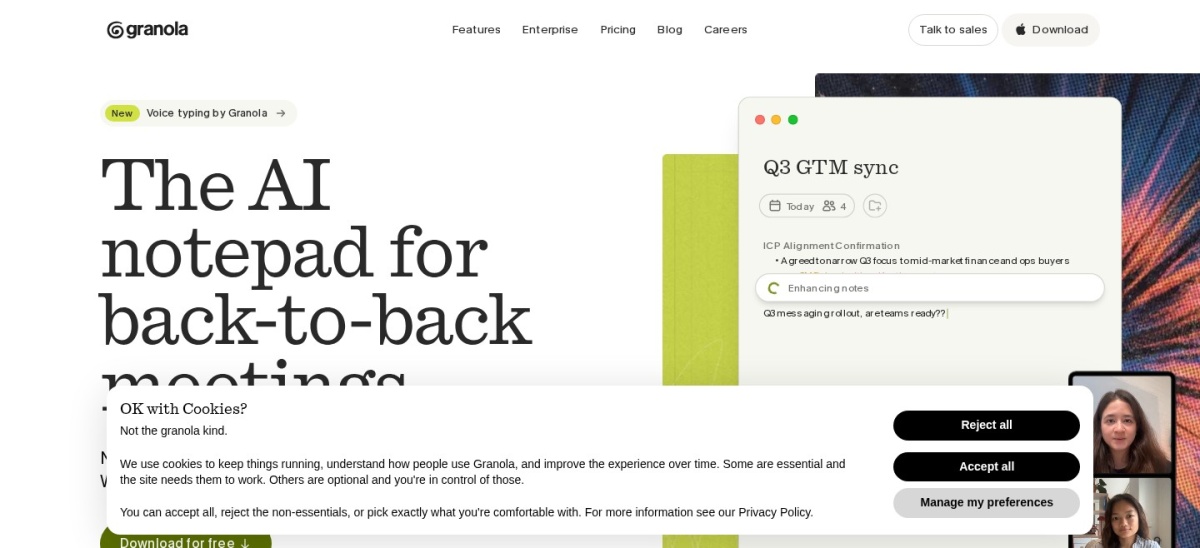
Granola is an AI meeting notepad that listens through your device audio without sending a bot into the call. Its free Basic plan includes unlimited meetings, AI chat across notes, shared folders, custom templates and voice typing with the last 30 days of notes visible.
The trade off is history access and audio playback. Notes older than 30 days stay hidden on Basic until you upgrade to Business at $14 per user per month, and it does not keep audio recordings to replay. It suits professionals who jot rough notes during calls and want structured follow-ups.
What we like
No meeting bot appears on calls
Free Basic plan includes AI chat and templates
4.6/5 rating across 197 G2 reviews
Watch out for
Free plan hides notes older than 30 days
No audio recording or playback stored
Business unlocks unlimited history, advanced models and integrationsVisit granola.ai
02
Viktor
4.8/5on G2 (127 reviews, checked Nov 2026)
Paid from$100/mo
Best for Slack and Teams agents
Free planFree tier with credits
Where it runsSlack, Teams, email
Paid planTeam, $100/mo
G2 rating4.8/5 (127 reviews)
viktor.com
Viktor homepage, captured Nov 2026.
Viktor is an AI coworker that operates inside Slack, Microsoft Teams and email to run multi-step tasks and scheduled workflows. Its free tier requires no credit card or sales call and connects across integrations with credits that do not expire.
The trade off is credit usage and monthly cost. Stepping up to the Team plan costs $100 a month for a shared credit pool, and heavy runs can use credits quickly if you do not pace tasks. It suits teams that want workflow tasks executed in chat without per-seat charges.
What we like
Works directly inside Slack, Teams and email
Shared workspace credits instead of seat fees
4.8/5 rating across 127 G2 reviews
Watch out for
Team plan starts at $100/mo
Task speed and credit burn vary by job
Team adds shared monthly credits, rollovers and spend capsVisit viktor.com
03
Wispr Flow
4.6/5on G2 (213 reviews, checked Nov 2026)
Paid from$12/mo
Best for cross-app voice dictation
Free planFree with weekly cap
Languages100+ languages
Paid planPro, $12/user/mo
G2 rating4.6/5 (213 reviews)
wisprflow.ai
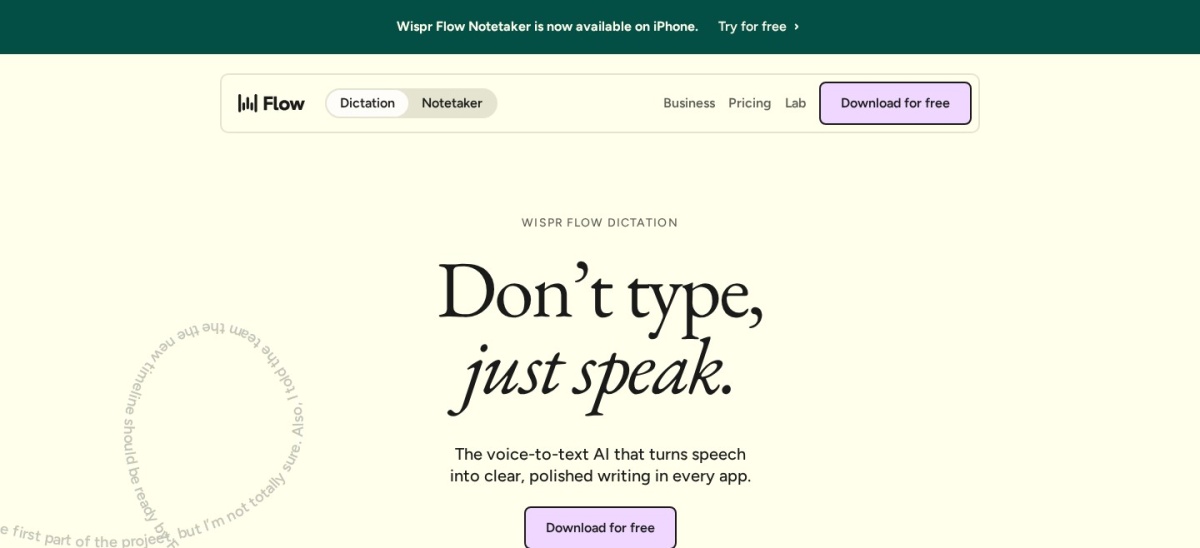
Wispr Flow homepage, captured Nov 2026.
Wispr Flow turns speech into formatted text across desktop and mobile apps while also offering bot-free meeting notes. Its free plan lets you start without a credit card, with a weekly word limit and capped meeting notes.
The trade off is usage caps on the free tier and cloud processing. Removing word limits requires Pro at $12 per user per month, and some reviewers flag occasional transcription slips on technical terms. It suits writers and operators who dictate emails, messages and prompts all day.
4.9/5on Product Hunt (22 reviews, checked Nov 2026)
Paid from$8.49/mo
Best for local Whisper dictation
Free planLocal Whisper models
ProcessingLocal or cloud modes
Paid planPro, $8.49/mo or $84.99/yr
Product Hunt4.9/5 (22 reviews)
superwhisper.com
Superwhisper homepage, captured Nov 2026.
Superwhisper is a voice dictation app that supports local Whisper transcription on your device alongside custom modes and vocabulary rules. Its free tier provides ongoing local Whisper dictation, custom vocabulary, text replacements and a starter allowance of Pro features.
The trade off is setup complexity and feature gating. Cloud models, AI text modes and file transcription require Pro at $8.49 a month or $84.99 a year, and configuring modes takes some tinkering. It suits privacy-minded users who want local dictation and custom prompts.
Bluedot records browser and desktop meetings without adding a bot to the call, producing transcripts and AI summaries. It offers a free starting tier so you can test meeting capture and notes before choosing a paid plan.
The trade off is plan limits on recording format and length. Its Basic tier at $14 per month billed annually is audio-only and caps recordings at one hour per meeting, while video and longer calls sit on higher tiers. It suits sales and customer teams that want quiet meeting capture.
What we like
Captures calls without a visible meeting bot
4.8/5 rating across 223 G2 reviews
Supports browser, desktop and mobile capture
Watch out for
Basic annual plan is audio-only up to 1 hour
Free tier is tight for heavy weekly call loads
Higher plans unlock video recording and longer meeting limitsVisit bluedothq.com
06
Scribbl
4.9/5on G2 (725 reviews, checked Nov 2026)
Paid from$13/mo
Best for bot-free notes with a monthly cap
Free plan10 meetings/month
PlatformsMeet, Zoom, Teams
Paid planPro, $13/user/mo yearly
G2 rating4.9/5 (725 reviews)
scribbl.co
Scribbl homepage, captured Nov 2026.
Scribbl captures Google Meet, Zoom and Microsoft Teams calls without a bot joining the room, generating transcripts, summaries and action items. Its free plan covers 10 meetings a month across those platforms with no cap on meeting length.
The trade off is the 10-meeting monthly limit on the free plan. Moving past 10 calls a month requires Pro at $13 per user per month billed annually, or $20 monthly. It suits founders and small teams that run light weekly call schedules.
What we like
Bot-free recording across Meet, Zoom and Teams
4.9/5 rating across 725 G2 reviews
No meeting-length limit on the 10-meeting free plan
Watch out for
Free plan stops at 10 meetings per month
Monthly billing costs $20/mo vs $13/mo yearly
Pro removes the monthly meeting cap and adds AI chat connectorsVisit scribbl.co
07
Lindy
4.9/5on G2 (171 reviews, checked Nov 2026)
Starts at$29.99/mo
Best for no-code email and workflow agents
Free trial1-week trial
SetupNo-code templates
Paid planPlus, $29.99/user/mo
G2 rating4.9/5 (171 reviews)
lindy.ai
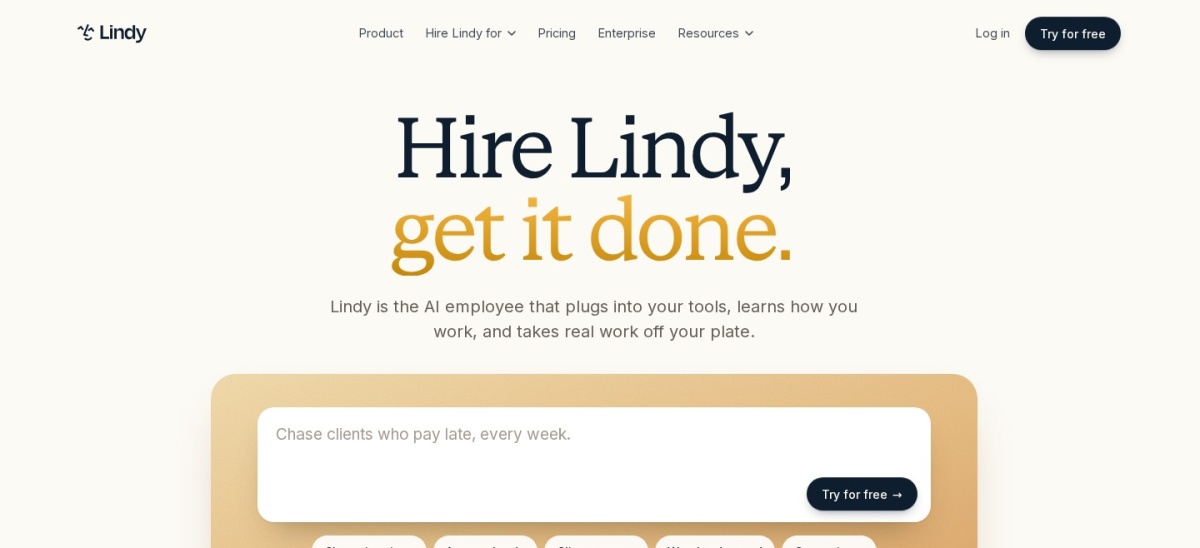
Lindy homepage, captured Nov 2026.
Lindy lets users set up no-code AI assistants for email triage, scheduling, follow-ups and workflow tasks using plain-language instructions and templates. Users start with a free trial week before moving into paid credit-backed plans.
The trade off is credit burn and no free ongoing tier. Plus starts at $29.99 per user per month with a monthly credit allowance, and reviewers note credits can run down fast during testing or heavy runs. It suits solo operators and teams automating repetitive inbox and task steps.
What we like
Fast no-code setup with ready-made templates
4.9/5 rating across 171 G2 reviews
Handles email triage, scheduling and task workflows
Watch out for
No permanent free tier beyond trial access
Credit usage can vary across complex runs
Higher tiers expand monthly credit allowances and team featuresVisit lindy.ai
Free tiers vs paid: what usually changes
Most of the tools here let you test core features on a free tier or trial before paying. The catch is usually a time cap on history, a weekly word limit or a monthly meeting ceiling.
Credit-based agents behave differently from subscription apps. When an agent runs multi-step workflows, each run can consume credits quickly, so check how credits meter before scaling daily automations.
How we chose
We gathered active AI tools for meeting notes, dictation and workflow agents covered in 2026 software directories and pricing guides.
Prices and public review ratings were checked on 22 November 2026 from each vendor's pricing page or verified pricing documentation and public review pages. Where promotional offers or discounts appear, this guide notes regular list pricing.
We excluded unmaintained tools, products without verifiable pricing or review data, and single-purpose utilities that lacked active public traction. No vendor paid for a place, and we do not claim testing for this list.
How to choose a new AI tool
Start with the repetitive task that costs you the most hours each week, then check how usage is metered.
Match the tool to one clear bottleneck. Pick a meeting notepad like Granola or Scribbl for call notes, or Wispr Flow or Superwhisper for voice typing.
Check free-tier limits against your real weekly volume. Count how many meetings you hold or how many words you dictate in a normal week so you do not hit a cap mid-week.
Watch how credits or seats scale. Per-seat plans are predictable per headcount, while credit pools like Viktor or Lindy depend on how often workflows run.
Confirm privacy and data handling rules. Review whether audio, screen context or prompts stay on your device or go to cloud servers before connecting work accounts.
FAQ
Which tool is best for meeting notes without a bot?
Granola is a strong pick for bot-free meeting notes, holding a 4.6/5 rating across 197 G2 reviews and offering a free Basic plan with unlimited meetings and the last 30 days of notes visible.
What is a good option for voice dictation across apps?
Wispr Flow works across apps and supports 100+ languages with Pro starting at $12 per user per month, while Superwhisper offers a permanent free tier with local Whisper models.
How do credit-based AI agents differ from seat-based tools?
Credit-based tools like Viktor and Lindy charge based on usage or credit pools rather than a flat per-user software seat alone. Heavy automated runs can use credits faster than light daily prompts.
Do these AI tools offer free plans?
Several tools on this list offer free tiers, including Granola, Viktor, Wispr Flow, Superwhisper, Bluedot and Scribbl. Each free tier limits history, weekly words, monthly meetings or credits.
Should I pick a local or cloud voice dictation app?
Local dictation keeps audio on your device and avoids network delays, while cloud tools often add broader cross-device syncing or cloud AI formatting. Check your privacy rules and hardware before choosing.
How often do AI tool prices change?
AI pricing and credit allowances change frequently as vendors adjust model costs and tiers. Always confirm current plan terms and billing intervals on the vendor pricing page before subscribing.
SaaS SEO and WordPress specialist with about 8 years of experience. Rakib compares WordPress plugins, themes, hosting and software using public pricing, documentation and user reviews. See how we rank.