PyTorch leads neural network software with 7,031 all-time contributors and dynamic Python graphs suited to fast model iteration. Keras offers a high-level API across multiple backends, while KNIME provides visual workflows starting at $19 per month.
How we make this list: we compare pricing pages, product documentation and public user reviews, then re-check every price before each update. No product paid for a place. Disclosure.
PyTorch holds a 4.6/5 rating on G2 across 24 reviews and offers free open-source licensing.
Keras scores 4.6/5 across 65 reviews on G2 and supports JAX, TensorFlow, and PyTorch backends.
KNIME Analytics Platform is free to download, with paid cloud plans starting at $19 per month.
Neural Designer lists a $300 per month standard license and a 4.4/5 rating across 6 G2 reviews.
Altair AI Studio holds a 4.6/5 rating across 538 G2 reviews with visual workflow nodes.
What to look for in neural network software
Choosing neural network software depends on whether your team writes custom Python code, builds visual data pipelines, or deploys models into regulated systems. Code-first frameworks give fine control over layers and training loops, while visual tools reduce scripting overhead for tabular and workflow tasks.
Check backend compatibility, hardware acceleration, and export formats before committing a project to one stack. Teams often pair a training library with separate serving tools, cloud compute, or experiment tracking rather than relying on a single binary.
Licensing costs vary widely between open-source libraries, per-seat subscriptions, and enterprise contracts. Even when software is free to install, training larger models still requires compute resources on local hardware or cloud instances.
Best for flexible research and model experimentation
LicenseOpen source
G2 rating4.6/5 (24)
Contributors7,031
Primary APIPython & C++
pytorch.org
PyTorch homepage, captured Nov 2026.
PyTorch is an open-source deep learning framework with 7,031 all-time contributors and a 4.6/5 rating across 24 G2 reviews. Its dynamic computation graphs and Python-first design support model experimentation, distributed training, and ONNX export at no software license cost.
The trade off is setting up production serving and monitoring separately, as the framework itself has no paid software tier. It suits researchers and ML engineers iterating quickly on custom architectures.
What we like
Dynamic computation graphs simplify debugging during model changes.
Free open-source framework with 7,031 all-time contributors.
Supports ONNX export and distributed training across accelerators.
Watch out for
Production serving and observability require extra tooling.
Large issue queues can slow fixes for niche edge cases.
Open-source framework with no paid license tier; cloud compute is billed separately.Visit pytorch.org
02
Keras
4.6/5on G2 (65 reviews, checked Nov 2026)
PriceFree
Best for clean multi-backend model building
LicenseOpen source
G2 rating4.6/5 (65)
Contributors1,569
BackendsJAX, Torch, TF
keras.io
Keras homepage, captured Nov 2026.
Keras is a high-level neural network library with 1,569 all-time contributors and a 4.6/5 rating across 65 G2 reviews. Its free API lets developers define and train models across JAX, TensorFlow, and PyTorch backends using concise layer abstractions.
The trade off is less low-level control when building unconventional operations compared with raw backend code, with no paid plan. It suits developers who want readable model definitions that stay backend-portable.
What we like
Runs models across JAX, TensorFlow, and PyTorch backends.
Rated 4.6/5 across 65 G2 reviews with concise model syntax.
Free open-source library with no paid software tier.
Watch out for
High-level abstractions can hide granular backend details.
Backend configuration must be set before importing Keras.
Free open-source API with no paid tier; backend runtimes are installed separately.Visit keras.io
03
TensorFlow
4.5/5on G2 (139 reviews, checked Nov 2026)
PriceFree
Best for end-to-end production and edge deployment
LicenseOpen source
G2 rating4.5/5 (139)
Contributors5,331
TargetsCloud, web, edge
tensorflow.org
TensorFlow homepage, captured Nov 2026.
TensorFlow is an open-source machine learning platform with 5,331 all-time contributors and a 4.5/5 rating across 139 G2 reviews. Its free ecosystem covers model training, TensorBoard visualization, TensorFlow Serving, TensorFlow.js, and LiteRT edge execution.
The trade off is a steeper setup and learning curve across its many sub-tools, with no paid software license. It suits engineering teams deploying neural networks across servers, browsers, and edge devices.
What we like
Covers training, serving, browser execution, and edge inference.
Backstopped by 5,331 all-time contributors and 139 G2 reviews.
Free open-source platform with no license fee.
Watch out for
Broader ecosystem adds setup choices for smaller projects.
Reviewers note a steeper learning curve for beginners.
Free open-source platform with no paid license; hosting and compute costs vary.Visit tensorflow.org
04
KNIME
4.5/5on G2 (128 reviews, checked Nov 2026)
Paid from$19/mo
Best for visual data pipelines and low-cost automation
G2 rating4.5/5 (128)
Entry paid plan$19/mo ($228/yr)
Free tierDesktop platform
Connectors300+ sources
knime.com
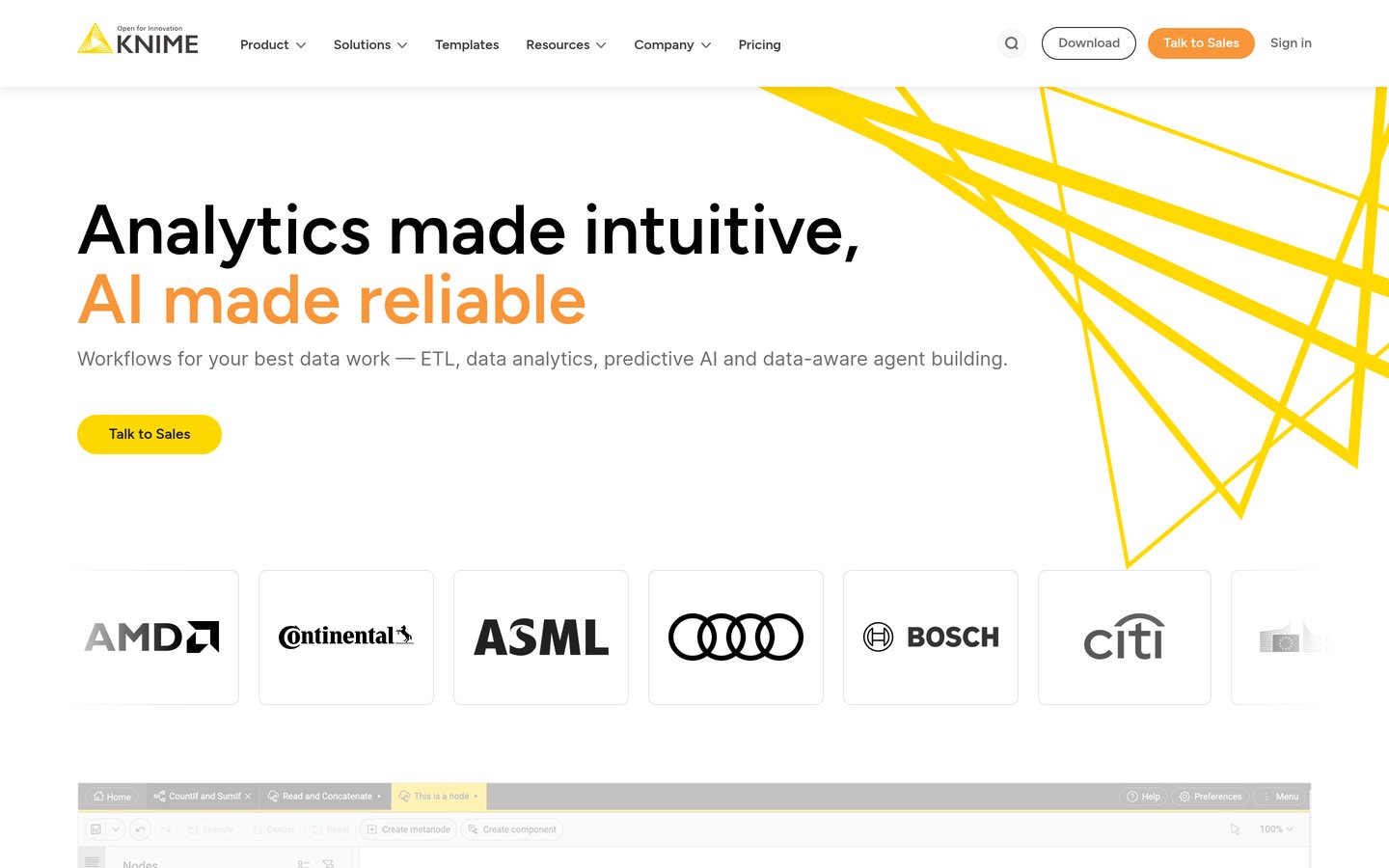
KNIME homepage, captured Nov 2026.
KNIME is a visual workflow platform rated 4.5/5 across 128 G2 reviews with a free desktop Analytics Platform and 300+ data connectors. Users connect nodes to prepare data, train models, and integrate Python, R, or external AI libraries.
The trade off is paying $19 per month ($228 per year) for cloud workflow automation and runtime credits beyond local desktop use. It suits analysts and teams building repeatable visual pipelines without heavy coding.
What we like
Free open-source KNIME Analytics Platform for local desktop workflows.
Affordable paid entry tier at $19 per month with 120 runtime credits.
Supports 300+ connectors alongside Python, R, and SQL scripting.
Watch out for
Scheduled cloud execution and shared data apps require paid plans.
Extra runtime credits cost $0.025 per vCore minute beyond included credits.
Paid plans start at $19/mo ($228/yr) for workflow automation and data apps.Visit knime.com
05
Neural Designer
4.4/5on G2 (6 reviews, checked Nov 2026)
Paid from$300/mo
Best for no-code tabular neural network modeling
G2 rating4.4/5 (6)
Standard plan$300/mo ($3,600/yr)
Free limit1,000 samples
PlatformsWin, Mac, Linux
neuraldesigner.com
Neural Designer homepage, captured Nov 2026.
Neural Designer is a no-code neural network tool rated 4.4/5 across 6 G2 reviews with a free edition capped at 1,000 samples and 10 variables. It runs locally on Windows, macOS, and Linux for approximation, classification, forecasting, and anomaly detection.
The trade off is a $300 per month ($3,600 per year) per-user price for the standard license. It suits analysts and engineers who prefer a guided interface over Python scripts for predictive modeling.
What we like
No-code interface for regression, classification, and time-series forecasting.
Free version available with no time limit up to 1,000 samples.
Runs locally across Windows, macOS, and Linux.
Watch out for
Standard monthly licensing at $300 per month is steep for solo users.
Smaller user review footprint on G2 with 6 reviews.
Altair AI Studio is a visual data science environment rated 4.6/5 across 538 G2 reviews. Its free Personal edition supports up to 10,000 rows while commercial editions use unit-based licensing.
The trade off is custom commercial pricing via sales rather than a public self-serve sticker price. It suits teams combining visual operators with scripting for repeatable predictive workflows.
What we like
Strong G2 rating of 4.6/5 across 538 reviews.
Visual drag-and-drop canvas for data prep and modeling.
Free Personal edition available for small datasets up to 10,000 rows.
Watch out for
Commercial subscription pricing is not listed as a flat public rate.
Reviewers note occasional slowdowns on very large datasets.
Commercial plans use custom Altair Units pricing beyond the free Personal tier.Visit altair.com
07
SAS Viya
4.3/5on G2 (839 reviews, checked Nov 2026)
PricingCustom/yr
Best for governed enterprise analytics at scale
G2 rating4.3/5 (839)
ArchitectureCloud-native
LanguagesSAS, Python, R, SQL
Free tierNone (trial only)
sas.com
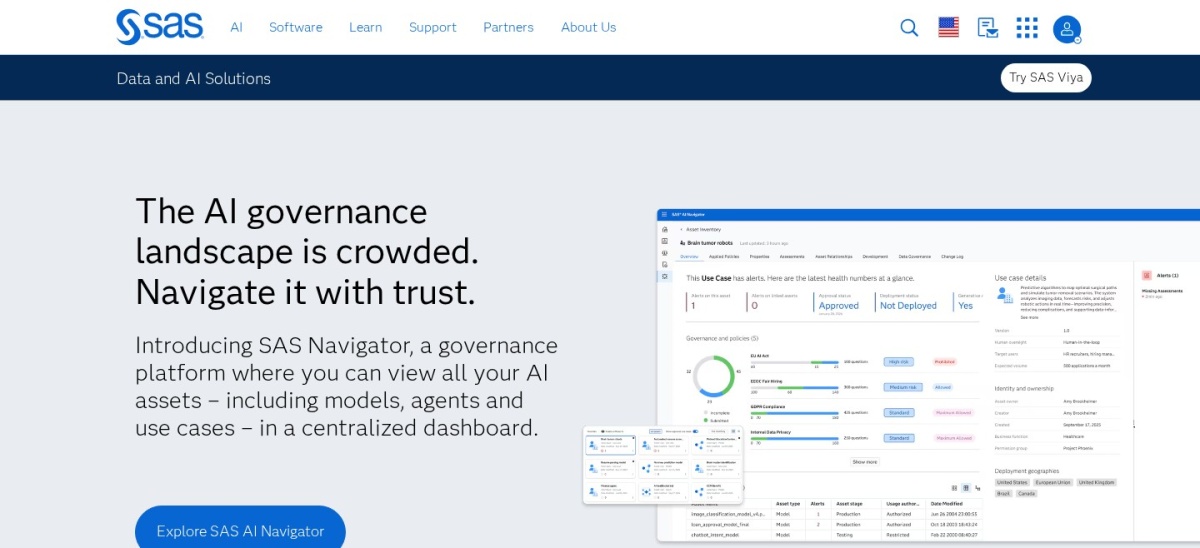
SAS Viya homepage, captured Nov 2026.
SAS Viya is an enterprise analytics and modeling platform rated 4.3/5 across 839 G2 reviews. It runs on cloud-native architectures and supports SAS alongside Python, R, and SQL for large-scale data workflows.
The trade off is custom enterprise pricing with no free plan, requiring sales contact for quotes. It suits large organizations needing centralized governance, multi-language support, and reporting.
What we like
Large review base on G2 with 839 reviews at 4.3/5.
Supports Python, R, SQL, and SAS within a unified environment.
Built for enterprise scalability, governance, and reporting.
Watch out for
Custom enterprise pricing can put it out of reach for small teams.
Initial setup and deployment can be complex.
Enterprise licensing is quoted directly rather than published as a flat rate.Visit sas.com
How we chose
We selected well-known neural network and machine learning software platforms actively used for building, training, or automating neural models in 2026. Our shortlist covers both open-source Python frameworks and visual data science tools.
All ratings, review counts, and pricing details were checked on 22 Nov 2026 from vendor pages and public review directories. Where vendors do not publish flat public prices, we note custom or trial-based access without inventing figures.
We excluded retired or archived deep learning libraries and tools without verifiable 2026 product details or clear pricing information. No vendor paid for a place, and we do not claim testing for this list.
How to choose neural network software
Follow four practical steps to match a tool to your team's skills and workload.
Match the interface to your team's coding skill. Pick Python-first libraries when engineers write custom architectures, or visual node builders when analysts prefer drag-and-drop pipelines.
Verify target hardware and deployment needs. Check whether you need multi-GPU training, edge inference, browser execution, or scheduled cloud jobs before standardizing on a tool.
Account for total compute and seat costs. Pair open-source license savings against GPU or cloud hosting bills, or compare monthly seat fees on commercial tools.
Check model portability and ecosystem support. Confirm how easily models export to standard formats or integrate with your existing data connectors and ML libraries.
FAQ
What is the best free neural network software to start with?
PyTorch and Keras are strong free starting points for Python developers, while KNIME offers a free desktop platform for visual workflows.
Do open-source neural network frameworks cost anything to run?
The software licenses are free, but training and serving models still require local hardware or paid cloud compute.
Should I choose PyTorch or TensorFlow for a new project?
PyTorch is popular for flexible research and fast iteration, while TensorFlow offers mature multi-target deployment tools including serving and edge runtimes.
Can you build neural networks without writing code?
Yes, tools like KNIME, Neural Designer, and Altair AI Studio provide visual interfaces for building and running predictive workflows.
Why do some commercial tools list custom pricing instead of a flat rate?
Enterprise platforms often price by user roles, compute capacity, or deployment scale, requiring a tailored quote.
Can visual workflow tools still use custom code?
Yes, platforms such as KNIME and Altair AI Studio support scripting extensions alongside visual nodes.
SaaS SEO and WordPress specialist with about 8 years of experience. Rakib compares WordPress plugins, themes, hosting and software using public pricing, documentation and user reviews. See how we rank.