Cursor leads for multi-model coding and agent workflows, holding a 4.6 out of 5 score across 334 G2 reviews. For fast browser app builds, Lovable fits non-technical builders, while Perplexity suits cited web research.
How we make this list: we compare pricing pages, product documentation and public user reviews, then re-check every price before each update. No product paid for a place. Disclosure.
Cursor holds a 4.6 out of 5 rating across 334 G2 reviews, with paid plans starting at $8/mo for Plus or $30/mo for Premium.
Lovable starts at $25/mo on Pro for 100 monthly credits and holds a 4.6 out of 5 rating across 503 G2 reviews.
Gamma offers a $9/mo Plus tier billed annually ($108/yr) for 1,500 monthly credits and up to 100 slides per prompt.
Wispr Flow starts at $12/user/mo billed annually ($144/yr) on Pro, backed by a 4.6 out of 5 score from 213 G2 reviews.
Perplexity lists its Select annual plan at $17/mo ($204/yr) and holds a 4.4 out of 5 rating across 378 G2 reviews.
What to look for in new AI tools and 2026 updates
AI software in 2026 has shifted toward specialized agents, browser builders, and metered usage pools rather than simple chat boxes. Many platforms now combine free entry tiers with usage credits or model-specific allowances that change what you pay in busy months.
Check how each tool meters work before committing to a plan. Some products charge per message or credit, while others bill per seat or per token based on project size and model choice.
Watch out for recent plan rebrands, billing updates, and feature splits. A free tier may cover light testing or a single app, while custom domains, team controls, or autonomous agents often sit behind paid tiers.
Pick a tool that matches where your work already lives, whether that is a code editor, a browser workspace, a meeting app, or a note system.
Higher tiersPremium $30/mo, Super $100/mo, Ultra $200/mo
G2 rating4.6/5 across 334 reviews
cursor.com
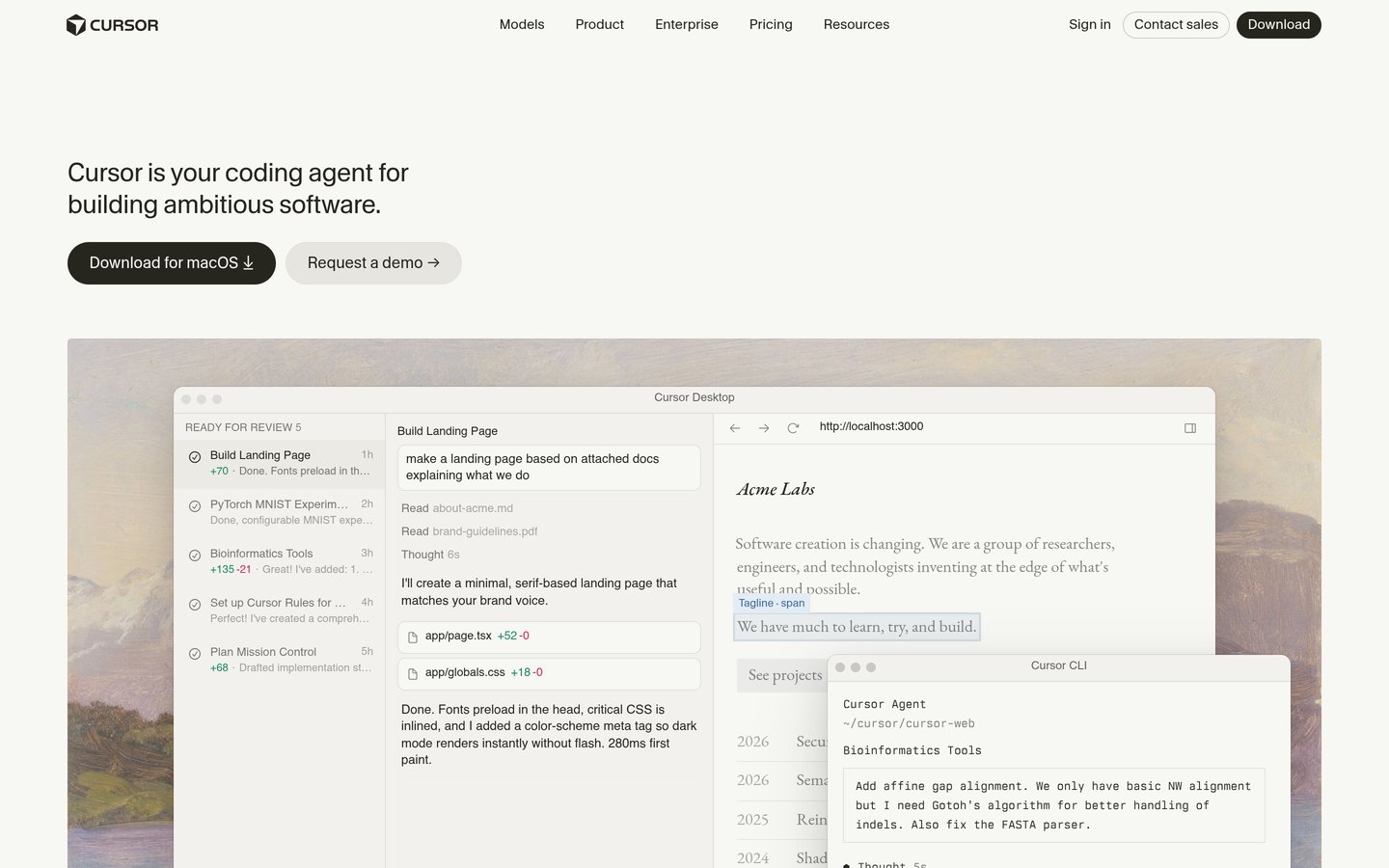
Cursor homepage, captured Nov 2026.
Cursor is an AI code editor built for multi-file edits, codebase context, and agentic coding workflows. Its free Hobby tier lets you try basic usage, while the $8/mo Plus plan covers Cursor's own models at fixed settings and $30/mo Premium adds Cloud Agents and third-party models.
The trade off is that heavy agent usage or third-party models can push real spend well past the $8/mo Plus entry price or $30/mo Premium tier. It suits developers who want agent assistance and model choice inside a dedicated editor.
What we like
Supports multi-file editing and codebase-aware agent workflows
Offers a free Hobby plan to test the editor first
Includes lower-cost entry options alongside higher-usage tiers
Familiar editor experience for developers moving from VS Code
Watch out for
Plus only covers Cursor's own models without third-party model access
Heavy agent runs and extra usage can raise monthly bills
Paid plans start at $8/mo for Plus or $30/mo for Premium with Cloud Agents and third-party model access.Visit cursor.com
02
Lovable
4.6/5on G2 (503 reviews, checked Nov 2026)
Paid from$25/mo
Best for prompt-to-web-app building
Entry paid tierPro from $25/mo ($250/yr)
Free plan5 daily credits, up to 30/mo
Team tierBusiness from $50/mo ($500/yr)
G2 rating4.6/5 across 503 reviews
lovable.dev
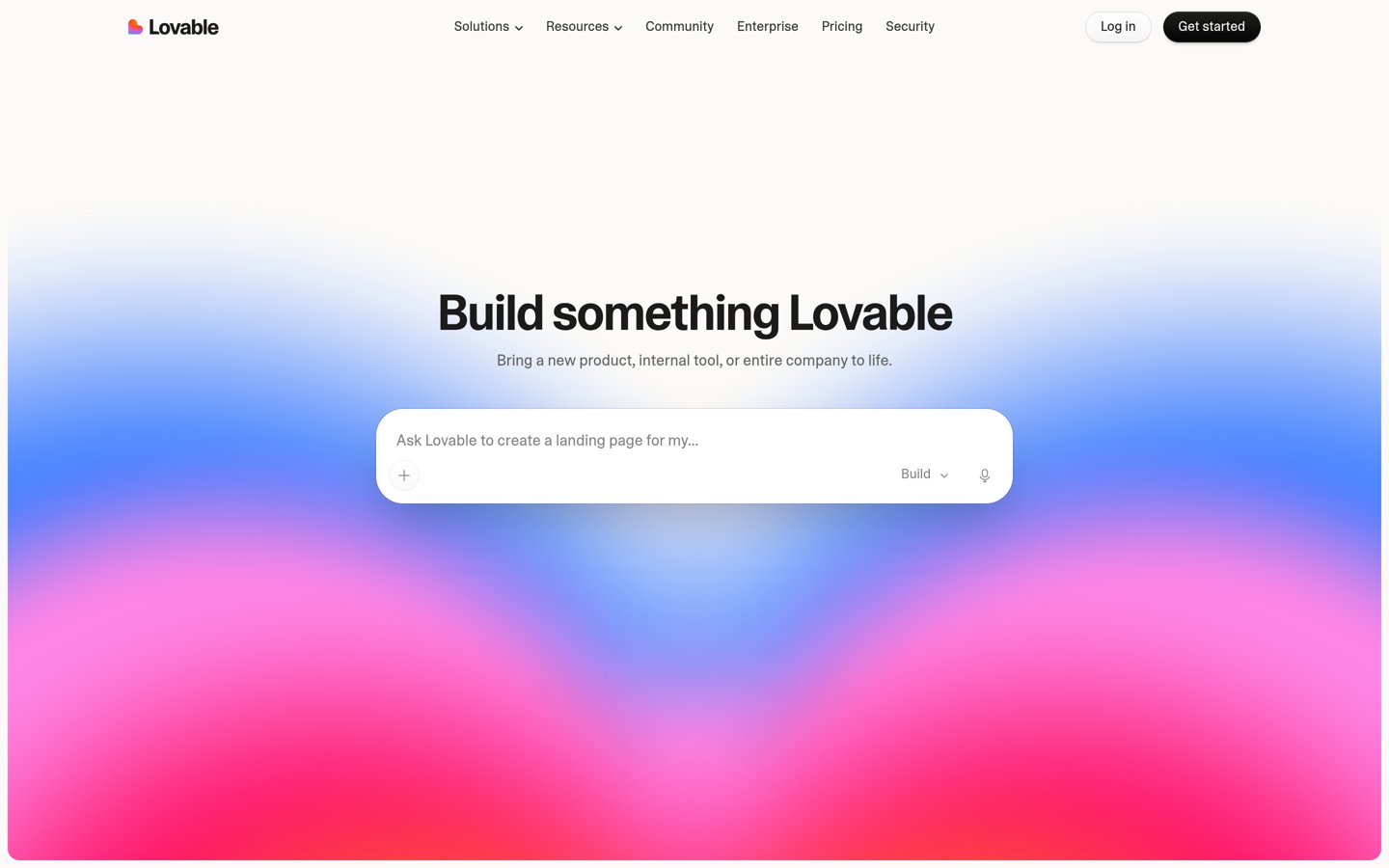
Lovable homepage, captured Nov 2026.
Lovable is a browser-based AI web app builder that generates apps from plain-language prompts. Its free plan provides 5 build credits a day up to 30 a month, while Pro starts at $25/mo for 100 monthly credits.
The trade off is that iterative fixes and live app usage draw from your credit balance and can burn through 100 credits quickly at $25/mo. It suits founders and teams prototyping or launching web apps from prompts.
What we like
Turns plain-language prompts into working web apps in the browser
Includes a free tier with up to 30 credits per month
Pro unlocks custom domains and private projects starting at $25/mo
Watch out for
Credit usage can climb during repeated bug fixes or complex builds
Free plan caps usage at 5 credits per day and 30 per month
Pro from $25/mo adds custom domains, private projects, and 100 monthly credits.Visit lovable.dev
03
Granola
4.6/5on G2 (197 reviews, checked Nov 2026)
Paid from$14/mo
Best for bot-free AI meeting notes
Entry paid tierPaid plan at $14/user/mo
Free planBasic at $0/mo with limited history
Higher tierBusiness at $35/user/mo
G2 rating4.6/5 across 197 reviews
granola.ai
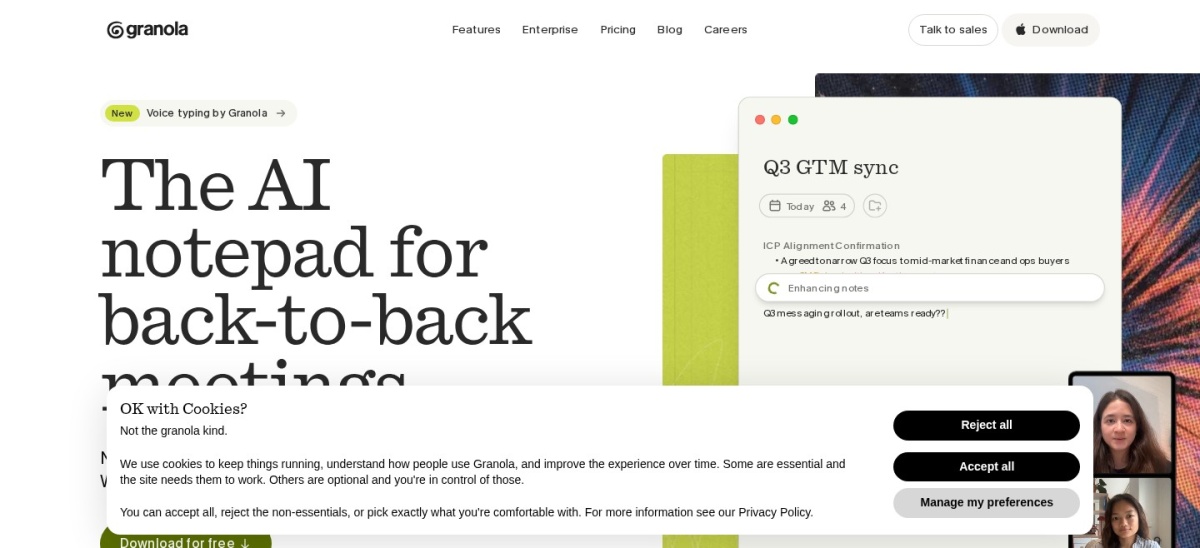
Granola homepage, captured Nov 2026.
Granola captures meeting notes and supports AI chat across meetings without adding a visible bot participant to calls. Its free Basic plan includes voice typing and custom templates with limited meeting history, while the paid plan is $14/user/mo.
The trade off is that full meeting history, advanced AI thinking models, and integrations require upgrading past the free plan to $14/user/mo. It suits people who want structured meeting notes and cross-meeting chat without call bots.
What we like
Captures meeting notes and AI chat without putting a bot on the call
Offers a free Basic tier with voice typing and custom templates
Supports integrations such as Notion, HubSpot, and Zapier on paid plans
Watch out for
Free plan limits how much meeting history you can view
Advanced AI models and integrations require the $14/user/mo paid plan
The $14/user/mo plan adds unlimited meeting history, advanced AI models, and app integrations.Visit granola.ai
04
Wispr Flow
4.6/5on G2 (213 reviews, checked Nov 2026)
Paid from$12/mo
Best for cross-app AI voice dictation
Entry paid tierPro at $12/user/mo annual ($144/yr)
Free plan$0/mo with weekly limits
Team tierGrowth from $18/user/mo annual
G2 rating4.6/5 across 213 reviews
wisprflow.ai
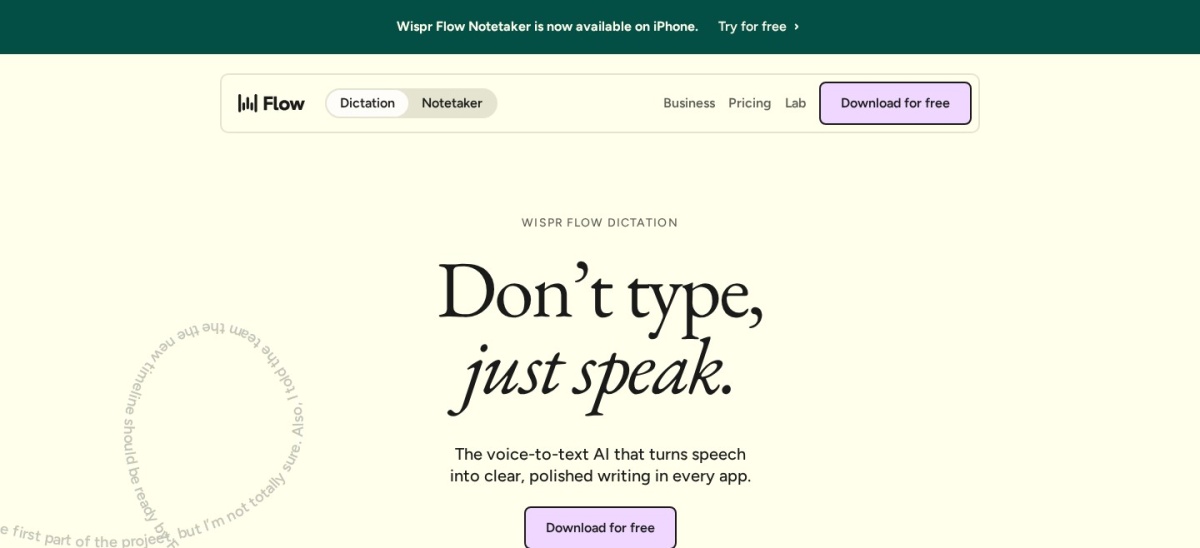
Wispr Flow homepage, captured Nov 2026.
Wispr Flow provides AI voice dictation and meeting notes across desktop and mobile apps with custom snippets and dictionary support. Its free tier includes dictation and a weekly-capped Notetaker, while Pro is $12/user/mo billed annually ($15/mo monthly).
The trade off is that heavy dictaters and teams wanting longer meeting retention or org controls move into paid plans starting at $144/yr on Pro. It suits writers, operators, and teams who draft faster by speaking across apps.
What we like
Works across apps with custom dictionary terms and snippets
Includes a free plan with no credit card required to start
Offers Notetaker and MCP access for using notes in AI tools
Watch out for
Free plan caps weekly meeting and dictation allowance
SSO and organization-wide controls require higher tiers
Pro at $12/user/mo billed annually expands meeting limits and history for individuals and teams.Visit wisprflow.ai
05
Notion
4.6/5on G2 (14,021 reviews, checked Nov 2026)
Paid from$10/mo
Best for connected docs, wikis, and AI agents
Entry paid tierPlus at $10/member/mo annual ($120/yr)
Free plan$0/member/mo with limited AI trial
Full AI tierBusiness at $20/member/mo annual
G2 rating4.6/5 across 14,021 reviews
notion.com
Notion homepage, captured Nov 2026.
Notion combines docs, wikis, and databases with AI meeting notes, Notion Agent, and Enterprise Search on its Business plan. Individuals can start on the free plan, while Plus starts at $10/member/mo billed annually ($12/mo monthly).
The trade off is that full Notion AI features sit on the $20/member/mo annual Business plan rather than the $120/yr Plus tier, and Custom Agents use extra credits. It suits teams that already store docs and knowledge inside Notion.
What we like
Keeps docs, wikis, databases, and AI workflows in one workspace
Offers a free tier for individuals and a $10/member/mo annual Plus plan
Provides Notion Agent and AI meeting notes on the Business plan
Watch out for
Free and Plus only include a limited trial of Notion AI
Custom Agents add separate credit costs on top of seat pricing
Business at $20/member/mo billed annually includes full Notion AI, Notion Agent, and AI Meeting Notes.Visit notion.com
06
Perplexity
4.4/5on G2 (378 reviews, checked Nov 2026)
Paid from$17/mo
Best for citation-backed AI web research
Entry paid tierSelect at $17/mo annual ($204/yr)
Free plan$0/mo with limited daily search
Top individual tierMax at $167/mo annual
G2 rating4.4/5 across 378 reviews
perplexity.ai
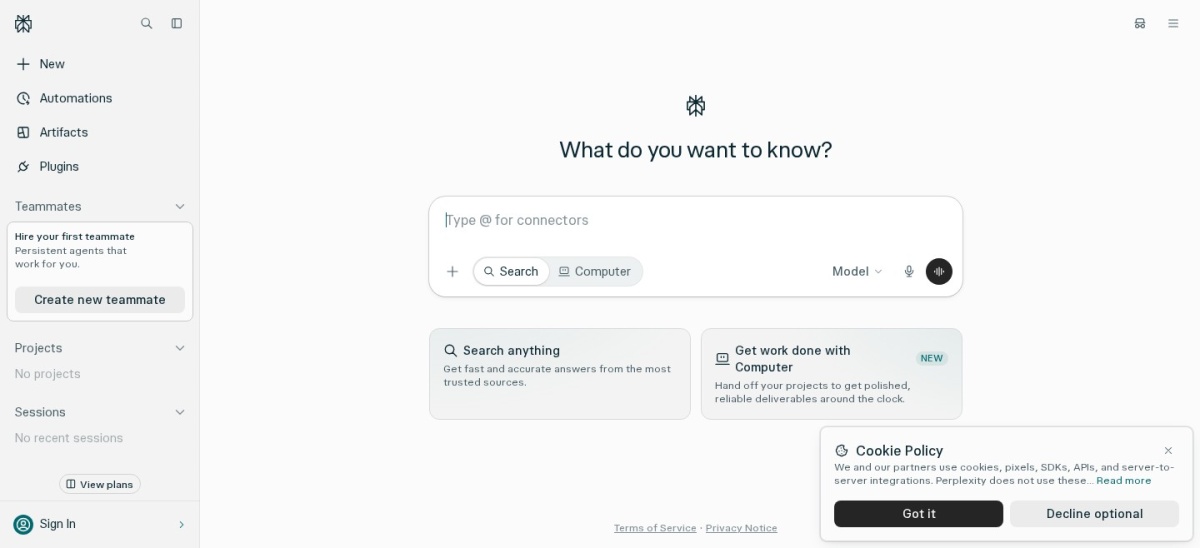
Perplexity homepage, captured Nov 2026.
Perplexity pairs live web search with cited answers, deep research, and model selection across research tasks. Its free tier covers limited daily search with citations, while Select is listed at $17/mo billed annually ($204/yr).
The trade off is that heavy research, extra credits, and higher model limits require paid tiers starting at $204/yr on annual billing. It suits researchers, analysts, and writers who want answers linked to sources.
What we like
Includes source citations to help verify facts quickly
Offers a free search tier for basic daily lookups
Supports deep research and switching between AI models on paid plans
Watch out for
Free plan limits daily usage and advanced research depth
Heavy research and higher credit pools cost substantially more
The $17/mo annual Select plan adds deep research, bonus credits, and access to top AI models.Visit perplexity.ai
07
Bolt.new
4.3/5on G2 (134 reviews, checked Nov 2026)
Paid from$25/mo
Best for rapid browser prototyping and deploys
Entry paid tierPro at $25/mo (10M tokens/mo)
Free plan$0/mo (1M tokens/mo, 300K daily cap)
Team tierTeams at $30/member/mo
G2 rating4.3/5 across 134 reviews
bolt.new
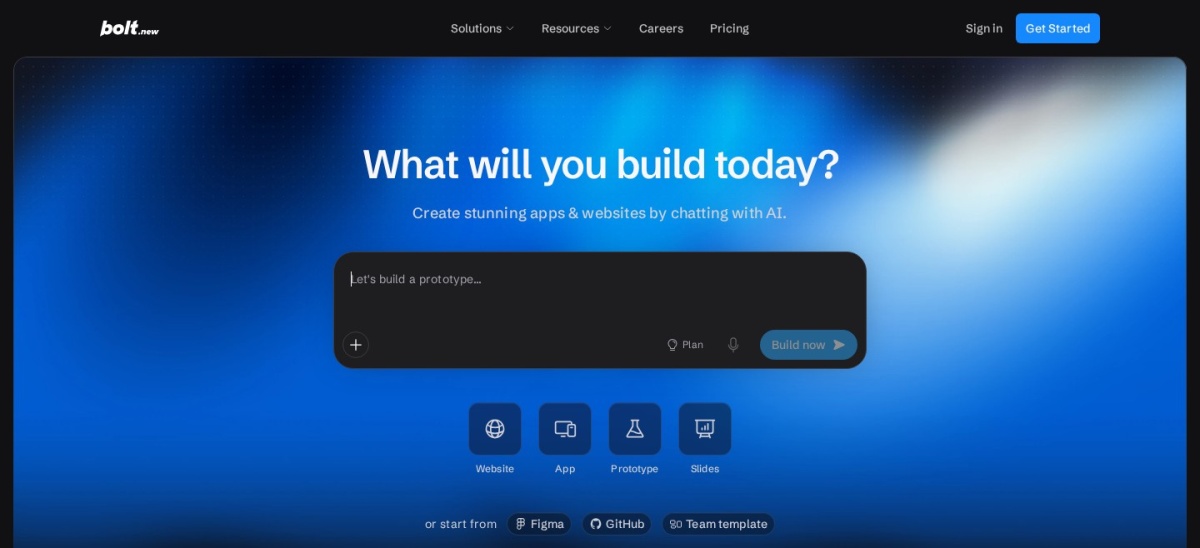
Bolt.new homepage, captured Nov 2026.
Bolt.new runs AI web and app builds directly in the browser with live previews and project hosting. The free plan gives 1M tokens per month with a 300K daily limit, and Pro starts at $25/mo for 10M tokens.
The trade off is that larger projects and repeated edits consume tokens faster as codebases grow, making the $25/mo Pro token pool feel tight during heavy iteration. It suits builders testing prototypes and web apps quickly in the browser.
What we like
Builds and previews apps in the browser with no local setup required
Includes a free tier with up to 1M tokens per month
Paid Pro plans add custom domains and remove Bolt branding
Watch out for
Free tier enforces a 300K daily token cap and does not roll over tokens
Growing project file trees increase token use on each prompt
Pro at $25/mo raises the allowance to 10M monthly tokens, removes daily caps, and supports custom domains.Visit bolt.new
How 2026 AI pricing models differ
AI tools in 2026 rarely price on a single flat rate. App builders like Lovable and Bolt.new meter usage through credits or tokens, while workspace tools like Notion price per member and add credit packs for custom agents.
Always check whether a listed price is monthly or billed annually, and whether a free plan gives ongoing allowances or a non-renewing starter balance.
How we chose
We selected established AI tools and active 2026 releases across coding, app building, meeting notes, voice dictation, workspaces, and research based on current product directories and pricing pages.
All prices, plan tiers, and G2 review scores were checked on 22 Nov 2026 using official pricing pages and public G2 review listings.
We excluded tools without verifiable current pricing or public review counts on the pages we opened. No vendor paid for a place, and we do not claim testing for this list.
How to choose the right AI tool for your workflow
Follow four practical checks before paying for a new AI subscription:
Match the tool to your primary output. Pick a coding editor or app builder for software, a note or dictation app for meetings and writing, or a research engine for cited answers.
Test on the free tier first. Use free plans or starter allowances to see how fast credits or daily limits run out on your real tasks.
Check annual vs. monthly billing terms. Compare the monthly rate against annual billing so you know the exact yearly commitment before upgrading.
Watch for extra credit and add-on costs. Factor in top-ups, agent credits, or higher tiers if your team needs extra usage or team controls.
FAQ
Which tool here is best for writing and editing code?
Cursor is the top pick for coding workflows, holding a 4.6 out of 5 rating across 334 G2 reviews with a free Hobby plan and paid tiers starting at $8/mo for Plus.
Can I build a web app with AI without writing code from scratch?
Yes. Lovable and Bolt.new both let you generate web apps from prompts in the browser, with free plans to start and Pro tiers starting at $25/mo.
Do any of these tools offer a free plan?
Yes. All seven tools listed here—Cursor, Lovable, Granola, Wispr Flow, Notion, Perplexity, and Bolt.new—offer a free tier or free plan to get started.
Which tool fits meeting notes without a bot joining the call?
Granola captures meeting notes and supports AI chat across meetings without a call bot, with a free Basic plan and a paid tier at $14/user/mo.
How does Notion AI pricing work?
Notion offers a free tier and a $10/member/mo annual Plus plan with a limited AI trial, while full Notion AI features such as Notion Agent and AI Meeting Notes come with the $20/member/mo annual Business plan.
Why do AI app builder prices vary in real use?
Tools like Lovable and Bolt.new meter work with credits or tokens, so larger projects and repeated prompt revisions can use up a monthly allowance faster than expected.
SaaS SEO and WordPress specialist with about 8 years of experience. Rakib compares WordPress plugins, themes, hosting and software using public pricing, documentation and user reviews. See how we rank.