Zapier leads this list for breadth, connecting 9,000+ apps with AI steps, agents, and MCP support alongside a 100-task free plan. Make fits visual branching workflows at lower entry costs, while n8n suits technical teams that want self-hosting.
How we make this list: we compare pricing pages, product documentation and public user reviews, then re-check every price before each update. No product paid for a place. Disclosure.
#2 Best visual canvas
Make
Visual canvas with routers, filters, and AI agents
Zapier connects 9,000+ apps and starts on a free plan with 100 tasks per month.
Make starts at $9/month billed yearly for visual multi-branch scenarios and 1,000 free monthly credits.
n8n offers free self-hosting and cloud plans starting at €20/month (about $23) billed yearly with unlimited users.
Airtable combines relational tables with automations and AI credits starting at $20 per seat/month billed yearly.
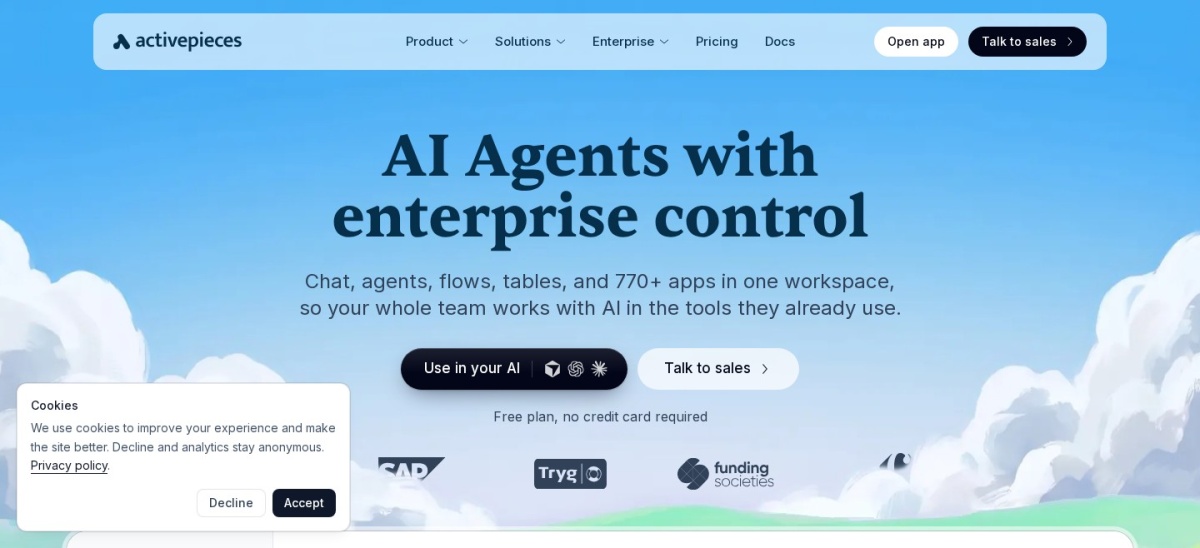
Activepieces pairs an open-source option with cloud plans starting at $20/month and 1,000 free credits.
What to look for in no-code AI automation tools
No-code AI automation platforms range from linear trigger-action connectors to node canvases and autonomous AI agents. Some tools excel at moving data between SaaS apps, while others focus on multi-step reasoning, web scraping, or structured databases.
Pricing meters vary widely and strongly affect real bills. Task or credit meters charge per action or module run, whereas execution meters count a full workflow run and per-seat plans scale with active editors.
Before committing, check whether you need human review steps, bring-your-own-key model controls, or self-hosting. Some platforms also offer annual billing discounts compared to month-to-month rates.
Zapier is a cloud automation platform that links more than 9,000 apps and adds AI steps, Copilot generation, and MCP actions. Its free plan includes 100 tasks per month and two-step Zaps.
The trade off is task-based billing, which can climb quickly on multi-step runs at the $19.99/month annual entry price ($29.99/month billed monthly). It suits non-technical teams that want wide app coverage right away.
What we like
Largest catalog of pre-built app connectors
Free plan available for basic two-step workflows
Copilot and MCP support speed up workflow setup
Watch out for
Per-task billing increases cost on multi-step runs
Two-step limit on the free plan restricts workflows
Make is a visual workflow automation platform built around scenarios, routers, filters, and AI agents across 3,500+ apps. Its free plan includes 1,000 credits per month and up to two active scenarios.
The trade off is a steeper initial learning curve starting from the $9/month annual Core plan ($108/year). It suits builders who want visual control over branched logic at moderate cost.
What we like
Clear visual canvas for complex branching logic
Generous free credit allowance compared with linear tools
Supports AI agents, MCP, and custom webhooks
Watch out for
Steeper setup time than simple linear builders
Polling triggers can consume credits between events
Paid plans add unlimited active scenarios, shorter run intervals, and higher credit limits.Visit make.com
03
n8n
4.7/5on G2 (328 reviews, checked Nov 2026)
Paid from$276/yr
Best for technical teams and self-hosting
HostingCloud or self-hosted
UsersUnlimited users
Entry cloud€20/mo yearly (about $23)
Code supportJS, Python, HTTP nodes
n8n.io
n8n homepage, captured Nov 2026.
n8n is a workflow automation platform with AI agent nodes, visual flow building, and optional JavaScript or Python steps. Teams can self-host the community edition or start on cloud plans with unlimited users.
The trade off is maintenance responsibility and technical setup starting at €20/month billed yearly (about $276/year) on cloud. It suits technical teams and developers running custom or high-volume workflows.
What we like
Self-hosting option keeps data under your own infrastructure
Activepieces is an automation platform with an open-source core, AI agents, tables, and MCP server support. Its free plan includes 1,000 credits per month and up to five users.
The trade off is a smaller connector library than Zapier or Make starting at $20/month ($240/year) on Plus. It suits teams that want an open-source option with straightforward self-serve pricing.
What we like
Offers both self-hosted and cloud deployment paths
Includes AI agents, tables, and MCP support
Clear self-serve pricing tiers without sales friction
Watch out for
Fewer integrations than large commercial suites
Self-hosting still requires technical maintenance
Plus increases monthly credits to 10,000 and adds pay-as-you-go credit top-ups.Visit activepieces.com
05
Airtable
4.6/5on G2 (3,306 reviews, checked Nov 2026)
Paid from$240/yr
Best for database-backed AI workflows
Core modelRelational database
Free tier100 runs/mo, 5 editors
Entry paid$20/seat/mo yearly
AI featuresAI fields and agents
airtable.com
Airtable homepage, captured Nov 2026.
Airtable is a relational database and app platform with built-in automations, interfaces, and AI fields. Its free plan supports up to five editors, 1,000 records per base, and 100 automation runs per month.
The trade off is per-seat billing that rises with editors, starting at $20 per seat/month billed yearly ($240/seat/year) on Team. It suits operations teams whose workflows center on structured records.
What we like
Keeps data, interfaces, and automations in one place
Strong record relationships for tracking operations
Free plan available for small setups and testing
Watch out for
Per-seat pricing adds up as editing teams grow
Designing complex bases takes planning and time
Team expands limits to 50,000 records per base, 25,000 runs, and 15,000 AI credits per paid user.Visit airtable.com
06
Bardeen
4.8/5on G2 (36 reviews, checked Nov 2026)
Paid from$120/yr
Best for browser scraping and tab workflows
SurfaceBrowser & web studio
Free tierStarter free plan
Entry paid$10/mo Basic
FocusScraping and outreach
bardeen.ai
Bardeen homepage, captured Nov 2026.
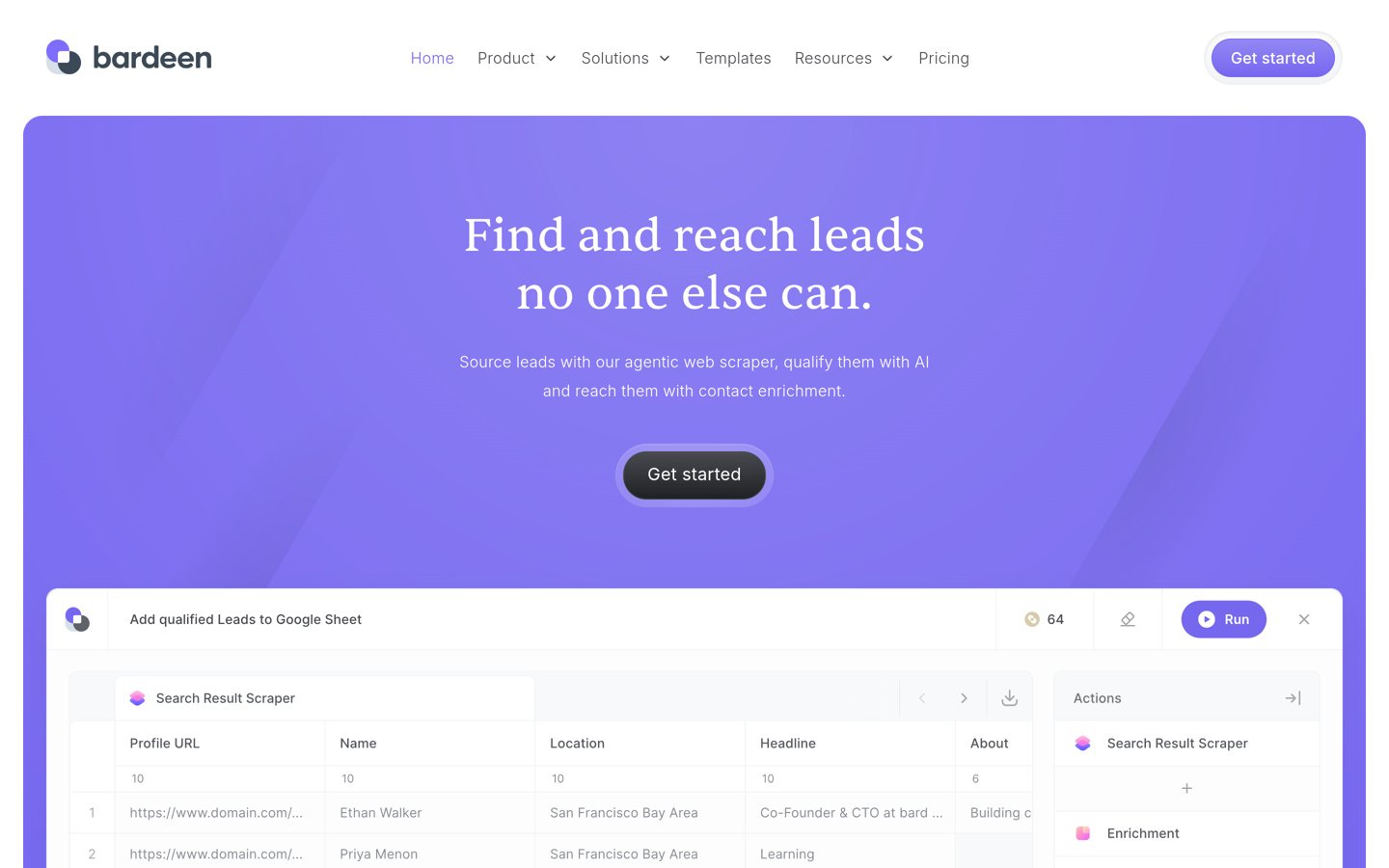
Bardeen is a browser-based automation tool that extracts web data and automates repetitive tab and app actions. It offers a free starter tier alongside paid plans starting at $10/month on Basic.
The trade off is browser dependence and credit consumption on data steps at $10/month ($120/year). It suits sales, research, and operations users automating browser tasks.
What we like
Practical for extracting data directly from web pages
Pre-built playbooks help start common workflows fast
Low entry price on the Basic tier
Watch out for
Browser automations rely on page layout stability
Smaller review count than core integration suites
Paid plans expand credit allowances, AI automations, and enrichment features.Visit bardeen.ai
07
Lindy
4.9/5on G2 (171 reviews, checked Nov 2026)
Starts at$359.88/yr
Best for autonomous task-focused AI agents
ModelTask-focused AI agents
Free tier7-day credit trial only
Entry paid$29.99/user/mo
Billing unitPer user + credits
lindy.ai
Lindy homepage, captured Nov 2026.
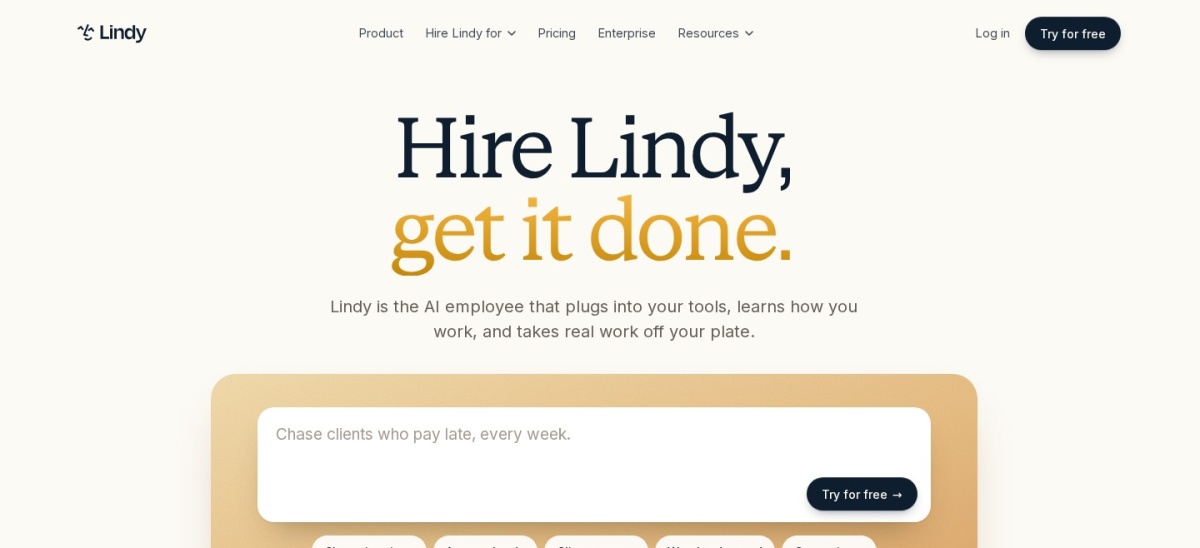
Lindy is an AI agent platform where users build agents from prompts and templates for inbox triage, scheduling, and CRM tasks. It offers a seven-day free credit trial rather than a permanent free plan.
The trade off is per-seat pricing with no permanent free tier, starting at $29.99 per user/month ($359.88/year). It suits solo founders and small teams delegating multi-step assistant tasks.
What we like
Focused on autonomous agents rather than rigid flowcharts
Templates cover inbox, scheduling, and lead workflows
High user satisfaction score on G2
Watch out for
No permanent free plan after the trial period
Credit usage varies with task length and complexity
Paid seats provide monthly credit pools, model selection, and team sharing.Visit lindy.ai
How billing models change real costs
Two tools with similar starting prices can cost very differently once workflows run hundreds or thousands of times a day. Action and credit meters scale with every step or module executed, so longer chains multiply usage.
Execution-based and self-hosted setups behave differently at scale. Always estimate steps per run and monthly volume before picking a tier.
How we chose
This list focuses on established no-code AI automation platforms that offer visual builders, AI steps or agents, and active public documentation in 2026.
Pricing and review ratings were checked on 22 Nov 2026 using G2 review pages and vendor pricing information.
Tools without verifiable public pricing or active maintenance were excluded, along with Relay.app which shut down in September 2026. No vendor paid for a place, and we do not claim testing for this list.
How to choose a no-code AI automation tool
Follow four steps to match a platform to your workflow volume and team setup.
List your core apps and triggers first. Check that your CRM, email, spreadsheets, or browser tools are supported natively or via webhooks.
Map step count against monthly runs. Estimate how many actions or AI calls a typical workflow takes per run so billing meters do not surprise you.
Decide between linear flows, visual branches, or agents. Pick simple flows for straightforward handoffs, visual canvases for branching logic, or agents for open-ended tasks.
Check seat and hosting requirements. Factor in team editing seats, data privacy rules, and whether self-hosting fits your technical capacity.
FAQ
What is a no-code AI automation tool?
It is software that lets you connect apps, trigger workflows, and apply AI steps or agents using visual builders or prompts instead of writing full application code.
Is Zapier still the easiest option to start with?
Zapier remains straightforward for beginners and offers the broadest app directory at 9,000+ integrations, though multi-step task usage can get pricey.
When should I pick Make over Zapier?
Make is often a better fit when you want a visual canvas with branching routers and filters or lower entry pricing on scenarios.
Does n8n require coding to use?
No, n8n provides a visual node builder and AI workflow builder, though it also lets technical users add JavaScript or Python when needed.
Why do some tools charge per seat while others charge per run?
Database and collaboration tools like Airtable charge per editing user, while automation engines bill by tasks, credits, or workflow runs.
Can I test these platforms on a free plan first?
Most tools on this list offer a free tier or trial so you can verify app connections and workflow logic before paying.
SaaS SEO and WordPress specialist with about 8 years of experience. Rakib compares WordPress plugins, themes, hosting and software using public pricing, documentation and user reviews. See how we rank.