Restream is the best multi streaming platform for most creators, offering simultaneous broadcasting to 2 channels for free and earning 4.6/5 on Capterra. Choose OneStream Live for scheduled and prerecorded broadcasts or Castr for encoder-based streaming to more destinations with integrated video hosting.
How we make this list: we compare pricing pages, product documentation and public user reviews, then re-check every price before each update. No product paid for a place. Disclosure.
Restream supports 2 simultaneous streaming destinations for free and 3 on its $19/month Standard plan.
OneStream Live offers 5 destinations and 5 GB of storage for $15/month.
Castr supports 6 destinations, 100 GB of video storage and 200 GB of monthly bandwidth for $19.99/month.
StreamYard Essential provides 1080p streaming to 2 destinations for $18.99/month.
LiveReacting supports 3 simultaneous destinations on its $19.99/month Small plan.
Riverside Grow supports unlimited streaming destinations and costs $408/year with annual billing.
What to look for in a multi streaming platform
Multistreaming sends the same live broadcast to several platforms simultaneously. Instead of running separate broadcasts for each audience, creators can manage distribution through a shared production workflow.
The most important distinction is between a browser-based studio and a cloud streaming relay. Browser studios simplify interviews and presentations, while relays work well with external encoders and existing production equipment.
Check simultaneous destination limits rather than the total number of supported platforms. A service might integrate with dozens of networks while allowing only a few active destinations on its entry plan.
Video resolution, recording capacity, audience chat and branding restrictions can affect your subscription choice. Scheduled broadcasts and prerecorded streaming are also worth considering if you publish regularly.
Review the broadcasting requirements of your intended social platforms. A multistreaming subscription does not automatically grant access to every network or remove its account eligibility requirements.
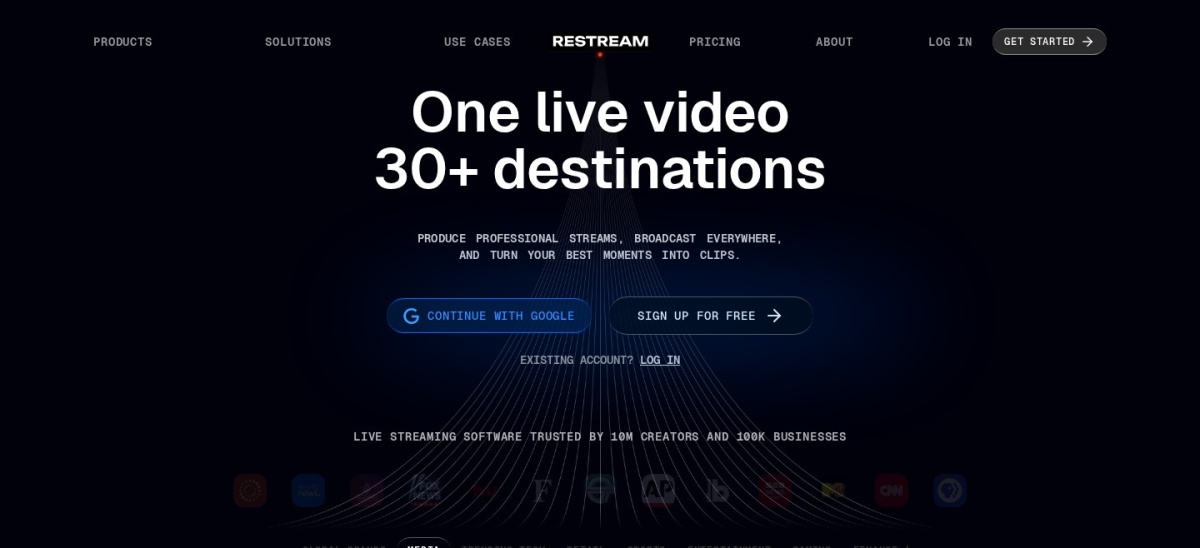
Restream is a cloud-based multistreaming platform that combines live video distribution with browser-based production tools. Its free plan supports simultaneous broadcasting to 2 channels, while Standard expands that limit to 3 and removes Restream branding.
The trade off is that the $19/month Standard plan does not include the higher destination limits and full HD streaming available on Professional. It suits independent creators, businesses and community broadcasters who want a straightforward way to reach multiple audiences.
What we like
Free simultaneous broadcasting to multiple channels
Works with browser studios and external encoders
Paid entry plan removes platform branding
Centralized audience interaction
Watch out for
Full HD requires a higher subscription
Entry-level destination limit is relatively low
Some additional production features cost extra
Standard adds another destination and removes Restream branding.Visit restream.io
02
OneStream Live
4.6/5on Capterra (74 reviews, checked Nov 2026)
Paid from$15/mo
Best for prerecorded and scheduled broadcasts
Free destinations2
Basic destinations5
Basic storage5 GB
Basic resolution720p
onestream.live
OneStream Live homepage, captured Nov 2026.
OneStream Live is a cloud streaming service for broadcasting live and prerecorded content across social networks and websites. Its free plan includes 2 destinations and 1 GB of storage, while Basic increases capacity to 5 destinations and 5 GB of storage.
The trade off is that the $15/month Basic plan limits video resolution to 720p and includes only 1 team seat. It suits content creators and marketing teams that want to schedule broadcasts and distribute recorded material without maintaining a continuously running computer.
What we like
Supports scheduled and prerecorded broadcasting
Generous entry-level destination allowance
Browser studio and external encoder support
Permanent free plan available
Watch out for
Basic plan lacks full HD streaming
Entry plan has limited storage
Larger production teams need an upgrade
Basic increases destination capacity, storage and streaming allowances.Visit onestream.live
03
Castr
4.7/5on Capterra (446 reviews, checked Nov 2026)
Starts at$19.99/mo
Best for encoder-based live broadcasting
Starter destinations6
Monthly bandwidth200 GB
Video storage100 GB
Free trial7 days
castr.com
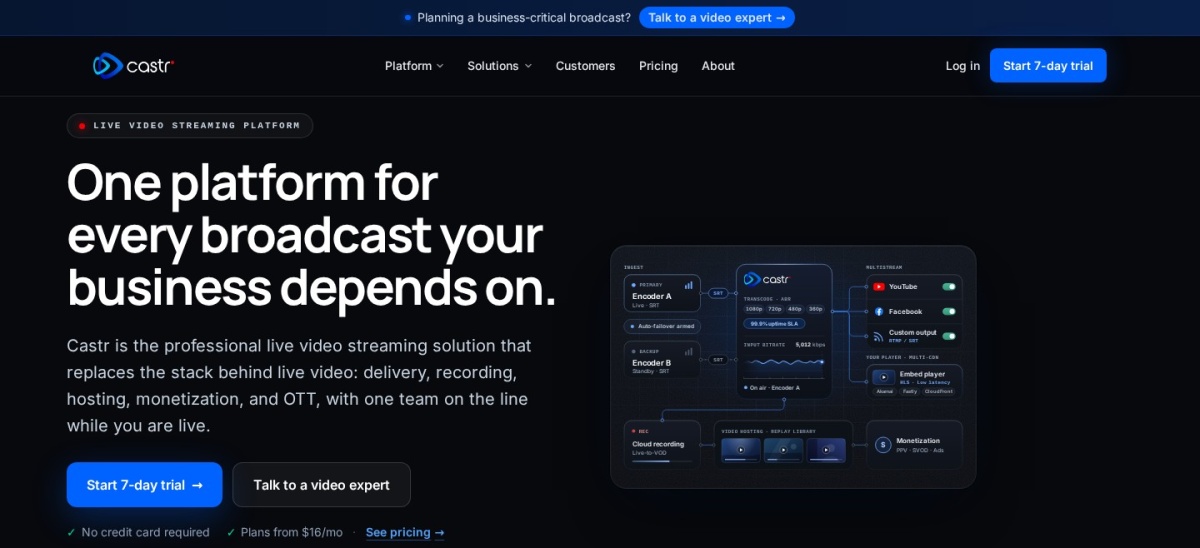
Castr homepage, captured Nov 2026.
Castr is a cloud video distribution platform designed for broadcasters using external production software and streaming equipment. Its Starter plan supports 6 destinations, provides 100 GB of video storage and includes embedded video playback, cloud recording and broadcasting analytics.
The trade off is that Starter costs $19.99/month without a permanent free plan, and its 200 GB monthly bandwidth allowance may restrict certain high-volume workflows. It suits event producers, religious organizations and professional broadcasters who need distribution alongside video hosting.
What we like
Multiple destinations on the cheapest subscription
Integrated video hosting and recording
Supports RTMP and SRT workflows
Embedded website video playback
Watch out for
No permanent free subscription
Bandwidth allowances require monitoring
Advanced broadcast controls require higher plans
Starter provides multistreaming, cloud recording and video hosting.Visit castr.com
04
StreamYard
4.5/5on Capterra (109 reviews, checked Nov 2026)
Paid from$18.99/mo
Best for live interviews and guest shows
Essential destinations2
Essential resolution1080p
Browser productionYes
Paid planEssential
streamyard.com
StreamYard homepage, captured Nov 2026.
StreamYard is a browser-based live production studio that simplifies guest interviews, presentations and social broadcasts. Its Essential subscription includes unlimited streaming, full HD 1080p video and simultaneous broadcasting to 2 destinations.
The trade off is that the $18.99/month Essential plan retains StreamYard branding, while the $44.99/month Core plan removes it and supports 3 destinations. It suits interview hosts and presenters who prioritize an accessible production interface over extensive distribution capacity.
What we like
Accessible browser-based production workflow
Full HD available on Essential
Convenient remote guest participation
No dedicated desktop encoder required
Watch out for
Essential retains platform branding
Limited entry-level destination capacity
Custom RTMP requires Core
Essential adds full HD video, unlimited streaming and multistreaming.Visit streamyard.com
05
LiveReacting
4.6/5on Capterra (29 reviews, checked Nov 2026)
Paid from$19.99/mo
Best for interactive live broadcasts
Small destinations3
Small stream duration1 hour
Small storage8 GB
Small resolution720p
livereacting.com
LiveReacting homepage, captured Nov 2026.
LiveReacting is a browser-based streaming platform focused on interactive broadcasts, including quizzes, polls and prerecorded video. Its free plan includes 3 broadcasts per month, while the Small plan supports unlimited broadcasts to 3 simultaneous destinations.
The trade off is that the regular $19.99/month Small plan limits individual broadcasts to 1 hour at 720p. A temporary first-year promotion is available, but the comparison uses regular pricing. It suits educators, social media marketers and hosts who want active audience participation.
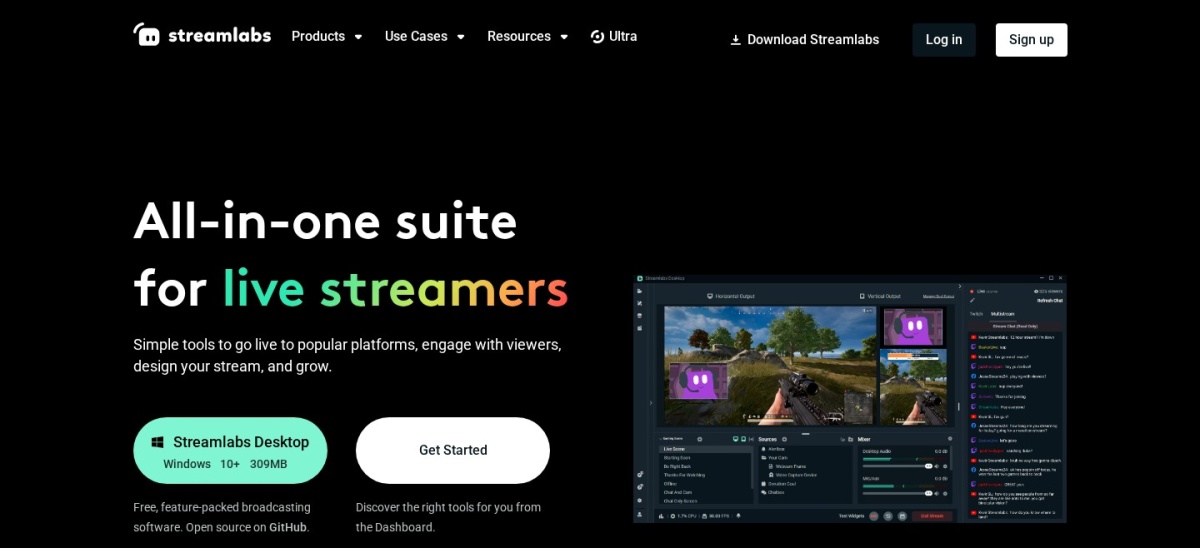
Streamlabs is a creator production platform combining live broadcasting, recording, overlays and monetization tools. Its free desktop software provides basic broadcasting capabilities, while the $27/month Ultra membership includes multistreaming and premium features across its creator applications.
The trade off is that Ultra bundles several creative tools, which may make its $27/month subscription unnecessary for someone who only needs cloud video distribution. It suits gaming broadcasters and independent creators who regularly use alerts, overlays, tipping tools and video editing.
What we like
Free desktop broadcasting software
Integrated alerts and creator monetization tools
Premium overlays and production assets
Tools for desktop and mobile creators
Watch out for
Subscription bundles features some broadcasters may not need
Desktop production requires suitable hardware
Lower aggregate user rating than several alternatives
Ultra expands multistreaming, overlays and premium creator features.Visit streamlabs.com
07
Riverside
4.8/5on Capterra (316 reviews, checked Nov 2026)
Paid from$288/yr
Best for video podcasts and live production
Cheapest paid planPro
Multistreaming planGrow, $408/yr
Grow live resolution1080p
Grow destinationsUnlimited
riverside.com
Riverside homepage, captured Nov 2026.
Riverside is a video podcast recording and production platform that also supports live broadcasting. Its Pro subscription starts at $288/year and includes recordings at up to 4K resolution, editing tools and podcast publishing capabilities.
The trade off is that multistreaming requires Grow at $408/year, rather than the cheaper Pro subscription shown in the price comparison. Grow includes unlimited streaming destinations, custom RTMP and shared audience chat. It suits podcast producers who want recording, editing and live distribution within the same service.
What we like
High-resolution podcast recording
Unlimited destinations on Grow
Integrated recording and editing workflow
Custom RTMP and centralized audience chat
Watch out for
Cheapest paid subscription does not include multistreaming
Higher effective cost for live broadcasters
Podcast features may be unnecessary for simple distribution
Pro adds advanced recording and editing; Grow unlocks multistreaming.Visit riverside.com
Cloud multistreaming vs local broadcasting
Cloud multistreaming services receive your broadcast and distribute it to connected destinations. This reduces the need to manage separate outgoing video feeds from your production computer.
Local multistreaming configurations can provide more direct control over encoding settings and destination-specific feeds. However, sending several independent streams may increase internet bandwidth and hardware requirements.
A cloud relay is generally preferable when you already use an encoder and want simplified distribution. Choose a browser studio when guest interviews, scene management and audience interaction matter more than advanced encoding controls.
Why the cheapest subscription is not always the cheapest multistreaming plan
OneStream Live Basic costs $15/month and supports 5 simultaneous destinations. Restream Standard costs $19/month and supports 3, while Castr Starter provides 6 destinations for $19.99/month.
Riverside illustrates a different pricing structure. Its cheapest paid subscription costs $288/year, but live multistreaming requires the $408/year Grow plan.
The price ladder compares regular entry-level subscriptions, using monthly rates annualized where available and published annual charges otherwise. Standard annual billing discounts may reduce actual expenses. Compare the subscription that includes your required features before committing.
How we chose
We selected established streaming platforms that support simultaneous distribution across social networks or custom video destinations. The comparison prioritizes destination capacity, production workflows, video quality, subscription costs and independent user feedback.
The editorial verification date is 22 Nov 2026. Official pricing pages and public Capterra or G2 reviews provide the comparison figures, although the historical values for that exact date cannot be independently confirmed. Temporary first-term promotions are excluded from the price ladder.
We excluded products without sufficiently verifiable pricing or review information and services primarily designed for single-destination broadcasting. No vendor paid for a place, and we do not claim testing for this list.
How to choose the best multi streaming platform
Identify your preferred streaming destinations, production requirements and recurring budget before comparing subscriptions.
**List your required destinations.** Identify the social accounts, websites and custom endpoints you want to broadcast to simultaneously. Check the actual concurrent destination allowance rather than the advertised integration count.
**Choose your production workflow.** Select a browser-based studio for interviews and presentations, or choose an encoder-compatible cloud relay if you already have an established broadcasting setup.
**Compare the effective subscription cost.** Check whether multistreaming, full HD resolution, branding removal and recording are included in the cheapest subscription. Account for bandwidth allowances and additional storage requirements.
**Evaluate your audience interaction needs.** Look for shared chat, guest invitations, polls and recording tools if these features are important to your broadcasts. Use available free plans or trials to assess compatibility before purchasing.
FAQ
What is the best multi streaming platform?
Restream is our top choice for general multistreaming because it supports broadcasting to 2 destinations for free and offers browser-based production tools. OneStream Live is preferable for scheduled content, while Castr suits broadcasters using external encoders.
Can I stream to multiple platforms for free?
Yes. Restream and OneStream Live both support simultaneous broadcasting to 2 destinations on their free subscriptions. Free plans may include branding, resolution restrictions or other limitations that make paid subscriptions preferable for professional broadcasts.
What is the cheapest multi streaming platform?
Among the regular monthly subscriptions compared here, OneStream Live Basic costs $15/month and supports 5 simultaneous destinations. Its permanent free subscription is also available for creators who need fewer destinations and limited storage.
Does multistreaming reduce video quality?
Multistreaming does not necessarily reduce video quality. Your encoder settings, internet connection, distribution service and subscription determine the available resolution and bitrate. Individual social platforms may also compress the original broadcast according to their own requirements.
Can I multistream without OBS Studio?
Yes. Browser-based services such as Restream, StreamYard and OneStream Live allow you to produce and distribute broadcasts without a separate desktop encoder. External production software remains useful for complex scenes, specialized capture equipment and advanced audio routing.
Which multistreaming platform is best for prerecorded videos?
OneStream Live is a strong option for scheduled prerecorded broadcasts because automation and cloud video distribution are central to its product. LiveReacting is another suitable choice when prerecorded content needs interactive elements such as games or polls.
Does multistreaming require more upload bandwidth?
Cloud multistreaming generally requires sending a primary video feed to the distribution service, which forwards it to connected platforms. Local configurations that send separate video feeds directly to each destination can require considerably more upload bandwidth.
Which multistreaming service is best for podcasts?
Riverside is well suited to podcast producers who want integrated recording, editing and live distribution. Its Grow subscription costs $408/year and supports unlimited streaming destinations. StreamYard is another option for interview-focused live shows with simpler production requirements.
SaaS SEO and WordPress specialist with about 8 years of experience. Rakib compares WordPress plugins, themes, hosting and software using public pricing, documentation and user reviews. See how we rank.