Restream is the best multi stream platform for most creators, offering simultaneous broadcasting to 2 channels for free and 3 channels with its $19 monthly Standard plan. StreamYard is better for browser-based interviews, while OneStream Live suits creators who want to schedule prerecorded broadcasts.
How we make this list: we compare pricing pages, product documentation and public user reviews, then re-check every price before each update. No product paid for a place. Disclosure.
Restream supports 2 simultaneous destinations for free and 3 on its $19 monthly Standard plan.
StreamYard Essential offers 1080p broadcasting to 2 destinations for $18.99 per month.
OneStream Live Basic supports 5 simultaneous destinations and includes 5 GB of storage.
Castr Starter supports 6 destinations for $19.99 per month.
Wave.video Streamer supports 5 channels and up to 10 guests for $192 per year.
LiveReacting combines broadcasting to 3 destinations with interactive games and audience polls.
What to look for in a multi stream platform
Multistreaming lets you broadcast the same live video to several destinations simultaneously. Instead of running separate broadcasts for YouTube, Facebook and Twitch, you manage your production through a shared workflow.
Cloud-based multistreaming services receive your video feed and distribute it to connected destinations. This can reduce the upload bandwidth required from your computer compared with sending separate feeds yourself.
Check simultaneous destination limits rather than the total number of supported platforms. A service may integrate with dozens of networks while restricting how many you can broadcast to on your subscription.
Browser-based studios are useful for interviews, webinars and presentations. Encoder-based services are generally better suited to creators who already use OBS Studio or dedicated production hardware.
Consider broadcast resolution, recording storage, branding restrictions, scheduling capabilities and chat management. An inexpensive subscription may become less attractive if your essential features require a higher tier.
Restream is a cloud-based broadcasting platform that distributes live video to multiple destinations from a browser studio or external encoder. Its free subscription supports 2 simultaneous channels, and Capterra gives the platform a 4.6/5 rating across 405 reviews.
The trade off is that removing Restream branding requires Standard at $19 per month, while 1080p broadcasting and 5 destinations require Professional at $49 per month. It suits creators who want straightforward distribution without building separate streaming workflows.
What we like
Simultaneous broadcasting on the free plan
Browser studio and external encoder support
Centralized management of connected channels
Guest channel streaming on paid plans
Watch out for
Branding on free broadcasts
Full HD streaming requires Professional
Destination limits increase with subscription cost
Standard removes platform branding and supports 3 destinations.Visit restream.io
02
StreamYard
4.5/5on Capterra (110 reviews, checked Nov 2026)
Paid from$18.99/mo
Best for interviews and guest broadcasts
Free participants6 on screen
Essential destinations2
Essential resolution1080p
Custom RTMPCore and above
streamyard.com
StreamYard homepage, captured Nov 2026.
StreamYard is a browser-based production studio for interviews, podcasts and live presentations. Its free version supports 6 on-screen participants and includes 2 hours of local recording per month.
The trade off is that Essential costs $18.99 per month and retains StreamYard branding, while Core costs $44.99 per month and supports 3 destinations with custom branding. It suits presenters who prioritize guest management and accessible production controls over extensive channel distribution.
What we like
Guests join through browser links
Full HD broadcasting on Essential
Screen sharing and studio layouts
Free access to basic production features
Watch out for
Brand removal requires Core
Limited simultaneous destinations on Essential
Individual plans have usage eligibility restrictions
OneStream Live is a broadcasting service that combines prerecorded video scheduling, external encoder connections and browser-based production. Its free tier includes 2 destinations, 720p streaming, 1 GB of storage and 3 scheduled events.
The trade off is that Basic costs $15 per month and retains the 720p resolution limit, while Full HD broadcasting requires a higher subscription. It suits educators, content publishers and creators who regularly schedule recorded videos for future broadcasts.
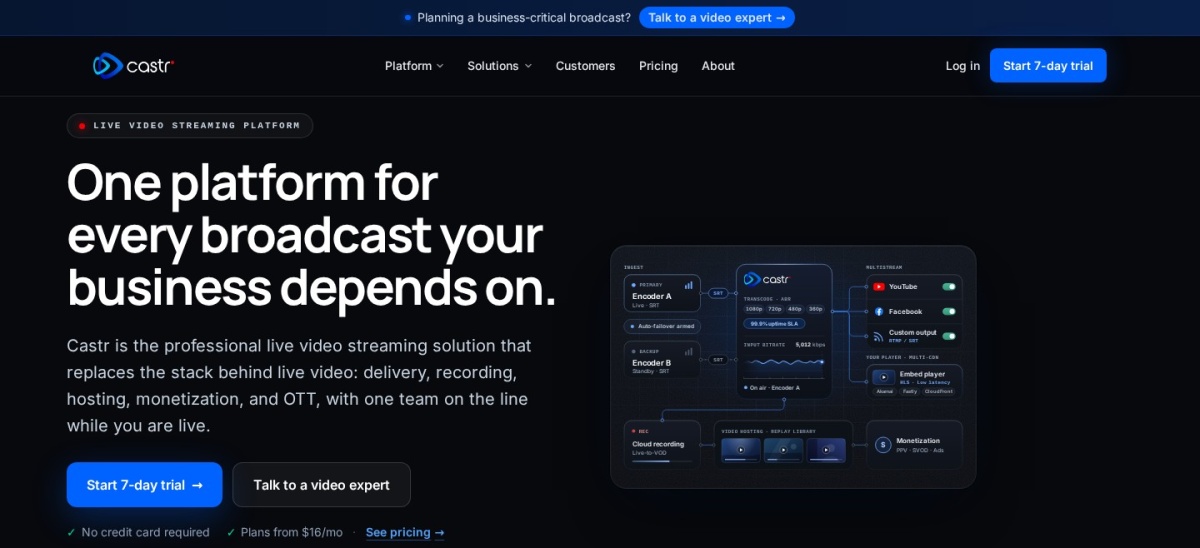
Castr is a cloud video distribution service for creators, organizations and event producers using external encoders. Its Starter plan supports 6 destinations, includes 100 GB of video storage and allocates 200 GB of monthly bandwidth.
The trade off is that Starter costs $19.99 per month after the trial, and larger streaming workloads can require additional bandwidth or a higher subscription. It suits broadcasters who need distribution infrastructure, website video playback and recording without relying entirely on a browser studio.
What we like
Multiple destinations on the entry plan
SRT ingest support
Embedded video player and analytics
Cloud recording and video storage
Watch out for
No permanent free subscription
Bandwidth limits require monitoring
External production workflows may require technical setup
Starter includes 6 destinations, cloud recording and video delivery.Visit castr.com
05
Streamlabs
4.1/5on G2 (59 reviews, checked Nov 2026)
Paid from$27/mo
Best for gaming and creator monetization
Free broadcastingStreamlabs Desktop
Free multistreamingHorizontal and vertical outputs
Paid subscriptionUltra
Production toolsScenes, overlays and alerts
streamlabs.com
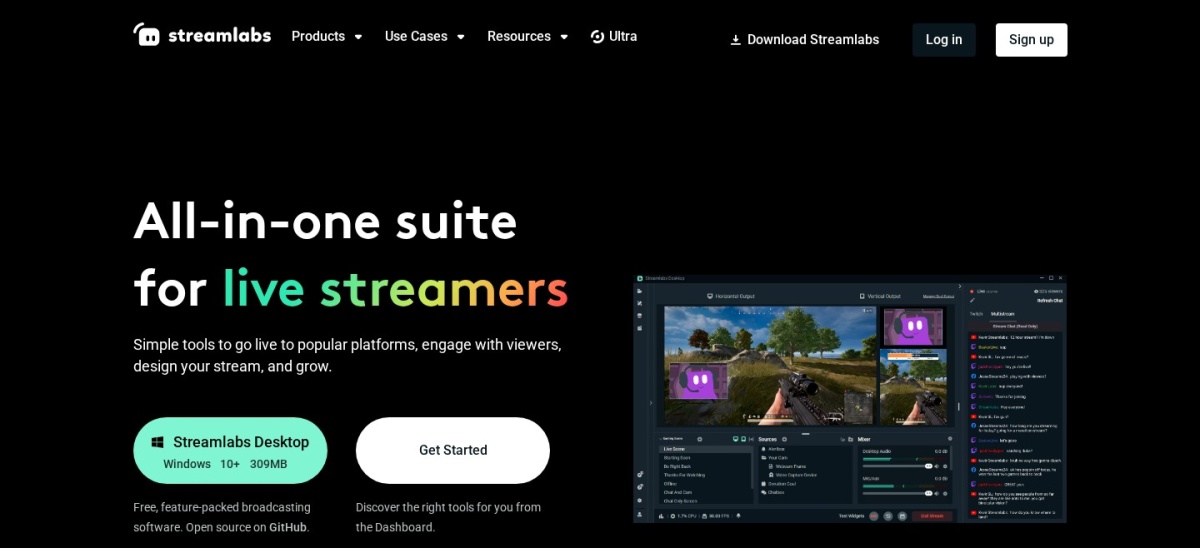
Streamlabs homepage, captured Nov 2026.
Streamlabs is a live production platform designed around gaming broadcasts, audience alerts and creator monetization. Its free desktop application supports simultaneous streaming to 1 horizontal destination and 1 vertical destination through Dual Output.
The trade off is that expanded multistreaming and premium production assets require Ultra at the regular monthly price of $27. Introductory discounts may reduce the initial payment. It suits gaming creators who want broadcast management, visual customization and audience interaction within the same ecosystem.
What we like
Free desktop broadcasting application
Horizontal and vertical output support
Gaming-focused alerts and overlays
Integrated creator monetization features
Watch out for
Expanded distribution requires Ultra
Desktop production uses local computing resources
Subscription includes features some broadcasters may not need
Wave.video is a video marketing platform that combines live production, video editing and hosting. Its free studio supports 2 channels and 6 guests, with watermarked 720p broadcasts lasting up to 1 hour.
The trade off is that Streamer costs $192 per year on standard annual billing and limits individual broadcasts to 4 hours. More advanced editing features require higher subscriptions. It suits marketing teams that want to create promotional videos alongside live broadcasts.
Streamer supports 5 channels, 10 guests and Full HD broadcasting.Visit wave.video
07
Riverside
4.8/5on G2 (1,758 reviews, checked Nov 2026)
Paid from$29/mo
Best for video podcasts and content repurposing
Free multitrack recording2 hours
Entry paid planPro
Multistreaming planGrow
Grow destinationsUnlimited
riverside.com
Riverside homepage, captured Nov 2026.
Riverside is a browser-based recording and production platform for video podcasts, interviews and live shows. Its free plan includes 2 hours of separate-track recording, while the $29 monthly Pro subscription adds recording and editing capabilities.
The trade off is that simultaneous broadcasting requires Grow at $39 per month rather than the cheapest paid subscription. Grow supports 1080p live streaming and unrestricted destination counts. It suits podcasters who want to distribute live episodes and edit their recordings afterward.
What we like
Separate audio and video recordings
Unlimited destinations on Grow
Integrated transcription and editing tools
Support for multiple broadcast aspect ratios
Watch out for
Entry paid plan does not include multistreaming
Free recordings carry a watermark
More expensive than basic distribution services
Pro expands recording and editing; Grow unlocks multistreaming.Visit riverside.com
08
LiveReacting
4.6/5on Capterra (29 reviews, checked Nov 2026)
Paid from$19.99/mo
Best for interactive audience engagement
Small destinations3
Small resolution720p
On-screen guests6
Interactive game players150
livereacting.com
LiveReacting homepage, captured Nov 2026.
LiveReacting is an interactive broadcasting platform for livestream games, polls, giveaways and prerecorded video events. Its Small subscription supports 3 simultaneous destinations, 6 on-screen guests and interactive games accommodating 150 players.
The trade off is that Small costs $19.99 per month at its regular monthly rate and restricts broadcast duration and resolution. An introductory annual discount is available, but renewal costs $192 per year. It suits social media managers and presenters who prioritize active audience participation.
What we like
Interactive games and audience polls
Comment-based giveaway management
Prerecorded broadcast scheduling
External production software integration
Watch out for
Entry subscription limited to 720p
Broadcast duration restrictions
Higher requirements increase subscription costs
Small adds paid streaming capacity and interactive production features.Visit livereacting.com
Cloud multistreaming vs. desktop broadcasting
Cloud distribution services such as Restream and Castr receive a video feed from your production software and redistribute it to connected platforms. This approach can reduce the upload demands placed on your local internet connection.
Desktop production applications such as Streamlabs focus on assembling scenes, capturing gameplay, managing audio and adding visual elements. They give creators control over what viewers see before the broadcast reaches its destinations.
Browser studios such as StreamYard combine production and distribution without requiring a dedicated desktop application. They are particularly useful for interviews because guests can participate through browser invitations.
Why the cheapest multistreaming plan may cost more
The price ladder compares regular entry subscription prices, annualizing monthly rates where applicable. Standard annual billing discounts may reduce these totals, while temporary introductory promotions are excluded.
Check whether the entry subscription actually includes simultaneous broadcasting. Riverside, for example, reserves multistreaming for Grow even though its Pro subscription costs less.
Additional costs can come from video storage, bandwidth consumption, recording capacity, guest limits and higher-resolution broadcasting. Compare the subscription that supports your production workflow rather than purchasing solely on advertised starting prices.
How we chose
We selected established broadcasting platforms that support simultaneous video distribution, either through cloud relays, browser studios or integrated desktop production software. We compared destination limits, broadcast quality, scheduling, guest workflows and subscription restrictions.
Pricing and review figures were retrieved from official vendor pages, Capterra and G2 during the current research session; historical snapshots for that exact editorial date could not be independently confirmed. Monthly prices are annualized for comparison without temporary introductory discounts.
We excluded products without sufficient public review evidence, services with unverifiable pricing and applications that lack relevant multistreaming functionality. Rankings reflect feature coverage, accessibility and subscription value rather than a performance benchmark. No vendor paid for a place, and we do not claim testing for this list.
How to choose the best multi stream platform
Identify your broadcast destinations, production requirements and subscription budget before comparing platforms.
**Count your simultaneous destinations.** Choose a subscription that accommodates every channel you intend to broadcast to concurrently. Do not confuse supported platform integrations with simultaneous destination allowances.
**Choose your production workflow.** Use a browser studio for guest interviews and presentations, desktop software for gameplay production or a cloud distribution service when you already have an external encoder.
**Check recording and resolution limits.** Confirm that your subscription includes the broadcast quality, recording storage, guest capacity and session duration required for your planned shows.
**Calculate the actual annual cost.** Compare regular subscription rates, applicable annual billing discounts and optional add-ons. Confirm renewal pricing before committing to a discounted introductory subscription.
FAQ
What is the best multi stream platform?
Restream is the best overall choice for creators who want accessible cloud distribution and browser-based production. Its free plan supports 2 simultaneous destinations, while Standard costs $19 monthly and increases capacity to 3 destinations.
Can I multistream for free?
Yes. Restream and OneStream Live both offer free simultaneous broadcasting to 2 destinations. Wave.video also supports free broadcasts to 2 channels, although its free subscription includes branding and broadcast duration restrictions.
What is the best multistreaming platform for gaming?
Streamlabs is particularly suitable for gaming because it combines desktop production, gameplay capture, audience alerts and creator tools. Its free Dual Output feature supports horizontal and vertical broadcasts, while Ultra expands multistreaming functionality.
Does multistreaming require more internet upload bandwidth?
It depends on your streaming setup. Cloud distribution services can receive a single outgoing feed and redistribute it to multiple destinations. Sending separate streams directly from your computer can require substantially more upload capacity and local processing resources.
Which multistreaming platform supports prerecorded videos?
OneStream Live is a suitable option for scheduling recorded videos as future broadcasts. LiveReacting also supports prerecorded streaming and interactive content, while Wave.video combines prerecorded broadcasts with video editing and marketing production features.
Can I use OBS Studio with a multistreaming platform?
Yes. Services such as Restream, Castr and OneStream Live support external encoder workflows. You can assemble your production in OBS Studio and send the resulting video feed to a connected distribution service.
What is the cheapest paid multistreaming platform?
Among these products, OneStream Live Basic has an entry price of $15 per month and supports 5 destinations. However, its entry subscription limits streaming to 720p, so creators requiring Full HD should compare higher tiers.
Can I stream to YouTube, Facebook and Twitch simultaneously?
Yes, provided your streaming service supports those destinations and your accounts have the necessary broadcasting permissions. Restream Standard and Castr Starter accommodate enough simultaneous destinations for this setup. Always check each network's current streaming eligibility and simulcasting requirements.
SaaS SEO and WordPress specialist with about 8 years of experience. Rakib compares WordPress plugins, themes, hosting and software using public pricing, documentation and user reviews. See how we rank.