iZotope RX leads post-production cleanup with a standalone spectral editor and specialized modules such as Spectral De-noise and Dialogue Isolate. Krisp is the top choice for live call noise cancellation, while Adobe Podcast offers browser-based Enhance Speech with a free tier.
How we make this list: we compare pricing pages, product documentation and public user reviews, then re-check every price before each update. No product paid for a place. Disclosure.
iZotope RX 12 Elements lists at $99 one-time and RX 12 Standard at $399 one-time, with a 4.6/5 rating across 19 reviews on G2.
Krisp holds a 4.7/5 rating across 1,620 reviews on G2, with Core starting at $8/user/month billed annually ($16/month monthly).
Adobe Podcast holds a 4.7/5 rating across 16 reviews on G2, with a free tier and paid access via Firefly Pro at $19.99/month ($239.88/yr).
Descript holds a 4.6/5 rating across 938 reviews on G2 and includes Studio Sound, starting at $16/month billed annually ($24/month monthly) on Hobbyist.
Audacity is free and open-source with no paid plan, earning a 4.5/5 rating across 460 reviews on G2.
What to look for in noise removal software
Start by separating live communication from post-production cleanup. Real-time tools sit between your microphone or speakers and calling apps to suppress keyboard clicks, fan noise, and room chatter during meetings, whereas offline editors and plugins clean recorded audio and video tracks after capture.
Check whether the tool relies on profile-based spectral subtraction, neural dialogue separation, or generative speech enhancement. Stationary hum and fan noise respond well to noise profiles, while changing street traffic, crowd noise, or room reverb usually need neural isolation or spectral repair.
Look closely at how pricing is metered before committing. Desktop tools often sell one-time licenses or plugin bundles, while browser and AI platforms may charge per seat, per month, or by media hours and AI credits.
Confirm host and format support for your workflow. Standalone editors handle multitrack files and exports directly, whereas DAW and NLE plugins require a compatible host application, and browser tools depend on file size and duration limits.
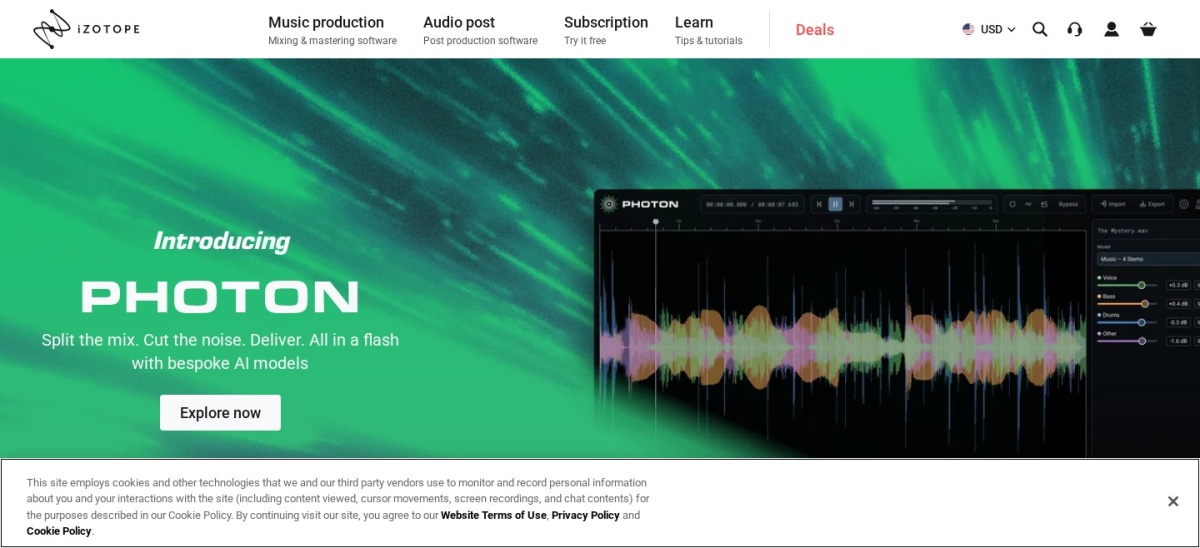
iZotope RX is an audio repair and restoration suite built around a standalone spectral editor and specialist modules including De-click, De-hum, Voice De-noise, and Dialogue Isolate. It offers a 10-day free trial and sells RX 12 Elements at a $99 list price, though promotional sales appear on the product store.
The trade off is that RX 12 Elements lists at $99 one-time and omits the standalone audio editor and Spectral De-noise, while RX 12 Standard lists at $399 one-time. It suits post-production editors, podcasters, and sound engineers handling recurring cleanup jobs.
What we like
Standalone spectral editor and dozens of specialized repair modules in upper editions
Handles dialogue, music, and post-production restoration workflows
Watch out for
Higher upfront cost than basic cleanup tools, especially for RX 12 Standard at $399
Elements tier leaves out the standalone editor and several advanced modules
Steeper learning curve than one-click browser cleaners
RX 12 Standard ($399 regular list) adds the standalone RX Audio Editor, Spectral De-noise, and expanded dialogue modules.Visit izotope.com
02
Krisp
4.7/5on G2 (1,620 reviews, checked Nov 2026)
Starts at$96/yr
Best for real-time noise cancellation on calls
Core annual plan$8/mo/user ($96/yr)
Core monthly plan$16/mo/user
ProcessingReal-time mic & speaker
TrialFree 7-day trial
krisp.ai
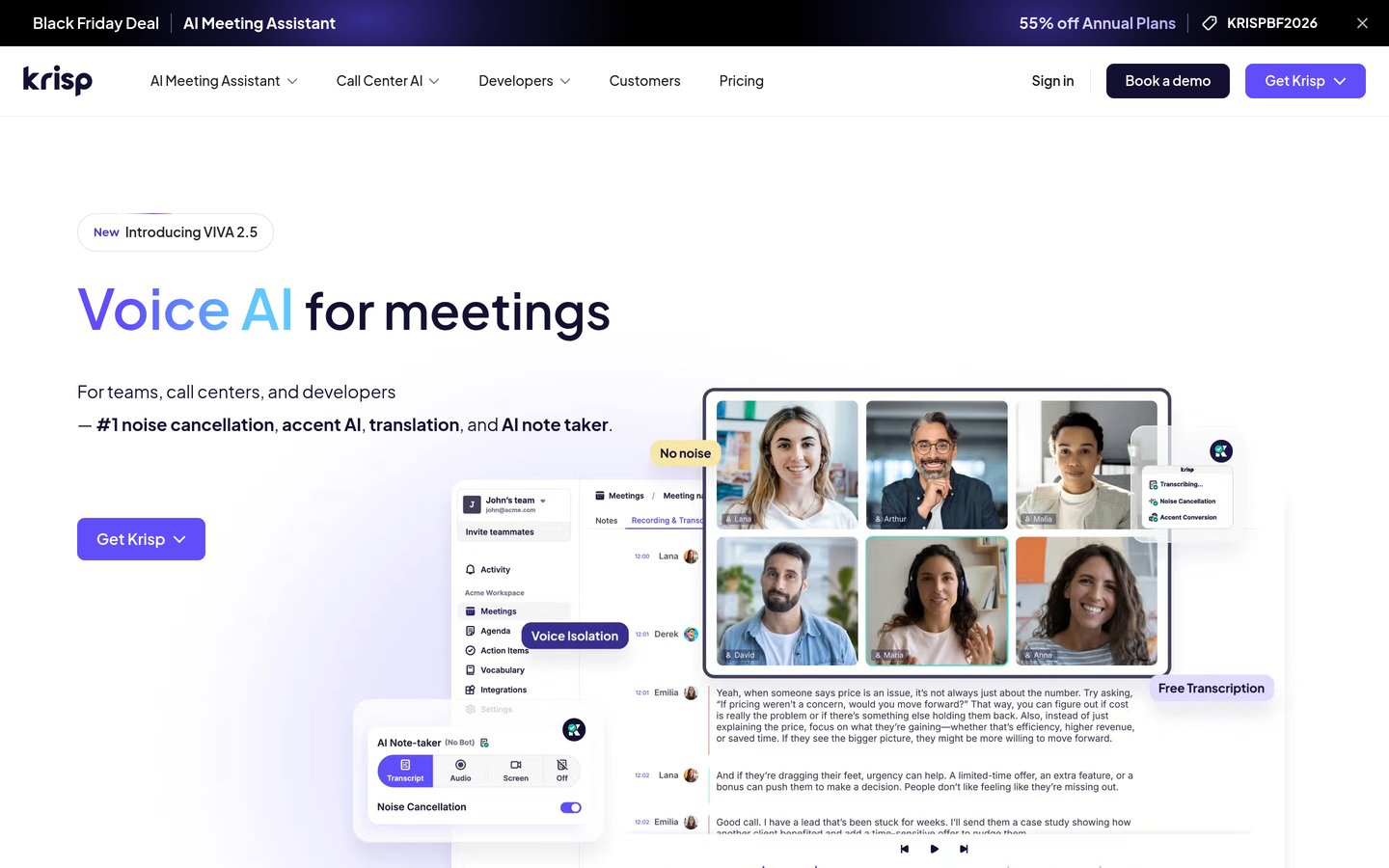
Krisp homepage, captured Nov 2026.
Krisp is a real-time noise cancellation and meeting assistant app that filters background noise on both microphone input and speaker audio across calling apps. It offers a free 7-day trial and prices its Core plan at $8 per user per month billed annually ($96/yr), or $16 per month billed monthly.
The trade off is that Core starts at $96/yr on annual billing (or $16/mo monthly) and focuses on live calls rather than post-production file editing. It suits remote workers, support teams, and frequent callers dealing with noisy rooms.
What we like
Strong 4.7/5 rating across 1,620 reviews on G2
Suppresses background noise in both directions on live calls
Bundles meeting transcription and AI note-taking features
Watch out for
Subscription pricing adds recurring cost for solo or occasional callers
Designed for live communication rather than editing recorded files
Heavy filtering or transcription can occasionally run into audio or language quirks
Core at $8/mo/user billed annually ($16/mo monthly) includes unlimited bot-free AI note-taking alongside noise cancellation.Visit krisp.ai
03
Adobe Podcast
4.7/5on G2 (16 reviews, checked Nov 2026)
Paid from$239.88/yr
Best browser tool for quick speech enhancement
Free tier$0 (30 min max, 1 hr/day)
Paid plan$19.99/mo Firefly Pro
Free file limitUp to 500 MB audio only
Paid limits2 hr / 1 GB, 4 hr/day + video
podcast.adobe.com
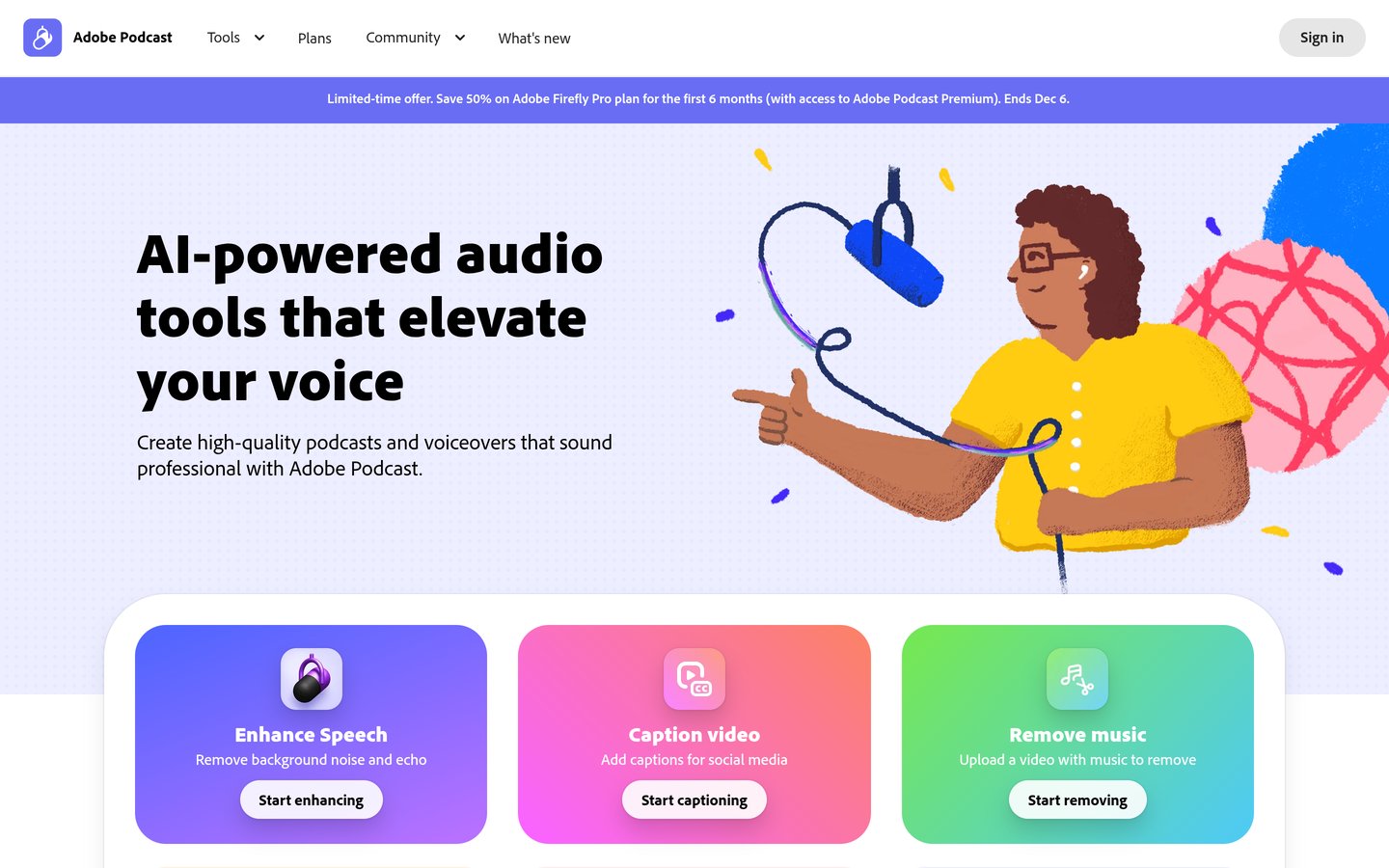
Adobe Podcast homepage, captured Nov 2026.
Adobe Podcast is a browser-based recording and audio enhancement suite whose Enhance Speech feature cleans up noisy or echoey spoken recordings with minimal setup. The free plan supports audio files up to 30 minutes and 500 MB (up to 1 hour per day), while paid access comes via Firefly Pro at $19.99/month ($239.88/yr).
The trade off is that paid access starts at $19.99/month ($239.88/yr) through Firefly Pro, and high enhancement settings can make speech sound processed. It suits creators and podcasters who want fast browser speech cleanup on voice recordings.
What we like
4.7/5 rating across 16 reviews on G2
Runs in a browser with a free tier for shorter audio files
Quickly cleans room echo and background noise on spoken audio
Watch out for
Free tier restricts Enhance Speech to audio files up to 30 minutes and 1 hour per day
Paid tier requires a $19.99/month Firefly Pro subscription rather than a standalone budget plan
Focused on spoken voice rather than music production or deep spectral editing
Firefly Pro at $19.99/month ($239.88/yr) raises Enhance Speech limits to 2-hour/1 GB files and 4 hours/day, adds video and bulk uploads, and includes strength sliders.Visit podcast.adobe.com
04
Descript
4.6/5on G2 (938 reviews, checked Nov 2026)
Paid from$192/yr
Best for transcript-based audio and video editing
Free plan$0 (1 media hr/mo)
Hobbyist annual$16/mo ($192/yr)
Hobbyist monthly$24/mo
Key cleanup toolStudio Sound
descript.com
Descript homepage, captured Nov 2026.
Descript is an audio and video editor that lets you edit media by editing text transcripts and includes Studio Sound for cleaning up spoken audio. It has a free plan with 1 media hour per month and 100 one-time AI credits, while Hobbyist starts at $16/month billed annually ($192/yr) or $24/month billed monthly.
The trade off is that Hobbyist costs $192/yr on annual billing ($24/mo monthly) and ties AI cleanup features like Studio Sound to monthly media hours and AI credit allowances. It suits podcasters and video creators who already edit by transcript.
What we like
4.6/5 rating across 938 reviews on G2
Combines noise cleanup with transcript-based editing and filler-word removal
Free plan lets you test the workflow with 1 media hour per month
Watch out for
Free plan limits exports to 720p with a watermark and caps usage
Monthly media-hour and AI-credit quotas require tracking on active shows
Less granular for spectral frequency painting than dedicated restoration editors
Hobbyist at $16/mo billed annually ($24/mo monthly) provides 10 media hours and 400 AI credits per month with 1080p watermark-free exports.Visit descript.com
05
Adobe Audition
4.4/5on G2 (432 reviews, checked Nov 2026)
Starts at$275.88/yr
Best for Creative Cloud and Premiere Pro workflows
Annual monthly plan$22.99/mo ($275.88/yr)
Single-app monthly$33.99/mo
Editing modesWaveform, spectral & multitrack
TrialFree trial available
adobe.com
Adobe Audition homepage, captured Nov 2026.
Adobe Audition is a digital audio workstation offering waveform, spectral frequency display, and multitrack editing along with noise reduction and restoration tools. It offers a free trial and starts at $22.99/month ($275.88/yr) on the annual billed-monthly plan, or $33.99/month flat rate.
The trade off is that Audition requires an ongoing subscription starting at $22.99/month ($275.88/yr) with no perpetual license option. It suits video editors and audio producers already working inside Adobe Premiere Pro and Creative Cloud.
What we like
4.4/5 rating across 432 reviews on G2
Tight integration with Adobe Premiere Pro and Creative Cloud apps
Supports waveform, spectral, and multitrack editing in one environment
Watch out for
Subscription-only pricing with no one-time purchase option
Broader audio production feature set can feel heavy for simple noise cleanup
Steeper learning curve for newcomers to multitrack and spectral editing
Paid plans include the full audio editing and noise reduction toolkit plus cloud storage and Creative Cloud app perks.Visit adobe.com
06
DaVinci Resolve
4.7/5on G2 (223 reviews, checked Nov 2026)
Paid from$295 one-time
Best video editor with Fairlight audio and AI voice isolation
Free edition$0 (Fairlight FX included)
Studio license$295 regular one-time
Audio engineFairlight + Neural Engine
PlatformsWindows, macOS, Linux
blackmagicdesign.com
DaVinci Resolve homepage, captured Nov 2026.
DaVinci Resolve is a video editing, color grading, visual effects, and Fairlight audio post-production suite whose free version includes Fairlight FX noise reduction. Upgrading to DaVinci Resolve Studio costs $295 regular one-time (with occasional promotional discounts) and unlocks DaVinci Neural Engine AI voice isolation.
The trade off is that AI voice isolation requires the $295 one-time Studio license, and the full NLE interface is heavy if you only want standalone audio cleanup. It suits video creators and editors who want audio noise reduction inside their editing timeline.
What we like
4.7/5 rating across 223 reviews on G2
Free edition covers basic editing and Fairlight noise reduction without a subscription
Studio is a $295 one-time purchase rather than a recurring monthly bill
Watch out for
Neural voice isolation is locked behind the paid Studio edition
Large application footprint and steep learning curve for audio-only tasks
GPU hardware requirements affect timeline and neural processing speed
DaVinci Resolve Studio ($295 regular one-time) adds the DaVinci Neural Engine, AI voice isolation, and extra Resolve and Fairlight FX.Visit blackmagicdesign.com
07
Audacity
4.5/5on G2 (460 reviews, checked Nov 2026)
PriceFree
Best free open-source tool for steady noise
Price$0 free and open-source
Paid planNone
Noise methodNoise profile & reduction
PlatformsWindows, macOS, Linux
audacityteam.org
Audacity homepage, captured Nov 2026.
Audacity is a free, open-source audio recorder and editor that removes steady background noise by capturing a noise profile from a quiet section and reducing matching frequencies across a track. It has no paid tier and runs locally on Windows, macOS, and Linux with no usage limits.
The trade off is that it has no paid upgrade path for built-in neural voice isolation and relies on manual profile tuning that works best on steady hum or hiss rather than changing noise. It suits budget-conscious users and podcasters cleaning consistent background noise.
What we like
4.5/5 rating across 460 reviews on G2
Completely free and open-source with no subscription or usage caps
Runs locally across Windows, macOS, and Linux with plugin support
Watch out for
Manual noise-profile workflow takes tuning and can leave artifacts if pushed hard
Less effective on fluctuating background speech, traffic, or heavy reverb
Audacity has no paid plan; all core recording, editing, and noise reduction features are free.Visit audacityteam.org
Live calls vs. recorded files
Real-time noise cancellation tools like Krisp sit on your live microphone and speaker path so callers and teammates do not hear keyboard clicks, pets, or street noise during active meetings. They prioritize low latency over deep spectral inspection.
Post-production tools like iZotope RX, Audacity, and DaVinci Resolve work on recorded audio or video files after capture. They let you inspect frequencies, adjust processing strength, or balance dialogue against room tone before publishing.
How we chose
We built this shortlist from established noise removal and audio cleanup tools across live calling, browser utilities, video editors, and audio workstations, focusing on actively maintained products with clear public documentation.
We checked pricing pages and public review listings on 22 Nov 2026, recording regular list prices rather than temporary sale discounts and noting free tiers where available.
We excluded tools that lacked verified public pricing or review data on the pages we opened today, as well as single-purpose utilities that did not fit a broad standalone comparison.
No vendor paid for a place, and we do not claim testing for this list.
How to choose noise removal software
Match the software to where noise enters your workflow and how much control you need over the final sound.
Identify whether you need live call suppression or file cleanup. Pick a live virtual-device tool for meetings and streams, or an audio or video editor for recorded podcasts, interviews, and videos.
Match the processing style to your typical noise. Use noise-profile reduction for steady fan hum or hiss, and look for spectral repair or AI voice isolation when noise shifts or overlaps speech.
Compare recurring subscriptions against one-time licenses. Calculate multi-year costs before choosing a monthly plan, especially if a one-time license or free tool covers your workload.
Check format, duration, and hardware requirements. Verify whether your tool supports video containers, long recordings, or specific desktop operating systems before standardizing on it.
FAQ
What is the best free noise removal software?
Audacity is a strong free open-source option for steady background noise with no usage limits, while Adobe Podcast and Descript offer free tiers with file length, daily limit, or monthly hour caps.
Can noise removal software fix badly distorted or clipped audio?
No tool can fully restore severely clipped or distorted recordings. Dedicated restoration editors like iZotope RX include de-clipping modules that help with minor peaks, but heavy clipping still leaves audible limits.
Is there a difference between real-time noise cancellation and post-production cleanup?
Yes. Real-time tools process live microphone and speaker audio with low latency for calls, while post-production tools let you audition edits, inspect spectrograms, and refine files before export.
Do AI noise removers work on background music and room echo?
Results depend on the model and how heavily the sound overlaps speech. Some tools separate or reduce ambient noise and light reverb well, while loud music or strong echo can still affect vocal clarity.
Should I buy a one-time license or a monthly subscription?
If you clean audio regularly over several years or want an offline workstation, a one-time license or free tool can cost less over time than a monthly subscription.
Can I remove noise directly from video files?
Yes. Video editors like DaVinci Resolve and browser tools like Adobe Podcast and Descript support video workflows or audio tracks tied to video projects.
SaaS SEO and WordPress specialist with about 8 years of experience. Rakib compares WordPress plugins, themes, hosting and software using public pricing, documentation and user reviews. See how we rank.