Canva is the best ebook design software for most people, with a free plan covering core design and more than 250,000 templates. Adobe InDesign is the professional layout standard, and Affinity Publisher is now free for individuals.
How we make this list: we compare pricing pages, product documentation and public user reviews, then re-check every price before each update. No product paid for a place. Disclosure.
Canva leads at 4.7 out of 5 on G2 from 7,678 reviews, with the easiest design tool for beginners.
Adobe InDesign is the professional layout standard, rated 4.8 out of 5 on Capterra from 344 reviews.
Affinity Publisher is now free for individuals after Canva's acquisition of Serif.
Atticus formats a finished book for $147 one-time, but its G2 score rests on only 2 reviews.
Vellum is not ranked here: it has no verifiable G2, Capterra or Trustpilot rating today.
What to look for in ebook design software
Ebook design splits into design-led tools such as Canva for covers and short books, professional layout tools such as InDesign and Affinity Publisher for long books, and formatters such as Atticus that turn a manuscript into a finished EPUB.
The honest choice starts with the book's length. A 20-page lead magnet is fastest in Canva or Designrr, while a 300-page book belongs in InDesign or Affinity Publisher, with Atticus for the final format.
Vellum, the Mac-only formatter at $199.99 one-time, is the notable omission here: we could not verify a G2, Capterra or Trustpilot rating for it today, so it is not ranked, however good its reputation among Mac authors.
Our guide to ebook software covers the wider market, including readers and libraries, while this list focuses on design.
Canva is the easiest ebook design tool for most people, because the cover, the interior and the marketing assets all live in one place. The free plan covers core design and more than 250,000 templates, and Pro at $15 a month billed monthly adds the background remover, Magic Resize and premium assets.
The trade off is the paywall and the moving yearly price. Premium assets and Magic Studio tools need Pro, and the yearly total has been reported at $120, $144 and $180 in different months. It suits authors and marketers designing short ebooks and lead magnets.
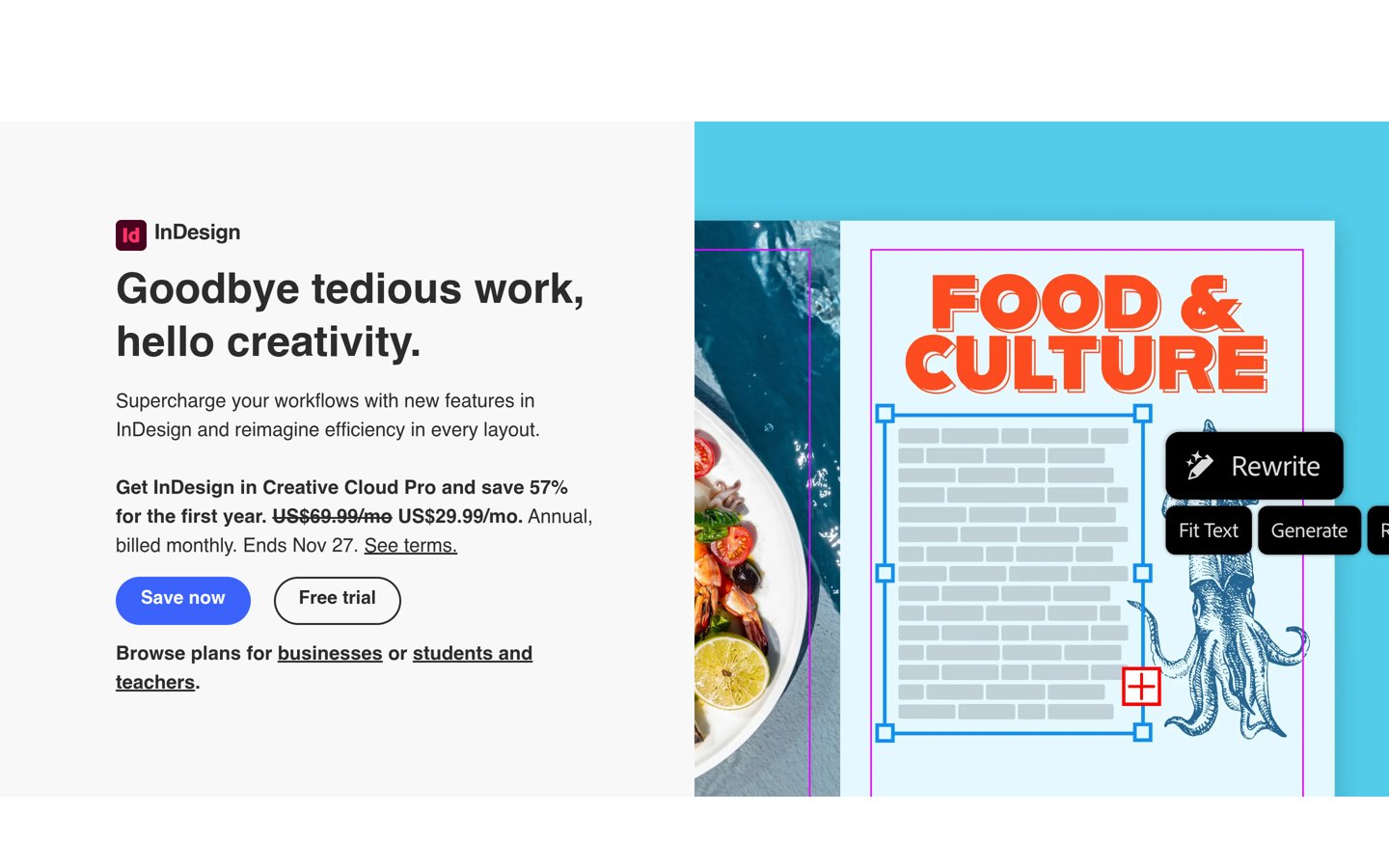
Adobe InDesign is the professional layout standard for books, magazines and digital publishing, with precise typography, styles and EPUB export that no other tool in this list matches. The Single App plan costs $22.99 a month on an annual plan, or $34.49 a month billed monthly, with a 7-day free trial.
The trade off is the subscription and the learning curve. InDesign is a professional tool with a steep learning curve, and it is overkill for a 20-page lead magnet. It suits publishers and designers laying out long books for print and EPUB.
What we like
Highest Capterra score here at 4.8 out of 5 from 344 reviews
4.5/5on Capterra (Not published reviews, checked Nov 2026)
PriceFree
Best free professional layout tool
Cheapest paid planFree for individuals
Free planYes, forever
Former price$69.99 one-time
PlatformWindows, Mac, iPad
affinity.serif.com
Affinity Publisher homepage, captured Nov 2026.
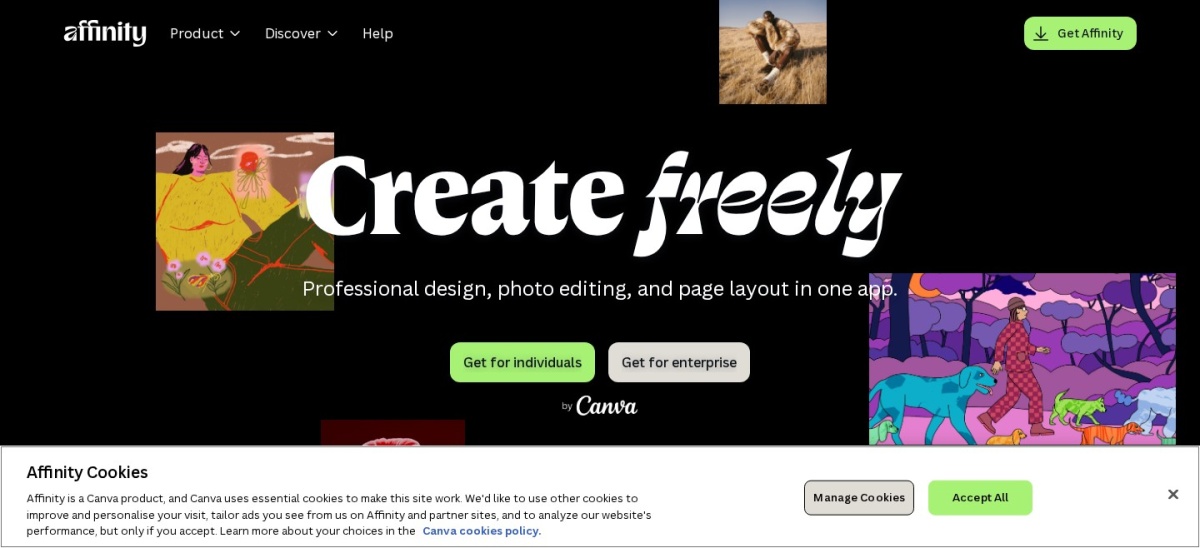
Affinity Publisher is a professional layout tool in the InDesign class, and it is now free for individuals after Canva's acquisition of Serif, with the full Affinity Studio suite available at no cost. The legacy price was $69.99 one-time, so this is a genuine free professional tool.
The trade off is verification. Its Capterra score of 4.5 out of 5 has no confirmed review count, and the free offer is for individuals, with commercial terms separate. It suits authors and designers who want professional layout without a subscription.
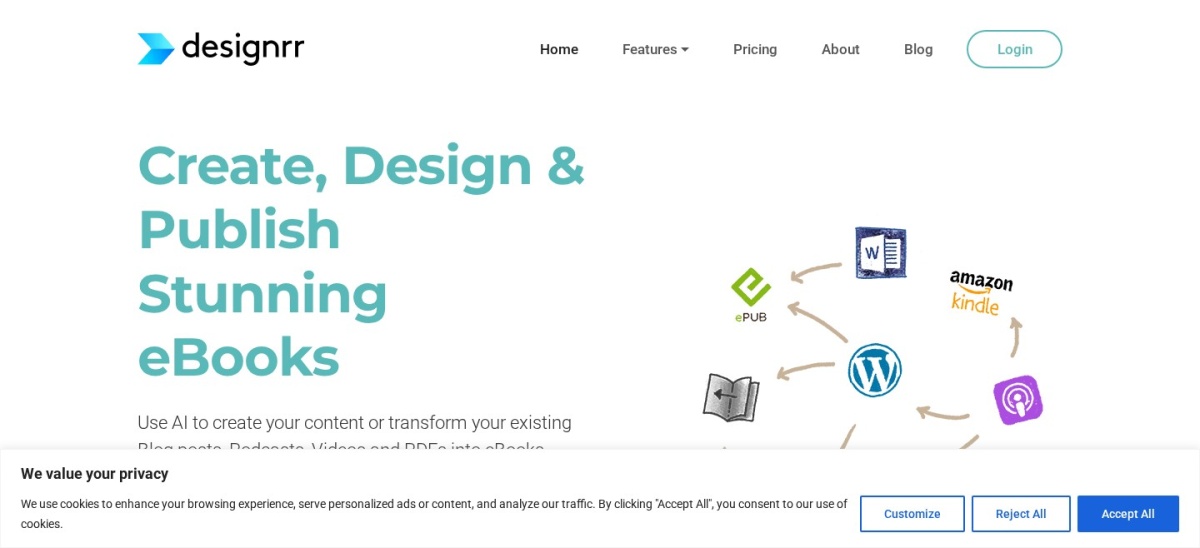
Designrr is the tool that turns existing content into designed ebooks: paste a blog post URL, upload a PDF or feed it audio, and it generates a formatted ebook with templates and a cover. The Standard plan costs $29 a month, and Pro at $39 a month adds more templates and transcription.
The trade off is the monthly price for a tool you may use a few times a year. At $29 a month it is the dearest subscription in this list, and it is a conversion tool, not a layout tool. It suits content marketers repurposing posts into lead magnets.
What we like
Turns blog posts, PDFs and audio into ebooks
200-plus templates and covers
7-day trial of the full product
Watch out for
$29 a month is steep for occasional use
Not a layout tool for long books
Smallest review base among the rated tools here at 24
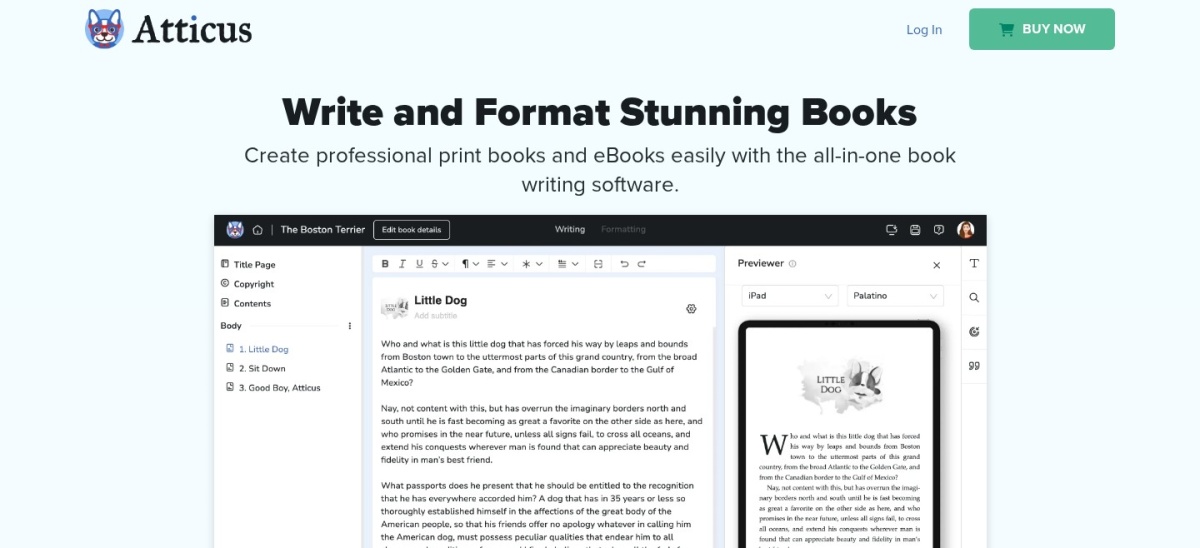
Atticus is a one-time-purchase ebook and print formatter at $147, with 17 templates, browser and desktop apps, and EPUB, Kindle and print output. It formats a manuscript into a professional book without a monthly subscription, and it works on Windows, Mac, Linux and Chromebook.
The trade off is the thin review base. Its 3.0 out of 5 on G2 rests on only two reviews, so the score says almost nothing, and $147 is a lot for a book you have not written yet. It suits authors who want to pay once and format books for years.
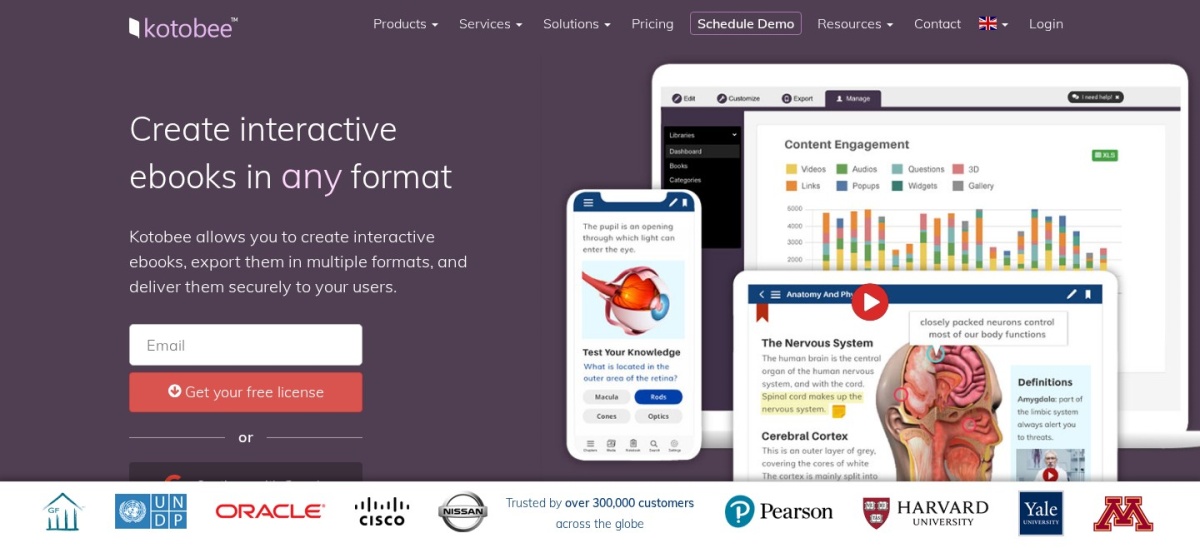
Kotobee Author is a free ebook authoring tool for interactive books, with video, quizzes, widgets and 3D content inside EPUB, web and mobile app exports. It is built for training, education and publishers who want a book that does more than sit on a page.
The trade off is pricing. We could not verify a current paid price on the vendor's pages, so the paid plans are listed as custom and the free plan is the safe pick. It suits trainers and educators building interactive course books.
What we like
Free plan for interactive ebook authoring
Video, quizzes and widgets inside the book
Exports to EPUB, web and mobile apps
Watch out for
Paid price could not be verified
Smallest G2 base among the rated tools here at 15 reviews
4.5/5on Capterra (Not published reviews, checked Nov 2026)
PriceFree
Best for print-first ebook design
Cheapest paid planFree desktop app
Free planYes
Paid plansFrom $12
FormatsPrint and ebook export
blurb.com
Blurb BookWright homepage, captured Nov 2026.
Blurb BookWright is a free desktop design app for books, with templates, layout tools and direct print ordering through Blurb, plus ebook export for digital readers. Paid plans for extra features start from $12, but the app itself is free.
The trade off is verification. Its Capterra score of 4.5 out of 5 has no confirmed review count, and it is a print-first tool, so digital-only authors get less from it. It suits authors who want a printed book and a digital version from the same design.
Affinity Publisher is now free for individuals after Canva's acquisition of Serif, which changes the maths for authors who want professional layout.
InDesign costs $22.99 a month on an annual plan, or about $276 a year, for the Single App plan, while Affinity Publisher costs nothing for individuals.
The catch is the ecosystem: InDesign has the larger plug-in library and the publishing-industry standard file format, so a publisher that exchanges files with designers should still pay for InDesign.
How we chose
We started from the established tools in this category, then kept those with a verifiable rating on G2, Capterra or Trustpilot and a published price or a clear quote-only model.
Prices come from each vendor's pricing page or a published price list, checked on 25 November 2026. Ratings and review counts come from G2, Capterra or Trustpilot on the same day. Where a vendor shows a sale, the list shows the regular price.
We left out tools we could not verify a rating or a price for. No vendor paid for a place, and we do not claim hands-on testing for this list.
How to choose ebook design software
Start with the job the tool has to do every week, then check the price and the limits before you sign up.
List the features you need every week. Write down the three tasks the tool must handle, then check each shortlisted tool covers them on its entry plan.
Check the price on the vendor's own page. Compare the regular monthly or yearly price, not a first-year discount, and note any per-user, per-seat or per-gigabyte charge.
Read the limits on the cheapest plan. Caps on users, projects, products or data volume are the usual reason buyers upgrade within months.
Try the free plan or trial first. A short trial shows whether the interface fits your team before you commit to a yearly bill.
FAQ
What is the best ebook design software?
Canva is the best ebook design software for most people. It is rated 4.7 out of 5 on G2 from 7,678 reviews, and its free plan covers core design and more than 250,000 templates. Adobe InDesign is the professional layout standard for long books.
How much does ebook design software cost?
Canva Pro costs $15 a month, Adobe InDesign costs $22.99 a month on an annual plan, and Designrr costs $29 a month. Affinity Publisher and Blurb BookWright are free for individuals, and Atticus costs $147 as a one-time purchase.
Is there free ebook design software?
Yes. Affinity Publisher is now free for individuals, Blurb BookWright is a free desktop app, and Canva's free plan covers core design and templates. Kotobee Author is also free for interactive ebook authoring.
What is the difference between Canva and Adobe InDesign?
Canva is a browser design tool for covers, short books and lead magnets, with templates and drag-and-drop layouts. InDesign is a professional layout tool for long books, with precise typography, styles and EPUB export. A short ebook belongs in Canva; a 300-page book belongs in InDesign.
Can I design an ebook cover in Canva?
Yes. Canva has ebook cover templates in standard sizes, a background remover on Pro, and export to PNG and PDF. It is the fastest way to a good-looking cover, and the free plan covers core design.
What is the best ebook design software for print and digital?
Affinity Publisher and Blurb BookWright both handle print and digital from one design, and Affinity Publisher is free for individuals. Atticus formats ebook and print from one manuscript for $147 one-time, and InDesign is the professional standard for both.
SaaS SEO and WordPress specialist with about 8 years of experience. Rakib compares WordPress plugins, themes, hosting and software using public pricing, documentation and user reviews. See how we rank.