WinX DVD Ripper Platinum is the fastest DVD ripper here, finishing a full disc in about five minutes with hardware acceleration. DVDFab DVD Ripper covers the most formats, while Leawo DVD Ripper is the cheapest yearly pick at under thirty dollars a year.
How we make this list: we compare pricing pages, product documentation and public user reviews, then re-check every price before each update. No product paid for a place. Disclosure.
WinX DVD Ripper Platinum is the fastest ripper here: 4.7 out of 5 on G2 from 155 reviews, finishing a full disc in about five minutes.
DVDFab DVD Ripper converts to more than 1,000 formats, while VideoByte BD-DVD Ripper is the only pick here that also handles Blu-ray.
Leawo DVD Ripper is the cheapest yearly ripper at $29.95 a year, with a $39.95 lifetime licence.
VideoProc Converter AI and Wondershare UniConverter add AI upscaling, editing and conversion alongside ripping.
MacX DVD Ripper Pro is the only Mac-first pick, with native Apple Silicon support and 300-plus presets.
What a DVD ripper should do
Ripping a DVD means converting the video on the disc into digital files like MP4 or MKV that play on phones, computers and media servers. Unlike cloning, the result has no DVD menus, but the files take less space and play anywhere.
Protection is the hard part. Commercial DVDs carry CSS encryption, region codes and tricks like 99-title structures, so a ripper that only handles homemade discs will fail on shop-bought ones. Every paid ripper here handles protected discs.
Speed comes from hardware acceleration. Tools that use Intel Quick Sync, NVIDIA NVENC or Apple Silicon GPUs finish a full disc in minutes instead of half an hour, which matters when you have a shelf of discs to work through.
Free tools cover part of the job. HandBrake and MakeMKV rip unprotected discs at no cost, but neither removes copy protection on its own, so commercial DVDs need a paid tool. Our guide on free DVD authoring software covers the opposite job, turning files into playable DVDs.
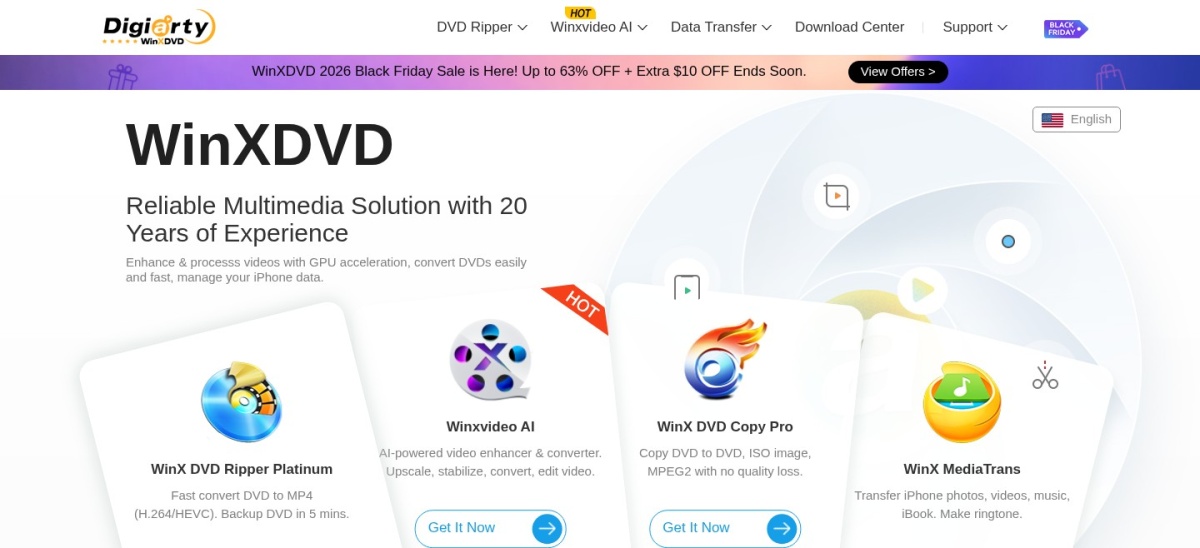
WinX DVD Ripper Platinum homepage, captured Nov 2026.
WinX DVD Ripper Platinum is the fastest ripper in this list, converting a full DVD to MP4, MKV and more than 350 device presets in about five minutes with hardware acceleration. It handles CSS, region codes and 99-title discs, and covers phones, tablets, game consoles and Plex or NAS setups.
The trade off is price. The Premium licence costs $39.95 a year for 3 PCs, while the Ultimate lifetime licence is $59.95, and other listings quote $29.95 a year. It suits people with large collections who want fast digital copies.
4.4/5on Trustpilot (731 reviews, checked Nov 2026)
Starts at$46.99/yr
Best for 1,000+ output formats
PlatformsWindows, Mac
Output formats1,000+ formats
Protection handlingCSS, region, 99-title
Paid planYearly, $46.99/yr
dvdfab.cn
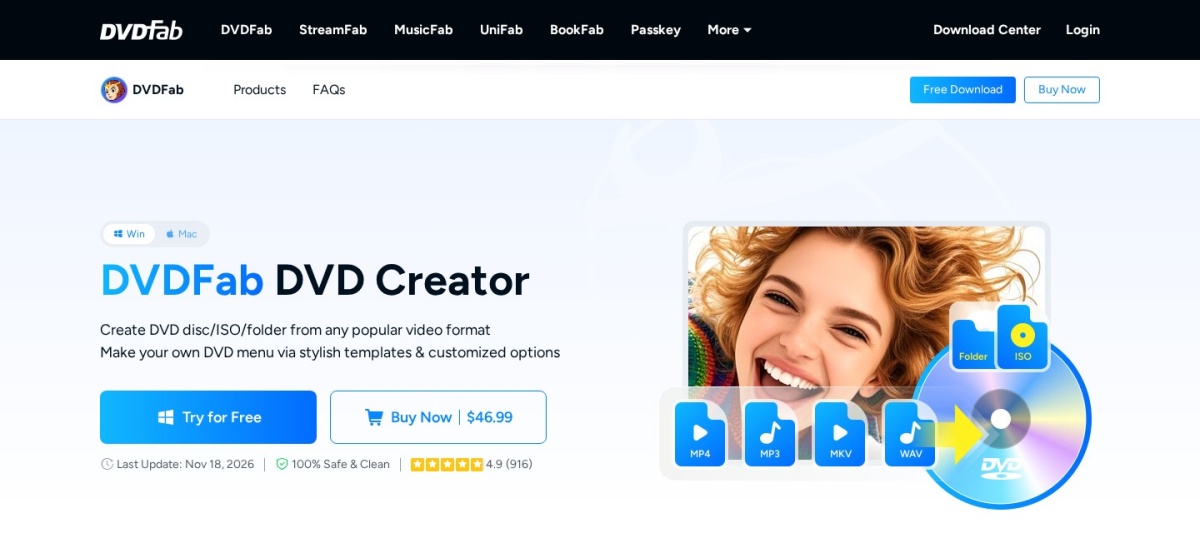
DVDFab DVD Ripper homepage, captured Nov 2026.
DVDFab DVD Ripper is a module of the DVDFab suite that converts DVDs to more than 1,000 digital formats, with GPU acceleration and support for CSS, region codes and 99-title discs. It pairs with the DVD Copy module for disc-to-disc backups and the Creator module for authoring.
The trade off is the store. The 1-year licence is $46.99, matching the Creator module, while the lifetime licence lists near $59.99 and sale prices often show instead. It suits people who want one suite for ripping, copying and authoring.
4.5/5on Trustpilot (335 reviews, checked Nov 2026)
Starts at$69.95/yr
Best for Blu-ray and DVD together
PlatformsWindows, Mac
Output formats300+ formats
Protection handlingCSS, AACS, BD+, Cinavia
Paid planYearly, $69.95/yr
videobyte.org
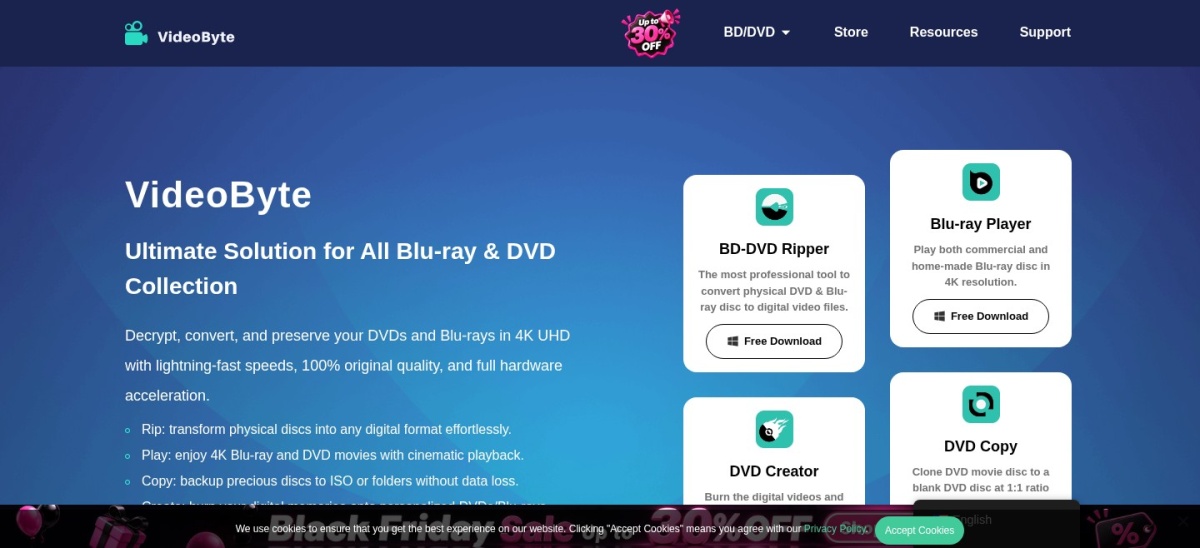
VideoByte BD-DVD Ripper homepage, captured Nov 2026.
VideoByte BD-DVD Ripper is a disc-to-digital converter for Windows and macOS that turns DVDs and Blu-rays into more than 300 formats, including MP4, MKV, MOV and M4V. It handles CSS, APS, ARccOS, CPRM, AACS, BD+ and Cinavia protections plus region codes, with GPU acceleration.
The trade off is price and the rating. At $69.95 a year it is the priciest yearly plan here, and the 4.5 out of 5 Trustpilot score covers VideoByte the company, not this product alone. It suits people with mixed DVD and Blu-ray collections.
4.3/5on Trustpilot (158 reviews, checked Nov 2026)
Starts at$29.95/yr
Best budget DVD ripper
PlatformsWindows, Mac
Output formats180+ formats
Protection handlingCSS and region codes
Paid planYearly, $29.95/yr
leawo.com
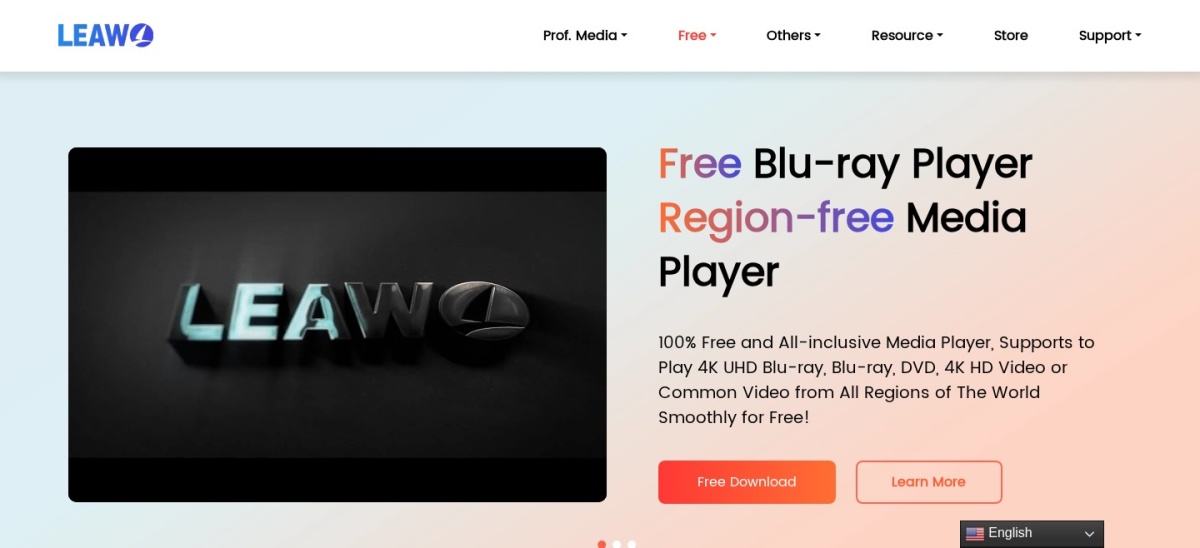
Leawo DVD Ripper homepage, captured Nov 2026.
Leawo DVD Ripper is a budget ripper for Windows and Mac that converts DVDs to more than 180 formats, with a built-in editor and device profiles. It decrypts common protections, offers a free trial, and sells a lifetime licence for $39.95.
The trade off is the rating. Leawo's own comparison table gives this tool 4.1 out of 5 on Trustpilot, while the company page shows 4.3 from 158 reviews, so the two disagree. It suits people who want a cheap ripper with editing built in.
4.3/5on Trustpilot (516 reviews, checked Nov 2026)
Starts at$34.95/yr
Best ripper with AI extras
PlatformsWindows, Mac
Output formats420+ profiles
Protection handlingCSS and region codes
Paid planYearly, $34.95/yr
videoproc.com
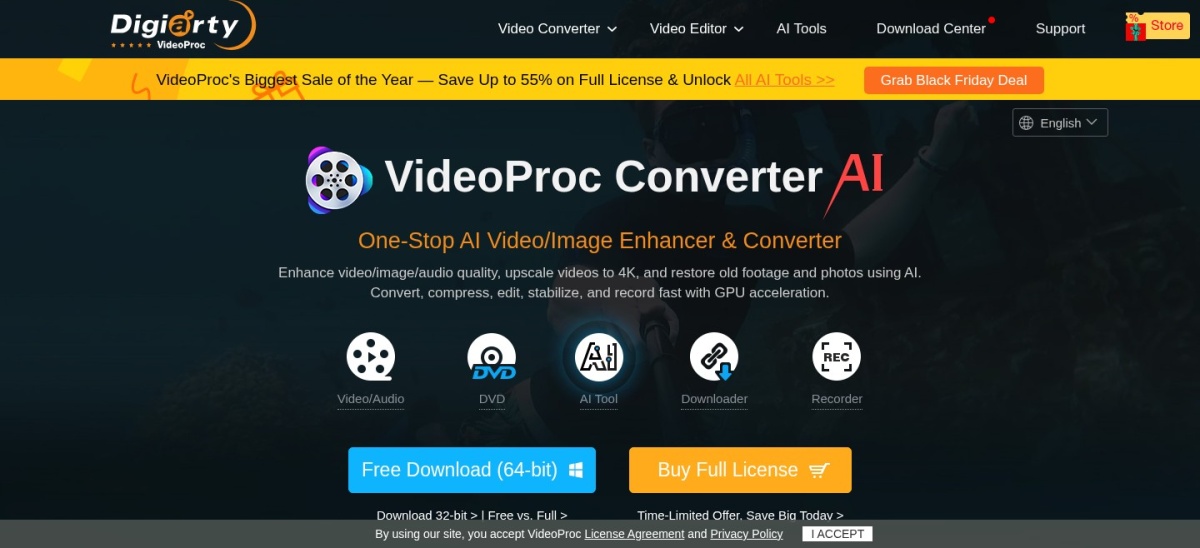
VideoProc Converter AI homepage, captured Nov 2026.
VideoProc Converter AI is an all-in-one video tool from Digiarty that converts DVDs to MP4 and other digital formats, upscales video with AI Super Resolution, and compresses, edits and downloads video. It supports more than 370 input formats and 420 output profiles.
The trade off is the price picture. The Premium 365 plan is $34.95 a year for 3 devices, shown as a discount from $59.95, with renewal listed at $39.95. It suits people who also want AI upscaling and editing in the same app.
4.2/5on Trustpilot (239 reviews, checked Nov 2026)
Starts at$54.96 (one-time)
Best ripper with editing toolbox
PlatformsWindows, Mac
Output formats500+ formats
Protection handlingEncrypted, 99-title discs
Paid planLifetime, $54.96
anymp4.com
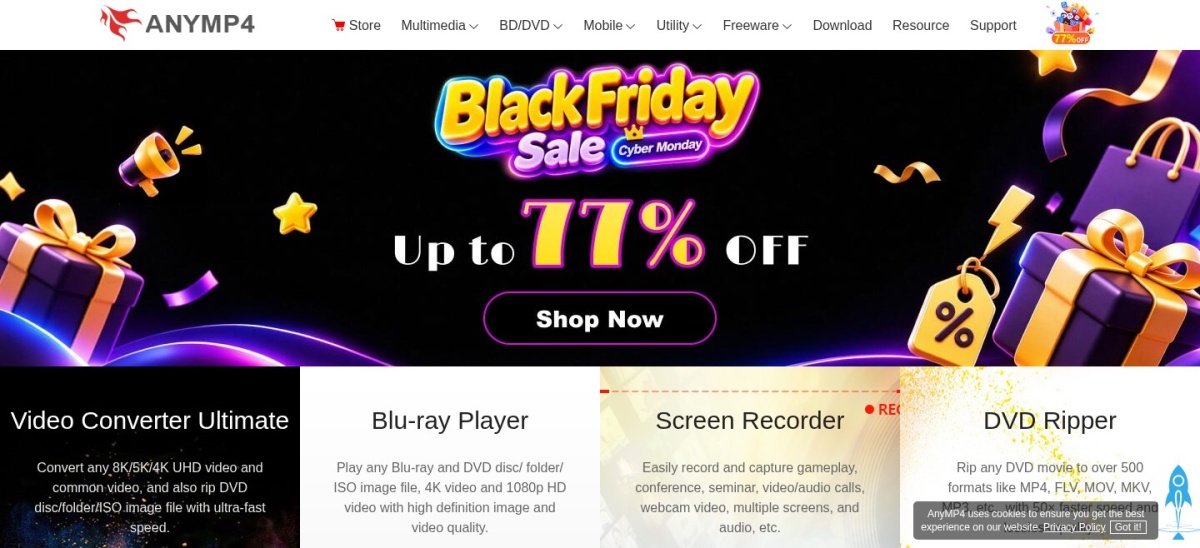
AnyMP4 DVD Ripper homepage, captured Nov 2026.
AnyMP4 DVD Ripper is a desktop ripper for Windows and Mac that converts DVDs, ISO images and folders into more than 500 digital formats. It handles commercial encrypted DVDs and 99-title discs, and adds a toolbox with a metadata editor, video compressor, GIF maker and video enhancer.
The trade off is price confusion. G2 lists a lifetime licence at $54.96, while other listings quote $44.25 or a $39.95 yearly plan, so confirm the price at checkout. It suits people who want editing tools alongside ripping.
3.9/5on Trustpilot (419 reviews, checked Nov 2026)
Starts at$39.95/yr
Best DVD ripper for Mac
PlatformsMac only
Output formatsMP4, MKV, 300+ presets
Protection handlingRegion, 99-title, scratched
Paid planYearly, $39.95/yr
macxdvd.com
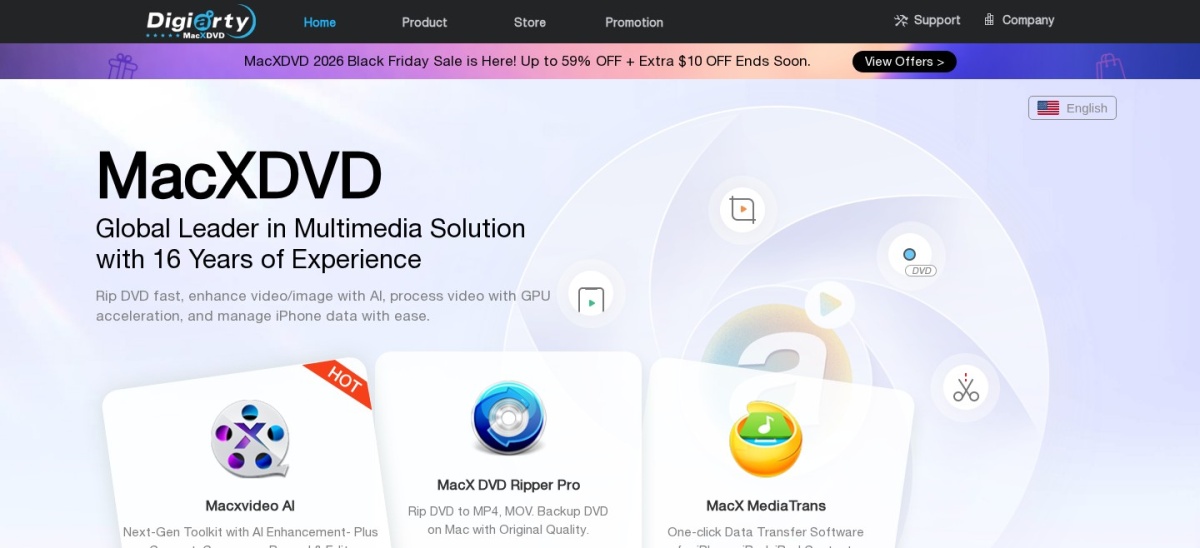
MacX DVD Ripper Pro homepage, captured Nov 2026.
MacX DVD Ripper Pro is a macOS-first ripper from Digiarty that converts DVDs to MP4, MOV, MKV and more than 300 device presets, with native Apple Silicon support and full GPU acceleration. It backs up classic, new, scratched or region-locked DVDs, with a preview and subtitle selection.
The trade off is the rating. The 3.9 out of 5 Trustpilot score is for Digiarty's WinXDVD brand, not this product alone, and the one-year price is $39.95 for 3 Macs while the lifetime licence is $59.95. It suits Mac owners who want a native ripper.
What we like
Built for macOS with Apple Silicon support
300+ output presets
Full GPU acceleration
Handles scratched and region-locked DVDs
Watch out for
Trustpilot rating is vendor-level, not product-level
4.7/5on Trustpilot (1,705 reviews, checked Nov 2026)
Starts at$49.99/yr
Best all-rounder that also rips
PlatformsWindows, Mac
Output formats1,000+ formats
Protection handlingCSS and region codes
Paid planYearly, $49.99/yr
videoconverter.wondershare.com
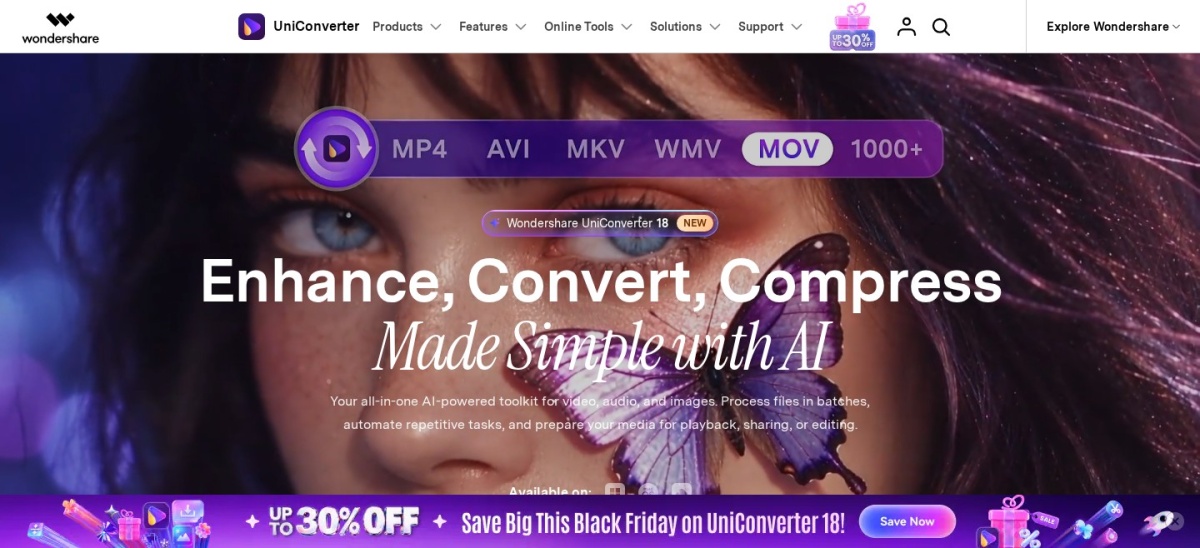
Wondershare UniConverter homepage, captured Nov 2026.
Wondershare UniConverter is an all-in-one media toolbox for Windows and Mac that converts between more than 1,000 formats, compresses video, downloads, records the screen and rips DVDs to digital files. GPU acceleration speeds up 4K and 8K conversion.
The trade off is that ripping is one feature among many, so dedicated rippers offer finer control, and the yearly plan costs $49.99 for Windows. It suits creators who already convert video every week and want DVD ripping in the same app.
Ripping converts the video to files like MP4 or MKV, which play on phones, tablets and media servers but lose the DVD menus. Use a ripper when you want a collection on a hard drive or NAS.
Cloning copies the whole disc structure, so the result plays in a DVD player exactly like the original, menus included. Use a cloner when you want a replacement disc or an ISO backup.
Some tools do both. DVDFab sells separate Ripper and Copy modules, and VideoByte sells a ripper and a copier under the same brand, so check which product a price covers before you buy.
How we chose
We started from the DVD rippers that appear most often in buyer discussions and comparison round-ups, then kept those with a verifiable rating on G2 or Trustpilot.
Prices come from vendor stores and listings, checked on 25 November 2026. Ratings and review counts come from G2 or Trustpilot on the same day. Where a vendor shows a sale, the list shows the regular price.
We left out tools with no verifiable G2, Capterra or Trustpilot rating, including WonderFox DVD Ripper Pro, HandBrake and MakeMKV. No vendor paid for a place, and we do not claim hands-on testing for this list.
How to choose a DVD ripper
Start with the discs you own, then check the protection they carry and where you want to watch them.
Decide files or discs. Rippers make MP4 or MKV files for phones and servers; cloners make playable DVD copies. Pick the output first, since few tools do both well.
Check the protection. Commercial DVDs use CSS, region codes and 99-title structures. Confirm the tool handles the protection on your discs before you pay.
Test the trial on a real disc. Most rippers limit the trial to the first five minutes, so test with a disc you know is protected to confirm it works.
Buy lifetime if you rip a lot. Leawo, AnyMP4 and MacX all sell lifetime licences that cost less over time than yearly plans for big collections.
FAQ
What is the best DVD ripping software?
WinX DVD Ripper Platinum is the best DVD ripper for most people. It converts a full DVD in about five minutes with hardware acceleration, covers more than 350 device presets, and holds a 4.7 out of 5 rating on G2 from 155 reviews.
Is there a free DVD ripper?
Yes, for unprotected discs. HandBrake and MakeMKV rip homemade DVDs at no cost, but neither removes copy protection on its own, so commercial DVDs need a paid tool. VideoProc Converter AI offers five watermark-free exports in its free trial.
Can I rip a copy-protected DVD?
Yes, with the right tool. WinX, DVDFab, VideoByte, Leawo and AnyMP4 all handle CSS, region codes and 99-title discs. Rip only discs you own, and check the law where you live, since rules on breaking disc protection vary by region.
What is the cheapest DVD ripper?
Leawo DVD Ripper is the cheapest yearly ripper at $29.95 a year, with a lifetime licence for $39.95. VideoProc Converter AI costs $34.95 a year for three devices, and MacX DVD Ripper Pro is $39.95 a year for three Macs.
What is the difference between ripping and copying a DVD?
Ripping converts the video to files such as MP4 or MKV for phones and media servers, but the DVD menus are lost. Copying clones the whole disc, menus included, so the result plays in a DVD player like the original.
Can I rip DVDs on a Mac?
Yes. MacX DVD Ripper Pro is built for macOS with native Apple Silicon support, and WinX, DVDFab, VideoByte, Leawo, VideoProc, AnyMP4 and Wondershare UniConverter all run on Mac as well as Windows.
SaaS SEO and WordPress specialist with about 8 years of experience. Rakib compares WordPress plugins, themes, hosting and software using public pricing, documentation and user reviews. See how we rank.