DVDStyler is the best free DVD authoring software for most people: it is free and open source, builds custom menus with subtitles and chapters, and is rated 4.0 out of 5 by 167 SourceForge users. Pick WinX DVD Author for the simplest Windows workflow, or Wondershare UniConverter if you want a maintained paid tool.
How we make this list: we compare pricing pages, product documentation and public user reviews, then re-check every price before each update. No product paid for a place. Disclosure.
DVDStyler gives the most in a free tool: custom menus, subtitles, chapters and support for Windows, Mac and Linux.
WinX DVD Author is the simplest free Windows option, with chapter menus and subtitles and no watermark.
DVD Flick is free and simple, but its last release dates from 2009 and it lists only up to Windows 7.
Wondershare UniConverter is the only maintained all-rounder here, at $59.99 a year with a 7-day trial.
All 9 tools cost nothing to try; paid licences run from $29.95 to $59.99 a year.
What free DVD authoring software should do
DVD authoring turns video files into DVD-Video discs with menus, chapters and subtitles that play on a standalone DVD player. It is different from copying files to a disc: a player needs the VIDEO_TS structure, and only authoring software builds it.
A good free tool should accept common formats such as MP4 and MKV, build at least a simple menu, and burn the finished disc or save an ISO file. Our guide on embedding a video in WordPress covers the other side of the job, putting video on a web page instead of a disc.
Age matters more here than in most software lists. Several free authoring tools have not been updated in years, so check the last release date before you rely on one for a new Windows 11 PC.
Free does not always mean unrestricted. Some tools watermark output, limit trial burns to a few minutes, or hide menu design behind a paid plan, so read the free-plan limits before you start a long project.
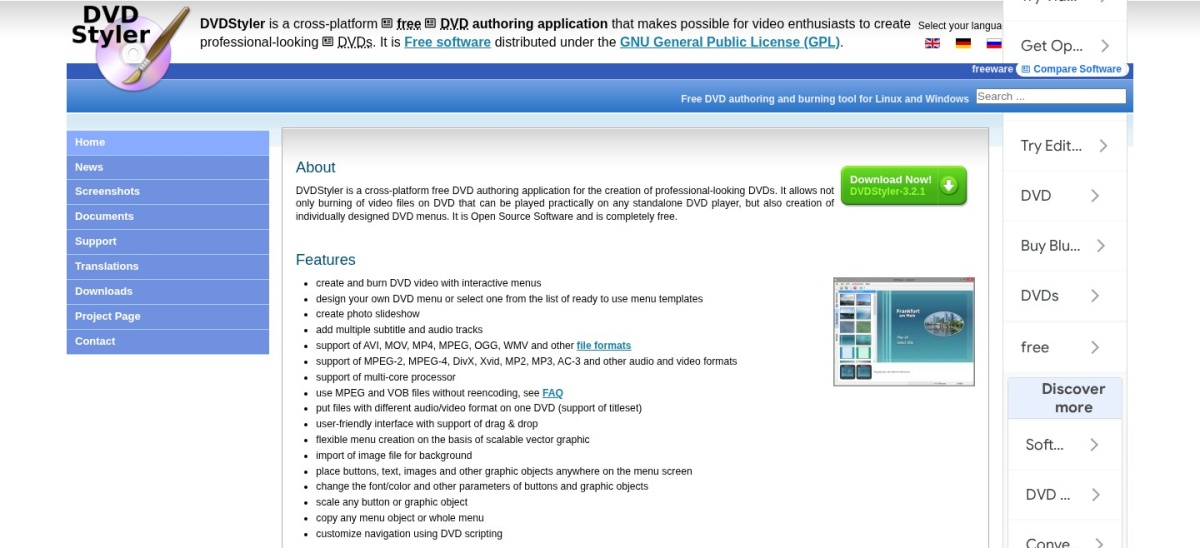
DVDStyler is a free, open source DVD authoring application for Windows, Mac and Linux. It converts video files to DVD-Video, builds custom menus from templates or from scratch, and supports subtitles, multiple audio tracks, chapters and photo slideshows. The stable release is 3.2.1, with a 3.3 beta also available.
The trade off is polish. The interface looks dated, the Mac build is Intel-only and runs through Rosetta 2 on Apple Silicon, and some users report crashes when changing fonts. It suits anyone who wants full menu control without paying, and who can live with an old-fashioned interface.
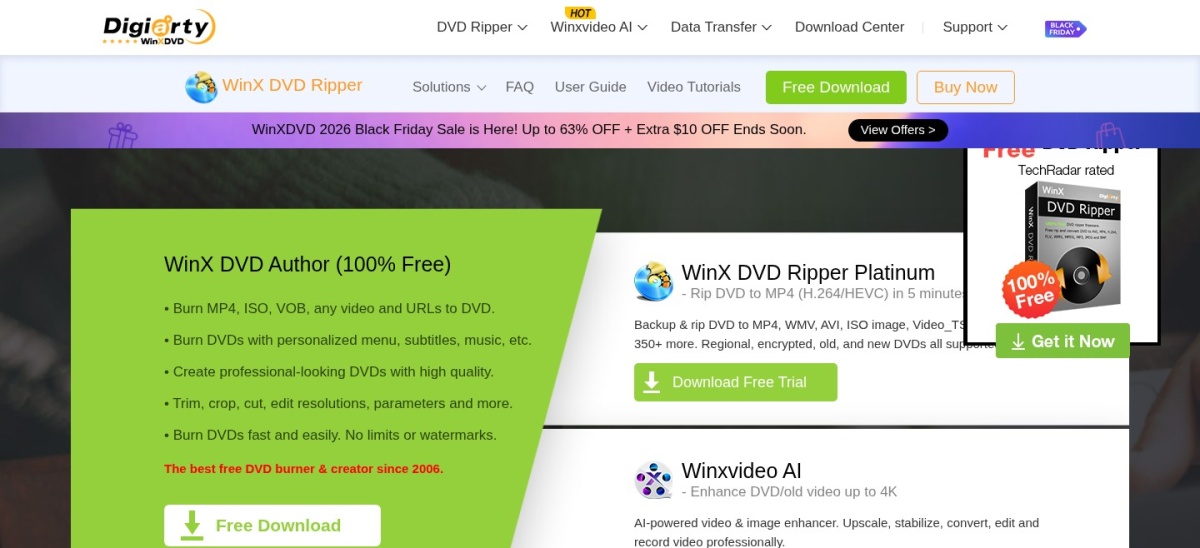
WinX DVD Author is a free Windows program from Digiarty that turns MP4, MKV, AVI, ISO and other video into DVD-Video with chapter menus, subtitles and background music. It was once a $49.95 commercial product, and Digiarty made it freeware years ago. It also downloads YouTube videos for burning.
The trade off is age. It has not been updated since 2019, so the interface looks old, menu templates are few, and 4K sources can crash it. It suits Windows users who want the quickest free path from video files to a playable DVD.
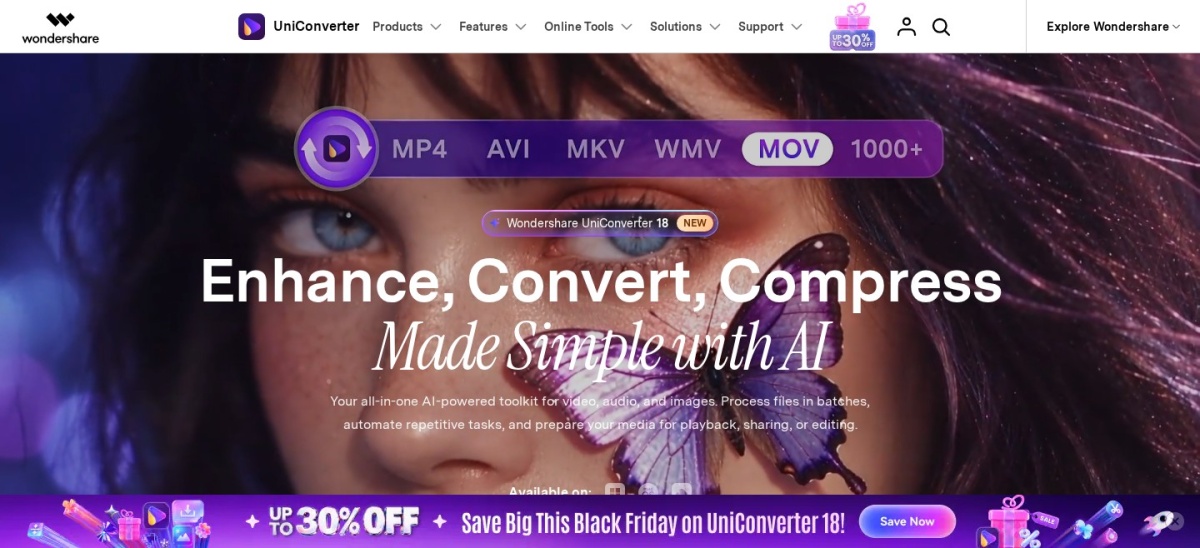
Wondershare UniConverter homepage, captured Nov 2026.
Wondershare UniConverter is a paid video toolbox for Windows and Mac that converts more than 1,000 formats and burns video to DVD discs, ISO files and DVD folders with menu templates. It also compresses, edits and downloads video, and the 7-day trial lets you check the DVD workflow first.
The trade off is price. The Yearly plan lists at $59.99 a year, and the store currently shows $49.99 as a discount, while AI tools cost extra after a trial. It suits people who want one maintained app for conversion, editing and DVD burning.
4.2/5on SourceForge (47 reviews, checked Nov 2026)
PriceFree
Best for the simplest free workflow
Menu designerYes, basic templates
PlatformsWindows only
Free planYes, full
Paid planNone, open source
dvdflick.net
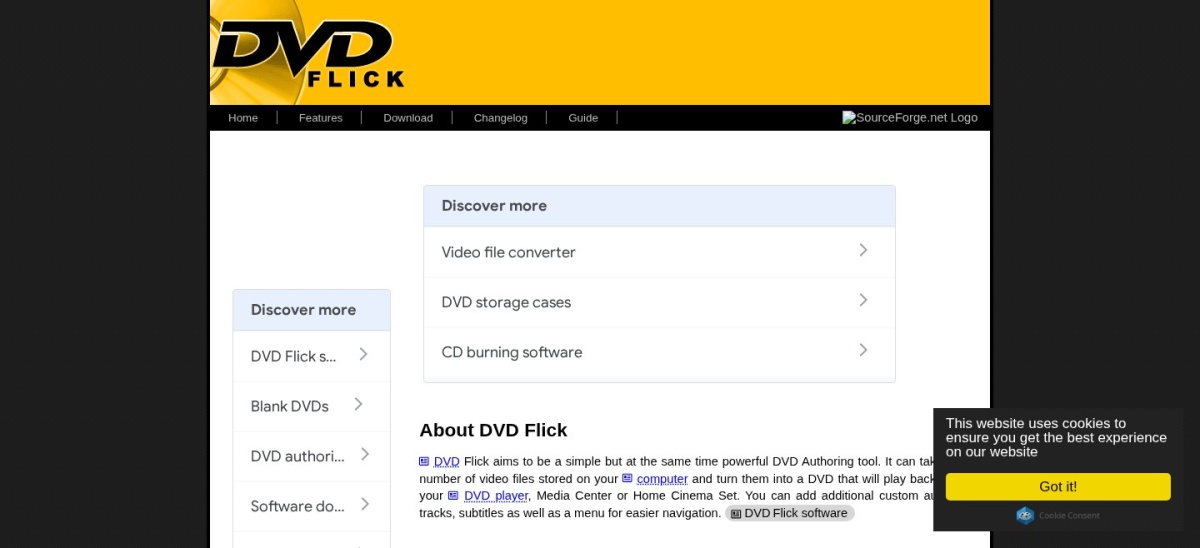
DVD Flick homepage, captured Nov 2026.
DVD Flick is a free, open source DVD authoring tool for Windows. It converts video files to DVD-Video that plays on standalone DVD players, and supports menus, subtitles and extra audio tracks. It handles 45 file formats, 60 video codecs and 40 audio codecs, with no adware, watermark or limits.
The trade off is that the last release, version 1.3.0.7, dates from 2009, and the official requirements list only up to Windows 7. It suits people with an older Windows PC who want the simplest free authoring workflow and do not need modern format support.
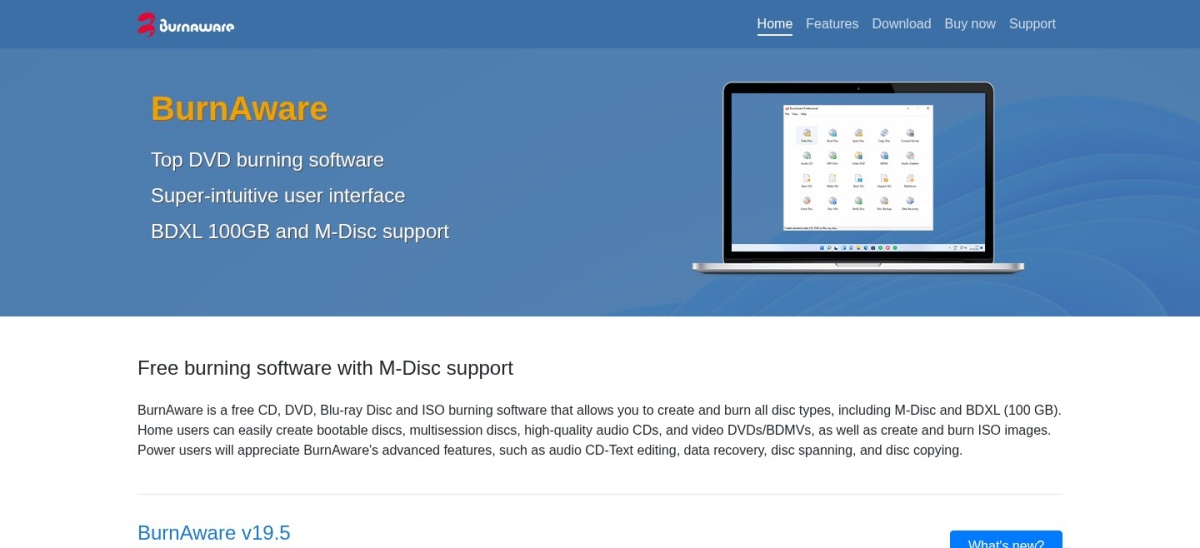
BurnAware Free is a free disc burning suite for Windows that burns data, audio and video discs, makes ISO images and handles Blu-ray, BDXL and M-Disc media. Version 19.5, released on 10 November 2026, added a menu for DVD-Video discs. The free edition is for personal use.
The trade off is that it is a burner first. Menu design is basic beside DVDStyler, the free edition is 32-bit only, and disc-to-disc copying needs Premium at $29.95. It suits Windows users who burn discs of all kinds and only need simple DVD menus.
What we like
Free edition covers data, audio, video and ISO burning
Still maintained, with version 19.5 in November 2026
3.9/5on Trustpilot (2,225 reviews, checked Nov 2026)
Paid from$39.95/mo
Best for easy converting and burning
Menu designerYes, with Mega Pack
PlatformsWindows only
Free planYes, watermarked
Paid planMega Pack, $39.95/mo
freemake.com
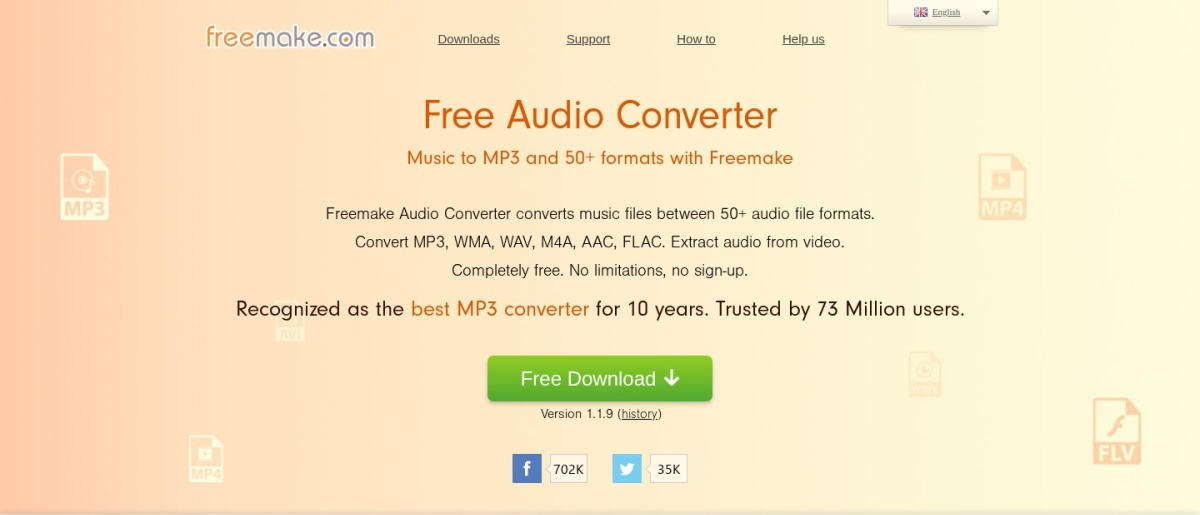
Freemake Video Converter homepage, captured Nov 2026.
Freemake Video Converter is a free Windows converter that handles more than 500 formats and burns video to DVD with menu options. It converts MP4, AVI, MKV and other files, edits clips, and downloads online video. The company says more than 180 million people have used its freeware since 2010.
The trade off is the watermark. Free output carries a Freemake logo, and removing it needs the Mega Pack at $39.95 a month, with a $59.95 lifetime option. It suits Windows users who want the easiest converter and only burn DVDs now and then.
What we like
Very easy to use, with drag-and-drop conversion
Handles more than 500 formats
Built-in editing and online video downloads
Large user base with years of history
Watch out for
Free output carries a Freemake logo
Monthly Mega Pack price is high for what it unlocks
4.3/5on Trustpilot (158 reviews, checked Nov 2026)
Starts at$29.95/yr
Best budget paid menu templates
Menu designerYes, 40+ templates
PlatformsWindows, Mac
Free planTrial, 5 minutes
Paid plan1-year, $29.95/yr
leawo.com
Leawo DVD Creator homepage, captured Nov 2026.
Leawo DVD Creator is a paid DVD authoring tool for Windows and Mac that burns video and photo slideshows to DVD-5 and DVD-9 discs, folders and ISO files. It supports more than 180 formats, offers over 40 menu templates with a menu editor, and includes trimming, cropping and chapter creation.
The trade off is the trial. The free trial burns only the first 5 minutes of a video, so full discs need the 1-year licence at $29.95. It suits people who want ready-made menu templates and a modern interface at a low yearly price.
What we like
More than 40 menu templates with a menu editor
Burns to disc, folder or ISO file
Built-in trimming, cropping and chapters
Lowest yearly price of the paid tools here
Watch out for
Trial burns only the first 5 minutes
No free plan for full discs
No external subtitle file support, per user reports
Lifetime licence costs $39.95 instead of $29.95 a yearVisit leawo.com
08
DVDFab DVD Creator
4.9/5on DVDFab (916 reviews, checked Nov 2026)
Starts at$46.99/yr
Best polished paid DVD authoring
Menu designerYes, themed templates
PlatformsWindows, Mac
Free planFree trial
Paid plan1-year, $46.99/yr
dvdfab.cn
DVDFab DVD Creator homepage, captured Nov 2026.
DVDFab DVD Creator is a paid DVD authoring tool for Windows and Mac that converts more than 200 video formats to DVD discs, ISO files and folders. It offers themed menu templates, a built-in video and chapter editor, and GPU acceleration. The product page was last updated on 18 November 2026.
The trade off is price. The 1-year licence lists at $46.99, and the checkout page currently shows $32.89 as a discount, while a free trial covers short tests. It suits people who want polished menus and fast burning and are happy to pay yearly.
What we like
Themed menu templates with a chapter editor
Converts more than 200 video formats
GPU acceleration for faster burning
Maintained, with an update in November 2026
Watch out for
No free plan, only a trial
Yearly price is higher than Leawo
Rating shown is the vendor's own figure
Lifetime licence costs $74.99 on the vendor price listVisit dvdfab.cn
09
DeVeDe NG
3.9/5on VideoHelp (11 reviews, checked Nov 2026)
PriceFree
Best free DVD authoring for Linux
Menu designerYes, generated menus
PlatformsLinux only
Free planYes, full
Paid planNone, open source
rastersoft.com
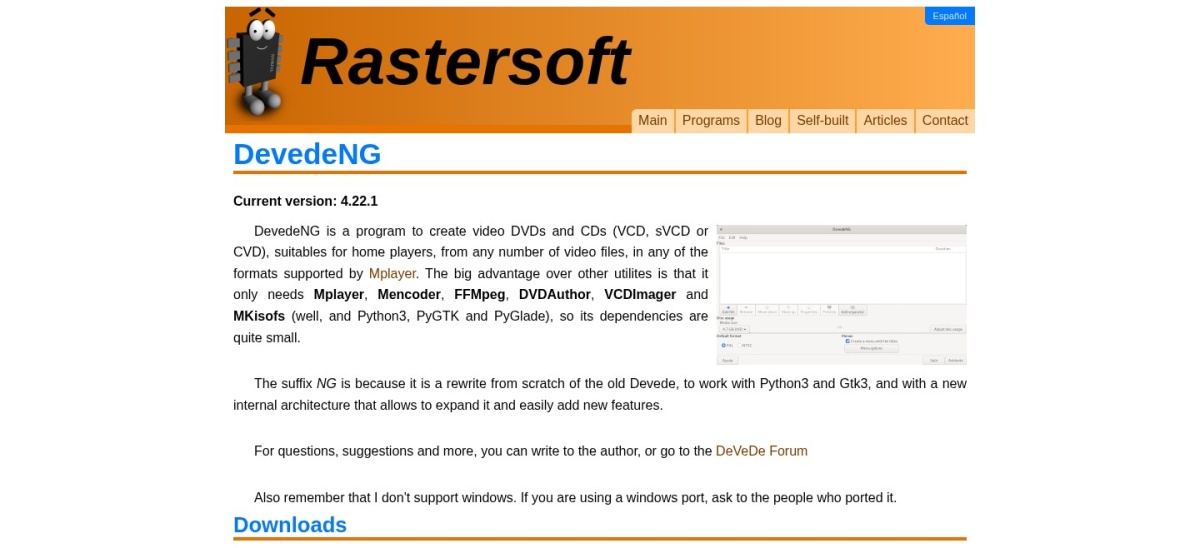
DeVeDe NG homepage, captured Nov 2026.
DeVeDe NG is a free, open source DVD authoring program for Linux. It creates video DVDs, VCDs, SVCDs and CVDs from any video file MPlayer can play, with menu generation, subtitles and two-pass encoding. Version 4.23.0 arrived in October 2026, so it is still maintained.
The trade off is reach. It runs on Linux only, the official site does not support the Windows port, and the interface is plain beside paid tools. It suits Linux users who want a small, free tool that turns video files into playable DVDs.
Authoring builds the DVD-Video structure with menus and chapters. Burning only writes files to a disc.
BurnAware and Freemake sit in the middle: they burn discs well, and their DVD-Video menus are basic. DVDStyler, WinX DVD Author and DVD Flick are authoring tools first.
If you only need to copy video files to a disc for storage, any burner works. If the disc must play in a DVD player, pick an authoring tool from the top of this list.
How we chose
We started from every established free DVD authoring tool with a working download in 2026, then kept those with a real authoring workflow: menus, chapters or subtitles, not just burning.
Prices come from each vendor's pricing or product page, checked on 25 November 2026. Ratings come from SourceForge, G2, Trustpilot, FileForum, FileHorse and VideoHelp on the same day, and the list names the source for each one. Where a vendor shows a sale, the list shows the regular price.
We left out CDBurnerXP, whose official site went offline in April 2026, and tools with no working download. No vendor paid for a place, and we do not claim hands-on testing for this list.
How to choose free DVD authoring software
Start with your operating system, then check the free-plan limits before you build a long project.
Check your operating system first. DVDStyler covers Windows, Mac and Linux, DeVeDe NG is Linux only, and most of the rest are Windows only. Do not pick a tool your computer cannot run.
Decide how much menu you need. Pick DVDStyler or Leawo for custom menus, or WinX DVD Author and DVD Flick for simple chapter menus. A burner with basic menus is enough for a plain disc.
Read the free-plan limits. Freemake watermarks free output, Leawo's trial burns only 5 minutes, and UniConverter's trial lasts 7 days. Check the limit before a long encode.
Burn a short test disc first. Author a 2-minute clip with a menu, burn it, and play it in a standalone player. If it plays, the same settings should work for a full disc.
FAQ
What is the best free DVD authoring software?
DVDStyler is the best free pick for most people. It is free and open source, builds custom menus with subtitles and chapters, works on Windows, Mac and Linux, and is rated 4.0 out of 5 by 167 SourceForge users.
Is DVDStyler really free?
Yes. DVDStyler is free software under the GNU General Public License, with no paid plan, no watermark and no limits on the discs you make. The stable release is 3.2.1, and a 3.3 beta is also available from the project site.
Can I author DVDs on a Mac?
Yes, with limits. DVDStyler has a Mac build, but it is Intel-only and runs through Rosetta 2 on Apple Silicon. Wondershare UniConverter, Leawo DVD Creator and DVDFab DVD Creator also have Mac versions, while the rest are Windows or Linux only.
Does free DVD authoring software add a watermark?
Most of the tools here do not. DVDStyler, WinX DVD Author, DVD Flick, BurnAware and DeVeDe NG add no watermark. Freemake is the exception: free output carries a Freemake logo unless you buy the Mega Pack.
Why do some free DVD tools look so old?
Many were last updated years ago. DVD Flick dates from 2009 and WinX DVD Author from 2019, yet both still work on older Windows PCs. For a new computer, pick a maintained tool such as DVDStyler, BurnAware, UniConverter or DeVeDe NG.
What is the difference between authoring and burning a DVD?
Authoring builds the DVD-Video structure with menus, chapters and subtitles so the disc plays in a DVD player. Burning only writes files to a disc, which is fine for storage but will not play as a video DVD.
SaaS SEO and WordPress specialist with about 8 years of experience. Rakib compares WordPress plugins, themes, hosting and software using public pricing, documentation and user reviews. See how we rank.