Krisp leads for live calls with a 4.7 rating across 1,620 G2 reviews and real-time noise cancellation across apps. Descript suits podcasters editing by transcript, while Audacity offers a free desktop editor for steady background noise.
How we make this list: we compare pricing pages, product documentation and public user reviews, then re-check every price before each update. No product paid for a place. Disclosure.
Krisp holds a 4.7/5 rating from 1,620 G2 reviews, with Core starting at $8/mo/user billed annually ($96/yr).
Descript holds a 4.6/5 rating from 938 G2 reviews, with Hobbyist starting at $16/mo billed yearly ($192/yr).
iZotope RX 12 Elements starts at $99 one-time for core audio restoration plugins.
Audacity holds a 4.5/5 rating from 460 G2 reviews as a free, open-source audio editor.
Adobe Audition holds a 4.4/5 rating from 432 G2 reviews, starting at $22.99/mo on an annual plan.
What to look for in noise removing software
Live calls and streams need low-latency processing that strips keyboard clicks, fans, and room echo without delaying speech. Recorded dialogue and music often benefit from post-production cleanup where you can inspect frequencies or adjust processing strength.
AI speech enhancers and voice isolators remove background noise quickly with minimal setup, though heavy processing can sometimes sound unnatural on speech. Manual spectral editors and profile-based noise reduction take more time but let you preserve natural tone and ambience.
Pricing models vary widely across the category. Some tools charge monthly subscriptions with usage caps or credit pools, while others sell one-time licenses or offer free open-source downloads.
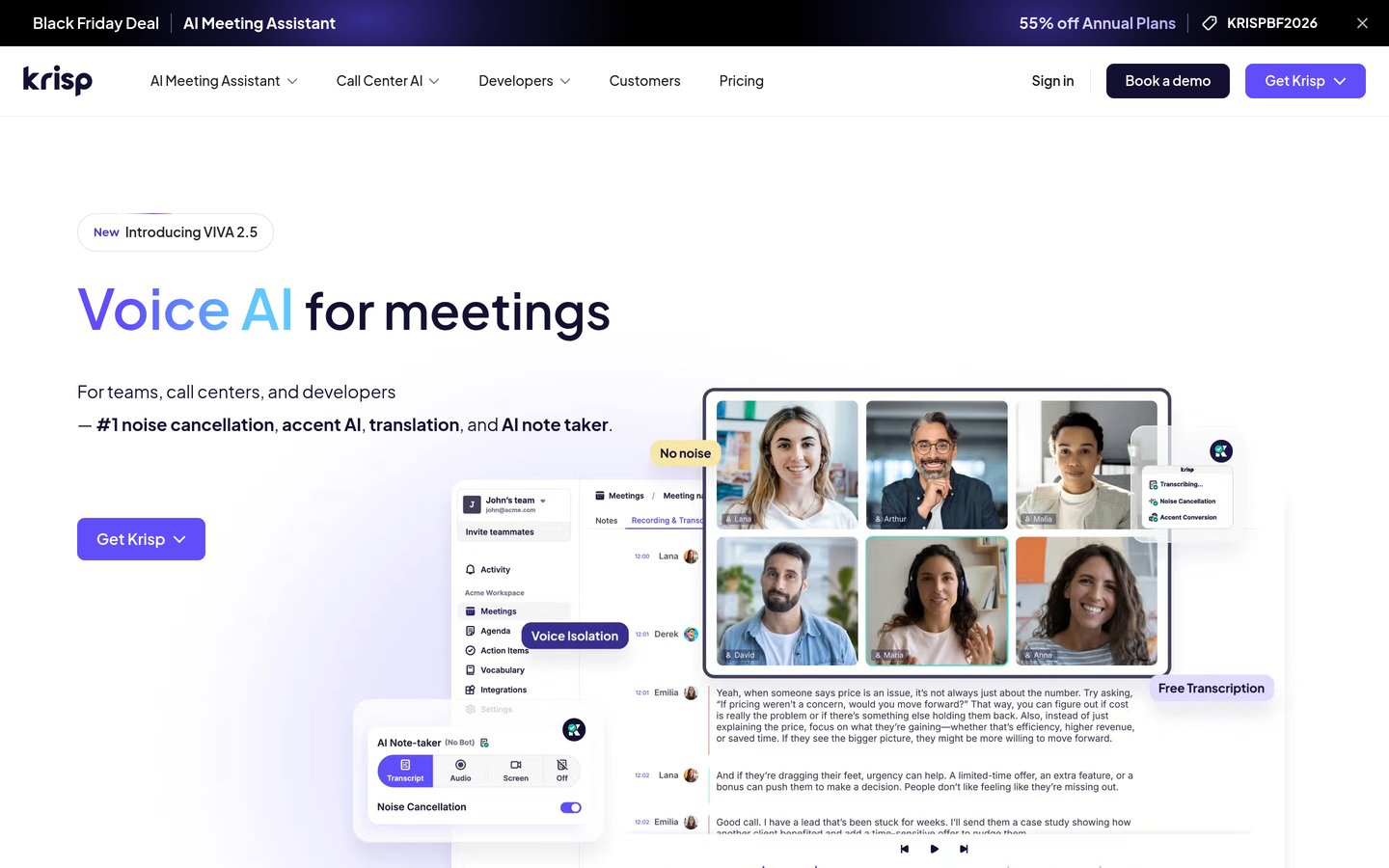
Krisp is a real-time noise cancellation and meeting tool that filters background noise on calls and offers a $0 free trial to test features. Reviewers on G2 highlight fast setup and clear voice isolation in noisy rooms.
The trade off is that paid plans scale per user and add meeting limits, starting at $8/mo/user billed annually ($96/yr) or $16/mo/user billed monthly on Core. It suits remote workers and teams who want background noise removed during live calls.
What we like
High 4.7/5 score across 1,620 G2 reviews
Works across communication apps for live noise removal
Free trial lets users test before paying
Annual billing lowers Core to $8/mo/user
Watch out for
Per-user pricing increases costs for larger teams
Monthly billing costs twice as much as annual billing
Paid plans raise meeting recording, note, and transcription allowances per user.Visit krisp.ai
02
Descript
4.6/5on G2 (938 reviews, checked Nov 2026)
Paid from$192/yr
Best for transcript-based audio and video cleanup
Use casePodcasts and video editing
Entry paid tierHobbyist ($16/mo yearly)
Free tier$0 (60 media mins/mo)
G2 rating4.6/5 (938 reviews)
descript.com
Descript homepage, captured Nov 2026.
Descript is an audio and video editor that pairs transcript editing with AI cleanup tools like Studio Sound, starting with a $0 free plan that includes 60 media minutes per month and 100 one-time AI credits. Users on G2 praise its fast workflow for turning raw recordings into finished episodes.
The trade off is monthly caps on media hours and AI credits, with Hobbyist starting at $16/mo billed yearly ($192/yr) or $24/mo billed monthly. It suits podcasters and video creators who want noise cleanup inside a broader editor.
What we like
4.6/5 rating across 938 G2 reviews
Combines text-based editing with AI audio cleanup
Free tier available with 60 media minutes per month
Watch out for
Monthly media hour and AI credit limits require tracking
Free exports are capped at 720p with a watermark
Paid tiers increase monthly media hours and AI credits and remove watermarks.Visit descript.com
03
iZotope RX
4.6/5on G2 (19 reviews, checked Nov 2026)
Starts at$99 one-time
Best for detailed audio restoration and repair
Use caseAudio restoration and post-production
Entry paid tierRX 12 Elements ($99)
Free tierFree trial available
G2 rating4.6/5 (19 reviews)
izotope.com
iZotope RX homepage, captured Nov 2026.
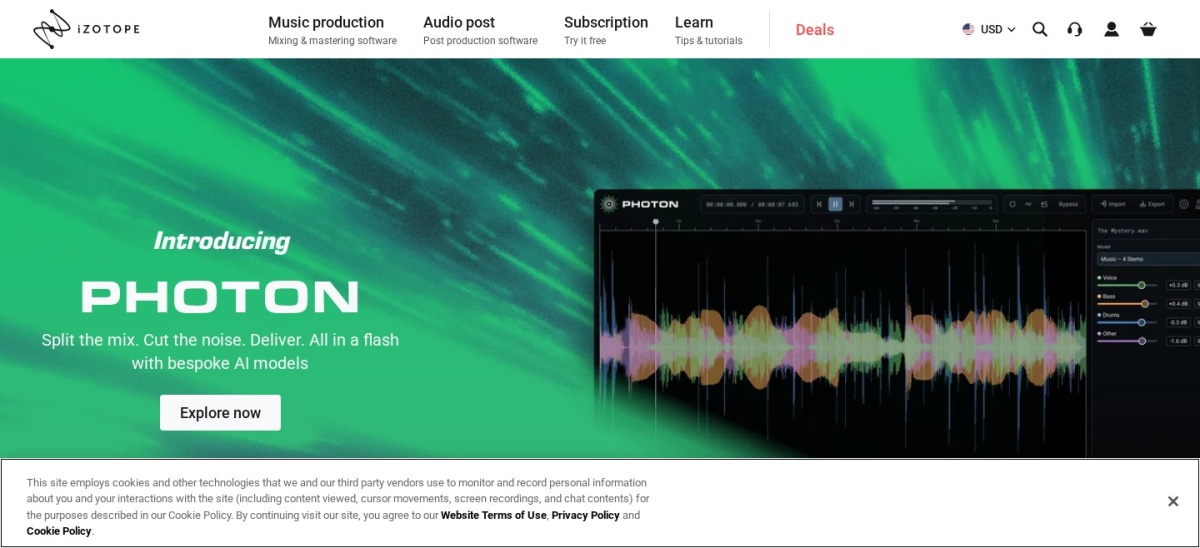
iZotope RX is an audio restoration suite built for removing hum, clicks, clipping, and background noise from recordings, starting at $99 for RX 12 Elements with core repair plugins. It offers specialized modules for voice cleanup and spectral repair.
The trade off is a higher upfront cost and a steeper learning curve than one-click tools, with RX 12 Elements at $99 and RX 12 Standard at $399. It suits audio engineers, editors, and post-production teams handling difficult recordings.
What we like
4.6/5 rating on G2 across 19 reviews
Includes dedicated modules for noise, hum, clicks, and reverb
Available as a one-time license without mandatory monthly fees
Higher editions add the standalone RX audio editor and expanded restoration modules.Visit izotope.com
04
Audacity
4.5/5on G2 (460 reviews, checked Nov 2026)
PriceFree
Best free desktop editor for steady noise
Use caseDesktop audio editing and noise reduction
Entry paid tierNo paid plan
Free tierFree and open-source
G2 rating4.5/5 (460 reviews)
audacityteam.org
Audacity homepage, captured Nov 2026.
Audacity is a free, open-source desktop audio editor that removes steady background noise using captured noise profiles and supports third-party plugins. Reviewers on G2 value its zero-cost access and support for Windows, macOS, and Linux.
The trade off is manual setup and an older interface compared with modern AI tools, with no paid tier needed. It suits budget-conscious creators comfortable capturing noise profiles and adjusting settings by hand.
What we like
4.5/5 rating across 460 G2 reviews
Completely free with no subscription or usage caps
Runs locally on Windows, macOS, and Linux
Watch out for
Requires manual noise profiling and parameter tuning
Adobe Audition is a desktop audio editor with noise reduction, spectral tools, and multitrack mixing, starting with a free trial before paid plans at $22.99/mo on an annual commitment ($275.88/yr). Reviewers on G2 highlight smooth integration with Adobe video tools.
The trade off is ongoing subscription pricing and more features than needed for basic cleanup, at $22.99/mo billed annually or $34.49/mo otherwise. It suits video editors and producers already working in Adobe workflows.
What we like
4.4/5 rating across 432 G2 reviews
Pairs noise cleanup with multitrack and waveform editing
Connects directly with Premiere Pro projects
Watch out for
Requires an ongoing subscription rather than a one-time buy
Heavier learning curve than single-purpose AI cleaners
Paid plans unlock full desktop editing, multitrack mixing, and Creative Cloud workflow links.Visit adobe.com
06
ElevenLabs
4.5/5on G2 (150 reviews, checked Nov 2026)
Paid from$60/yr
Best for quick AI voice isolation
Use caseAI voice isolation and speech tools
Entry paid tierStarter ($6/mo or $60/yr)
Free tier$0 (10,000 credits/mo)
G2 rating4.5/5 on G2
elevenlabs.io
ElevenLabs homepage, captured Nov 2026.
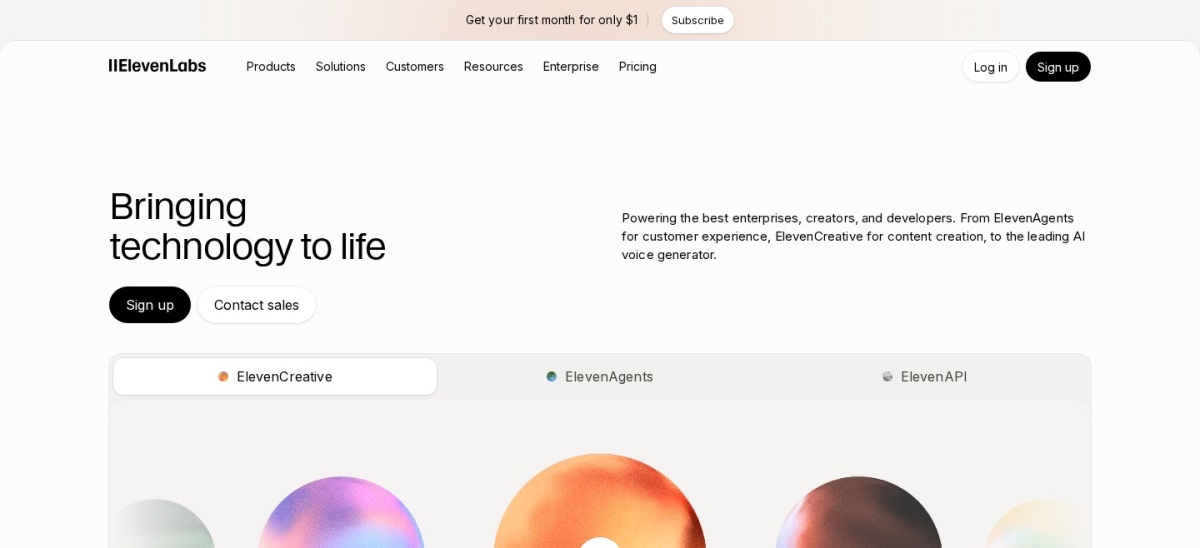
ElevenLabs provides an AI Voice Isolator alongside voice and audio tools, starting on a $0 free plan with 10,000 monthly credits that do not include a commercial license. Users on G2 praise its fast processing and clean vocal output.
The trade off is credit-based usage where Voice Isolator uses 1,000 credits per minute, with Starter at $6/mo ($60/yr billed yearly) and temporary promotional discounts listed on its pricing page. It suits creators who need fast voice isolation without a desktop DAW.
What we like
Fast browser-based voice isolation with no local install
Starter plan is affordable at $6/mo or $60/yr
Includes commercial rights starting on Starter
Watch out for
Credit consumption adds up on longer recordings
Free plan does not include a commercial license
Paid plans add commercial licensing, higher monthly credit pools, and extra voice tools.Visit elevenlabs.io
07
Acon Digital
4.9/5on Acon Digital (33 reviews, checked Nov 2026)
Starts at$99 one-time
Best budget one-time repair plugin suite
Use caseDAW noise, hum, and click removal
Entry paid tierRestoration Suite 3 ($99 list)
Free tierFree trial available
Vendor rating4.9/5 (33 reviews)
acondigital.com
Acon Digital homepage, captured Nov 2026.
Acon Digital offers Restoration Suite 3 with modules for noise, hum, click, and clipping removal, backed by a free trial and a 4.9/5 rating across 33 product reviews on Acon Digital. Its tools support profile-free processing for quicker cleanup.
The trade off is that you need a compatible host application and pay upfront, with Restoration Suite 3 priced at $99 regular list price (with a $69 promotional price shown on the product page). It suits editors wanting a one-time purchase rather than a subscription.
What we like
4.9/5 rating from 33 reviews on Acon Digital
One-time purchase with no monthly subscription
Includes profile-free options for faster cleanup
Watch out for
Requires a compatible DAW or host application
No full free tier beyond the trial period
Full license unlocks all restoration modules without recurring subscription billing.Visit acondigital.com
How we chose
We built this list from established noise reduction, voice isolation, and audio restoration tools used for calls, podcasts, video, and post-production. Each entry maps to a distinct workflow across live meetings, browser cleanup, and desktop editing.
We checked pricing pages and public ratings on 22 Nov 2026, recording regular list prices and annual equivalents in USD where listed. For subscription tools, we used the lowest-priced recurring plan at standard billing rates rather than limited-time sale prices.
We excluded tools that lacked clear public pricing or sufficient review data to verify standing. No vendor paid for a place, and we do not claim testing for this list.
How to choose noise removing software
Match the tool to where your noise happens and how often you edit.
Pick real-time suppression for live calls. If you need quiet microphones during meetings or streams, choose a tool built for live audio rather than a post-production editor.
Check usage caps on AI and cloud tools. Monthly media minutes, AI credits, or per-minute charges can add up quickly if you clean long recordings every week.
Decide between subscriptions and one-time licenses. Compare ongoing monthly fees against one-time plugin or software purchases based on how many months out of the year you work on audio.
Keep manual controls for delicate recordings. When aggressive one-click cleanup harms natural speech or music, use an editor or plugin suite that lets you dial back processing.
FAQ
What is the best free noise removing software?
Audacity is a strong free desktop option with no subscription or usage cap, while Krisp and ElevenLabs offer free entry access with feature or credit limits. Choose based on whether you want a local editor or a quick AI tool.
Is AI noise removal better than manual noise reduction?
AI tools are faster for routine background noise and voice isolation, while manual noise profiles and spectral editors give finer control when automatic processing alters voice tone. Many editors combine both approaches.
Can noise removing software clean video files as well as audio?
Yes, tools like Descript work directly with video projects, and audio editors or plugins can clean exported or linked audio tracks from video files. Always check supported file formats and export limits before upgrading.
Should I choose annual or monthly billing for audio tools?
Annual billing usually lowers the monthly rate on subscription tools, but monthly billing is safer if you only need noise cleanup for a short project. Check whether annual plans require upfront payment for the full year.
Why do some noise removers sound unnatural on speech?
Heavy noise suppression can strip subtle frequencies from a voice, leaving a hollow or metallic sound. Lowering the reduction amount or testing on a short clip helps preserve natural speech.
SaaS SEO and WordPress specialist with about 8 years of experience. Rakib compares WordPress plugins, themes, hosting and software using public pricing, documentation and user reviews. See how we rank.