Krisp leads real-time noise suppression with a 4.7/5 G2 rating across 1,620 reviews and bidirectional call filtering. For zero-cost cleanup, NVIDIA Broadcast suits RTX GPU users on live calls while Audacity covers free offline audio editing.
How we make this list: we compare pricing pages, product documentation and public user reviews, then re-check every price before each update. No product paid for a place. Disclosure.
Krisp holds a 4.7/5 score on G2 across 1,620 reviews and starts at $8/mo billed annually ($96/yr) on Core.
NVIDIA Broadcast is free to use on Windows PCs with compatible RTX graphics hardware, such as RTX 2060 or higher.
Descript starts at $16/mo billed annually ($192/yr) on Hobbyist and holds a 4.6/5 G2 rating from 938 reviews.
iZotope RX offers subscription access starting at $15/mo ($150/yr) on Plus or perpetual licenses starting at $99 for RX 12 Elements.
Audacity is free and open source, holding a 4.5/5 G2 rating across 460 reviews.
What to look for in noise suppression software
Noise suppression tools split into real-time call filters and post-production editors. Real-time apps run on your microphone or speaker stream during live meetings and broadcasts, while editors clean recorded audio or video files after capture.
Check where processing happens before you pick a tool. Local or GPU-accelerated filters avoid uploading private calls or large files, while cloud tools trade file uploads for convenience and batch processing.
Watch out for over-processing when noise is heavy. Aggressive suppression can strip vocal warmth or introduce metallic artifacts on speech, especially on already quiet recordings or long pauses.
For Premiere Pro and Creative Cloud audio workflows
$276/yr
No free plan
4.4/5
Price ladder: cheapest paid plan per year
List prices, USD, checked Nov 2026
NVIDIAFree
AudacityFree
OBS StudioFree
KrispFREE$96
iZotope RX$150
DescriptFREE$192
Audition$276
The 7 best noise suppression software
01
Krisp
4.7/5on G2 (1,620 reviews, checked Nov 2026)
Paid from$96/yr
Best for real-time call noise cancellation
CategoryReal-time call & meeting AI
Entry paid planCore ($8/mo annual)
Monthly price$16/mo billed monthly
G2 rating4.7/5 (1,620 reviews)
krisp.ai
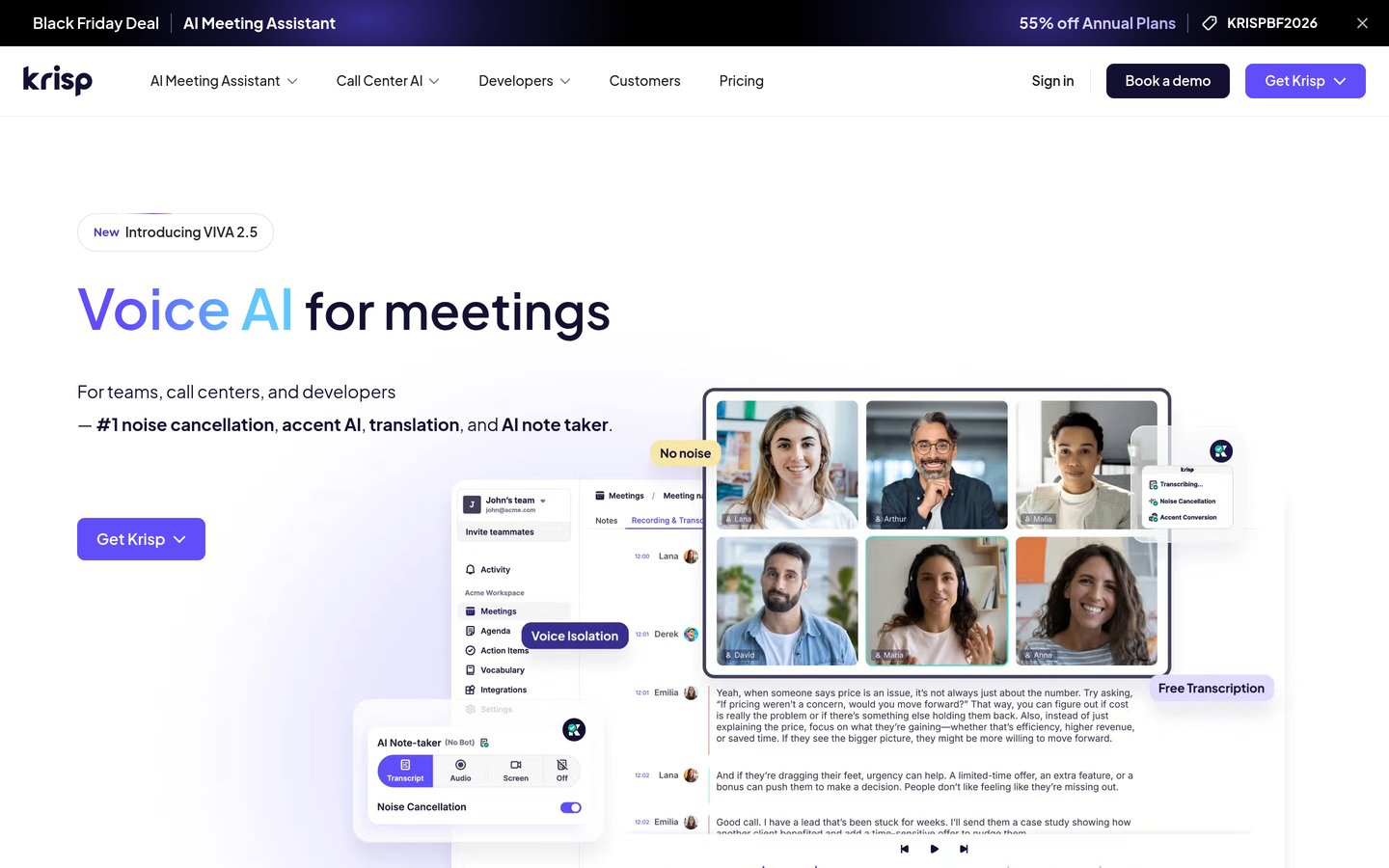
Krisp homepage, captured Nov 2026.
Krisp is a real-time voice app that filters background noise on both your microphone and incoming call audio, starting with a free 7-day trial. Core plans start at $8/mo per user billed annually ($96/yr) or $16/mo billed monthly.
The trade off is paying $96/yr on annual billing once the 7-day trial ends, and per-seat pricing scales with team size. It suits remote workers and teams on frequent calls who want call cleanup plus meeting notes.
What we like
Removes background noise on both outgoing and incoming call audio
Works across communication apps without adding a meeting bot by default
Includes meeting transcription and AI notes on paid plans
High G2 rating across more than 1,600 reviews
Watch out for
No ongoing free tier past the 7-day trial
Monthly billing doubles the annual Core rate to $192/yr
Per-user pricing increases costs for larger teams
Paid Core and Advanced plans add meeting AI notes, larger recording storage, and higher accent conversion limits.Visit krisp.ai
02
NVIDIA Broadcast
4.6/5on G2 (843 reviews, checked Nov 2026)
PriceFree
Best for free GPU noise removal on Windows
CategoryGPU-accelerated audio & video
PriceFree app
HardwareNVIDIA RTX GPU (Windows)
G2 rating4.6/5 (843 reviews)
nvidia.com
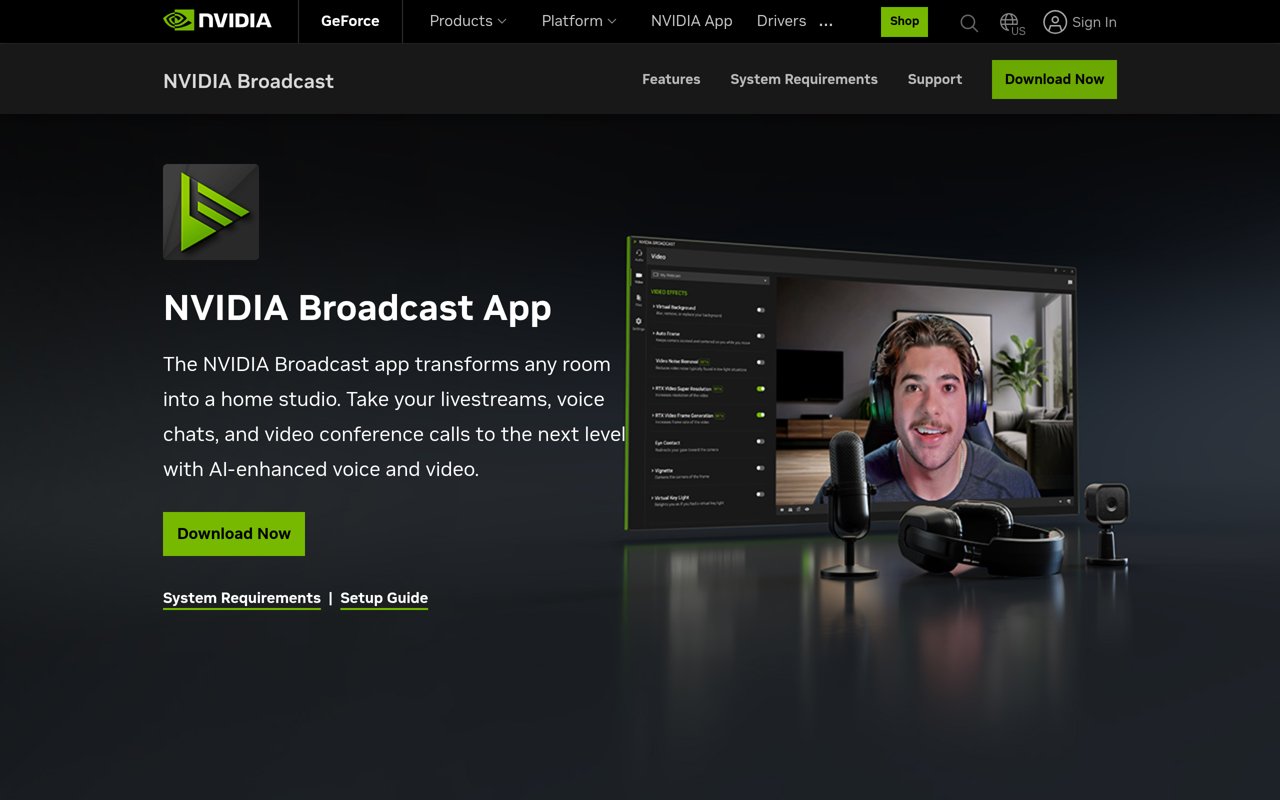
NVIDIA Broadcast homepage, captured Nov 2026.
NVIDIA Broadcast is a free desktop app that uses RTX GPU acceleration to remove mic noise and room echo in real time. It requires compatible RTX graphics hardware, such as an RTX 2060 or higher, and runs with no paid subscription tier.
The trade off is strict hardware lock-in to Windows PCs with supported NVIDIA RTX GPUs, with no paid upgrade needed. It suits streamers, gamers, and hybrid workers already running RTX graphics cards.
What we like
Free with no subscription fees or feature paywalls
Offloads AI voice and echo processing to RTX GPU hardware
Pairs microphone cleanup with webcam background and lighting effects
Watch out for
Requires a compatible NVIDIA RTX GPU on Windows
Not available natively on macOS
No paid plan is required; all core noise removal and broadcast effects are free on supported hardware.Visit nvidia.com
03
Descript
4.6/5on G2 (938 reviews, checked Nov 2026)
Paid from$192/yr
Best for transcript-based podcast and video cleanup
CategoryAudio & video editor
Entry paid planHobbyist ($16/mo annual)
Monthly price$24/mo billed monthly
G2 rating4.6/5 (938 reviews)
descript.com
Descript homepage, captured Nov 2026.
Descript is an audio and video editor with one-click Studio Sound noise cleanup, starting on a free plan with 1 media hour per month. Its lowest paid Hobbyist plan is $16/mo billed annually ($192/yr) or $24/mo billed monthly.
The trade off is $192/yr on the entry annual plan plus monthly caps of 10 media hours and 400 AI credits. It suits podcasters and video creators who edit by transcript and want fast voice cleanup.
What we like
Combines noise cleanup with transcript-based audio and video editing
Includes a free tier with 1 media hour and 100 one-time AI credits
Hobbyist plan adds 1080p watermark-free exports and 10 media hours monthly
Watch out for
Paid plans meter usage through media hours and AI credit allowances
Free exports are capped at 720p with a watermark
Hobbyist raises limits to 10 media hours and 400 AI credits per month with 1080p watermark-free exports.Visit descript.com
04
iZotope RX
4.6/5on G2 (19 reviews, checked Nov 2026)
Starts at$150/yr
Best for detailed spectral audio repair
CategoryAudio restoration & repair
Entry paid planiZotope Plus ($150/yr)
Perpetual optionRX 12 Elements ($99)
G2 rating4.6/5 (19 reviews)
izotope.com
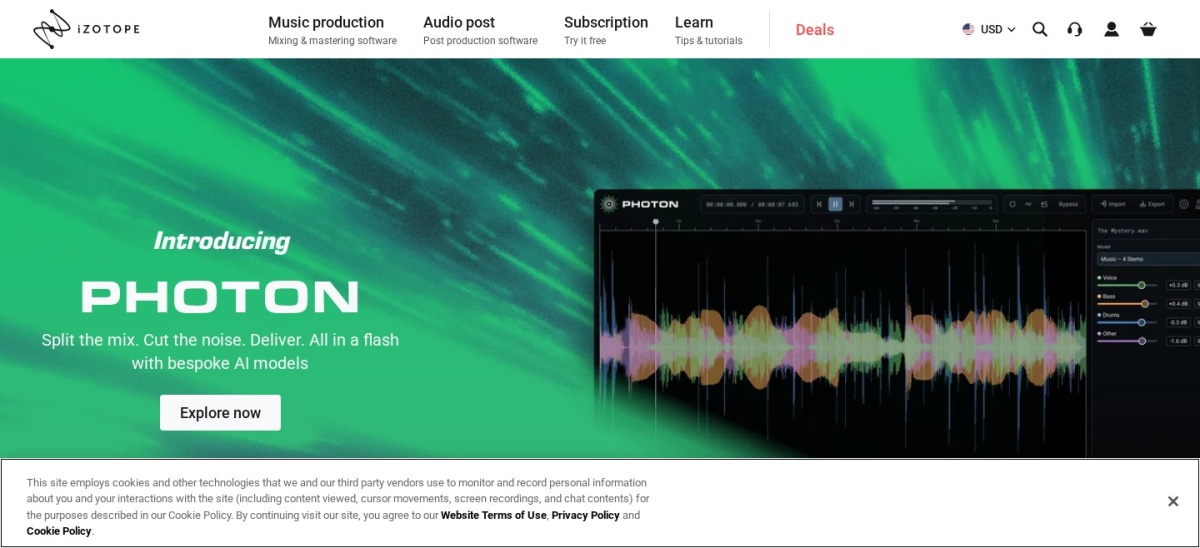
iZotope RX homepage, captured Nov 2026.
iZotope RX is an audio restoration suite with spectral editing and noise repair modules, starting via subscription at $15/mo or $150/yr on Plus. Buyers can also purchase perpetual licenses starting at $99 for RX 12 Elements or $399 for Standard.
The trade off is a $150/yr Plus subscription floor or steep one-time prices for full standalone spectral editing. It suits audio engineers, post-production editors, and podcasters fixing tough recorded noise.
What we like
Offers granular spectral repair and dedicated dialogue isolation tools
Available both through subscription plans and perpetual licenses
Handles stubborn hum, clicks, and background noise in post-production
Watch out for
No permanent free tier beyond trial access
Full standalone RX Audio Editor requires higher-tier editions
Higher RX 12 editions and Pro subscription tiers unlock the standalone RX Audio Editor and expanded repair modules.Visit izotope.com
05
Audacity
4.5/5on G2 (460 reviews, checked Nov 2026)
PriceFree
Best for free offline audio noise cleanup
CategoryDesktop audio editor
PriceFree, open source
PlatformsWindows, macOS, Linux
G2 rating4.5/5 (460 reviews)
audacityteam.org
Audacity homepage, captured Nov 2026.
Audacity is a free, open-source multi-track audio editor with built-in noise reduction and plugin support across Windows, macOS, and Linux. It is free to download and use with no paid software tier required.
The trade off is a dated desktop interface and less automated cleanup than modern AI tools, with no paid software upgrade. It suits budget-conscious creators and editors doing offline noise cleanup on computers.
What we like
Completely free and open source across desktop operating systems
Runs locally offline with support for third-party plugins
Established track record backed by 460 G2 reviews
Watch out for
Interface feels dated compared with newer audio editors
Less effective on complex reverb without extra manual work
The core Audacity desktop app has no paid tier, though optional cloud storage services exist separately.Visit audacityteam.org
06
OBS Studio
4.6/5on G2 (141 reviews, checked Nov 2026)
PriceFree
Best for free live streaming audio filters
CategoryStreaming & recording suite
PriceFree, open source
Audio filtersRNNoise, Speex, noise gate
G2 rating4.6/5 (141 reviews)
obsproject.com
OBS Studio homepage, captured Nov 2026.
OBS Studio is a free, open-source streaming and recording program with built-in RNNoise and Speex noise suppression filters. It has no paid license fees, watermarks, or usage limits.
The trade off is a steeper setup curve and a focus on streaming scenes rather than standalone call routing, with no paid tier. It suits live streamers and video creators already broadcasting or recording in OBS.
What we like
Free and open source with no watermarks or license fees
Includes RNNoise AI noise suppression plus stackable noise gates
Runs on Windows, macOS, and Linux
Watch out for
Setup and audio routing take longer for beginners to learn
Built for streaming and recording rather than general phone or call apps
OBS Studio is free under an open-source license with no paid tiers required to use its audio filters.Visit obsproject.com
07
Adobe Audition
4.4/5on G2 (432 reviews, checked Nov 2026)
Starts at$276/yr
Best for Premiere Pro and Creative Cloud audio workflows
CategoryDigital audio workstation
Entry paid planAudition ($22.99/mo annual)
All-apps optionCreative Cloud Pro ($69/mo)
G2 rating4.4/5 (432 reviews)
adobe.com
Adobe Audition homepage, captured Nov 2026.
Adobe Audition is a multitrack audio editing workstation with noise reduction, de-noise effects, and spectral display tools. Its standalone annual plan billed monthly starts at $22.99/mo (about $276/yr), with no ongoing free plan.
The trade off is a recurring subscription at $22.99/mo with no perpetual license option. It suits video editors and podcasters working alongside Adobe Premiere Pro or Creative Cloud.
What we like
Offers multiple noise reduction and spectral cleanup tools in one editor
Connects smoothly with Adobe Premiere Pro and Creative Cloud apps
Supports multitrack mixing and broadcast loudness workflows
Watch out for
Requires an ongoing monthly subscription rather than a one-time buy
Heavier than simple one-click cleanup tools for basic tasks
Creative Cloud Pro plans bundle Audition with Premiere Pro, cloud storage, and additional desktop creative apps.Visit adobe.com
Choosing between live call filters and post-production cleanup
Live calls and streams need low latency so speech stays in sync with video or gameplay. Tools like Krisp, NVIDIA Broadcast, and OBS Studio handle ongoing background hum, typing, or fan noise in real time.
Recorded podcasts, interviews, and videos benefit from offline editors where you can inspect waveforms or re-run passes. Software like Audacity, Descript, iZotope RX, and Adobe Audition gives you post-capture control over cleaned tracks.
How we chose
We selected established noise suppression software across live call apps, streaming suites, and audio editors using public directory listings and vendor documentation.
Pricing, plan terms, and G2 ratings were checked on 22 Nov 2026 against official product pages and G2 review listings.
We excluded discontinued or unmaintained tools, products without verifiable pricing or review data, and tools with fewer than 10 reviews on G2. No vendor paid for a place, and we do not claim testing for this list.
How to choose noise suppression software
Follow four steps to match noise suppression software to your audio workflow and budget.
Match the tool to live or recorded audio. Pick a real-time filter for calls and streams, or an editor for recorded files.
Check your operating system and hardware. Verify GPU requirements for RTX tools or plugin host support for editors.
Compare free limits against regular usage. Check trial lengths, monthly hour caps, and export limits before committing to a plan.
Calculate annual costs and seat rules. Compare annual billing against monthly rates and check per-user pricing for teams.
FAQ
What is the best noise suppression software for live calls?
Krisp is a strong pick for live calls because it filters background noise on both incoming and outgoing audio across communication apps and holds a 4.7/5 G2 rating across 1,620 reviews. Users on Windows with a compatible RTX GPU can also use NVIDIA Broadcast for free.
Is there completely free noise suppression software?
Yes, NVIDIA Broadcast, Audacity, and OBS Studio are free to use without a paid subscription. Each has clear limits, such as requiring an RTX GPU on Windows or focusing on streaming or offline editing.
Can noise suppression software fix heavy echo or bad mic placement?
Noise suppression works best on steady background sounds like fans, typing, and hum. Heavy room echo or clipped recordings are harder to fix cleanly in software, so moving closer to your microphone still matters.
Should I choose a subscription or a one-time license for audio cleanup?
Subscriptions suit ongoing meeting tools or teams that want regular updates and bundled features, while one-time or free tools suit occasional cleanup. Compare multi-year subscription totals against one-time options if you edit audio infrequently.
Why do some noise removal tools make voices sound robotic?
Pushing noise reduction too high can strip natural vocal overtones and leave ringing or artifacts. Dialing back the strength or keeping some natural room tone usually keeps speech sounding more natural.
Do I need a dedicated app if my meeting app already has noise removal?
Built-in meeting filters can handle light background noise during standard calls. A dedicated tool helps when you want consistent controls across multiple apps, stronger noise filtering, or extra recording and editing features.
SaaS SEO and WordPress specialist with about 8 years of experience. Rakib compares WordPress plugins, themes, hosting and software using public pricing, documentation and user reviews. See how we rank.