Workvivo leads with a 4.8 rating across 2,717 G2 reviews for social engagement and frontline reach. For transparent per-user pricing, Jostle starts at $2.77 per user per month billed annually, while Connecteam offers a free plan for up to 10 users and paid hubs from $29 per month.
How we make this list: we compare pricing pages, product documentation and public user reviews, then re-check every price before each update. No product paid for a place. Disclosure.
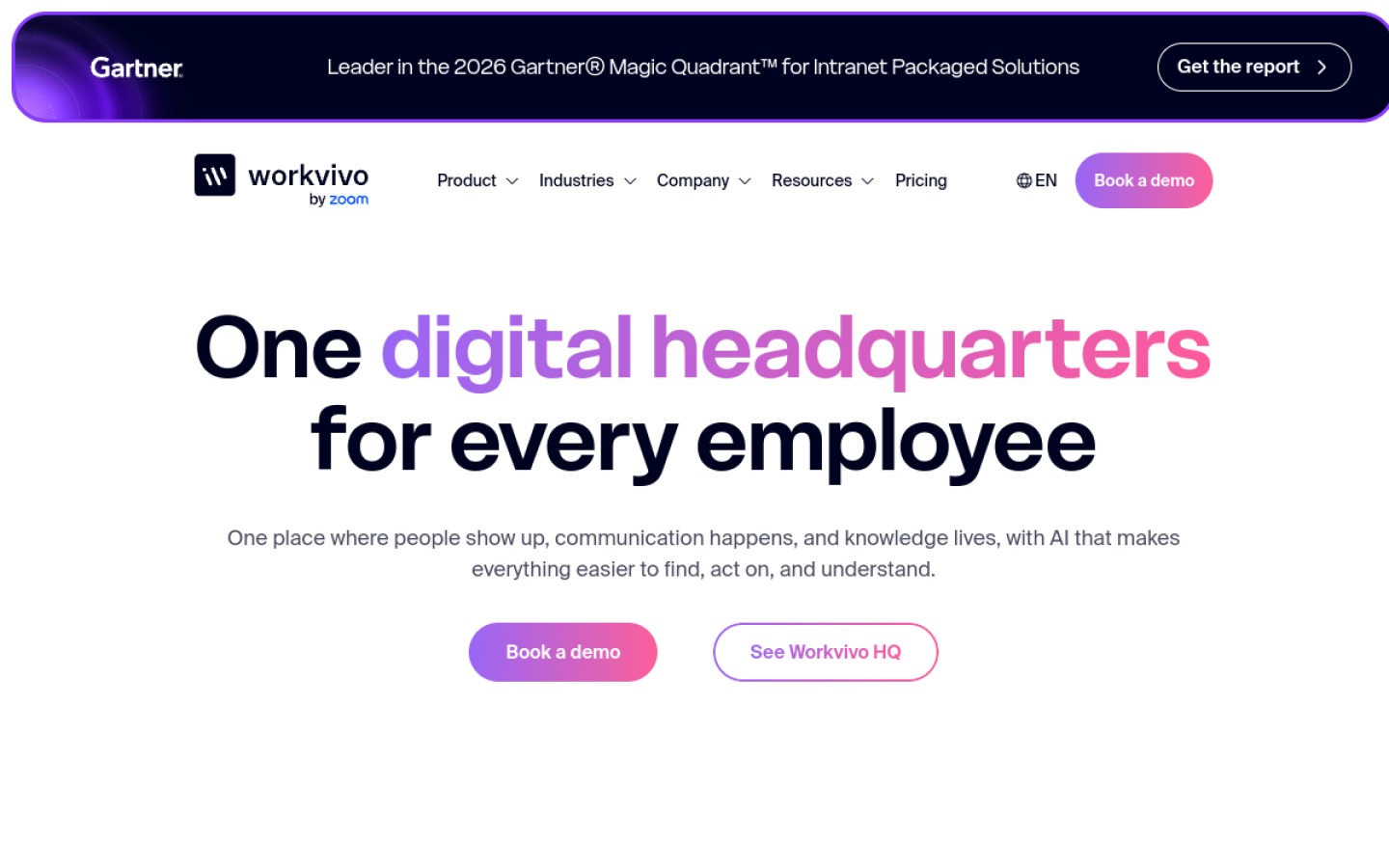
Workvivo holds a 4.8 out of 5 rating across 2,717 G2 reviews with custom enterprise pricing.
Jostle starts at $2.77 per user per month on its Bronze plan with unlimited storage and 4.6 out of 5 across 276 G2 reviews.
Connecteam includes a free plan for up to 10 users and paid tiers starting at $29 per month for the first 30 users on annual billing.
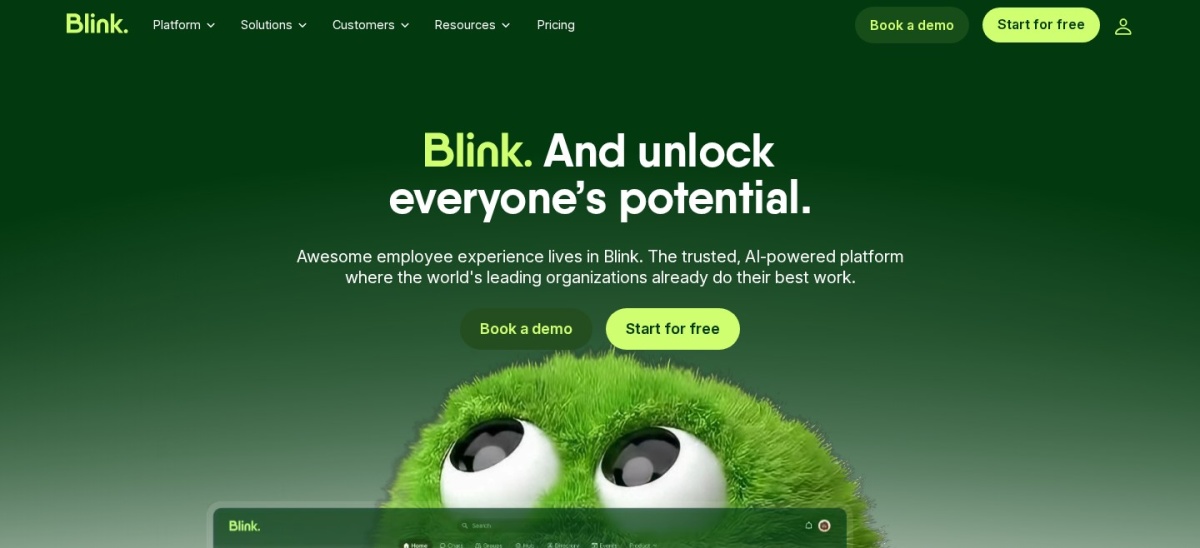
Blink starts at $3.75 per user per month on its Core annual plan for frontline teams and holds 4.6 out of 5 across 404 G2 reviews.
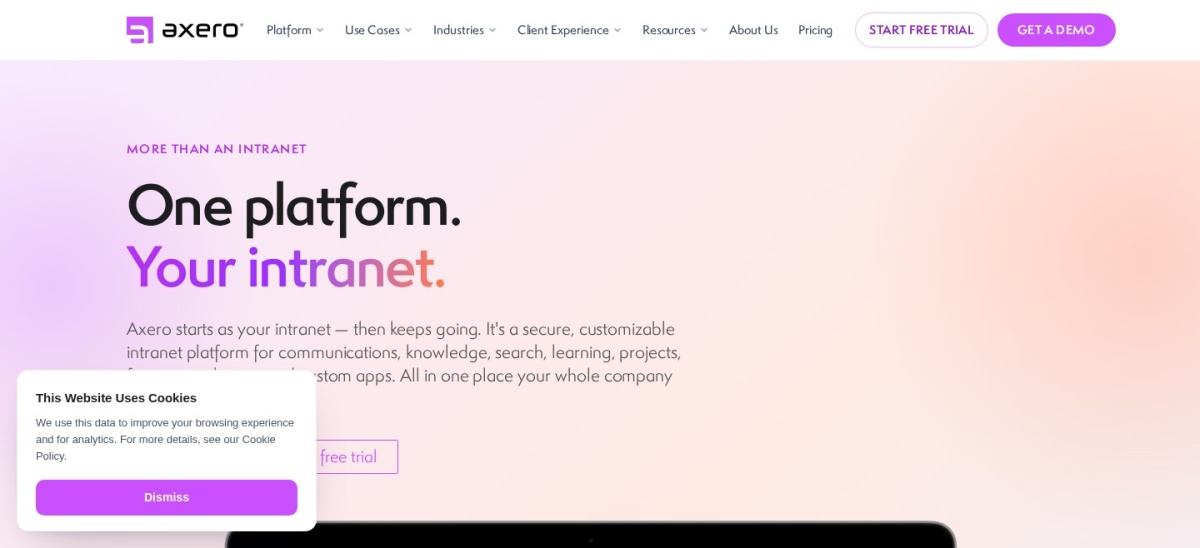
Axero Go Essentials starts at $500 per month for up to 100 people with a 50% discount on the first two months.
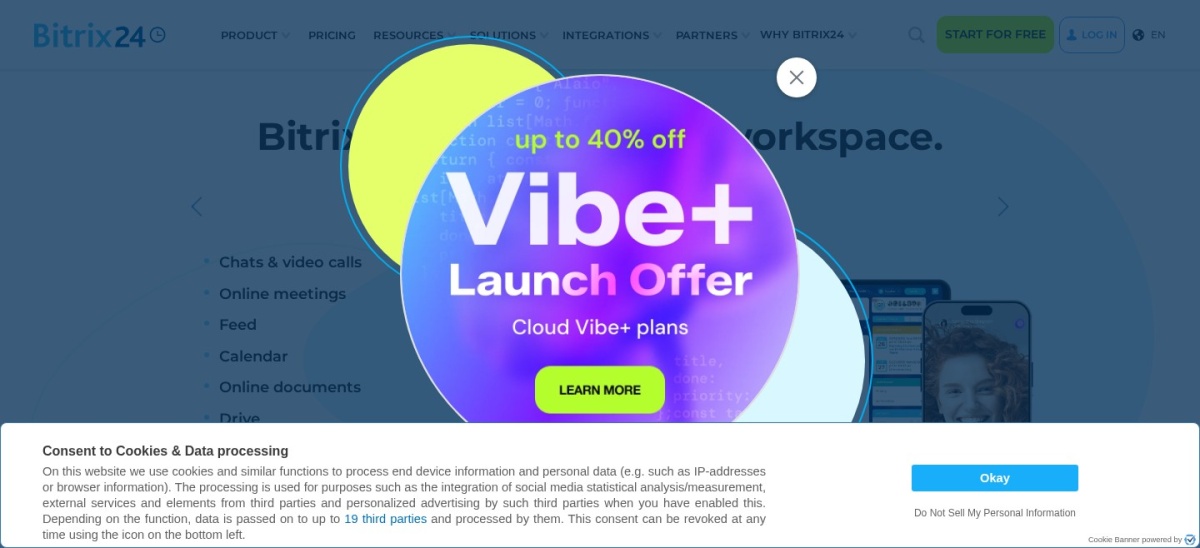
Bitrix24 Basic starts at $49 per month per organization for up to 5 users on annual billing, with a free tier available.
What to look for in an intranet platform
An intranet centralizes company announcements, policies, directories, and team spaces so employees do not hunt through chat threads or shared drives. Modern platforms also add mobile apps, recognition feeds, and search tools that connect office staff with field or shift workers.
Pricing models vary sharply across vendors. Some tools charge per user per month with annual contracts, while others use flat monthly tiers up to a user cap or require custom enterprise quotes.
Before buying, check how well the platform fits your identity provider and daily stack, such as Microsoft 365, Google Workspace, or Slack. Also verify whether frontline staff need mobile access without corporate email addresses.
Watch out for setup complexity and hidden add-ons. A low entry rate can climb once you add single sign-on, custom domains, white-label apps, or extra user seats.
Workvivo is an employee experience and intranet platform backed by Zoom that pairs a social newsfeed with peer recognition, surveys, and mobile access. It holds a 4.8 out of 5 rating across 2,717 G2 reviews and supports both office and frontline teams.
The trade off is custom quote pricing rather than a self-serve public tier, and some reviewers note heavy notification volume. It suits mid-market and enterprise teams prioritizing culture, updates, and mobile adoption.
What we like
Strong 4.8 out of 5 score across 2,717 G2 reviews
Combines company news, recognition, and community spaces
Designed to reach deskless and frontline staff on mobile
Integrates with workplace tools and Zoom
Watch out for
Requires contacting sales for pricing rather than self-serve plans
High activity feeds and alerts can feel noisy for some users
Less focused on deep document management than traditional wikis
Best for transparent per-user pricing and directories
G2 rating4.6 / 5 (276)
Starting rate$2.77/user/mo annual
StorageUnlimited storage
Languages11 supported languages
jostle.me
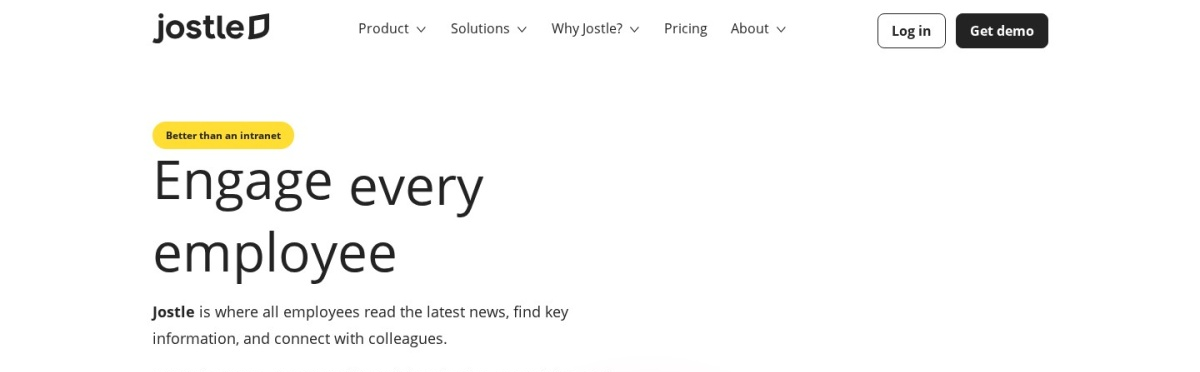
Jostle homepage, captured Nov 2026.
Jostle is an intranet and employee communications platform known for dynamic people directories, org charts, and straightforward rollouts. It holds a 4.6 out of 5 rating across 276 G2 reviews and includes unlimited storage and custom branding across its plans.
The trade off is that its Bronze plan starts at $2.77 per user per month ($33.24 per user per year) with annual billing, and some teams want deeper page customization. It suits organizations that want predictable per-seat pricing and fast employee adoption.
What we like
Published Bronze pricing at $2.77 per user per month billed annually
Includes unlimited storage and custom branding on plans
Strong people directory and org chart visibility
Supports iOS and Android apps for field and desk workers
Watch out for
Monthly billing costs more than annual commitments
Layout customization is more structured than freeform builders
Advanced workflow automation is lighter than dedicated BPM suites
Silver ($4.98/user/mo), Gold ($6.64/user/mo), and Platinum ($7.88/user/mo) expand capabilities and support.Visit jostle.me
03
Connecteam
4.6/5on G2 (3,506 reviews, checked Nov 2026)
Paid from$348/yr
Best for small teams and frontline operations
G2 rating4.6 / 5 (3,506)
Free tierFree for up to 10 users
Paid entry$29/mo (first 30 users)
Extra seats$0.50+/user/mo on Basic
connecteam.com
Connecteam homepage, captured Nov 2026.
Connecteam is a mobile-first workplace app combining internal communications, updates, chat, scheduling, and time tracking. It offers a free plan for up to 10 users and holds a 4.6 out of 5 rating across 3,506 G2 reviews.
The trade off is that paid plans start at $29 per month ($348 per year) billed annually for the first 30 users with per-user fees above that and separate hubs. It suits small businesses and shift-based teams that want internal updates alongside mobile ops.
What we like
Free plan available for up to 10 users
Clear Basic pricing at $29 per month billed annually for up to 30 users
Built for mobile access across non-desk and distributed staff
Combines internal updates and chat with scheduling and forms
Watch out for
Features are split across Operations, Communications, and HR hubs
Less suited to complex corporate knowledge bases than dedicated intranets
Advanced ($49/mo) and Expert ($99/mo) tiers for 30 users add geofencing, templates, and automation.Visit connecteam.com
04
Blink
4.6/5on G2 (404 reviews, checked Nov 2026)
Starts at$45/user/yr
Best for mobile-first frontline communication
G2 rating4.6 / 5 (404)
Core price$3.75/user/mo annual
Pro price$5.00/user/mo annual
OnboardingPhone or QR code option
joinblink.com
Blink homepage, captured Nov 2026.
Blink is a mobile-first intranet and employee app built around a social feed, chat, hubs, surveys, and recognition for frontline teams. It holds a 4.6 out of 5 rating across 404 G2 reviews and lets staff join without a corporate email address.
The trade off is that Core starts at $3.75 per user per month ($45 per user per year) billed annually with no permanent free tier, and it is less document-heavy than traditional intranets. It suits retail, hospitality, healthcare, and field teams.
What we like
Published Core pricing from $3.75 per user per month billed annually
Mobile-first experience with phone or QR code sign-in options
Strong 4.6 out of 5 rating across 404 G2 reviews
Integrates with Microsoft 365, scheduling, and HR systems
Watch out for
No free plan, though a free trial is available
Chat and notification controls can feel limited to power users
Less focused on heavy desktop document archiving
Pro ($5.00/user/mo annually) and Enterprise tiers add expanded automation, AI tools, and controls.Visit joinblink.com
05
Axero
4.3/5on G2 (106 reviews, checked Nov 2026)
Starts at$6,000/yr
Best for knowledge bases and customizable spaces
G2 rating4.3 / 5 (106)
Axero Go$500/mo for up to 100 people
Growth tier$2,000/mo for up to 500 people
DeploymentCloud or on-premises
axerosolutions.com
Axero homepage, captured Nov 2026.
Axero is an intranet and knowledge management platform combining team spaces, wikis, content publishing, and employee engagement tools. It holds a 4.3 out of 5 rating across 106 G2 reviews and offers cloud as well as on-premises options on enterprise tiers.
The trade off is that Axero Go Essentials starts at $500 per month ($6,000 per year) for up to 100 people without SSO or spaces; Axero lists a 50% discount on the first two months. It suits mid-sized teams that want structured knowledge and spaces.
What we like
Published flat pricing for Axero Go up to 100 and 500 people
Strong content management, wikis, and customizable workspaces
Supports migration path into custom per-user plans above 500 users
Offerings include recognition, gamification, and task tools
Watch out for
Entry plan at $500 per month lacks SSO, spaces, and custom pages
Admin settings can have a learning curve during setup
Lower review count on G2 than some larger rivals
Axero Go Growth ($2,000/mo for up to 500 people) adds spaces, SSO, and approvals, with custom quotes above 500 users.Visit axerosolutions.com
06
Bitrix24
4.1/5on G2 (615 reviews, checked Nov 2026)
Paid from$588/yr
Best for bundled workspace, chat, tasks, and CRM
G2 rating4.1 / 5 (615)
Free tierFree plan available
Basic price$49/mo per org annual
User cap5 users on Basic
bitrix24.com
Bitrix24 homepage, captured Nov 2026.
Bitrix24 is an all-in-one online workspace that bundles internal chat, video calls, task boards, document tools, and CRM in one system. It offers a free plan and holds a 4.1 out of 5 rating across 615 G2 reviews.
The trade off is that Basic costs $49 per month per organization ($588 per year) billed annually for up to 5 users, and the broad feature set can feel dense. It suits small businesses consolidating chat, tasks, and CRM under one roof.
What we like
Free plan available alongside clear annual organization pricing
Combines team chat, tasks, projects, and CRM in one platform
Available in cloud and on-premises editions
High volume of user reviews (615 on G2)
Watch out for
Basic plan caps usage at 5 users per organization
Dense interface and many modules create a learning curve
Customer support speed is a recurring complaint in reviews
Standard ($99/mo for 50 users) and Professional ($199/mo for 100 users) on annual billing raise seat limits and automation.Visit bitrix24.com
07
Simpplr
4.6/5on G2 (377 reviews, checked Nov 2026)
PricingCustom quote
Best for mid-market and enterprise content governance
G2 rating4.6 / 5 (377)
FocusGovernance & comms
AnalyticsEngagement & site metrics
PricingCustom quote
simpplr.com
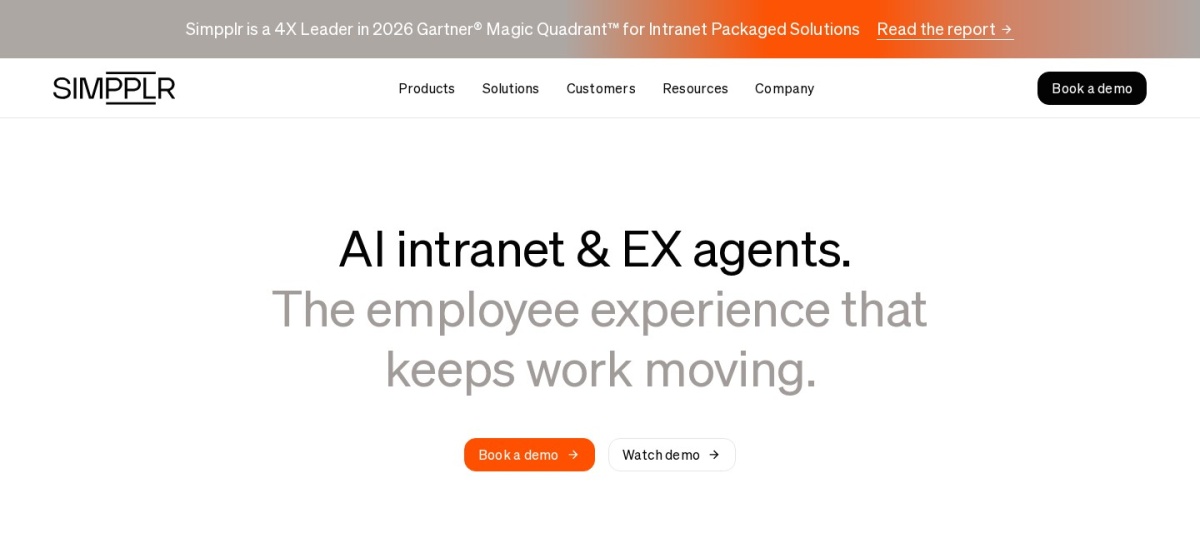
Simpplr homepage, captured Nov 2026.
Simpplr is an intranet platform focused on internal communications, employee surveys, recognition, and structured content governance. It holds a 4.6 out of 5 rating across 377 G2 reviews and helps teams keep pages up to date.
The trade off is custom quote pricing rather than public self-serve tiers, and some teams want more visual layout freedom. It suits mid-sized and large organizations that need organized policies and clear internal comms.
What we like
Strong 4.6 out of 5 rating across 377 G2 reviews
Built-in content lifecycle checks and structured site management
Includes surveys, recognition, and engagement analytics
Connects with major workplace and identity tools
Watch out for
No public self-serve pricing tiers; requires a sales quote
Page design templates are less flexible than freeform tools
Can feel heavier than needed for very small teams
Higher tiers and add-ons expand enterprise search, analytics depth, and multi-site governance.Visit simpplr.com
Desk vs. frontline intranet needs
Office-based teams usually prioritize search, document hubs, department pages, and integrations with Microsoft 365 or Google Workspace. Frontline teams in retail, logistics, or healthcare need fast mobile access, push updates, and simple sign-in flows.
Before picking a tool, map out how many employees sit at a desk versus working on a phone or tablet. Paying for complex desktop features that field staff rarely open wastes budget and hurts adoption.
How we chose
We selected established intranet and employee communications platforms from software directories, vendor documentation, and recent 2026 buyer guides.
We checked public ratings, review counts, and official pricing pages on 22 Nov 2026, converting annual entry plans to yearly USD where published and listing custom quotes where vendors do not publish rates.
We excluded tools lacking verifiable ratings or clear product fit for internal communications, and only included products with confirmed pricing or transparent quote status. No vendor paid for a place, and we do not claim testing for this list.
How to choose an intranet platform
Follow four practical steps to narrow down the right intranet for your team.
Audit how your staff actually work. Count desk-based employees alongside mobile or shift workers so you pick a layout and app experience people will use daily.
Check your core integrations and login flow. Confirm how the platform connects with your existing directory, single sign-on, email, or chat tools before starting a pilot.
Model your true headcount cost. Compare per-user annual rates, user caps, and extra hub or seat fees against your current and projected team size.
Review content ownership and permissions. Decide who can publish news, update policies, and moderate spaces so information stays accurate after launch.
FAQ
What is the main purpose of a company intranet?
A company intranet gives employees one central place for announcements, policies, directories, and team resources. Instead of searching old chats or shared drives, staff can find current company information and updates in one hub.
Are there free intranet platforms for small teams?
Yes. Connecteam offers a free plan for up to 10 users, and Bitrix24 provides a free plan alongside paid tiers, though advanced features and larger team limits require paid plans.
Why do many intranet vendors use custom pricing?
Many platforms price based on total headcount, required modules, integrations, and support or deployment scope. Because enterprise needs vary widely, vendors like Workvivo and Simpplr often quote custom contracts rather than fixed public rates.
What should small teams watch out for when buying an intranet?
Watch out for user minimums, seat add-ons, and setup complexity. A platform built for large enterprises can require extra admin time, while a tool with a low base rate may charge extra per user once you pass a set limit.
How do mobile-first intranets differ from traditional intranets?
Mobile-first platforms prioritize smartphone feeds, quick announcements, chat, and easy sign-in for staff without company email. Traditional intranets often lean heavier on structured pages, knowledge bases, and desktop document workflows.
Can an intranet replace team chat or project tools?
Some platforms include basic chat, announcements, or task lists, while others focus mainly on company news, directories, and knowledge hubs. Most organizations still pair an intranet with specialized messaging, project, or HR software.
SaaS SEO and WordPress specialist with about 8 years of experience. Rakib compares WordPress plugins, themes, hosting and software using public pricing, documentation and user reviews. See how we rank.