Microsoft Outlook is the best calendar app for Windows, offering free email and calendar management with an optional $19.99 annual Microsoft 365 Basic subscription. Fantastical is better for natural-language event creation, while TickTick suits users who want calendar scheduling, task management and habit tracking together.
How we make this list: we compare pricing pages, product documentation and public user reviews, then re-check every price before each update. No product paid for a place. Disclosure.
Microsoft Outlook offers free calendar access and an ad-free Microsoft 365 Basic subscription for $19.99 annually.
Fantastical earns 4.2/5 from 25K App Store ratings and lists Premium at $56.99 annually.
TickTick has a 4.9/5 App Store rating from 47K users, with Premium priced at $49.99 annually.
Morgen costs $180 annually and combines calendar management, time blocking and appointment booking.
eM Client offers free personal access on 1 device with support for 2 email accounts.
What to look for in a Windows calendar app
A good Windows calendar application should make creating appointments, checking availability and managing recurring commitments straightforward. Desktop notifications and reliable synchronization are particularly important for users who depend on their calendars throughout the working day.
Check compatibility with your existing calendar provider before choosing an application. Support for Google Calendar, Microsoft Exchange, Outlook and iCloud can help consolidate personal and professional appointments without manually transferring events.
Task integration is useful when your schedule includes deadlines and independent work. Calendar applications with time blocking allow you to reserve periods for specific activities instead of organizing your day exclusively around meetings.
Natural-language event creation reduces repetitive data entry by converting ordinary sentences into scheduled appointments. Custom reminders, recurring events and multiple calendar views can also make everyday scheduling more convenient.
Compare subscription restrictions carefully. Basic scheduling may be free, while advanced calendar views, appointment booking, additional accounts and automation features can require paid access.
4.8/5on App Store (9.3M reviews, checked 25 Nov 2026)
Paid from$19.99/yr
Best calendar app for Windows overall
Windows desktop applicationYes
Calendar accountsOutlook, Google and others
Basic mailbox storage100 GB
Entry subscriptionMicrosoft 365 Basic
microsoft.com
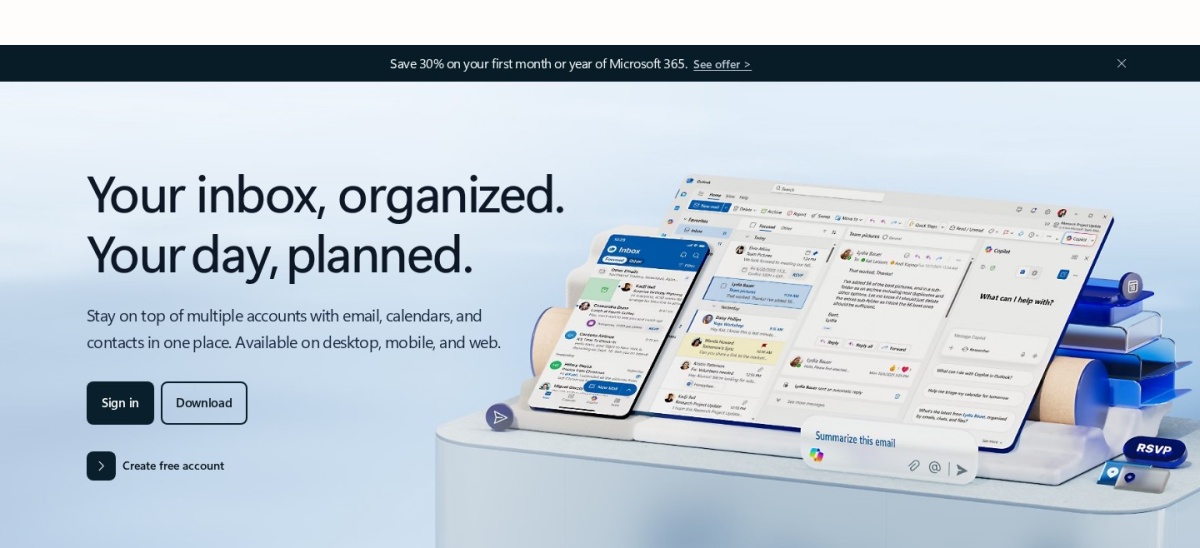
Microsoft Outlook homepage, captured 25 Nov 2026.
Microsoft Outlook is an email and calendar application that provides appointment scheduling, meeting invitations, reminders and shared calendar management. Its free desktop version supports everyday scheduling, while Microsoft 365 Basic includes 100 GB of mailbox storage and additional security features.
The trade off is that its email-centered interface may feel unnecessary for users who only want a calendar. Microsoft 365 Basic costs $19.99 annually or $1.99 monthly and removes advertising from supported Outlook experiences. It suits Windows users who want familiar scheduling and communication tools.
What we like
Free Windows desktop application
Integrates email with calendar scheduling
Supports multiple account providers
Meeting invitations and shared calendars
Affordable optional paid subscription
Watch out for
Email features can clutter the scheduling experience
Advanced Microsoft 365 features require higher plans
Some classic Outlook functionality differs from the new application
Microsoft 365 Basic adds ad-free Outlook, expanded storage and additional security features.Visit microsoft.com
02
Fantastical
4.2/5on App Store (25K reviews, checked 25 Nov 2026)
Paid from$56.99/yr
Best for dedicated calendar management
Windows desktop applicationYes
Natural-language event creationYes
Premium trial14 days
Entry subscriptionFlexibits Premium Individual
flexibits.com
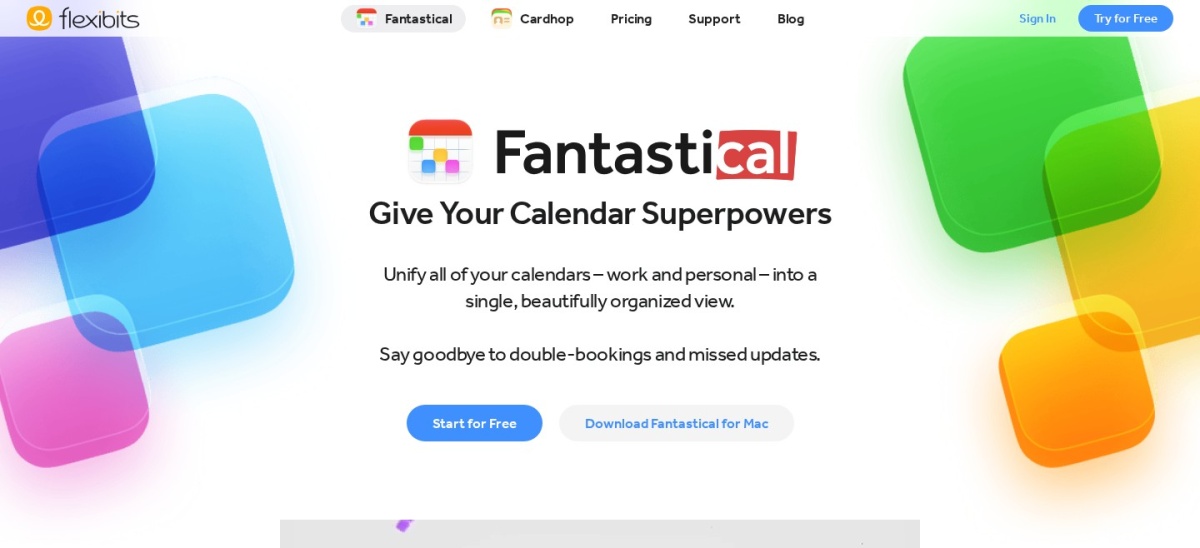
Fantastical homepage, captured 25 Nov 2026.
Fantastical is a dedicated calendar application that combines events, reminders and task lists through a unified scheduling interface. Its natural-language parser converts ordinary sentences into appointments, and its free version connects existing calendar accounts for everyday event management.
The trade off is that advanced scheduling, calendar sets and reusable event templates require Premium, listed at $56.99 annually in the App Store. Flexibits also advertises a temporary Black Friday discount, excluded from this comparison. It suits users who prefer a dedicated calendar over an email-centered application.
What we like
Natural-language appointment creation
Multiple calendar and task integrations
Flexible scheduling views
Appointment booking and meeting proposals
Dedicated Windows application
Watch out for
Advanced scheduling features require Premium
Some functionality differs across operating systems
4.9/5on App Store (47K reviews, checked 25 Nov 2026)
Paid from$49.99/yr
Best for combining calendar scheduling and tasks
Windows desktop applicationYes
Task priority levels4
Premium lists299
Premium reminders per taskUp to 5
ticktick.com
TickTick homepage, captured 25 Nov 2026.
TickTick is a productivity application that combines task management, calendar scheduling, habit tracking and focus timers. Its Premium subscription supports 299 task lists, expanded calendar views and up to 5 reminders per task, making it useful for organizing work alongside appointments.
The trade off is that full calendar functionality and external calendar subscriptions require Premium. The App Store lists regular pricing at $49.99 annually or $4.99 monthly. It suits users who want their calendar to reflect both scheduled appointments and independent work.
What we like
Combines calendar events with actionable tasks
Flexible reminders and recurring assignments
Built-in habit tracking
Focus timer for scheduled work
Cross-platform synchronization
Watch out for
Full calendar views require Premium
Task-centered interface may not suit calendar-only users
Numerous productivity features require initial setup
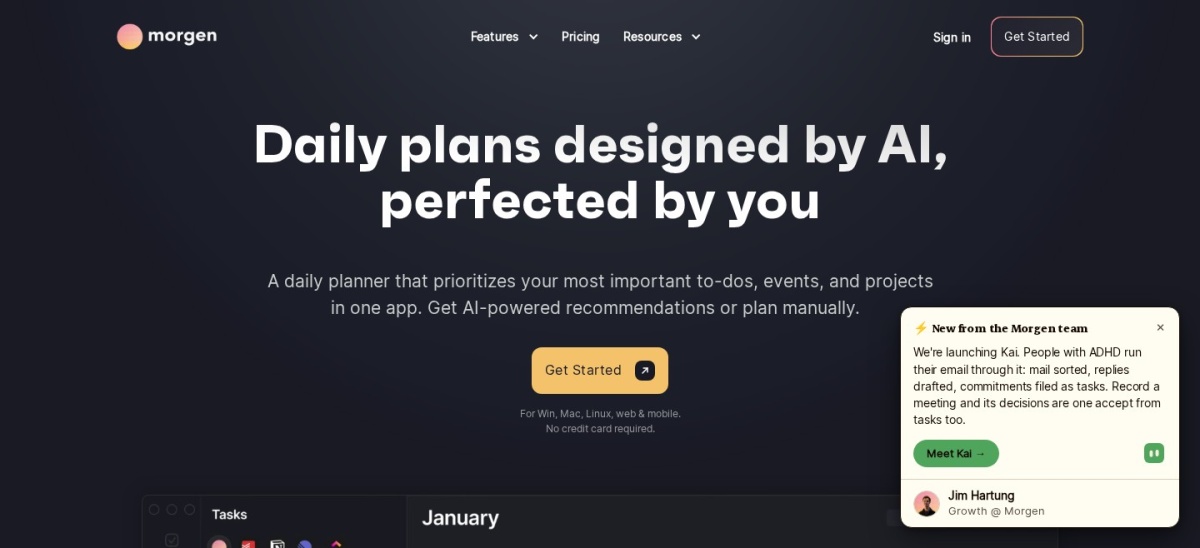
Morgen is a calendar and daily planning application that consolidates appointments and tasks from multiple services. Its Pro subscription includes time blocking, appointment booking links and integrations with Google Calendar, Outlook, Todoist and other productivity platforms.
The trade off is that continuing access requires a subscription costing $15 monthly with annual billing or $30 with monthly billing after the 14-day trial. Its planning features may be excessive for occasional scheduling. It suits professionals managing multiple calendars and competing work commitments.
What we like
Combines personal and professional calendars
Integrated task scheduling
Time blocking and automated planning tools
Appointment booking links
Desktop and mobile synchronization
Watch out for
No permanent free plan
Relatively expensive monthly billing
Smaller G2 review history than established alternatives
Pro includes calendar integrations, task planning, automation and appointment booking.Visit morgen.so
05
eM Client
4.2/5on Capterra (187 reviews, checked 25 Nov 2026)
Paid from$49.95/yr
Best for desktop email and calendar integration
Free desktop devices1
Free email accounts2
Personal license devicesUp to 3
Entry subscriptionPersonal
emclient.com
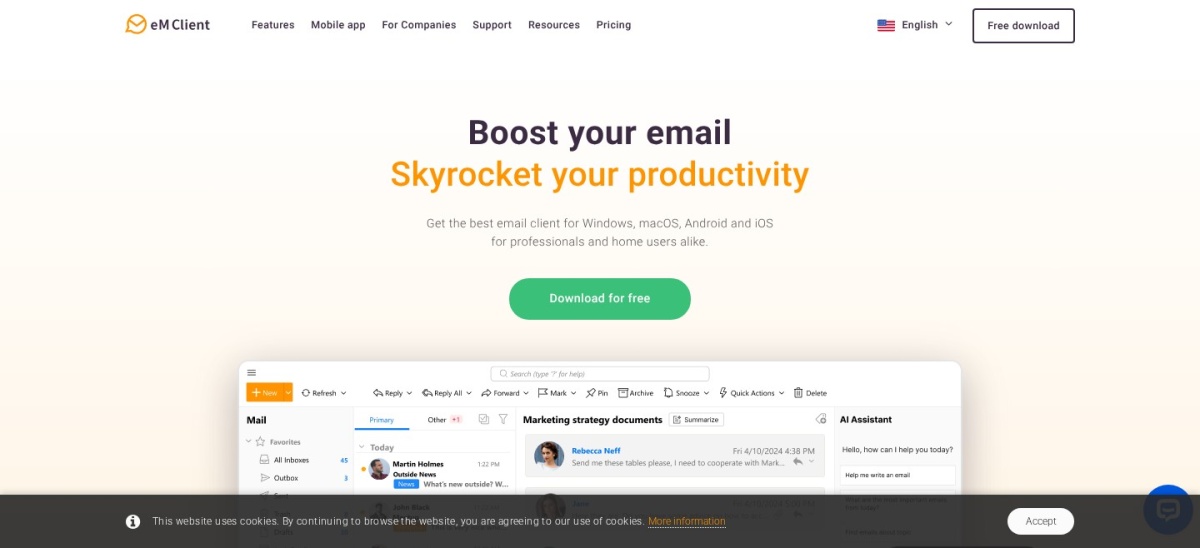
eM Client homepage, captured 25 Nov 2026.
eM Client is a desktop communication application that includes email, calendar scheduling, contacts and task management. Its free personal license supports 2 email accounts on 1 device, allowing home users to combine everyday communication and appointments without paying for a subscription.
The trade off is that the free license restricts account capacity and is intended for home use. Personal costs $49.95 annually and supports up to 3 devices, while business licensing is separate. It suits users who want an Outlook alternative with integrated desktop calendar management.
What we like
Native Windows desktop application
Integrated appointments and email
Free personal-use license
Supports several account providers
One-time licensing options available
Watch out for
Free account allowance is limited
Business use requires appropriate licensing
Less focused on advanced time-blocking workflows
Personal expands account capacity and supports additional desktop devices.Visit emclient.com
06
Sunsama
4.7/5on Capterra (27 reviews, checked 25 Nov 2026)
Starts at$17/mo
Best for guided daily calendar planning
Windows desktop applicationYes
Calendar integrationsGoogle and Outlook
Daily planning workflowIncluded
BillingAnnual or monthly
sunsama.com
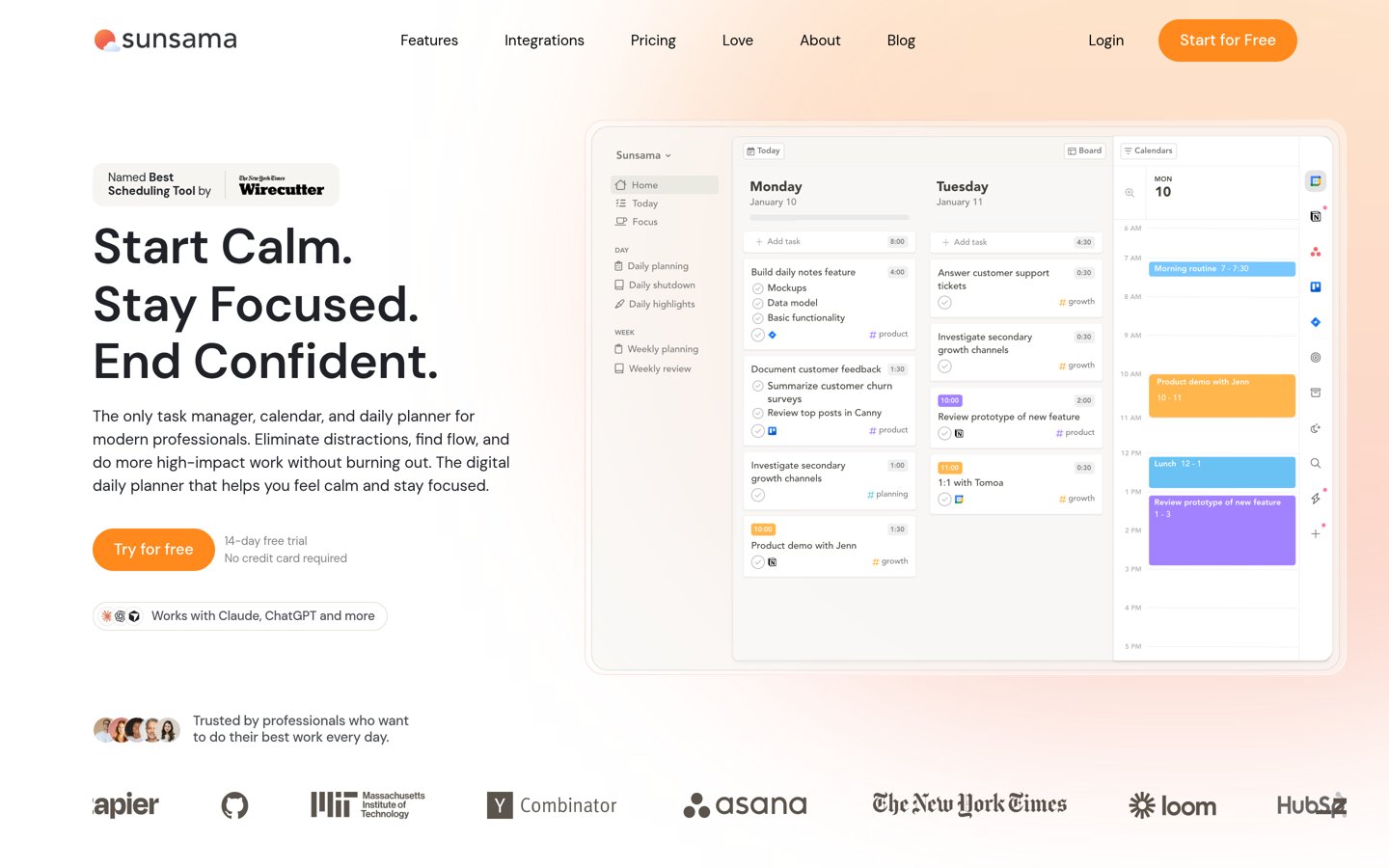
Sunsama homepage, captured 25 Nov 2026.
Sunsama is a daily planning application that helps users organize assignments alongside calendar appointments. Its subscription combines task integrations, guided workday planning, time estimates and calendar-based scheduling for $17 per user monthly when billed annually.
The trade off is that Sunsama requires an ongoing subscription and emphasizes intentional daily planning rather than basic appointment management. Monthly billing costs $22 per user, compared with $204 annually. It suits professionals who want to allocate realistic amounts of time to individual assignments.
What we like
Structured daily planning workflow
Calendar-based task scheduling
Integrations with external productivity applications
Encourages manageable daily workloads
Weekly planning and review features
Watch out for
No permanent free subscription
Expensive for simple calendar management
Mobile application primarily complements desktop planning
The subscription includes daily planning, calendar integrations and task scheduling.Visit sunsama.com
07
Akiflow
4.8/5on G2 (99 reviews, checked 25 Nov 2026)
Starts at$34/mo
Best for consolidating tasks and calendar events
Windows desktop applicationYes
Free trial7 days
AI scheduling assistantIncluded
Entry subscriptionPro Monthly
akiflow.com
Akiflow homepage, captured 25 Nov 2026.
Akiflow is a calendar-based productivity application that collects tasks, meetings and assignments into a centralized planning workspace. Its Pro subscription includes calendar scheduling, integrations, task capture and an AI assistant, with a 7-day trial available before subscribing.
The trade off is that regular monthly access costs $34, making it considerably more expensive than general calendar applications. Its pricing page also displays a promotional annual rate of $19 monthly, excluded from the price ladder. It suits professionals who regularly manage assignments across several applications.
What we like
Centralized inbox for incoming tasks
Drag-and-drop calendar time blocking
Keyboard-friendly planning workflow
Integrates with external productivity services
AI-assisted scheduling features
Watch out for
High regular monthly subscription price
No permanent free plan
Unnecessary complexity for basic appointment scheduling
Pro includes task integrations, calendar planning and AI assistant functionality.Visit akiflow.com
How much do calendar apps for Windows cost?
Microsoft Outlook is available without a subscription, and its optional Microsoft 365 Basic upgrade costs $19.99 annually. Fantastical, TickTick and eM Client also provide free starting options with paid upgrades below $60 annually.
Specialized daily planning applications generally cost more. Morgen costs $180 annually, while Sunsama costs $204 annually per user. These subscriptions include task integration and structured planning features beyond ordinary appointment scheduling.
The price ladder uses regular published subscription prices rather than temporary promotions. Mobile marketplace prices may differ from direct vendor checkout prices. Review renewal terms before choosing an annual subscription.
How we chose
We selected established calendar and productivity applications with Windows desktop support. The comparison considers calendar synchronization, event creation, task scheduling, reminders, subscription restrictions, platform compatibility and public user feedback.
Official pricing pages, App Store listings, G2 profiles and Capterra reviews were checked on 25 Nov 2026. Prices exclude identified temporary promotions. App Store ratings reflect the corresponding mobile applications rather than Windows-specific reviews.
We excluded discontinued calendar software, applications without Windows support and products lacking established public review histories. Rankings prioritize practical scheduling features and everyday usability rather than feature quantity alone. No vendor paid for a place, and we do not claim testing for this list.
How to choose the best calendar app for Windows
Identify your scheduling requirements and existing calendar accounts before comparing Windows calendar applications.
Check compatibility with your calendar accounts. Confirm that the application supports your existing email and calendar providers. Verify synchronization, recurring appointments and invitation handling before moving important schedules to a new platform.
Decide whether you need task management. Choose a dedicated calendar for straightforward appointment scheduling. If your work requires assigning time to tasks, consider applications with integrated task lists, time blocking and daily planning.
Compare desktop features and notifications. Review Windows application availability, calendar layouts, keyboard shortcuts and reminder settings. Check whether the application delivers notifications reliably when you are working in other programs.
Evaluate the complete subscription cost. Compare permanent free features, regular annual subscriptions and any additional charges. Avoid purchasing advanced planning or appointment booking features unless they address your actual scheduling requirements.
FAQ
What is the best calendar app for Windows?
Microsoft Outlook is our top overall choice because it provides free desktop scheduling, calendar synchronization and email integration. Fantastical is preferable for dedicated calendar management, while TickTick is better for combining appointments with personal tasks and productivity routines.
What is the best free calendar app for Windows?
Microsoft Outlook is our preferred free option for Windows users who need everyday scheduling and calendar synchronization. Fantastical also provides free basic calendar features, while eM Client offers a free personal license supporting 2 email accounts on one desktop device.
Does Windows have a built-in calendar app?
Microsoft replaced its older standalone Windows Mail and Calendar applications with the new Outlook for Windows. Outlook combines email and calendar functionality, allowing users to create appointments, manage reminders and connect supported calendar accounts without purchasing a separate calendar application.
Which Windows calendar app is best for time blocking?
Morgen is a good choice for time blocking because it combines appointments, external tasks and daily scheduling tools. TickTick provides a more affordable task-centered alternative, while Sunsama focuses on guided planning and assigning realistic amounts of time to individual activities.
Can Windows calendar apps synchronize with Google Calendar?
Yes. Microsoft Outlook, Fantastical, Morgen and several other applications support Google Calendar integration. Available synchronization features can vary according to account permissions and subscription tiers, so check whether your chosen application supports the required calendars and editing capabilities.
Is Fantastical available for Windows?
Yes. Fantastical provides a dedicated Windows application alongside its other supported platforms. Users can manage basic calendar events without purchasing a subscription, while Flexibits Premium adds advanced scheduling, calendar sets, event templates and additional productivity features.
Are paid calendar apps worth the subscription cost?
Paid calendar applications can be worthwhile when they reduce repetitive scheduling work, consolidate multiple accounts or help organize tasks around available time. However, free applications such as Outlook are generally sufficient for users who primarily need appointments, reminders and recurring events.
SaaS SEO and WordPress specialist with about 8 years of experience. Rakib compares WordPress plugins, themes, hosting and software using public pricing, documentation and user reviews. See how we rank.