Apify is the best automation tool for web scraping, offering reusable cloud scrapers, scheduled execution and a $19 monthly entry plan. Browse AI is better for no-code website monitoring, while Octoparse suits users who prefer building visual extraction workflows without programming.
How we make this list: we compare pricing pages, product documentation and public user reviews, then re-check every price before each update. No product paid for a place. Disclosure.
Apify combines reusable scraping Actors, cloud automation and a $19 monthly Starter plan.
Browse AI supports 10 domains and 12,000 annual credits on its $19 monthly Personal plan billed annually.
Octoparse Basic costs $19 per month and supports 20 saved extraction tasks.
ScrapingBee includes 75,000 monthly API credits for $19 per month.
Firecrawl offers 1,000 free monthly credits for AI-oriented web data extraction.
Bright Data offers a $499 monthly Scale subscription covering 384,000 records.
What to look for in a web scraping automation tool
Web scraping automation tools collect information from websites and deliver it in structured formats. Businesses use them for product catalog monitoring, market research, public data collection and recurring reporting.
No-code platforms let users configure extraction rules visually, while developer-focused APIs provide more control over how data collection fits into existing applications.
Scheduling, automatic retries, export formats and integration options matter when scraping becomes a recurring business process rather than an occasional task.
Compare the actual cost of collecting usable records rather than subscription prices alone. JavaScript rendering, complex pages and additional processing can consume extra credits.
Review website terms, access permissions, privacy requirements and applicable laws before collecting data. Avoid restricted information and configure collection frequencies that respect website resources.
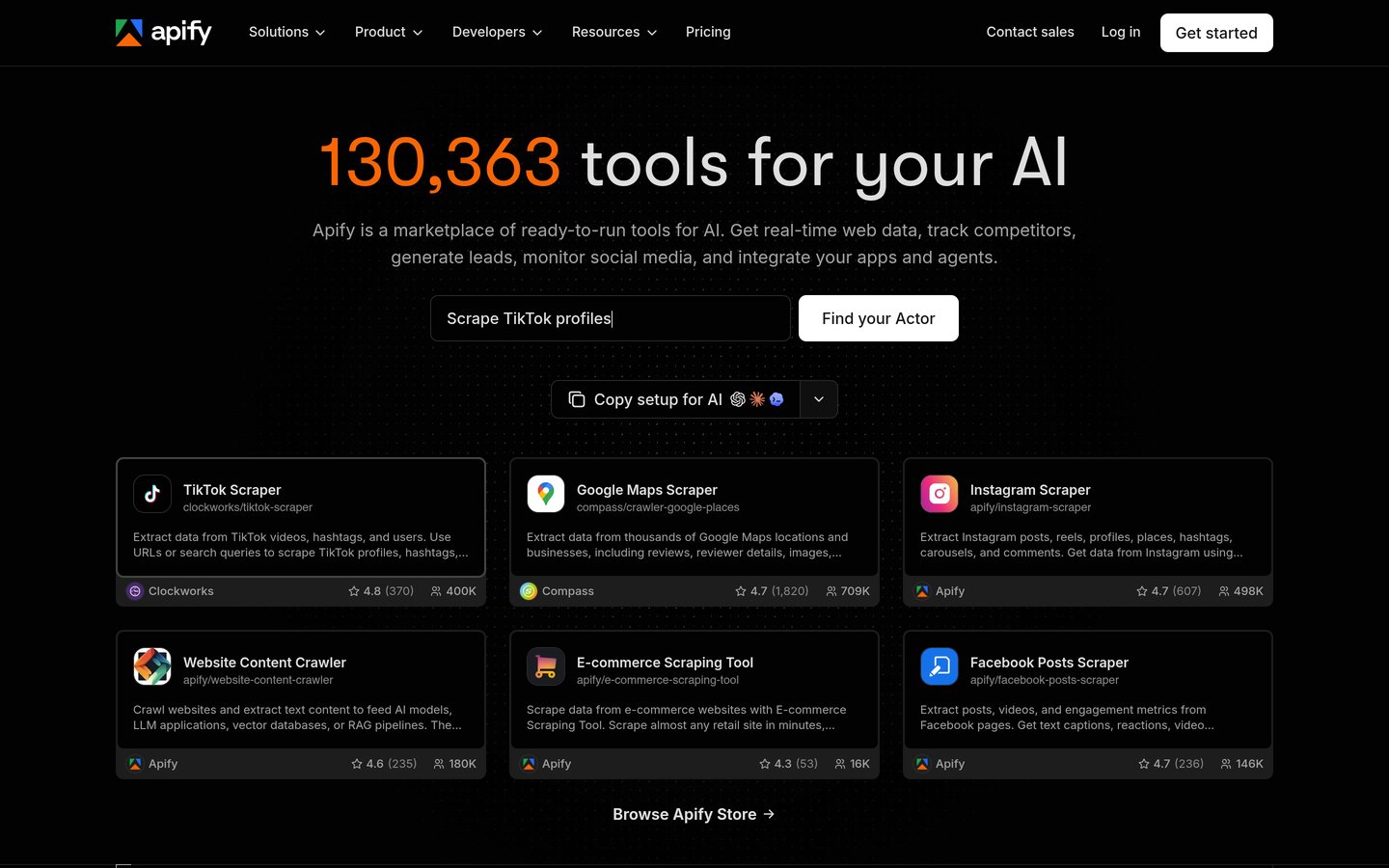
Apify is a cloud platform for building, running and scheduling web scraping programs called Actors. Its free plan includes $5 in monthly platform usage, while its marketplace provides ready-made extraction tools for common data collection tasks.
The trade off is variable usage spending because compute, storage and individual Actors can affect costs. Starter costs $19 per month before additional usage charges. It suits businesses that need reusable scrapers and flexible integrations.
What we like
Marketplace of ready-made scraping Actors
Scheduled execution and cloud hosting
Supports custom JavaScript and Python scrapers
Exports structured data to external workflows
Watch out for
Additional usage can increase monthly costs
Custom scraper development requires technical knowledge
Starter adds more included platform spending and chat support.Visit apify.com
02
Browse AI
4.8/5on G2 (61 reviews, checked Nov 2026)
Paid from$19/mo
Best for no-code website monitoring
Entry planPersonal, billed annually
Annual credits12,000
Supported domains10
Users3
browse.ai
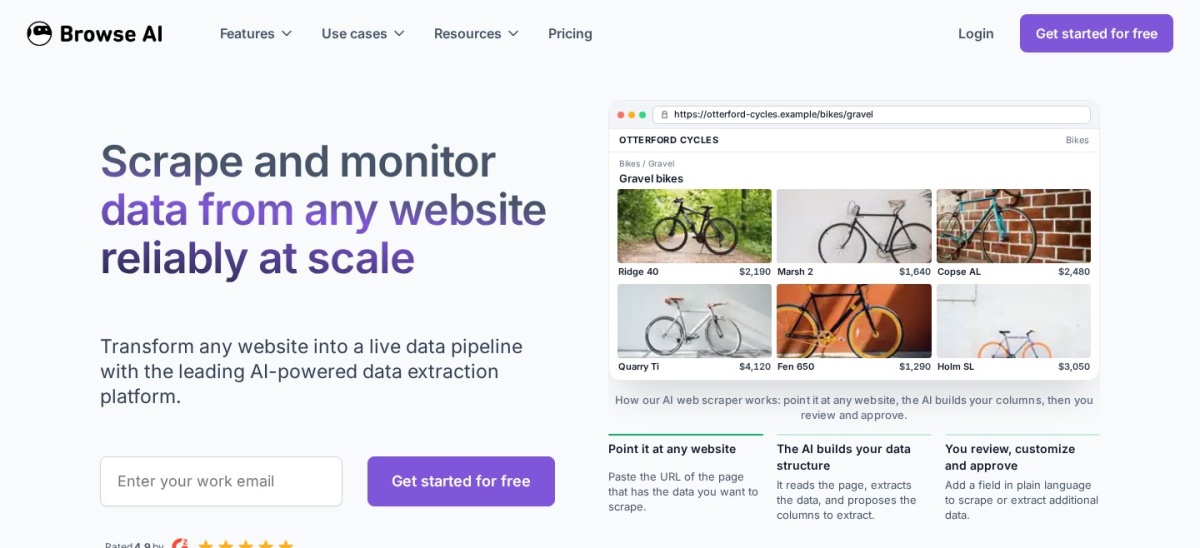
Browse AI homepage, captured Nov 2026.
Browse AI is a visual web scraping and monitoring platform that lets users configure automated data collection robots without programming. Its free plan supports 2 domains, 3 users and unlimited robots within the available usage allowance.
The trade off is that recurring extraction consumes credits, and the Personal plan limits supported domains. Personal costs $19 per month billed annually and includes 12,000 annual credits. It suits marketing, operations and research teams monitoring selected websites.
What we like
Visual robot configuration
Recurring website monitoring
Structured data exports
Unlimited robots within plan limits
Watch out for
Domain limits restrict entry-level coverage
Frequent monitoring can consume credits quickly
Personal expands domain coverage and includes annual extraction credits.Visit browse.ai
03
Octoparse
4.8/5on G2 (52 reviews, checked Nov 2026)
Paid from$19/mo
Best for visual scraping workflows
Entry planBasic
Saved tasks20
Monthly row allowance10,000 for eligible tasks
ExecutionDesktop and supported cloud templates
octoparse.com
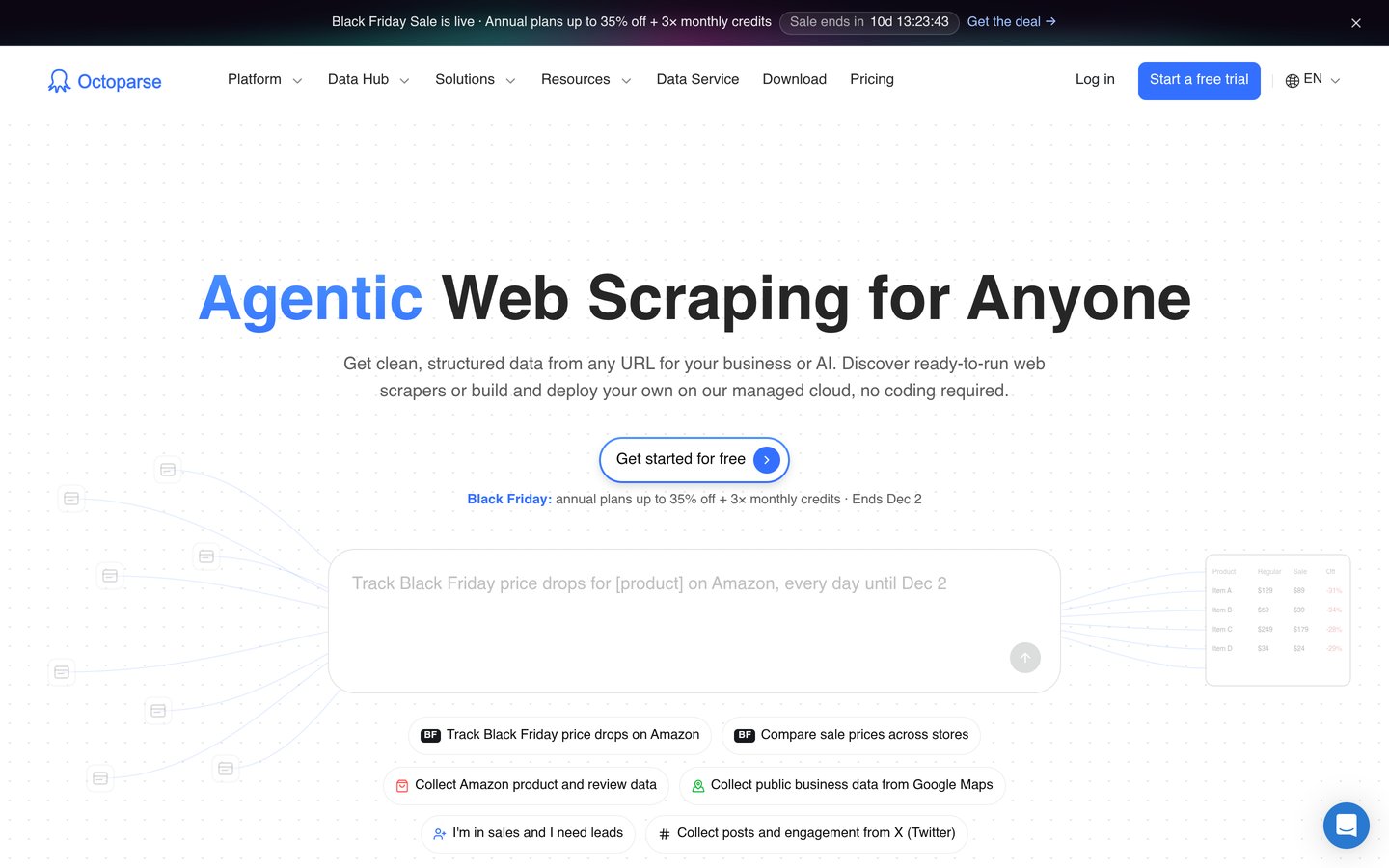
Octoparse homepage, captured Nov 2026.
Octoparse is a visual web scraping application for collecting structured information without writing extraction scripts. Its free plan supports 10 saved tasks and a 2,000-row monthly allowance for eligible templates, AI tasks and API operations.
The trade off is that scheduled cloud execution of custom desktop tasks requires a higher subscription. Basic costs $19 per month, while selected annual plans have a temporary Black Friday promotion. It suits individuals who prefer configuring and running extraction workflows visually.
What we like
Visual extraction workflow builder
Ready-made scraping templates
Free local scraping capabilities
Supports pagination and dynamic pages
Watch out for
Custom scheduled cloud tasks require Standard
Desktop workflows need ongoing maintenance when layouts change
Basic increases saved tasks, extraction allowances and local execution speed.Visit octoparse.com
04
ScrapingBee
4.8/5on G2 (36 reviews, checked Nov 2026)
Starts at$19/mo
Best for developer API integrations
Entry planHobby
Monthly API credits75,000
Concurrent requests25
JavaScript renderingIncluded
scrapingbee.com
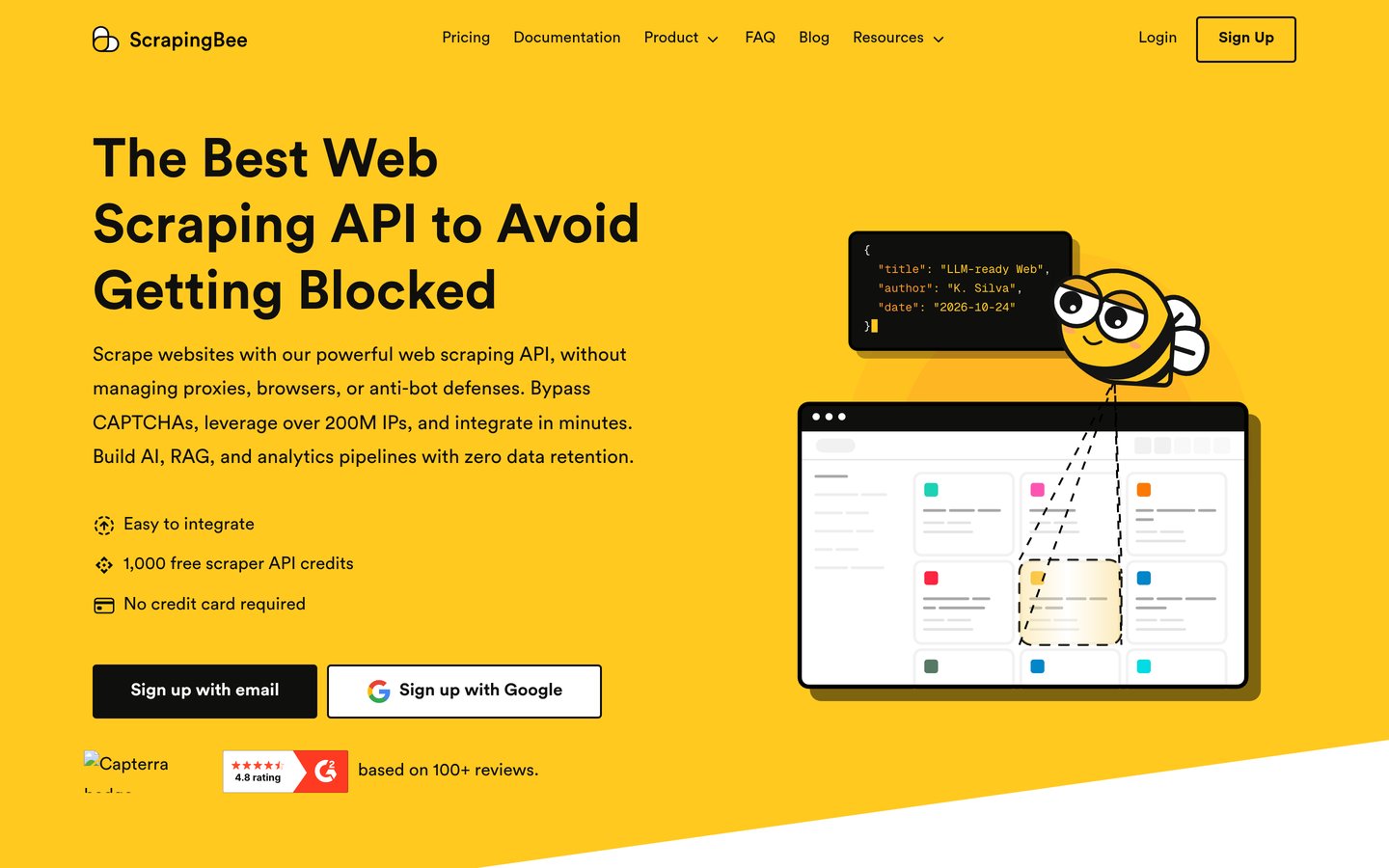
ScrapingBee homepage, captured Nov 2026.
ScrapingBee is a web scraping API that handles browser rendering and HTML retrieval for developers. Its Hobby subscription includes 75,000 monthly API credits, 25 concurrent requests, screenshot capture and extraction rules.
The trade off is that different request types consume different quantities of credits, and unused credits expire monthly. Hobby costs $19 per month without advanced team management. It suits developers connecting web data collection to existing applications or automation platforms.
What we like
Managed browser rendering
CSS and XPath extraction support
Screenshot capture capabilities
Integrations with workflow automation platforms
Watch out for
Requires API integration knowledge
Unused monthly credits do not roll over
Hobby includes recurring API credits and browser rendering capabilities.Visit scrapingbee.com
05
Firecrawl
4.7/5on G2 (1,521 reviews, checked Nov 2026)
Paid from$16/mo
Best for AI and knowledge pipelines
Entry planHobby, billed annually
Monthly credits5,000
Concurrent requests5
Output formatsMarkdown and structured data
firecrawl.dev
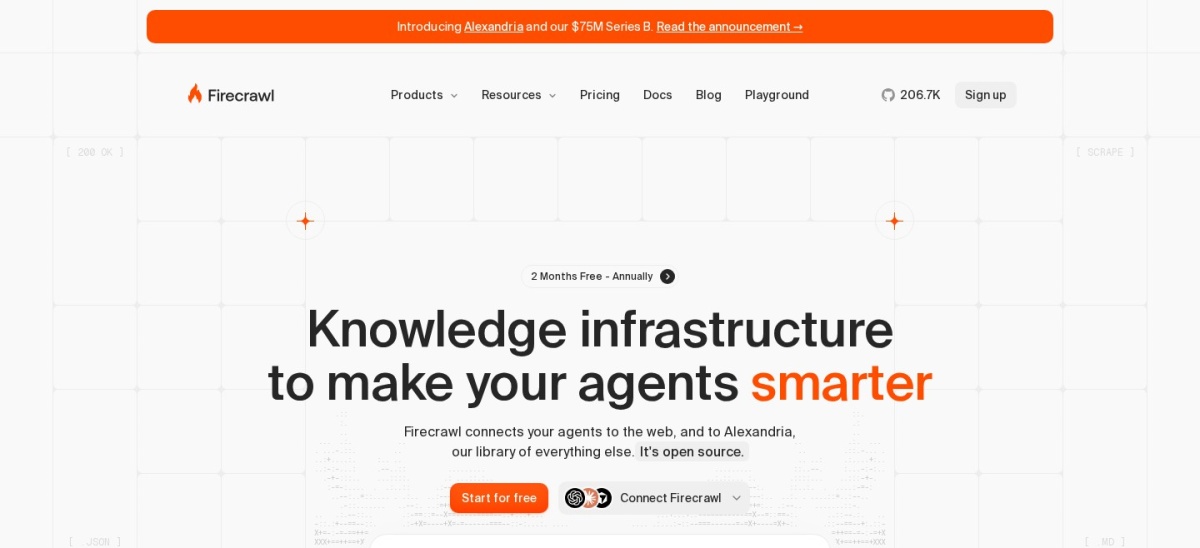
Firecrawl homepage, captured Nov 2026.
Firecrawl is a web extraction API designed to prepare website content for AI applications and knowledge systems. Its free plan includes 1,000 monthly credits and supports 2 concurrent requests for smaller extraction workloads.
The trade off is that larger websites and recurring crawling jobs can exhaust the included credits. Hobby costs $16 per month billed annually and provides 5,000 monthly credits. It suits developers building search applications, research assistants and retrieval-augmented generation systems.
What we like
Clean Markdown and structured data outputs
Website crawling capabilities
Designed for AI application integration
Recurring free credit allowance
Watch out for
Entry-level concurrency is limited
Large crawling projects require more credits
Hobby increases monthly credits, concurrency and access to additional usage.Visit firecrawl.dev
06
Scrapfly
4.6/5on G2 (123 reviews, checked Nov 2026)
Paid from$30/mo
Best for managed extraction infrastructure
Entry planDiscovery
Monthly API credits200,000
Concurrent requests5
Log retention1 week
scrapfly.io
Scrapfly homepage, captured Nov 2026.
Scrapfly is a collection of managed APIs for scraping websites, capturing screenshots and extracting structured information. Its free plan includes 1,000 renewable monthly credits, allowing developers to evaluate smaller extraction workflows.
The trade off is that Discovery limits concurrency and does not support additional pay-as-you-go usage. It costs $30 per month and includes 200,000 monthly API credits. It suits technical teams that want managed extraction infrastructure with predictable subscription allowances.
What we like
Multiple extraction APIs under a shared account
Recurring free monthly credits
Request logging for troubleshooting
Supports structured data extraction
Watch out for
Entry plan supports a solo account
Discovery does not support usage overages
Discovery increases monthly credits and includes request logs and basic support.Visit scrapfly.io
07
Bright Data
4.7/5on G2 (356 reviews, checked Nov 2026)
Paid from$499/mo
Best for enterprise data collection
Entry subscriptionScale
Included records384,000 monthly
Free allowance5,000 monthly records
Pay-as-you-go rate$1.50 per 1,000 records
brightdata.com
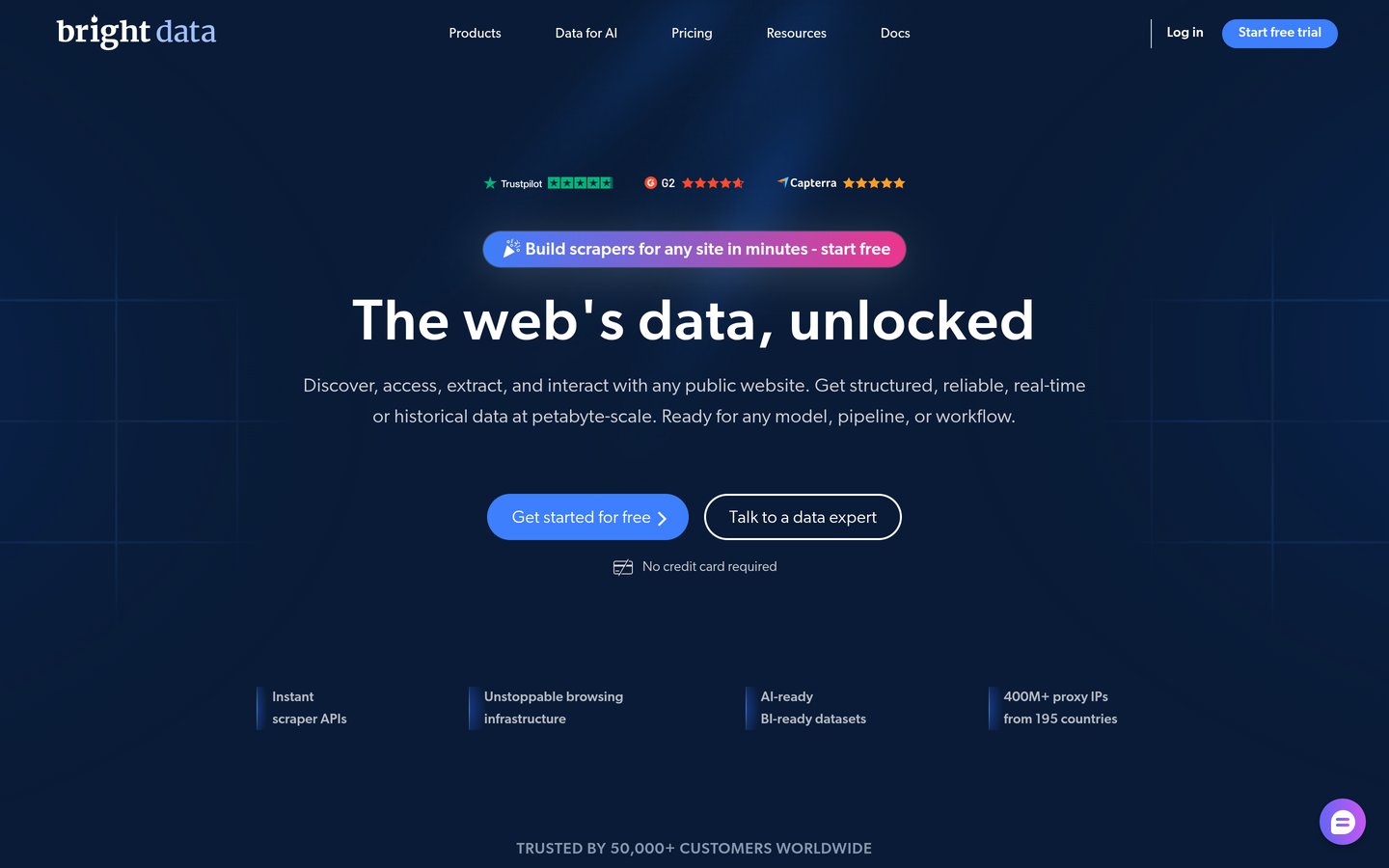
Bright Data homepage, captured Nov 2026.
Bright Data is a web data infrastructure platform offering managed extraction APIs and structured data delivery. Its Web Scraper API includes a free tier covering 5,000 monthly records, alongside usage-based billing for smaller paid workloads.
The trade off is that its fixed Scale subscription costs $499 per month, although pay-as-you-go access starts at $1.50 per 1,000 records. Scale includes 384,000 monthly records. It suits enterprises collecting substantial volumes of permitted public data.
What we like
Managed extraction and data delivery
Flexible usage-based payment option
Recurring free record allowance
Supports high-volume extraction workloads
Watch out for
Fixed subscription is expensive for smaller businesses
Usage-based costs depend on collection volume
Scale includes a monthly record allowance and lower additional record rates.Visit brightdata.com
No-code web scraping vs. developer APIs
No-code scraping tools are useful when business users need to configure recurring extraction independently. Browse AI and Octoparse provide visual interfaces that reduce the need for custom scripts.
Developer APIs offer more flexibility when extracted information needs to flow into databases, applications or AI systems. ScrapingBee, Scrapfly and Firecrawl handle different parts of the extraction process.
Apify sits between these approaches by offering reusable scraping programs alongside custom development capabilities. Choose the approach that matches your team's technical resources and ongoing maintenance requirements.
How we chose
We shortlisted established web scraping platforms covering visual automation, managed extraction APIs, reusable cloud scrapers and enterprise data collection. We compared extraction capabilities, recurring workflow support, billing structures and public customer reviews.
Official pricing pages and G2 ratings were checked on 25 Nov 2026. Annual costs use published subscription rates before additional usage charges. Bright Data is compared using its cheapest fixed Web Scraper API subscription, with its separate usage-based option explained.
We excluded products without sufficient public review histories or accessible pricing information, along with tools lacking a clear automated web extraction use case. No vendor paid for a place, and we do not claim testing for this list.
How to choose a web scraping automation tool
Follow these steps to select a platform that matches your data requirements, technical resources and recurring budget.
Define the information you need. Identify permitted source websites, required data fields, output formats and collection frequency before comparing software.
Choose an appropriate technical approach. Select a visual platform for nontechnical users or an API-based tool when developers need to integrate extraction into existing systems.
Calculate recurring collection costs. Estimate expected records, requests, credits and rendering requirements. Include additional usage charges rather than relying solely on advertised subscription prices.
Review reliability and responsible collection requirements. Check scheduling, error reporting, data validation, access permissions and privacy requirements before deploying recurring scraping workflows.
FAQ
What is the best automation tool for web scraping?
Apify is our top recommendation because it combines reusable extraction programs, cloud scheduling, structured exports and custom development support. Its Starter subscription costs $19 per month before additional usage charges.
Can I automate web scraping without coding?
Yes. Browse AI and Octoparse provide visual interfaces for configuring extraction workflows without programming. They are useful for business users who need recurring data collection without maintaining custom extraction scripts.
Are there free web scraping automation tools?
Yes. Apify, Browse AI, Octoparse, Firecrawl, Scrapfly and Bright Data offer free plans or recurring free allowances. These options are suitable for smaller projects, although extraction volume and scheduling capabilities may be limited.
How much does web scraping automation software cost?
Entry subscriptions in this comparison start at $16 per month on annual billing. Enterprise subscriptions can cost substantially more, while additional extraction credits, processing requirements and collection frequency influence total spending.
What is the best web scraping tool for AI applications?
Firecrawl is particularly suitable for AI applications because it converts website content into clean Markdown and structured data. Developers can integrate those outputs into research systems, knowledge bases and retrieval-augmented generation pipelines.
Can web scraping tools collect data automatically every day?
Many platforms support recurring extraction through scheduling features or external automation integrations. Apify and Browse AI are useful starting points, although supported frequencies, usage allowances and cloud execution requirements vary by subscription.
Is automated web scraping legal?
Legality depends on the information collected, access permissions, website terms and applicable laws. Review privacy and intellectual property requirements, avoid unauthorized access and obtain appropriate legal advice when collecting sensitive or commercially restricted information.
SaaS SEO and WordPress specialist with about 8 years of experience. Rakib compares WordPress plugins, themes, hosting and software using public pricing, documentation and user reviews. See how we rank.