Make is the top pick for content automation templates, offering 1,000 free monthly credits and visual scenario building across 3,500+ apps. Zapier fits non-technical teams needing wide app coverage, while Airtable suits structured editorial databases.
How we make this list: we compare pricing pages, product documentation and public user reviews, then re-check every price before each update. No product paid for a place. Disclosure.
Make starts at $12/mo billed yearly ($144/yr) for 10,000 credits, with a free tier offering 1,000 credits/mo.
Zapier connects 8,000+ apps with a 4.5/5 G2 rating across 2,172 reviews, starting at $19.99/mo billed yearly ($239.88/yr).
Notion holds a 4.6/5 G2 rating from 14,021 reviews, with Plus starting at $10/seat/mo billed yearly ($120/yr).
Buffer starts at $5/mo per channel billed yearly ($60/yr) for scheduling and publishing templates.
Airtable scores 4.6/5 on G2 across 3,300 reviews, with Team starting at $20/seat/mo billed yearly ($240/yr).
What to look for in content automation templates
Content automation templates connect briefs, drafts, approvals, and publishing steps without rebuilding workflows from scratch. A strong setup moves drafts between docs, databases, CMS tools, and social queues while keeping human review checkpoints intact.
Pricing models vary sharply across workflow builders, databases, and design suites. Workflow tools charge by credits or tasks per run, workspace and database platforms charge per seat, and social schedulers charge per channel.
Check how a template handles branching, scheduled refreshes, and media or copy generation. Some tools excel at multi-step app routing, while others focus on structured editorial calendars, brand-consistent copy, or visual asset templates.
Make is a visual automation platform with scenario templates for drafting, repurposing, and publishing content across more than 3,500 apps. Its free plan includes 1,000 credits per month, routers, filters, and up to two active scenarios.
The trade off is that credit usage adds up across multi-step runs and trigger checks, starting at $12 per month billed annually ($144 per year) on Core. It suits teams building branched content pipelines with high execution volume.
What we like
Visual canvas makes branching and data mapping clear
Free plan provides 1,000 monthly credits to test templates
Unlimited active scenarios on Core and higher tiers
Watch out for
Trigger checks and multi-step runs consume credits quickly
Steeper learning curve than linear trigger-action tools
Core adds unlimited active scenarios, 1-minute scheduling intervals, and 10,000 monthly credits.Visit make.com
02
Zapier
4.5/5on G2 (2,172 reviews, checked Nov 2026)
Paid from$19.99/mo
Best for quick no-code templates across many apps
Free tier100 tasks/mo
Entry paid tierProfessional ($19.99/mo yearly)
Integrations8,000+ apps
G2 rating4.5/5 (2,172 reviews)
zapier.com
Zapier homepage, captured Nov 2026.
Zapier is a no-code workflow builder offering pre-built templates that link forms, docs, AI steps, and publishing tools across 8,000+ apps. Its free plan includes 100 tasks per month and two-step Zaps.
The trade off is per-task billing that rises with larger action counts, starting at $19.99 per month billed annually ($239.88 per year) on Professional. It suits non-technical teams connecting common SaaS tools fast.
What we like
Large integration catalog for everyday marketing and CMS apps
Straightforward setup for non-technical team members
Includes Zapier Tables and Forms alongside workflows
Watch out for
Task costs climb quickly on multi-step or high-volume runs
Free plan is limited to 100 tasks and two-step workflows
Professional unlocks multi-step Zaps, premium apps, webhooks, and 750 monthly tasks.Visit zapier.com
03
Notion
4.6/5on G2 (14,021 reviews, checked Nov 2026)
Paid from$10/mo
Best for docs, wikis, and editorial content hubs
Free tier$0/seat/mo
Entry paid tierPlus ($10/seat/mo yearly)
Core featuresDocs, databases, agents
G2 rating4.6/5 (14,021 reviews)
notion.so
Notion homepage, captured Nov 2026.
Notion is a connected workspace with content calendar, brief, and publishing templates built around pages, databases, and AI agents. It offers a free plan for individuals to organize personal projects and pages.
The trade off is per-seat pricing that scales with each editor, starting at $10 per seat per month billed annually ($120 per year) on Plus. It suits writers and teams keeping briefs, drafts, and databases in one place.
What we like
Combines long-form briefs, notes, and relational databases
Wide library of reusable editorial and project templates
Free plan available for individual workspace use
Watch out for
Costs multiply per seat as more editors join
External multi-app automation still relies on integrations or agents
Plus adds custom forms, custom sites, charts, and unlimited file uploads.Visit notion.so
04
Airtable
4.6/5on G2 (3,300 reviews, checked Nov 2026)
Paid from$20/mo
Best for structured editorial databases and automations
Free tierUp to 5 editors
Entry paid tierTeam ($20/seat/mo yearly)
Automation runs100/mo Free; 25,000/mo Team
G2 rating4.6/5 (3,300 reviews)
airtable.com
Airtable homepage, captured Nov 2026.
Airtable is a relational database platform with content tracker templates, views, and built-in automations for status updates and alerts. Its free plan supports up to five editors, 1,000 records per base, and 100 automation runs per month.
The trade off is per-seat pricing for editors, starting at $20 per seat per month billed annually ($240 per year) on Team. It suits marketing and ops teams managing structured multi-view content calendars.
What we like
Relational tables and multiple views suit complex content trackers
Built-in automations trigger actions from record changes
Free plan includes up to five editors and 1,000 records per base
Watch out for
Per-seat billing applies to users with edit permissions
Steep jump from Team to Business ($45/seat/mo yearly)
Team expands capacity to 50,000 records per base, 25,000 automation runs, and 20 GB attachments.Visit airtable.com
05
Buffer
4.3/5on G2 (1,043 reviews, checked Nov 2026)
Paid from$5/mo
Best for lightweight social publishing queues
Free tierUp to 3 channels
Entry paid tierEssentials ($5/mo per channel yearly)
Billing basisPer connected channel
G2 rating4.3/5 (1,043 reviews)
buffer.com
Buffer homepage, captured Nov 2026.
Buffer is a social publishing tool that turns content queues and recurring post templates into scheduled social updates. Its free plan lets solo creators connect up to three social channels.
The trade off is per-channel pricing as accounts grow, starting at $5 per month per channel billed annually ($60 per year) on Essentials. It suits creators and small teams scheduling regular social distribution.
What we like
Clean queue view makes weekly social scheduling easy to scan
Low entry cost for single-channel annual billing
Free tier available for basic social publishing
Watch out for
Per-channel fees add up when managing many social profiles
Analytics and reporting are lighter than full enterprise suites
Essentials provides paid scheduling and publishing workflows per connected channel.Visit buffer.com
06
Canva
4.7/5on G2 (7,927 reviews, checked Nov 2026)
Paid from$15/mo
Best for visual templates and bulk resizing
Free tier$0/mo for 1 person
Entry paid tierPro ($15/mo yearly; $180/yr)
Templates1.6M+ Free; 3.6M+ Pro
G2 rating4.7/5 (7,927 reviews)
canva.com
Canva homepage, captured Nov 2026.
Canva is a visual design platform with reusable templates, brand kits, and resizing tools that speed up social and blog graphics. Its free plan includes over 1.6 million templates and 5 GB of storage for one person.
The trade off is single-user limits on Pro and per-seat billing on Business, starting at $180 per year ($15 per month) on Pro. It suits marketers and creators producing recurring visual assets from templates.
What we like
Large library of editable templates for social, slides, and graphics
Fast resizing, translation, and background removal on Pro
Generous free tier with over 1.6 million templates
Watch out for
Pro is limited to one person rather than shared team seats
Heavy AI usage can require extra credit add-ons
Pro adds 3.6M+ templates, 5 brand kits, resize and translate tools, and 100 GB storage.Visit canva.com
07
Jasper
4.7/5on G2 (1,319 reviews, checked Nov 2026)
Starts at$59/mo
Best for brand-voice marketing copy templates
Free tierNo free tier (trial only)
Entry paid tierPro ($59/seat/mo yearly)
Core focusMarketing copy & brand voice
G2 rating4.7/5 (1,319 reviews)
jasper.ai
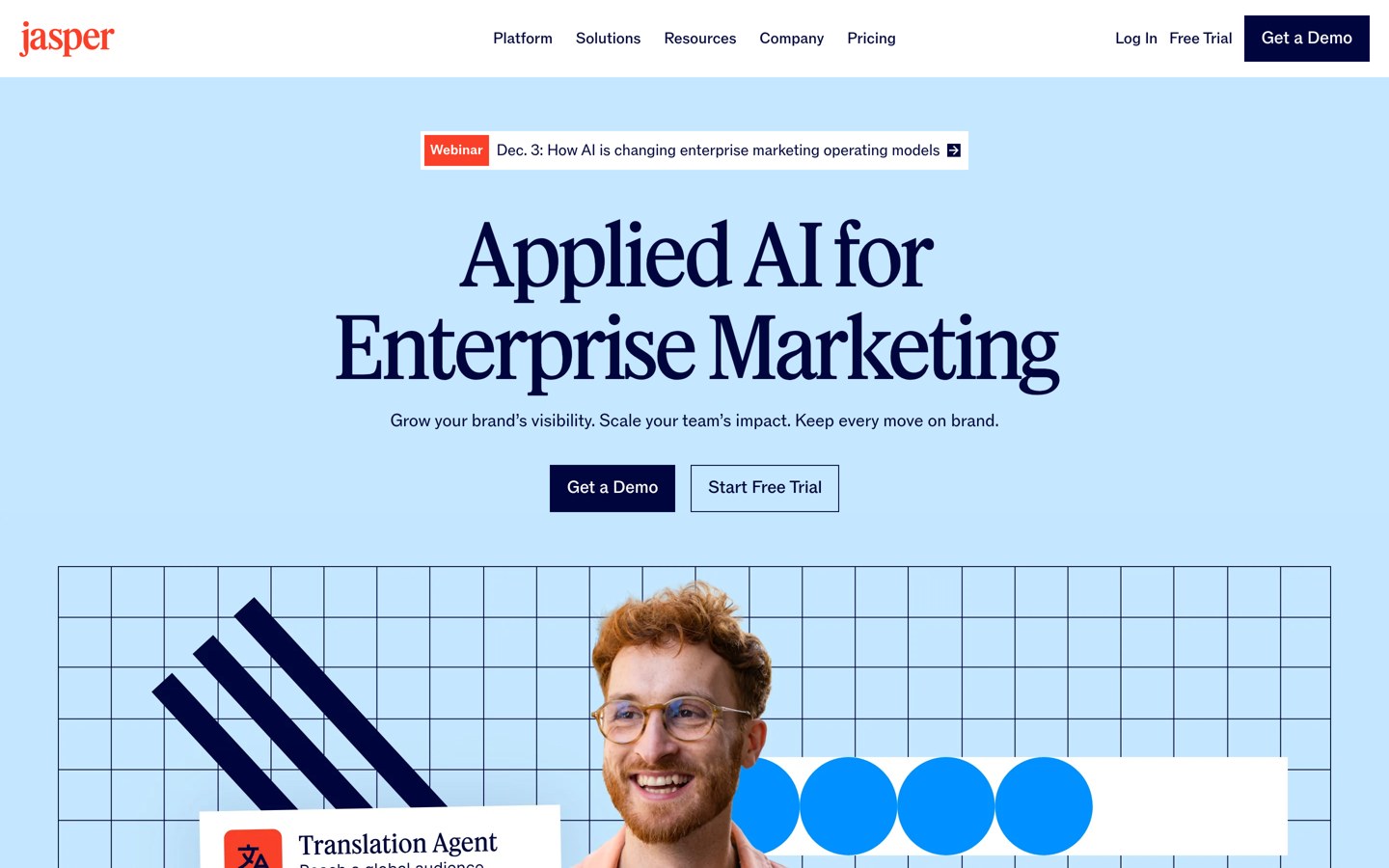
Jasper homepage, captured Nov 2026.
Jasper is an AI copywriting platform with templates and brand-voice controls for drafting blog posts, ads, emails, and campaign copy. It does not offer a permanent free plan, relying on a free trial before paid seats.
The trade off is a higher starting price than general AI assistants, at $59 per seat per month billed annually ($708 per year) on Pro. It suits marketing teams standardizing tone across recurring campaign formats.
What we like
Purpose-built templates for ads, emails, and marketing copy
Brand voice and audience persona controls keep tone consistent
High user rating across over 1,300 G2 reviews
Watch out for
No free tier for ongoing use
Drafts still require human editing for accuracy and polish
Pro provides full access to Jasper's copywriting templates, brand voice tools, and editor.Visit jasper.ai
How pricing scales across content automation tools
Usage-based workflow tools like Make and Zapier charge based on scenario credits or completed action tasks. A five-step workflow running often uses far more capacity than a two-step alert, so check step counts before choosing a tier.
Seat-based and channel-based tools like Notion, Airtable, Canva, and Buffer scale with editors, seats, or connected accounts. Annual billing lowers the monthly rate on all paid tiers listed above.
How we chose
We selected active workflow, workspace, design, scheduling, and copywriting platforms that support repeatable content templates and automated handoffs.
All prices, plan tiers, and G2 ratings were verified from public pricing pages and G2 review listings on 22 Nov 2026, using the lowest regular annual paid plan in USD.
We excluded enterprise-only tools without published entry pricing, unmaintained templates, and platforms where pricing could not be confirmed directly. No vendor paid for a place, and we do not claim testing for this list.
How to choose a content automation template setup
Follow four practical checks before committing to a workflow or template stack:
Map your trigger and approval steps first. List where content ideas start, who approves drafts, and where final posts publish so automated steps never skip human review.
Estimate monthly runs or seat counts honestly. Count how many items move through your pipeline each month and how many people need edit access.
Check native integrations with your CMS and storage. Confirm direct connections for your docs, spreadsheets, CMS, and social accounts before building custom workarounds.
Start on a free tier or trial to verify fit. Run a real content brief from start to finish on a free plan or trial before paying for higher volume.
FAQ
What are content automation templates?
Content automation templates are pre-built workflows, databases, or design layouts that automate repetitive steps like moving drafts, updating statuses, generating copy variations, or scheduling posts.
Which option is best if I want a free plan to start?
Make, Zapier, Notion, Airtable, Buffer, and Canva all offer free plans or tiers, letting you test templates and basic workflows before upgrading to a paid plan.
Should I pick Make or Zapier for content workflows?
Pick Make if you want visual multi-step scenarios and 1,000 free monthly credits on its free tier. Pick Zapier if you prefer linear setup and wide coverage across 8,000+ apps.
How do Notion and Airtable differ for content templates?
Notion centers on rich documents, wikis, and workspace pages alongside databases, while Airtable focuses on structured relational tables, views, and record-triggered automations.
Do automated content templates replace human editors?
No, human review remains essential for accuracy, brand judgment, and final sign-off before content goes live.
Why do annual plans cost less than monthly billing?
Most software vendors discount annual commitments compared with month-to-month billing, lowering the effective monthly price on entry paid plans.
SaaS SEO and WordPress specialist with about 8 years of experience. Rakib compares WordPress plugins, themes, hosting and software using public pricing, documentation and user reviews. See how we rank.