Calendly is the best scheduling software for most small businesses. Its free plan covers one event type and one calendar, and Standard costs $12 per seat a month with a 4.7 out of 5 G2 rating from 2,680 reviews. Pick Setmore for a plan covering up to 4 users, or Acuity Scheduling when you need intake forms and payments.
How we make this list: we compare pricing pages, product documentation and public user reviews, then re-check every price before each update. No product paid for a place. Disclosure.
Calendly leads for general scheduling, with a 4.7/5 G2 rating from 2,680 reviews and Standard at $12 per seat a month.
Setmore has the most generous free plan here, covering up to 4 users and 200 appointments a month.
Acuity Scheduling is the strongest pick for client services, with intake forms and payments from its $20 a month Starter plan.
Zoho Bookings is the cheapest paid entry at $8 per user a month, but it fits best inside the Zoho suite.
Square Appointments is the most expensive entry here at $49 a month, and it only makes sense if you already take payments through Square.
What small businesses should look for in scheduling software
Scheduling software lets clients and colleagues book time without email back and forth. The right tool shows real availability, blocks double bookings and sends confirmations and reminders on its own.
Start with the booking flow your customers will use. Consultants need a simple meeting link, while salons, tutors and clinics need staff assignment, intake forms, deposits and cancellation rules.
If you take bookings through a WordPress site, our guide on adding appointment booking to WordPress shows how a booking page fits beside the tools in this list.
Finally, compare the total cost, not just the starting price. Per-user charges, booking limits, payment processing fees and SMS credits can change what you pay as volume grows.
The 9 best scheduling software tools for small business
01
Calendly
4.7/5on G2 (2,680 reviews, checked Nov 2026)
Paid from$12/mo
Best scheduling software overall
Free plan1 event type, 1 calendar
Calendar connectionsGoogle, Outlook and more
Team schedulingTeams plan
Paid planStandard, $12/seat/mo
calendly.com
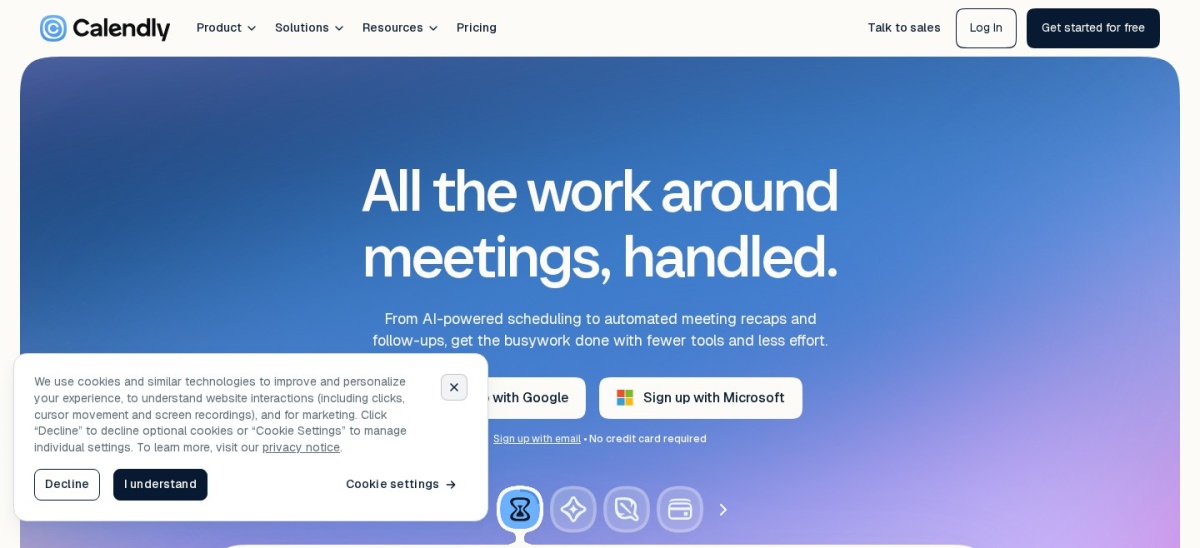
Calendly homepage, captured Nov 2026.
Calendly is an online scheduling platform for booking meetings without email exchanges. Its free plan includes 1 event type, 1 calendar connection, individual scheduling and a customizable booking page. Users share a booking link and let invitees pick a time that fits.
The trade off is that the free plan is narrow. Standard costs $12 per seat a month at the regular monthly rate, or $10 billed annually, and adds unlimited event types, multiple calendars, reminders and payment integrations. It suits consultants, coaches and small teams that book meetings every week.
What we like
Free plan covers basic individual meetings
Booking pages are straightforward for invitees
Integrates with common calendars and video meeting services
Paid plan includes automated reminders and payment integrations
Large public review base on G2
Watch out for
Free plan allows only 1 event type
Subscription costs increase with additional seats
Round-robin team scheduling requires a higher plan
Standard adds unlimited event types, multiple calendars, reminders and paymentsVisit calendly.com
02
Acuity Scheduling
4.6/5on G2 (412 reviews, checked Nov 2026)
Starts at$20/mo
Best for client-based service businesses
Free planNo, 7-day trial
Entry calendars1
Client intake formsIncluded
Paid planStarter, $20/mo
acuityscheduling.com
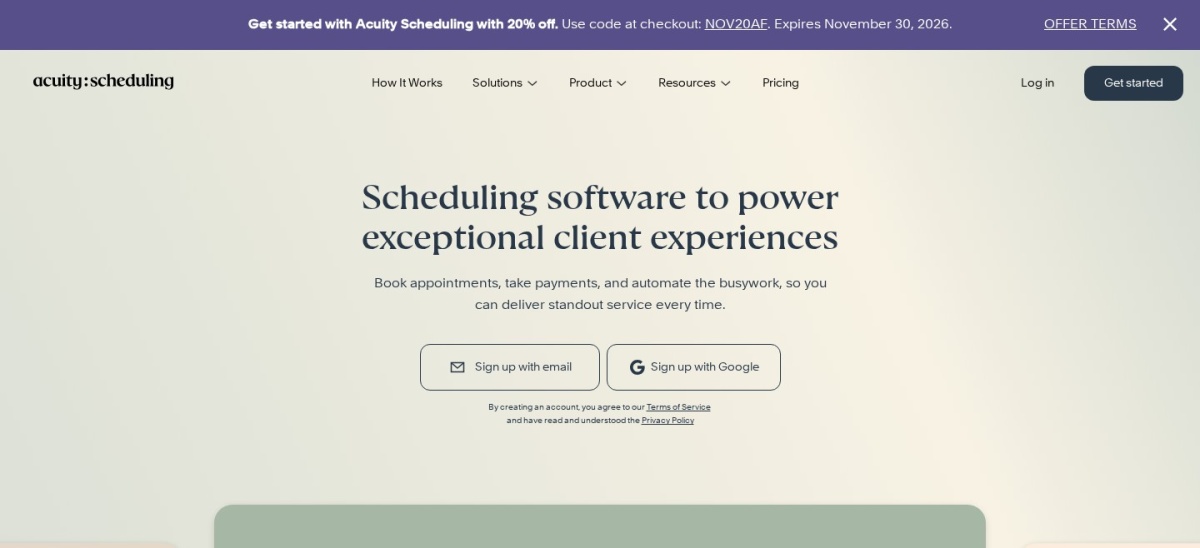
Acuity Scheduling homepage, captured Nov 2026.
Acuity Scheduling, from Squarespace, is an appointment booking system for businesses that deliver scheduled services. Its Starter plan includes 1 calendar, client intake forms, email reminders and payment integrations with Stripe, Square, PayPal and Venmo. Businesses can publish booking pages and collect client information before appointments.
The trade off is price and the calendar cap. Acuity has no permanent free plan, and Starter costs $20 a month, or $16 billed annually, for a single calendar. It suits coaches, consultants, wellness providers and service businesses that need more than basic meeting links.
What we like
Client intake forms built into the entry plan
Supports online payments through established providers
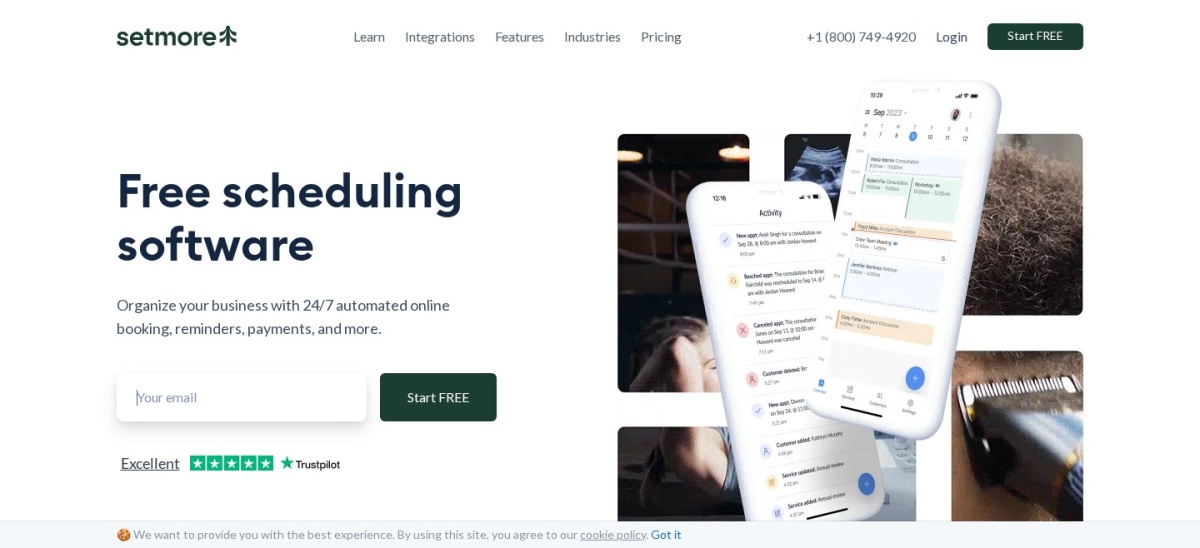
Setmore is an appointment scheduling platform for individuals and teams managing customer bookings. Its free plan supports up to 4 users and 200 appointments a month, and includes booking pages, appointments, calendar management, email reminders and payment integrations.
The trade off is that the useful extras sit behind Pro. Branding removal, SMS reminders, recurring appointments and 2-way calendar synchronization require Pro at $12 per user a month, or $5 billed annually. It suits small businesses that want staff booking without paying for an entry subscription.
What we like
Free plan supports up to 4 team members
Customer-facing booking pages
Payment and video meeting integrations
Paid plan includes SMS reminders and recurring appointments
Watch out for
2-way calendar synchronization requires Pro
SMS reminders are paid features
Per-user monthly pricing can increase team costs
Pro adds SMS reminders, 2-way sync, branding removal and recurring appointmentsVisit setmore.com
04
SimplyBook.me
4.4/5on G2 (113 reviews, checked Nov 2026)
Paid from$13.90/mo
Best for multi-provider service booking
Free bookings50/month
Free providers1
Basic plan100 bookings, 5 providers
Paid planBasic, $13.90/mo
simplybook.me
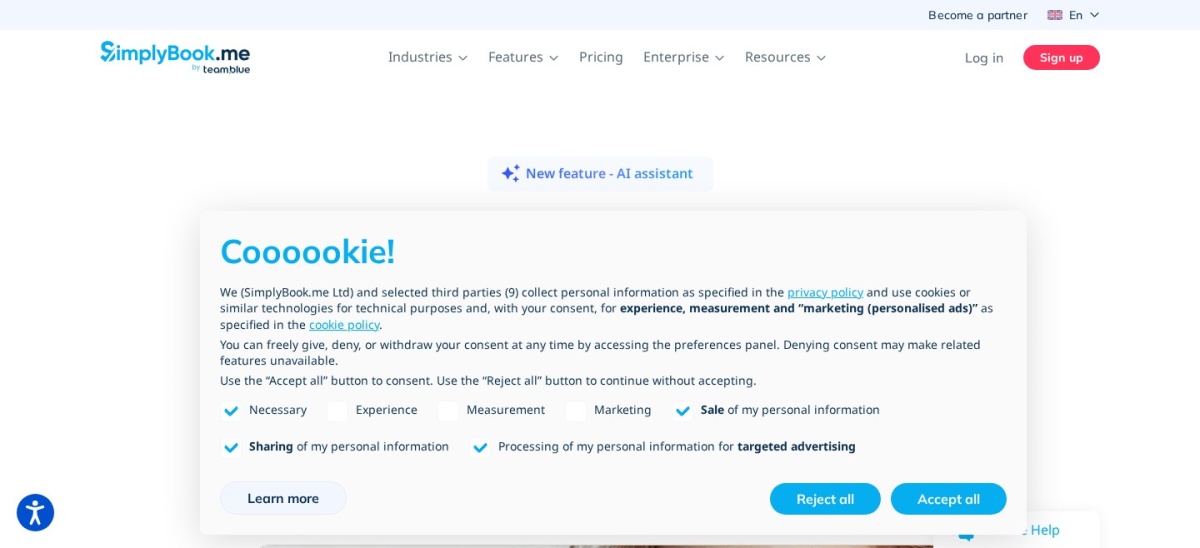
SimplyBook.me homepage, captured Nov 2026.
SimplyBook.me is a service appointment platform with booking websites, widgets and staff management. Its free plan includes 50 monthly bookings, 1 provider and 1 custom feature. The Basic plan increases capacity to 100 monthly bookings, 5 providers and 3 custom features, with payment and sales tools.
The trade off is that booking limits and custom-feature allowances control how much each subscription provides. Basic costs $13.90 a month at the regular rate, and higher booking volumes require upgrades. It suits salons, fitness instructors, education providers and businesses coordinating appointments across several employees.
What we like
Free booking website and embeddable widget
Basic plan supports 5 service providers
Payment, deposit and point-of-sale options
Industry-specific features for service businesses
Watch out for
Free plan allows only 50 monthly bookings
Custom-feature allowances can restrict advanced workflows
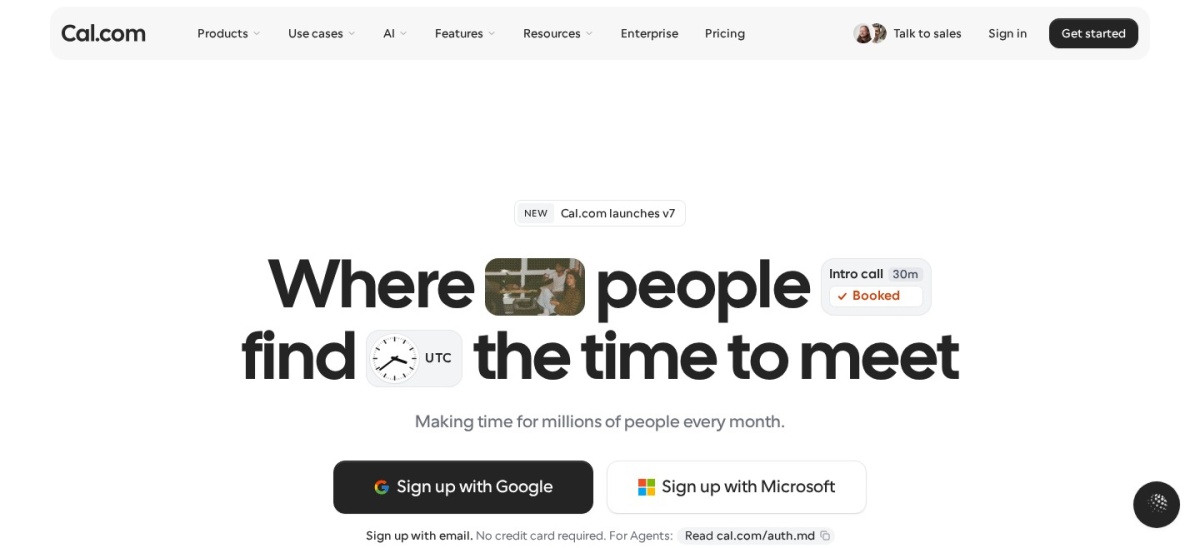
Cal.com is a scheduling platform offering individual booking pages, integrations and collaborative scheduling. Its free individual plan includes unlimited booking links and connected calendars, email and SMS notifications, payment integrations and connections with more than 100 apps. It also supports importing Calendly events.
The trade off is that team features need a paid plan. Shared team availability, round-robin assignments and managed team links require the Teams plan at $16 per user a month, or $12 billed annually. It suits independent professionals and teams that want flexible booking configurations and integration options.
What we like
Unlimited booking links on the individual free plan
Multiple calendar connections without a paid upgrade
More than 100 app integrations
Free Stripe and PayPal payment connections
Watch out for
Team collaboration requires a paid subscription
More configuration options may take time to learn
Per-user fees grow with team size
Teams adds shared availability, round-robin assignments and collective booking linksVisit cal.com
06
YouCanBookMe
4.7/5on G2 (1,934 reviews, checked Nov 2026)
Paid from$9/mo
Best for calendar-first booking on a budget
Free plan1 calendar, 1 booking page
Paid calendars2 on Individual
Payment commission1% on Stripe payments
Paid planIndividual, $9/mo
youcanbook.me
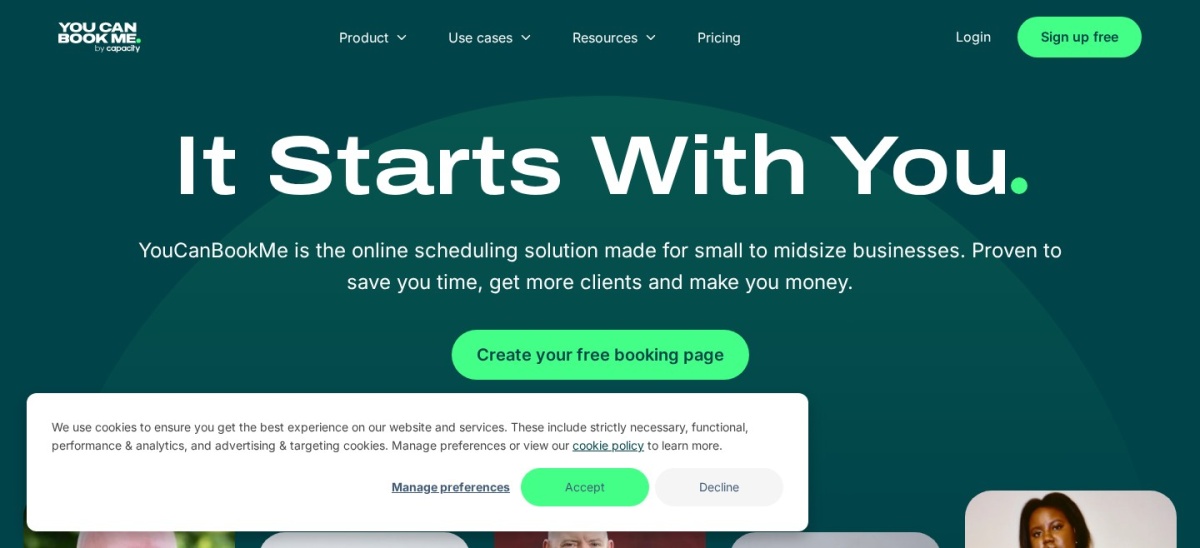
YouCanBookMe homepage, captured Nov 2026.
YouCanBookMe is a calendar-first booking tool for coaches, consultants and small service businesses. Its free plan covers one calendar connection and one booking page, with Zoom and payment integrations. Individual adds a second calendar and booking page, plus reminders and buffer times.
The trade off is the payment commission and the calendar caps. Individual costs $9 a month on monthly billing, and YouCanBookMe takes 1% of each payment made through Stripe on top of Stripe fees. It suits solo professionals who want a simple booking page and do not need staff scheduling.
What we like
Free plan covers basic booking
Low entry price for a paid plan
Large public review base on G2
Zoom and Stripe integrations included
Watch out for
1% commission on Stripe payments
Free plan allows only 1 calendar
Automated reminders need a paid plan
Professional adds more calendars, booking pages and workflowsVisit youcanbook.me
07
Zoho Bookings
4.1/5on G2 (54 reviews, checked Nov 2026)
Paid from$8/mo
Best for businesses using Zoho applications
Free planAvailable for 1 user
Calendar schedulingIncluded
Team assignmentRound-robin options
Paid planBasic, $8/user/mo
zoho.com
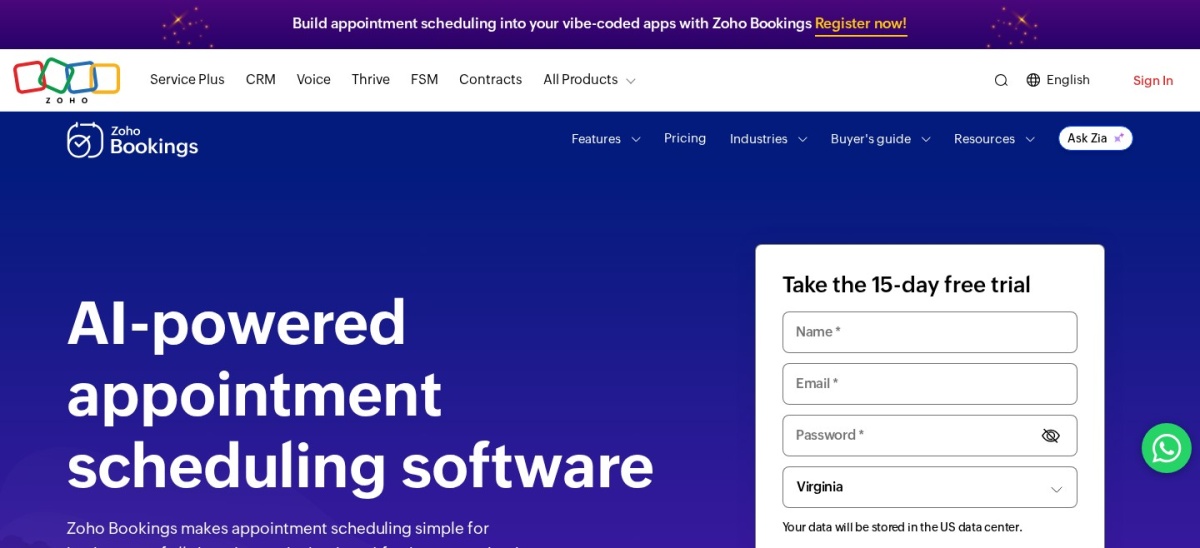
Zoho Bookings homepage, captured Nov 2026.
Zoho Bookings is an appointment scheduling application for organizing client meetings and staff availability. It offers a free option for 1 user, while paid plans provide expanded business scheduling capabilities. Its feature set includes appointment notifications, reports, reusable schedules and automatic time-zone conversion.
The trade off is that advanced features depend on the subscription tier. Basic costs $8 per user a month at the regular rate, compared with $6 per user a month on annual billing, and taking payments at booking needs Premium. It suits businesses already using Zoho applications or wanting scheduling connected to broader business workflows.
What we like
Free option for individual use
Low entry subscription price
Appointment reporting and notifications
Useful alongside other Zoho business products
Watch out for
Advanced functionality requires higher plans
Smaller G2 review base than major competitors
Taking payments at booking needs Premium
Basic expands scheduling capabilities beyond the single-user free optionVisit zoho.com
08
Square Appointments
4.5/5on Capterra (263 reviews, checked Nov 2026)
Paid from$49/mo
Best for booking with point-of-sale payments
Free planAvailable
Staff calendarsUnlimited on Free
Payment processingTransaction fees apply
Paid planPlus, $49/location/mo
squareup.com
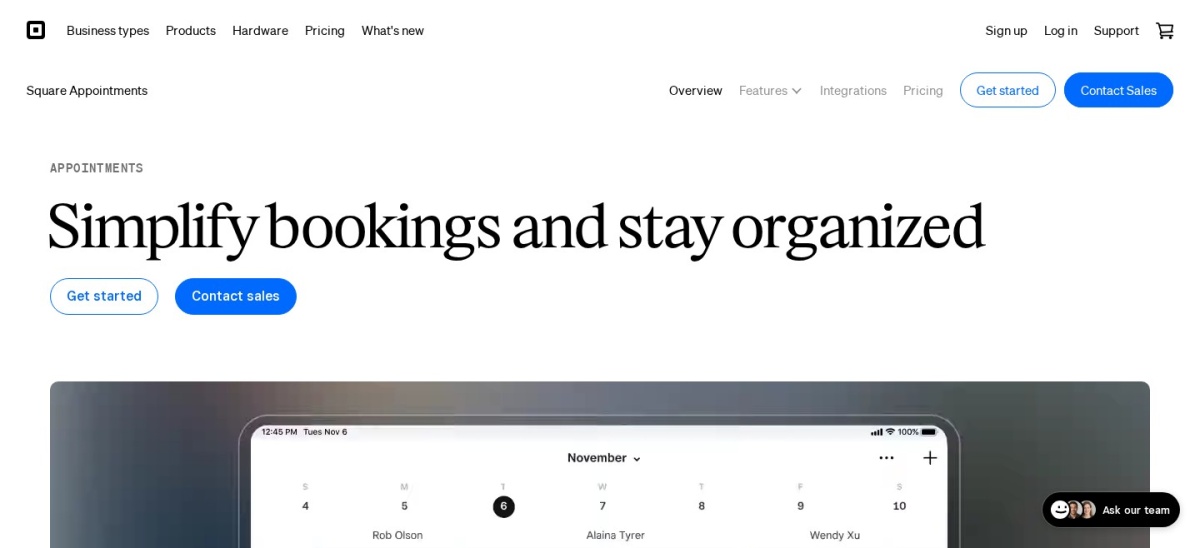
Square Appointments homepage, captured Nov 2026.
Square Appointments is a booking and payment platform for businesses selling scheduled services. Square Free includes an online booking site, appointment reminders and unlimited staff calendars for one location, with Square payments built in. Clients can book online and pay by card at the same time.
The trade off is the jump to paid. Plus costs $49 a month per location and adds a cancellation policy, no-show fees, multi-staff booking and a waitlist. It suits salons, studios and clinics that already take payments through Square and want booking in the same account.
What we like
Free plan includes unlimited staff calendars
Payments built in, with card on file
Reminders included on the free plan
Per-location price, not per staff member
Watch out for
Plus is the most expensive entry in this list
No-show fees and cancellation policy need Plus
Payment processing fees apply on every card payment
Plus adds no-show fees, a cancellation policy and a waitlistVisit squareup.com
09
Appointy
4.6/5on Capterra (285 reviews, checked Nov 2026)
Paid from$19.99/mo
Best for classes and multiple services
Free monthly appointments100
Free services5
Free staff allowance1
Paid planGrowth, annual billing
appointy.com
Appointy homepage, captured Nov 2026.
Appointy is an online scheduling platform that supports individual appointments, classes and group events. Its free subscription includes 100 monthly appointments, 5 services, automated reminders and website booking integration. Booking widgets drop into any website, and clients can also book through Facebook and Instagram.
The trade off is that recurring bookings and two-way Google Calendar synchronization require Growth at $19.99 a month with annual billing, or $29.99 month to month. It suits salons, clinics and fitness studios that run classes and want reminders included from the free plan.
What we like
Automated reminders on the free plan
Supports classes and group events
Booking widgets for any website
Wide range of integrations through Zapier
Watch out for
Recurring bookings need Growth
Removing Appointy branding needs Enterprise
Small G2 review base, so Capterra is the rating source here
Growth adds unlimited services, recurring bookings and Google Calendar syncVisit appointy.com
Free vs paid: what you give up
Free plans cover the basics well. Most include a booking page, email reminders and at least one calendar connection.
Paid plans mostly add capacity and control. You get more staff, more bookings, SMS reminders, branding removal and payment collection at booking.
If your business takes deposits or charges for no-shows, a paid plan usually pays for itself quickly. Our guide on payment gateways explains how card payments work beside a booking tool.
For a solo business with a light booking load, start free and upgrade only when a limit gets in the way.
How we chose
We started from the scheduling tools most often recommended for small service businesses, then kept nine with a public rating, a clear pricing page and a plan a small business can buy without a sales call.
Prices come from each vendor's pricing page, checked on 25 November 2026. Ratings and review counts come from G2 on the same day, except Square Appointments and Appointy, which use Capterra. Where a vendor shows a sale, the list shows the regular price.
We left out tools with no public rating and tools priced only by quote. No vendor paid for a place, and we do not claim to have used these tools ourselves.
How to choose scheduling software for a small business
Start with how your customers book, then check the cost at your real team size.
List what a booking must include. Write down staff assignment, intake forms, deposits, reminders and recurring bookings before you compare plans.
Try the free plan with real customers. Set up one service, one staff member and one booking page, then watch where customers get stuck.
Price it at your real team size. Per-user plans grow with every hire, while per-location and per-account plans stay flat. Multiply the monthly price by 12 before you decide.
Check payments and reminders before you commit. Confirm who takes a cut of each payment, whether SMS reminders cost extra and what happens when a customer no-shows.
FAQ
What is the best scheduling software for a small business?
Calendly is the best pick for most small businesses. Its free plan covers one event type and one calendar, Standard costs $12 per seat a month, and it is rated 4.7 out of 5 on G2 from 2,680 reviews.
Is there free scheduling software for small businesses?
Yes. Calendly, Setmore, SimplyBook.me, Cal.com, YouCanBookMe, Zoho Bookings, Square Appointments and Appointy all offer a free plan. Setmore is the most generous, covering up to 4 users and 200 appointments a month.
How much does scheduling software cost for a small business?
Entry paid plans in this list run from $8 to $49 a month. Zoho Bookings starts at $8 per user a month, Calendly and Setmore at $12, and Square Appointments at $49 per location a month.
Which scheduling software takes payments at booking?
Calendly, Acuity Scheduling, Setmore, SimplyBook.me, Cal.com, YouCanBookMe, Square Appointments and Appointy all support payments. Square Appointments has payments built in, while the others connect to Stripe, PayPal or Square.
Do I need a paid plan to send reminders?
Not always. Email reminders are included on several free plans here, including Setmore and Appointy. SMS reminders usually need a paid plan, so check that cost before you choose.
Can scheduling software handle multiple staff members?
Yes, but the cost model matters. Setmore covers 4 users free, SimplyBook.me supports 5 providers on Basic, and Square Appointments includes unlimited staff calendars on every plan, including free.
SaaS SEO and WordPress specialist with about 8 years of experience. Rakib compares WordPress plugins, themes, hosting and software using public pricing, documentation and user reviews. See how we rank.