PandaDoc is the best document management automation tool for businesses handling agreements, with a 4.7/5 G2 rating and paid plans starting at $19 per seat monthly. Choose Box for centralized document collaboration or Egnyte for secure file management and content governance.
How we make this list: we compare pricing pages, product documentation and public user reviews, then re-check every price before each update. No product paid for a place. Disclosure.
PandaDoc combines document creation, electronic signatures and tracking, earning 4.7/5 from 3,873 G2 reviews.
Box Business Starter costs $5.80 per user monthly with annual billing and requires at least 3 users.
Egnyte Business starts at $22 per user monthly, while advanced workflows come with its $39 Enterprise Lite plan.
Laserfiche earns 4.7/5 from 1,250 G2 reviews and focuses on records management and process automation.
DocuWare publishes indicative cloud pricing of $30–$125+ per user monthly, with final prices determined through quotations.
What to look for in document management automation software
Document management automation replaces repetitive activities such as naming files, collecting signatures, extracting information and sending approval reminders. The right platform depends on which document processes consume the most employee time.
Look for workflow automation that supports conditional routing, approval assignments and notifications. These capabilities reduce the need to manually coordinate document handovers between departments.
Document classification, searchable metadata and version control become important as your repository grows. Employees should be able to locate approved documents without searching through multiple folders.
Compare entry-level subscription prices with the cost of plans that actually include your required automation features. Some platforms reserve advanced workflows, integrations and retention controls for higher tiers.
The 7 best automation tools for document management
01
PandaDoc
4.7/5on G2 (3,873 reviews, checked Nov 2026)
Paid from$19/mo
Best for document and agreement automation
Document generationTemplate-based
Electronic signaturesIncluded
Approval workflowsHigher-tier plans
Entry planStarter, annual billing per seat
pandadoc.com
PandaDoc homepage, captured Nov 2026.
PandaDoc is a document automation platform for proposals, contracts, forms and business agreements, rated 4.7/5 on G2. Its free plan supports 5 documents monthly, while Starter provides document editing, electronic signatures and delivery tracking.
The trade off is that advanced approvals and CRM integrations require the Business plan, priced at $49 per seat monthly with annual billing. Starter costs $19 per seat monthly, and PandaDoc suits teams that regularly prepare and distribute agreements.
What we like
Integrated document editor and electronic signatures
Starter adds advanced editing, tracking and unrestricted document uploads.Visit pandadoc.com
02
Box
4.2/5on G2 (5,380 reviews, checked Nov 2026)
Paid from$5.80/mo
Best for centralized document collaboration
Entry storage100 GB
Version history25 file versions
Workflow automationPlan-dependent
Entry planBusiness Starter, annual billing per user
box.com
Box homepage, captured Nov 2026.
Box is a cloud content management platform that combines document storage, collaboration and automated business processes. Business Starter provides 100 GB of storage, support for 2 GB uploads and 25 document versions.
The trade off is that more sophisticated automation and governance capabilities require higher subscription tiers. Business Starter costs $5.80 per user monthly when billed annually and requires 3 users, making it suitable for small teams building a shared document repository.
What we like
Centralized document storage and collaboration
File version history
Integrated electronic signature capabilities
Low entry-level per-user pricing
Watch out for
Minimum user requirement for business subscriptions
Advanced automation increases subscription costs
Business Starter adds expanded storage, version history and team administration.Visit box.com
03
Egnyte
4.4/5on G2 (1,182 reviews, checked Nov 2026)
Starts at$22/mo
Best for secure document governance
Content lifecycle managementEnterprise Lite
Office integrationsMicrosoft 365 and Google Workspace
Advanced workflowsEnterprise Lite
Entry planBusiness, annual billing per user
egnyte.com
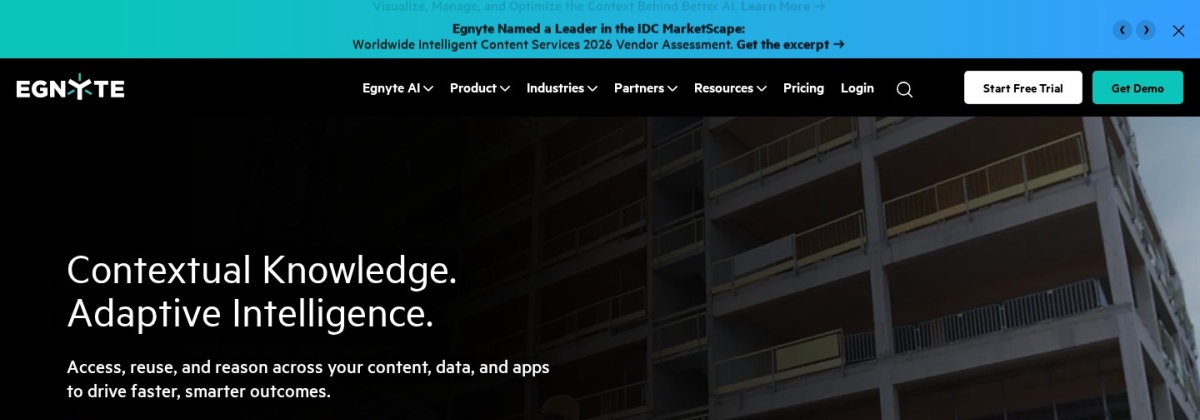
Egnyte homepage, captured Nov 2026.
Egnyte is a secure content management platform for businesses that need controlled document access and collaboration. Its $22 Business plan includes document question answering, permission management and integrations with Microsoft 365 and Google Workspace.
The trade off is that advanced workflows and content lifecycle controls require Enterprise Lite at $39 per user monthly with annual billing. It suits organizations that prioritize document security, controlled collaboration and structured information governance.
What we like
Granular document permissions
Integration with established office applications
Advanced content lifecycle controls
Security monitoring on higher tiers
Watch out for
Advanced workflow automation requires an upgrade
Electronic signatures require a higher-tier subscription
Enterprise Lite adds advanced workflows, lifecycle management and security monitoring.Visit egnyte.com
04
Laserfiche
4.7/5on G2 (1,250 reviews, checked Nov 2026)
PricingCustom pricing
Best for enterprise process automation
DeploymentCloud or self-hosted
Document captureSupported
Process automationPlan-dependent
Entry planCloud Starter
laserfiche.com
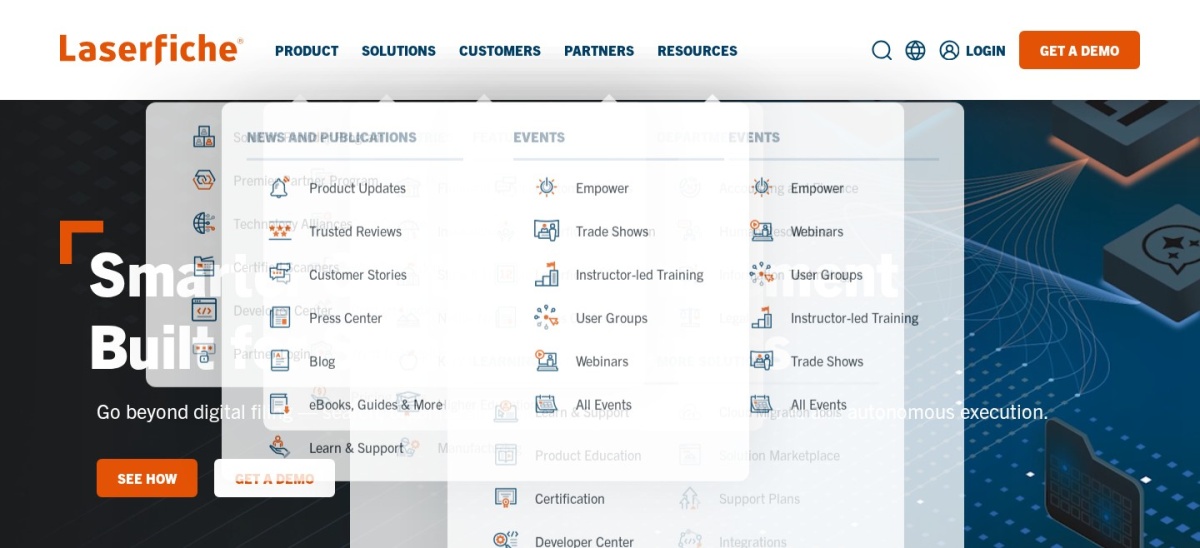
Laserfiche homepage, captured Nov 2026.
Laserfiche is an enterprise content management platform that combines digital document repositories with process automation and records administration. It earns 4.7/5 from 1,250 G2 reviews and offers cloud and self-hosted deployment options.
The trade off is custom pricing, with implementation services and advanced functionality affecting total ownership costs. It suits organizations replacing paper-based processes with structured document capture, approval routing and retention policies.
What we like
Document capture and indexing capabilities
Structured business process automation
Enterprise records management
Cloud and self-hosted options
Watch out for
Requires a sales consultation for pricing
Complex deployments may require professional services
Higher subscriptions add expanded automation, governance and administrative controls.Visit laserfiche.com
05
DocuWare
4.4/5on G2 (251 reviews, checked Nov 2026)
PricingCustom pricing
Best for invoice and paperwork automation
Document indexingIntelligent Indexing
Workflow automationIncluded in cloud plans
DeploymentCloud or on-premises
Electronic signaturesOptional add-on
docuware.com
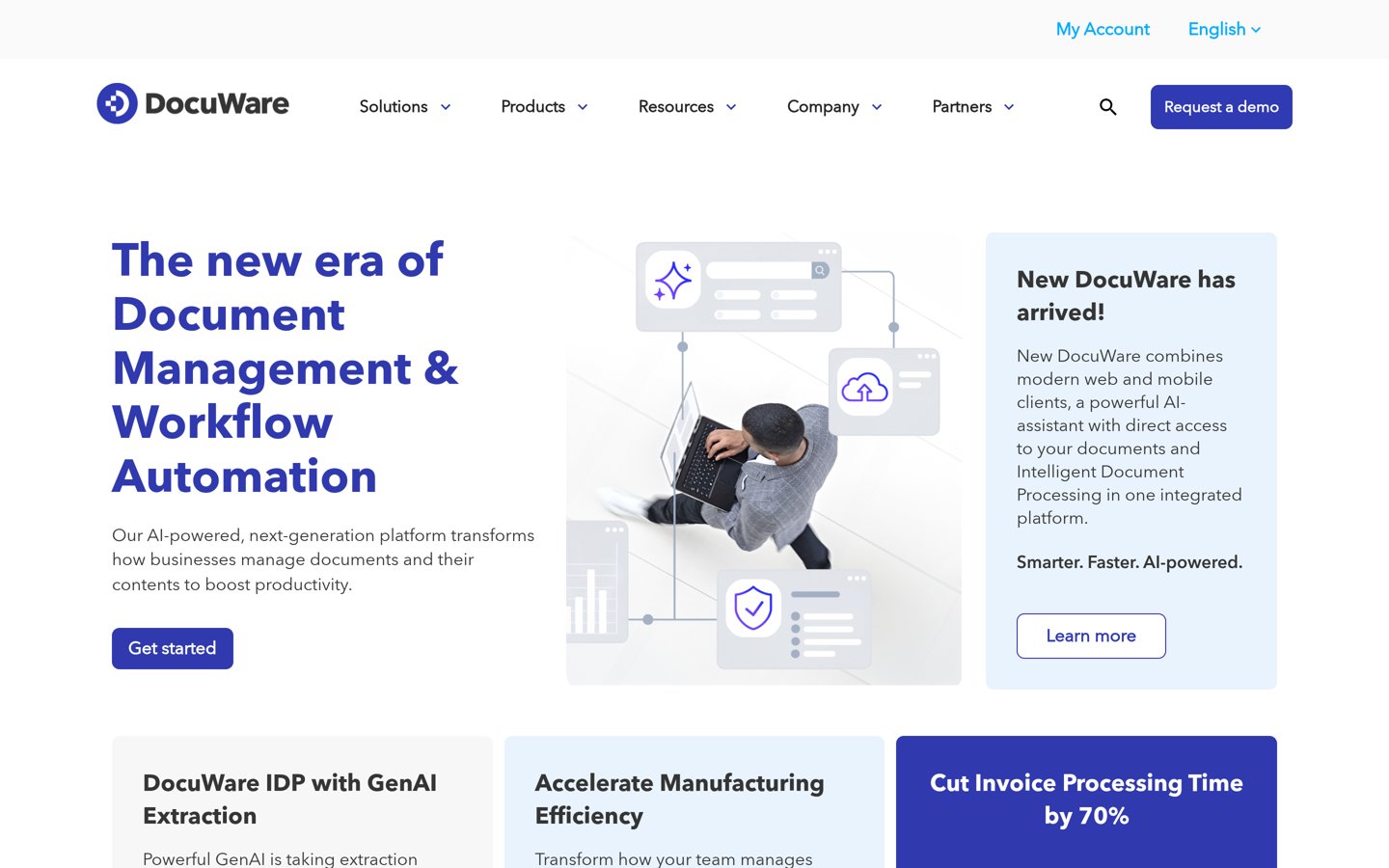
DocuWare homepage, captured Nov 2026.
DocuWare is a document management and workflow automation platform for digitizing invoices, personnel records and operational paperwork. Its cloud plans include document indexing, electronic forms, workflow configuration and searchable file repositories, with a 4.4/5 G2 rating.
The trade off is customized subscription pricing, which the vendor estimates at $30–$125+ per user monthly for cloud deployments. Additional modules can increase costs, and it suits finance departments and administrative teams managing recurring document-heavy processes.
What we like
Automated document indexing
Approval workflows included in cloud subscriptions
Electronic forms and document search
Cloud and on-premises deployment options
Watch out for
Final pricing requires a customized quotation
Specialized integrations and signatures may cost extra
Optional modules extend document processing, signatures and enterprise integrations.Visit docuware.com
06
M-Files
4.4/5on G2 (273 reviews, checked Nov 2026)
Starts at$65/mo
Best for metadata-driven document organization
Document organizationMetadata-based
Microsoft integrationMicrosoft 365
Advanced governanceEnterprise edition
Entry planEssentials
m-files.com
M-Files homepage, captured Nov 2026.
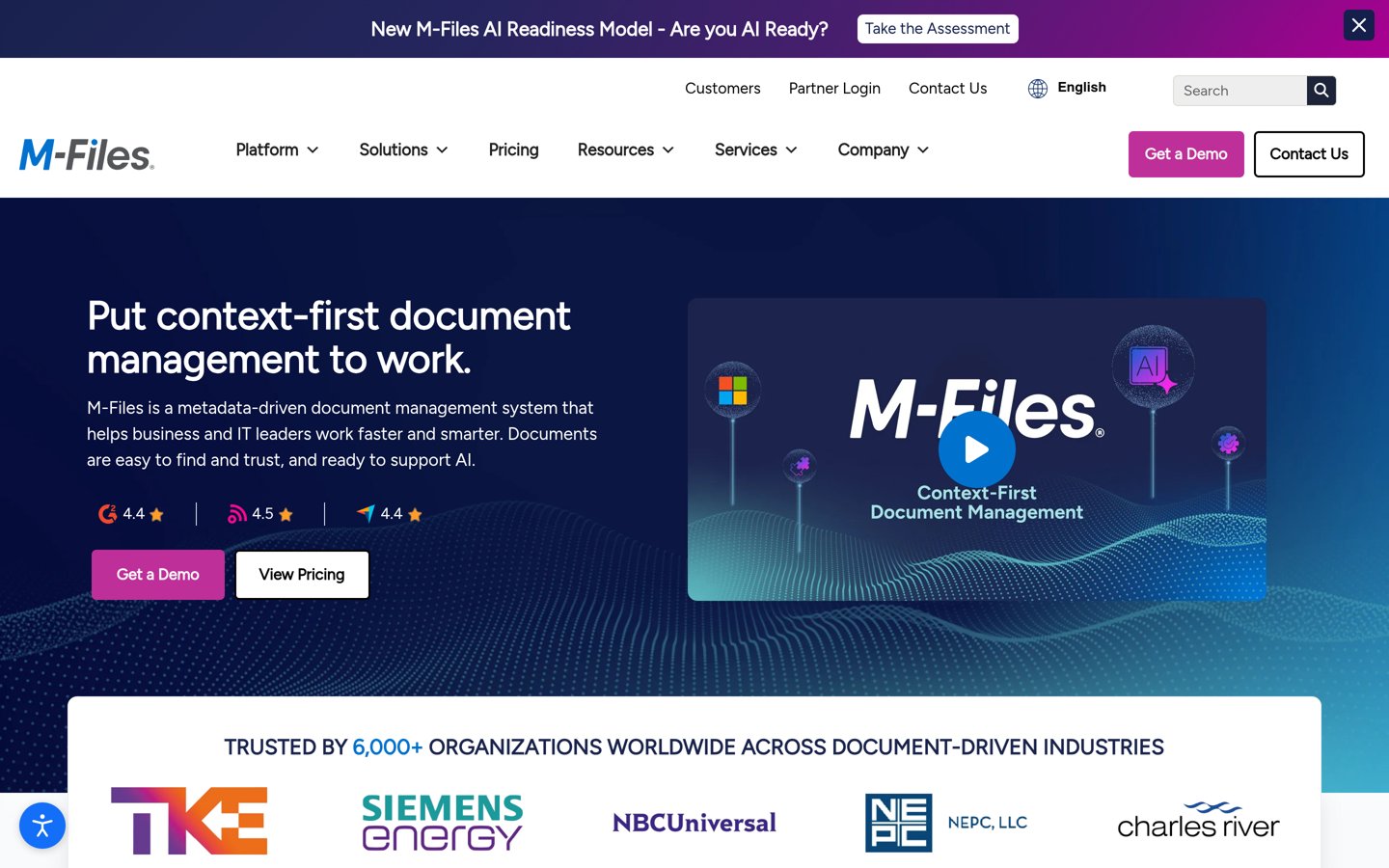
M-Files is a document management platform that organizes information around metadata and business context rather than relying exclusively on folder structures. Its Essentials edition provides document organization, collaboration and Microsoft 365 experiences, while G2 users rate it 4.4/5.
The trade off is its $65 per-seat entry price and the need for a customized Enterprise subscription for advanced governance and automation. It suits professional services and knowledge-intensive organizations that need to retrieve documents through business relationships.
What we like
Metadata-based document classification
Microsoft 365 integration
Contextual document retrieval
Enterprise governance capabilities
Watch out for
Higher entry cost than basic collaboration platforms
Advanced automation requires an enterprise subscription
Enterprise adds advanced automation, governance and external collaboration.Visit m-files.com
07
Formstack Documents
4.5/5on G2 (153 reviews, checked Nov 2026)
PricingCustom pricing
Best for automated document generation
Document generationTemplate-based data merging
Template formatsWord and PDF
Document deliveryAutomated
Electronic signaturesFormstack Sign integration
formstack.com
Formstack Documents homepage, captured Nov 2026.
Formstack Documents is a document generation tool that combines structured business data with reusable templates to create paperwork automatically. It supports Word and PDF document workflows and earns 4.5/5 from 153 G2 reviews.
The trade off is custom pricing for standalone document generation requirements and potential additional costs for connected products. It suits teams that frequently generate letters, contracts, invoices or reports from form submissions and business applications.
What we like
Automated document generation from business data
Reusable document templates
Automated delivery workflows
Integration with forms and signature products
Watch out for
Standalone pricing requires a sales consultation
Not designed as a complete records management repository
Connected Formstack products extend data collection and electronic signature workflows.Visit formstack.com
Which document management processes should you automate?
Start with document workflows that follow predictable business rules. Examples include invoice approvals, employee onboarding paperwork, contract renewals and document distribution after signatures are collected.
Automated document classification reduces filing work by associating incoming files with relevant business information. Approval routing sends paperwork to designated employees and helps prevent requests from sitting unnoticed in inboxes.
Retention automation is particularly useful for organizations with formal information governance requirements. It helps manage document lifecycle policies while preserving appropriate access and review controls.
How we chose
We selected established document management, agreement automation and document generation platforms based on their workflow capabilities, repository features, integrations and public customer reviews.
We checked vendor pricing pages and G2 ratings on 25 Nov 2026. Published subscription prices reflect entry-level plans, with annual equivalents calculated from monthly rates where applicable. Quote-based subscriptions are identified separately.
We excluded generic file storage products without meaningful document workflow capabilities and products with insufficient customer review histories. No vendor paid for a place, and we do not claim testing for this list.
How to choose document management automation software
Identify the document processes that create the most repetitive work before comparing subscriptions and automation features.
Map your document lifecycle. Identify how documents enter your organization, where they are stored, who approves them and how long they must be retained.
Prioritize the automation capabilities you need. Choose document generation for repetitive paperwork, approval routing for internal processes and metadata classification for large document repositories.
Calculate the actual subscription cost. Account for minimum user requirements, automation limits, implementation services, storage allowances and additional modules rather than comparing starting prices alone.
Evaluate security and integration requirements. Confirm that the platform supports your existing business applications, access permissions, document retention policies and administrative reporting requirements.
FAQ
What is document management automation?
Document management automation uses software to perform repetitive document activities such as classification, generation, approval routing, electronic signature collection and filing. It helps organizations reduce manual paperwork while maintaining more consistent document handling processes.
What is the best automation tool for document management?
PandaDoc is our top pick for organizations that regularly generate and distribute business agreements. Box is better suited to shared document repositories, while Egnyte provides additional options for secure collaboration and content governance.
Are there free document management automation tools?
PandaDoc and Box offer free subscriptions suitable for limited document activities. However, businesses requiring advanced approval routing, automated classification, administrative controls or larger storage allowances generally need paid subscriptions or additional modules.
Can document management software automate invoice approvals?
Yes. Platforms such as DocuWare and Laserfiche support document workflows that can route invoices to designated reviewers and maintain associated records. Accounting integrations and advanced data extraction capabilities depend on the selected subscription and implementation.
What is the difference between document automation and document management?
Document automation focuses on generating, routing and processing documents with less manual intervention. Document management focuses on storing, organizing, securing and retrieving information. Some platforms combine both functions, while others specialize in particular stages of the document lifecycle.
How much does document management automation software cost?
Published entry-level prices in this comparison start at $5.80 per user monthly for Box Business Starter. PandaDoc starts at $19 and Egnyte at $22 per user monthly with annual billing. Enterprise implementations may require customized quotations.
SaaS SEO and WordPress specialist with about 8 years of experience. Rakib compares WordPress plugins, themes, hosting and software using public pricing, documentation and user reviews. See how we rank.