Jira is the best project management software for engineers, with Scrum and Kanban boards, sprints, and deep GitHub and GitLab links, rated 4.3 out of 5 by nearly 8,000 G2 reviewers. Pick Linear for a faster, lighter tracker at $10 a user a month, or Zoho Projects if budget matters at $4 a user a month.
How we make this list: we compare pricing pages, product documentation and public user reviews, then re-check every price before each update. No product paid for a place. Disclosure.
Jira leads for engineering teams: Scrum boards, sprints and Git links, rated 4.3 out of 5 by nearly 8,000 G2 reviewers.
Linear is the fastest option, at $10 a user a month, but its 4.6 rating rests on only 125 G2 reviews.
ClickUp's regular price is $12 a user a month for Core; the page currently shows it on sale at $9.
Zoho Projects is the cheapest paid plan here at $4 a user a month, with time tracking and budgets included.
Eight of the nine tools have a free plan. Smartsheet is the exception, with a 30-day trial instead.
What engineering teams should look for
Engineering work lives in issues, pull requests and sprints, not in generic task lists. A good tool links each issue to a branch or pull request, so a reviewer can see the code beside the ticket.
Sprint planning needs a backlog, story points and a board that shows work in progress. Look for cycle or sprint views, dependencies and a way to carry unfinished work forward.
Reporting matters once a team grows past a handful of developers. Velocity, burndown and cycle time show whether estimates hold, and most tools in this list keep the deeper reports on higher plans.
Price is per user, so the headline rate is only part of the bill. Check the free plan limits, seat minimums and whether guests count as paid seats before you commit.
The 9 best project management software for engineers
01
Jira
4.3/5on G2 (7,964 reviews, checked Nov 2026)
Paid from$9.70/mo
Best for engineering teams overall
Free planUp to 10 users
SprintsScrum and Kanban boards
Git linksGitHub, GitLab, Bitbucket
Paid planStandard, $9.70/user/mo
atlassian.com
Jira homepage, captured Nov 2026.
Jira is the issue tracker most engineering teams already know, built around Scrum and Kanban boards, backlogs and sprints. The free plan covers up to 10 users with boards, a backlog, a timeline and 2 GB of storage, and paid plans add Rovo AI search and agents. Every issue links to GitHub, GitLab or Bitbucket so code and tickets stay connected.
The trade off is price and setup. Standard costs $9.70 per user a month on monthly billing for teams up to 100 users, and the per-user rate falls as the team grows; annual billing cuts it further. It suits engineering teams that run real sprints and need reporting on velocity and burndown.
What we like
Purpose-built Scrum and Kanban boards with sprints
Links issues to GitHub, GitLab and Bitbucket
Free plan covers teams up to 10 users
Strong reporting on velocity and burndown
Watch out for
Per-user price climbs steeply on Premium at $19.60
Setup and admin take time on larger sites
Standard adds roles, permissions and 400 automation steps per userVisit atlassian.com
02
Linear
4.6/5on G2 (125 reviews, checked Nov 2026)
Paid from$10/mo
Best fast tracker for product teams
Free planUp to 250 issues
CyclesSprint cycles on every plan
Git linksGitHub and GitLab sync
Paid planStandard, $10/user/mo
linear.app
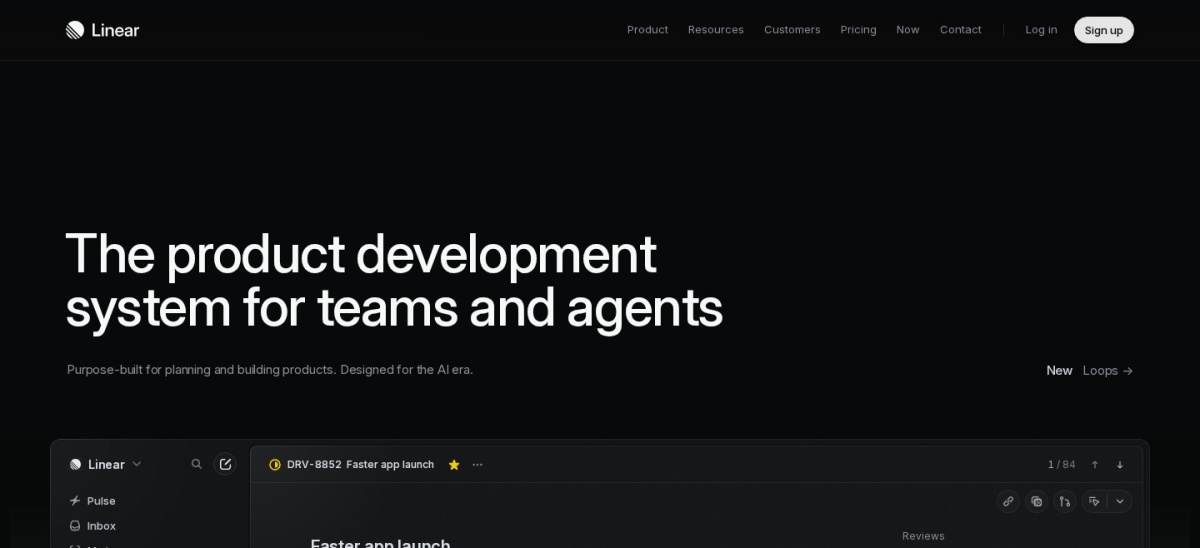
Linear homepage, captured Nov 2026.
Linear is a fast issue tracker built for product and engineering teams that want speed over setup. The free plan covers unlimited members with up to 250 issues, plus cycles, projects and roadmaps. Standard adds unlimited issues, full roadmaps, triage and priority support for $10 per user a month.
The trade off is depth. Reporting is lighter than Jira, and advanced insights, SLAs and time tracking need Plus at $16 per user a month. It suits small and mid-size engineering teams that live in GitHub and want a tracker that stays out of the way.
ClickUp is one workspace for tasks, docs, goals and chat, with sprints, dependencies and Gantt charts on every plan. The free plan covers unlimited tasks and members with 60 MB of storage. Core lists at a regular price of $12 per user a month billed yearly, and the page currently shows it at $9.
The trade off is complexity. There is a lot to configure, and sprint automations and timesheets need Business at a $25 regular price. It suits teams that want engineering work, docs and goals in one tool instead of three.
What we like
Sprints and dependencies on every plan
Docs, goals and chat in the same workspace
Largest review base in this list
Watch out for
Takes time to set up well
Business tier needed for timesheets and heavy automation
Asana is a work management tool that keeps engineering tasks beside marketing and operations work in one place. The free Personal plan covers up to 2 users with unlimited tasks and projects. Starter adds timeline and Gantt views, dashboards, unlimited automations and unlimited free guests for $10.99 per user a month billed yearly.
The trade off is that engineering depth costs more. Native time tracking, portfolios and workload planning need Advanced at $24.99 per user a month, and seats above five are sold in blocks. It suits mixed teams where engineers share plans with non-technical colleagues.
What we like
Clear timelines and dashboards for mixed teams
Unlimited automations from Starter
Unlimited free guests on paid plans
Watch out for
Time tracking and portfolios need Advanced
Seats sold in blocks above five users
Advanced adds portfolios, goals and time trackingVisit asana.com
05
monday.com
4.7/5on G2 (17,975 reviews, checked Nov 2026)
Paid from$9/mo
Best visual boards for teams
Free planUp to 2 seats
BoardsTimeline and Gantt on Standard
Automations250 actions a month on Standard
Paid planBasic, $9/seat/mo
monday.com
monday.com homepage, captured Nov 2026.
monday.com is a visual work platform built on boards, with timeline, Gantt and calendar views for planning engineering work. The free plan covers up to 2 seats with 3 boards. Basic costs $9 per seat a month billed yearly and adds unlimited items, free viewers and 1,000 AI credits a month.
The trade off is seats and automations. Paid plans start at 3 seats and sell seats in blocks, so a 4-person team pays for 5, and Basic has no automations at all. It suits teams that want a visual board first and a tracker second.
Wrike is a work delivery platform with Gantt charts, dashboards and request forms for teams that route work through approvals. The free plan covers basic task and project work. Team costs $10 per user a month billed yearly for 2 to 15 users, with Gantt charts, custom fields and 200 automations a month.
The trade off is the jump to Business. Time tracking, resource management and approvals need Business at $25 per user a month, and seats are sold in groups of five. It suits larger teams that need proofing, intake forms and audit trails.
Smartsheet is a grid-based work platform for teams that plan in rows and columns instead of cards. Pro costs $9 per member a month billed yearly for 1 to 10 members, with Gantt, board and calendar views, unlimited sheets and 250 automations a month. There is no free plan, only a 30-day trial.
The trade off is the member cap. Pro stops at 10 members, so a growing team must move to Business at $19 per member a month, and time tracking is a paid add-on. It suits engineering managers who report across projects in sheets and dashboards.
Teamwork is a project platform built for client work, with time tracking, budgets and invoicing beside tasks and Gantt charts. The free plan covers up to 5 users and 5 projects. Basics costs $9.99 per user a month billed yearly and adds up to 300 projects, billable time tracking and 5,000 automations a month.
The trade off is the step up. Workload planning, capacity views and invoicing need Accelerate at $24.99 per user a month, and older guides still list retired plan names. It suits agencies and consultancies that bill engineering time to clients.
What we like
Billable time tracking from the first paid plan
Unlimited free client users on paid plans
Budgets and invoicing built in
Watch out for
Workload planning needs the $24.99 plan
Plan names changed, so older price guides are stale
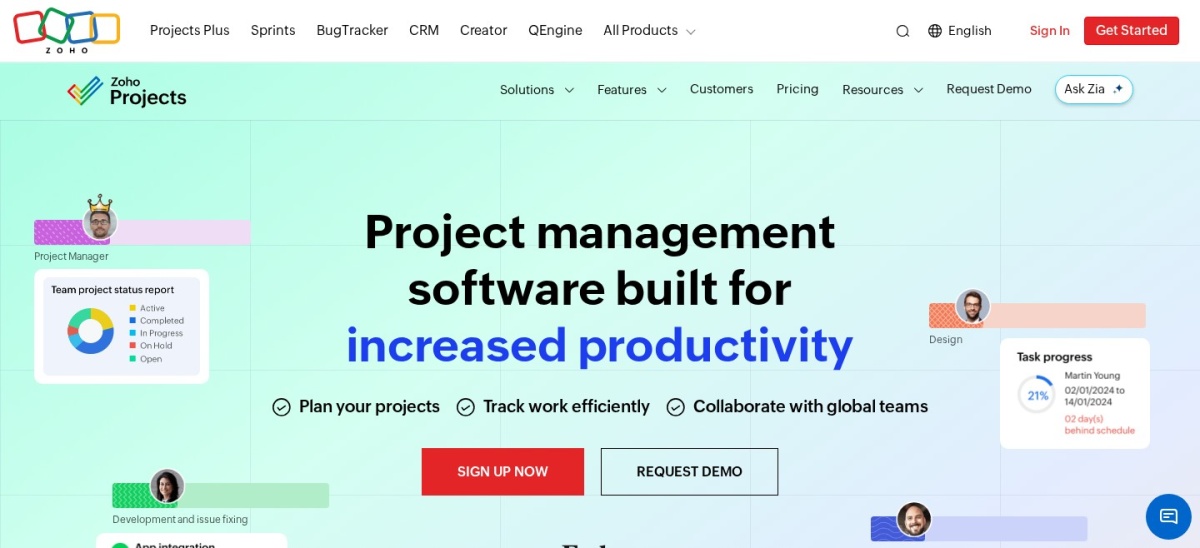
Zoho Projects is a low-cost project tool with Gantt charts, time tracking, task blueprints and project budgets. The free plan covers up to 5 users and 3 projects with 5 GB of storage. Premium costs $4 per user a month billed yearly and removes the project limit while adding timesheets, budgets and 5,000 workflow actions a month.
The trade off is polish. Reviewers note slow navigation on large projects, and single sign-on, custom roles and a portfolio dashboard need Enterprise at $9 per user a month. It suits small teams on a tight budget, above all those already using other Zoho apps.
Free plans work for small teams and trials. Most cover up to 10 users or a capped number of issues, with boards and basic views included.
Paid plans mostly add scale and control. You get unlimited issues, automations, time tracking and admin controls such as single sign-on.
The dearest jump is usually time tracking and reporting. Jira, Asana, Wrike and Teamwork all keep those features on a higher tier, so check where they sit before you pick a plan.
Start on a free plan with real work, then pay for the tier that removes the first limit you hit. A tool that fits at 5 users can turn costly at 50, so re-check the per-user maths as the team grows.
How we chose
We started from the project tools most often named for engineering teams, then kept those with a real free or trial plan, sprint support and public pricing.
Prices come from each vendor's pricing page, checked on 25 November 2026. Ratings and review counts come from G2 on the same day. Where a vendor shows a sale, the list shows the regular price.
We left out tools without public per-user pricing or without a usable free plan or trial. No vendor paid for a place, and we do not claim to have used these tools ourselves.
How to choose project management software for engineers
Start with how your team already ships code, then pick the tracker that fits that flow.
Map your sprint flow first. If you run Scrum with story points and a backlog, Jira or Linear fit best. If work arrives as requests, Wrike or Teamwork handle intake better.
Check the Git integration. Every issue should link to a branch or pull request. Jira, Linear and ClickUp all link issues to GitHub and GitLab work.
Count the real seats. Free plans cap users or issues, and paid plans add seat minimums or blocks. Price the team you will have in six months, not the team you have today.
Trial it with a real sprint. Run one sprint end to end before paying. If the board, the reports and the Git links all hold up, the tool will hold up at scale.
FAQ
What is the best project management software for engineers?
Jira is the best pick for most engineering teams. It was built around Scrum and Kanban boards, sprints and backlogs, links issues to GitHub and GitLab, and holds a 4.3 out of 5 G2 rating from nearly 8,000 reviews.
Is Linear better than Jira for small engineering teams?
Often, yes. Linear is faster, needs almost no setup and covers cycles, roadmaps and Git links on its free plan. Jira wins when a team needs deep reporting, strict permissions or cross-project planning across many teams.
Which project management tool is cheapest for engineers?
Zoho Projects is the cheapest in this list, at $4 per user a month billed yearly, with Gantt charts, time tracking and budgets included. Smartsheet Pro and monday.com Basic both start at $9 per user a month.
Do engineers need time tracking in their project tool?
Not always. Time tracking helps when hours are billed to a client or a project budget must be watched. Teamwork and Zoho Projects include it on their cheapest paid plans, while Jira, Asana and Wrike keep it on higher tiers.
Can I use a free plan for an engineering team?
Yes, for small teams. Jira is free for up to 10 users, Linear is free for up to 250 issues and ClickUp is free with unlimited tasks. Free plans cap issues, storage or users, so a growing team will outgrow them.
What is the difference between Jira and monday.com for engineers?
Jira is built for software delivery, with sprints, backlogs and code links. monday.com is a visual board platform that suits mixed teams, but its Basic plan has no automations and engineers may miss sprint reporting.
SaaS SEO and WordPress specialist with about 8 years of experience. Rakib compares WordPress plugins, themes, hosting and software using public pricing, documentation and user reviews. See how we rank.