Procore is the best project management software for real estate development for most teams, rated 4.6 out of 5 on G2 from 4,698 reviews, covering budgets, contracts, RFIs, submittals and field work in one system. Pick Autodesk Forma if your team designs in Revit, or JobTread for small builders who need job costing at a fixed monthly price.
How we make this list: we compare pricing pages, product documentation and public user reviews, then re-check every price before each update. No product paid for a place. Disclosure.
Procore is the only tool here built end to end for construction, from preconstruction budgets to closeout, but pricing is by quote.
Autodesk Forma Build costs $1,400 per user a year, or $800 for the Essentials tier without RFIs, submittals or cost management.
Buildertrend and JobTread are the residential picks: Buildertrend from $499 a month, JobTread at a flat $159 a month billed annually.
monday.com, Smartsheet, ClickUp and Asana are general tools that work for development pipelines, from $9 to $12 per user a month.
Fieldwire is the cheapest way to get plans and punch lists into the field, with a free plan for up to 5 users.
What real estate development software should cover
Real estate development runs in phases: land and feasibility, design, permits, construction, then leasing or sales. A tool that only tracks tasks will not cover budgets, contracts and change orders.
Look for budget tracking against the original estimate, a schedule tied to the budget, and a paper trail for RFIs, submittals and change orders.
Field teams need plans, photos and punch lists on a phone, while the office needs cost reports and payment applications. If one tool cannot do both, pick the side that hurts most and pair it with a second tool.
Price structures differ more than features do. Procore and Buildertrend price by quote or volume, Autodesk and Fieldwire charge per user, and JobTread charges a flat monthly rate plus a small fee per user.
The 9 best project management software tools for real estate development
01
Procore
4.6/5on G2 (4,698 reviews, checked Nov 2026)
PricingCustom/yr
Best overall for real estate development
RFIs and submittalsYes
Budget and cost trackingYes
Free planNo, demo and quote
PricingBy quote, per project volume
procore.com
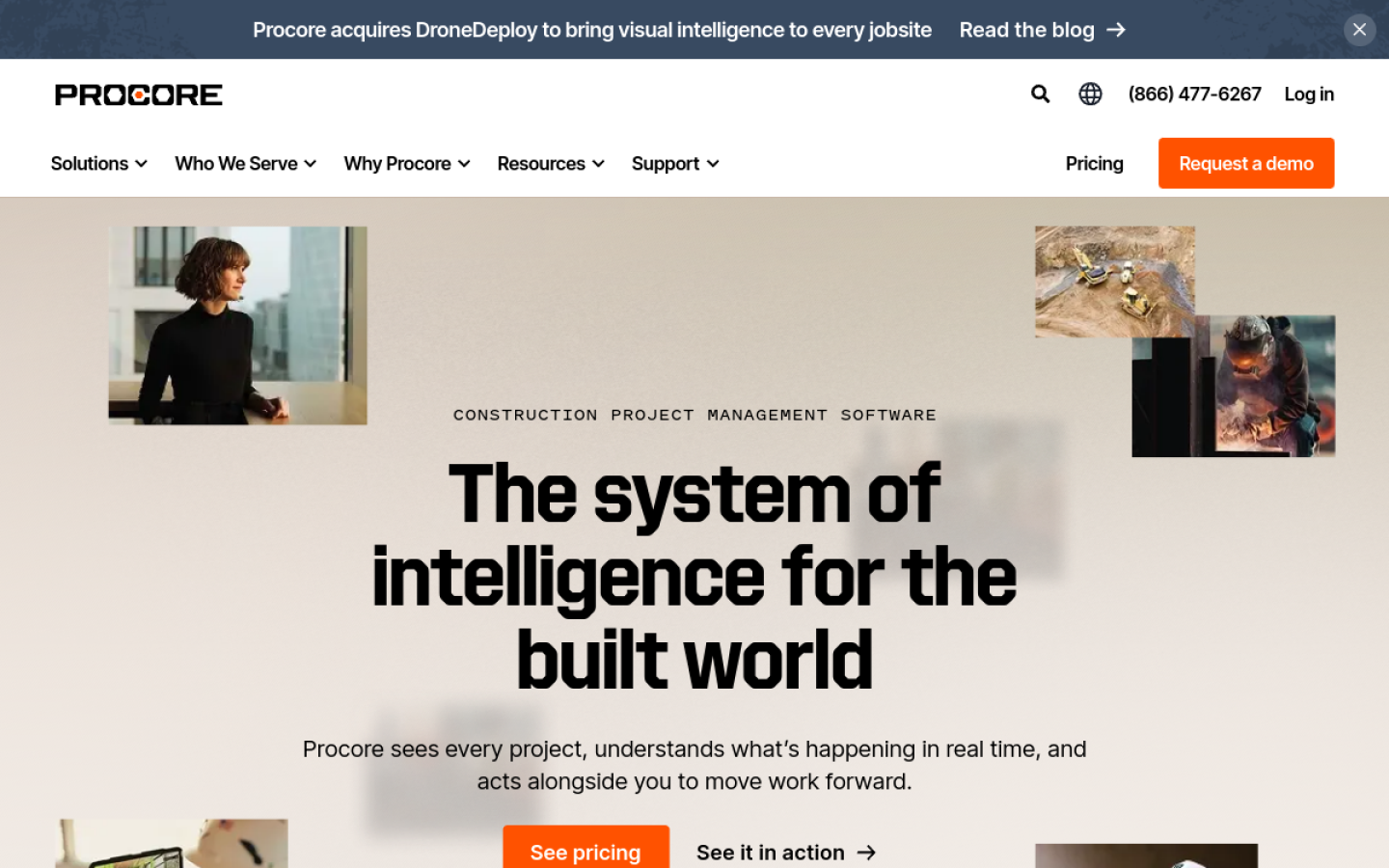
Procore homepage, captured Nov 2026.
Procore is the construction platform most developers standardise on, covering preconstruction budgets, contracts, RFIs, submittals, change orders and field work in one system. Drawings, schedules and cost reports sit in the same place, so a budget change can be traced back to the change order that caused it.
The trade off is price and setup. Procore publishes no price and quotes on annual construction volume, and G2 reviewers report an average implementation time of about 3 months. It suits developers and general contractors running several projects at once who can invest in rollout and training.
What we like
Covers budgets, contracts, RFIs and field work in one system
Rated 4.6 out of 5 on G2 from 4,698 reviews
Strong reporting across projects and cost codes
Owners, designers and subcontractors can join projects without a paid seat
Autodesk Forma, formerly Autodesk Construction Cloud, is Autodesk's cloud platform for construction projects, and Forma Build is its project management product. Contract documents, drawings, RFIs, submittals and cost data sit in one common data environment, and the Revit model links are native because Autodesk makes the design software too.
The trade off is that the full Build product costs $1,400 per user a year, while the cheaper Essentials tier at $800 leaves out RFIs, submittals and cost management. It suits design-build firms and developers whose architects already work in Revit or AutoCAD.
What we like
Native Revit and AutoCAD model links
Published per-user pricing, unlike Procore
Drawings, RFIs and cost data in one place
Rated 4.4 out of 5 on G2 from 5,264 reviews
Watch out for
Full Build costs $1,400 per user a year
Essentials tier drops RFIs, submittals and cost tracking
Cost tools are thinner than a full construction ERP
Build Essentials starts at $800 per user a year; full Build is $1,400Visit autodesk.com
03
Buildertrend
4.3/5on G2 (229 reviews, checked Nov 2026)
Starts at$499/mo
Best for residential builders and developers
Estimates and bidsYes
Client portalYes, with selections
Unlimited usersYes
Paid planFrom $499 a month
buildertrend.com
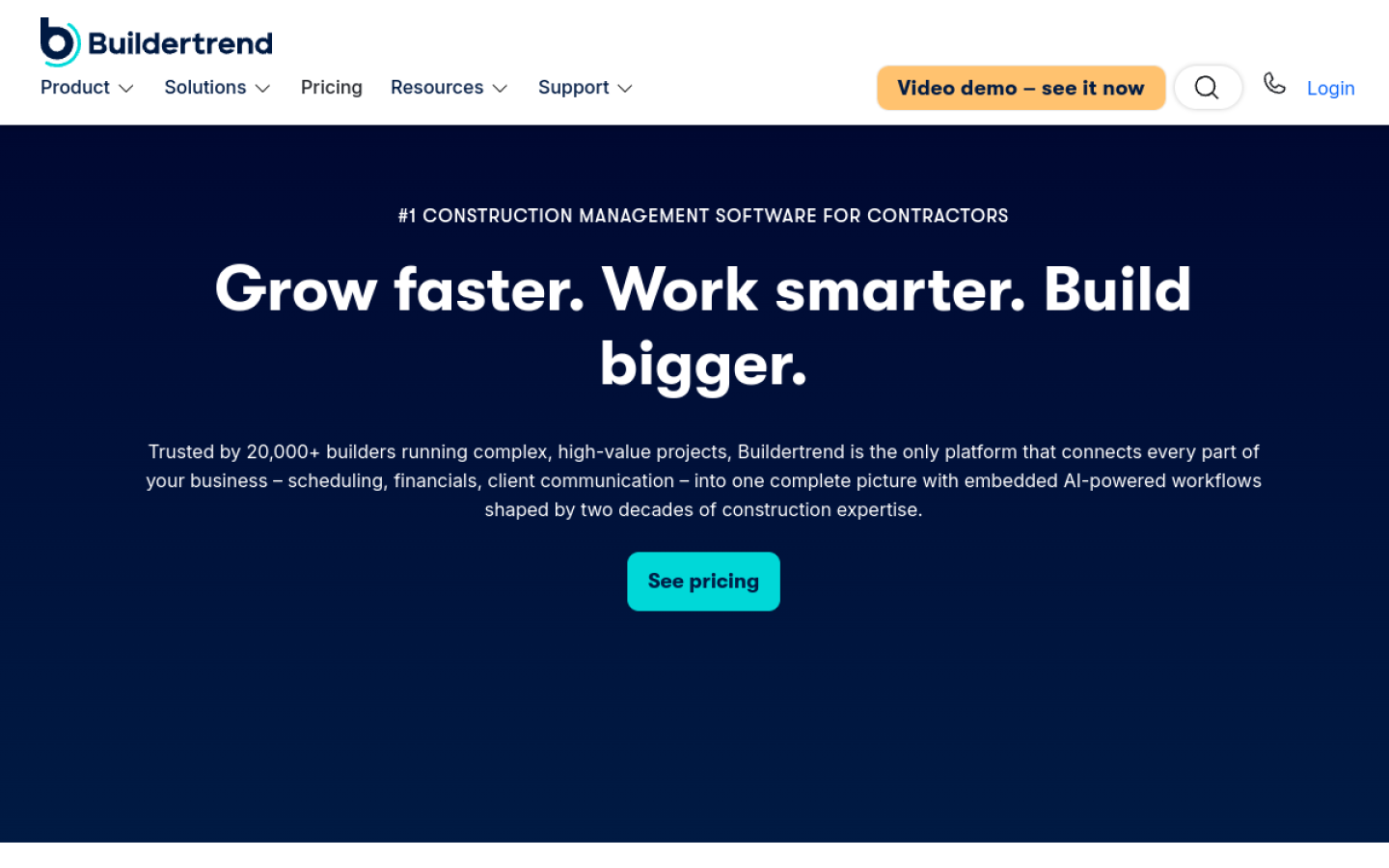
Buildertrend homepage, captured Nov 2026.
Buildertrend is the residential construction platform for home builders and remodelers running several projects a year. It covers estimates and bids, schedules, budgets and job costing, change orders, daily logs, and a client portal where buyers track progress, make selections and approve change orders.
The trade off is price transparency. Buildertrend prices by quote based on construction volume, with a regular price of $499 a month shown in its pricing flow, and onboarding averages about two months. It suits residential developers who want estimating, scheduling and client communication in one system.
What we like
Built around the residential job arc, from lead to warranty
Client portal with selections, change orders and payments
Unlimited users and projects on every tier
Rated 4.3 out of 5 on G2 from 229 reviews
Watch out for
Final price needs a sales quote based on volume
Onboarding averages about two months
Learning curve across the full feature set
Pricing is by quote; the pricing flow shows a $499 a month regular priceVisit buildertrend.com
04
monday.com
4.7/5on G2 (17,964 reviews, checked Nov 2026)
Paid from$9/mo
Best general tool for development pipelines
Free planYes, up to 2 seats
Timeline and GanttYes, on Standard
AutomationsYes, capped per plan
Paid planBasic, $9/user/mo
monday.com
monday.com homepage, captured Nov 2026.
monday.com is a general work management platform that development teams use to track land deals, entitlements, design tasks and construction milestones on visual boards. Timelines, calendars and dashboards hold tasks, deadlines and owners, with automations that chase overdue work. Basic starts at $9 per user a month billed annually, with a 3-seat minimum.
The trade off is that it has no idea what a construction project is. There are no RFIs, submittals or cost codes, so a team still needs a construction tool or a spreadsheet for budgets. It suits developers who want one flexible tracker for the pipeline and the project side by side.
What we like
Rated 4.7 out of 5 on G2 from 17,964 reviews
Fastest to set up of the general tools here
Timelines, calendars and dashboards
Free plan for up to 2 seats
Watch out for
No RFIs, submittals or construction cost tools
Paid plans need at least 3 seats
Automation caps bite on the Standard plan
Standard adds timelines, guests and automations at $12 per user a monthVisit monday.com
05
Smartsheet
4.4/5on G2 (23,251 reviews, checked Nov 2026)
Starts at$9/mo
Best for spreadsheet-style project tracking
Free planNo, 30-day trial
Gantt viewYes
AutomationsYes, capped on Pro
Paid planPro, $9/user/mo
smartsheet.com
Smartsheet homepage, captured Nov 2026.
Smartsheet is a work management platform built around a spreadsheet-style grid, with Gantt, board and calendar views layered on top. Development teams use it to track budgets, milestones and approvals across several projects, with dashboards that roll the numbers up for the office. Pro starts at $9 per user a month billed annually.
The trade off is that the free plan is gone. Smartsheet ended its free tier in 2025, so evaluation is a 30-day trial, and features such as pivot tables and Dynamic View need higher tiers or add-ons. It suits teams that already think in spreadsheets and want reporting without learning a construction platform.
What we like
Rated 4.4 out of 5 on G2 from 23,251 reviews
Familiar grid layout with strong reporting
Dashboards roll up several projects at once
Low entry price at $9 per user a month
Watch out for
No free plan since 2025
Some features need higher tiers or add-ons
Per-user pricing adds up as the team grows
Business adds unlimited automations and workload tracking at $19 per user a monthVisit smartsheet.com
06
ClickUp
4.6/5on G2 (13,551 reviews, checked Nov 2026)
Paid from$12/mo
Best value all-rounder for small teams
Free planYes, unlimited tasks
Gantt chartsYes, on Unlimited
Automations1,000 a month on Unlimited
Paid planBusiness, $12/user/mo
clickup.com
ClickUp homepage, captured Nov 2026.
ClickUp is an all-in-one workspace that holds tasks, documents, chat and reporting for a development team in one place. The free plan allows unlimited tasks and members, and Unlimited at $7 per user a month billed annually adds Gantt charts, time tracking and portfolios. Business at $12 adds advanced automations and workload views.
The trade off is the learning curve. Reviewers say the customisation that makes ClickUp powerful also takes weeks to set up well, and the most useful reporting sits on the Business tier. It suits small development teams that want one cheap tool for tasks, docs and schedules.
What we like
Rated 4.6 out of 5 on G2 from 13,551 reviews
Generous free plan with unlimited tasks and members
Cheapest paid entry here at $7 per user a month
Gantt, docs, chat and time tracking in one workspace
Asana is a work management platform that gives every task an owner, a due date and a connection to project goals. Development teams use it to coordinate architects, consultants and contractors across design and construction, with timelines, forms and dashboards. Starter costs $10.99 per user a month billed annually.
The trade off is the tier gap. Portfolios, goals, workload and native time tracking sit on the Advanced plan at $24.99 per user a month, a 127% jump from Starter. It suits teams that need clean task coordination across departments rather than construction cost control.
What we like
Rated 4.4 out of 5 on G2 from 14,024 reviews
Easiest general tool here for non-technical teams
Timeline, Gantt and workflow builder on Starter
Free Personal plan for up to 2 users
Watch out for
Portfolios and workload need the $24.99 Advanced tier
No RFIs, submittals or job costing
Notification volume can overwhelm large teams
Advanced adds portfolios, goals and time tracking at $24.99 per user a monthVisit asana.com
08
Fieldwire
4.5/5on G2 (592 reviews, checked Nov 2026)
Paid from$39/mo
Best for plans and punch lists in the field
Free planYes, 5 users, 3 projects
Plan markupsYes
Punch listsYes, pinned to plans
Paid planPro, $39/user/mo
fieldwire.com
Fieldwire homepage, captured Nov 2026.
Fieldwire, now owned by Hilti, is the app superintendents describe when you describe a field tool. Walk the job with the plan open, tap the spot, photograph the defect and assign it to the subcontractor who owns it. The free Basic plan covers 5 users, 3 projects and 100 sheets.
The trade off is scope. Fieldwire is a field execution tool, not a budget or contract system, so cost control still lives elsewhere, and Pro costs $39 per user a month billed annually. It suits teams whose main problem is getting plans, tasks and punch lists onto phones on site.
What we like
Rated 4.5 out of 5 on G2 from 592 reviews
Fastest field adoption of any tool here
Punch items pin directly to the plan
Free plan covers small jobs at no cost
Watch out for
No budgets, contracts or job costing
Per-user costs stack up for large crews
Reports and custom forms need higher tiers
Pro adds reports, exports and sheet compare at $39 per user a monthVisit fieldwire.com
09
JobTread
4.9/5on G2 (118 reviews, checked Nov 2026)
Starts at$159/mo
Best flat-rate pick for small builders
Free planNo
EstimatingYes
Job costingYes
Paid plan$159 a month billed annually
jobtread.com
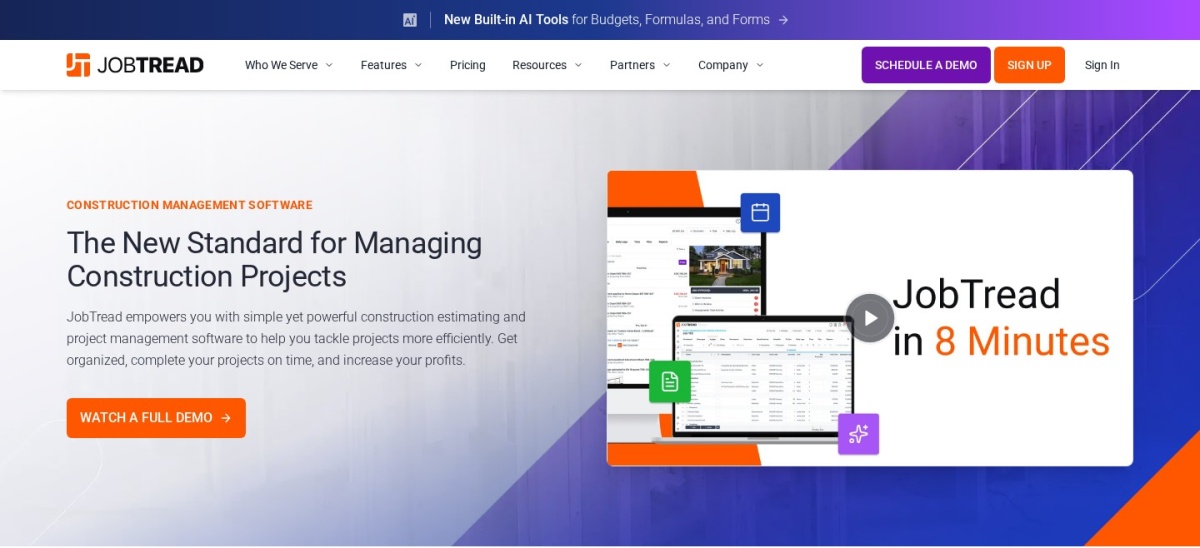
JobTread homepage, captured Nov 2026.
JobTread is a construction job management platform for small builders that combines estimating, budgets, scheduling, job costing and invoicing in one system. It costs $159 a month billed annually, or $199 month to month, plus $20 a month per extra internal user, with the first user included.
The trade off is scale. JobTread is built for small businesses, so a developer running large commercial projects will outgrow its reporting and controls. It suits small builders and residential developers who want job costing and invoicing without per-seat pricing surprises.
What we like
Rated 4.9 out of 5 on G2 from 118 reviews
Flat monthly price with no per-seat surprises
Estimating, job costing and invoicing in one place
Highest support scores of any tool here
Watch out for
No free plan or free trial
Built for small teams, not large commercial work
Setup takes effort to customise workflows
Monthly billing is $199 a month; extra users cost $20 a month eachVisit jobtread.com
Construction-specific vs general tools: what you give up
Construction tools in this list, Procore, Autodesk Forma, Buildertrend, Fieldwire and JobTread, speak the language of the job: RFIs, submittals, change orders, punch lists and job costing.
General tools, monday.com, Smartsheet, ClickUp and Asana, are cheaper per seat and faster to set up, but they track tasks, not costs. A budget still lives in a spreadsheet beside them.
A common middle path is to run the development pipeline and design coordination in a general tool, then move the project into Procore, Forma or Buildertrend once construction starts.
Fieldwire pairs with either side. It is the cheapest way to put plans and punch lists on phones, and its free plan covers a small job on its own.
How we chose
We started from the construction and project management tools most often named for development work, then kept nine with a public rating and a published price or a clear quote route.
Prices come from each vendor's pricing page, checked on 25 November 2026. Ratings and review counts come from G2 on the same day. Where a vendor shows a sale, the list shows the regular price.
We left out niche development-only platforms that publish no public rating. No vendor paid for a place, and we do not claim to have used these tools ourselves.
How to choose project management software for real estate development
Start with the phase that hurts most, then match the tool to the size of your team.
Count your projects and your users. A developer running one project at a time can start on JobTread or Fieldwire. A team running several projects needs Procore, Forma or Buildertrend.
Check whether you need cost control or task tracking. Budgets, contracts and change orders point to Procore, Forma, Buildertrend or JobTread. A pipeline of deals and design tasks fits monday.com, Asana or ClickUp.
Price the whole team, not one seat. Per-user tools such as Forma Build at $1,400 a year add up fast across a crew. JobTread's flat rate and Buildertrend's unlimited users behave differently as you grow.
Run a trial on a live project. A demo on sample data hides the setup work. Put one real project through the tool for a month before you move the rest.
FAQ
What is the best project management software for real estate development?
Procore is the best pick for most developers. It covers budgets, contracts, RFIs, submittals and field work in one system, and it is rated 4.6 out of 5 on G2 from 4,698 reviews. Autodesk Forma suits Revit teams, and JobTread suits small builders.
How much does Procore cost?
Procore publishes no price and quotes on annual construction volume, so you need a sales call for a number. Expect a higher bill than per-user tools, and an implementation time of about three months. Get the quote in writing before you commit.
Is there a free project management tool for real estate development?
Yes, with limits. Fieldwire has a free plan for up to 5 users and 3 projects, and monday.com, ClickUp and Asana have free plans for small teams. None of the free plans covers construction budgets or job costing.
What is the difference between Procore and Autodesk Forma?
Both cover RFIs, submittals and cost management, but Procore prices by construction volume while Forma Build publishes a per-user price of $1,400 a year. Forma is the stronger pick for teams that design in Revit, since its model links are native.
Can I use monday.com or Asana for real estate development?
Yes, for pipelines and task coordination. Both track deals, design tasks and milestones well, and they cost $9 to $11 per user a month. They have no RFIs, submittals or job costing, so pair them with a construction tool for the build phase.
Which tool is best for small builders?
JobTread is the best pick for small builders. It combines estimating, budgets, scheduling, job costing and invoicing for a flat $159 a month billed annually, and it is rated 4.9 out of 5 on G2. Fieldwire is the cheaper field-only option.
Do I need construction-specific software, or will a general tool work?
It depends on the phase. General tools work for land, design and leasing pipelines, but they cannot track budgets against change orders or manage RFIs. Once construction starts, a construction-specific tool such as Procore, Forma or Buildertrend pays for itself.
SaaS SEO and WordPress specialist with about 8 years of experience. Rakib compares WordPress plugins, themes, hosting and software using public pricing, documentation and user reviews. See how we rank.