Raindrop.io is the best free bookmark app for most people, offering unlimited bookmarks, collections, tags and devices at no cost with a 4.2/5 rating across 13 G2 reviews. Pick start.me for a visual start page or Instapaper for long articles.
How we make this list: we compare pricing pages, product documentation and public user reviews, then re-check every price before each update. No product paid for a place. Disclosure.
Raindrop.io keeps bookmarks, collections, tags and device sync unlimited on its free plan, with Pro at $29/yr.
start.me gives a custom start page and widgets for free, while Personal PRO costs $26/yr for unlimited pages and no ads.
Instapaper saves unlimited articles and folders free across web, iOS and Android, with Premium at $59.99/yr.
Karakeep is free and open source when self-hosted, with a hosted Pro plan at $40/yr after a 50-bookmark cloud free tier.
Anybox and Toby cap free libraries at 50 and 60 items respectively, making them better suited to lighter lists or paid upgrades.
What to look for in a free bookmark app
Browser bookmark bars get crowded fast when you save links across work, research and personal projects. A dedicated bookmark manager keeps links searchable and easy to sort with tags or collections.
Free tiers usually draw the line at limits and search depth. Some cap how many links you save for free, while others save links for free but charge to search full page text or keep permanent page copies.
Platform support matters just as much as price. Check whether an app runs on all your browsers and phones or locks you into one operating system or a self-hosted server.
Raindrop.io is a cross-platform bookmark manager with apps for Mac, iOS, Android, Chrome, Safari, Firefox and Edge. The free plan includes unlimited bookmarks, collections, tags, highlights and devices plus 100 MB of file uploads per month.
The trade off is that full-text search, permanent page copies, daily backups and duplicate or broken link checks sit behind Pro at $29 a year. It suits people who want one visual library across every browser and phone without hitting a save limit.
What we like
Unlimited bookmarks, collections and tags on the free plan
Apps and extensions across desktop, mobile and major browsers
Shared collections work on the free tier
Watch out for
No full-text search or permanent page archive on the free plan
Mobile experience gets mixed feedback in user reviews
Pro adds full-text search, web archive, backups and AI toolsVisit raindrop.io
02
start.me
4.3/5on G2 (49 reviews, checked Nov 2026)
Paid from$26/yr
Best for a visual start page and widgets
Free pagesUp to 3 start pages
Free bookmarksUnlimited
Ads on freeYes
Paid planPersonal PRO, $26/yr
start.me
start.me homepage, captured Nov 2026.
start.me turns your browser start page into a customizable dashboard of bookmarks, notes, tasks and RSS feeds. The free personal plan lets you save unlimited bookmarks across up to three pages with basic widgets.
The trade off is ads on the free plan and a three-page cap, while Personal PRO costs $26 a year for unlimited pages, ad-free use and extra widgets. It suits daily browsers who want frequent links, notes and feeds open on a new tab.
What we like
Combines bookmarks with notes, tasks and RSS widgets
Unlimited bookmarks on the free plan
Low annual price for Personal PRO
Watch out for
Free plan includes ads and caps you at three start pages
Less suited to deep reading or long-form archiving
Personal PRO removes ads and unlocks unlimited pages and widgetsVisit start.me
03
Instapaper
4.4/5on G2 (10 reviews, checked Nov 2026)
Paid from$59.99/yr
Best for saving articles to read later
Free articlesUnlimited
Free notes5 per month
PlatformsWeb, iOS, Android
Paid planPremium, $59.99/yr
instapaper.com
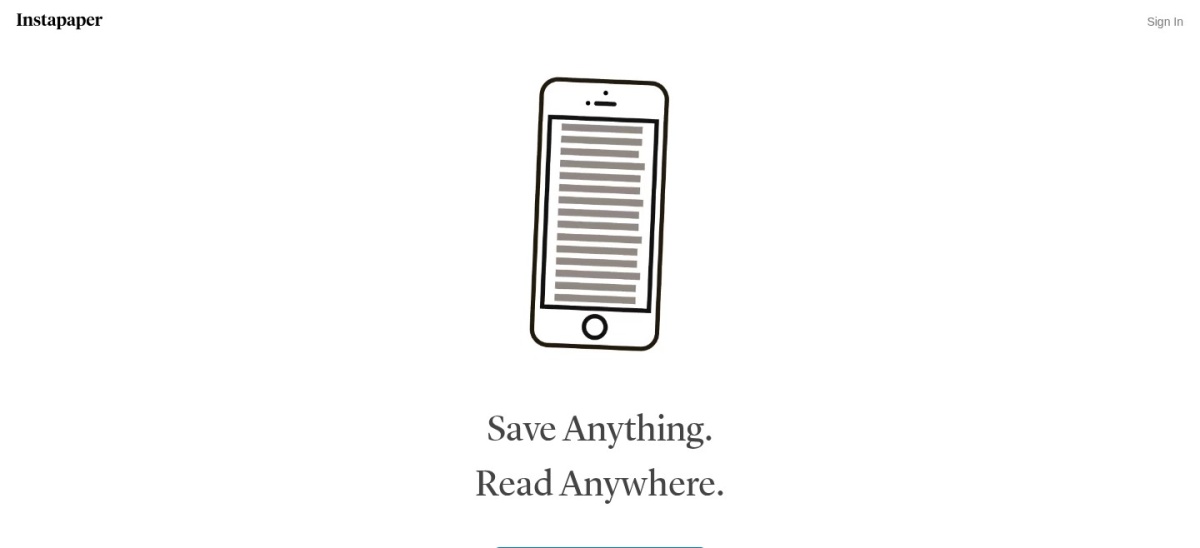
Instapaper homepage, captured Nov 2026.
Instapaper is a reading app for saving articles, videos and web pages in a clean view across web, iOS and Android. Its free plan supports unlimited saved articles, folders and cross-device sync, with a limit of five notes per month.
The trade off is that full-text search, permanent article archives, PDF reading and unlimited notes require Premium at $59.99 a year. It suits readers who care more about clean reading queues than visual bookmark grids.
What we like
Unlimited saved articles and folders on the free plan
Focused reading layout across web, iOS and Android
Integrates with tools like Kindle and Readwise
Watch out for
Free plan limits you to five notes per month
Higher annual paid plan than Raindrop.io or start.me
4.1/5on Google Play (189 reviews, checked Nov 2026)
Paid from$40/yr
Best free self-hosted bookmark app
Self-hostedFree, unlimited
Cloud free tier50 bookmarks, 100 MB
Apps & extensionsWeb, mobile, browser
Paid planCloud Pro, $40/yr
karakeep.com
Karakeep homepage, captured Nov 2026.
Karakeep is an open-source bookmarking app with web and mobile apps, browser extensions, tagging and full-text search. Self-hosting is free with no item cap, while the hosted free plan is limited to 50 bookmarks and 100 MB of storage.
The trade off is setup if you self-host, or a small cap on the hosted free tier before Cloud Pro at $40 a year. It suits users comfortable running their own server who want full control over their saved links.
What we like
Free and open source to self-host with no bookmark limit
Supports AI-powered tagging and full-text search
Includes web, mobile and browser extensions
Watch out for
Hosted free tier caps you at 50 bookmarks and 100 MB
Self-hosting requires server setup and maintenance
Cloud Pro raises the hosted limit to 50,000 bookmarks and 50 GBVisit karakeep.com
05
Anybox
4.7/5on App Store (530 reviews, checked Nov 2026)
Paid from$14.99/yr
Best native app for Mac and iOS users
Free linksUp to 50 links
SynciCloud on Apple devices
PlatformsiPhone, iPad, Mac, Vision
Paid planYearly, $14.99/yr
anybox.app
Anybox homepage, captured Nov 2026.
Anybox is a native bookmark and read-later app for iPhone, iPad, Mac and Apple Vision with tags, folders, notes and iCloud sync. Its free tier lets you try the app and save up to 50 links in total.
The trade off is the 50-link free cap and Apple-only platform support, with paid plans starting at $14.99 a year or a one-time lifetime option. It suits Apple users who want native speed and a low-cost upgrade.
What we like
High 4.7/5 rating across 530 App Store reviews
Native Apple design with Spotlight and Shortcuts support
Low $14.99/yr starting paid tier and lifetime option
Watch out for
Free plan is capped at 50 links
No Windows, Android or web app
Paid plans unlock unlimited links and expand Anydock capacityVisit anybox.app
06
Toby
4.9/5on G2 (17 reviews, checked Nov 2026)
Paid from$4.50/mo
Best for saving groups of open browser tabs
Free tabs/cardsUp to 60 cards
Core featuresCollections, sessions, tags
Team membersUnlimited on all plans
Paid planProductivity, $4.50/mo yearly
gettoby.com
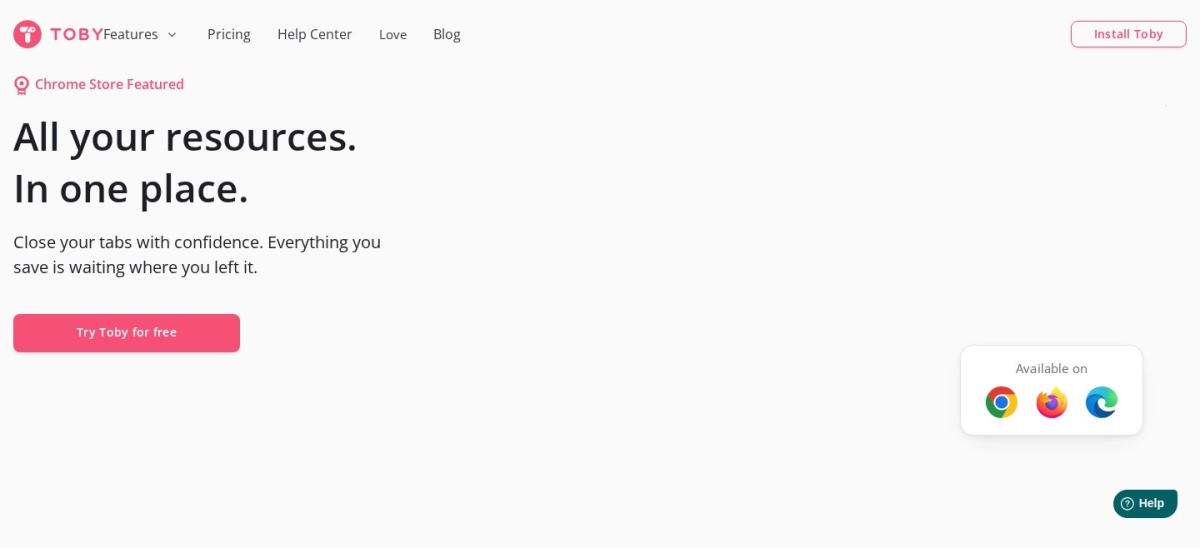
Toby homepage, captured Nov 2026.
Toby organizes browser tabs into visual collections and saved sessions so you can close open tabs and reopen a project later. The free Starter plan supports up to 60 saved tabs or cards with collections, tags, notes and unlimited members.
The trade off is the 60-card free cap, while the Productivity plan starts at $4.50 per member per month billed yearly ($54/yr). It suits people who research across many tabs at once and want to group them by task.
What we like
Saves entire tab sessions into organized visual collections
Includes tags, notes and collection sharing on Starter
4.9/5 rating across 17 G2 reviews
Watch out for
Free Starter plan caps workspaces at 60 saved tabs
Per-member pricing adds up for larger teams
Productivity adds unlimited saved tabs, duplicate removal and searchVisit gettoby.com
07
Diigo
4.3/5on G2 (10 reviews, checked Nov 2026)
Paid from$40/yr
Best for highlighting and annotating web pages
Free planAd-supported, capped
Key strengthHighlights and sticky notes
Group researchShared lists and groups
Paid planStandard, $40/yr
diigo.com
Diigo homepage, captured Nov 2026.
Diigo is a research bookmarking tool built around highlighting text, leaving sticky notes and sharing curated lists or groups. Its free plan lets you bookmark, tag and annotate pages with ads and lifetime usage limits.
The trade off is a tight free tier with ads and a dated interface, while Standard starts at $40 a year. It suits students and researchers who mark up passages directly on web pages.
What we like
Strong highlighting, sticky notes and research group tools
Affordable $40/yr starting Standard plan
Supports tags, lists and browser extensions
Watch out for
Free tier carries ads and tight limits
Interface and mobile apps feel older than newer rivals
Paid plans expand limits and add full-text search and page cachingVisit diigo.com
Free limits and lock-in to watch
A free bookmark app is only helpful if you can get your links out later. Always check whether a tool lets you export bookmarks as HTML or CSV before building a large library.
Watch for item caps on free tiers. Apps like Anybox and Toby work well for testing or small active projects, but heavy link collectors will hit their limits quickly.
If a bookmark manager ever shuts down or raises prices, exported links keep your list intact even if extra features like highlights or page archives stay behind a paywall.
How we chose
We looked for active bookmark and read-later apps with a free plan or free self-hosted option and strong user feedback.
Pricing and review counts were checked on 22 November 2026 using official pricing pages and public review directories such as G2 and the App Store. Where annual billing lowers the monthly rate, we show the regular paid starting price.
We left out discontinued tools such as Pocket and tools without a clear public pricing page. No vendor paid for a place, and we do not claim testing for this list.
How to choose a free bookmarks app
Match the app to how you save links so you actually find them later.
Decide how many links you save. If you save hundreds or thousands of links, pick a tool with unlimited free bookmarks like Raindrop.io or start.me instead of a capped tier.
Check your devices and browsers. Pick a cross-platform tool if you switch between Windows, Mac, Android and iOS, or choose Anybox if you stay inside Apple devices.
Separate bookmarking from reading. Use a visual bookmark manager for reference links and a reading app like Instapaper if you mostly queue long articles.
Export your bookmarks regularly. Keep a backup copy of your links so you can switch tools without starting over.
FAQ
What is the best completely free bookmark app?
Raindrop.io is the best choice for most users because its free plan includes unlimited bookmarks, collections, tags and devices with no item cap. start.me and Instapaper also offer generous free tiers for start pages and reading lists.
Why do some bookmark apps charge for search or archives?
Storing links and tags takes little server space, while indexing full page text and saving permanent copies of web pages costs more. That is why many apps keep basic bookmarking free and put full-text search or archives on paid plans.
Is a bookmark manager better than browser bookmarks?
Browser bookmarks work fine for a few dozen links on one browser, but dedicated apps make tagging, cross-browser syncing and sharing collections much easier. They also keep your links organized even if you switch browsers.
What happened to Pocket?
Pocket shut down in July 2025 after Mozilla discontinued the service. Users looking for a similar reading or saving workflow now use alternatives such as Raindrop.io, Instapaper, start.me or Karakeep.
Do I need a paid plan to organize bookmarks?
Not for basic folders, tags and collections. Free plans on tools like Raindrop.io and start.me cover everyday sorting, while paid upgrades mainly add full-text search, page archiving, larger file storage or higher limits.
Can I switch bookmark apps later without losing links?
Yes, most bookmark managers support importing and exporting standard bookmark files or lists. Exporting a copy periodically protects your saved URLs if you change tools later.
SaaS SEO and WordPress specialist with about 8 years of experience. Rakib compares WordPress plugins, themes, hosting and software using public pricing, documentation and user reviews. See how we rank.