PagerDuty leads cloud incident response with a 4.5 out of 5 rating across 983 G2 reviews and a $21 per user per month annual Professional plan. For Slack-native coordination, incident.io earns 4.8 out of 5 on G2, while Better Stack combines uptime monitoring and on-call starting at $29 per responder per month billed annually.
How we make this list: we compare pricing pages, product documentation and public user reviews, then re-check every price before each update. No product paid for a place. Disclosure.
PagerDuty holds a 4.5/5 score from 983 G2 reviews and offers a free tier for up to 5 users before paid plans at $21/user/mo billed annually.
incident.io rates 4.8/5 across 238 G2 reviews and starts at $19/user/mo on Team with a permanent Basic free plan.
Better Stack bundles uptime monitoring, status pages, and on-call starting at $29/responder/mo billed annually alongside a free plan.
Grafana Cloud IRM charges $20 per active IRM user per month on Pro after a free tier that includes 3 active users.
xMatters scores 4.5/5 across 806 G2 reviews and starts at $9/user/mo on Starter with a free tier for up to 5 users.
What to look for in cloud incident response software
Cloud infrastructure generates constant alerts across Kubernetes clusters, managed databases, serverless functions, and third-party APIs. Strong incident response software routes noisy signals to the right on-call engineer without waking people for false alarms.
Pricing models vary sharply across vendors. Some tools charge per responder or active user per month, while observability-linked suites add data ingestion, retention, or monitor fees on top of seat charges.
Chat-native workflows have become central to modern cloud operations. Declaring incidents, assembling responders, posting status updates, and drafting post-mortems inside Slack or Microsoft Teams cuts context switching during active outages.
Before committing to an annual contract, check whether on-call rotations, status pages, SMS or voice paging, and automated workflows sit on the entry tier or require higher-priced add-ons.
Best for multi-team cloud alerting and escalations
Free tierUp to 5 users
Entry paid planProfessional ($21/user/mo annual)
Monthly billing rate$25/user/mo
Status pageUp to 250 subscribers on Pro
pagerduty.com
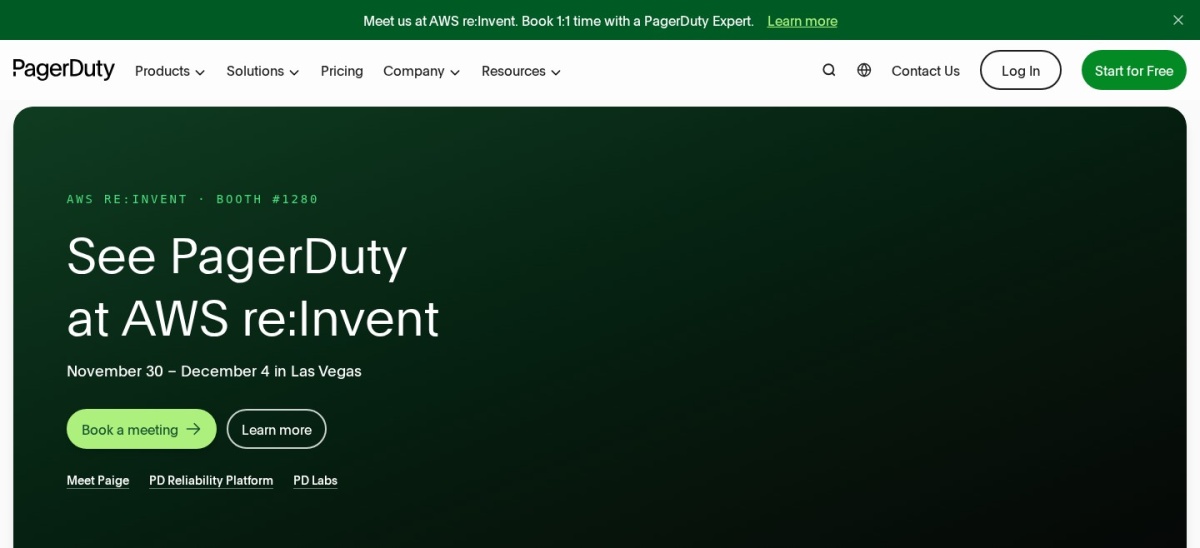
PagerDuty homepage, captured Nov 2026.
PagerDuty is an incident management and on-call alerting platform built to route cloud and infrastructure alerts across teams. Its free plan supports up to 5 users with 1 schedule and 1 escalation policy.
The trade off is that moving past basic schedules to unlimited escalation policies costs $21 per user per month billed annually ($252/yr per seat), while AIOps and larger status pages cost extra. It suits mid-sized and enterprise cloud teams with complex rotations.
What we like
Free plan available for up to 5 users
Unlimited schedules and escalation policies on Professional
Wide integrations across cloud monitoring and chat tools
Dedicated iOS and Android push, SMS, and voice paging
Watch out for
Per-seat costs add up quickly as responder headcount grows
AIOps noise reduction and extra status page capacity cost extra
Initial rule and escalation setup takes time to tune
Professional adds unlimited schedules and escalation policies, post-incident reviews, and external status pages.Visit pagerduty.com
02
incident.io
4.8/5on G2 (238 reviews, checked Nov 2026)
Paid from$19/user/mo
Best for Slack and Teams incident workflows
Free tierBasic plan (Slack/Teams, 1 team)
Entry paid planTeam ($19/user/mo)
On-call add-on+$10/user/mo on Team
Chat supportSlack and Microsoft Teams
incident.io
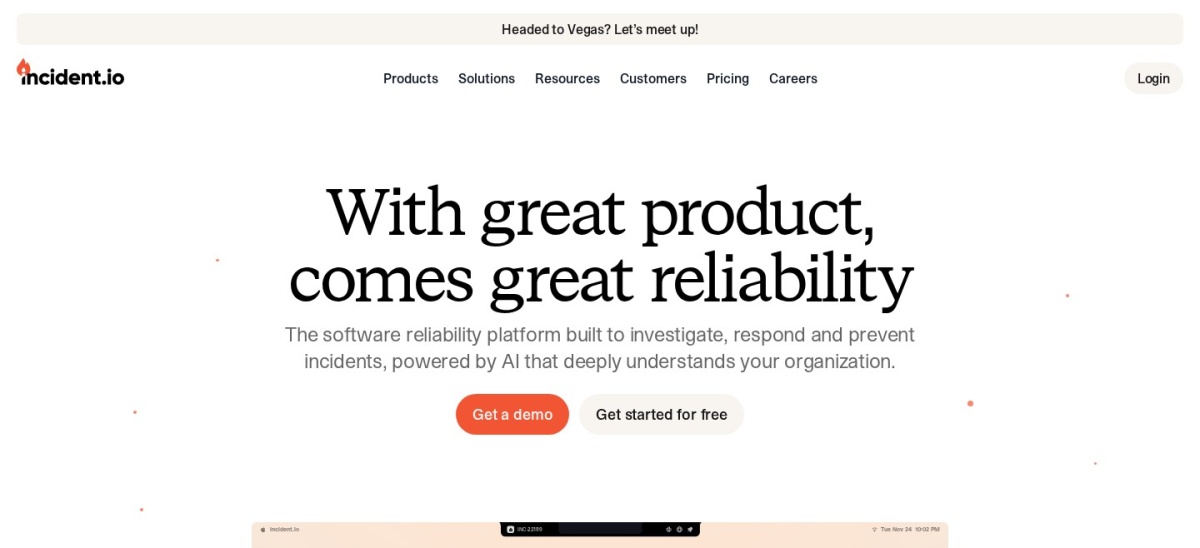
incident.io homepage, captured Nov 2026.
incident.io is a chat-native incident management platform that runs incident declaration, swarming, status updates, and post-mortems inside Slack or Microsoft Teams. Its Basic plan is free and covers single-team on-call and essential automation.
The trade off is that multi-team incident response starts at $19 per user per month on Team ($228/yr per seat), and adding on-call costs an extra $10 per user per month. It suits engineering teams that live in Slack or Teams during incidents.
What we like
Highest G2 rating (4.8/5) in this group
Permanent Basic free tier with Slack and Teams workflows
Automated timelines, follow-ups, and post-incident reviews
Clear published pricing for Team and Pro tiers
Watch out for
On-call paging is priced separately per user on top of incident seats
Heavy reliance on Slack or Microsoft Teams for daily workflows
Team unlocks multi-team on-call and alerting plus customizable workflows inside Slack or Teams.Visit incident.io
Included alertsUnlimited phone and SMS on Responder
betterstack.com
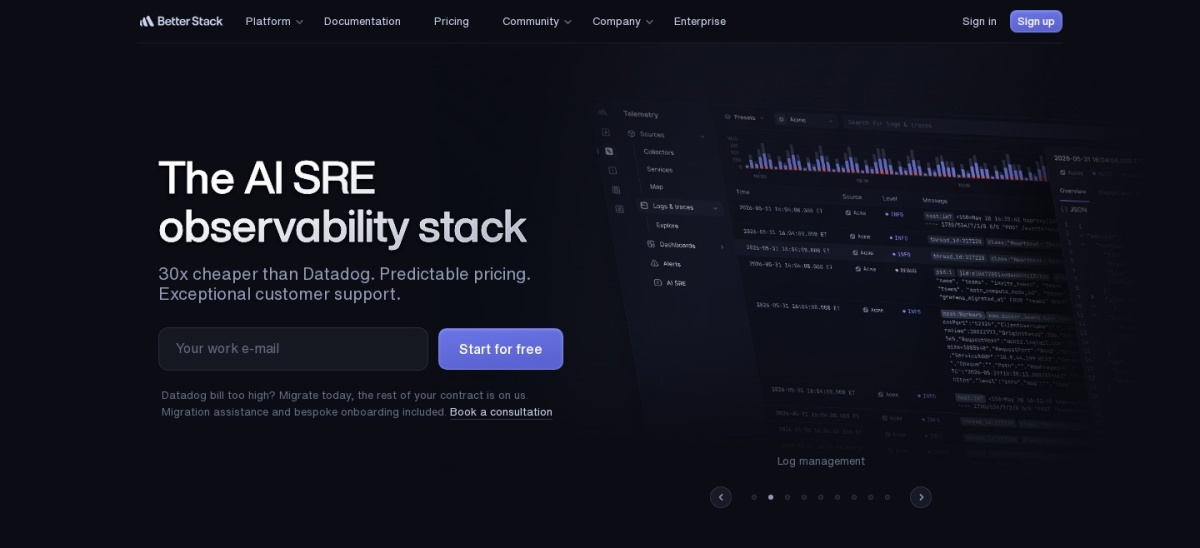
Better Stack homepage, captured Nov 2026.
Better Stack is an observability and incident response platform that combines uptime checks, heartbeat monitors, logs, status pages, and on-call rotations. Its free tier includes 10 monitors, 1 status page, and Slack or email alerts.
The trade off is that Responder licenses cost $29 per month billed annually ($348/yr per responder, or $34 monthly), and extra logs or status page features add usage charges. It suits small cloud teams consolidating monitoring and paging into one bill.
What we like
Combines uptime monitoring, status pages, and incident management
Unlimited phone and SMS alerts on the Responder license
Generous free tier for small projects and testing
Watch out for
Costs more than standalone basic monitors if you do not need on-call
White-labeling, SSO, and extra status pages carry separate monthly fees
Responder adds full on-call scheduling, monitoring, status pages, and unlimited phone and SMS alerts.Visit betterstack.com
04
Grafana Cloud
4.5/5on G2 (228 reviews, checked Nov 2026)
Paid from$20/user/mo
Best for Prometheus and Kubernetes stacks
Free tier3 users, 10k metric series, 50 GB logs
IRM rate on Pro$20/active IRM user/mo
Pro platform fee$19/mo plus usage above allowances
Retention on Pro13 months metrics, 30 days logs/traces
grafana.com
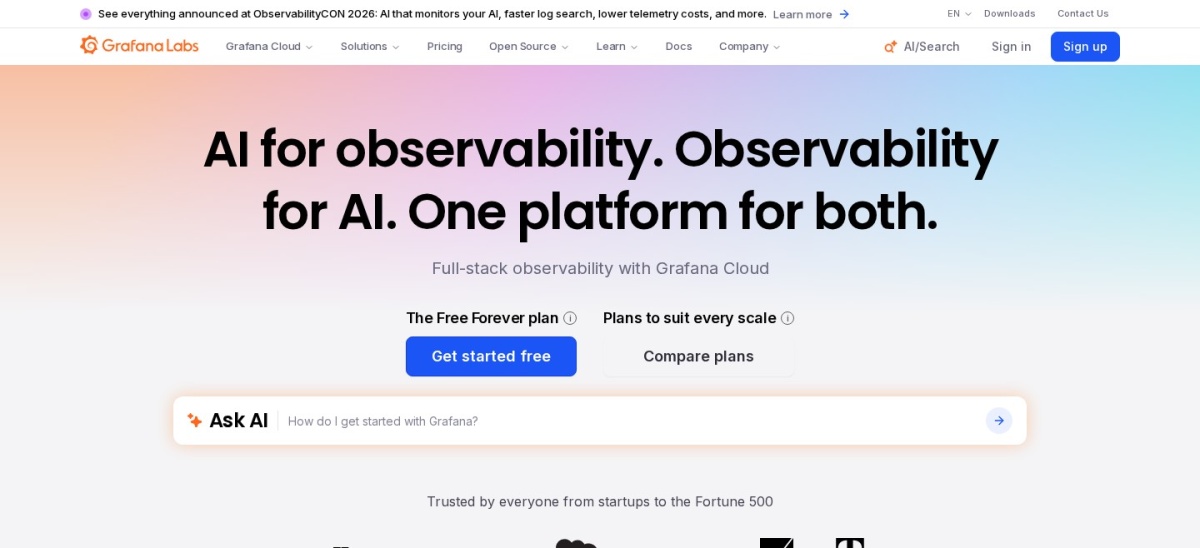
Grafana Cloud homepage, captured Nov 2026.
Grafana Cloud is a managed observability platform that pairs metrics, logs, traces, and Kubernetes telemetry with Incident Response and Management (IRM). Its free plan includes 3 active users, 10,000 metric series, and 50 GB each of logs and traces.
The trade off is that IRM bills $20 per active user per month ($240/yr per active IRM user) on Pro alongside a $19 monthly platform fee and telemetry usage charges. It suits cloud-native teams already running Grafana and Prometheus.
What we like
Keeps dashboards, metrics, logs, and incident response in one workspace
Permanent free tier for small teams and light telemetry
Bills IRM by monthly active responding users rather than alert volume
Watch out for
Telemetry ingestion and high-cardinality metrics can raise monthly bills
Extra platform features and storage require careful usage tracking
Pro adds longer data retention, email support, and pay-as-you-go scaling for telemetry and IRM users.Visit grafana.com
05
xMatters
4.5/5on G2 (806 reviews, checked Nov 2026)
Paid from$9/user/mo
Best for automated escalation and alert routing
Free tierUp to 5 users
Entry paid planStarter ($9/user/mo)
Higher tiersBase ($39/user/mo) and Advanced
Core strengthsOn-call rotations and visual workflows
xmatters.com
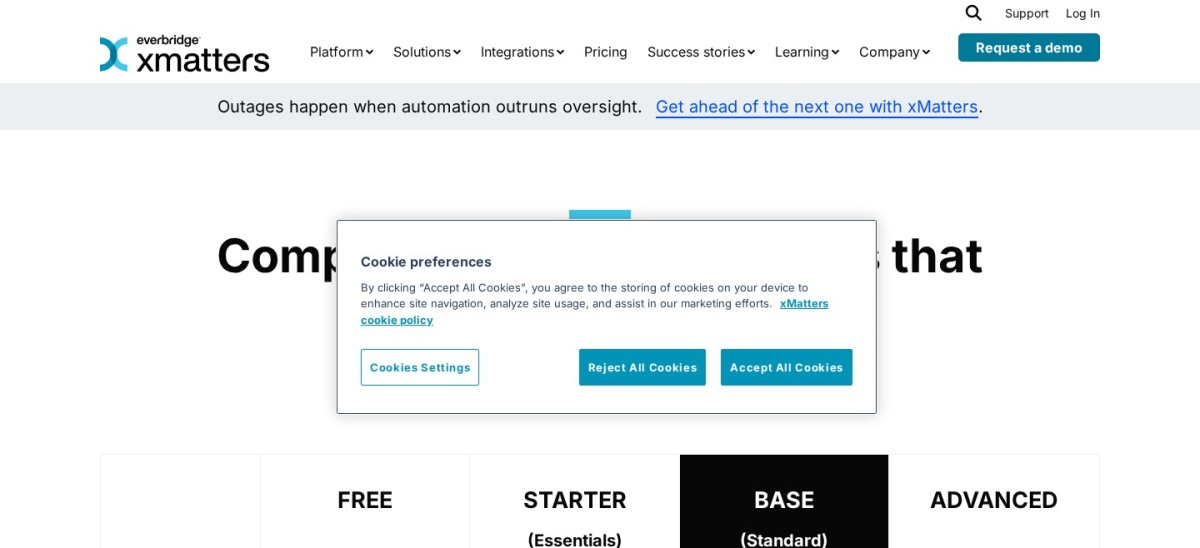
xMatters homepage, captured Nov 2026.
xMatters is an incident management and service reliability platform focused on on-call schedules, escalations, and automated response workflows. Its free tier supports up to 5 users with on-call scheduling and alert prioritization.
The trade off is that Starter begins at $9 per user per month ($108/yr per seat), while deeper incident features sit on Base at $39 per user per month. It suits teams that want structured escalations and automated actions across cloud tools.
What we like
Low entry price at $9 per user per month plus a free plan
Strong visual workflow automation for alert routing and responses
Large review base (806 G2 reviews) with a 4.5/5 score
Watch out for
Jumps from $9/user/mo on Starter to $39/user/mo on Base
SMS notifications for paid tiers are billed per full user per month
Starter adds API access and paid-tier capabilities on top of on-call scheduling and escalation policies.Visit xmatters.com
06
Jira Service Management
4.3/5on G2 (1,020 reviews, checked Nov 2026)
Paid from$26.90/user/mo
Best for Jira-centric IT and engineering teams
Free tierUp to 3 agents, 2 GB storage
Entry paid rateStandard from $26.90/agent/mo (1-15)
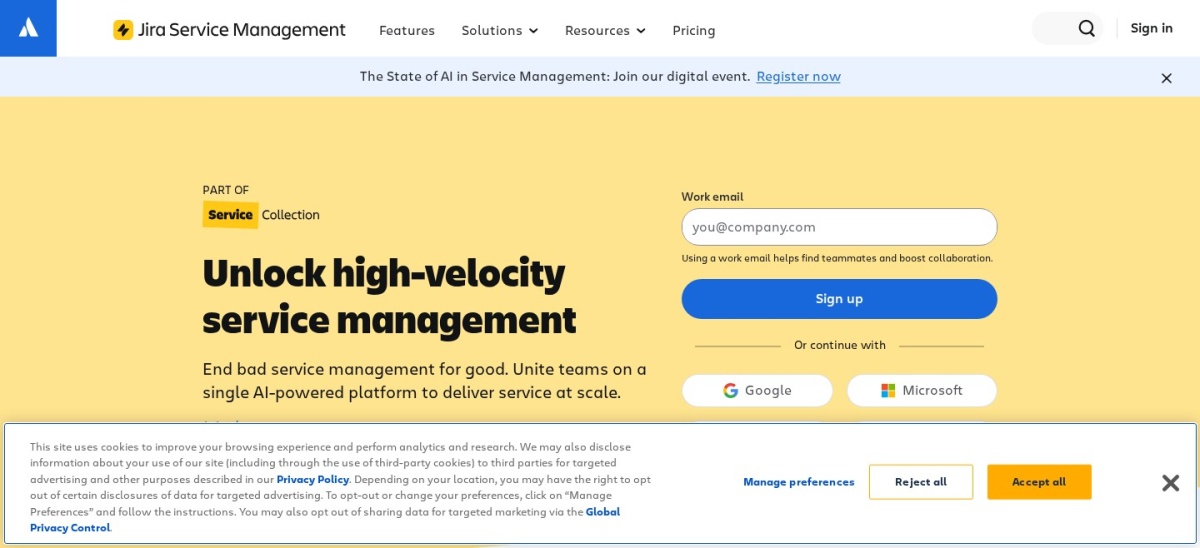
Jira Service Management homepage, captured Nov 2026.
Jira Service Management is an IT service management platform that combines alerts, on-call schedules, service requests, and asset tracking in one workspace. Its free plan covers up to 3 agents with 2 GB of storage and Slack or Teams intake.
The trade off is that Standard starts at $26.90 per agent per month for 1 to 15 agents, and change approvals or CI/CD deployment gating require Premium. It suits teams already tracking issues, releases, and changes in Jira.
What we like
Free plan for up to 3 agents with alerts and on-call schedules
Tight link between incidents, Jira issues, assets, and change records
Broad adoption with 1,020 G2 reviews
Watch out for
Per-agent pricing and usage add-ons can climb across larger teams
Some advanced incident and change controls require higher tiers
Standard adds branded help centers, audit logs, multi-region data residency, and 5,000 Assets objects.Visit atlassian.com
07
Rootly
4.7/5on G2 (218 reviews, checked Nov 2026)
Starts at$20/user/mo
Best for automated incident runbooks and AI retros
Free tierNo permanent free plan (free trial)
Incident Response rate$20/user/mo
On-Call rate$20/user/mo
Chat supportSlack, Microsoft Teams, Google Chat
rootly.com
Rootly homepage, captured Nov 2026.
Rootly is an incident management and on-call platform designed to run response workflows, escalations, and retrospectives inside Slack, Microsoft Teams, or Google Chat. It offers a free trial rather than a permanent free tier.
The trade off is that Incident Response starts at $20 per user per month ($240/yr per seat) and On-Call is priced separately at $20 per user per month. It suits engineering teams that want automated post-mortems and chat-driven workflows.
What we like
Strong 4.7/5 G2 rating across 218 reviews
Runs incident response across Slack, Teams, and Google Chat
Includes AI-assisted retrospectives and workflow automation
Watch out for
No permanent free tier for small teams
Incident Response and On-Call each carry a $20/user/mo starting rate
Incident Response and On-Call each start at $20 per user per month, with custom Enterprise options.Visit rootly.com
Seat vs. usage pricing in cloud incident response
Most standalone incident responders bill per user or responder per month, which makes costs predictable when headcount stays steady. However, charging every engineer who occasionally views an incident can inflate seat counts.
Observability-linked tools like Grafana Cloud and Better Stack mix responder or user fees with telemetry, log, or monitor usage. Reviewing alert noise and log retention prevents surprise overages as cloud traffic grows.
How we chose
This list was compiled from public incident response directories, observability comparisons, and verified G2 user review listings for cloud operations and engineering teams.
Ratings, review counts, and starting prices were checked on 22 Nov 2026 from vendor pricing pages and G2 product listings, using each product's lowest-priced paid tier or rate.
We excluded tools without published starting prices or clear cloud incident response workflows, and skipped unverified software listings. No vendor paid for a place, and we do not claim testing for this list.
How to choose cloud incident response software
Follow four steps to narrow down the right platform for your cloud stack.
Map your alert sources and chat tools first. List where cloud alerts originate and where engineers coordinate during outages, such as Slack, Microsoft Teams, or Google Chat.
Separate active responders from casual viewers. Count only the engineers who take on-call shifts or run incidents so you do not overbuy paid seats for read-only stakeholders.
Compare base seat prices against add-on costs. Check whether on-call paging, SMS or voice alerts, status pages, or telemetry ingestion are included or billed extra.
Start on a free tier or trial with real alerts. Test escalation routing, mobile notifications, and post-incident notes with realistic cloud alerts before signing an annual agreement.
FAQ
What is the best overall incident response tool for cloud teams?
PagerDuty is a strong overall choice for cloud teams needing mature on-call schedules and multi-team escalation, rated 4.5/5 on G2 across 983 reviews. Teams that want everything inside Slack or Teams often prefer incident.io at 4.8/5 on G2.
Which cloud incident response tools have a free plan?
PagerDuty, incident.io, Better Stack, Grafana Cloud, xMatters, and Jira Service Management all offer free tiers with limits on users, monitors, or features. Rootly offers a free trial rather than a permanent free plan.
How does per-user pricing affect growing engineering teams?
Per-user pricing scales directly with responder headcount, so adding dozens of engineers increases monthly spend quickly. Check whether read-only viewers are free and whether on-call is billed separately from incident response.
Should we pick a dedicated responder or an observability suite?
Dedicated tools like PagerDuty, incident.io, and Rootly focus on escalation, swarming, and post-mortems across any monitoring stack. Suites like Better Stack and Grafana Cloud combine monitoring data with incident workflows in one place.
Why do some incident tools separate on-call from incident management?
Vendors such as incident.io and Rootly separate incident coordination from on-call paging so teams only pay for on-call seats where needed. Always check combined per-user totals if you need both capabilities.
What should we verify before committing to an annual plan?
Confirm mobile push reliability, SMS and voice alert coverage, status page limits, and how seat changes are billed mid-contract. Also verify whether data retention or log ingestion is capped on your tier.
SaaS SEO and WordPress specialist with about 8 years of experience. Rakib compares WordPress plugins, themes, hosting and software using public pricing, documentation and user reviews. See how we rank.