Vercel is the best cloud platform for frontend projects for most teams, with Git-push deploys, preview links for every pull request and a 4.6 out of 5 G2 rating from 93 reviews. Choose Netlify for simple static sites at $9 a month, or Cloudflare Pages for free unlimited static requests.
How we make this list: we compare pricing pages, product documentation and public user reviews, then re-check every price before each update. No product paid for a place. Disclosure.
Vercel leads with a 4.6 out of 5 G2 rating, and Pro costs $20 per user a month, including $20 of usage credit.
Netlify has the cheapest paid plan in this list at $9 a month, with 1,000 credits and preview deploys.
Cloudflare Pages charges nothing for static requests and gives 500 builds a month free.
Render and Railway both start at $5 to $7 a month and cover full-stack apps, not just static sites.
Firebase and AWS Amplify have no fixed monthly fee, so costs follow usage instead of a flat plan.
What to look for in a frontend cloud platform
A frontend cloud platform takes code from Git and turns it into a live site, usually with a preview link for every change. The best ones handle HTTPS, caching and rollbacks without a server to manage.
Free plans differ more than prices suggest. Some cap builds or bandwidth, while others, such as Cloudflare Pages, leave static requests unlimited. Our guide on setting up a CDN for WordPress explains why edge caching matters for load times.
Previews are the feature to check first. A preview link for each pull request lets designers and reviewers see a change before it ships, and every tool in this list offers one in some form.
Pricing models split into flat monthly plans and metered billing. Flat plans such as Netlify Personal at $9 a month are easy to budget, while pay-as-you-go platforms such as Firebase Blaze and AWS Amplify charge for what you use. See how to deploy with GitHub Actions for a Git-based workflow you can pair with any of them.
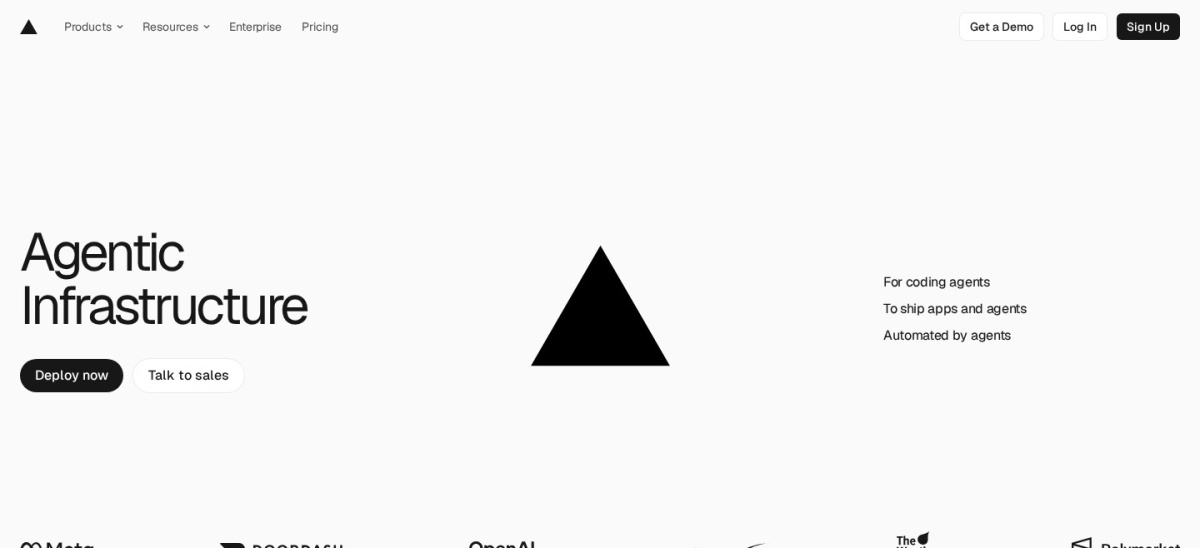
Vercel is a frontend cloud that deploys web apps straight from Git, with a preview link for every pull request, automatic HTTPS and a global edge network. The free Hobby plan covers personal, non-commercial projects, and Pro costs $20 per user a month and includes $20 of usage credit.
The trade off is cost at scale. Pro is priced per user, and usage billing can climb as traffic grows, while long-running backends need separate services. It suits frontend and Next.js teams that want the fastest path from a Git push to a live URL.
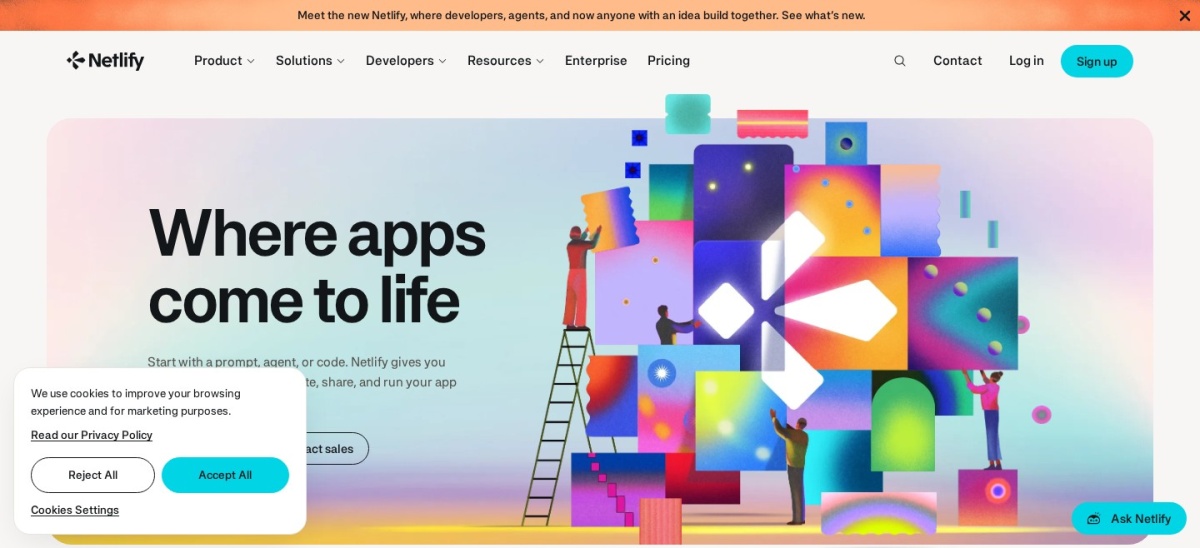
Netlify is a hosting platform for static sites and frontend apps, with Git-based deploys, Deploy Previews for pull requests, forms and serverless functions built in. The free plan includes 300 credits a month, and the Personal plan costs $9 a month with 1,000 credits.
The trade off is the credit system. Build minutes, bandwidth and function calls all draw from the same credit pool, so a busy month can cost more than the flat fee suggests. It suits teams that want simple static hosting with previews and few moving parts.
What we like
Cheapest paid plan in this list
Deploy Previews for every pull request
Forms and functions built in
Watch out for
Credits cover builds, bandwidth and functions together
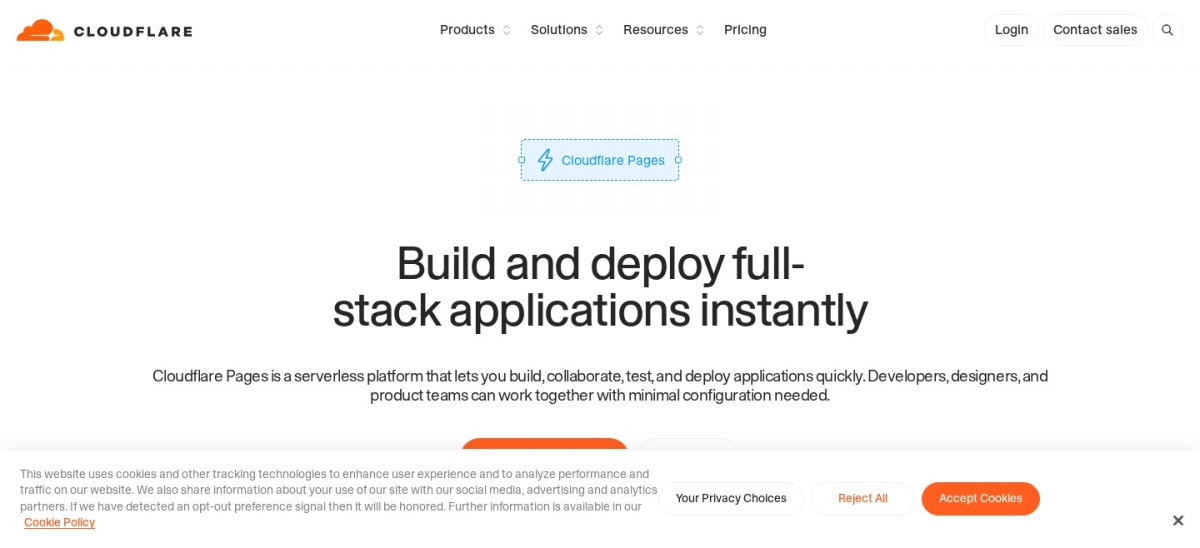
Cloudflare Pages is a hosting platform for static and full-stack sites on Cloudflare's global network, with Git deploys, preview links and Pages Functions for server code. The free plan includes 500 builds a month, 100 projects and unlimited requests for static files.
The trade off is the split billing. Server code is billed as Workers, and the Workers Paid plan starts at $5 a month, while more builds need a Cloudflare Pro plan at $20 a month. It suits static sites and teams that want free bandwidth above all.
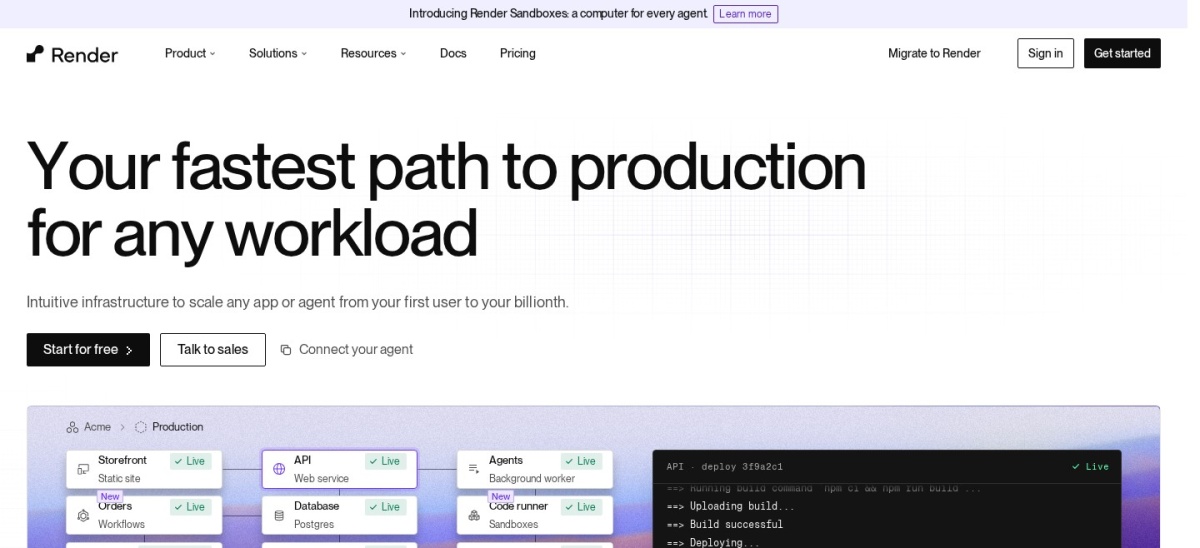
Render is a cloud platform that hosts static sites, web services, background workers and databases from one dashboard, with automatic deploys from Git. Static sites are free, and the Starter web service costs $7 a month, while the free web service sleeps after 15 minutes idle.
The trade off is speed of first response on the free tier. A sleeping free service takes time to wake, and the $7 Starter plan is the cheapest way to keep a service always on. It suits small full-stack projects that outgrow static-only hosting.
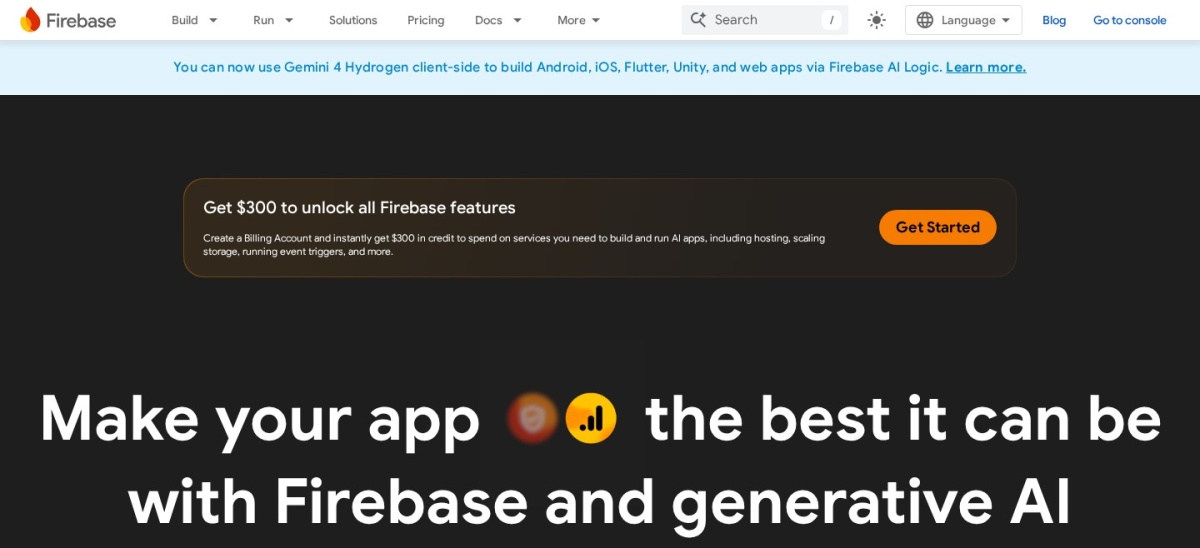
Firebase Hosting is Google's hosting for frontend apps, with fast global delivery, free SSL and custom domains, plus one-command deploys from the Firebase CLI. The Spark plan is free, and the Blaze plan is pay as you go, with hosting storage at $0.026 per GB.
The trade off is billing. There is no fixed monthly fee on Blaze, so costs follow storage and transfer, and a traffic spike shows up on the bill. It suits apps that already use Firebase Auth, Firestore or Cloud Functions beside their frontend.
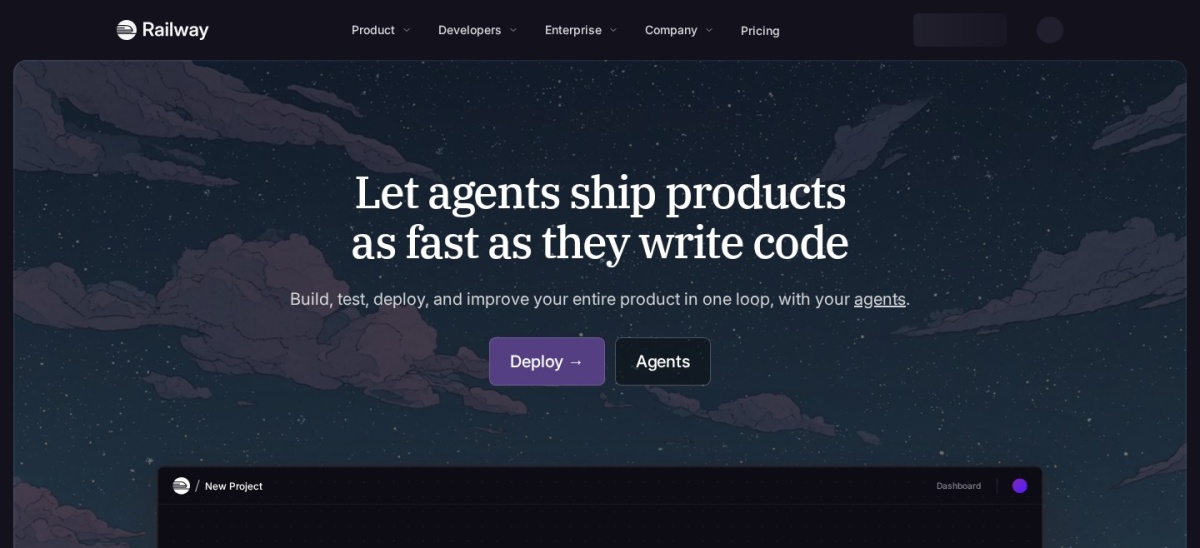
Railway is a platform that deploys apps, APIs and databases from GitHub with little setup, and it gives every pull request a preview environment. The Hobby plan costs $5 a month and includes $5 of usage credit, while Pro costs $20 a month per workspace.
The trade off is the lack of a permanent free plan. The $5 trial credit is the only free start, and usage is metered by memory, CPU and network transfer. It suits developers who want one place for a frontend, an API and a database.
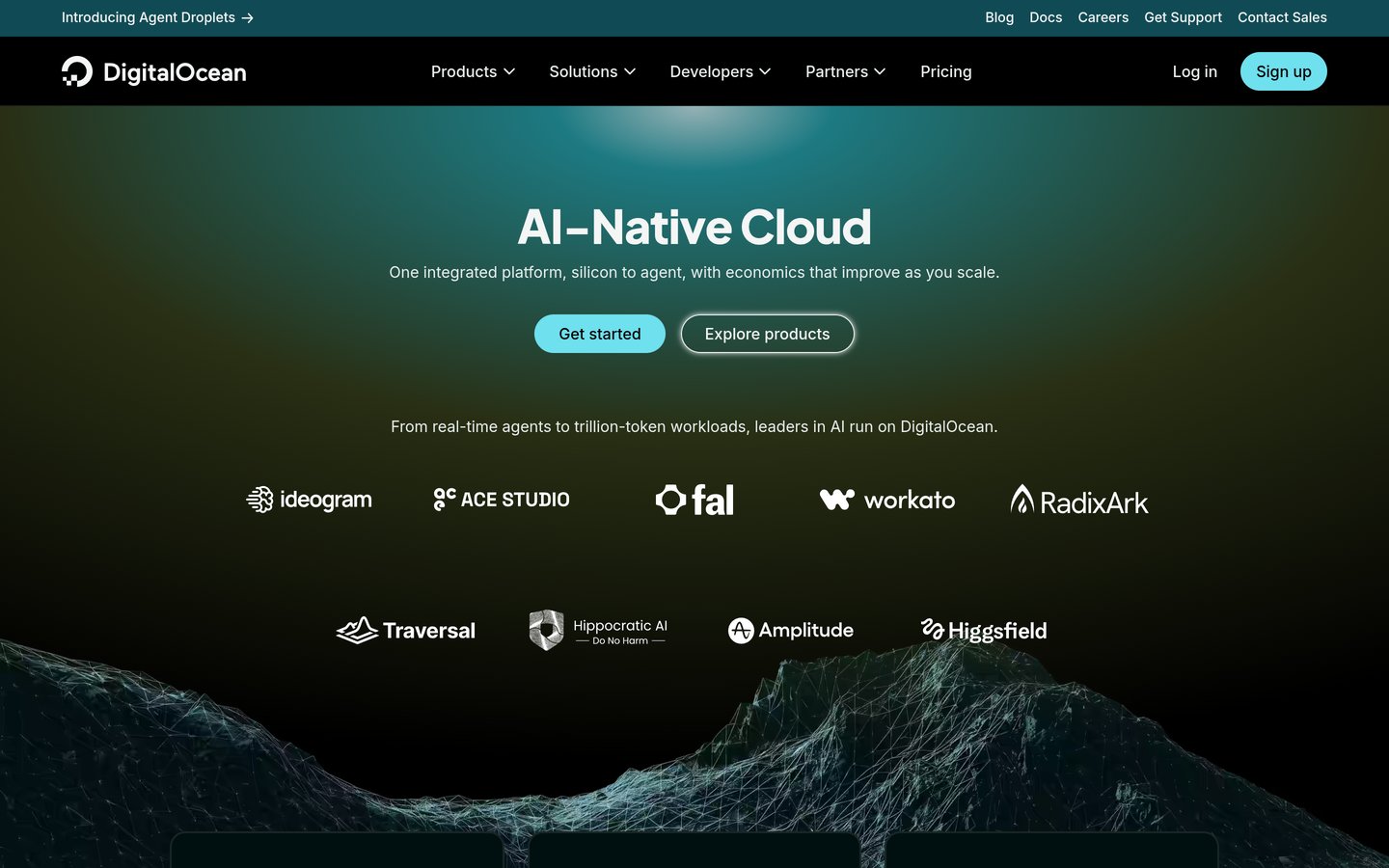
DigitalOcean App Platform homepage, captured Nov 2026.
DigitalOcean App Platform is a platform-as-a-service that builds and hosts apps from GitHub or GitLab, with static sites, web services, workers and managed databases. The Basic plan starts at $5 a month, and the free tier covers up to 3 static sites.
The trade off is depth. It covers common stacks well, but it has fewer framework-specific features than Vercel or Netlify, and advanced networking needs the wider DigitalOcean cloud. It suits teams that want predictable monthly pricing on a simple platform.
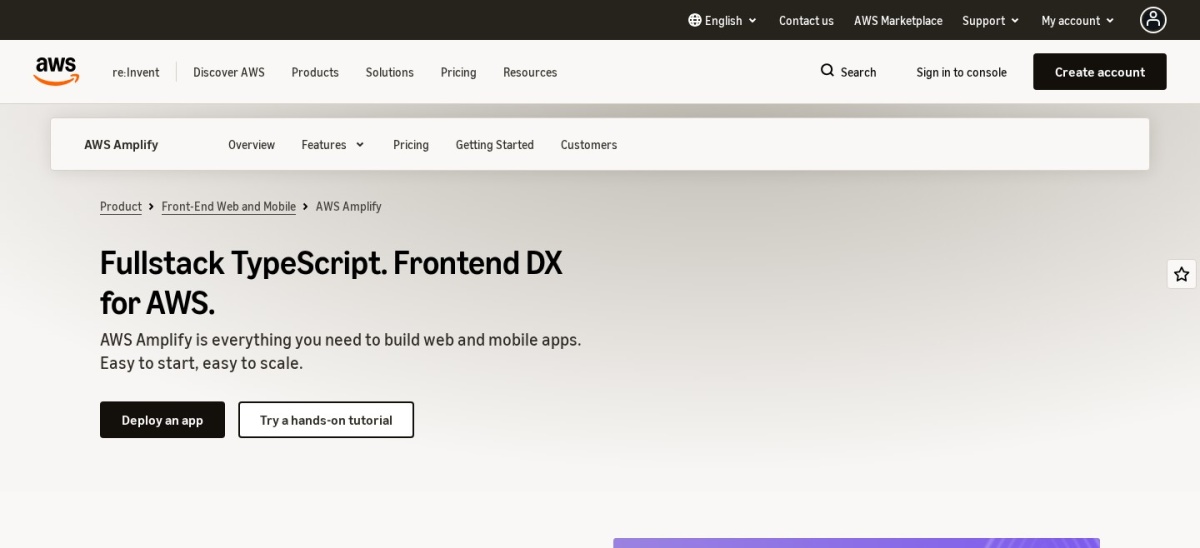
AWS Amplify is Amazon's hosting and backend platform for web apps, with Git deploys, preview environments, authentication, APIs and storage in one console. Hosting is pay as you go, with builds at $0.01 per minute and hosting at $0.15 per GB served.
The trade off is cost predictability. There is no flat monthly price, so a busy site can cost far more than a fixed plan, and the console carries the full weight of AWS. It suits teams already running on AWS that want hosting beside their backend.
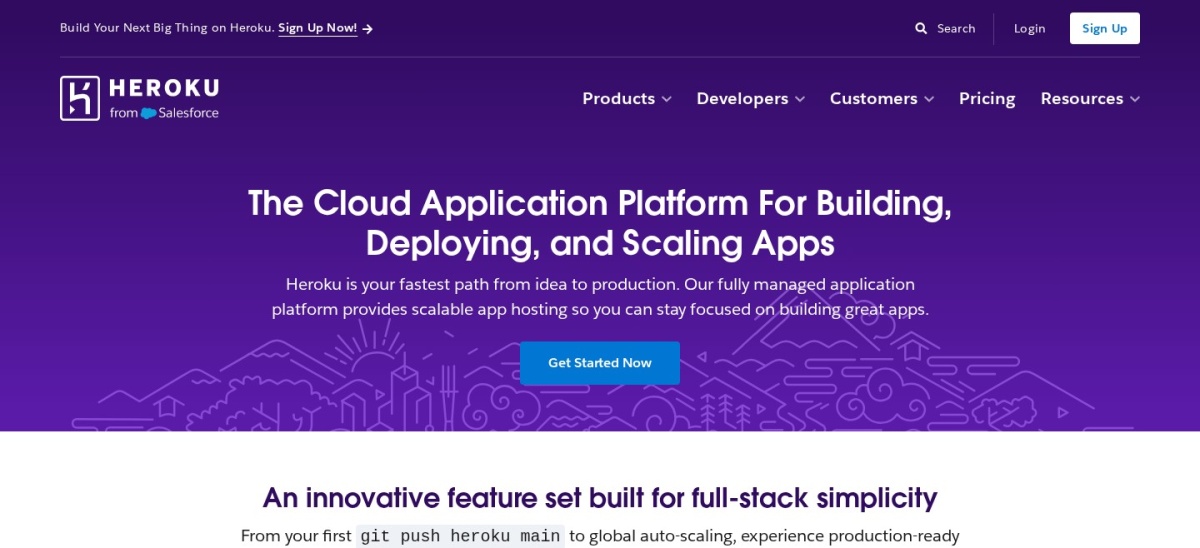
Heroku is a platform-as-a-service that runs apps from a Git push, with add-ons for databases, caching and monitoring, and review apps for pull requests. The Eco plan costs $5 a month with 1,000 shared dyno hours, and the Basic plan costs $7 a month and stays always on.
The trade off is the free tier is gone. Eco dynos sleep after 30 minutes idle, so a first visit can be slow, and add-ons such as Postgres cost extra. It suits developers who value the simple Git workflow and the large add-on catalog.
Free plans cover a first site well. Most include Git deploys, HTTPS, a custom domain and preview links.
Paid plans mostly add uptime and room. You get services that do not sleep, more builds and higher bandwidth, plus team controls.
For a site that earns money every day, the first paid tier is cheap insurance. Our headless WordPress guide shows a frontend setup where hosting choice affects every visit.
How we chose
We started from the platforms frontend teams use most for static and full-stack sites, then kept nine with a free start or a low entry price and a public G2 rating.
Prices come from each vendor's pricing page, checked on 25 November 2026, and ratings come from G2 on the same day. Where a vendor shows a sale, the list shows the regular price.
We left out platforms without a public rating or a clear entry price. No vendor paid for a place, and we do not claim to have used these tools ourselves.
How to choose a cloud platform for frontend projects
Start with your framework and traffic, then match the billing model to your budget.
Match the platform to your framework. Next.js apps get the most from Vercel, while plain static sites run well almost anywhere, including Cloudflare Pages.
Check the free plan limits first. Builds, bandwidth and function calls are the usual caps, so confirm your traffic fits before you commit.
Decide between flat and metered billing. A flat plan is easier to budget, while pay-as-you-go suits spiky traffic if you watch the bill.
Test previews and rollbacks. Push a small change, open the preview link and roll it back, so you know the workflow before launch.
FAQ
What is the best cloud platform for frontend projects?
Vercel is the best pick for most frontend teams. It deploys from Git, gives every pull request a preview link and is rated 4.6 out of 5 on G2 from 93 reviews, with Pro at $20 per user a month.
Which frontend platform is cheapest?
Cloudflare Pages is cheapest for static sites, with free unlimited static requests and 500 builds a month. For a paid plan with more room, Netlify Personal costs $9 a month, while Railway Hobby and DigitalOcean Basic both start at $5 a month.
Is there a free cloud platform for frontend projects?
Yes. Vercel, Netlify, Cloudflare Pages, Render, Firebase and DigitalOcean App Platform all have a free plan or free tier. The free plans cap builds, bandwidth or compute, so check the limits against your traffic first.
Do I need a backend to use these platforms?
No. All nine host a static frontend on their own, and most add serverless functions when you need them. Railway, Render, Firebase and AWS Amplify also run APIs and databases beside the frontend.
Vercel or Netlify: which should I choose?
Choose Vercel for Next.js apps and the deepest framework integration, and Netlify for simple static sites and the cheapest paid plan at $9 a month. Both offer Git deploys, preview links and a free plan.
Why do Firebase and AWS Amplify have no fixed price?
Both charge pay as you go, so you pay for storage, transfer and build minutes instead of a monthly fee. That suits spiky traffic, but you should set a billing alert, because a busy month costs more than a flat plan.
SaaS SEO and WordPress specialist with about 8 years of experience. Rakib compares WordPress plugins, themes, hosting and software using public pricing, documentation and user reviews. See how we rank.