Amazon Web Services is the best cloud platform for most teams, with more than 200 services and a Lightsail server from $5 a month, rated 4.7 out of 5 on G2. Pick Google Cloud for data and AI work, DigitalOcean for simple fixed-price servers, or Render if you want to deploy from Git without managing a server.
How we make this list: we compare pricing pages, product documentation and public user reviews, then re-check every price before each update. No product paid for a place. Disclosure.
AWS has the widest service range: 200+ services, with a Lightsail server from $5 a month.
Google Cloud's e2-micro is about $6.11 a month, and one is free every month in selected regions.
Azure's B1s virtual machine is about $7.59 a month, and new accounts get $200 in credit.
DigitalOcean, Linode and Kamatera all start at $4 to $5 a month with fixed monthly billing.
Fly.io is the cheapest entry at about $2.19 a month, but its G2 rating rests on only 3 reviews.
Render and Heroku deploy from Git, with no server setup; Render's Starter plan is $7 a month.
What a cloud platform is, and what to look for
A cloud platform rents you compute, storage and managed services by the hour or month, so you do not buy or run your own servers. The three large platforms, AWS, Google Cloud and Azure, cover almost every workload, while smaller clouds sell simpler servers at fixed prices.
Most of these platforms sell virtual servers, which are slices of a physical machine with fixed memory, CPU and storage. Our guide on what a VPS is explains how that slice works and when it is enough.
On the big three clouds, most services are pay as you go, so the entry machine price is only the floor. Storage, network traffic and extra addresses are billed separately, and a busy month costs more than a quiet one.
Smaller clouds and PaaS tools trade range for simplicity. You get a fixed monthly price and a smaller service list, which suits small apps and side projects better than a catalogue of 200 services.
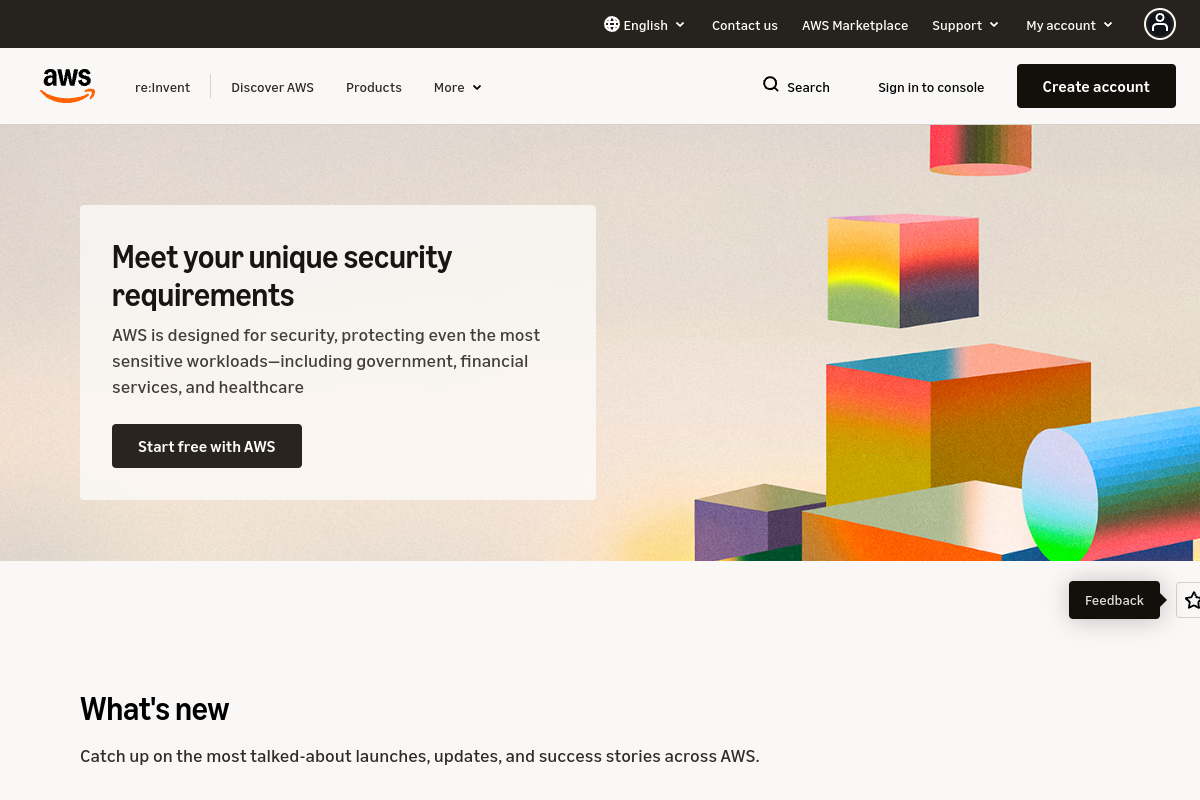
Amazon Web Services (AWS) homepage, captured Nov 2026.
Amazon Web Services (AWS) is the largest cloud platform, with more than 200 services for compute, storage, databases and AI. The cheapest way in is Lightsail, a bundled virtual server from $5 a month with 0.5 GB of memory, 2 vCPUs, 20 GB of SSD storage and 1 TB of transfer. New accounts also get a 12-month free tier on many services.
The trade off is complexity. The console and the bill both grow fast as you add services, and the cheapest EC2 virtual machines are priced by the hour with storage, transfer and IP addresses billed separately. It suits teams that need the widest choice of services and can invest time in learning the platform.
What we like
Largest catalogue of cloud services
Free tier for the first 12 months
Lightsail gives a simple $5 starting server
Strongest ecosystem of guides and third-party tools
Watch out for
Billing is hard to predict across services
Console takes time to learn
Paid support and reserved servers cut the bill for steady workloadsVisit aws.amazon.com
02
Google Cloud
4.5/5on G2 (4 reviews, checked Nov 2026)
Paid from$6.11/mo
Best for data and AI workloads
Entry VMe2-micro, $6.11/mo
Free tier$300 credit, 90 days
Free VM1 e2-micro, selected regions
BillingPay as you go
cloud.google.com
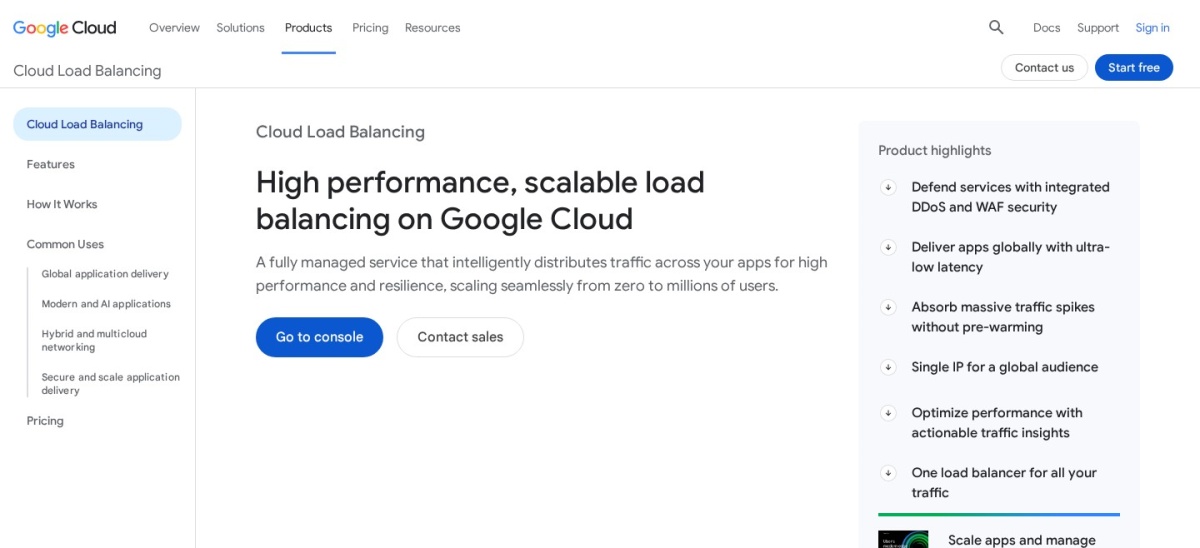
Google Cloud homepage, captured Nov 2026.
Google Cloud is Google's cloud platform, with Compute Engine virtual machines, Kubernetes, BigQuery and its AI tools in one account. The cheapest virtual machine is the e2-micro at about $6.11 a month for 2 shared vCPUs and 1 GB of memory, and one e2-micro is free every month in selected regions. New accounts also get $300 in credit for 90 days.
The trade off is that most services are pay as you go, so a busy month can cost far more than the entry machine price. Billing is by the second for vCPUs and memory, with storage and network use charged separately. It suits teams that already use Google tools or want strong data and AI services.
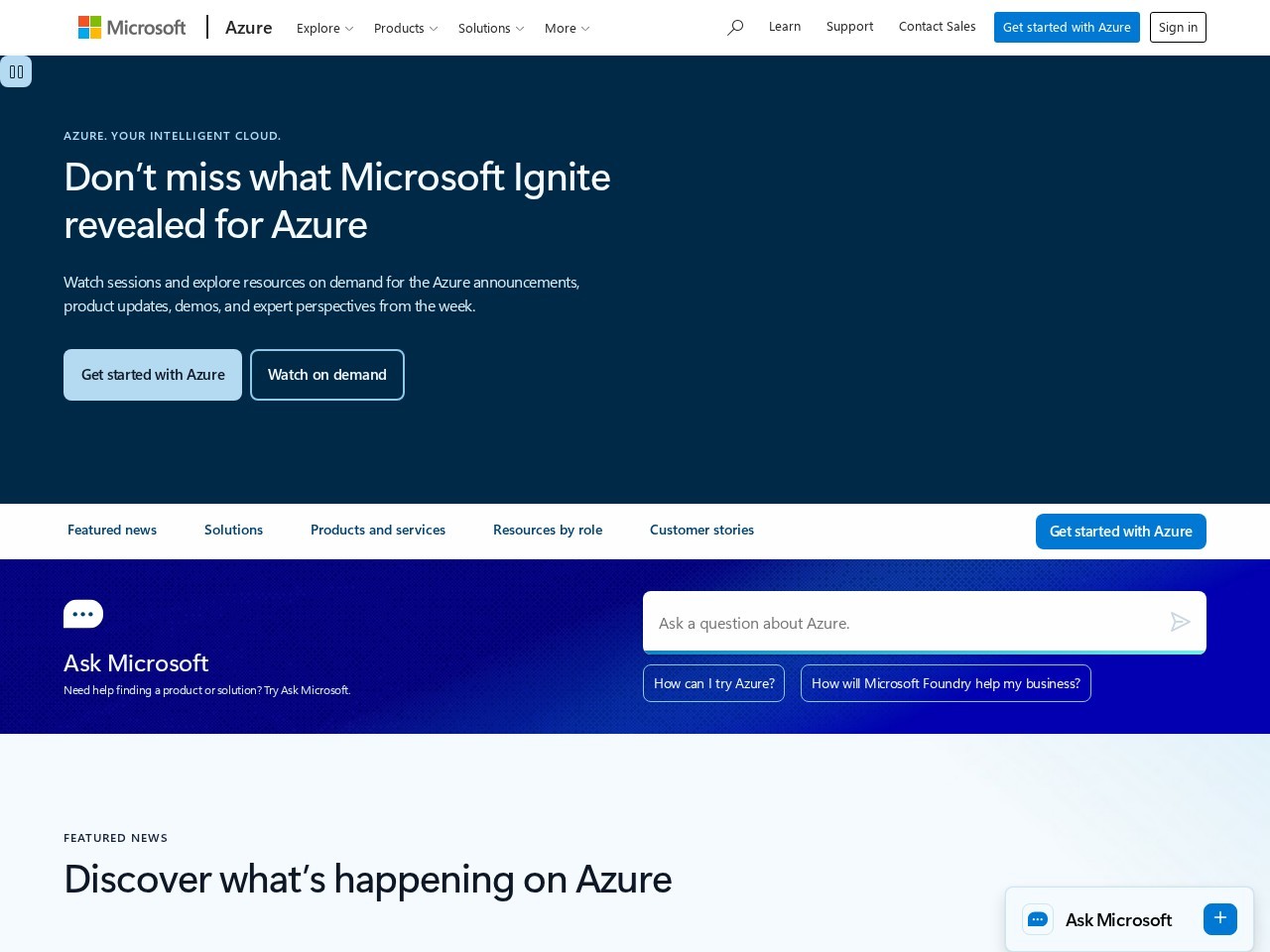
Microsoft Azure is Microsoft's cloud platform, with virtual machines, databases, AI services and tight links to Microsoft 365 and Windows Server. The cheapest virtual machine is the B1s at about $7.59 a month for 1 vCPU and 1 GB of memory, and a new account includes $200 in credit for 30 days plus 12 months of selected free services.
The trade off is that the catalogue is large and the bill is hard to predict, with many services that overlap. Pricing pages list hourly rates, and extras such as a public IP address add to the monthly total. It suits teams that already run Microsoft software and want one vendor for cloud and office tools.
DigitalOcean is a developer cloud built around simple virtual servers called Droplets, with managed databases, Kubernetes and App Platform beside them. The cheapest Droplet is $4 a month with 512 MB of memory, 1 vCPU, 10 GB of SSD storage and 500 GB of transfer. There is no permanent free plan, so every server is billed from day one.
The trade off is range. DigitalOcean covers the common building blocks well, but it has far fewer managed services than AWS, Google Cloud or Azure. It suits small teams and solo developers who want a plain virtual server with a fixed monthly price and clear docs.
Linode (Akamai Cloud) homepage, captured Nov 2026.
Linode, now Akamai Cloud Computing, is a developer cloud for virtual servers, Kubernetes, databases and object storage. The cheapest shared server is the Nanode at $5 a month with 1 vCPU, 1 GB of memory, 25 GB of SSD storage and 1 TB of transfer. New accounts get $100 in credit to try the platform.
The trade off is that the managed service list is smaller than the big three clouds, and the docs assume you are comfortable with servers. It suits developers who want a fast, plain virtual server at a fixed price.
Render is a cloud platform that runs web services, static sites, background workers, cron jobs and managed PostgreSQL from a GitHub push. The cheapest paid web service is the Starter plan at $7 a month with 0.5 CPU and 512 MB of memory. Static sites are free, and small web services have a free tier that sleeps when idle.
The trade off is that free and Starter services spin down after inactivity, so the first request can be slow. Autoscaling, preview environments and longer log history sit on higher plans. It suits small teams that want to deploy from Git without managing servers.
What we like
Deploy from Git with no server setup
Free tier for static sites and small services
Managed Postgres and workers in one place
Preview environments for pull requests
Watch out for
Free services spin down when idle
Costs rise fast as you add services
Standard plans from $25 a month stay awake and scaleVisit render.com
07
Kamatera
4.5/5on G2 (3 reviews, checked Nov 2026)
Starts at$4/mo
Best budget cloud servers
Entry server$4/mo
Free trial30 days, up to $100
Data centers25
BillingPay as you go
kamatera.com
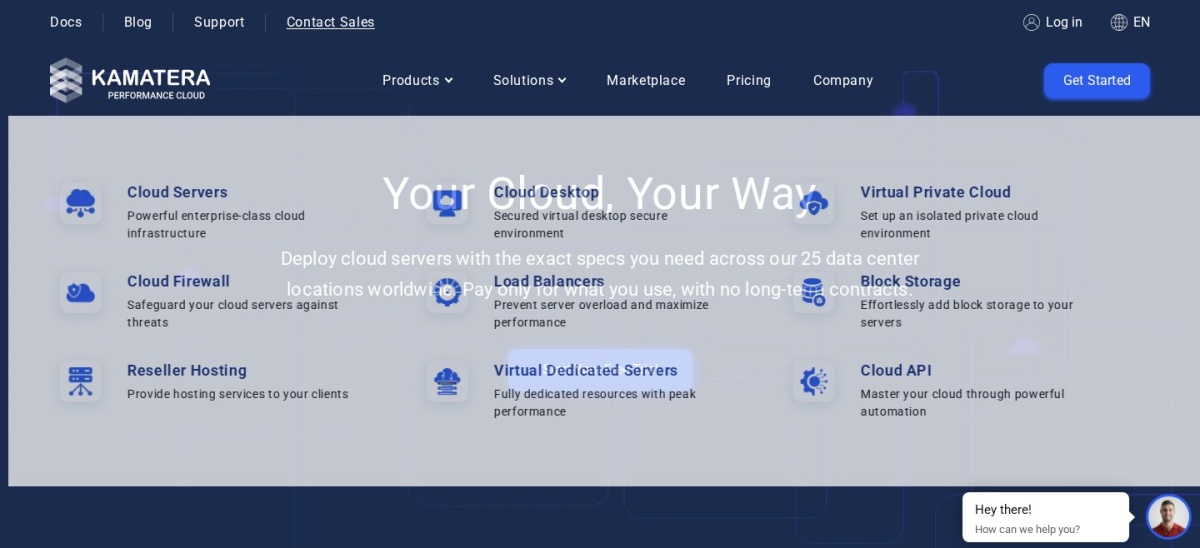
Kamatera homepage, captured Nov 2026.
Kamatera is a cloud provider selling virtual servers, cloud desktops, block storage and managed services from 25 data centers. The cheapest Linux server is $4 a month with 1 vCPU, 1 GB of memory, 20 GB of NVMe storage and 5 TB of traffic. New accounts get a 30-day trial with up to $100 in credit.
The trade off is that servers are unmanaged by default, so setup, patching and backups are your job unless you pay for the managed tier. The console is plain and the service list is narrow. It suits developers who want a cheap server with exact specs and no long-term contract.
Heroku is a managed application platform from Salesforce that deploys apps from a Git push, with add-ons for Postgres, Redis and monitoring. The cheapest dyno is the Eco plan at $5 a month, with 1,000 shared dyno hours that sleep after 30 minutes idle. There has been no free tier since November 2022.
The trade off is price at scale. Eco and Basic dynos are cheap, but production dynos and add-ons add up fast, and the platform has been in sustaining-engineering mode since February 2026 with no new features. It suits teams that want the simplest possible deploy and already know the Heroku workflow.
Fly.io is a cloud platform that runs apps on small virtual machines close to users, with GPUs, managed Postgres and persistent volumes. The cheapest machine is the shared-cpu-1x at about $2.19 per 30 days with 256 MB of memory. There is no free tier, only a 2-hour trial for new accounts.
The trade off is that there is no spending cap, so a misconfigured app can run up a bill. The platform is built for developers who are comfortable with the command line and containers. It suits small apps and side projects that need servers in many regions at a low entry price.
What we like
Cheapest entry price in this list
Runs apps close to users worldwide
GPU machines and managed Postgres
Simple pricing per machine
Watch out for
No spending cap on the account
Very few G2 reviews for the platform
Needs command-line comfort
Managed Postgres Basic starts at $38 a monthVisit fly.io
Pay as you go vs fixed monthly pricing
Pay-as-you-go platforms bill every service separately, so the total moves with usage. That fits workloads that grow and shrink, but it makes the bill hard to predict.
Fixed-price servers charge one monthly rate for a set amount of memory, CPU and storage. You know the cost in advance, but you pay the same in a quiet month.
If your traffic is steady, a fixed-price server is usually cheaper and simpler. If it spikes, pay as you go lets you scale up without buying capacity you do not need.
How we chose
We started from the largest cloud platforms and the best-known developer clouds, then kept the nine with a clear entry price and a public G2 rating.
Prices come from each vendor's pricing page, checked on 25 November 2026. Entry prices are the cheapest paid virtual server or service per month, in US dollars, and yearly figures are the monthly price times 12. Ratings and review counts come from G2 on the same day.
We left out platforms with no public rating or no published entry price. No vendor paid for a place, and we do not claim to have used these tools ourselves.
How to choose a cloud platform
Start with the size of your app, then match the billing model to your traffic.
Work out what you actually need to run. A single website or API needs one small server. A data pipeline or AI workload needs the managed services only the big clouds sell.
Choose pay as you go or fixed monthly. Fixed prices suit steady traffic. Pay as you go suits traffic that spikes, but set a billing alert on day one.
Check the free tier before you pay. AWS, Google Cloud, Azure and Render all offer free tiers or credits. Use them to learn the console before committing.
Test the deploy flow with a small app. Push a test app, check the logs and the first bill, then decide. Moving later is possible, but it takes work.
FAQ
What is the best cloud platform?
Amazon Web Services is the best cloud platform for most teams. It has the widest range of services, a Lightsail server from $5 a month, a 12-month free tier and a G2 rating of 4.7 out of 5 from 84 reviews.
Which cloud platform is cheapest?
Fly.io has the cheapest entry at about $2.19 a month for a small shared machine. For a full virtual server, DigitalOcean and Kamatera both start at $4 a month, while AWS Lightsail starts at $5. Remember that storage, traffic and add-ons add to the bill on every platform.
Which cloud platform is best for beginners?
DigitalOcean is the easiest starting point for a first server, with a $4 Droplet, a plain console and clear docs. Render is the easiest if you want to deploy code from Git without touching a server. AWS, Google Cloud and Azure are more powerful but take longer to learn.
Do cloud platforms have a free tier?
Yes. AWS offers a 12-month free tier, Google Cloud gives $300 in credit for 90 days plus a free e2-micro machine, and Azure gives $200 in credit for 30 days. Render offers free static sites and a free tier for small web services. DigitalOcean, Linode and Kamatera have no permanent free plan.
What is the difference between IaaS and PaaS?
IaaS rents you virtual servers that you set up yourself, which is what AWS, DigitalOcean and Linode mainly sell. PaaS runs your code for you, so you push to Git and the platform handles the server, which is what Render, Heroku and Fly.io do. PaaS costs more per unit of compute but needs less setup.
Can I switch cloud platforms later?
Yes, but it takes work. Moving a plain virtual server is mostly copying files and a database, while moving managed databases, queues and serverless functions means rewriting parts of your app. Keep your app in containers and your data in standard formats to make a future move easier.
SaaS SEO and WordPress specialist with about 8 years of experience. Rakib compares WordPress plugins, themes, hosting and software using public pricing, documentation and user reviews. See how we rank.