Best Free WiFi Heat Mapping Software in 2026: 7 Tools Compared
WLWPLegible EditorsLast verified 23 Nov 2026How we rank12 min read
★ Short answer
NetSpot is the best free WiFi heat mapping software for most people, with a free edition for basic floor-plan heatmaps and strong Trustpilot reviews from 89 users. Pick Ekahau AI Pro for enterprise surveys and inSSIDer for quick free scans.
How we make this list: we compare pricing pages, product documentation and public user reviews, then re-check every price before each update. No product paid for a place. Disclosure.
NetSpot is the only tool here with a real free plan for floor-plan heatmaps.
Ekahau AI Pro is the industry standard for enterprise surveys, at $1,495 a year.
Acrylic Wi-Fi Heatmaps draws 15 heatmap types, but its Capterra score rests on a single review.
iBwave Design is the best pick for planning indoor coverage before anything is installed.
Aruba AirWave draws coverage heatmaps from live APs, but it only fits Aruba networks.
What WiFi heat mapping software should cover
WiFi heat mapping software turns signal measurements into a visual map of coverage. You walk a floor plan with a laptop, and the tool colors strong areas green and dead zones red.
The free limit matters most. NetSpot's free edition covers 1 zone and 50 data points, which is enough for a small home or office. Larger sites need a paid plan.
Predictive design is where paid tools differ most. iBwave models coverage from floor plans before anything is installed, while survey tools measure what is already there.
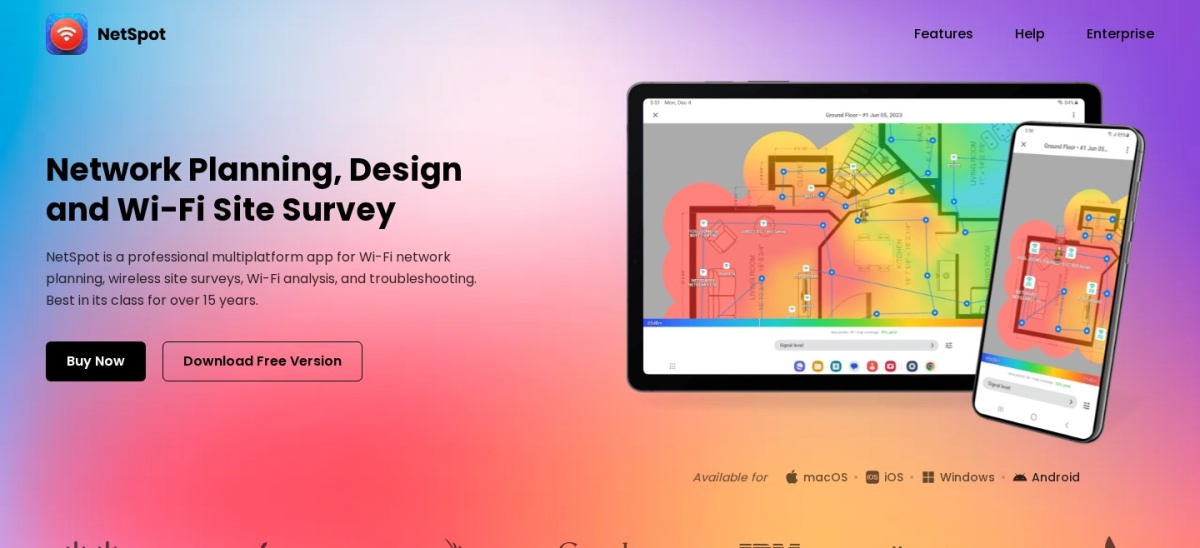
NetSpot is a WiFi survey and planning app for Mac, Windows and Android, with a free edition for basic floor-plan heatmaps. It covers Discover mode for scanning networks and Survey mode for building coverage maps from a floor plan.
The trade off is the free limit. The free edition covers 1 zone and 50 data points, so larger sites need the Pro plan at $389 as a one-time license. It suits homes and small offices that need a quick coverage map.
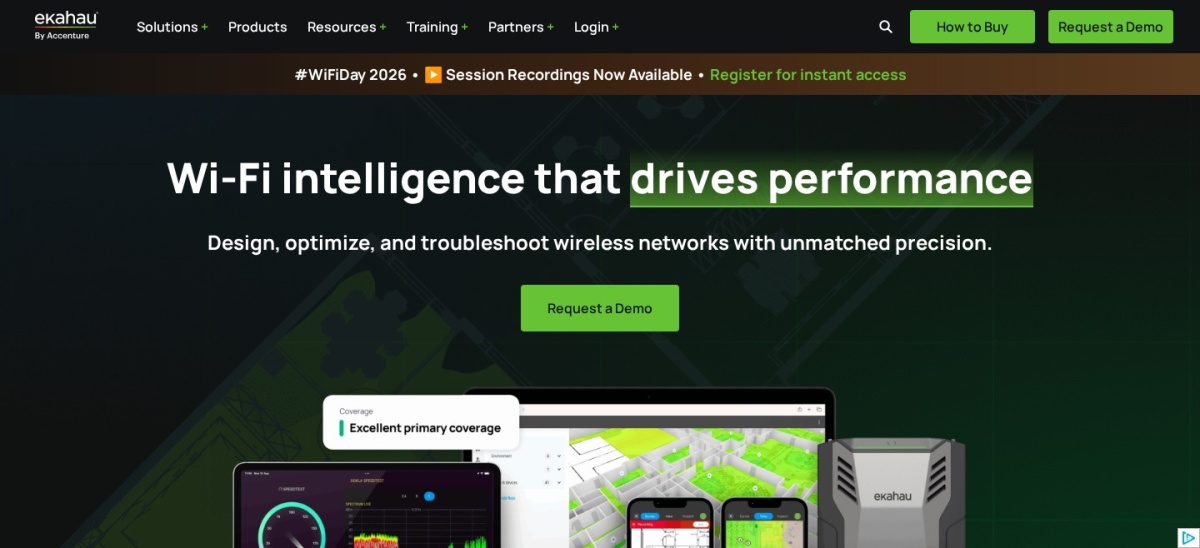
Ekahau AI Pro is the industry standard for enterprise WiFi surveys, used to design and validate networks in offices, hospitals and stadiums. It models coverage from floor plans and measures real signal with the Sidekick 2 hardware.
The trade off is cost. AI Pro costs $1,495 a year plus the Sidekick 2 hardware, and there is no free plan, only a trial. It suits network engineers who survey large sites for a living.
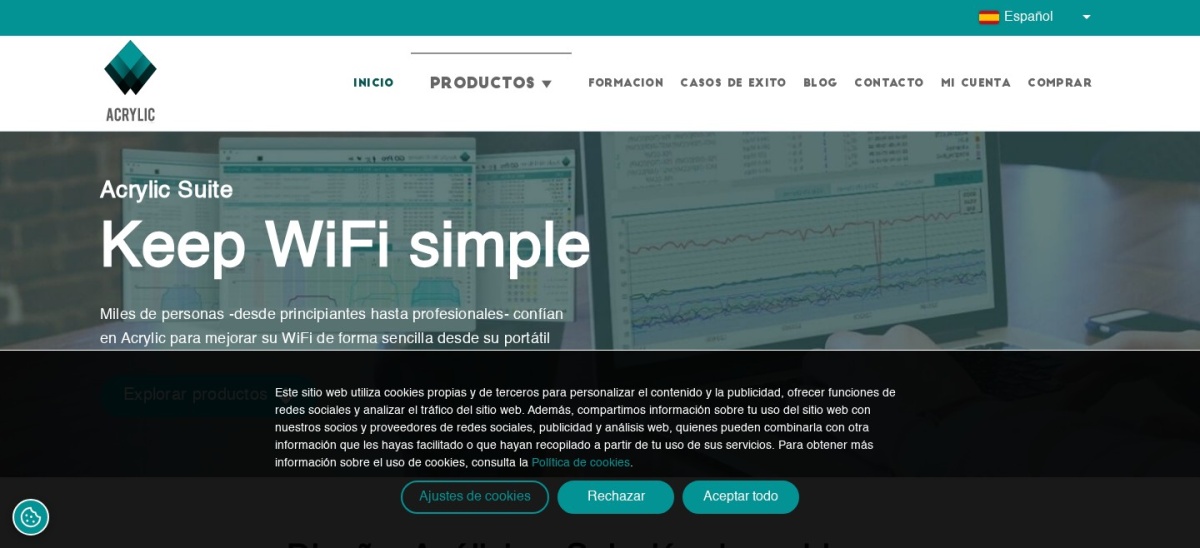
Acrylic Wi-Fi Heatmaps homepage, captured Nov 2026.
Acrylic Wi-Fi Heatmaps is a Windows survey tool for planning and measuring WiFi coverage, with predictive design, 15 heatmap types and Wi-Fi 7 support. It records signal, noise and throughput at each measured point and exports editable reports.
The trade off is the licence and the platform. Basic costs $879 for one year with no free plan beyond a 15-day trial, and it runs on Windows only. It suits engineers who want many heatmap views and a short-term licence for one survey.
iBwave Design is a planning tool for indoor wireless networks, used to design coverage, DAS and small cells before anything is installed. It builds 3D models from floor plans and predicts signal strength for every room.
The trade off is price. iBwave is sold by quote, so there is no public price, and there is no free plan, only trial licenses. It suits engineers who design indoor networks for large buildings.
Aruba AirWave is the management platform for Aruba wireless networks, and its VisualRF module draws live coverage heatmaps from your access points. It shows signal strength, data rates and channel use on every floor plan.
The trade off is scope. AirWave only manages Aruba gear, and the full platform is licensed per access point by quote. It suits teams that already run Aruba and want live maps instead of walk-through surveys.
NetBeez is a network monitoring platform with WiFi sensors that check authentication, signal strength and SSID scans from the user side. It reports link quality and end-user experience from every sensor, all day.
The trade off is focus. NetBeez monitors networks, it does not build survey heatmaps, and the Starter plan costs $5,040 a year. It suits teams that need to watch WiFi quality across many sites.
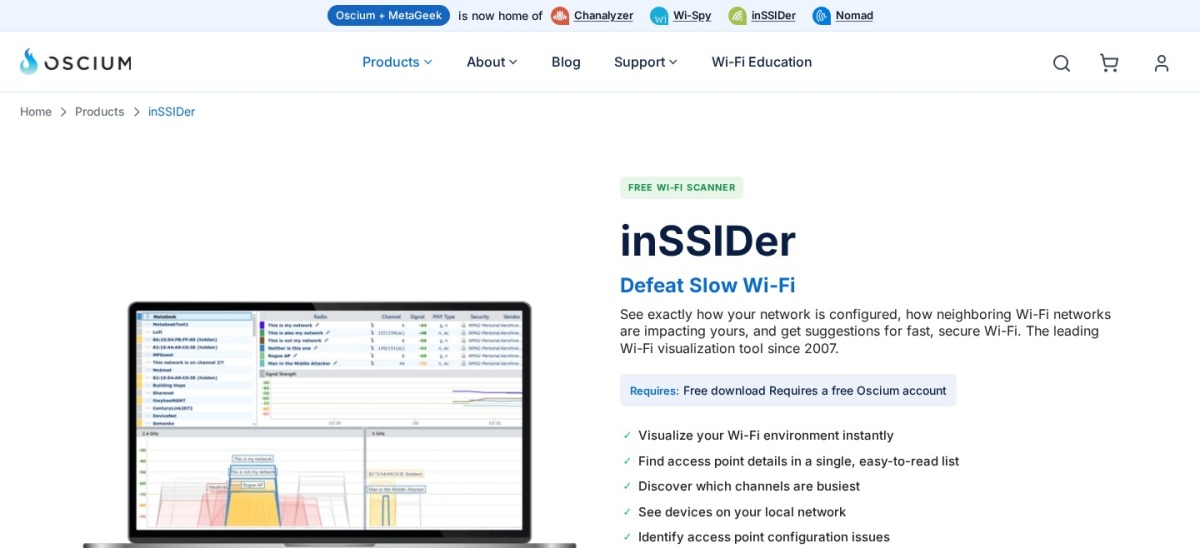
inSSIDer is a WiFi scanner from MetaGeek that shows nearby networks, channels and signal strength in real time. The core scanner is free with a free account, and MetaGeek Plus at $200 a year adds packet analysis and snapshots.
The trade off is ratings. MetaGeek scores 2.9 out of 5 from only 3 Trustpilot reviews, and inSSIDer is a scanner, not a full survey tool. It suits anyone who needs a quick free look at channel congestion.
Free plans cover basic mapping well. NetSpot's free edition and inSSIDer's free scanner handle small spaces.
Paid plans mostly add scale and design. You get more zones, predictive modeling and reports.
If you only need to find the least crowded channel, inSSIDer is free and fast. Our network management software list covers tools that watch a network after it is built.
For a large site, a paid survey tool costs less than one bad access point placement.
How we chose
We started from the WiFi heat mapping and survey tools with G2, Capterra or Trustpilot ratings, then kept the established names, including two enterprise tools with no free plan.
Prices come from each vendor's pricing page or G2 pricing data, checked on 23 November 2026. Ratings and review counts come from G2 or Trustpilot on the same day. Where a vendor shows a sale, the list shows the regular price.
We left out tools with no G2, Capterra or Trustpilot rating. No vendor paid for a place, and this list is based on pricing, docs and reviews, not on using the tools ourselves.
How to choose free WiFi heat mapping software
Start with the size of the space you need to map, then check the free limit.
Measure your space. Match the free cap to your site. NetSpot free covers 1 zone and 50 points, which suits a small home or office.
Decide on surveys or design. Survey tools measure real signal, design tools predict it. See the network management list for monitoring after build.
Check the hardware. Ekahau needs Sidekick 2 hardware for full surveys. NetSpot and inSSIDer work with a laptop alone.
Plan for growth. If you survey often, the cheapest paid upgrade matters. inSSIDer Plus costs $200 a year.
FAQ
What is the best free WiFi heat mapping software?
NetSpot is the strongest free option. Its free edition builds floor-plan heatmaps, and it is rated 4.7 out of 5 from 89 Trustpilot reviews.
Is NetSpot really free?
Yes, for basic use. The free edition covers 1 zone and 50 data points. Larger sites need the Pro plan at $389 as a one-time license.
What is the best WiFi heat mapping software for enterprise?
Ekahau AI Pro is the industry standard, at $1,495 a year plus Sidekick 2 hardware. It is rated 4.4 out of 5 from 17 G2 reviews.
Can I map WiFi for free?
Yes. NetSpot free covers small spaces, and inSSIDer's core scanner is free for quick channel and signal checks.
Do I need special hardware for a WiFi survey?
Not for basic maps. NetSpot and inSSIDer work with a laptop alone, while Ekahau AI Pro pairs with Sidekick 2 hardware for full surveys.
What is the difference between a survey and predictive design?
A survey measures real signal by walking the site, while predictive design models coverage from a floor plan before anything is installed. iBwave Design does the latter.