Best Free Network Mapping Software in 2026: 7 Tools Compared
WLWPLegible EditorsLast verified 23 Nov 2026How we rank11 min read
★ Short answer
Nmap is the best free network mapping software for most teams. It maps hosts, ports and services on any network at $0, and it is rated 4.8 out of 5 on Capterra. Pick PRTG for live monitoring with a visual map, or Zabbix for free monitoring with no device limits.
How we make this list: we compare pricing pages, product documentation and public user reviews, then re-check every price before each update. No product paid for a place. Disclosure.
Nmap is the best free scanner: it maps hosts, ports and services at $0 and is rated 4.8 out of 5 on Capterra.
PRTG is the best free monitor, with 100 sensors free forever and the easiest setup of the live tools.
Zabbix and Checkmk are free open-source monitors with no device limits, but both need more setup than PRTG.
diagrams.net is the only tool here that draws a map by hand, for free, with no discovery or monitoring.
OpManager is the cheapest paid upgrade at $95 a year for 10 devices, and Checkmk Cloud is the most expensive at $2,880 a year.
Spiceworks Inventory maps and inventories a network for free, but it is ad-supported and slower in large environments.
What free network mapping software should cover
Every tool here maps a network for free. Nmap, Zabbix, Checkmk and Spiceworks Inventory discover devices on their own, while diagrams.net is a drawing tool you use to build a map by hand.
Free plans have real limits. PRTG's free tier stops at 100 sensors, OpManager's free edition covers 3 devices, and Spiceworks Inventory is free but ad-supported.
A scanner and a monitoring tool are different jobs. Nmap tells you what is on the network right now, while PRTG and Zabbix keep watching and alert you when something changes.
Paid plans start at $95 a year for OpManager and climb to $2,880 a year for Checkmk Cloud, so count devices and sensors before you commit. Our guide on what uptime means explains the metric most of these tools exist to protect.
Nmap is the network scanner most IT teams reach for first. It discovers hosts, open ports, services and operating systems on any network, and its scripting engine checks for common vulnerabilities. The free licence covers every feature with no device limit.
The trade off is the interface. Nmap is a command-line tool, so building a visual map takes the Zenmap GUI or an export to another tool. It suits admins who want the deepest scan for free.
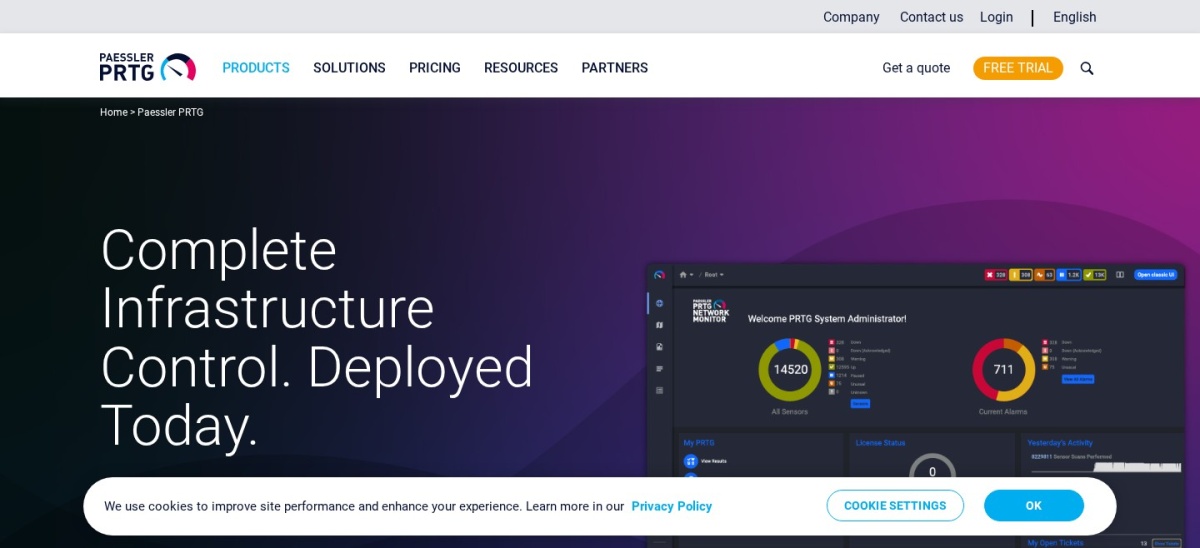
PRTG Network Monitor is the easiest free way to watch a network live. It auto-discovers devices, draws a map, and alerts you when a sensor goes down. The free tier covers 100 sensors for life, which suits a small office or a home lab.
The trade off is the sensor cap and the price jump. Once you pass 100 sensors, PRTG 500 costs $200 a month billed annually, or $2,400 a year. It suits teams that want monitoring and maps in one place.
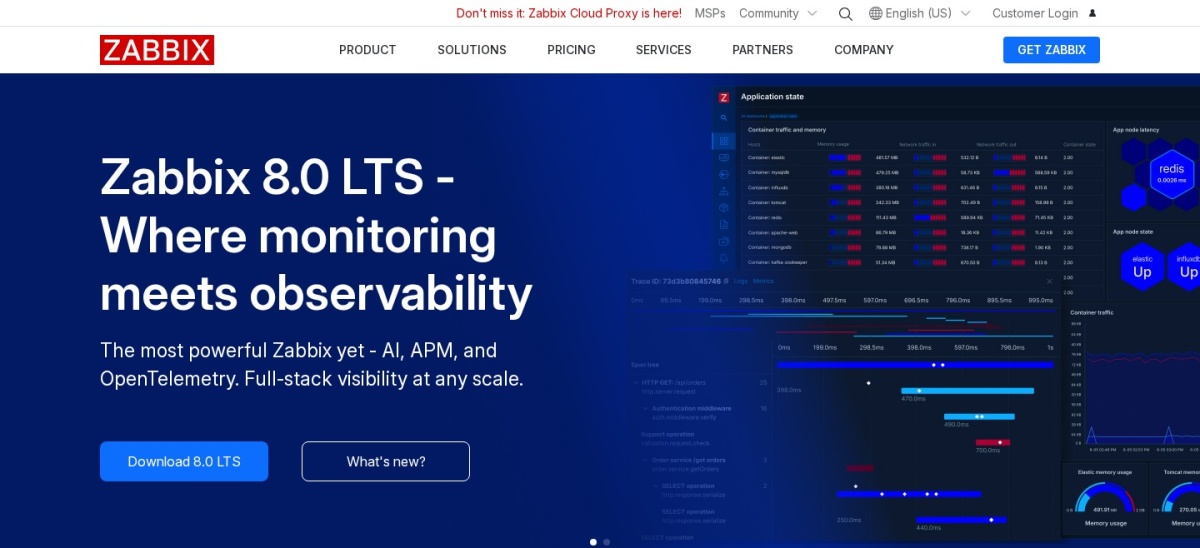
Zabbix is a free open-source monitor with no device limits. It discovers network devices, draws maps from the results, and tracks uptime, traffic and server health with alerts. The licence is free, and you run it on your own server.
The trade off is the setup. Zabbix needs a Linux server, a database and time to configure templates and maps. It suits teams with a Linux admin who want a free monitor with no caps.
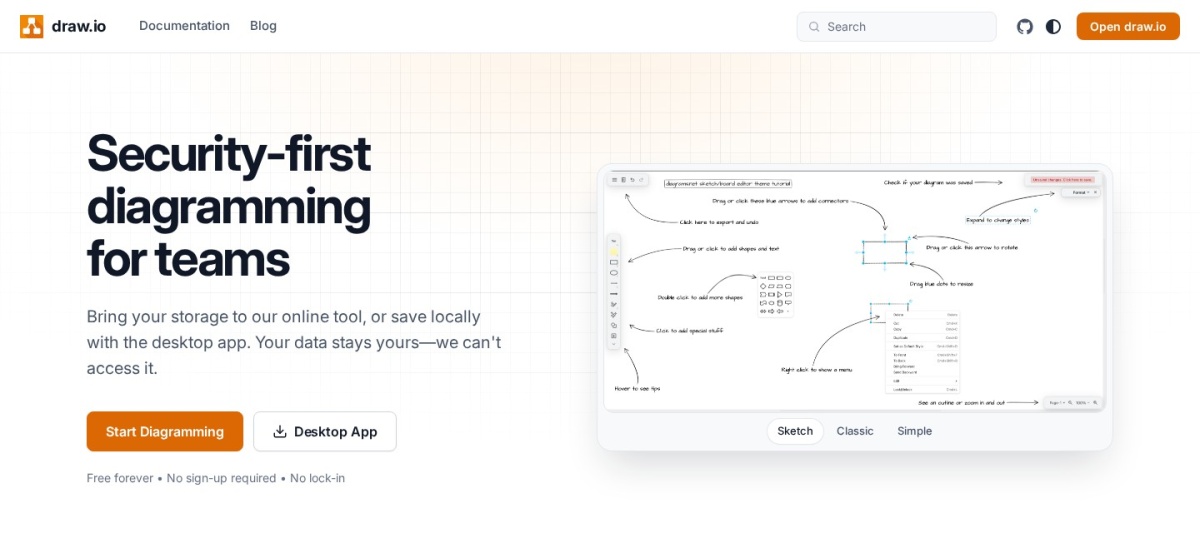
diagrams.net is a free drawing tool for network maps. It runs in the browser with no sign-up, offers Cisco, AWS and Azure shape libraries, and saves files to your drive or cloud storage. There is no cost and no device limit.
The trade off is that it draws only what you type. diagrams.net does not discover devices or monitor them, so a map goes stale unless you update it by hand. It suits anyone who needs a clean network diagram fast.
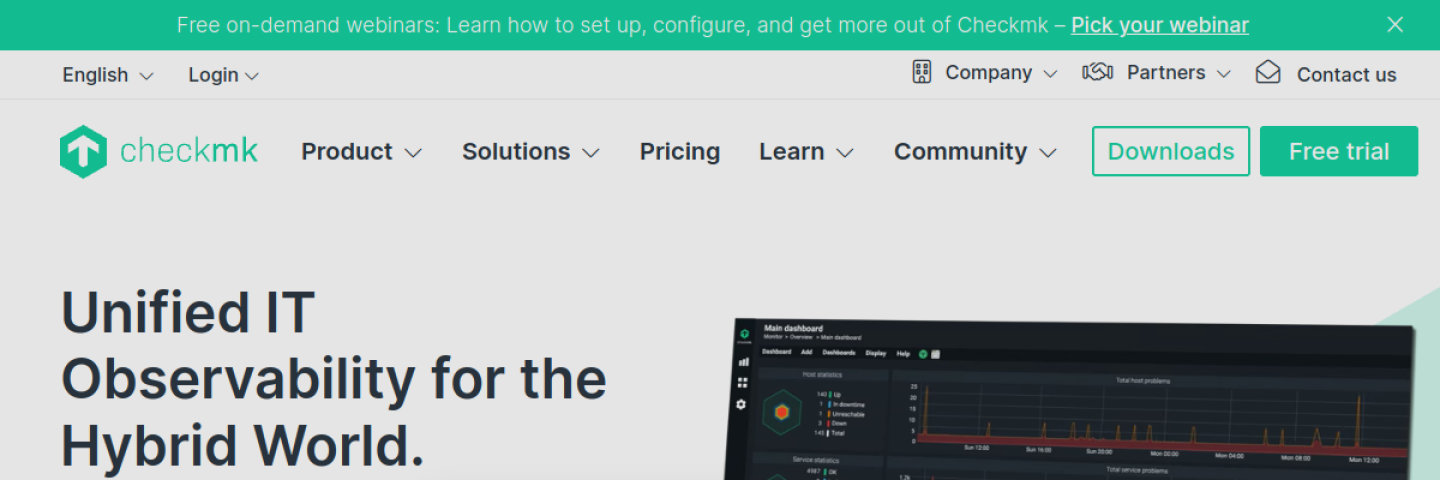
Checkmk is a free open-source monitor built for scale. The Community edition covers about 100 hosts with 2,000 built-in check plugins, auto-discovery and a dashboard, and paid editions add reporting, high availability and SSO. It is rated 4.7 out of 5 on G2 from 306 reviews.
The trade off is the paid price. The Cloud edition starts at $2,880 a year, and Pro starts at $3,300 a year, so the free edition suits teams that can live without enterprise features. It suits admins monitoring servers, networks and containers together.
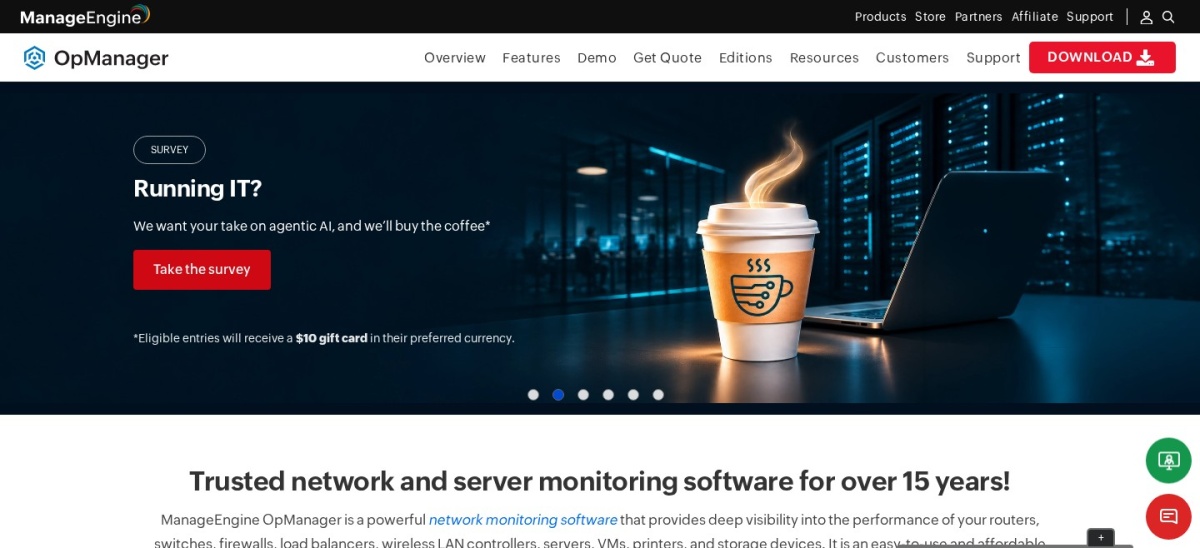
ManageEngine OpManager homepage, captured Nov 2026.
ManageEngine OpManager is a network monitor with a free edition for 3 devices and 2 users. It discovers devices, draws maps and tracks availability, bandwidth and traffic, and the Standard plan costs $95 a year for 10 devices.
The trade off is the free cap. Three devices suits a tiny network, but a small office quickly needs the paid plan. It suits Windows and Linux shops that want device-based pricing.
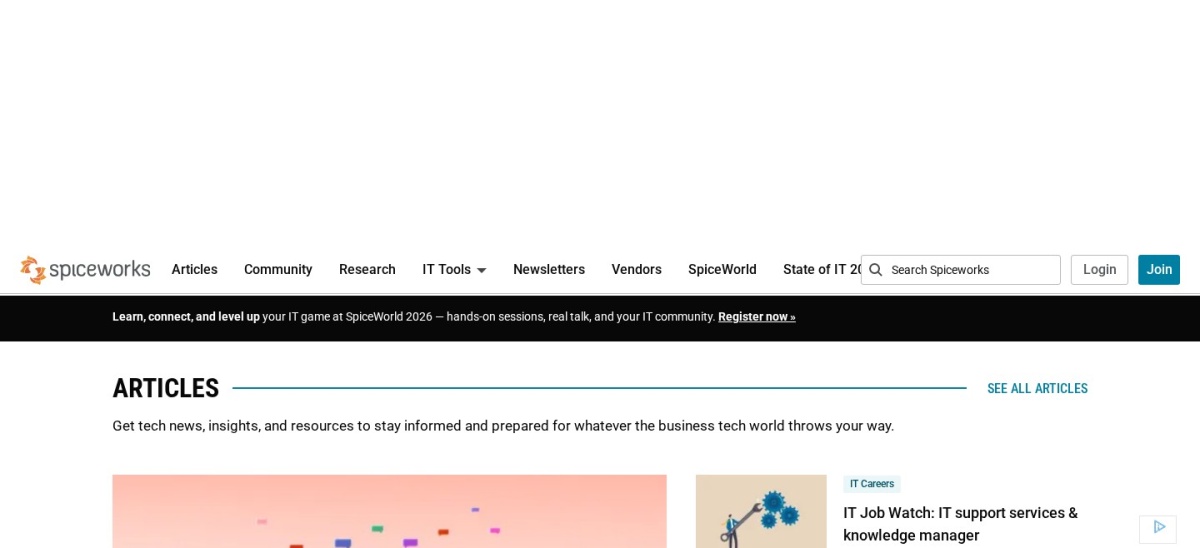
Spiceworks Inventory is a free tool that scans a network and builds an inventory with a map of the devices it finds. It is ad-supported, and it tracks hardware, software and warranties for each device it discovers.
The trade off is speed and ads. Scans run slower in larger networks, and the free version shows ads in the interface. It suits small teams that want a free inventory and map in one place.
What we like
Free network scan and inventory
Tracks hardware, software and warranties
Map shows discovered devices
Rated 4.1 out of 5 from 30 G2 reviews
Watch out for
Free version shows ads
Slower scans in larger networks
Cloud version has fewer features than the old desktop app
Scanners like Nmap find what is on the network. They probe addresses and ports and report hosts, services and operating systems.
Monitors like PRTG, Zabbix and Checkmk keep watching after discovery. They track uptime, traffic and device health, and send alerts when something breaks.
Diagram tools like diagrams.net draw the map. They show the network clearly, but they do not discover devices or send alerts on their own.
Most teams need two of the three. A common pair is Nmap for discovery and PRTG or Zabbix for ongoing monitoring.
How we chose
We started from every network mapping tool with a documented free plan or a free open-source licence, then kept the ones with a usable free tier and a public rating on G2 or Capterra.
Prices come from each vendor's pricing page or a G2 pricing page, checked on 23 November 2026. Ratings and review counts come from G2 and Capterra on the same day.
We left out tools with no free plan and tools with no public rating. No vendor paid for a place, and this list is based on pricing, docs and reviews, not on using the tools ourselves.
How to choose a free network mapping software
Start with whether you need a one-off scan or live monitoring, then check the free cap against your device count.
P i
C o
R u
S a
R e
FAQ
What is the best free network mapping software?
Nmap is the best free network mapping software for most teams. It discovers hosts, open ports and services on any network at $0, and it is rated 4.8 out of 5 on Capterra from 54 reviews.
Is Nmap really free?
Yes. Nmap is free open-source software under the Nmap Public Source License. There is no paid edition and no device limit.
Which free tool monitors a network continuously?
PRTG is the easiest choice for live monitoring, with a free tier for 100 sensors. Zabbix and Checkmk are free open-source options with no device limits, but both need more setup.
Can I map a network without installing anything?
Yes, with diagrams.net. It runs in the browser and draws a clean network diagram for free, but it does not discover devices or monitor them.
What is the cheapest paid network mapping tool here?
ManageEngine OpManager is the cheapest paid option, with the Standard plan at $95 a year for 10 devices. PRTG 500 is next at $200 a month billed annually.
Is there a free network mapping tool for small offices?
Yes. PRTG's free tier covers 100 sensors, which suits a small office, and Spiceworks Inventory maps and inventories a network for free with ads.
Do any of these tools work on Linux?
Yes. Nmap, Zabbix and Checkmk all run on Linux, and Nmap and Zabbix are free open-source software. PRTG runs on Windows servers.