WLWPLegible EditorsLast verified 23 Nov 2026How we rank14 min read
★ Short answer
Contentsquare is the best heat map software for most sites. Its free plan covers 200,000 sessions a month with click, scroll and zone heatmaps, and it is rated 4.6 out of 5 on G2. Pick Microsoft Clarity if you want it all free, or Crazy Egg for simple heatmaps with A/B testing.
How we make this list: we compare pricing pages, product documentation and public user reviews, then re-check every price before each update. No product paid for a place. Disclosure.
Contentsquare leads: its free plan covers 200,000 sessions a month, and Growth starts at $49 a month.
Microsoft Clarity is the only tool here with no paid plan at all — heatmaps and recordings are free forever.
Crazy Egg Starter at $29 a month is the cheapest paid plan with A/B testing in the list.
Heatmap.com is the only tool that ties clicks to revenue, but it starts at $117 a month and only fits online stores.
FullStory gives the biggest free plan after Clarity at 30,000 sessions a month, but paid prices are quote-only.
Inspectlet has the thinnest reviewer base here: 4.1 out of 5 from only 26 G2 reviews.
What a heat map tool should show you
A heat map shows where visitors click, how far they scroll and which parts of a page they ignore. That picture is faster to read than a table of numbers, and it points at the exact element to fix.
Most tools in this list pair heatmaps with session recordings. Watch a few recordings of visitors who reached a page but did not convert, and the heatmap pattern usually makes sense.
Session caps matter more than list prices. A $29 plan that covers 5,000 pageviews can cost more than a $49 plan once traffic grows, so match the cap to your monthly traffic first. Our guide on adding Google Analytics to WordPress shows how to check that traffic.
Free plans are strong in this category. Two tools cost nothing at all, and most others let you start free, so run one for a month before paying for a bigger plan.
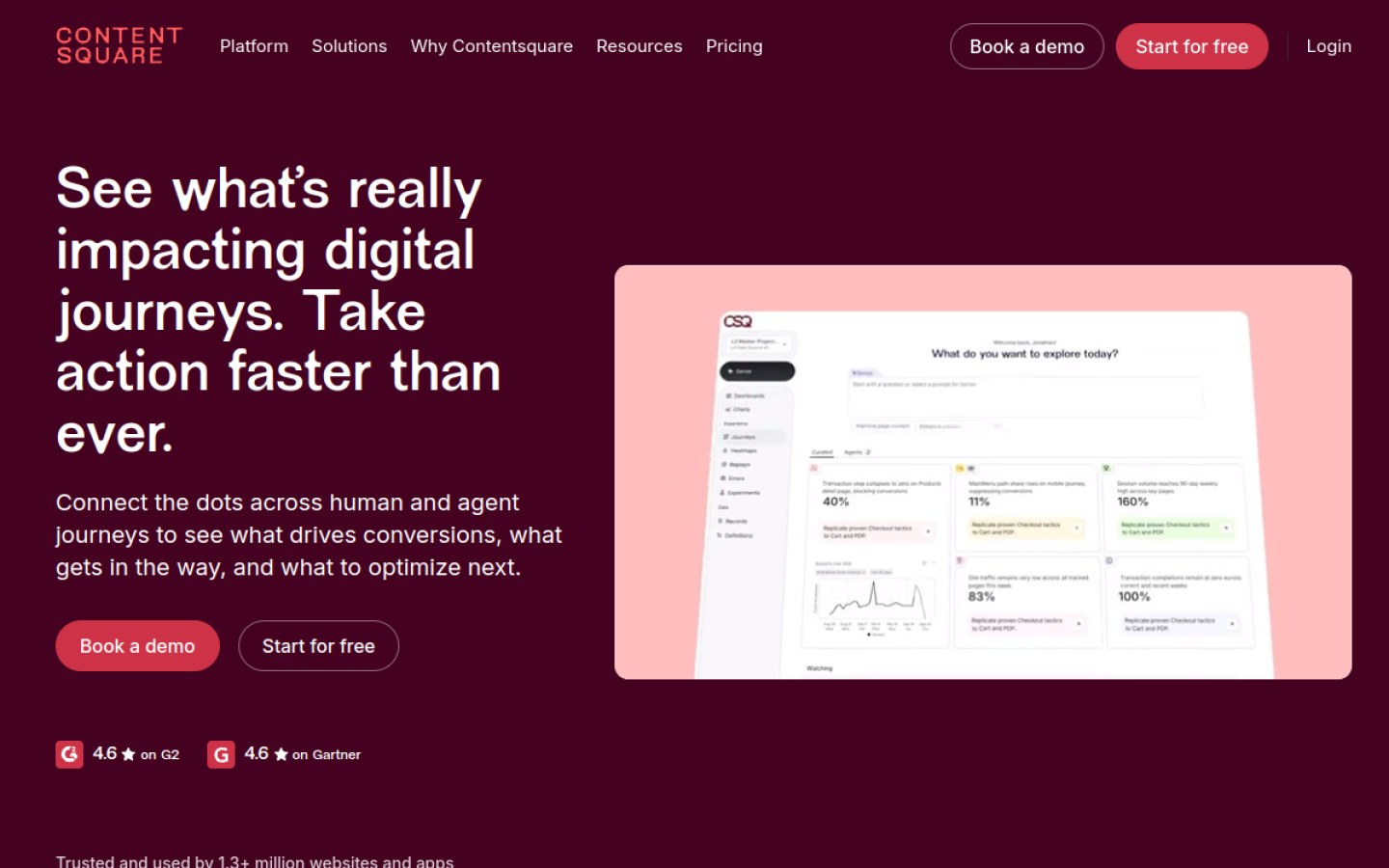
Contentsquare is the experience analytics platform that Hotjar became, with heatmaps, session replays, funnels and surveys in one account. The free plan covers 200,000 sessions a month on one project, with click, scroll and zone-based heatmaps, plus basic funnels. It is rated 4.6 out of 5 on G2 from 640 reviews.
The trade off is price once the free plan runs out. Growth starts at $49 a month for 7,000 sessions, or $39 a month billed annually, and Pro and Enterprise are quote-only. It suits teams that want heatmaps plus journey analysis and AI summaries in one place.
What we like
Most generous free plan in this list
Zone-based heatmaps plus journey analysis
Rated 4.6 out of 5 from 640 G2 reviews
Surveys and funnels included
Watch out for
Paid plans jump to quote-only above Growth
Growth covers only 7,000 sessions at the entry price
Hotjar accounts are being moved over, so the brand is still settling
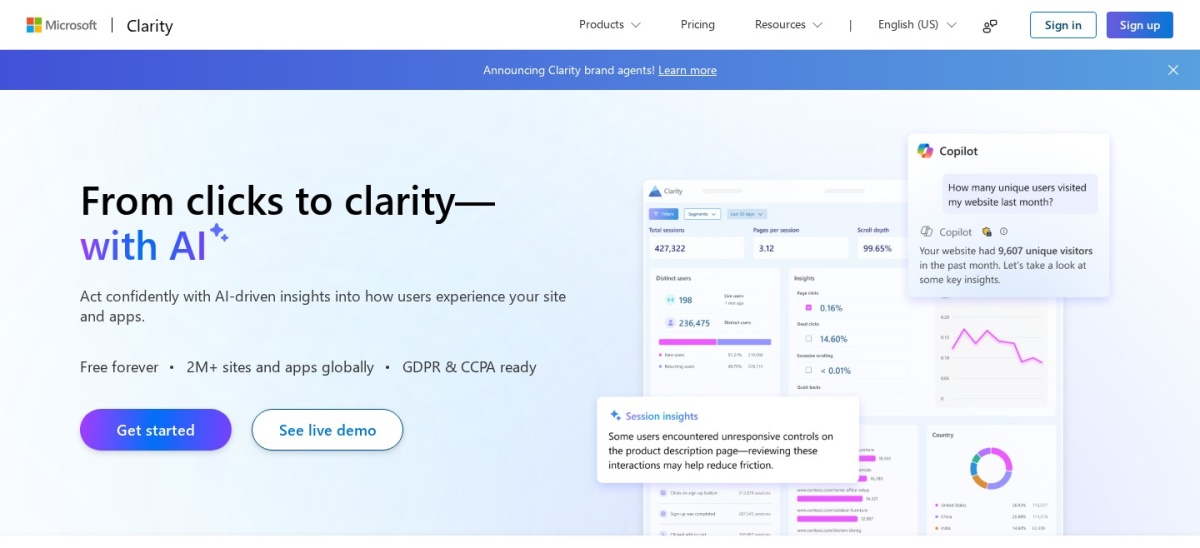
Microsoft Clarity is a free heatmap and session recording tool with no paid plan to upgrade to. It includes click, scroll and zone heatmaps, unlimited session recordings, funnels and AI summaries, and it is rated 4.5 out of 5 on G2 from 55 reviews.
The trade off is depth and support. Recordings are kept for about 30 days, there is no form analytics or A/B testing, and help comes through docs and forums rather than a support team. It suits any site that wants real heatmaps and replays for $0.
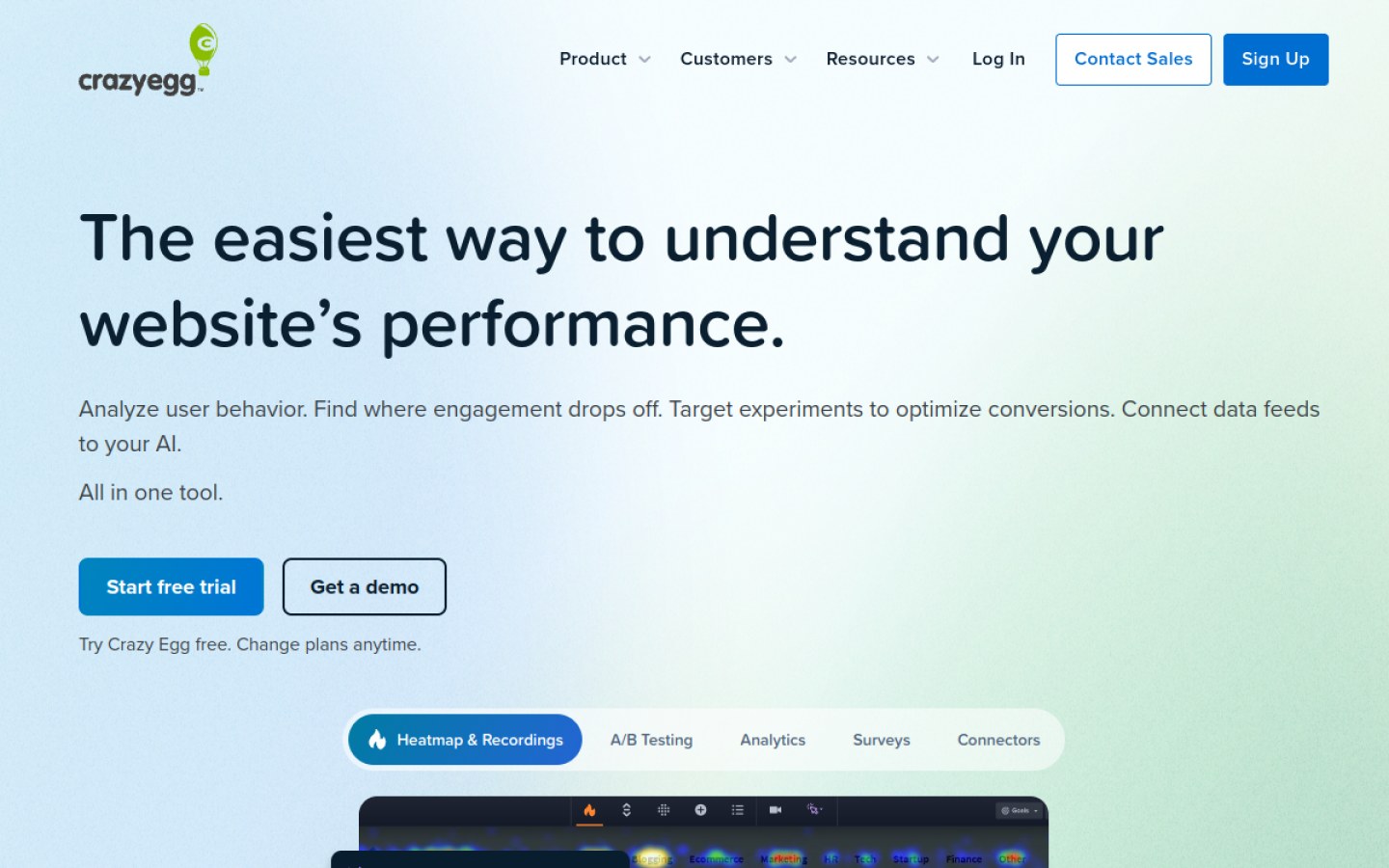
Crazy Egg is a heatmap and recording tool built for marketers, with click, scroll and confetti maps plus A/B testing. The free plan covers web analytics, instant heatmaps and surveys, while Starter at $29 a month billed annually adds 5 heatmap reports and 50 recordings a month.
The trade off is the pageview meter. Starter covers only 5,000 tracked pageviews a month, and every paid plan bills annually with no monthly option. It suits small sites that want simple heatmaps and light A/B testing without an analyst.
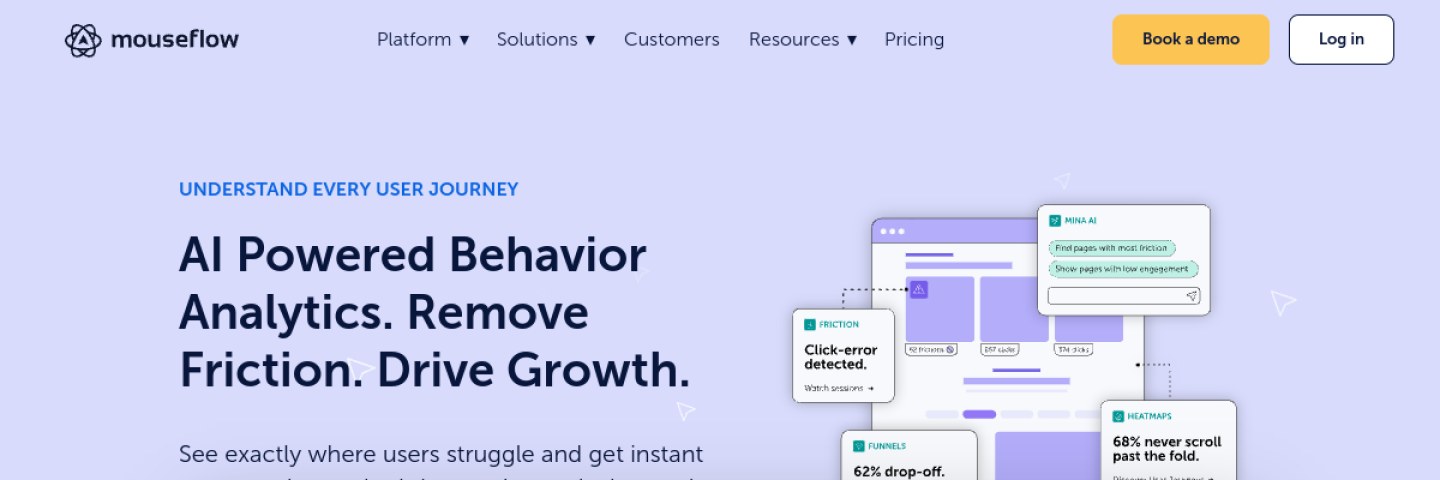
Mouseflow is a session replay and heatmap tool with six heatmap types, funnels and form analytics. The free plan covers 500 sessions a month on one website, and Essential at $31 a month billed annually raises that to 5,000 sessions with 3 months of data history.
The trade off is that form analytics waits for the Premium plan, and the pricing page shows prices in euros in some regions, so the dollar figure needs a check at checkout. It suits teams that optimise forms and checkouts and want friction alerts.
What we like
Six heatmap types in one dashboard
Rage-click and dead-click alerts built in
Rated 4.6 out of 5 from 690 G2 reviews
Unlimited users on every plan
Watch out for
Free plan covers only 500 sessions a month
Form analytics needs the Premium plan
Entry price is reported as $25 a month by some sources
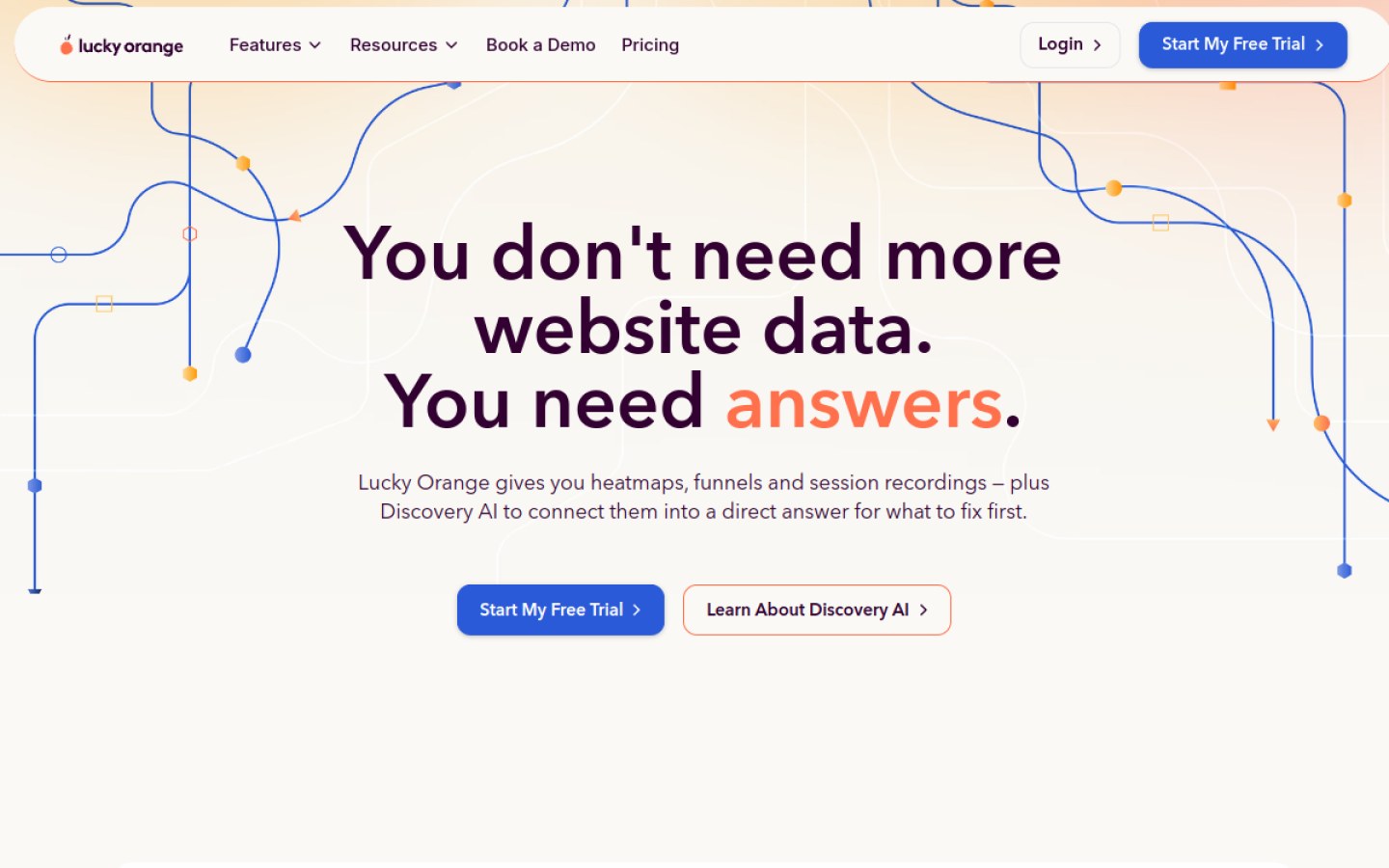
Lucky Orange is a behaviour analytics tool that pairs dynamic heatmaps and session recordings with live chat, surveys and funnels. Every plan includes the full feature set, and Build at $32 a month billed annually covers 3,500 sessions a month with 60 days of storage.
The trade off is the session cap. Build covers only 3,500 sessions a month, there is no free plan beyond a 7-day trial, and the Discovery AI helper costs extra. It suits small stores that want heatmaps and live chat in one account.
FullStory is a behaviour analytics platform built around full session capture, heatmaps, funnels and journey analysis. The free plan covers 30,000 sessions a month with 12 months of data retention, and it is rated 4.5 out of 5 on G2 from 1,052 reviews.
The trade off is that paid pricing is not published. Business, Advanced and Enterprise are quote-only annual contracts, so budgeting past the free plan means a sales conversation. It suits larger teams that need deep journey analysis and AI summaries.
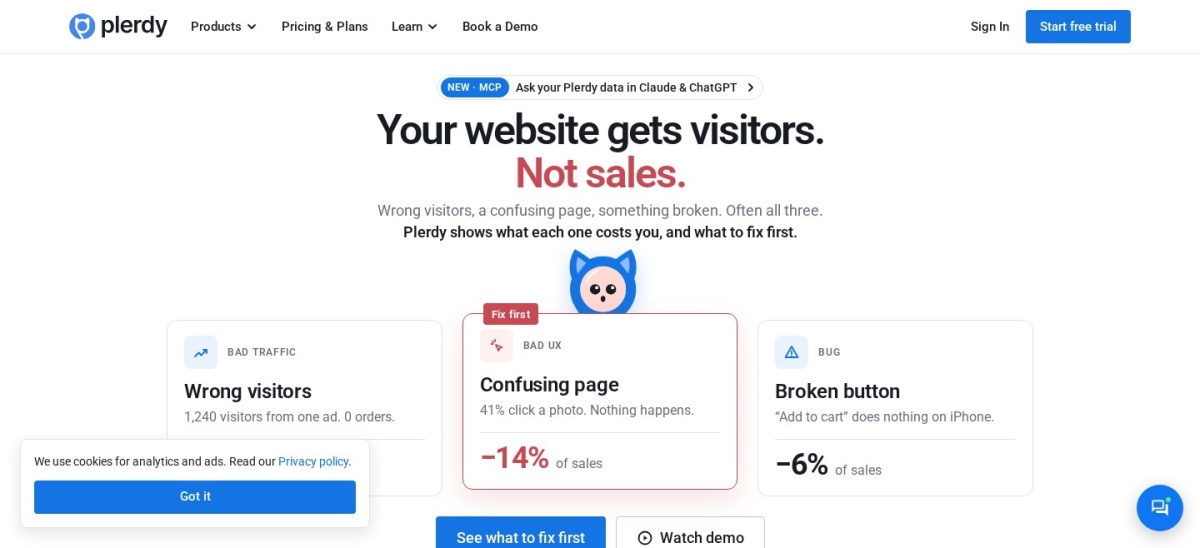
Plerdy is a conversion tool that combines heatmaps, session replay, pop-ups, an SEO checker and A/B testing in one script. The free plan includes 100 heatmaps a day and 500 video sessions, while Startup at $32 a month adds 500 heatmaps a day and 5,000 video sessions.
The trade off is the daily meter. Heatmap limits reset each day, and annual billing drops Startup to $21 a month, so the monthly price looks higher than the yearly deal. It suits small sites that want heatmaps plus SEO checks and pop-ups together.
What we like
Highest G2 rating here at 4.7 out of 5
A/B testing is free with no limits
SEO checker and pop-ups in the same script
Free plan needs no credit card
Watch out for
Heatmap limits are counted per day
Monthly price is higher than the annual rate
Video sessions are capped in total, not per month
Scale at $64 a month triples the daily heatmap limitVisit plerdy.com
08
Heatmap.com
4.7/5on Shopify App Store (605 reviews, checked Nov 2026)
Starts at$117/mo
Best for revenue-based heatmaps
Free planNo, 14-day trial
HeatmapsUnlimited pages
Revenue trackingYes, per click
Paid planFrom $117/mo
heatmap.com
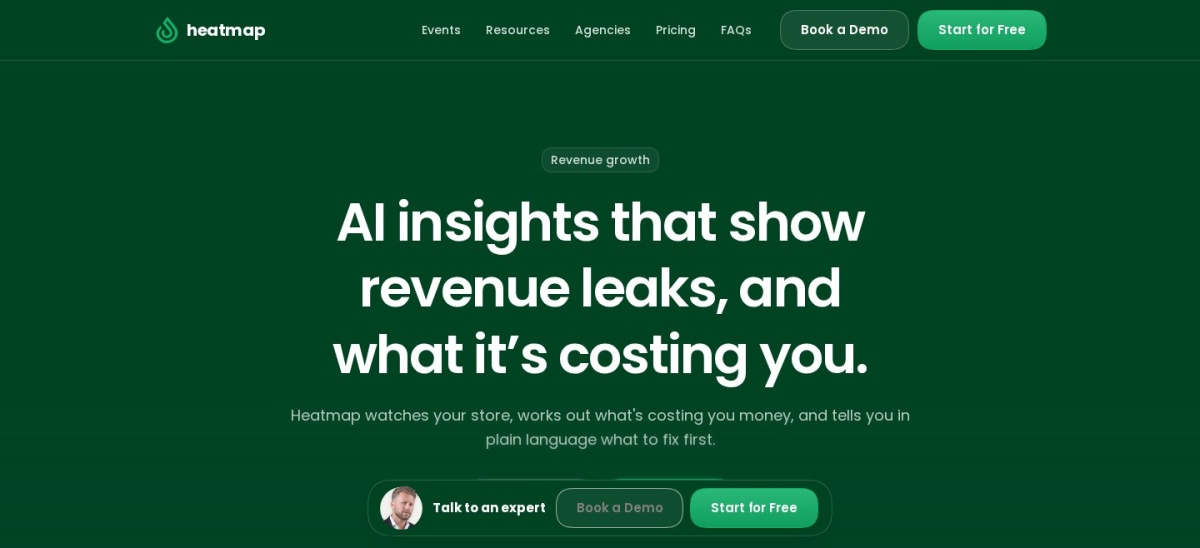
Heatmap.com homepage, captured Nov 2026.
Heatmap.com is built only for online stores, and it ties every click and scroll to revenue per click instead of just visits. Paid plans start at $117 a month for stores up to $4.9 million in annual revenue, with unlimited heatmaps, scrollmaps and 365 days of data storage.
The trade off is price and scope. It costs far more than general heatmap tools, it only works for ecommerce stores, and its pricing page sets prices by revenue tier. It suits stores that want to see which clicks actually lead to sales.
What we like
Only tool here that tracks revenue per click
Unlimited heatmaps and scrollmaps
365 days of data storage
Built for Shopify and WooCommerce stores
Watch out for
Most expensive entry price in this list
No use outside ecommerce
Price rises with store revenue
Higher revenue tiers cost more — check the pricing pageVisit heatmap.com
09
Inspectlet
4.1/5on G2 (26 reviews, checked Nov 2026)
Paid from$39/mo
Best for dynamic single-page sites
Free replays5,000/mo
HeatmapsLive-page rendering
A/B testingYes, all plans
Paid planMicro, $39/mo
inspectlet.com
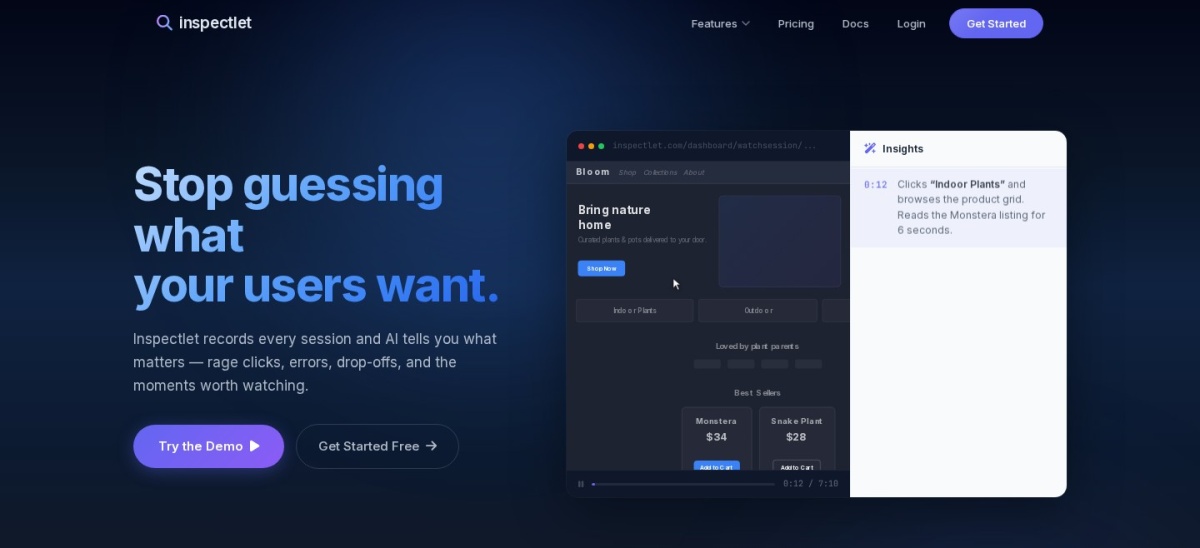
Inspectlet homepage, captured Nov 2026.
Inspectlet is a session replay and heatmap tool that renders heatmaps on the live page, so clicks on modals and dynamic content land in the right place. The free plan covers 5,000 replays a month across 3 websites, and every plan includes A/B testing, surveys and error logging.
The trade off is thin reviewer evidence and gated features. It holds 4.1 out of 5 on G2 from only 26 reviews, and form analytics, targeting and API access wait for Growth at $149 a month. It suits teams on dynamic single-page sites.
What we like
Heatmaps render on the live page, not a screenshot
We started from the best-known heatmap tools with published pricing and public review scores, then kept the nine that cover heatmaps plus session recordings.
Prices come from each vendor's pricing page, checked on 23 November 2026. Ratings come from G2 on the same day, except Heatmap.com, which is rated on the Shopify App Store. Where a vendor shows a lower annual-billing price, the list shows the regular monthly price.
We left out Smartlook, which stopped selling new paid plans on 31 May 2026 and will switch its platform off on 30 September 2027. No vendor paid for a place, and we do not claim to have used these tools ourselves.
How to choose a heat map tool
Start with your monthly traffic, then pick the tool that covers it without a big jump in price.
Check your monthly sessions first. Open your analytics and note monthly sessions, not pageviews. Most plans in this list are capped by sessions, so the wrong cap is the most common costly mistake.
Try the free plan on your busiest page. Install one tool, let it collect a month of clicks on your top landing page, and see whether the heatmap answers a real question.
Match the extras to your job. Pick form analytics for checkout fixes, A/B testing for landing pages, and revenue tracking if you run a store. Do not pay for extras you will not open.
Check the renewal price before you commit. Several tools show a lower price for annual billing, and one bills annually only. Confirm what the second year costs.
FAQ
What is the best heat map software?
Contentsquare is the best pick for most sites. Its free plan covers 200,000 sessions a month with click, scroll and zone heatmaps, and it is rated 4.6 out of 5 on G2 from 640 reviews.
Is there a really free heat map tool?
Yes. Microsoft Clarity is free forever with no paid plan, and it includes click, scroll and zone heatmaps plus unlimited session recordings. Contentsquare also has a free plan covering 200,000 sessions a month.
Do I need session recordings as well as heatmaps?
Heatmaps show where groups of visitors click, while recordings show why one visitor got stuck. Most tools in this list include both, and the combination is more useful than either one alone.
How much does heat map software cost?
Paid plans in this list start at $29 a month for Crazy Egg Starter and $31 for Mouseflow Essential, both billed annually. Contentsquare Growth starts at $49 a month, while FullStory and Heatmap.com cost more or are quote-only.
Can I use a heat map tool on WordPress?
Yes. Every tool here installs with one tracking script, and most offer a plugin or a Google Tag Manager setup. Add the script once and it records every page without further changes.
What happened to Hotjar?
Hotjar merged into Contentsquare, and new users now sign up for Contentsquare instead. The free plan and Growth plan in this list are the Contentsquare plans that replaced Hotjar's, with heatmaps, replays and surveys included.