Best Network Management Software in 2026: 9 Tools Compared
WLWPLegible EditorsLast verified 23 Nov 2026How we rank13 min read
★ Short answer
Paessler PRTG is the best network management software for most IT teams. It monitors devices, bandwidth and servers from one dashboard, it is free for up to 100 sensors, and it is rated 4.6 out of 5 by 256 reviewers on Capterra.
How we make this list: we compare pricing pages, product documentation and public user reviews, then re-check every price before each update. No product paid for a place. Disclosure.
PRTG is free for up to 100 sensors and paid plans start at $200 a month, with a 4.6 rating from 256 Capterra reviewers.
SolarWinds NPM is the deepest enterprise option, but standalone licences are quote-only; its Observability bundle starts at $8 per node a month.
OpManager Standard costs $95 a year for 10 devices, the cheapest paid start here, and it is rated 4.6 by 351 reviewers.
Zabbix is free and open source with no device limits, and it holds a 4.7 rating from 112 Capterra reviewers.
Site24x7 starts at $10 a month, the cheapest cloud option, and it is the highest rated here at 4.7 from 399 reviewers.
What network management software should do
Network management software watches your routers, switches, servers and wireless access points, and tells you when something slows down or stops. Without it, you find out about outages from users, which is always too late.
The core job is polling: the tool asks each device how it is doing, using SNMP, WMI or an agent, then graphs bandwidth, CPU, memory and uptime. Alerts fire when a threshold breaks, by email, text or push.
Good tools also map the network for you, so you can see how devices connect, and back up switch and firewall configs automatically. That saves hours when a device fails and you need its last good config.
Price varies widely. Zabbix is free, OpManager starts at $95 a year, and enterprise tools run into thousands. Match the tool to the size of your network, not to the longest feature list.
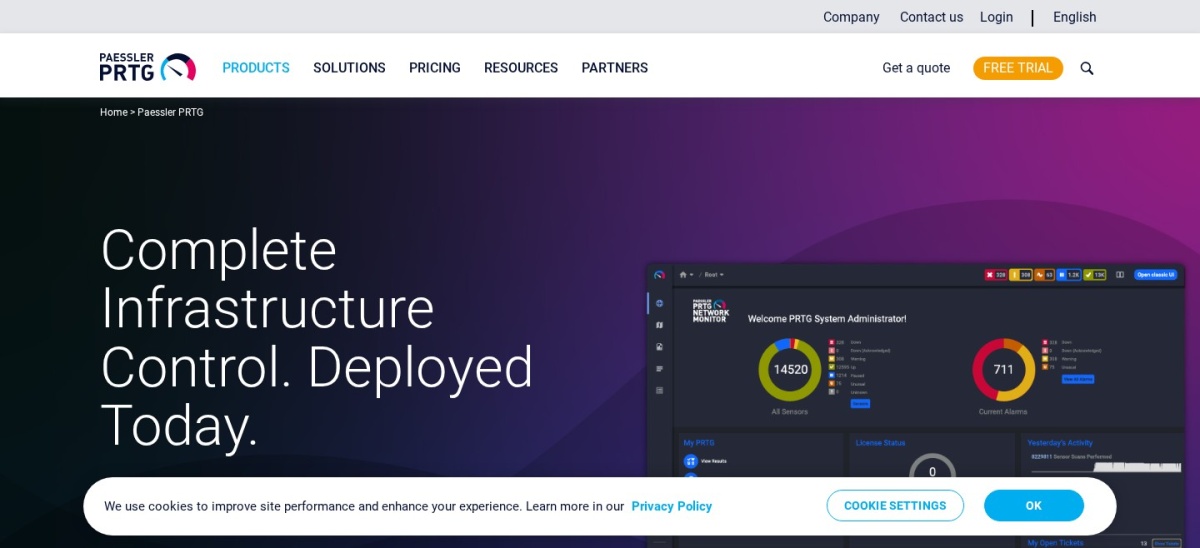
Paessler PRTG is a sensor-based monitoring tool that watches devices, bandwidth, servers and applications from one dashboard, with hundreds of ready-made sensor types for SNMP, WMI, flow data and ping. It installs on a Windows server in minutes, auto-discovers the network, and alerts by email, SMS or push when a threshold breaks.
The trade off is the sensor math. The free tier covers 100 sensors, about 10 devices, and costs climb as sensor counts grow, with PRTG 500 at $200 a month. The interface also looks dated next to cloud tools, and it runs on Windows only, with no Linux server option.
SolarWinds Network Performance Monitor homepage, captured Nov 2026.
SolarWinds Network Performance Monitor is the enterprise standard for deep network visibility, with hop-by-hop NetPath tracing, flow analysis, automatic topology maps and PerfStack correlation across devices. It covers routers, switches, firewalls and load balancers from almost any vendor, and it scales to thousands of elements.
The trade off is price and complexity. Standalone NPM is sold by quote only, and the Observability bundle starts at $8 per node a month on a multi-year contract. It also needs a SQL Server back end, and setup and alert tuning take real time on large networks.
What we like
Deepest network analytics in this list
NetPath hop-by-hop tracing
Automatic topology maps
Scales to thousands of elements
Watch out for
Standalone licences are quote-only
Needs a SQL Server back end
Setup takes real time on large networks
Observability Advanced at $14 per node a month adds flow analysisVisit solarwinds.com
03
ManageEngine OpManager
4.6/5on Capterra (351 reviews, checked Nov 2026)
Paid from$95/yr
Best value for midsize IT teams
Free edition3 devices
Standard$95/yr, 10 devices
Professional$145/yr, 10 devices
Enterprise$4,595/yr, 250 devices
manageengine.com
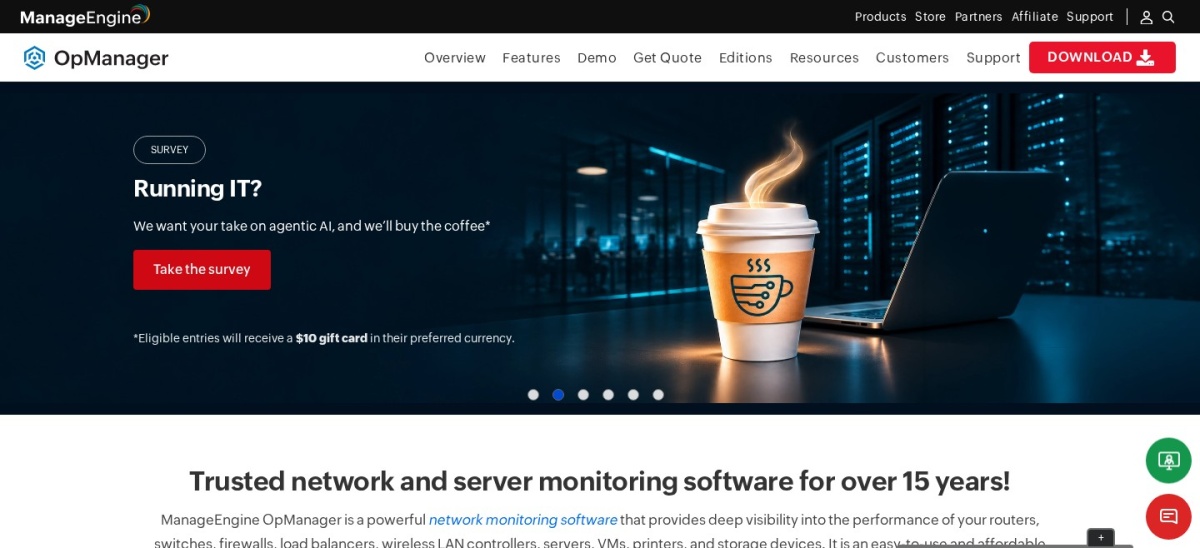
ManageEngine OpManager homepage, captured Nov 2026.
ManageEngine OpManager is a network and server monitoring tool that watches routers, switches, firewalls, servers and virtual machines from one console, with SNMP, WMI and flow support, custom dashboards and config management. Standard starts at $95 a year for 10 devices, and a free edition covers 3 devices.
The trade off is the add-on math. NetFlow analysis and config management cost extra or need the Plus bundle, and reviewers report recurring bugs and patch issues. Licensing also gets confusing as device counts grow, and the interface is denser than cloud tools.
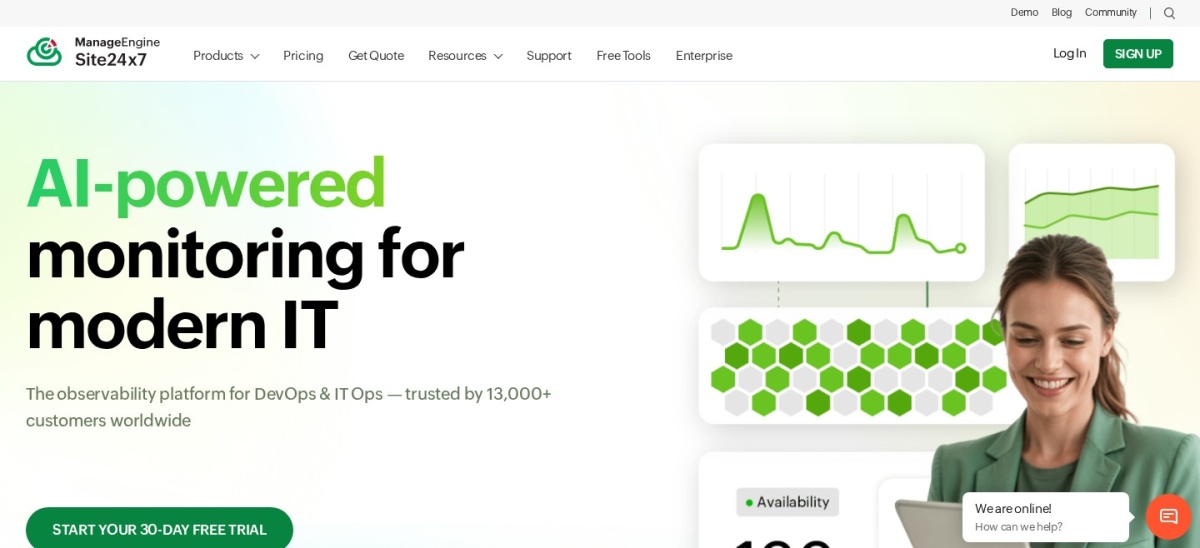
Site24x7 is a cloud monitoring service that covers networks, servers, websites, applications and cloud infrastructure from one console, with SNMP polling, bandwidth reports and AI-assisted alerts. It starts at $10 a month, the cheapest cloud option here, and it holds the highest rating in this list at 4.7 from 399 reviewers.
The trade off is depth. It is lighter on deep network analytics than SolarWinds or PRTG, and large networks need the higher tiers for more monitors and longer data retention. Some reviewers also want more control over alert tuning, and the console can feel busy at first.
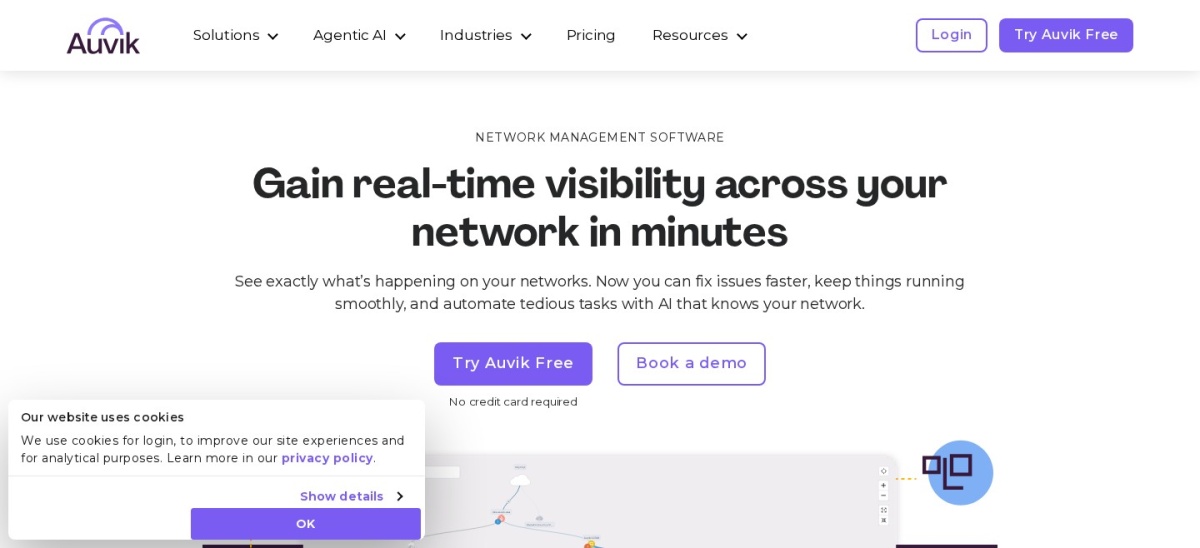
Auvik is a cloud network management platform that auto-discovers devices, draws live topology maps and backs up switch, router and firewall configs automatically. A small collector on site sends data to the cloud, and its 50-plus alerts, remote access and ticketing integrations suit MSPs and lean IT teams.
The trade off is the pricing. Auvik is quote-only and billed per managed device, so costs stack up fast on large or dense networks. Default alerts can also be noisy until tuned, and there is no way to keep historic data for a device once it goes offline.
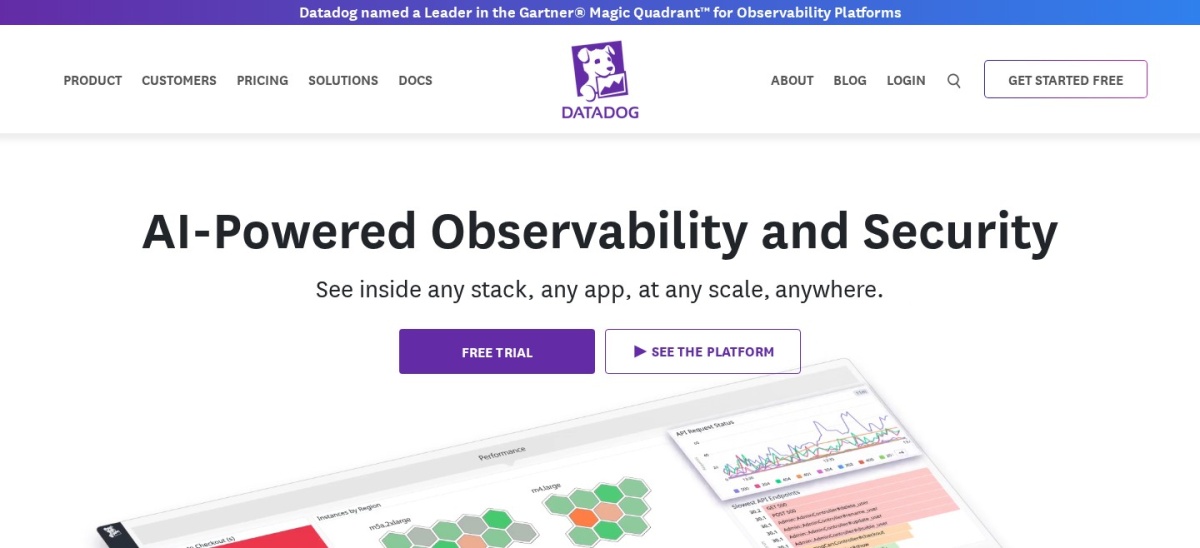
Datadog is a cloud observability platform whose network monitoring covers flow data, SNMP devices, cloud traffic and network paths alongside infrastructure, logs and application performance. It suits teams already running cloud workloads, with dashboards and alerts that tie network issues to the apps and services they affect.
The trade off is scope and cost. Datadog is a big platform, not a focused network tool, so small teams pay for far more than they use, and its per-host pricing adds up fast. The learning curve is also steep, with many settings to get right before alerts are useful.
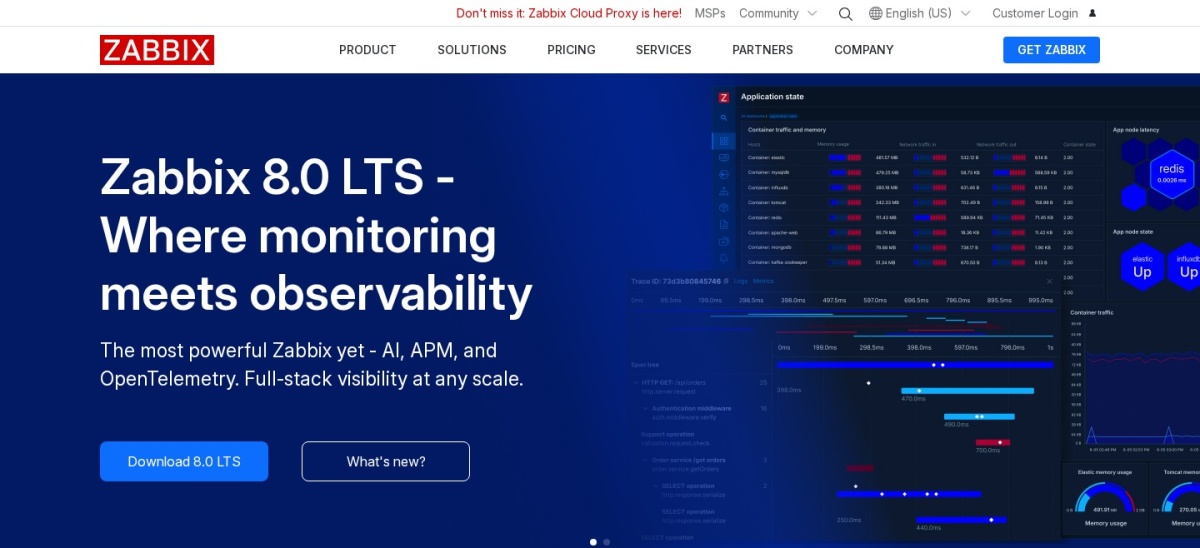
Zabbix is a free, open source monitoring platform that watches networks, servers, applications and cloud services with no device limits, using SNMP, agents, IPMI and syslog. It has trigger-based alerting, escalation, maps and templates for hundreds of devices, and a paid cloud version starts at $50 a month.
The trade off is the work it takes. Zabbix needs a server to run on, and setup, templates and trigger tuning take real time and skill. The interface is plain and dated next to commercial tools, and support comes from the community unless you pay for it.
What we like
Free with no device limits
Trigger-based alerting and escalation
Templates for hundreds of devices
Rated 4.7 by 112 reviewers
Watch out for
Needs a server and real setup time
Plain, dated interface
Support is community unless paid
Zabbix Cloud starts at $50 a month if you skip self-hostingVisit zabbix.com
08
LogicMonitor
4.6/5on Capterra (119 reviews, checked Nov 2026)
Starts at$16/unit/mo
Best for hybrid and cloud infrastructure
Starting price$16/hybrid unit/mo
Free trial14 days
DeploymentSaaS, with collectors
CoverageNetwork, server, cloud, apps
logicmonitor.com
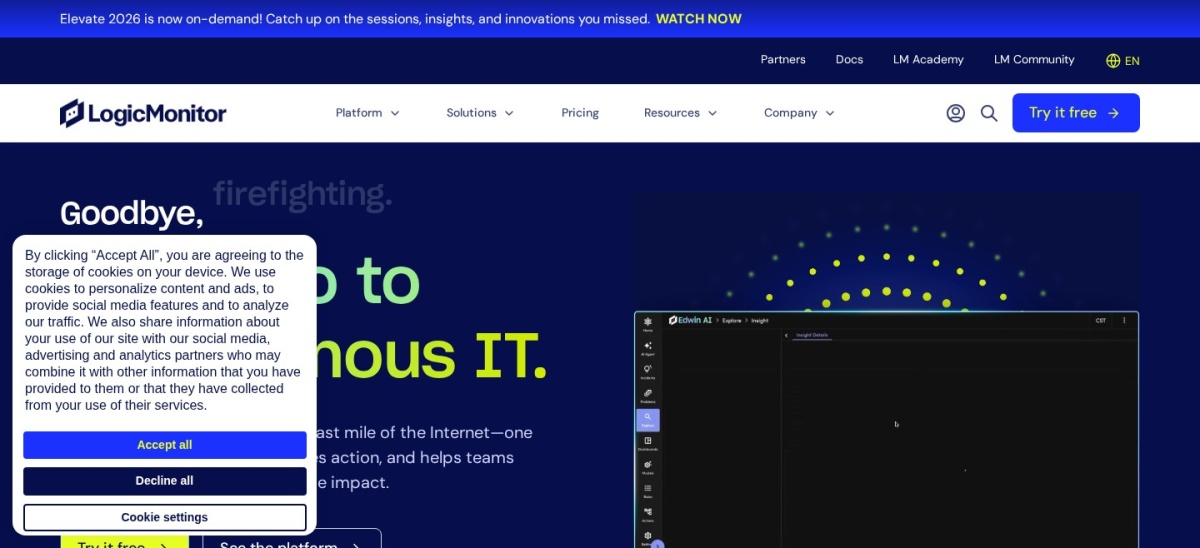
LogicMonitor homepage, captured Nov 2026.
LogicMonitor is a cloud observability platform that monitors networks, servers, cloud services and applications from one console, with automatic discovery, topology maps and alert routing. Pricing is per hybrid unit, one device or five wireless access points, with Essentials from $16 a unit a month.
The trade off is the cost at scale. Per-unit pricing adds up with many servers or cloud resources, and reviewers say the learning curve is steep for custom datasources and scripts. It also has no free plan, only a trial, so you pay from day one.
WhatsUp Gold is a network monitoring tool from Progress that discovers devices, maps the network in layers, and tracks switches, routers, servers, wireless and bandwidth from one Windows console. Business starts at $1,169 a year for 50 devices, and a limited free version is available.
The trade off is the Windows focus and the add-ons. It runs on Windows only, and flow monitoring, config management and virtual monitoring cost extra. Large environments can also see slow graph rendering, and some reviewers report slow support on complex tickets.
What we like
Layered network maps
Discovers and monitors 50 devices from $1,169 a year
Cloud tools need no server of your own. Site24x7, Auvik, Datadog and LogicMonitor run in the vendor's cloud, with a small collector or agent on your network, and you pay per device, host or unit.
On-prem tools run on your hardware. PRTG needs a Windows server, OpManager runs on Windows or Linux, and Zabbix runs on Linux. You control the data and the uptime, but you also own the patching and backups.
Small teams usually do better in the cloud, since there is nothing to install or maintain. Large networks with strict data rules often stay on-prem, where Zabbix costs nothing and OpManager starts at $95 a year.
How we chose
We started with tools that monitor real networks: SNMP polling, device discovery, bandwidth tracking and alerts. Every tool here covers routers and switches at minimum, and all nine have a rating on Capterra from a page opened on 23 Nov 2026.
Prices come from vendor pricing pages and Capterra listings checked the same day. This list is based on pricing, docs and reviews, not on using the tools ourselves. Where a vendor is quote-only, we say so instead of guessing a price.
We kept a mix of free, budget and enterprise tools, so small teams and large networks both have options. Tools with no rating on G2, Capterra or Trustpilot were left out.
How to choose network management software
Start by counting your devices, then match the tool to your network.
Count your devices. List every router, switch, firewall, server and access point. Sensor and per-device pricing changes fast with device counts, so a rough count keeps quotes honest.
Pick cloud or on-prem. Cloud tools like Site24x7 and Auvik need no server, while PRTG, OpManager and Zabbix run on your own hardware. Choose the model your team can maintain.
Try the free tier first. PRTG is free for 100 sensors, OpManager for 3 devices and Zabbix is free in full. Run one on a small part of your network before paying.
Check the alert story. A tool that floods you with alerts is worse than none. Look for threshold tuning, dependencies and escalation before you buy.
FAQ
What is the best network management software?
Paessler PRTG is the best pick for most IT teams. It monitors devices, bandwidth and servers from one dashboard, it is free for up to 100 sensors, and it is rated 4.6 out of 5 by 256 reviewers on Capterra.
Is there free network management software?
Yes. Zabbix is free and open source with no device limits. PRTG is free for up to 100 sensors, about 10 devices, and OpManager has a free edition for 3 devices.
What is the best network monitoring tool for small business?
PRTG is the strongest small-business pick, with a free tier and paid plans from $200 a month. Site24x7 is the cheapest cloud option at $10 a month, and OpManager starts at $95 a year.
How much does network management software cost?
Prices range from $0 for Zabbix to $200 a month for PRTG 500. OpManager starts at $95 a year, Site24x7 at $10 a month, and enterprise tools like SolarWinds NPM are quote-only or from $8 per node a month.
What is the difference between PRTG and SolarWinds NPM?
PRTG is sensor-based and suits small to midsize teams, with a free tier and simple pricing. SolarWinds NPM is built for large enterprise networks, with deeper analytics and NetPath tracing, but it is quote-only as a standalone product.
Do I need cloud or on-prem network monitoring?
Cloud monitoring suits small teams that want no server to maintain, while on-prem suits large networks and strict data rules. PRTG, OpManager and Zabbix run on your own hardware, and Site24x7, Auvik, Datadog and LogicMonitor run in the cloud.