DaVinci Resolve is the best free video editing software for PC, combining professional editing, color correction, visual effects and audio production with a 4.7/5 G2 rating. Choose Clipchamp for straightforward video creation or Descript for editing interviews and spoken content through transcripts.
How we make this list: we compare pricing pages, product documentation and public user reviews, then re-check every price before each update. No product paid for a place. Disclosure.
DaVinci Resolve combines editing and post-production tools, with a $295 optional Studio upgrade.
Clipchamp supports free 1080p exports, while premium features come with Microsoft 365 Personal at $99.99/year.
Descript includes 60 minutes of media processing per month on its free plan.
Shotcut supports 4K editing without requiring a paid subscription.
All 7 editors have free versions, including 3 open-source options.
What to look for in free PC video editing software
Free video editors range from simple applications for trimming clips to professional production suites. Choose software that matches your editing experience, computer specifications and intended video format.
Check export resolution and watermark restrictions before starting a project. Some editors reserve higher-resolution exports, premium effects or watermark removal for paying customers.
For older computers, look for proxy editing and adjustable preview quality. These features reduce the processing workload when editing large video files.
Open-source software is particularly attractive for long-term projects because essential editing features are not tied to recurring subscriptions.
DaVinci Resolve is a professional post-production application combining timeline editing, color grading, visual effects and audio mixing. Its free edition covers extensive production workflows and holds a 4.7/5 rating from 223 G2 reviews.
The trade off is the learning curve and computer resource requirements. Studio costs $295 as a one-time purchase and adds advanced effects, AI-assisted features and additional grading tools. It suits creators who want professional editing capabilities without mandatory subscriptions.
Clipchamp is a beginner-friendly video editor from Microsoft that supports timeline editing, templates and stock media. Its free version allows 1080p video exports and works through a browser or Windows application.
The trade off is that premium stock assets, brand management and 4K exports require Microsoft 365 Personal, regularly priced at $99.99 per year. A temporary first-year discount is available. It suits beginners creating presentations, tutorials and everyday videos.
What we like
Accessible editing interface
Free full HD exports
Ready-made video templates
Included with eligible Microsoft subscriptions
Watch out for
Premium features require a subscription
Limited advanced editing controls
Microsoft 365 Personal adds premium assets, brand tools and 4K exports.Visit clipchamp.com
03
Descript
4.6/5on G2 (940 reviews, checked Nov 2026)
Paid from$16/mo
Best for editing interviews and podcasts
Free media allowance60 minutes/month
Paid media allowance10 hours/month
Editing methodTranscript and timeline
Paid planHobbyist, annually billed
descript.com
Descript homepage, captured Nov 2026.
Descript is a video and audio editor that lets creators modify recorded speech through its transcript. The free plan includes 60 minutes of media processing monthly, making it useful for occasional interviews and short spoken videos.
The trade off is the monthly processing allowance and free export restrictions. Hobbyist costs $16 per month when billed annually and includes 10 media hours and watermark-free 1080p exports. It suits podcasters, educators and interview-based YouTube creators.
What we like
Transcript-based editing
Automatic transcription
Integrated audio editing
Useful for spoken-word videos
Watch out for
Limited free media processing
Less suitable for complex cinematic editing
Hobbyist adds higher processing limits and watermark-free exports.Visit descript.com
04
Shotcut
4.2/5on G2 (42 reviews, checked Nov 2026)
PriceFree
Best for unrestricted free editing
Resolution support4K
LicenseOpen source
EditingMultitrack timeline
Paid planNone
shotcut.org
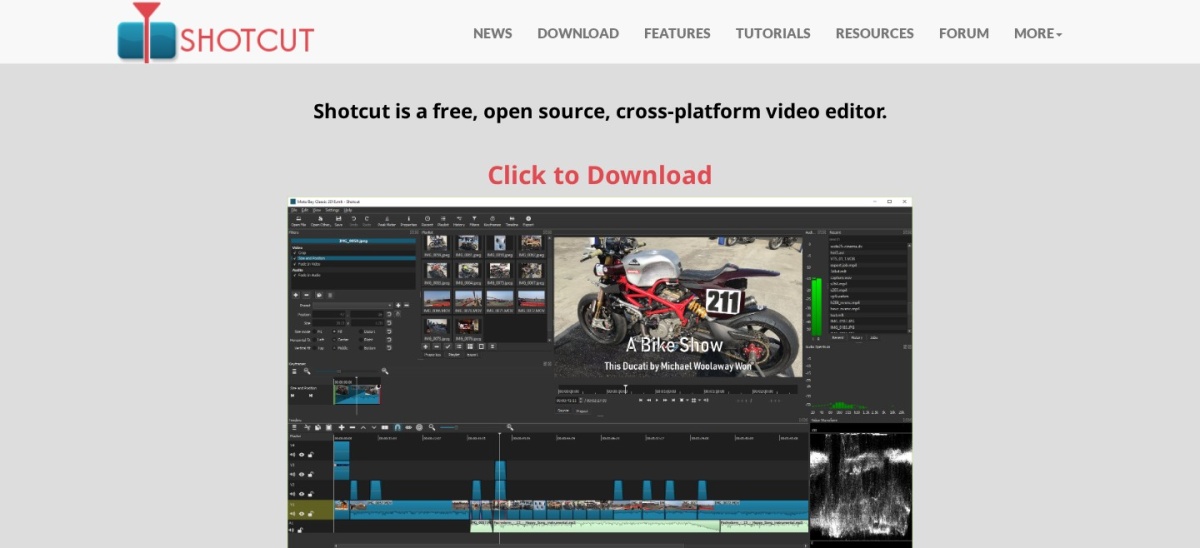
Shotcut homepage, captured Nov 2026.
Shotcut is a free, open-source video editor with broad media format compatibility, customizable panels and support for 4K footage. It allows users to edit directly on the timeline without converting every imported file.
The trade off is an interface that takes time to understand. Shotcut remains free without a required premium upgrade or subscription. It suits independent creators who want control over video formats, filters and export settings.
What we like
No subscription fees
4K video support
Broad codec compatibility
Customizable workspace
Watch out for
Interface takes time to learn
Fewer ready-made creative templates
All core editing features are available without a paid plan.Visit shotcut.org
05
OpenShot
4.5/5on G2 (32 reviews, checked Nov 2026)
PriceFree
Best for simple open-source editing
LicenseOpen source
TimelineMultitrack
AnimationKeyframes
Paid desktop planNone
openshot.org
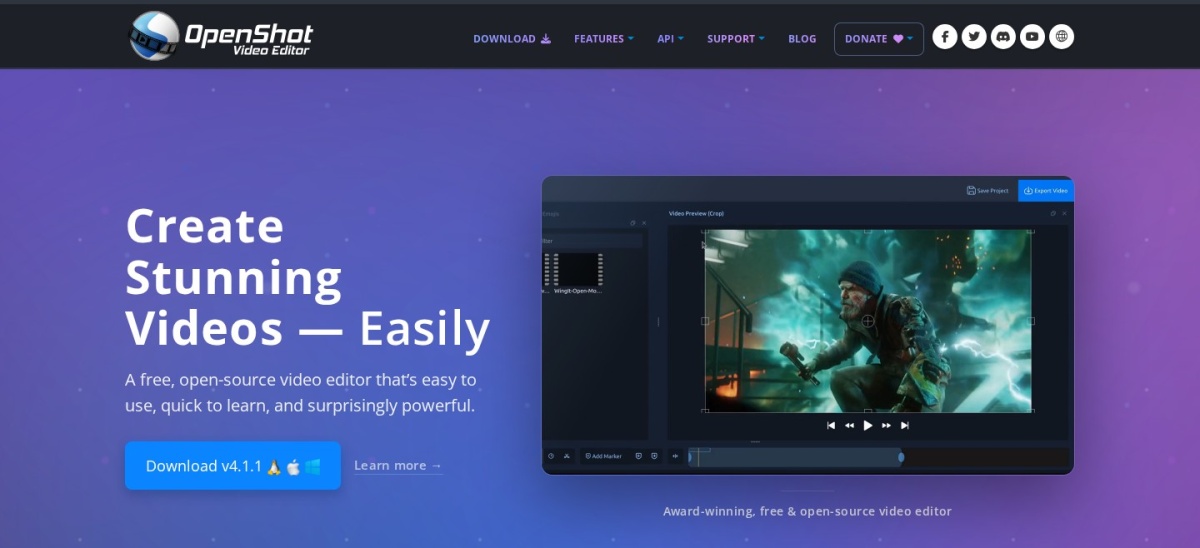
OpenShot homepage, captured Nov 2026.
OpenShot is a free desktop video editor designed around drag-and-drop editing, transitions, titles and animation. Its straightforward interface helps beginners assemble footage without learning complicated professional workflows, and it holds a 4.5/5 G2 rating.
The trade off is fewer specialized production controls than professional editing suites. The desktop application is completely free, with no mandatory premium edition. It suits students, hobbyists and creators making straightforward video montages.
What we like
Accessible for beginners
Free and open-source desktop software
Supports keyframe animation
Multitrack video editing
Watch out for
Fewer advanced production controls
Complex projects can be cumbersome
The desktop editor includes its editing features for free.Visit openshot.org
06
Kdenlive
5/5on SourceForge (25 reviews, checked Nov 2026)
PriceFree
Best for advanced open-source workflows
LicenseOpen source
Proxy editingSupported
TimelineMultitrack
Paid planNone
kdenlive.org
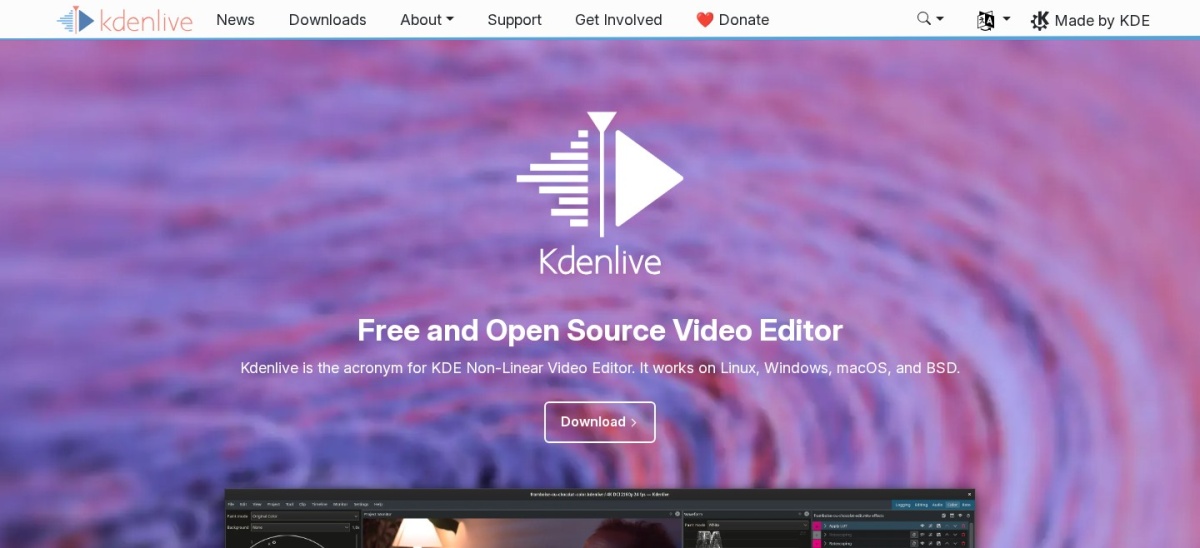
Kdenlive homepage, captured Nov 2026.
Kdenlive is an open-source nonlinear video editor offering multitrack editing, effects and customizable workspaces. The project released version 26.08.3 in November 2026, demonstrating ongoing development and maintenance.
The trade off is that its extensive controls can overwhelm new editors. Kdenlive has no required paid plan, making advanced editing accessible without recurring fees. It suits experienced hobbyists and independent filmmakers who prefer open-source software.
What we like
Advanced timeline editing
Proxy editing workflows
Actively maintained software
No mandatory paid upgrade
Watch out for
More complicated than beginner editors
SourceForge rating comes from a legacy review listing
Advanced editing features are included without a subscription.Visit kdenlive.org
07
CapCut
1.2/5on Trustpilot (1,380 reviews, checked Nov 2026)
Paid from$179.99/yr
Best for short-form social videos
Desktop editingSupported
Free toolsBasic editing and effects
Premium toolsAdvanced AI and assets
Paid planPro
capcut.com
CapCut homepage, captured Nov 2026.
CapCut is a video editor focused on social media content, creative effects, transitions and short-form production. Its free version covers basic timeline editing, text overlays and selected creative assets.
The trade off is that premium assets and advanced AI features require Pro, advertised at $179.99 annually in its official plan comparison. Public customer-service reviews also raise subscription concerns. It suits occasional social creators who can work within the free feature selection.
What we like
Convenient short-form editing workflow
Beginner-friendly timeline
Creative filters and transitions
Desktop and mobile applications
Watch out for
Increasing restrictions on premium features
Negative public customer-service feedback
Final subscription pricing can vary
Pro adds premium assets, advanced AI tools and cloud storage.Visit capcut.com
When should you pay for video editing software?
Free software is sufficient for many YouTube videos, educational recordings and personal projects. Open-source editors are especially useful when you want to avoid subscription costs and feature restrictions.
Consider a paid upgrade when you regularly need specialized effects, automatic transcription, higher-resolution exports or premium stock assets. Calculate whether those features save enough production time to justify the expense.
How we chose
We compared established PC-compatible video editors using official product documentation, pricing information and public customer reviews. We prioritized usable free editions, timeline editing capabilities and practical export options.
Prices and ratings were researched on 25 Nov 2026 using vendor pages and public review platforms. Open-source applications without mandatory paid desktop editions are recorded as free. CapCut's displayed review count is approximate, and Kdenlive's rating comes from a legacy SourceForge listing.
We excluded trial-only editors and products without sufficiently clear upgrade pricing. One-time license costs are shown as initial purchase costs rather than recurring annual fees. No vendor paid for a place, and we do not claim testing for this list.
How to choose free video editing software for PC
Compare your editing requirements, computer specifications and preferred export format before selecting an editor.
Match the editor to your content. Choose a traditional timeline editor for films and travel videos, or a transcript-based application for interviews and podcasts.
Check your computer specifications. Review memory, graphics and processor requirements, especially when working with high-resolution footage.
Review free export restrictions. Confirm whether your desired resolution, effects and output formats are available without subscriptions or watermarks.
Compare long-term costs. Consider open-source software, one-time licenses and annual subscriptions before committing to an editing workflow.
FAQ
What is the best free video editing software for PC?
DaVinci Resolve is our top overall choice because it combines professional timeline editing, color correction, visual effects and audio production. Clipchamp is a simpler alternative for beginners.
Which free PC video editor has no watermark?
Shotcut, OpenShot and Kdenlive provide watermark-free editing through their open-source desktop applications. DaVinci Resolve also supports watermark-free exports when projects use features available in its free edition.
What is the easiest free video editor for beginners?
Clipchamp and OpenShot are accessible options for beginners. Both provide visual editing interfaces that simplify arranging clips, adding transitions, inserting titles and exporting completed videos.
Can free video editing software export 4K videos?
Yes. Shotcut supports 4K video editing without a mandatory paid upgrade. Other applications may restrict higher-resolution exports or particular encoding formats to their premium editions.
Is free video editing software suitable for YouTube?
Yes. DaVinci Resolve, Shotcut and Kdenlive provide the timeline controls and audio editing features needed for YouTube production. Check your export settings and media licensing before publishing.
Do free video editors work on older PCs?
Some free editors can work on older computers, depending on the footage and project complexity. Proxy editing, reduced preview resolution and simpler effects can improve performance when hardware resources are limited.
SaaS SEO and WordPress specialist with about 8 years of experience. Rakib compares WordPress plugins, themes, hosting and software using public pricing, documentation and user reviews. See how we rank.