OBS Studio is the top pick for free PC recording and replay buffer clips with no watermarks or subscriptions. Descript suits transcript-based clip editing, while Medal and Eklipse target fast gameplay highlights.
How we make this list: we compare pricing pages, product documentation and public user reviews, then re-check every price before each update. No product paid for a place. Disclosure.
Bandicam personal annual licensing is listed at $33.26/yr (10% off) for a 1-PC license with no watermark.
What to look for in PC clipping software
PC clipping workflows split into two distinct stages: capturing moments as they happen on Windows or macOS, and trimming or formatting those clips for social feeds, tutorials, or VOD reviews. Some tools focus on low-overhead background recording or replay buffers, while others process finished recordings or livestreams into short edits.
For live PC capture, look at hardware encoder support, replay buffer behavior, and whether the free tier caps recording duration or adds a watermark. Tools built for gameplay may also detect in-game events or let you save recent minutes with a hotkey.
For post-capture clipping and social repurposing, check export resolution limits, monthly media or credit quotas, and whether captions or vertical reframing are built in. Browser-based editors avoid heavy local rendering, whereas desktop suites keep files local.
OBS Studio is free, open-source software for video recording and live streaming with no subscription fees, watermarks, or recording time limits. It supports multi-source scenes, a replay buffer for saving recent moments, and audio mixing with VST plugins.
The trade off is a steeper setup curve and manual clip selection compared with automated highlight tools, at $0 with no paid plan. It suits creators who want full control over local recordings and hotkeys.
What we like
100% free and open source with no watermarks or time limits
Supports replay buffer capture, multi-source scenes, and audio filters
Runs across Windows, macOS, and Linux with plugin support
Watch out for
Requires manual setup and hotkey management rather than auto-clipping
No built-in social captioning or vertical clip editor
Descript is a video and audio editor built around text transcripts and AI editing tools, with a free plan that includes 60 media minutes per month and 720p exports with a watermark. Hobbyist adds 10 media hours per month, 400 AI credits per month, and watermark-free 1080p exports.
The trade off is monthly media-hour and AI-credit caps plus a higher annual cost at $16/mo billed yearly ($24/mo monthly), or $192/yr. It suits podcasters, educators, and creators cutting clips from spoken recordings.
What we like
Edit clips directly by cutting text on an automatically generated transcript
Includes AI tools like Studio Sound and filler-word removal
Free tier lets you test transcript editing before upgrading
Watch out for
Free exports are capped at 720p with a watermark
Monthly media hours and AI credits do not roll over
Hobbyist ($16/mo yearly) adds 10 media hours/mo, 400 AI credits/mo, and watermark-free 1080p exports.Visit descript.com
03
Camtasia
4.6/5on G2 (1,792 reviews, checked Nov 2026)
Starts at$39/yr
Best for screen tutorials and training clips
Entry paid$39/yr billed yearly
G2 rating4.6/5 (1,792)
PlatformsWindows, macOS
HostingUp to 25 Screencast videos
techsmith.com
Camtasia homepage, captured Nov 2026.
Camtasia combines screen, camera, and audio capture with timeline editing and instructional callouts for Windows and macOS. Its entry Starter plan is priced at $39.00/yr billed yearly and includes screen and image capture plus hosting for up to 25 Screencast videos.
The trade off is that timeline editing and higher-tier assets sit in pricier plans above the $39/yr Starter tier. It suits educators, trainers, and software teams creating step-by-step PC walkthroughs.
What we like
Built specifically for software demos, cursor callouts, and training clips
Low entry price on the Starter plan at $39/yr billed yearly
Works on both Windows 10/11 and macOS
Watch out for
Heavier than lightweight instant-replay tools for quick gaming clips
Advanced editing and higher tiers cost substantially more per year
Starter ($39/yr) includes screen and image capture, live drawing, and up to 25 Screencast videos.Visit techsmith.com
04
Medal
3.5/5on Trustpilot (321 reviews, checked Nov 2026)
Paid from$7.99/mo
Best for gameplay clips and sharing
Entry paid$7.99/mo yearly ($95.88/yr)
Trustpilot3.5/5 (321)
Users cited12M+ gamers
Capture modesHotkey and auto-clipping
medal.tv
Medal homepage, captured Nov 2026.
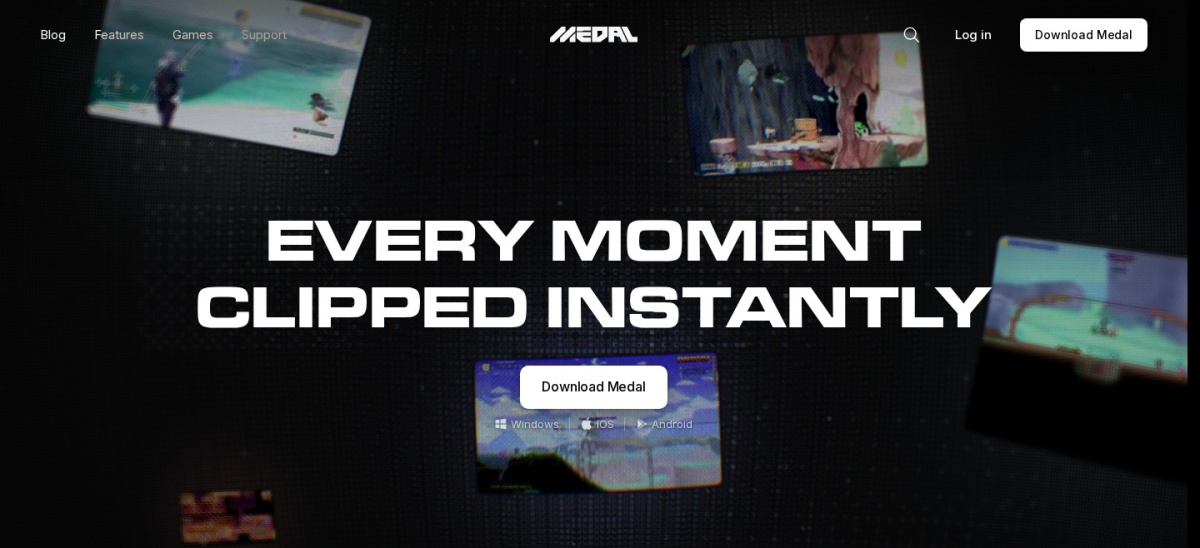
Medal is a PC and mobile clipping app for gamers that records via hotkey or automatic event detection across supported games. Its free plan lets you capture and share clips, while Medal Premium costs $7.99/mo billed yearly ($9.99/mo monthly).
The trade off is that free plans carry limits and ads, while Medal Premium costs $7.99/mo yearly ($95.88/yr). It suits PC gamers who want quick hotkey replays and auto-detected highlights.
What we like
Supports both manual hotkey clipping and automatic event detection in games
Includes built-in trimming, cloud links, and mobile access
Annual billing brings Premium down to $7.99/mo
Watch out for
Focused on gaming rather than general desktop or business workflows
Trustpilot score sits at 3.5/5 across 321 reviews
Medal Premium ($7.99/mo yearly) adds unlimited clip upload length, original quality up to 4K, removable watermarks, and no ads.Visit medal.tv
05
Eklipse
3.7/5on Trustpilot (987 reviews, checked Nov 2026)
Paid from$179.99/yr
Best for automated stream VOD clipping
Entry paid$179.99/yr ($24.99/mo)
Trustpilot3.7/5 (987)
WorkflowStream VOD and highlight AI
OutputVertical clips and captions
eklipse.gg
Eklipse homepage, captured Nov 2026.
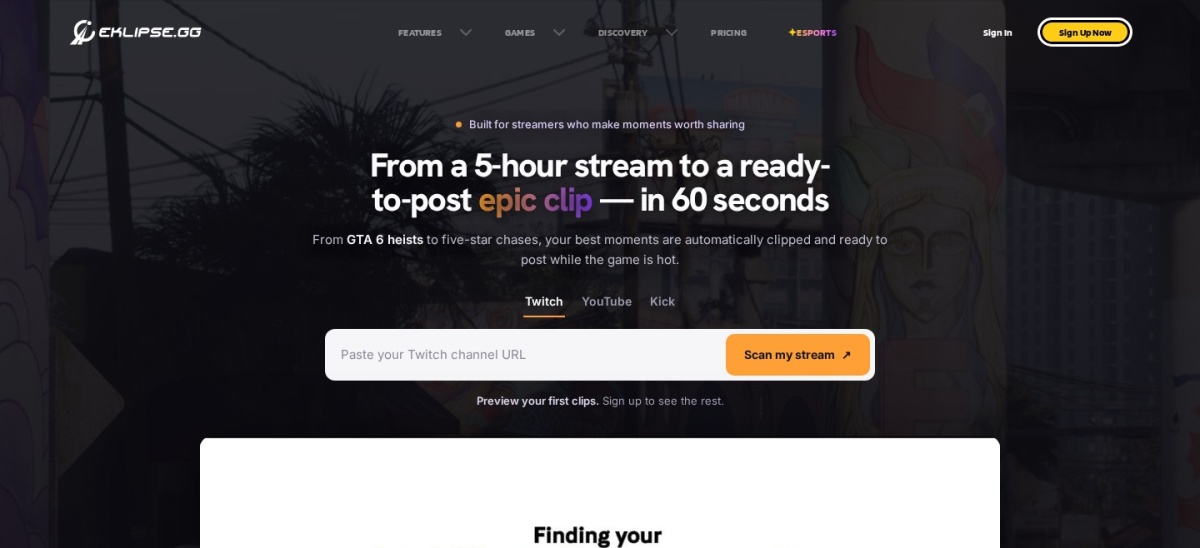
Eklipse turns gaming livestreams and VODs from platforms like Twitch, Kick, and YouTube into short clips using AI highlight detection. It offers a free tier alongside Eklipse Premium at $179.99/yr billed annually ($24.99/mo monthly).
The trade off is that AI-picked moments still need review and Premium costs $179.99/yr billed annually. It suits PC streamers who want automated highlight candidates reframed for vertical feeds.
What we like
Automates highlight finding from completed streams without extra local capture load
Includes vertical framing, captions, and social publishing tools
Offers a free tier to test AI clip detection
Watch out for
AI highlight picks can miss context or capture quiet moments
Annual Premium pricing is higher than local replay tools
Eklipse Premium ($179.99/yr) adds 1080p 60fps exports, priority AI processing, and more templates.Visit eklipse.gg
06
Bandicam
4.4/5on G2 (42 reviews, checked Nov 2026)
Starts at$33.26/yr
Best for lightweight Windows screen capture
Entry paid$33.26/yr (10% off)
G2 rating4.4/5 (42)
PlatformWindows
Free limitWatermark and time limit
bandicam.com
Bandicam homepage, captured Nov 2026.
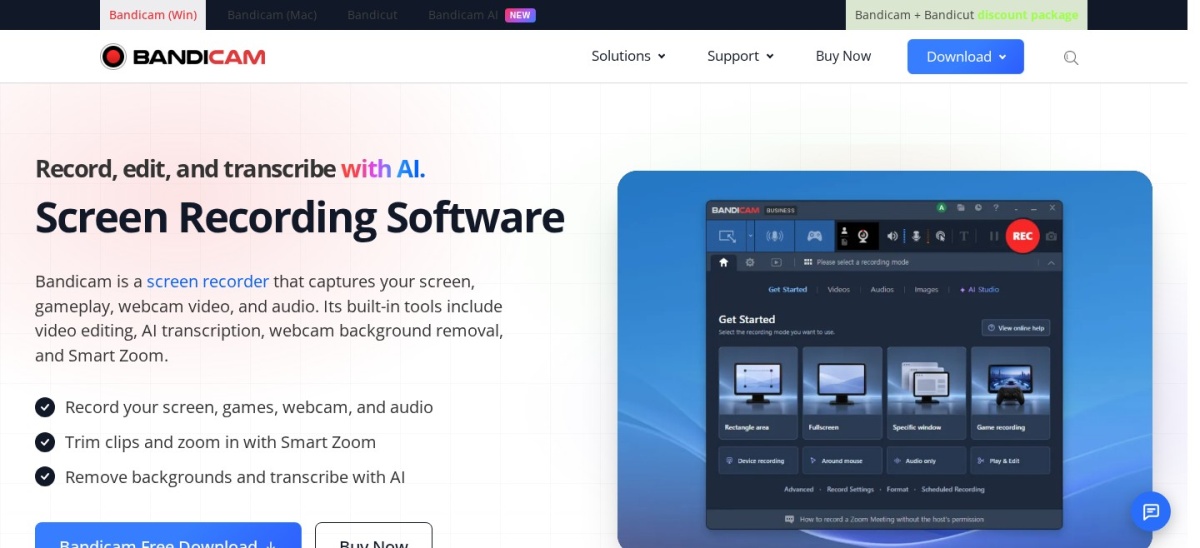
Bandicam is a Windows screen, game, and webcam recorder known for low CPU/GPU overhead and hardware-accelerated capture. Its free download adds a watermark and recording time limit, while the personal annual 1-PC license is listed at $33.26/yr (10% off).
The trade off is that the free version restricts length and adds a watermark, and the Windows-only personal license costs $33.26/yr at its discounted annual rate. It suits Windows users who want a straightforward local recorder.
What we like
Low system overhead with hardware acceleration on Windows
Supports screen region, game, and webcam recording modes
Affordable personal annual pricing at $33.26/yr (10% off)
Watch out for
Windows only with no macOS version
Free version includes a watermark and recording time limit
Registered licenses remove the watermark and recording time limit and include technical support.Visit bandicam.com
07
Kapwing
4.4/5on Capterra (207 reviews, checked Nov 2026)
Paid from$16/mo
Best for browser-based social clip edits
Entry paid$16/mo yearly ($192/yr)
Capterra4.4/5 (207)
Free quota10 credits, 720p watermark
Paid credits1,000 credits/mo on Pro
kapwing.com
Kapwing homepage, captured Nov 2026.
Kapwing is a browser-based video editor for trimming, resizing, subtitling, and sharing clips from a PC without heavy desktop installs. Its free plan gives 10 credits and 720p exports with a watermark, while Pro starts at $16/mo billed annually ($192/yr).
The trade off is strict free-tier limits and recurring subscription costs at $16/mo billed annually ($192/yr). It suits social media editors who collaborate in a browser and need quick captions and resizing.
What we like
Runs in the browser with shared workspaces and team commenting
Includes auto-subtitling, resizing, and Smart Cut tools
Free plan lets you try basic browser edits before paying
Watch out for
Free exports are capped at 720p with a watermark and 10 credits
Relies on browser upload and cloud workspace storage
Pro ($16/mo yearly) removes the Kapwing watermark and adds 1,000 credits/mo and 200 GB of storage.Visit kapwing.com
Replay capture vs. post-clipping
Local clipping tools like OBS Studio, Medal, and Bandicam focus on capturing footage from your PC as it happens. They help when you need low-overhead recording or want to save the last few minutes after an unexpected moment.
Post-clipping and editing tools like Descript, Eklipse, and Kapwing focus on turning longer recordings or livestreams into trimmed, captioned clips. Many creators pair a local recorder with an editor when they want both fast capture and social formatting.
How we chose
This list was compiled by comparing established PC clipping, screen recording, and clip-editing tools across public review platforms, official documentation, and pricing pages.
Pricing and review ratings were checked on 22 Nov 2026 from each vendor's official site or pricing page and public review listings such as G2, Trustpilot, and Capterra.
Tools that lacked verifiable current pricing or public review data, or that were discontinued or unmaintained, were excluded. No vendor paid for a place, and we do not claim testing for this list.
How to choose PC clipping software
Follow four steps to narrow down the right PC clipping setup for your workflow.
Decide whether you need live capture or post-recording editing. Pick a recorder or replay-buffer tool if you want to save moments directly from your PC, or an editor if you already have recordings or stream VODs to cut up.
Check free-tier limits against your real output. Look closely at watermarks, resolution caps, and monthly minute or credit limits before assuming a free plan covers regular publishing.
Compare annual versus monthly pricing at regular rates. Check what a plan costs per year and what happens to limits like storage, exports, or AI credits when you renew.
Match the tool to your operating system and team needs. Confirm Windows, macOS, or browser support and check whether you need shared workspaces, team seats, or local file control.
FAQ
What is the best free PC clipping software?
OBS Studio is a strong free choice because it is open source with no watermarks, no recording time limits, and support for replay buffers and audio filters. For transcript-based editing or stream VOD highlights, Descript and Eklipse also offer free tiers with usage limits.
Do I need a paid plan to remove watermarks?
That depends on the tool. OBS Studio has no watermarks on its free software, whereas tools like Medal, Descript, Bandicam, and Kapwing apply watermarks or plan restrictions on free or trial tiers until you upgrade.
What is the difference between a replay buffer and auto-clipping?
A replay buffer keeps recent footage rolling in memory or on disk so you can save the last stretch with a hotkey when something happens. Auto-clipping detects specific game events or analyzes VODs to mark highlights automatically.
Are browser-based clip editors better than desktop software?
Browser editors like Kapwing make sharing, captioning, and team collaboration straightforward without installing heavy software. Desktop tools like OBS Studio and Bandicam keep capture local and avoid browser upload limits.
How much does PC clipping software cost per year?
Prices range from $0 for free open-source tools like OBS Studio to tens or hundreds of dollars per year on paid plans. For example, Camtasia Starter is $39/yr billed yearly, Medal Premium is $7.99/mo billed yearly, and Eklipse Premium is $179.99/yr billed annually.
Can one tool handle both screen tutorials and gaming clips?
General recorders and editors can capture screens and games, though workflows differ. Camtasia is geared toward step-by-step tutorials and training, while Medal and Eklipse focus on gaming moments and stream highlights.
SaaS SEO and WordPress specialist with about 8 years of experience. Rakib compares WordPress plugins, themes, hosting and software using public pricing, documentation and user reviews. See how we rank.