Canva is the best app to make a video from photos in Hindi for most people, with Hindi text and templates on its free plan and 27.7 million Google Play reviews behind it. Pick InShot for fast phone slideshows and KineMaster for free Hindi auto captions.
How we make this list: we compare pricing pages, product documentation and public user reviews, then re-check every price before each update. No product paid for a place. Disclosure.
Canva leads with a 4.8 rating from 27.7 million reviews, Hindi text and templates, and a free plan that covers basic photo videos.
InShot is the fastest phone option for Hindi slideshows, rated 4.8 from 24.3 million reviews, with Pro at $19.99 a year.
KineMaster is the only pick here with free Hindi auto captions in 36 languages, but free exports carry a watermark.
CapCut has the widest Hindi caption and voice tools, yet its Google Play rating has fallen to 3.5 and its pricing varies by store.
All 9 apps have a free plan. Paid upgrades run from $19.99 to $192 a year, and most free exports add a watermark.
What a Hindi photo video app should cover
A photo video in Hindi usually means three things: photos in order, music, and Hindi words on screen. Some apps add Hindi captions or voice, while others only let you type Hindi text.
Start with how the Hindi will appear. If you speak in the video, an app with Hindi auto captions saves retyping. If the video is silent photos and music, Hindi titles and templates matter more.
Free plans are usable, but most add a watermark or cap export length. Our guide on embedding a video in WordPress shows where a finished video can go once it is exported.
Check the language setting before paying. Full Hindi menus vary by app and device, so type a Hindi title and run one short export in the free version first.
4.8/5on Google Play (27.7M reviews, checked Nov 2026)
Paid from$120/yr
Best app to make video from photo in Hindi overall
Hindi textYes, Hindi fonts and templates
Free planYes
Photo to videoTemplates and timeline
Paid planPro, $120/yr
canva.com
Canva homepage, captured Nov 2026.
Canva is a design app with a video editor that turns photos into a video with templates, music and timed slides. The free plan includes photo video templates, Hindi text in Devanagari fonts, and music, and Canva has localised its product for Hindi users with 8 Indic languages. Projects save in the cloud and open on phone and computer.
The trade off is depth. Canva is not a full timeline editor, so fine control over cuts, keyframes and audio mixing is limited, and premium templates, fonts and the background remover sit behind Pro at $120 a year. It suits people who want a tidy Hindi photo video fast, without learning an editor.
What we like
Strongest Hindi text and template range in this list
Rated 4.8 out of 5 from 27.7 million reviews
Works on phone and computer with cloud saving
Watch out for
No full timeline for fine editing
Best templates and fonts need Pro at $120 a year
Pro adds premium templates, fonts and the background removerVisit canva.com
02
InShot
4.8/5on Google Play (24.3M reviews, checked Nov 2026)
Paid from$19.99/yr
Best for fast Hindi photo slideshows on a phone
Hindi captionsYes, Hindi listed
Free exportWatermarked, with ads
Photo slideshowYes, timing per photo
Paid planPro, $19.99/yr
inshot.com
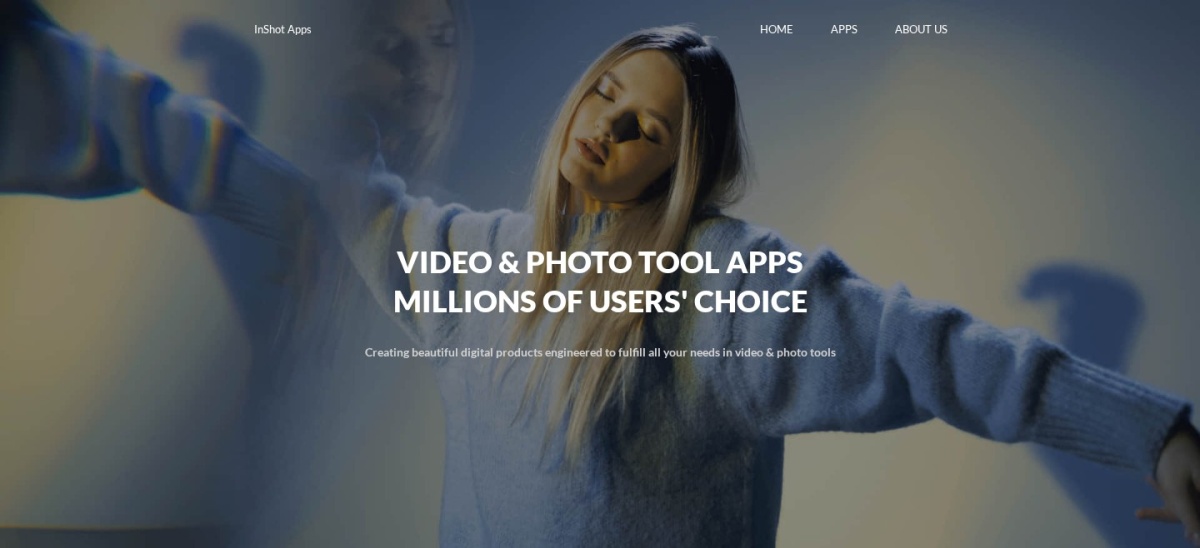
InShot homepage, captured Nov 2026.
InShot is a phone video editor built for quick photo slideshows with music, text and transitions. Its auto captions list Hindi among the supported languages, and Hindi titles can be typed with the phone keyboard in a choice of fonts. The free version exports in HD, including 4K on some phones.
The trade off is the watermark. Free exports carry the InShot logo and show ads, and Pro at $19.99 a year removes both and unlocks paid filters, stickers and effects. It suits anyone who makes short Hindi photo videos for social feeds on a phone.
What we like
Fastest route from photos to a finished slideshow
Hindi listed among auto caption languages
Cheapest yearly paid plan in this list
Watch out for
Free exports carry a watermark and show ads
Long layered projects feel cramped on a phone
Pro removes the watermark and ads and unlocks paid effectsVisit inshot.com
03
KineMaster
4.4/5on Google Play (6.11M reviews, checked Nov 2026)
Paid from$59.99/yr
Best for free Hindi auto captions
Hindi captionsYes, 36 languages incl Hindi
Free exportWatermarked, with ads
LayersMulti-layer timeline
Paid planPremium, $59.99/yr
kinemaster.com
KineMaster homepage, captured Nov 2026.
KineMaster is a multi-layer phone editor with a full timeline, keyframes, chroma key and blending modes. Its auto captions cover 36 languages, including Hindi, and they are free for all users. Photos, Hindi text, stickers, music and voice sit on separate layers, so timing is easy to adjust.
The trade off is price and polish. Free exports carry a KineMaster watermark and show ads, and Premium costs $59.99 a year, with the price varying by store and region. It suits creators who want layered Hindi projects and free Hindi captions without paying first.
3.5/5on Google Play (12.8M reviews, checked Nov 2026)
Paid from$89.99/yr
Best for Hindi captions and voice tools
Hindi captionsYes, auto captions
Hindi voiceText-to-speech in Hindi
TemplatesYes, photo templates
Paid planStandard, $89.99/yr
capcut.com
CapCut homepage, captured Nov 2026.
CapCut is a free video editor from ByteDance with templates, effects and AI tools for short social videos. Its auto captions can generate Hindi subtitles from spoken audio, its text-to-speech tool lists Hindi, and its translator and bilingual caption tools cover Hindi and English. Photo templates turn a set of photos into a video in a few taps.
The trade off is trust in the rating and the price. CapCut is rated 3.5 out of 5 on Google Play from 12.8 million reviews, many about paywalled features and ads, and paid pricing varies by store, with Standard at $89.99 a year. It suits creators who want Hindi captions and templates and can live with the upsells.
What we like
Widest Hindi caption, voice and translation tools here
Large template library for photo videos
Free plan covers core editing and captions
Watch out for
Lowest Google Play rating in this list at 3.5
Many features sit behind a paid plan, and prices vary by store
Standard adds watermark-free mobile exports; Pro is $179.99/yr on the CapCut siteVisit capcut.com
05
VivaVideo
4.3/5on Google Play (11.8M reviews, checked Nov 2026)
Paid from$35.99/yr
Best for simple Hindi slideshows and festivals
Hindi textYes, via phone keyboard
Free export5-minute cap, watermarked
Slideshow makerYes, with music and effects
Paid planVIP, $35.99/yr
vivavideo.tv
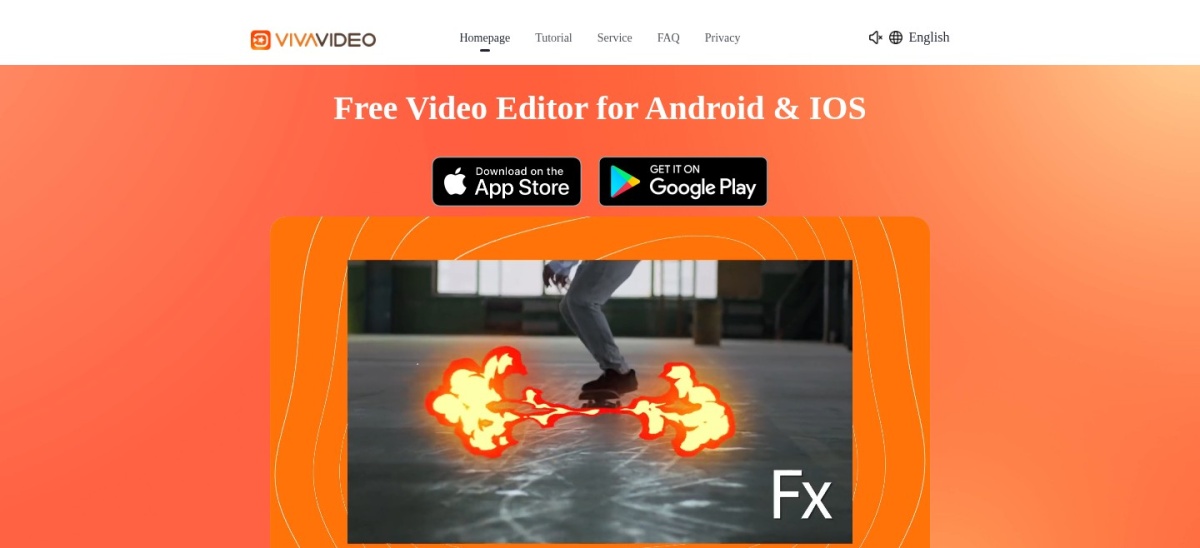
VivaVideo homepage, captured Nov 2026.
VivaVideo is a long-running phone editor made for photo slideshows, with transitions, effects, stickers and a music library. Hindi titles can be typed with the phone keyboard, and its slideshow maker sets photo timing and music in a few steps. The app has more than 500 million downloads on Google Play.
The trade off is the free limit. Free exports are capped at five minutes, carry a watermark and show ads, and AI features run on a separate points system that VIP does not cover. VIP costs $35.99 a year. It suits casual makers of short Hindi slideshows, such as birthday and festival videos.
What we like
Built for slideshows, not general editing
Large music and effects library for short videos
VIP is $35.99 a year, mid-range for this list
Watch out for
Free exports are capped at five minutes with a watermark
AI features use a separate points system
VIP removes the watermark and ads and lifts the five-minute capVisit vivavideo.tv
06
Magisto
4.6/5on Google Play (1.04M reviews, checked Nov 2026)
Paid from$4.99/mo
Best for automatic photo-to-video with no editing
Automatic slideshowYes, picks clips and music
Free planYes, watermarked
Video length10 minutes on Premium
Paid planPremium, $4.99/mo yearly
magisto.com
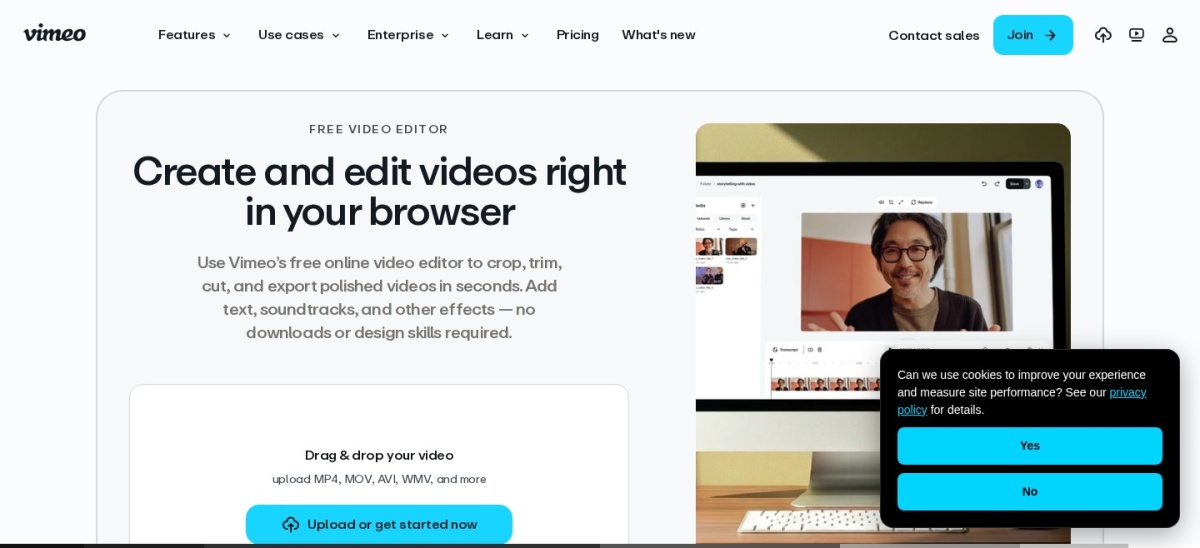
Magisto homepage, captured Nov 2026.
Magisto is an automatic video maker, now part of Vimeo, that turns photos and clips into a finished video with music and transitions. You pick photos, choose a style and music, and its engine sets the pacing and cuts. Premium allows 10-minute videos and unlimited downloads.
The trade off is control. Magisto picks the edit for you, so there is little room to adjust a cut or a title by hand, and its app was last updated in April 2025. Premium costs $4.99 a month billed yearly. It suits people who want a photo video made for them, with almost no editing.
What we like
Fastest automatic route from photos to video
Rated 4.6 out of 5 from 1.04 million reviews
Good for people who do not want to edit
Watch out for
Little control over cuts and titles
App last updated in April 2025, and no stated Hindi captions
Premium adds longer videos, unlimited downloads and no watermarkVisit magisto.com
07
PowerDirector
4.2/5on Google Play (1.61M reviews, checked Nov 2026)
Paid from$59.99/yr
Best desktop-grade editor for Hindi photo videos
Hindi captionsPremium feature
Free exportWatermarked
Photo slideshowYes, timeline and templates
Paid plan365, $59.99/yr
cyberlink.com
PowerDirector homepage, captured Nov 2026.
PowerDirector is a full video editor from CyberLink for phone and computer, with a timeline, effects, transitions and stock media. Hindi text can be typed with the keyboard, and auto captions are a premium feature. The free Essential version covers basic timeline work with photos, music and titles.
The trade off is complexity and price. The interface packs in thousands of effects, which can overwhelm a first-time editor, and 365 costs $59.99 a year against a $79.99 list price, while monthly billing is $24.99. It suits hobbyists who want a desktop-grade Hindi photo video.
4/5on Google Play (1.17M reviews, checked Nov 2026)
Paid from$49.99/yr
Best for AI tools on phone and computer
Hindi textYes, via keyboard
Free exportWatermarked
AI toolsAuto captions and effects
Paid planBasic, $49.99/yr
filmora.wondershare.com
Filmora homepage, captured Nov 2026.
Filmora is a video editor from Wondershare for phone and computer, with timeline editing, effects and AI tools such as auto captions. Hindi text can be typed with the keyboard, and photos can be arranged with music, transitions and titles. The free version exports with a watermark.
The trade off is the paywall and the rating. Many transitions, fonts and effects need a paid plan, and the mobile app is rated 4.0 out of 5 from 1.17 million Google Play reviews, with recent reviews about features moving behind payment. Basic costs $49.99 a year. It suits editors who want AI tools on phone and computer.
What we like
AI captions, effects and templates on phone and computer
4K export without a watermark on the paid plan
Perpetual licence available at $79.99 once
Watch out for
Many effects and fonts need a paid plan
Mobile rating is 4.0, with recent complaints about paywalls
Best web slideshow maker without installing an app
Hindi textYes, via keyboard
Free planYes, watermarked
TemplatesSlideshow templates
Paid planBasic, $16/mo
animoto.com
Animoto homepage, captured Nov 2026.
Animoto is a web video maker that builds slideshow videos from photos with templates, licensed music and text. Hindi text can be typed with the keyboard, and finished videos can be shared by link or download. The free plan makes unlimited videos with an Animoto watermark.
The trade off is price. Basic costs $16 a month, or $192 a year if paid monthly, which makes it the priciest pick here, and annual billing is cheaper but the exact annual rate varies in listings. It suits small businesses that want template photo videos without installing an app.
What we like
No app install, runs in the browser
Licensed music and templates included
Rated 4.3 out of 5 on G2
Watch out for
Priciest paid plan in this list at $16 a month
G2 rating rests on only 94 reviews, and no stated Hindi captions
Basic removes the watermark and adds 1080p HD downloadsVisit animoto.com
Hindi text and captions: what to check first
Type a Hindi title before you pay. Every app here accepts Hindi text from the phone keyboard, but fonts and line spacing differ, so check that Devanagari letters join correctly.
Auto captions are not the same in every app. KineMaster lists Hindi among 36 free caption languages, CapCut lists Hindi captions and voice, and InShot lists Hindi among its caption languages.
For a silent photo video, captions do not matter. Pick on templates, music and export quality instead, and test one short export first.
How we chose
We started from the apps people search for when making a photo video in Hindi, then kept nine established apps with a photo slideshow or template route and a public rating.
Prices come from each vendor's pricing page, store listing or a price guide checked on 25 November 2026. Ratings and review counts come from Google Play on the same day, except Animoto, which uses G2. Where a vendor shows a sale, the list shows the regular price.
We left out apps with no public rating and apps that only animate a single photo. No vendor paid for a place, and we do not claim to have used these tools ourselves.
How to choose an app to make video from photo in Hindi
Pick the app that fits how you will make the video, not the longest feature list.
Decide if you will speak in the video. If you speak Hindi on camera, pick an app with Hindi auto captions, such as KineMaster or CapCut. For silent photo videos, templates and music matter more.
Make one short video in the free version first. Type a Hindi title, add music, and export. Check the watermark, the export length and whether Hindi letters display correctly.
Check the export before you pay. Free plans in this list add a watermark or cap length. Pay only if the paid plan removes the limit that bothers you.
Match the app to your device. Canva, PowerDirector and Filmora also run on a computer, while InShot, KineMaster and VivaVideo are phone-first. See how to post a video on WordPress once the video is ready.
FAQ
What is the best app to make a video from photos in Hindi?
Canva is the best pick for most people. It is rated 4.8 out of 5 from 27.7 million Google Play reviews, offers Hindi text and templates, and its free plan covers basic photo videos with music.
Which app makes Hindi captions automatically for free?
KineMaster is the best free option for Hindi captions. Its auto captions cover 36 languages, including Hindi, at no cost, though free exports carry a watermark that Premium removes.
Can I make a Hindi photo video without paying?
Yes. All 9 apps in this list have a free plan, and you can type Hindi titles with your phone keyboard in each one. Most free exports add a watermark, and VivaVideo also caps free exports at five minutes.
Which app is best for quick Hindi slideshows on a phone?
InShot is the best choice for quick phone slideshows. It is rated 4.8 out of 5 from 24.3 million reviews, sets photo timing and music in a few taps, and Pro costs $19.99 a year.
Do these apps put a watermark on free videos?
Most do. Canva, InShot, KineMaster, CapCut, VivaVideo, Magisto, PowerDirector, Filmora and Animoto all watermark free exports or limit them. A paid plan is the usual way to remove the watermark.
Can I use Hindi songs in these photo videos?
Most of these apps include a built-in music library, and you can also add your own audio file. Check the track licence before using a video for business or paid promotion, and keep the original audio file for re-edits.
SaaS SEO and WordPress specialist with about 8 years of experience. Rakib compares WordPress plugins, themes, hosting and software using public pricing, documentation and user reviews. See how we rank.