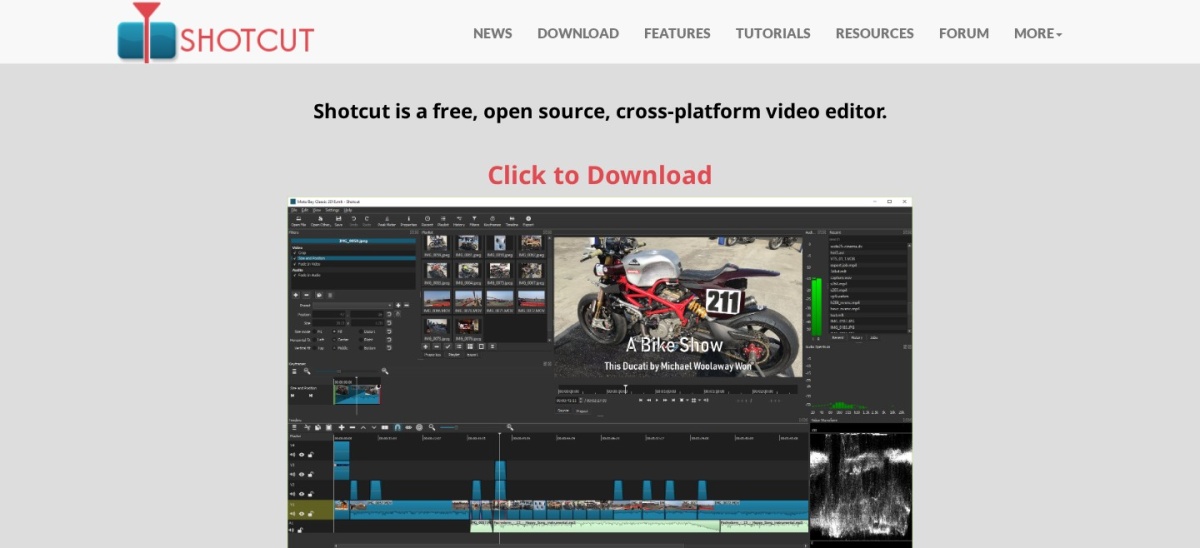
Shotcut is the best open source video editing software for most users, with native timeline editing across Windows, macOS and Linux and v26.11.15 released in November 2026. Choose Kdenlive for multi-track non-linear editing and Blender when your video work includes 3D or compositing.
How we make this list: we compare pricing pages, product documentation and public user reviews, then re-check every price before each update. No product paid for a place. Disclosure.
Shotcut runs on Windows, macOS and Linux with no import step and received v26.11.15 in November 2026.
Kdenlive offers proxy editing, nested timelines and automatic transcription, with release 26.08.3 in November 2026.
Blender pairs its video sequence editor with 3D modeling, motion tracking and compositing under the GPL.
OpenShot keeps basic timeline editing simple across desktop platforms and reached version 4.1 in October 2026.
LosslessCut trims and merges media in seconds without re-encoding, free on GitHub or $19.99 in the Microsoft Store.
What to check in an open source video editor
Open source video editors avoid monthly subscriptions and export without watermarks, though support usually comes from documentation and community forums rather than a paid help desk.
Check operating system support first. Cross-platform tools run on Windows, macOS and Linux, while editors such as Flowblade and Cinelerra-GG focus on Linux.
High-resolution footage benefits from proxy editing or hardware-accelerated export so timelines stay responsive on mid-range computers.
Not every open source tool is a full non-linear editor. Trimming utilities work fast on raw clips, while full editors handle layered audio, titles and effects.
Shotcut is a free, open source video editor from Meltytech that edits files natively on the timeline without a separate import step. It supports formats through FFmpeg, captures screen and webcam sources and released version 26.11.15 in November 2026.
The trade off is interface discovery and transition depth. Some controls sit inside dockable panels or menus and take time to learn. It suits creators on Windows, macOS or Linux who want an actively maintained free editor.
What we like
Runs on Windows, macOS and Linux with no license fee
Native timeline editing without importing clips first
Frequent updates, including v26.11.15 in November 2026
Watch out for
Dockable panel layout can feel unfamiliar at first
Fewer built-in motion graphics templates than commercial suites
No paid edition required; free under open source licensesVisit shotcut.org
02
Kdenlive
4.5/5on G2 (4.5/5 listing reviews, checked Nov 2026)
PriceFree
Best for multi-track non-linear editing
PlatformsLinux, Windows, macOS, BSD
Proxy editingYes
Latest release26.08.3
Paid licenseNone (GPL)
kdenlive.org
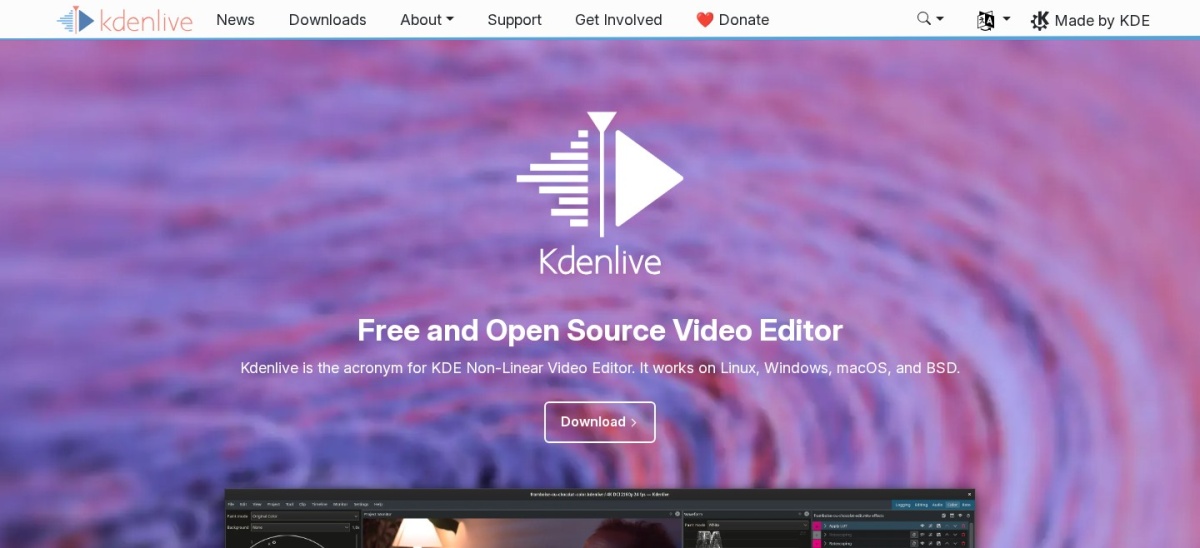
Kdenlive homepage, captured Nov 2026.
Kdenlive is a community-built non-linear video editor from the KDE project that supports multi-track timelines, proxy clips, nested sequences and automatic transcription. Its 26.08.3 release landed in November 2026 with project recovery and stability fixes.
The trade off is a heavier interface and more settings to manage than basic editors. It suits editors who want a traditional non-linear layout with scopes, LUTs and proxy workflows.
What we like
Proxy editing helps smooth playback on heavy footage
Includes scopes, LUTs, nested timelines and transcription
Active 2026 release cycle with no paid feature lock
Watch out for
Steeper learning curve than simple drag-and-drop tools
Relies on volunteer and community support channels
Blender is a free, open source 3D creation suite that includes a video sequence editor, motion tracking, masking and a node-based compositor in one program. It offers long-term support releases such as 5.2 LTS with waveform, vectorscope and histogram displays.
The trade off is complexity and scope. Its interface centers on 3D and node workflows rather than everyday clip cutting. It suits creators who mix 3D animation, tracking or compositing with video edits.
What we like
Combines video cutting with 3D, tracking and node compositing
Includes scopes and commercial-use output under the GPL
Long-term support releases backed by the Blender Foundation
Watch out for
Overbuilt if you only need straightforward timeline cutting
Heavy on system memory and GPU resources during rendering
No paid license; supported via Development Fund membershipsVisit blender.org
04
OpenShot
4.5/5on G2 (32 reviews, checked Nov 2026)
PriceFree
Best for quick, straightforward timeline edits
PlatformsWindows, macOS, Linux
LicenseGPL-3.0
Recent releaseOpenShot 4.1
Paid licenseNone for desktop
openshot.org
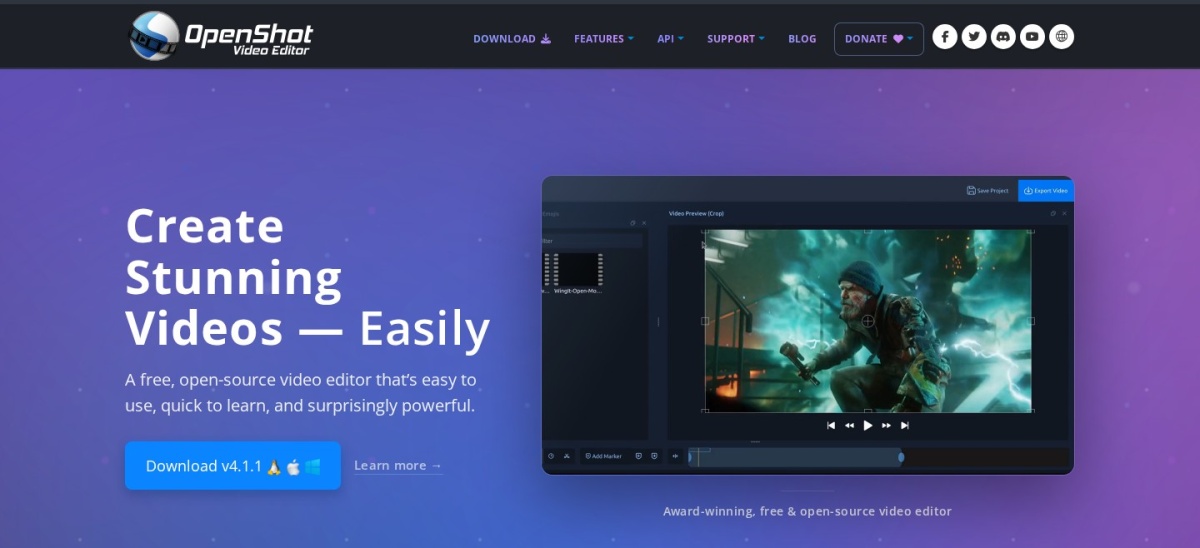
OpenShot homepage, captured Nov 2026.
OpenShot is a free, open source desktop video editor released under GPL-3.0 for Windows, macOS and Linux. It provides drag-and-drop timeline tracks, transitions, title templates and keyframes, with OpenShot 4.1 arriving in October 2026.
The trade off is depth for complex post-production. Large or multi-hour timelines can feel less responsive than specialized editors. It suits beginners and small teams making straightforward videos without subscription fees.
What we like
Easy timeline layout for beginners and quick edits
No watermarks or desktop licensing fees under GPL-3.0
Active 2026 releases across Windows, macOS and Linux
Watch out for
Less suited to heavy multi-cam or deep color grading work
Large projects can slow down compared with leaner tools
Desktop software is free under GPL-3.0; optional cloud API is separateVisit openshot.org
05
LosslessCut
4.8/5on UpdateStar (2026 listing reviews, checked Nov 2026)
Paid from$19.99 one-time
Best for fast trimming without re-encoding
PlatformsWindows, macOS, Linux
EncodingStream copy (no re-encode)
Latest releasev3.70.2
Store build$19.99 one-time
losslesscut.net
LosslessCut homepage, captured Nov 2026.
LosslessCut is a free, open source desktop tool under GPL-2.0 that trims, splits and merges video and audio files by copying streams via FFmpeg. It runs on Windows, macOS and Linux and reached v3.70.2 in October 2026.
The trade off is that it trims and remuxes rather than doing full timeline effects, and lossless cuts snap to keyframes unless smart cut is used. It suits fast rough cuts; the free GitHub build is free while the Microsoft Store edition is $19.99 one-time.
What we like
Trims large recordings in seconds without re-encoding quality loss
Free open source download on GitHub under GPL-2.0
Supports many codecs and containers through FFmpeg
Watch out for
Not a full non-linear editor for transitions or color work
Unsigned GitHub binaries can prompt OS security warnings
GitHub build is free; Microsoft Store build is $19.99 for auto-updatesVisit losslesscut.net
06
Flowblade
4.5/5on OpenSourceAlternatives (2026 listing reviews, checked Nov 2026)
PriceFree
Best for keyboard-driven Linux editing
PlatformsLinux only
LicenseGPL-3.0
TracksUp to 21 tracks
Paid licenseNone (GPL-3.0)
jliljebl.github.io
Flowblade homepage, captured Nov 2026.
Flowblade is a multitrack non-linear video editor for Linux released under GPL-3.0. It uses an FFmpeg backend, supports up to 21 combined tracks and includes multiple timeline editing tools plus G'MIC image filters.
The trade off is platform lock-in and setup. It runs on Linux only rather than Windows or macOS, and installing dependencies can take extra steps. It suits Linux users who want a focused multitrack timeline.
What we like
Purpose-built multitrack timeline workflow for Linux
Includes compositors, G'MIC filters and GPU encoding options
Free under GPL-3.0 with releases through 2026
Watch out for
No native Windows or macOS builds
Fewer ready-made social templates than consumer editors
Cinelerra-GG Infinity is a free, open source Linux video editor built for demanding technical workflows. It offers 8K timeline support, multicam editing, motion tracking, color grading tools and hundreds of effects with regular releases in 2026.
The trade off is a dense, classic workstation interface and Linux-only support. It suits Linux editors who want deep technical controls and high-resolution timelines at zero cost.
What we like
Supports 8K timelines, multicam sync and color grading
Large set of built-in effects and filters on Linux
A full non-linear editor like Shotcut or Kdenlive re-encodes video when you export so you can layer clips, add transitions, adjust color and mix tracks.
A lossless trimmer like LosslessCut copies existing audio and video streams directly into a new file without re-encoding.
Use a lossless trimmer first to cut long screen captures or camera files down to useful clips, then bring only those clips into a full editor.
How we chose
We started from active open source video editing projects listed across open source directories, code repositories and software review platforms.
Pricing, release status and ratings were checked on 22 November 2026 from each project's official site, release notes and third-party review pages. Where an optional paid store build exists, we note its regular price.
We excluded projects without recent maintenance or those that do not operate as open source video editors. No vendor paid for a place, and we do not claim testing for this list.
How to choose open source video editing software
Match the editor to your operating system and project complexity before downloading.
Confirm your operating system support first. Pick Shotcut, Kdenlive, Blender or OpenShot if you switch between Windows, macOS and Linux, or choose Flowblade or Cinelerra-GG on Linux.
Decide if you need full editing or fast trimming. Use LosslessCut for quick stream cuts without re-encoding, and choose a multi-track editor when you need transitions, titles or layered audio.
Check hardware needs for high-resolution footage. Look for proxy editing in Kdenlive or hardware-accelerated export options if you edit 4K or higher-resolution video.
Factor in compositing and 3D requirements. Choose Blender if your video timeline needs 3D scenes, motion tracking or node-based compositing alongside editing.
FAQ
Is open source video editing software really free?
Yes. Open source video editors such as Shotcut, Kdenlive, Blender, OpenShot and Flowblade can be downloaded and used without licensing fees or export watermarks. A few projects also offer paid app store builds for convenience or automatic updates.
Which open source video editor is easiest for beginners?
OpenShot is a common starting point for beginners because its timeline, tracks and basic transitions are straightforward. Shotcut is also approachable once you get used to its panel layout.
Can open source video editors edit 4K video?
Yes. Editors such as Shotcut, Kdenlive, OpenShot and Blender support 4K editing, while Cinelerra-GG supports timelines up to 8K. Using proxy clips helps keep playback smooth on modest hardware.
What is the difference between Kdenlive and Shotcut?
Both use open source media libraries, but Kdenlive focuses on a traditional multi-track non-linear layout with proxy clips and nested timelines, while Shotcut emphasizes direct timeline editing and dockable panels across desktop systems.
When should I use Blender for video editing?
Blender works best when your project combines timeline editing with 3D animation, camera or object tracking or node-based compositing. If you only cut clips and add simple titles, a dedicated editor is simpler.
Do open source video editors add watermarks to exports?
No. Open source video editors export clean files without vendor watermarks, though you should pick an export format and codec supported by your target player or platform.
SaaS SEO and WordPress specialist with about 8 years of experience. Rakib compares WordPress plugins, themes, hosting and software using public pricing, documentation and user reviews. See how we rank.