StreamYard is a top browser-based live streaming pick for events, holding a 4.8 out of 5 rating across 299 G2 reviews. Choose Restream for wide multistreaming reach or Dacast for ticketed broadcasts and embedded video hosting.
How we make this list: we compare pricing pages, product documentation and public user reviews, then re-check every price before each update. No product paid for a place. Disclosure.
StreamYard holds a 4.8 out of 5 rating across 299 G2 reviews, with Essential starting at $14.99 per month billed annually.
Restream starts at $19 per month on Standard and supports streaming to 30+ platforms across plans.
Dacast starts at $39 per month billed annually on Starter ($468/yr) and includes a paywall option on Event plans.
Crowdcast starts at $49 per month on Lite and combines registration, Q&A and replays on one event link.
BoxCast starts at $109 per month billed annually on Standard with 10,000 viewer hours per month included.
What to look for in an event live streaming platform
Live event streams fail for different reasons than standard video calls. Speakers drop out, bandwidth spikes mid-keynote, and viewers expect replay access without hunting for a new link.
Start by matching the workflow to your production setup. A browser studio fits panels and remote speakers, while encoder-based streaming fits multi-camera venues and hardware switchers.
Check how each tool handles access and monetization. Some platforms focus on public social channels, while others offer embedded players, passwords, registration pages or ticket paywalls.
Watch bandwidth, viewer limits and billing rules before you commit. Several services meter by viewer hours, active contacts or annual commitments rather than flat monthly seats.
StreamYard is a browser-based live streaming studio where speakers join through a link without downloading software. Its free plan includes 1 seat, up to 6 on-screen participants and 2 hours per month of local recordings with StreamYard branding.
The trade off is plan scope and caps. Essential starts at $14.99 per month billed annually and is licensed for individual use, while company teams are directed to Business plans. It suits panels, interviews and shows that want quick guest onboarding in a browser.
What we like
No software download needed for remote guests
4.8 out of 5 rating across 299 G2 reviews
Core removes branding and adds 1080p and 3 multistream destinations
Watch out for
Free plan includes StreamYard branding and recording limits
Core and Advanced are intended for individual use rather than company teams
Best for streaming events to many channels at once
Free planYes, 2 channels
Entry planStandard, $19/mo
Multistream reach30+ platforms
G2 rating4.5/5 (85)
restream.com
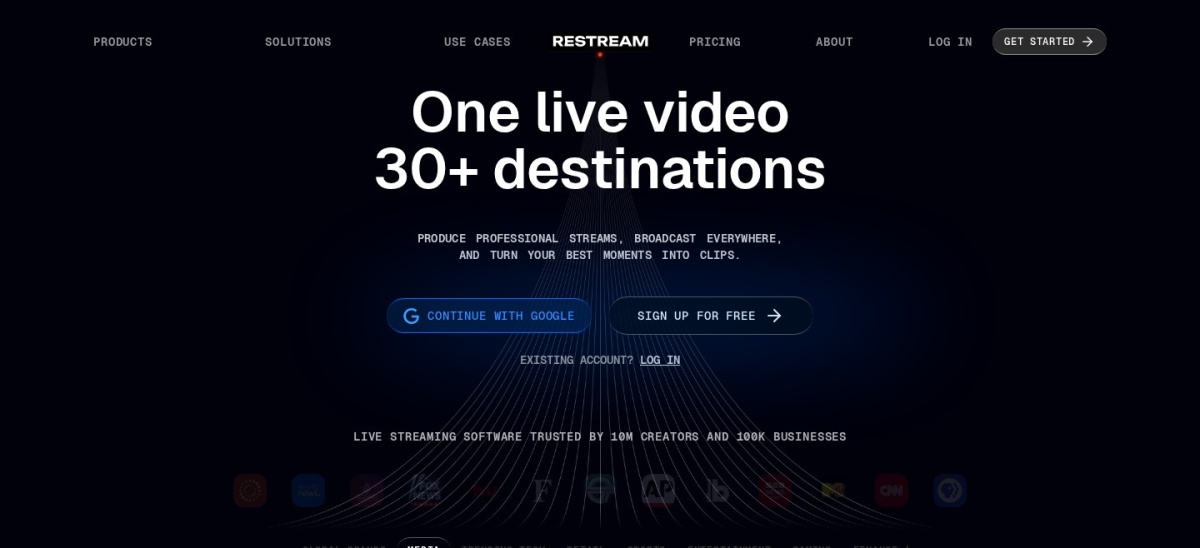
Restream homepage, captured Nov 2026.
Restream is a live streaming platform for broadcasting from a browser studio or encoder to 30+ platforms at once. Its free plan lets you stream to 2 channels simultaneously with Restream branding.
The trade off is that add-ons and higher tiers stack up for full event features. Standard starts at $19 per month, while add-ons like Webinars start at $99 per month. It suits launches and broadcasts that need wide social reach from one feed.
What we like
Low entry price starting at $19 per month on Standard
Connects with browser studio or encoders like OBS and Zoom
Includes a free tier for testing basic multistreaming
Watch out for
Webinar and clip add-ons cost extra per month
Standard streams in HD rather than 1080p Full HD
Standard adds 3 channels, guest channels and no Restream brandingVisit restream.com
03
Dacast
4.3/5on G2 (30 reviews, checked Nov 2026)
Starts at$468/yr
Best for embedded event players and paywalls
Free planNo (14-day trial)
Entry planStarter, $468/yr
Bandwidth2.4 TB/yr on Starter
G2 rating4.3/5 (30)
dacast.com
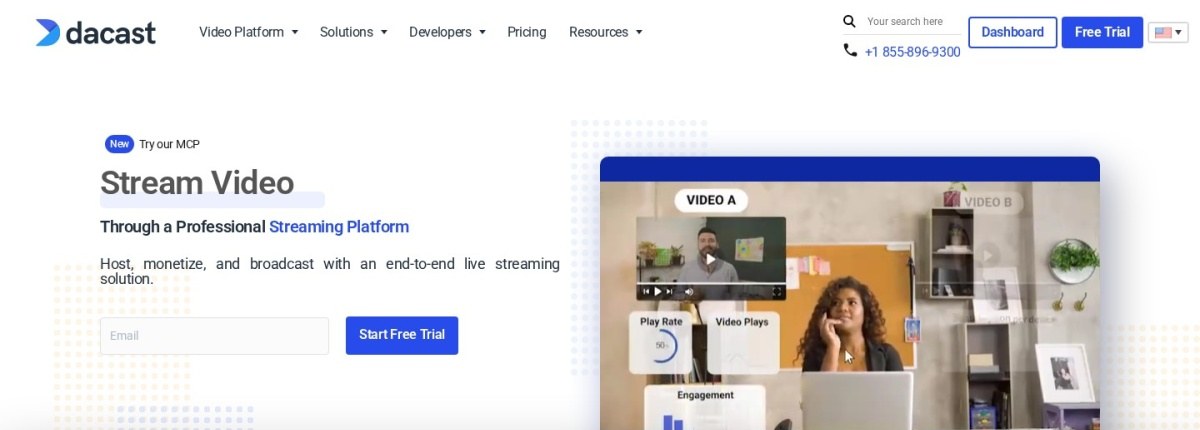
Dacast homepage, captured Nov 2026.
Dacast is an online video hosting and live streaming platform built around embeddable players, live-to-VOD archives and monetization. Its Starter plan lists at $39 per month billed annually at $468 per year with 2.4 TB of bandwidth per year and 500 GB of storage.
The trade off is annual billing and add-on gating. Paywalls are an add-on on Starter or included on the Event plan at $63 per month billed annually ($750 per year). It suits organizations embedding ad-free streams on their own site.
What we like
Ad-free embeddable player with custom branding and security controls
Includes 24/7 support and unlimited concurrent viewers on plans
Supports paywall and ad monetization on eligible tiers
Watch out for
No free plan after the 14-day trial
Monthly plans require a three-month minimum if billed month-to-month
Event and higher plans add paywalls, ads and larger bandwidth poolsVisit dacast.com
04
Crowdcast
4.5/5on G2 (110 reviews, checked Nov 2026)
Starts at$49/mo
Best for interactive Q&A and single-link replays
Free plan14-day free trial
Entry planLite, $49/mo
Live attendees100+ on Lite
G2 rating4.5/5 (110)
crowdcast.io
Crowdcast homepage, captured Nov 2026.
Crowdcast is a browser-based live event platform that keeps registration, live video, Q&A and replays under one event URL. Its Lite plan starts at $49 per month and includes 100+ live attendees, 2-hour sessions, 1 GB studio storage and a 5% transaction fee.
The trade off is session length and attendee caps on lower tiers. Lite limits sessions to 2 hours and charges $0.15 per extra live attendee past the plan limit. It suits workshops, community Q&As and interactive talks.
What we like
Registration, live broadcast and replay stay on one link
Includes built-in Q&A, polls, chat and RTMP mode
4.5 out of 5 rating across 110 G2 reviews
Watch out for
2-hour session cap and 5% transaction fee on Lite
Extra live attendees incur a $0.15 per-attendee overage fee
Pro and Business raise live attendee limits, session length and storageVisit crowdcast.io
05
Castr
4.8/5on G2 (85 reviews, checked Nov 2026)
Starts at$199.99/yr
Best for SRT/RTMP ingest and 24/7 playout
Free plan7-day trial
Entry planStarter, $199.99/yr
Bandwidth2.4 TB upfront yearly
G2 rating4.8/5 on pricing page
castr.com
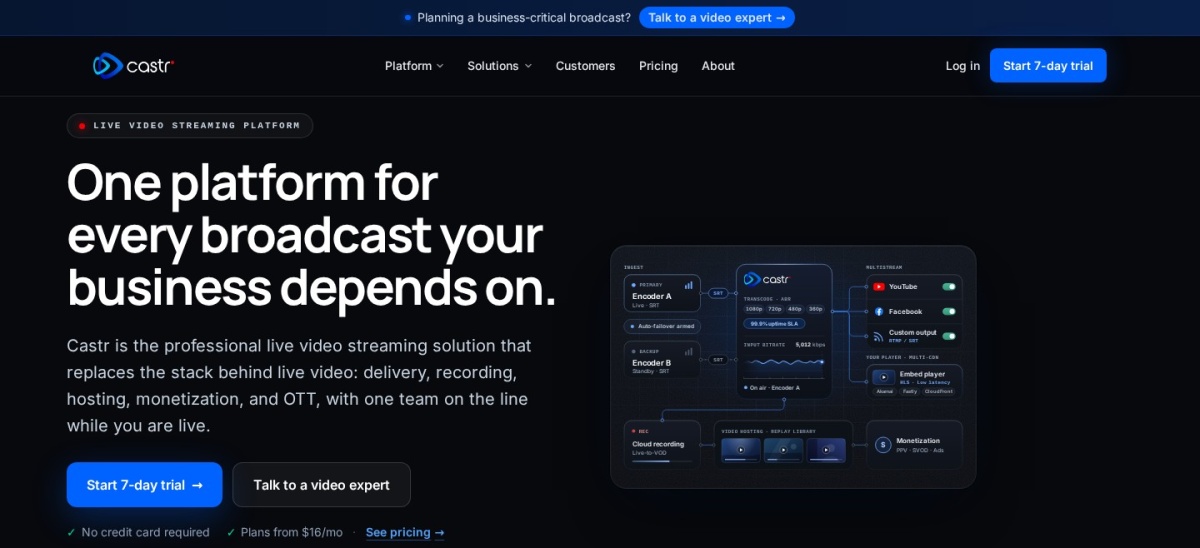
Castr homepage, captured Nov 2026.
Castr combines multistreaming, video hosting, cloud recording and TV playout in one subscription. Its Starter plan lists at $19.99 per month monthly or $199.99 billed yearly ($16.67/mo) with 2.4 TB of upfront bandwidth and 100 GB of video storage.
The trade off is encoder setup and feature gates. It relies on external ingest protocols like RTMP and SRT rather than a built-in guest studio, and adaptive bitrate transcoding is gated to higher tiers. It suits producers streaming from encoders.
What we like
Lowest annual entry price in this list at $199.99 per year
Supports RTMP and SRT ingest plus live-to-VOD and playout
Includes a paywall option and 24/7 support across plans
Watch out for
No free plan after the 7-day trial
Domain allowlisting and adaptive bitrate transcoding require higher tiers
Standard and higher plans add pull links, larger bandwidth and transcodingVisit castr.com
06
BoxCast
4.8/5on G2 (84 reviews, checked Nov 2026)
Starts at$1,308/yr
Best for scheduled venue and sports broadcasts
Free planFree trial available
Entry planStandard, $109/mo yr
Viewer hours10,000 hrs/mo min
G2 rating4.8/5 (84)
boxcast.com
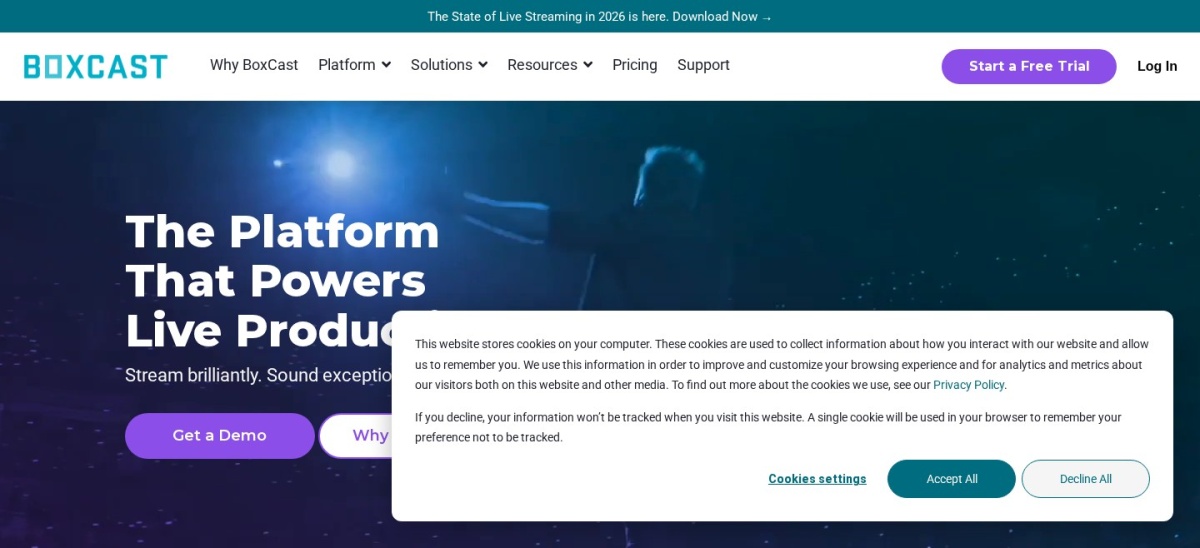
BoxCast homepage, captured Nov 2026.
BoxCast is a live streaming platform built for recurring venue broadcasts such as sports, schools, municipal meetings and services. Its Standard plan starts at $109 per month billed annually ($1,308/yr) or $119 per month monthly, with at least 10,000 viewer hours per month.
The trade off is higher ongoing cost and add-on pricing. Features like ticketing and OTT apps cost extra, and optional Spark hardware encoders are sold separately. It suits venues that schedule regular broadcasts and want automated start and stop times.
What we like
4.8 out of 5 rating across 84 G2 reviews
Includes 10,000 viewer hours per month and preset scheduling
30-day money-back guarantee on streaming plans
Watch out for
Higher starting price than browser streaming tools
Ticketing, OTT apps and Spark hardware encoders cost extra
Deluxe, Advanced and 4K add longer storage, concurrent streams and 4K60Visit boxcast.com
07
BigMarker
4.7/5on G2 (444 reviews, checked Nov 2026)
Starts at$79/mo
Best for marketing webinars and automated series
Free plan7-day trial available
Entry planStarter, from $79/mo
Attendance modeBrowser-based
G2 rating4.7/5 (444)
bigmarker.com
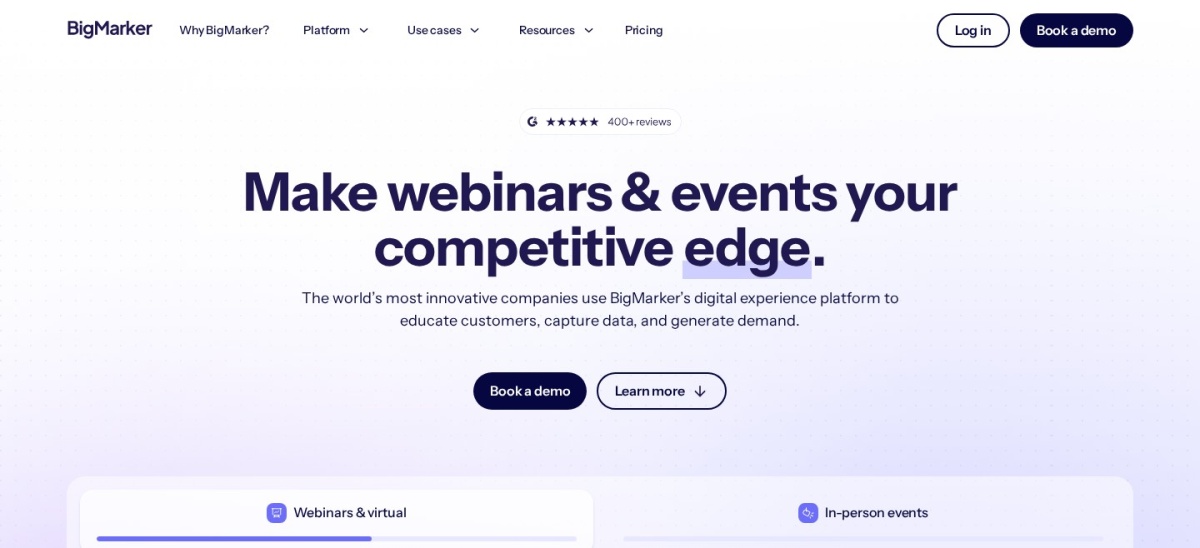
BigMarker homepage, captured Nov 2026.
BigMarker is a browser-based webinar and virtual event platform with built-in registration pages, email reminders, polls, Q&A and CRM integrations. Published entry pricing starts around $79 per month for up to 100 attendees per session.
The trade off is setup depth and higher pricing for larger events. Custom white-labeling, larger attendee caps and virtual event suites move to higher tiers or custom quotes. It suits marketing teams running recurring webinars and lead-gen sessions.
What we like
4.7 out of 5 rating across 444 G2 reviews
Browser-based join flow requires no downloads for attendees
Built-in polls, Q&A, handouts and CRM integrations
Watch out for
No free tier beyond a 7-day trial
Many configuration options can feel dense on first setup
Higher tiers increase attendee limits and add deeper customization and integrationsVisit bigmarker.com
Browser studios vs encoder workflows
Browser-based platforms like StreamYard and Crowdcast make it easy to bring remote speakers on screen with a link and minimal gear.
Encoder-based platforms like Castr, Dacast and BoxCast fit cameras, switchers or software encoders when you need custom RTMP or SRT feeds and venue control.
Pick the workflow your team can run reliably under pressure. A simpler setup with fewer moving parts usually wins during a live event.
How we chose
We selected established live streaming platforms used for webinars, broadcasts, virtual events and multi-channel streams.
Pricing and G2 review data were checked in November 2026 from each vendor's pricing page and public review listings, using regular listed rates rather than promotional discounts.
We excluded tools without verifiable public pricing or established review profiles. No vendor paid for a place, and we do not claim testing for this list.
How to choose a live streaming platform for events
Match the platform to your speaker workflow, audience size and playback destination.
Decide how speakers and cameras connect. Use a browser studio if remote guests join by link, or an RTMP/SRT setup if you use cameras, switchers or OBS.
Check where viewers will watch. Decide whether you want viewers on social channels, an embedded player on your website or a registration and replay page.
Estimate peak viewers and stream length. Check caps on concurrent viewers, viewer hours, session length and bandwidth overages before event day.
Confirm billing terms before you buy. Check whether a tool bills monthly, requires a multi-month minimum or charges annually upfront.
FAQ
What is the best live streaming platform for events?
StreamYard is a strong starting point for guest-led browser events with a 4.8 out of 5 rating across 299 G2 reviews. Restream fits multi-channel broadcasts, while Dacast suits embedded players and paywalls.
Can I live stream an event for free?
Yes, limited free tiers and trials exist, such as StreamYard's free plan and Restream's 2-channel free plan. Paid plans are usually needed to remove watermarks, raise limits or embed cleanly.
Do attendees need to download software to watch?
Usually not for viewers watching a browser player, social stream or web event page. Browser studios like StreamYard and Crowdcast also let speakers join without installing desktop apps.
How do live streaming platforms charge for events?
Most charge a monthly or annual subscription based on channels, bandwidth, storage, viewer hours or attendee limits. Some also charge transaction fees on paid tickets or overages for extra usage.
Should I stream to social media or my own website?
Streaming to social media helps reach wider audiences where people already scroll, while embedding on your site keeps branding and traffic on your domain. Many teams do both at once.
What causes live event streams to drop?
Unstable upload connections, overloaded computers or hitting bandwidth and session limits mid-broadcast are common causes. Test your setup ahead of time and keep a backup plan ready.
SaaS SEO and WordPress specialist with about 8 years of experience. Rakib compares WordPress plugins, themes, hosting and software using public pricing, documentation and user reviews. See how we rank.