Verkada is the best IP video surveillance software for most multi-site teams, rated 4.7 out of 5 on G2 from 163 reviews, with cameras that store video onboard. Pick Milestone XProtect for a free start on up to 8 cameras, or Blue Iris for the cheapest one-time licence.
How we make this list: we compare pricing pages, product documentation and public user reviews, then re-check every price before each update. No product paid for a place. Disclosure.
Verkada is the top pick for multi-site teams: rated 4.7/5 on G2 from 163 reviews, with cloud management and onboard camera storage.
Coram AI has the highest rating here at 4.9/5 on G2 from 221 reviews, and works with the cameras you already own.
Milestone XProtect Essential+ is free for up to 8 cameras, the only free professional VMS in this list.
Rhombus charges $149 per camera per year for its Professional licence, with camera hardware from $399.
Four of the nine tools publish no software price at all, so budget for a quote on Verkada, Coram AI, Avigilon Alta and Eagle Eye Networks.
Blue Iris is the cheapest paid option at $99.95 one-time for up to 128 cameras on one Windows PC.
What IP video surveillance software should cover
IP video surveillance software, usually called a VMS, turns network cameras into a system you can watch live, record, search and export. The software matters more than any single camera, because it decides how fast you find footage after an incident.
Cloud systems such as Verkada and Rhombus manage cameras from a browser and store video on the camera or in the cloud. On-premises systems such as Milestone XProtect and Blue Iris record to your own server, which suits sites with strict data rules or weak internet.
Check camera compatibility first. Open platforms support thousands of models from many brands, while cloud camera systems often only work with their own cameras. Our guide on how to self-host videos vs embed YouTube in WordPress explains the same storage trade-off in a simpler setting.
Licensing is usually per camera, per connection or per site, and retention length drives the price. A 30-day plan costs far less than a 365-day plan, so decide how long you must keep footage before you compare prices.
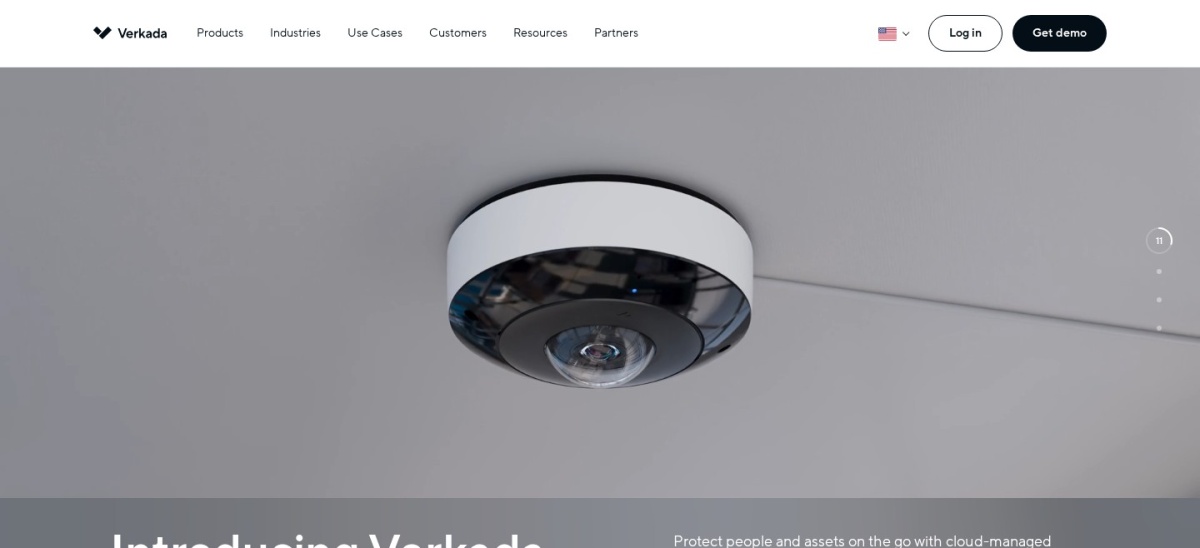
Verkada is a cloud video surveillance platform that pairs its own cameras with the Command web console. Cameras store video onboard, so footage keeps recording during an internet outage, and the console adds access control, alarms and sensors in the same view.
The trade off is lock-in and price. Verkada publishes no software licence price, cameras start at $699 MSRP with a licence required, and the cameras only work with Verkada. It suits multi-site teams that want one cloud console and no servers to maintain.
What we like
Highest review count among cloud-first picks, 163 G2 reviews
Onboard storage keeps recording if the internet drops
One console for video, access control and alarms
Fast search with AI analytics included
Watch out for
No published licence price, so budgeting needs a quote
Works only with Verkada cameras, except via a Connector
Ongoing licence is mandatory for every camera
Paid plans are quote-only; cameras and licences are sold separatelyVisit verkada.com
02
Coram AI
4.9/5on G2 (221 reviews, checked Nov 2026)
PricingCustom/yr
Best AI video search
DeploymentCloud-managed, on-site Point
CamerasWorks with existing IP cameras
AI searchNatural language, weapon alerts
LicencePer camera, 1-10 year terms
coram.ai
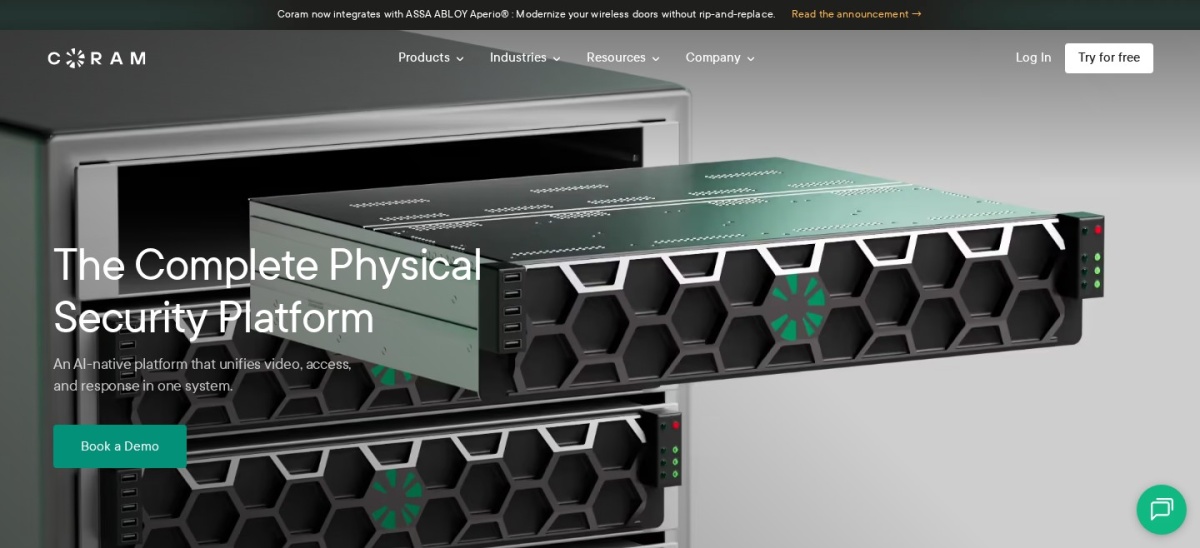
Coram AI homepage, captured Nov 2026.
Coram AI is an AI-first video security platform that works with the IP cameras you already own. A Coram Point appliance at each site records video, stores it and runs the AI, while the cloud dashboard adds natural-language search, weapon detection and licence plate alerts.
The trade off is price and hardware. Coram publishes no prices, licences are per camera on 1, 3, 5 or 10-year terms, and you must buy the Coram Point appliance for each site. It suits schools, churches and workplaces that want AI search without replacing cameras.
What we like
Highest rating in this list, 4.9 out of 5 on G2
Works with existing IP cameras, no rip-and-replace
Natural-language search finds clips in seconds
Weapon detection and emergency tools included
Watch out for
No published prices, so budgeting needs a quote
Needs a Coram Point appliance at every site
Reviewers report slow playback and mobile lag
Weapon detection is an add-on licence, charged per cameraVisit coram.ai
03
Milestone XProtect
4.5/5on G2 (92 reviews, checked Nov 2026)
PriceFree
Best open platform for mixed camera fleets
DeploymentOn-premises, Windows server
Free editionEssential+, up to 8 cameras
Camera supportThousands of models
Editions5, up to Corporate
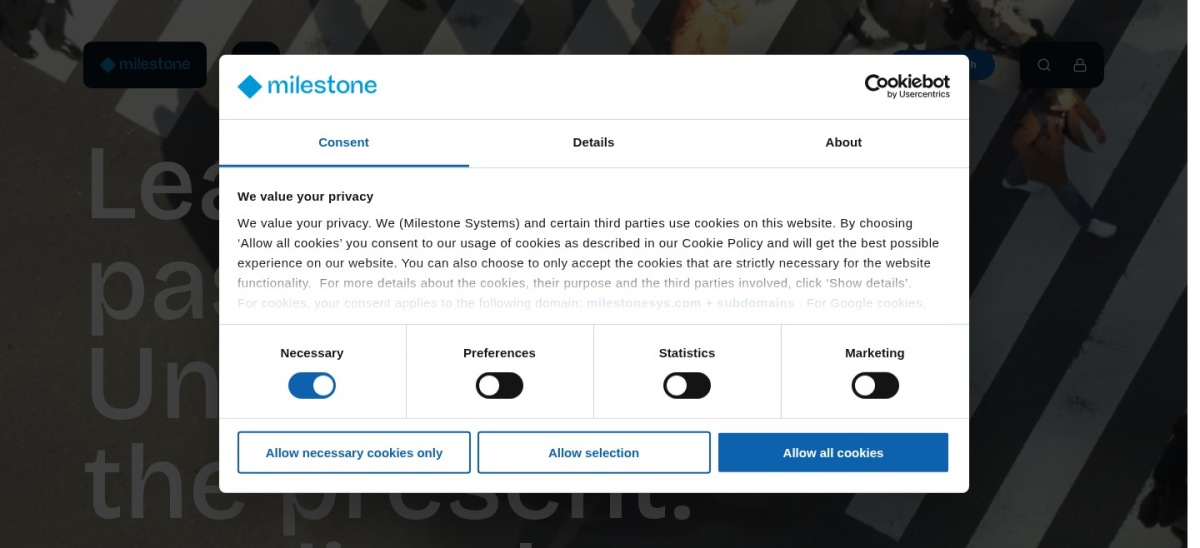
milestonesys.com
Milestone XProtect homepage, captured Nov 2026.
Milestone XProtect is the open-platform benchmark for video management, supporting thousands of camera models from many brands. Essential+ is free for up to 8 cameras on one server with no recording time limit, and paid editions scale to multi-site systems with failover and federation.
The trade off is complexity and quote pricing. Paid editions are perpetual per-device licences sold through partners, with no public price list, and the system assumes Windows server infrastructure. It suits teams with mixed camera brands that need room to grow.
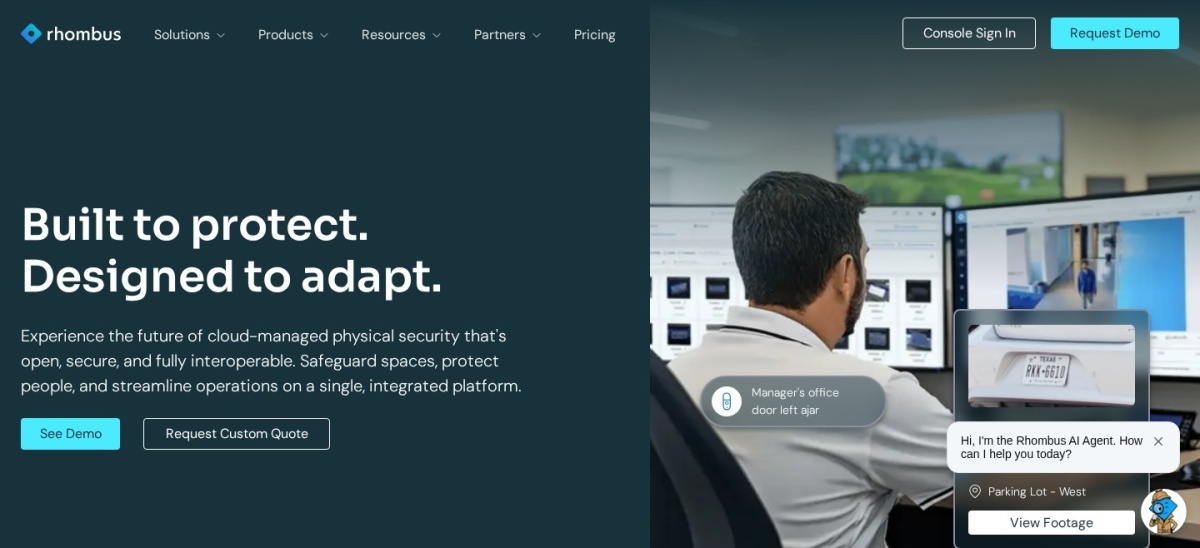
Rhombus is a cloud-managed camera system with the largest review base in this list, rated 4.6 out of 5 on G2 from 667 reviews. Cameras record onboard and connect to a cloud console that also covers sensors and access control, with a Professional licence at $149 per camera per year.
The trade off is that the licence never ends. Every camera needs an active licence to work, and AI features need the Enterprise licence, so long-term cost is several times the hardware price. It suits schools, offices and retail chains that want simple cloud video.
What we like
Largest review base here, 667 G2 reviews
Clear published licence price of $149 per camera a year
10-year warranty on cameras
Sensors and access control in the same console
Watch out for
Cameras stop working without an active licence
AI features need the higher Enterprise licence
No support for third-party cameras without a Relay
Enterprise licence adds AI features; Relay brings in third-party camerasVisit rhombus.com
05
Spot AI
4.8/5on G2 (75 reviews, checked Nov 2026)
Starts at$1,500/yr
Best AI search for existing cameras
DeploymentCloud plus on-edge recorder
CamerasWorks with existing IP cameras
AI searchYes, plus Iris chat search
Starting price$1,500 per year
spot.ai
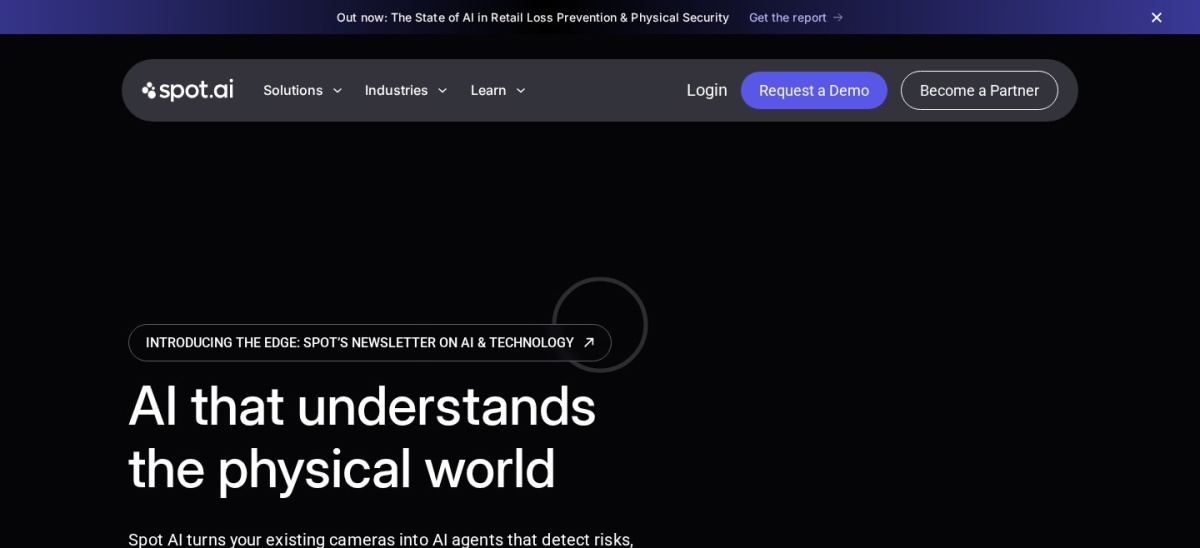
Spot AI homepage, captured Nov 2026.
Spot AI is a camera-agnostic platform that turns the IP cameras you already own into AI-monitored cameras. An Intelligent Video Recorder adds on-edge AI and local storage, while the cloud dashboard offers AI search, case building and a chat agent called Iris that answers questions about footage.
The trade off is price transparency. The official pricing page shows no rates, and G2 lists a starting price of $1,500 a year, so the real cost depends on cameras and features. It suits operations teams that want AI search without replacing cameras.
What we like
Second-highest rating in this list, 4.8 out of 5 on G2
Works with existing IP cameras, no rip-and-replace
AI search and case building for incident review
Local storage plus cloud dashboard
Watch out for
No published price on the vendor pricing page
Smaller review base than Verkada or Rhombus
Internet outage limits cloud viewing
Higher plans add more AI agents and longer retentionVisit spot.ai
06
Genetec Security Center
4.4/5on G2 (30 reviews, checked Nov 2026)
Starts at$149/yr
Best unified video and access control
DeploymentSaaS, on-premises or hybrid
Video connection$149 per year, Standard
UnifiesVideo, access, ALPR
StorageSeparate, from $149 per year
genetec.com
Genetec Security Center homepage, captured Nov 2026.
Genetec Security Center is a unified security platform that brings video, access control and licence plate recognition into one operator workflow. The SaaS version lists video connections at $149 per year on Standard and $199 on Premium, with storage charged separately.
The trade off is that the full bill is bigger than the headline rate. Hardware, storage and installation are extra, and on-premises licences need a certified partner quote. It suits large sites that already run doors and cameras together.
What we like
One workflow for video, access control and ALPR
Published SaaS prices, rare in enterprise VMS
SaaS, on-premises or hybrid deployment
Strong fit for multi-site enterprise estates
Watch out for
Storage is a separate charge on SaaS plans
On-premises pricing needs a partner quote
Thinnest G2 review base near the top, 30 reviews
Premium tier adds features at $199 per connection per yearVisit genetec.com
07
Avigilon Alta
4.6/5on G2 (34 reviews, checked Nov 2026)
PricingCustom/yr
Best Motorola cloud video and access
DeploymentCloud-managed
Also coversAccess control, mobile credentials
Third-party camerasYes, via Alta Video
VendorMotorola Solutions
avigilon.com
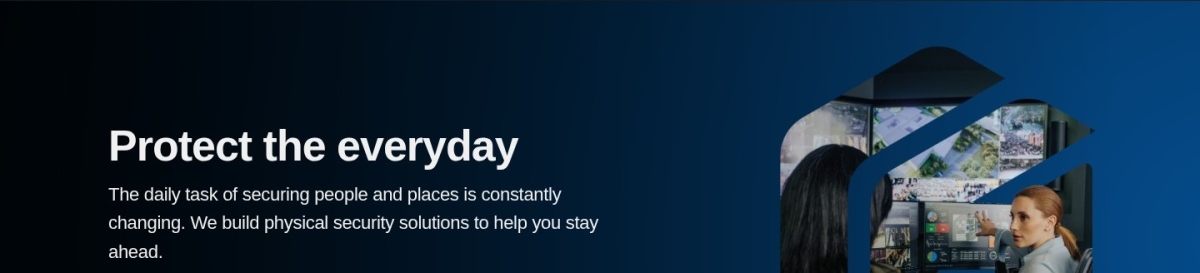
Avigilon Alta homepage, captured Nov 2026.
Avigilon Alta is the cloud platform from Motorola Solutions, combining video with access control in one system. It supports mobile credentials, so staff open doors with a phone, and Alta Video brings third-party cameras into the same cloud console as Avigilon cameras.
The trade off is price and depth. Alta publishes no prices, so every deployment needs a channel quote, and its G2 base of 34 reviews is smaller than the other cloud leaders. It suits sites that want video and doors from one Motorola system.
What we like
Video and access control in one cloud system
Mobile credentials included for door access
Rated 4.6 out of 5 on G2
Works with third-party cameras, not only Avigilon
Watch out for
No published pricing at all
Smaller G2 review base than Verkada or Rhombus
Cloud-only, so no fully offline option
Paid plans are quote-only through Motorola Solutions channelsVisit avigilon.com
08
Eagle Eye Networks
4.4/5on G2 (83 reviews, checked Nov 2026)
PricingCustom/yr
Best cloud VMS for cameras you already own
DeploymentCloud, via Bridge appliance
CamerasAny ONVIF or RTSP camera
Retention tiers7 days to 3 years
PricingPer camera per month, quote
een.com
Eagle Eye Networks homepage, captured Nov 2026.
Eagle Eye Networks is a cloud VMS that records footage from the ONVIF cameras you already own. A small Bridge appliance on site connects cameras to the cloud, where you get remote viewing, search and AI analytics, with retention tiers from 7 days to 3 years.
The trade off is pricing. Eagle Eye publishes no retail rate card, and the per-camera monthly fee rises with resolution and retention, so long retention can multiply the bill. It suits multi-site teams that want cloud video without replacing cameras.
What we like
Works with almost any existing ONVIF camera
No server or NVR to maintain on site
Retention tiers up to 3 years
Rated 4.4 out of 5 on G2 from 83 reviews
Watch out for
No published price, sold through resellers
Long retention raises the monthly fee sharply
Needs a Bridge appliance at each site
Paid plans are quote-only; AI analytics are add-onsVisit een.com
09
Blue Iris
4.4/5on G2 (18 reviews, checked Nov 2026)
Starts at$99.95/one-time
Best budget VMS for Windows
DeploymentWindows PC, local recording
CamerasUp to 128 per licence
Licence$99.95 one-time, Full
Trial15 days, full features
blueirissoftware.com
Blue Iris homepage, captured Nov 2026.
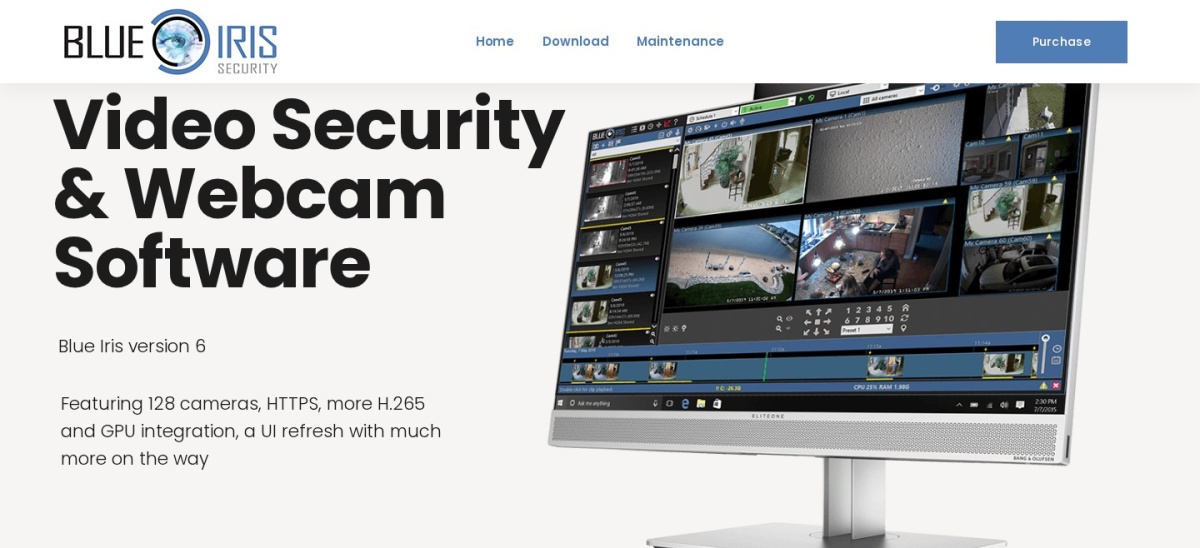
Blue Iris is a Windows video management program that turns a PC into a local recorder for up to 128 cameras. The Full licence costs $99.95 one-time and covers motion and audio triggers, alerts, remote viewing through its UI3 web server, and built-in AI in version 6.
The trade off is that you run the system yourself. Blue Iris is Windows-only, the interface looks dated, and updates after the first year need a maintenance plan from $44.95 a year. It suits homes and small businesses with a spare Windows PC.
Cloud VMS tools win on setup and remote access. You manage cameras from a browser, updates happen for you, and there is no recorder to patch or replace.
On-premises VMS tools win on control and long-term cost. Footage stays on your own drives, there is no monthly fee per camera, and recording continues without internet.
The middle ground is a hybrid: a local recorder with cloud viewing, such as Spot AI or Milestone with cloud services. It keeps footage local while letting managers check cameras from anywhere.
Count total cost over five years, not year one. A $149 per camera yearly licence beats a $99 one-time licence only if you value the cloud console more than the saving.
How we chose
We started from the established IP video surveillance tools with public ratings on G2, then kept nine that cover cloud, on-premises and budget needs.
Prices come from each vendor's pricing page or G2 vendor-provided pricing, checked on 25 November 2026. Ratings and review counts come from G2 on the same day. Where a vendor shows no price, the list shows Custom and says so in the text.
We left out tools with no public rating, such as DW Spectrum and ExacqVision, and tools with only a handful of reviews. No vendor paid for a place, and we do not claim to have used these tools ourselves.
How to choose IP video surveillance software
Start with your cameras, then match the software to how you want to watch and keep footage.
List the cameras you already own. Check whether each camera is ONVIF compatible. Open platforms and cloud bridges accept most models, while camera-maker clouds may need new hardware.
Decide where footage should live. Cloud storage suits multi-site teams with good internet. Local recording suits sites with strict data rules or unreliable connections.
Set your retention period first. Decide how many days of footage you must keep before comparing prices, because retention drives cloud cost more than camera count.
Try the free or trial option. Run Milestone Essential+ on up to 8 cameras free, or use the 15-day Blue Iris trial, before paying for a system-wide licence.
FAQ
What is the best IP video surveillance software?
Verkada is the best pick for most multi-site teams, rated 4.7 out of 5 on G2 from 163 reviews. Milestone XProtect is the best free start for up to 8 cameras, and Rhombus is the best cloud value at $149 per camera per year.
What is the difference between a VMS and a VSaaS?
A VMS is video management software that usually runs on your own server, such as Milestone XProtect or Blue Iris. A VSaaS is video surveillance as a service, a cloud subscription such as Verkada or Rhombus, where the vendor hosts the software.
Is there free IP video surveillance software?
Yes. Milestone XProtect Essential+ is free for up to 8 cameras with no recording time limit. Blue Iris offers a 15-day free trial, but the full licence costs $99.95 one-time.
How much does IP video surveillance software cost?
It ranges from free to quote-only. Rhombus charges $149 per camera per year and Genetec lists $149 per video connection per year, while Verkada, Coram AI, Avigilon Alta and Eagle Eye Networks publish no software price.
Can I use my existing cameras with cloud video software?
Sometimes. Eagle Eye Networks and Spot AI work with most existing ONVIF cameras. Verkada and Rhombus mainly need their own cameras, though both sell a device that brings third-party cameras into the system.
Do I need a server for IP video surveillance software?
Not always. Cloud systems such as Verkada, Rhombus and Avigilon Alta need no server, since cameras connect to a cloud console. On-premises tools such as Milestone XProtect and Blue Iris need a Windows server or PC.
How long should I keep surveillance footage?
It depends on your policy, insurance and local rules, but 30 days is a common minimum and 90 days is common for retail and offices. Longer retention raises cloud cost sharply, so confirm the requirement before choosing a plan.
SaaS SEO and WordPress specialist with about 8 years of experience. Rakib compares WordPress plugins, themes, hosting and software using public pricing, documentation and user reviews. See how we rank.