Wilcom EmbroideryStudio is the best embroidery digitizing software for professional shops, with the deepest stitch control and auto-digitizing. Hatch is the best pick for small businesses at $1,199 one time, while Ink/Stitch is the best free route, with all prices checked on 25 November 2026.
How we make this list: we compare pricing pages, product documentation and public user reviews, then re-check every price before each update. No product paid for a place. Disclosure.
Wilcom EmbroideryStudio is the best pick for professional shops, with the deepest stitch control and auto-digitizing from $790 a year on Decorating.
Hatch Embroidery is the best pick for small businesses, with Wilcom's stitch engine in four levels from $199 to $1,199 one time.
Embrilliance StitchArtist is the best pick for Mac users and beginners, with manual digitizing in three levels from $179 one time.
Ink/Stitch is the best free route into digitizing, as an open-source Inkscape extension for Windows, Mac and Linux.
Most tools here are one-time purchases, not subscriptions. Only Wilcom and Chroma charge yearly, and Ink/Stitch costs nothing at all.
What to look for in embroidery digitizing software
Embroidery digitizing software turns artwork into stitch files your machine can sew. The program decides stitch types, density, underlay and sequencing, and those choices decide whether a design sews out cleanly or puckers, gaps and breaks thread.
The big split is auto-digitizing versus manual digitizing. Auto-digitizing turns a picture into stitches in one click, which is fast but needs cleanup, while manual digitizing gives you control over every stitch at the cost of learning time. Our guide to illustration software covers the vector drawing skills that manual digitizing builds on.
Pricing is the hardest part to compare, because vendors sell in different ways. Most tools here are one-time purchases, Wilcom and Chroma charge yearly, and Brother, Janome and Tajima sell through dealers with no published price. Platform matters too: several tools are Windows only, so Mac users should check before buying.
Best embroidery digitizing software for professionals
Cheapest paid planDecorating, $790/yr
Free planNo, 14-day trial
PlatformWindows
Auto-digitizingYes, from Decorating
wilcom.com
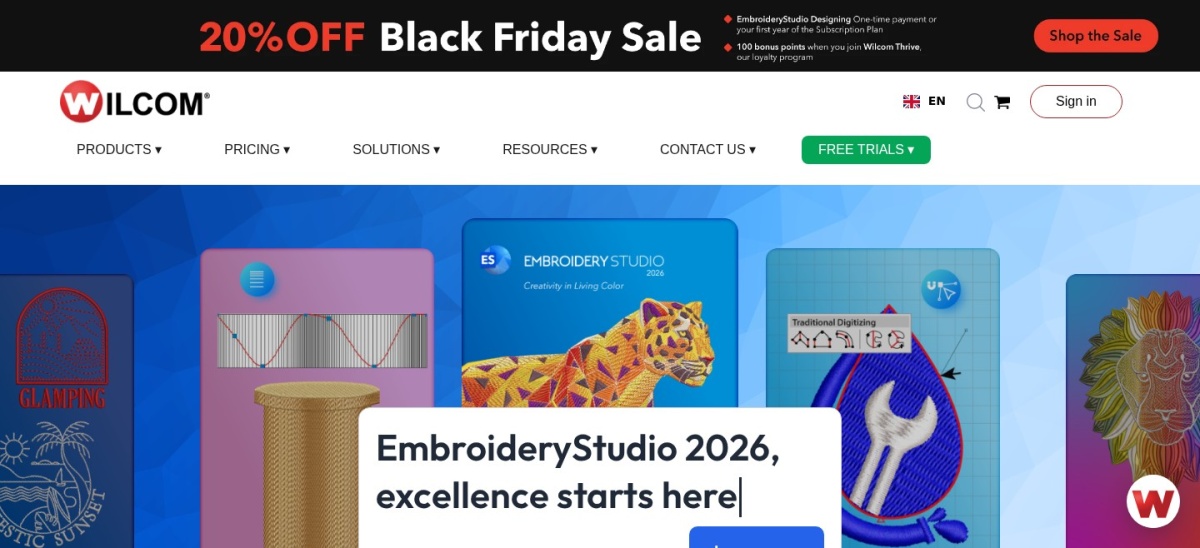
Wilcom EmbroideryStudio homepage, captured Nov 2026.
Wilcom EmbroideryStudio is the professional standard for commercial digitizing, with the deepest manual stitch control and auto-digitizing of any tool here. It holds a 4.3 TechJockey rating from 4 star ratings, and its Decorating level costs $790 a year on subscription, or $2,000 one time, with CorelDRAW included.
The trade off is price and platform. It is Windows only, with Mac users running it through Parallels, and the full Designing level costs $1,490 a year or $3,999 one time. It suits commercial shops and full-time digitizers who sew out designs every day.
What we like
Deepest manual stitch control here
Auto-digitizing with CorelDRAW included
Four levels from Lettering to Designing
Works with all major machine brands
Watch out for
Windows only, Mac needs Parallels
Designing level costs $1,490 a year
Decorating $790 a year, or $79 a month; one-time $2,000Visit wilcom.com
02
Hatch Embroidery
4.2/5on TechJockey (6 reviews, checked Nov 2026)
Starts at$1,199 (one-time)
Best embroidery digitizing software for small businesses
Cheapest paid planOrganizer, $199 one-time
Free planNo, 30-day trial
PlatformWindows 11
Auto-digitizingYes, in Composer and Digitizer
hatchembroidery.com
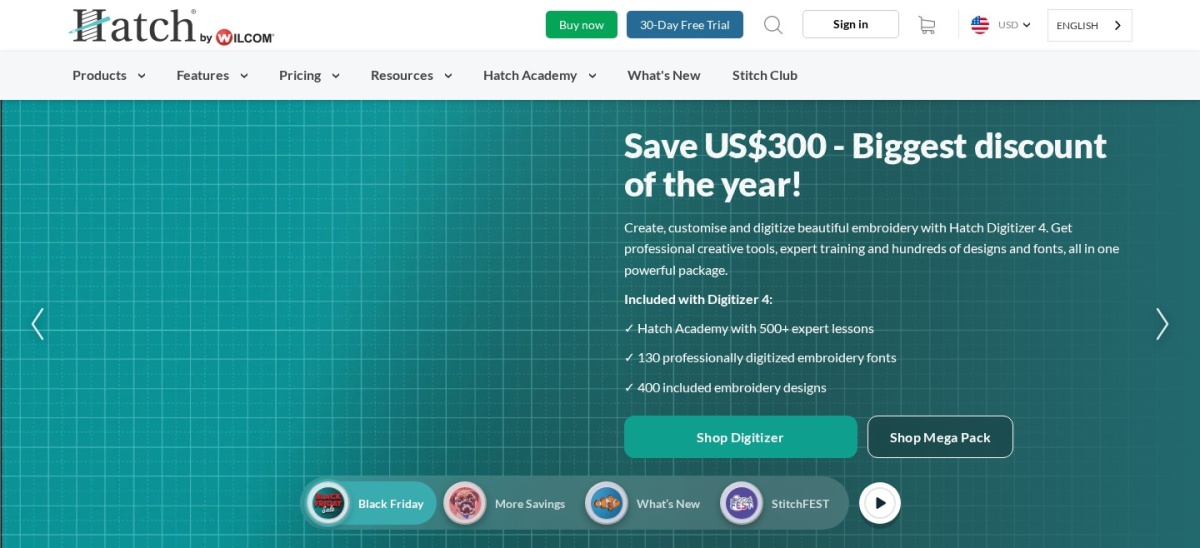
Hatch Embroidery homepage, captured Nov 2026.
Hatch Embroidery is Wilcom's home and small-business digitizing software, running the same stitch engine as EmbroideryStudio in a friendlier interface. It holds a 4.2 TechJockey rating from 6 star ratings, and its full Digitizer level costs $1,199 one time, with a 30-day trial and a 30-day money-back guarantee.
The trade off is the Windows-only platform and the price jump between levels. Entry is $199 for Organizer, but full manual digitizing needs the $1,199 Digitizer level, and Mac users need Parallels. It suits small businesses and serious hobbyists who want Wilcom quality without the commercial price.
Best embroidery digitizing software for Mac and beginners
Cheapest paid planLevel 1, $179 one-time
Free planFree Express mode
PlatformMac and Windows
Auto-digitizingNo, manual only
embrilliance.com
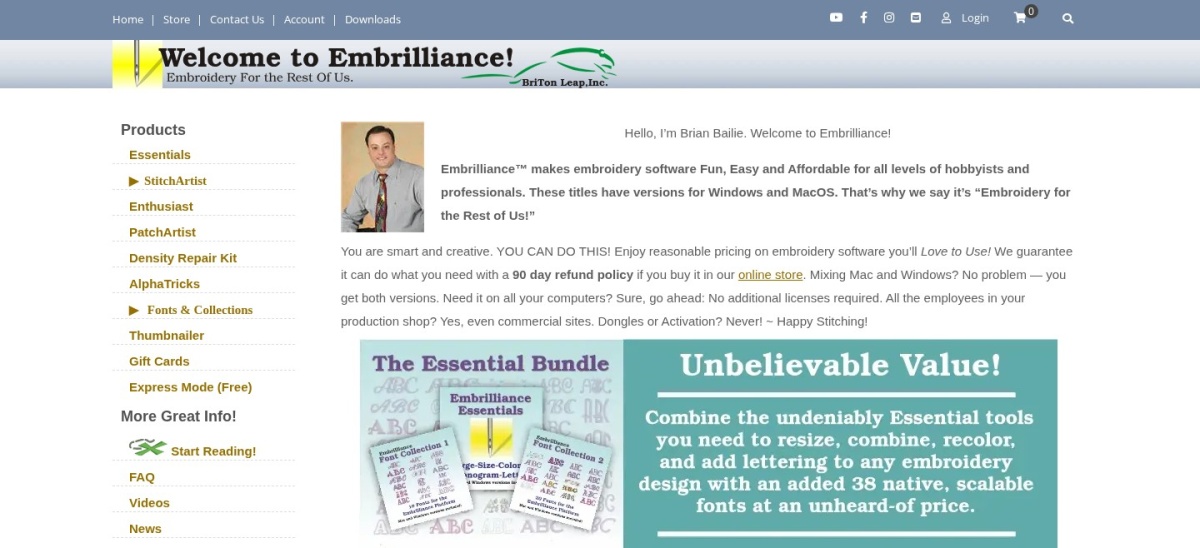
Embrilliance StitchArtist homepage, captured Nov 2026.
Embrilliance StitchArtist is the manual digitizing tool for Mac and Windows, sold in three levels from $179 one time for Level 1. It holds a 4.1 TechJockey rating from 5 star ratings, runs natively on both platforms with one purchase, and needs no dongle or activation.
The trade off is the lack of auto-digitizing. Embrilliance says plainly that StitchArtist is not a photo-to-stitch tool, so every design is drawn by hand, which is slower at first but teaches the right habits. It suits Mac users and beginners who want to learn digitizing properly.
Best embroidery digitizing software for Brother owners
Cheapest paid plan$1,450 one-time
Free planNo, trial with limits
PlatformWindows
Auto-digitizingYes, Auto Punch and PhotoStitch
brother-usa.com
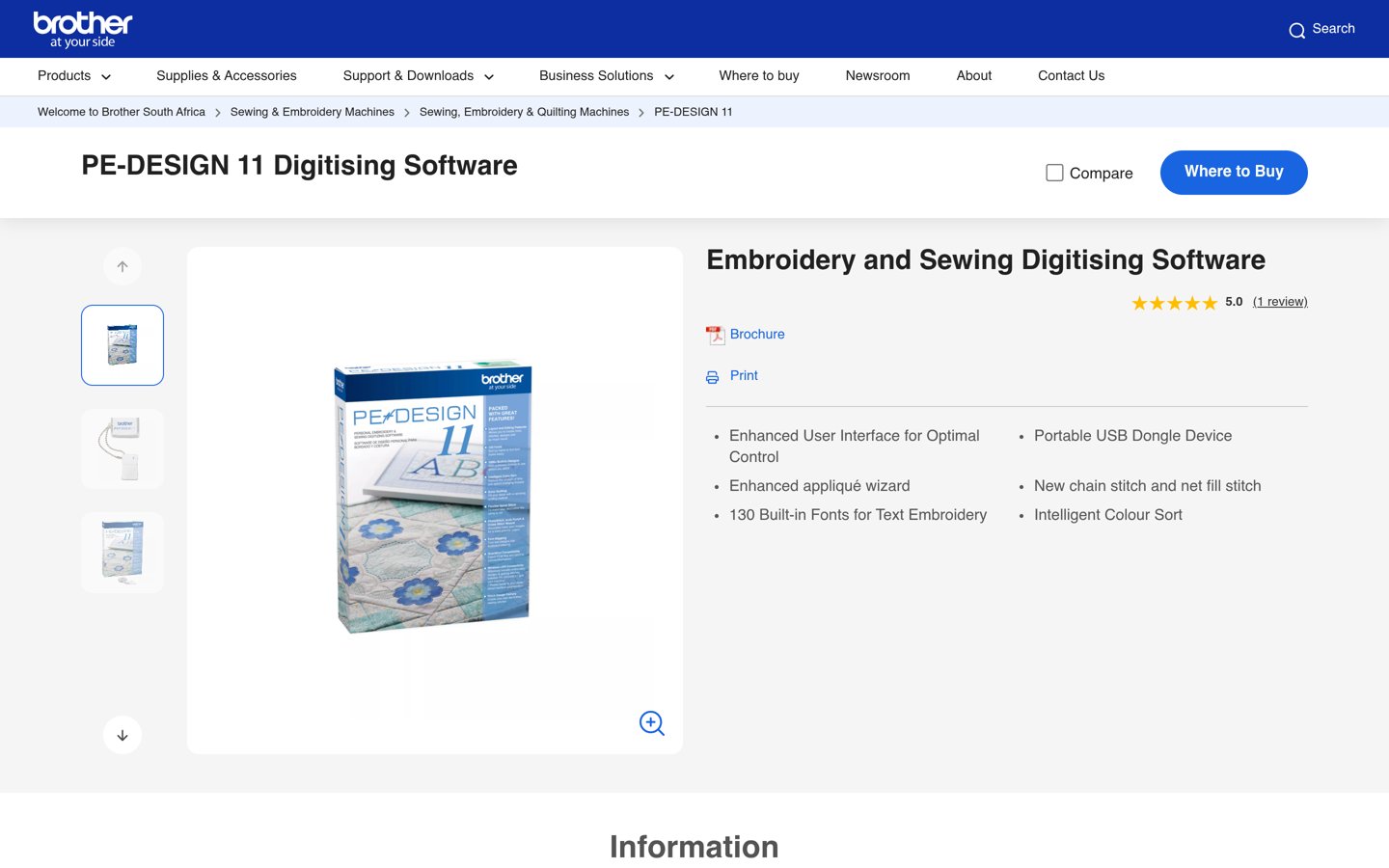
Brother PE-Design 11 homepage, captured Nov 2026.
Brother PE-Design 11 is Brother's own digitizing software, with 130 built-in fonts, over 1,000 built-in designs and PhotoStitch, Auto Punch and Cross Stitch wizards for turning images into stitches. It holds a 4.4 TechJockey rating from 6 star ratings, the joint highest here.
The trade off is dealer pricing and the Windows-only platform. Brother publishes no price, and US dealers list it from $1,450 to $2,000, while the free trial cannot save, export or send designs. It suits Brother machine owners who want the tightest integration with their machine.
Best embroidery digitizing software for Ricoma owners
Cheapest paid planInspire, $799 first year
Free planNo, 14-day trial
PlatformMac and Windows
Auto-digitizingYes, in every tier
ricoma.com
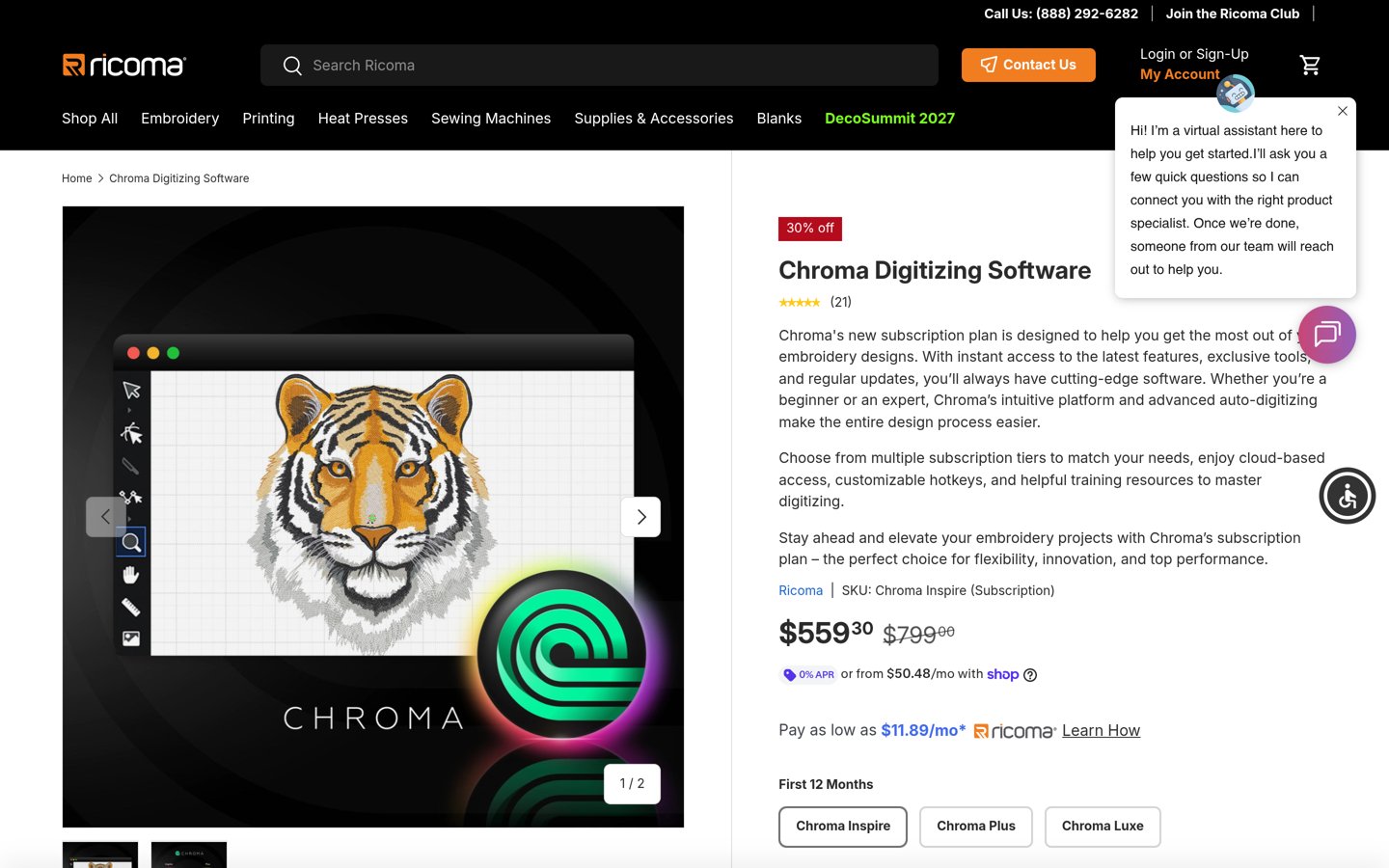
Ricoma Chroma homepage, captured Nov 2026.
Ricoma Chroma is Ricoma's digitizing software in three tiers, with auto-digitizing, up to 250 pre-digitized fonts and a 14-day free trial. It holds a 4.4 TechJockey rating from 6 star ratings, the joint highest here, and Inspire costs $799 for the first 12 months on Ricoma's own product page, with a subscription after that.
The trade off is the subscription model and the price confusion. The first year is $799, then a monthly or yearly plan starts, and other listings quote $19 a month or a $639 one-time price instead. It suits Ricoma machine owners who want one vendor for machine and software.
What we like
Auto-digitizing in every tier
Up to 250 pre-digitized fonts
Runs on Mac and Windows
14-day free trial, no card needed
Watch out for
$799 first year, then a subscription
Prices conflict across listings
Inspire $799 for the first 12 months, then a subscriptionVisit ricoma.com
06
DRAWings PRO XII
4.3/5on TechJockey (5 reviews, checked Nov 2026)
Starts at$2,199 (one-time)
Best embroidery digitizing software for design and craft
Cheapest paid plan$2,199 one-time
Free planNo
PlatformMac and Windows
Auto-digitizingYes
drawstitch.com
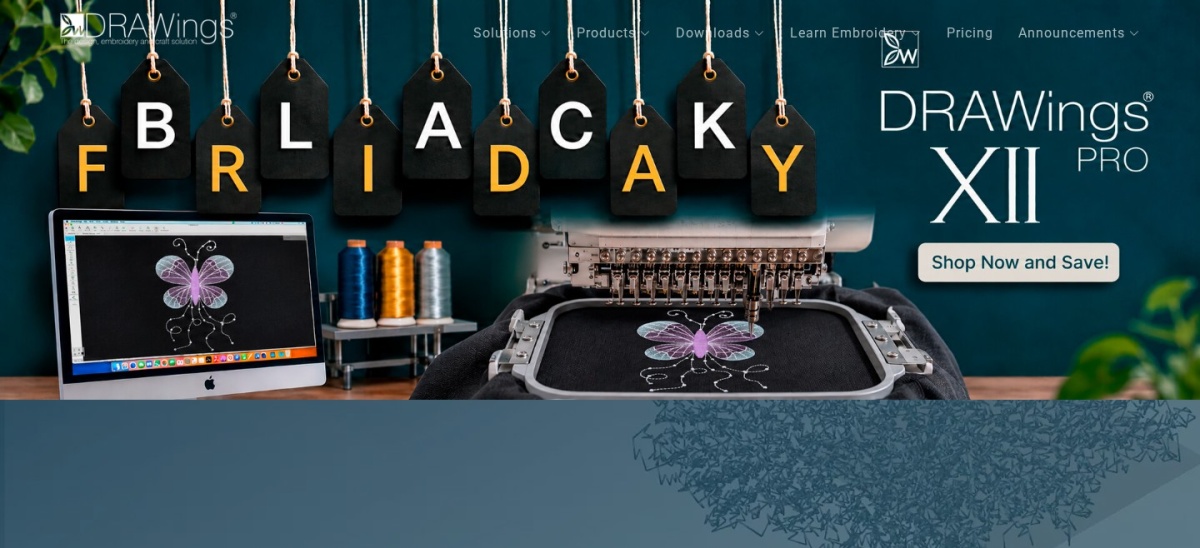
DRAWings PRO XII homepage, captured Nov 2026.
DRAWings PRO XII is the design and embroidery software from DRAWstitch, combining vector graphics with digitizing, editing and crafting in one program. It holds a 4.3 TechJockey rating from 5 star ratings, costs $2,199 one time, and runs on Windows and macOS.
The trade off is the price and the breadth. At $2,199 it is the dearest one-time purchase here, and the graphics tools add learning time for buyers who only want digitizing. It suits designers who draw artwork and digitize it in the same program.
Ink/Stitch is the free, open-source embroidery digitizing extension for Inkscape, running on Windows, Mac and Linux. It holds a 4.1 TechJockey rating from 5 star ratings, costs nothing, and offers manual digitizing, lettering, stitch simulation and a wide range of machine formats.
The trade off is the learning curve and the support. It needs comfort with Inkscape and vector drawing, and help comes from the community rather than a support desk. It suits hobbyists, students and anyone who wants to learn digitizing without spending anything.
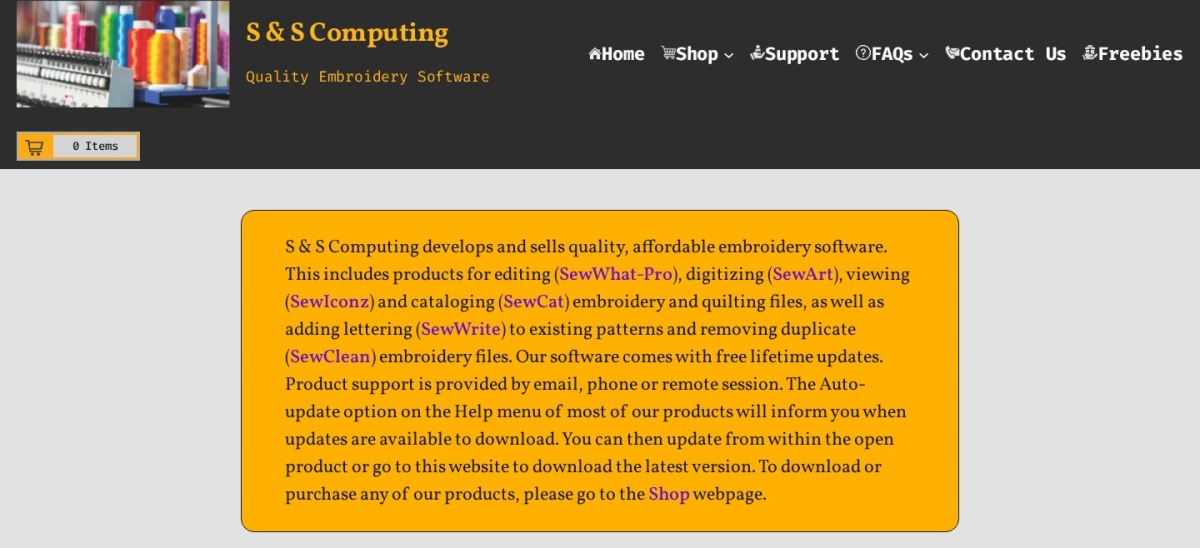
SewArt is the budget digitizing tool from S&S Computing, turning raster and vector images into stitch files for $75 one time. It holds a 4.0 TechJockey rating from 4 star ratings, includes free lifetime updates, and pairs with SewWhat-Pro for editing.
The trade off is the narrow scope and the dated interface. It converts images to stitches rather than offering full manual digitizing, and the program looks older than its rivals. It suits hobbyists who want cheap auto-digitizing and already edit elsewhere.
Best embroidery digitizing software for Janome owners
Cheapest paid planPro, $899 one-time
Free planNo
PlatformMac and Windows
Auto-digitizingYes, PhotoStitch and PaintStitch
janome.com
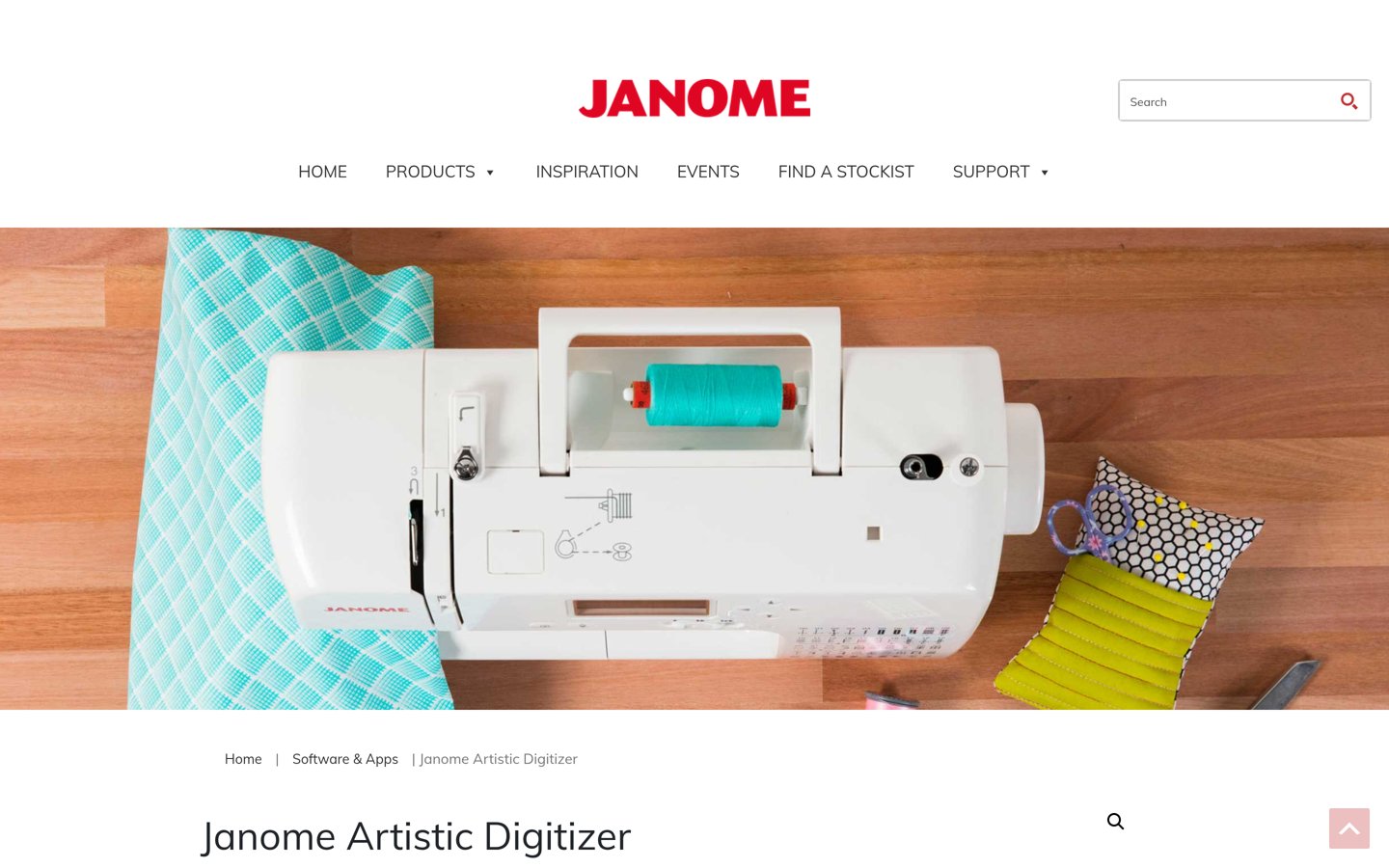
Janome Artistic Digitizer homepage, captured Nov 2026.
Janome Artistic Digitizer is Janome's digitizing software for Windows and Mac, with PhotoStitch, PaintStitch, Cross Stitch and a new Sketch mode for charcoal-style outlines. It holds a 4.2 TechJockey rating from 5 star ratings, and the Pro version lists at $899 through US dealers, with a Jr version at $499.
The trade off is dealer pricing and the version split. Janome sells through stockists with activation codes, and the cheaper Jr version drops features, so buyers must check the comparison chart. It suits Janome owners who want digitizing, cutting and quilting in one program.
Auto-digitizing vs manual digitizing: what actually works
Auto-digitizing suits simple logos and text, where the software can trace clean shapes and assign stitch types without help. Hatch, Wilcom and Chroma all include it, and it is the fastest way to turn a customer logo into a first stitch file.
Manual digitizing suits anything the customer will look at closely. Choosing stitch direction, density and underlay by hand is what stops satin columns from gapping and fills from puckering, and it is the skill that separates a hobby result from a professional one.
Embrilliance StitchArtist skips auto-digitizing on purpose, arguing that traced stitches rarely sew well. If you want to learn properly, a manual-first tool teaches the habits that auto-digitizing skips, even if the first designs take longer.
How we chose
We started from the established embroidery digitizing tools and kept those with a verifiable rating on a review platform. G2 and Capterra have no listings for these desktop tools, so ratings come from TechJockey, where each product carries a handful of star ratings and no written reviews. The counts here are the number of star ratings, not written reviews.
Prices come from each vendor's own pricing or product page, checked on 25 November 2026. Wilcom, Hatch and Embrilliance prices were read on their official pages. Brother, Janome and Ricoma prices rest on dealer listings and TechJockey's vendor listings, and are flagged where they conflict.
We left out Tajima DG17 by Pulse, which is sold through distributors with no published price and no rating we could verify on a review platform. No vendor paid for a place, and we do not claim hands-on testing for this list.
How to choose embroidery digitizing software
Start with your machine and how often you digitize, then match the software to your skill level.
Start with your machine brand. Brother owners get the tightest integration from PE-Design, Janome owners from Artistic Digitizer, and Ricoma owners from Chroma, while Wilcom, Hatch and Embrilliance work with any machine.
Count how often you digitize. A one-time purchase pays off if you digitize weekly, while a subscription suits a shop that wants updates and training. If you digitize twice a year, paying a digitizer per design is cheaper.
Test the free trial. Wilcom, Hatch and Chroma all offer free trials. Digitize one of your own logos in each trial and sew it out before you pay, because a demo design hides the learning curve.
Check the file formats. Confirm the software exports the format your machine reads, such as PES for Brother, JEF for Janome or DST for commercial machines, before you buy.
FAQ
What is the best embroidery digitizing software?
Wilcom EmbroideryStudio is the best pick for professional shops, with the deepest stitch control and auto-digitizing. Hatch is the best pick for small businesses, and Embrilliance StitchArtist is the best pick for Mac users and beginners.
How much does embroidery digitizing software cost?
Entry prices run from free with Ink/Stitch, to $75 one time for SewArt, $179 for Embrilliance StitchArtist Level 1, $1,199 for Hatch Digitizer and $790 a year for Wilcom Decorating. Brother and Janome sell through dealers.
Is there free embroidery digitizing software?
Yes. Ink/Stitch is a free, open-source extension for Inkscape on Windows, Mac and Linux, and it is the best free route into digitizing. Embrilliance also offers a free Express mode for editing and lettering.
What is the best embroidery digitizing software for Mac?
Embrilliance StitchArtist is the best pick for Mac users, because it runs natively on macOS and Windows with one purchase. Chroma, DRAWings PRO XII, Ink/Stitch and Janome Artistic Digitizer also run on Mac.
What is the difference between auto-digitizing and manual digitizing?
Auto-digitizing turns a picture into stitches in one click, which is fast but needs cleanup. Manual digitizing lets you choose every stitch type, direction and density by hand, which sews out cleaner but takes longer to learn.
Should I buy digitizing software or pay per design?
Buy software if you digitize weekly, because the cost of one license quickly beats paying a digitizer for every design. Pay per design if you digitize a few times a year, or if you need one perfect logo and no learning curve.
SaaS SEO and WordPress specialist with about 8 years of experience. Rakib compares WordPress plugins, themes, hosting and software using public pricing, documentation and user reviews. See how we rank.