Sketchbook is the best free drawing app for beginners, with a 4.8/5 App Store rating, customizable brushes and an uncluttered drawing interface. Choose ibis Paint X for mobile illustration and anime artwork, or Concepts for practicing freehand sketches on an infinite canvas.
How we make this list: we compare pricing pages, product documentation and public user reviews, then re-check every price before each update. No product paid for a place. Disclosure.
Sketchbook earns 4.8/5 from approximately 221,000 App Store ratings, with a $2.99 mobile upgrade.
ibis Paint X offers over 130,000 brushes and has approximately 304,000 App Store ratings.
Concepts includes five free layers, unlimited drawings and an infinite canvas.
Krita earns 4.4/5 from 64 G2 reviews and provides free, open-source desktop painting.
Infinite Painter includes five free layers and access to its built-in brushes.
All 7 apps offer free drawing features beyond a temporary trial.
What beginners should look for in a free drawing app
A beginner-friendly drawing app should make it easy to create a canvas, select a brush, change colors and undo mistakes. Complicated editing menus can distract from learning basic drawing techniques.
Look for layers, which let you separate outlines, colors and shading. You can correct mistakes without damaging other parts of your artwork.
Brush variety matters less than brush quality when starting out. A pencil, basic pen, soft brush and eraser are enough to practice most foundational techniques.
Check whether the free version restricts canvas resolution, layers or exports. Some apps provide everything needed for casual drawing but charge for advanced editing features.
4.8/5on App Store (221K reviews, checked Nov 2026)
Paid from$2.99 one-time
Best for complete beginners
Free platformsiOS and Android
Drawing layersYes
BrushesHundreds
Paid upgradePremium Bundle
sketchbook.com
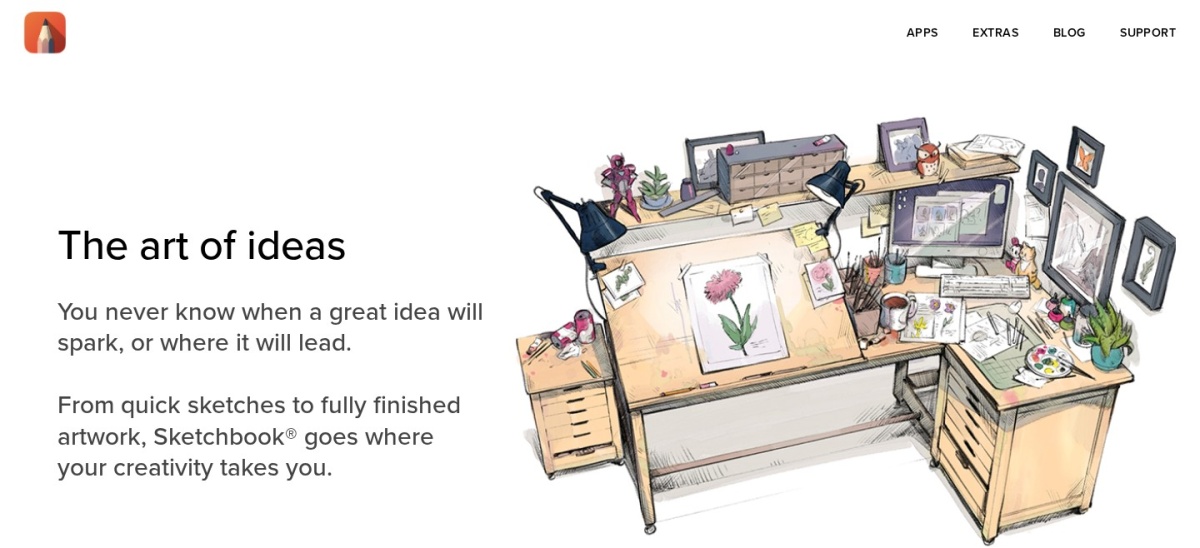
Sketchbook homepage, captured Nov 2026.
Sketchbook is a digital drawing app focused on natural sketching and painting, rated 4.8/5 on the App Store. Its free mobile version provides customizable brushes, layers, drawing guides and color controls without overcrowding the canvas.
The trade off is that advanced features such as clipping masks and additional editing tools require the $2.99 Premium Bundle. The desktop edition is also a separate purchase. It suits beginners who want to practice drawing without learning complicated software.
What we like
Clean and approachable drawing interface
Customizable pencils and painting brushes
Free layers and drawing guides
Affordable mobile upgrade
Watch out for
Desktop edition is not free
Clipping masks require the premium bundle
Premium adds clipping masks, brush management and layer adjustments.Visit sketchbook.com
02
ibis Paint X
4.7/5on App Store (304K reviews, checked Nov 2026)
Paid from$27.99/yr
Best for anime and mobile illustration
Brush library130,000+
Layer blend modes27
Drawing recordingYes
Paid planPremium Membership
ibispaint.com
ibis Paint X homepage, captured Nov 2026.
ibis Paint X is a mobile illustration and animation app with over 130,000 brushes and 27 layer blending modes. Beginners can explore line drawing, coloring, shading and anime illustration using its extensive free drawing features.
The trade off is advertising and an interface containing more controls than simpler sketching apps. Premium Membership costs $27.99 a year, while a separate ad removal upgrade costs $15.99. It suits beginners interested in developing detailed digital illustrations.
What we like
Extensive selection of drawing brushes
Stroke stabilization for cleaner outlines
Drawing process recording
Useful anime illustration features
Watch out for
Free version displays advertising
Large feature selection can overwhelm beginners
Premium adds additional materials, features and advertising removal.Visit ibispaint.com
03
Concepts
4.7/5on App Store (27K reviews, checked Nov 2026)
Paid from$29.99/yr
Best for freehand sketching and ideas
CanvasInfinite
Free layers5
Free drawingsUnlimited
Paid planEverything Yearly
concepts.app
Concepts homepage, captured Nov 2026.
Concepts is a vector-based sketching app that provides five free layers, unlimited drawings and an infinite canvas. Its flexible workspace is useful for practicing shapes, visual brainstorming and developing design ideas without fixed page boundaries.
The trade off is limited editing and export options on the free plan. The Everything subscription costs $29.99 a year, with a separate $39.99 Essentials purchase also available. It suits beginners interested in product design, visual notes and exploratory sketching.
Krita is a free, open-source digital painting application rated 4.4/5 across 64 G2 reviews. It provides customizable brushes, advanced layer controls, drawing assistance and animation features suitable for developing digital painting skills.
The trade off is a more involved learning process than basic mobile drawing apps. The official desktop download is free, with no required paid plan or subscription. It suits beginners who want to develop advanced painting skills using a computer.
What we like
Completely free official download
Advanced brush customization
Frame-by-frame animation tools
Supports major desktop operating systems
Watch out for
Interface takes time to learn
No native iPhone or iPad version
Optional store purchases support development without unlocking exclusive drawing features.Visit krita.org
05
MediBang Paint
4.6/5on App Store (17K reviews, checked Nov 2026)
Paid from$2.99/mo
Best for beginner comic artists
Comic panel toolsYes
Drawing layersYes
Cloud featuresAvailable
Paid planMediBang Premium
medibangpaint.com
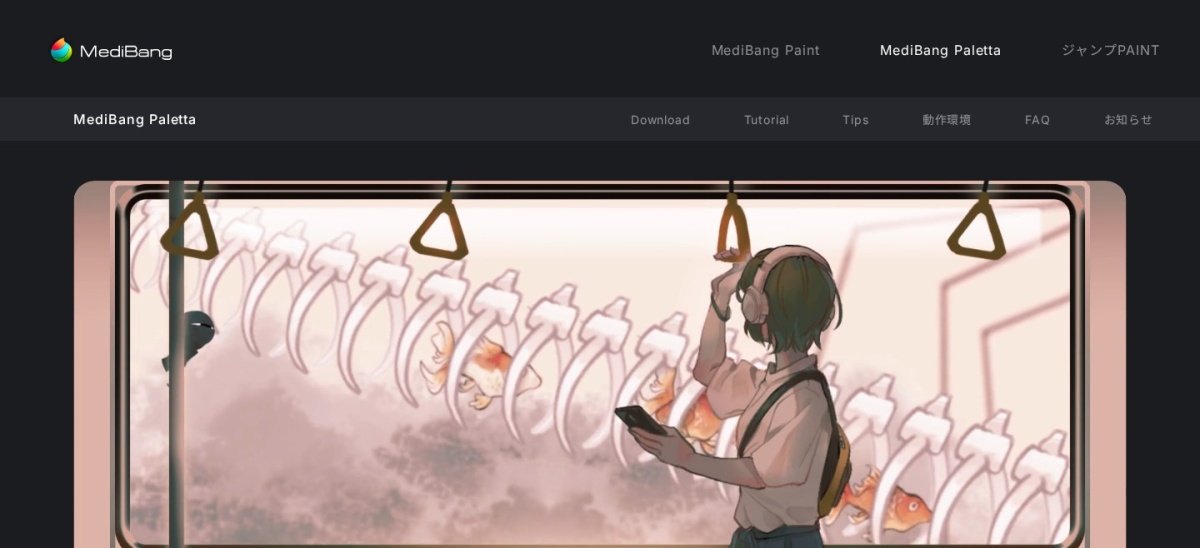
MediBang Paint homepage, captured Nov 2026.
MediBang Paint is a digital drawing and comic creation application rated 4.6/5 from approximately 17,000 iPhone App Store ratings. Its free features support character drawing, comic panels, digital coloring and illustration.
The trade off is advertising and restrictions on premium creative resources. MediBang Premium starts at $2.99 per month, equivalent to $35.88 annually. It suits beginners who want to create manga pages, comic strips and illustrated stories.
Infinite Painter is a mobile painting app that provides five free layers at device resolution and access to its built-in brushes. Its customizable drawing tools help beginners explore pencil sketching, watercolor effects and textured painting.
The trade off is restricted canvas sizes and layer capacity in the free edition. The listed iPhone-only full upgrade costs $4.99, while the iPad upgrade costs $9.99. It suits beginners who prefer realistic brush textures and natural painting techniques.
What we like
Built-in brushes available for free
Natural brush textures
Customizable brush settings
Shape detection and symmetry tools
Watch out for
Free version limited to five layers
Advanced canvas and masking features require payment
The full upgrade adds high-resolution canvases, additional layers and advanced editing.Visit infinitestudio.art
07
Adobe Fresco
4.7/5on App Store (63K reviews, checked Nov 2026)
PriceFree
Best for watercolor and mixed-media drawing
Brush typesRaster, vector and live brushes
Drawing layersUnlimited
AnimationFrame-by-frame and motion paths
Drawing subscriptionNot required
adobe.com
Adobe Fresco homepage, captured Nov 2026.
Adobe Fresco is a digital drawing and painting application rated 4.7/5 from approximately 63,000 App Store ratings. Its free drawing features include unlimited layers, natural watercolor effects, scalable vector brushes and animation tools.
The trade off is platform availability and its reliance on the Adobe account ecosystem. The drawing application is free, although premium Adobe Fonts access is an optional paid service. It suits beginners interested in combining traditional painting techniques with digital illustration.
What we like
Free access to advanced drawing features
Natural watercolor and oil painting effects
Unlimited drawing layers
Raster and vector drawing in one application
Watch out for
No native Android version
Adobe account ecosystem adds complexity
Optional paid Adobe services provide premium fonts rather than required drawing upgrades.Visit adobe.com
Simple exercises to practice digital drawing
Start by drawing straight lines, circles, squares and curved shapes. Practice controlling brush pressure and stroke direction before attempting complicated illustrations.
Choose a simple object and recreate it using separate layers for outlines, base colors and shadows. This helps you understand how digital drawing workflows differ from traditional pencil drawing.
Experiment with different brushes after completing basic sketches. Focus on learning how brush opacity, size and texture affect your artwork rather than collecting additional drawing tools.
How we chose
We selected established drawing applications with permanent free drawing features, public user ratings and tools suitable for beginners. We compared interface complexity, brushes, layers, device compatibility and upgrade requirements.
Prices and ratings were checked on 25 Nov 2026 using official product documentation, developer-published App Store listings and G2 reviews. Annual subscriptions use their published annual prices, while one-time purchases retain their upfront cost. App Store rating counts are displayed as rounded figures.
We excluded trial-only drawing applications and software without meaningful free drawing features. Free mobile editions are distinguished from paid desktop versions, and optional purchases are separated from required drawing subscriptions. No vendor paid for a place, and we do not claim testing for this list.
How to choose the best free drawing app
Choose an application that matches your device, artistic interests and current skill level before considering paid upgrades.
Start with your device. Choose an application compatible with your existing phone, tablet or computer. Check stylus compatibility if you already own a drawing pen.
Identify your preferred drawing style. Choose Sketchbook for general sketching, ibis Paint X for illustration, Concepts for design ideas or MediBang Paint for comic creation.
Compare free drawing restrictions. Check layer limits, canvas resolution, brush availability and export formats. Make sure you can finish and save your artwork without paying.
Upgrade only when necessary. Practice with the free version until you identify a specific limitation. Purchase additional features only when they solve a recurring problem in your drawing workflow.
FAQ
What is the best free drawing app for complete beginners?
Sketchbook is our top pick because its uncluttered interface makes brushes, colors and layers easy to access. Its free mobile version covers essential sketching and painting techniques without requiring a subscription.
Can I learn digital drawing without buying an app?
Yes. Applications such as Krita and Adobe Fresco provide extensive free drawing capabilities. Beginners can learn line control, shading, coloring, composition and layer management without purchasing professional drawing software.
Do I need a stylus to use a drawing app?
No. Many mobile drawing applications support finger input, and desktop programs work with a mouse. A pressure-sensitive stylus offers better control over stroke thickness and opacity, making detailed illustration easier.
Which free drawing app is best for anime?
ibis Paint X is a suitable choice for anime illustration because it includes an extensive brush library, drawing stabilization and layer controls. MediBang Paint is another option, particularly for artists interested in manga panels and comic pages.
Are free drawing apps suitable for professional artwork?
Yes. Applications such as Krita and Adobe Fresco provide advanced painting, layering and editing features suitable for detailed artwork. Professional suitability depends on the required canvas resolution, file formats, workflow and individual artistic needs.
SaaS SEO and WordPress specialist with about 8 years of experience. Rakib compares WordPress plugins, themes, hosting and software using public pricing, documentation and user reviews. See how we rank.