CLO 3D is the best app to design clothes for most designers, with 3D garment simulation, pattern drafting and tech packs for $450 a year. Pick Adobe Illustrator for technical flats at $22.99 a month, or Procreate for iPad sketching at $12.99 once.
How we make this list: we compare pricing pages, product documentation and public user reviews, then re-check every price before each update. No product paid for a place. Disclosure.
CLO 3D is the best overall pick: 3D garment design with real fabric physics for $450 a year.
Browzwear VStitcher leads on ratings at 4.8 out of 5 on G2, but Freelancer costs $750 a year.
Adobe Illustrator is still the standard for technical flats at $22.99 a month.
Procreate is the cheapest serious sketching app at $12.99 once, and Affinity Designer is free for individuals.
Three tools in this list are free: Affinity Designer, Adobe Fresco and Adobe Express.
What an app to design clothes should cover
Designing clothes on a computer splits into four jobs: sketching the idea, drawing technical flats, simulating the garment in 3D, and preparing files a factory can sew from. No single app does all four well, so most designers pair a sketching app with a 3D or vector tool.
The 3D tools in this list, CLO 3D, Browzwear and Marvelous Designer, drape a digital garment on an avatar so you can check fit before cutting fabric. The vector tools, Illustrator, Affinity and CorelDRAW, draw the flats and line sheets factories work from.
Price runs from free to $750 a year. Free apps cover sketching and flats well; 3D sampling is where the money goes, with CLO 3D at $450 a year and Browzwear at $750 a year for individuals.
If you sell printed clothes, start with the artwork, not the garment. Our guide on generating images with AI in WordPress shows how AI images fit into a design workflow.
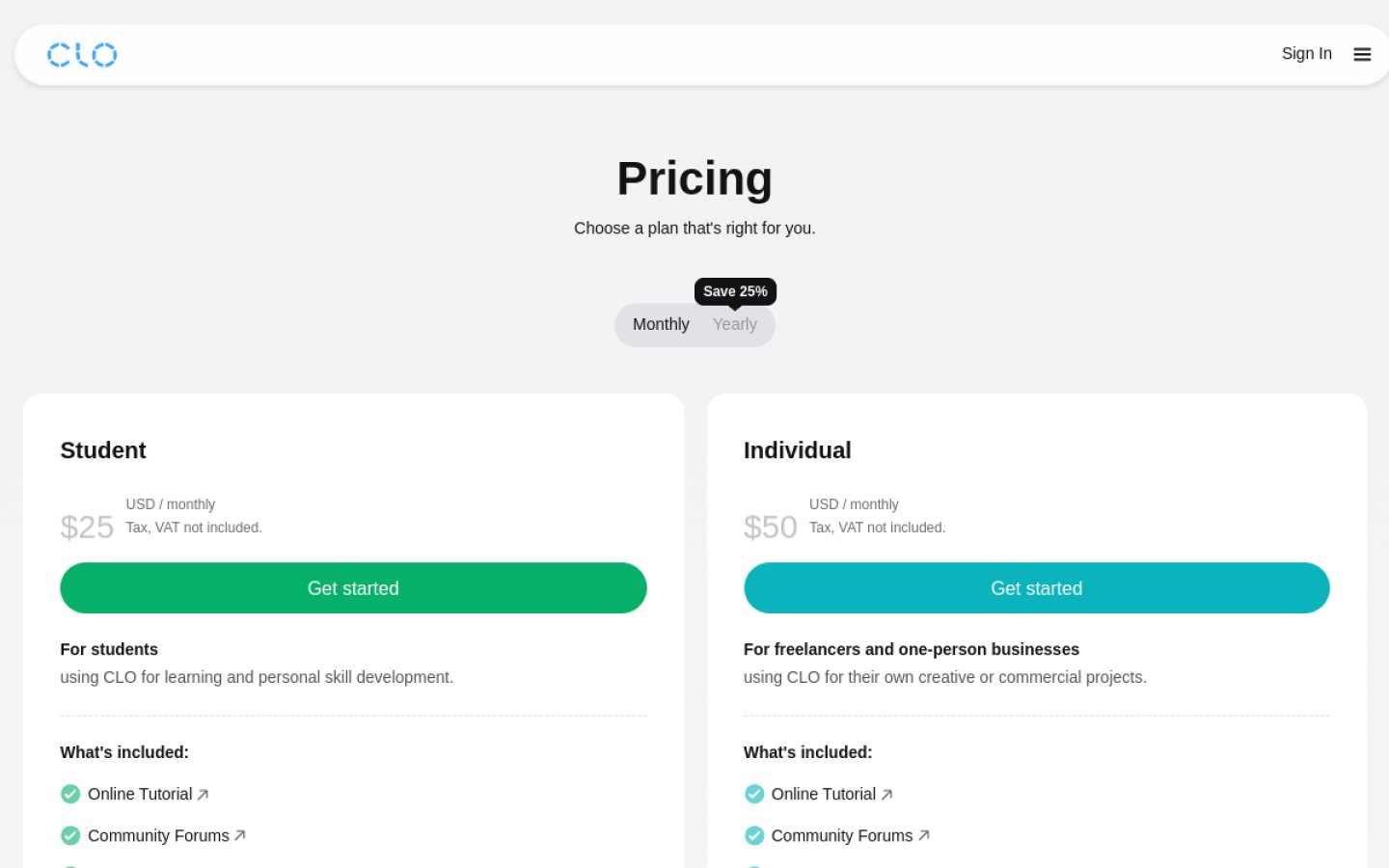
CLO 3D is the industry standard for 3D garment design, turning 2D patterns into garments that drape on a digital avatar with measured fabric physics. The Individual plan costs $50 a month or $450 a year, and it covers pattern drafting, grading, fit maps and tech packs. A 14-day trial lets you try the simulation before paying.
The trade off is the learning curve and the hardware. CLO 3D assumes pattern-making skill and runs best on a strong computer, so complex multi-layer garments can slow it down. It suits independent designers and small brands that want to cut physical samples and work in 3D from the start.
What we like
True 2D pattern to 3D drape workflow in one app
Transparent individual pricing with a student discount
Fit maps show where a garment pulls or sags
Exports patterns and tech packs for factories
Watch out for
Steep learning curve for beginners
Needs a powerful computer for complex garments
Business and academic prices are quote-only
Individual is the cheapest full version; Enterprise is quotedVisit clo3d.com
02
Browzwear VStitcher
4.8/5on G2 (56 reviews, checked Nov 2026)
Starts at$750/yr
Best 3D sampling for brands and teams
3D garment simulationYes, pattern-led
Tech packsFreelancerPlus and up
Free option6-month Learner license
Paid planFreelancer, $750/yr
browzwear.com
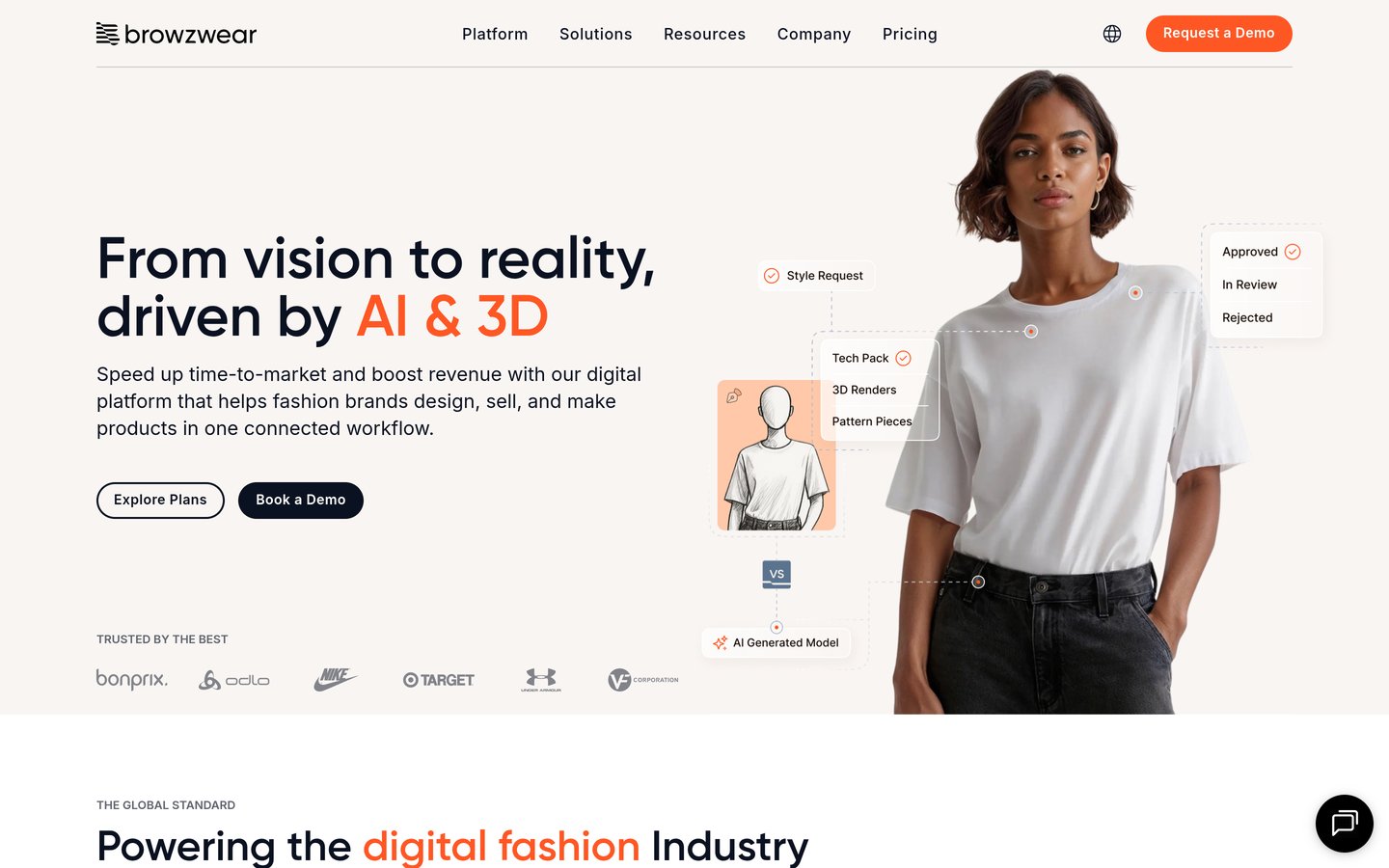
Browzwear VStitcher homepage, captured Nov 2026.
Browzwear VStitcher is the pattern-led 3D tool brands use to build virtual garment twins, drape graded patterns and check fit before cutting fabric. The Freelancer plan costs $75 a month or $750 a year for one user, with the latest VStitcher version, local rendering and one Stylezone site. Students and recent graduates can apply for a free six-month Learner license.
The trade off is price and ramp-up time. Freelancer costs more than CLO 3D, and reviewers say production fluency takes months of practice. It suits technical design teams and brands that already work in VStitcher and need Stylezone to share collections.
Adobe Illustrator is the vector program fashion schools teach and factories expect files from, used for technical flats, line sheets and print artwork. The Individuals plan costs $22.99 a month on an annual plan billed monthly, with a 7-day free trial. Its pen tools, pattern swatches and precise measurements make it the default for flat sketches.
The trade off is that it is a general design tool, not a fashion app. It has no pattern drafting, grading or 3D drape, so you pair it with a 3D tool for sampling. It suits designers who draw flats and tech packs every day and need files factories can open.
What we like
Industry-standard .ai files factories expect
Precise vector tools for flats and repeats
Huge tutorial and template community
Works with Photoshop and the rest of Creative Cloud
Watch out for
Subscription only, no one-time purchase
No pattern, grading or 3D tools built in
Steep learning curve for new users
The single-app plan is the cheapest route; the full Creative Cloud bundle costs moreVisit adobe.com
04
Marvelous Designer
4.1/5on TechJockey (4 reviews, checked Nov 2026)
Starts at$280/yr
Best for 3D garments on characters
3D garment simulationYes, pattern-based
RetopologyYes, for animation
Free trial2 weeks
Paid planPersonal, $280/yr
marvelousdesigner.com
Marvelous Designer homepage, captured Nov 2026.
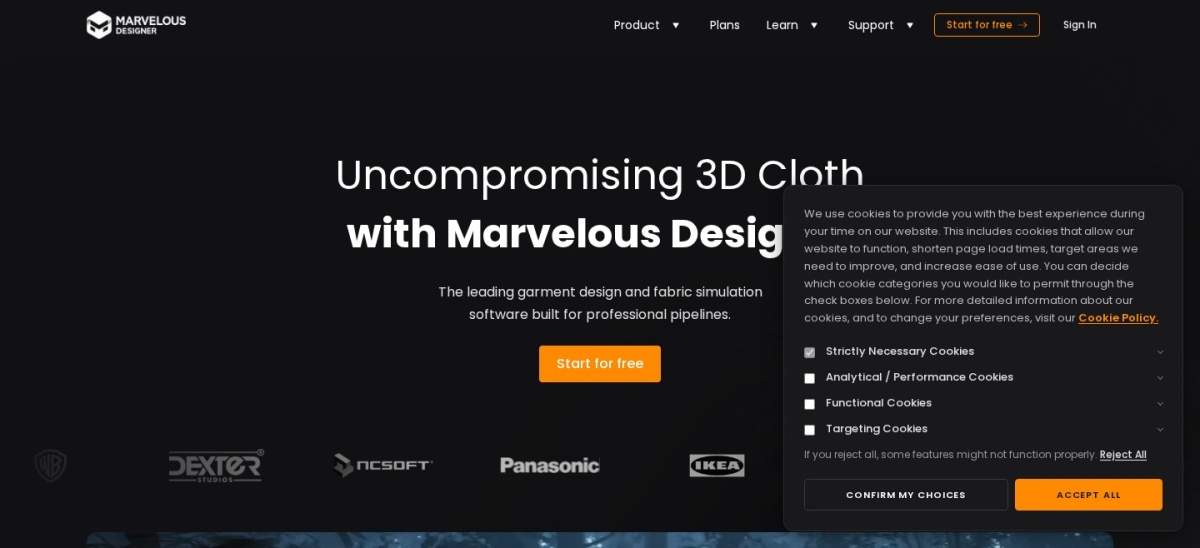
Marvelous Designer is a 3D clothing tool that drafts 2D patterns, sews them virtually and simulates fabric on characters for games, film and animation. The Personal plan costs $39 a month or $280 prepaid for a year, with a two-week trial, and Student costs $8.25 a month. Sculpt mode shapes wrinkles and folds by hand for realistic looks.
The trade off is that it is built for screens, not factories. It has no production grading, tech packs or marker making, so apparel teams still need a pattern CAD tool. It suits character artists and costume designers who need believable clothing on a 3D character fast.
What we like
Fast, realistic cloth simulation on characters
Sculpt mode and retopology for animation-ready meshes
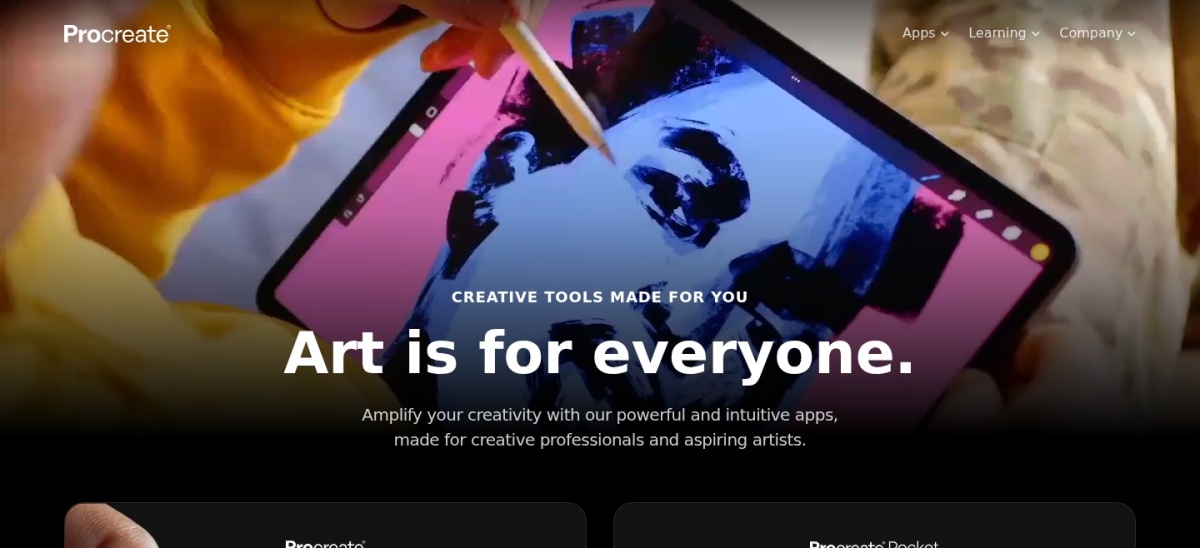
Procreate is an iPad drawing app for fashion sketches, croquis and concept illustration, with a natural brush engine and Apple Pencil pressure and tilt. It costs $12.99 once on the App Store, with free updates and no subscription. Brush Studio offers more than 100 settings per brush, and canvases reach 16K by 8K on supported iPad Pros.
The trade off is that it only runs on iPad, with no Mac, Windows or Android version. It has no vector tools, so flats need a second app, and layer limits depend on canvas size and iPad memory. It suits illustrators who sketch by hand and want the cheapest serious drawing app.
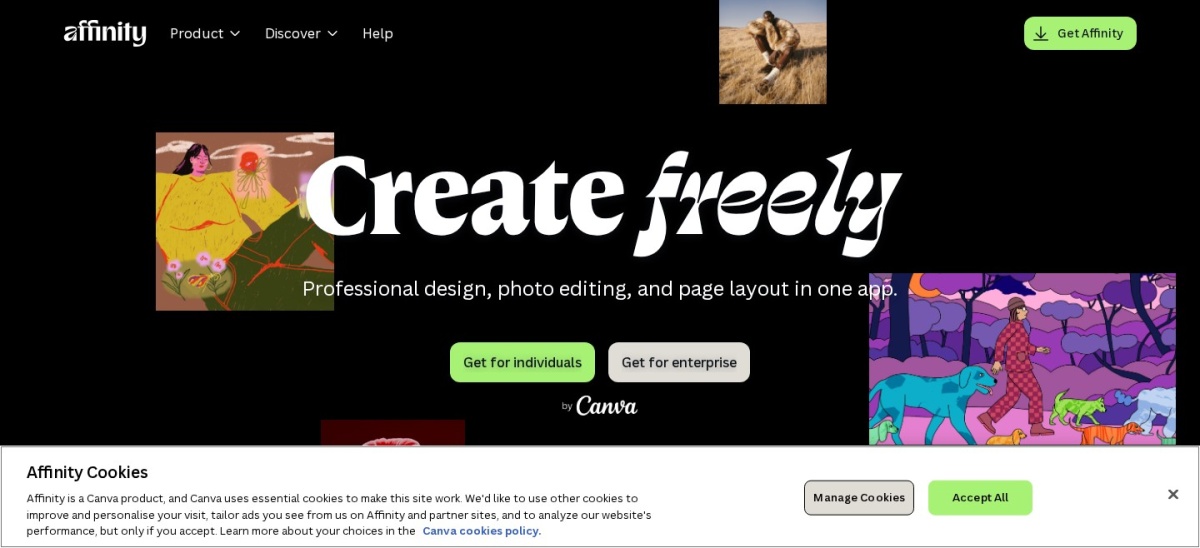
Affinity Designer is a professional vector app that covers flats, print artwork and page layout in one download, now free for individuals on Mac and Windows with a Canva account. It combines vector, pixel and layout tools, so one app can replace three. The interface is close enough to Illustrator that most designers settle in fast.
The trade off is the smaller ecosystem. It has fewer plugins and third-party resources than Illustrator, and its AI features unlock only with a Canva Pro account. It suits solo designers who want professional vector tools at no cost and can accept signing in with Canva.
CorelDRAW Graphics Suite is a vector illustration, layout and photo editing suite for flats, print artwork and signage, on Windows, Mac and the web. The annual plan costs $269 a year, and a one-time purchase costs $549. A 15-day free trial needs no credit card, and the 2026 edition adds AI image tools on a credit system.
The trade off is the sale pricing. Corel runs near-permanent promotions, so the price you pay is often below the list price, and the one-time version leaves out some subscriber features. It suits designers who want to buy once and own the software instead of renting it.
4.7/5on App Store (62,600 reviews, checked Nov 2026)
PriceFree
Best free painting app for fashion sketches
Live brushesYes, oil and watercolor
Vector brushesYes
Cloud storage5 GB free
Paid planNone, now fully free
adobe.com
Adobe Fresco homepage, captured Nov 2026.
Adobe Fresco is a free painting and drawing app for iPad, iPhone and Windows, with live oil and watercolor brushes, vector brushes and thousands of brushes. Adobe cancelled the Premium subscription, so the full brush library, premium shapes and fonts are now free. The free plan includes 5 GB of cloud storage.
The trade off is that it is a painting app, not a garment tool. It has no pattern drafting, flats templates or 3D drape, and its best handoff is to Photoshop and Illustrator. It suits painters who sketch fashion figures and prints by hand and want a free app with realistic paint.
What we like
Completely free, including the brush library
Live brushes behave like real oil and watercolor
Runs on iPad, iPhone and Windows
Rated 4.7 out of 5 on the App Store
Watch out for
No vector flats or pattern tools
No desktop Mac version
Smaller fashion community than Procreate
Free for all; a paid Adobe plan adds storage and Photoshop on iPadVisit adobe.com
09
Adobe Express
4.4/5on G2 (1,108 reviews, checked Nov 2026)
Paid from$9.99/mo
Best for beginners and quick templates
Templates100,000+ free
Stock assets1M+ free
Free planYes
Paid planPremium, $9.99/mo
adobe.com
Adobe Express homepage, captured Nov 2026.
Adobe Express is a template-led design app for quick clothing graphics, mockups and social posts, with more than 100,000 free templates and over 1 million stock assets. The free plan includes 5 GB of storage, and Premium costs $9.99 a month for 200 million stock assets, 30,000 fonts, brand kits and 250 generative AI credits a month.
The trade off is depth. It is built for quick graphics, not technical flats or patterns, and free exports carry a watermark on some assets. It suits beginners and small sellers who need a t-shirt graphic or a lookbook page today without learning a pro tool.
What we like
Huge free template and stock library
One-click resize and background removal
Generative AI built in on Premium
Rated 4.4 out of 5 on G2 from 1,108 reviews
Watch out for
Not a tool for technical flats or patterns
Free exports carry watermarks on some assets
Premium features are locked behind $9.99 a month
Premium adds brand kits, more stock and AI creditsVisit adobe.com
2D sketching vs 3D sampling: which do you need?
Sketching apps are for the idea stage. Procreate, Fresco and Express get a concept onto the screen fast, but none of them produces a sewable pattern.
Vector apps are for the factory stage. Illustrator, Affinity and CorelDRAW draw flats with measurements a factory can follow, and they export the .ai, .svg and .pdf files production expects.
3D apps are for the sampling stage. CLO 3D, Browzwear and Marvelous Designer drape the garment on an avatar, so you can check fit and fabric before cutting cloth. They cost the most and take the longest to learn.
Most working designers use one app from each group: a sketching app for ideas, a vector app for flats, and a 3D app when sampling starts.
How we chose
We started from the apps that show up most in fashion design roundups and designer forums, then kept the nine with published prices and public user ratings.
Prices come from each vendor's pricing page, checked on 25 November 2026. Ratings and review counts come from G2 on the same day, except Adobe Fresco, rated on the App Store, and Marvelous Designer, rated on TechJockey. Where a vendor shows a sale, the list shows the regular price.
We left out tools with no public rating and tools whose screenshots kept failing. No vendor paid for a place, and we do not claim to have used these tools ourselves.
How to choose an app to design clothes
Start with the job you do most, then check the price and the platform.
Decide what you need to make. Sketches need a drawing app, flats need a vector app, and samples need a 3D app. Pick the group first, then the tool.
Check the platform. CLO 3D, Browzwear and Marvelous Designer need a desktop computer. Procreate and Fresco are iPad apps, and Affinity and Express work across devices.
Try the free route first. Affinity Designer, Fresco and Express are free, and most paid tools offer a trial. Sketch a full design before paying for anything.
Match the file to the factory. Ask your factory which files it accepts before you commit. Illustrator .ai files are the safest default for flats and tech packs.
FAQ
What is the best app to design clothes?
CLO 3D is the best overall pick for most designers. It covers pattern drafting, 3D drape, fit checks and tech packs for $450 a year, and its 4.6 out of 5 G2 rating reflects its standing with working designers.
Can I design clothes for free?
Yes. Affinity Designer is free for individuals, Adobe Fresco is completely free, and Adobe Express has a free plan with more than 100,000 templates. Free apps cover sketching and flats well, but 3D sampling needs a paid tool.
Do I need 3D software to design clothes?
No. Sketches and technical flats are enough to brief a factory, and Illustrator or Affinity can draw them. 3D tools such as CLO 3D mainly save money by cutting physical samples and catching fit problems early.
What app do fashion designers use for technical flats?
Adobe Illustrator is the standard for technical flats and line sheets, and most factories expect .ai files. Affinity Designer and CorelDRAW are the main alternatives, and Affinity is free for individuals.
Can I design clothes on an iPad?
Yes. Procreate is the most popular iPad sketching app, Fresco adds realistic paint brushes for free, and Affinity runs on iPad too. The 3D tools in this list, CLO 3D, Browzwear and Marvelous Designer, need a desktop computer.
How much does it cost to start designing clothes?
You can start free with Affinity Designer, Fresco or Express. Procreate costs $12.99 once, Illustrator costs $22.99 a month, and full 3D sampling starts at $280 a year with Marvelous Designer or $450 a year with CLO 3D.
SaaS SEO and WordPress specialist with about 8 years of experience. Rakib compares WordPress plugins, themes, hosting and software using public pricing, documentation and user reviews. See how we rank.