Google Drive is the best file sharing app for most people, with 15 GB free and real-time Docs collaboration built in, backed by 42,900 G2 reviews. Pick WeTransfer for sending big files without an account, and Sync for private sharing with end-to-end encryption.
How we make this list: we compare pricing pages, product documentation and public user reviews, then re-check every price before each update. No product paid for a place. Disclosure.
Google Drive is the top pick, with 15 GB free and the best collaboration, from $1.99 a month.
WeTransfer is the simplest way to send a big file, free up to 2 GB with no account.
Sync.com and pCloud are the privacy picks, with end-to-end encryption and lifetime plans.
Dropbox still has the most reliable sync, but only 2 GB free and $9.99 a month for 2 TB.
ShareFile is the business pick, but its three-user minimum means $49.50 a month at least.
What a file sharing app should do
File sharing apps fall into two kinds: storage homes where files live, and transfer tools that send a file once. Most people need the first, and reach for the second when a file is too big to email.
Storage is the first number to check, but the free tier matters more: Drive gives 15 GB free, Dropbox only 2 GB. A generous free plan can carry a casual user for years.
Sharing controls decide whether a link is safe. Look for expiry dates, passwords and download limits before sending sensitive files, and prefer encryption where it matters. Our guide to file management software covers organising what you store.
Price per gigabyte varies wildly. Google and Microsoft charge $1.99 a month for 100 GB, while Dropbox charges $9.99 for 2 TB, so compare the tier you will actually use.
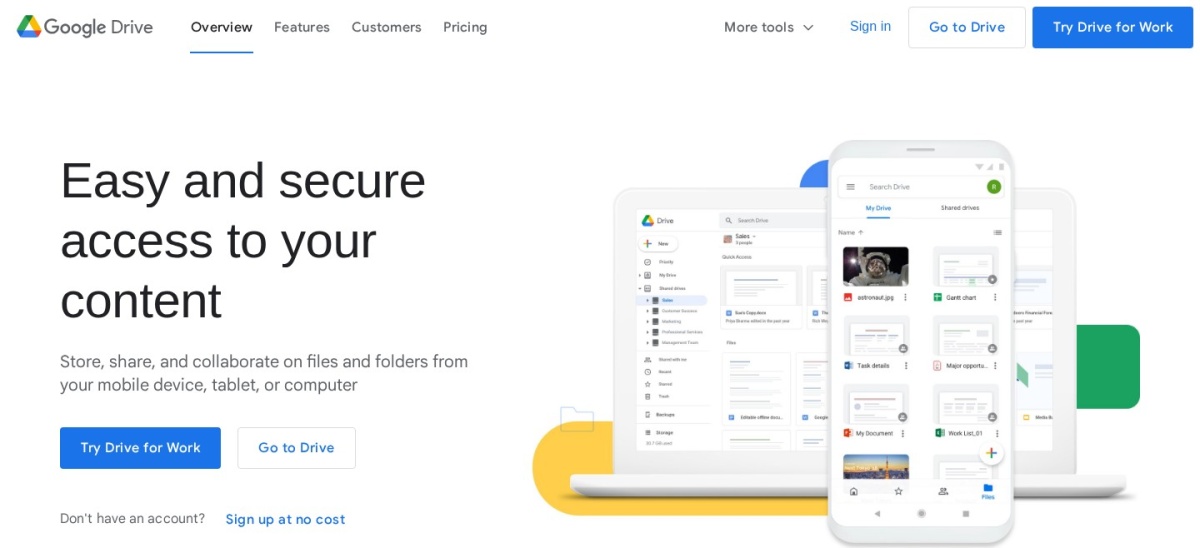
Google Drive is the file sharing app most people already have, built into Gmail and Google Workspace with 15 GB free across Drive, Gmail and Photos. It pairs storage with Docs, Sheets and Slides, so files open for real-time editing without downloads. Google One Basic adds 100 GB for $1.99 a month.
The trade off is that the free 15 GB is shared across Gmail and Photos, so it fills fast, and privacy-conscious users dislike Google's data use. It suits anyone already in the Google ecosystem who shares documents and collaborates daily.
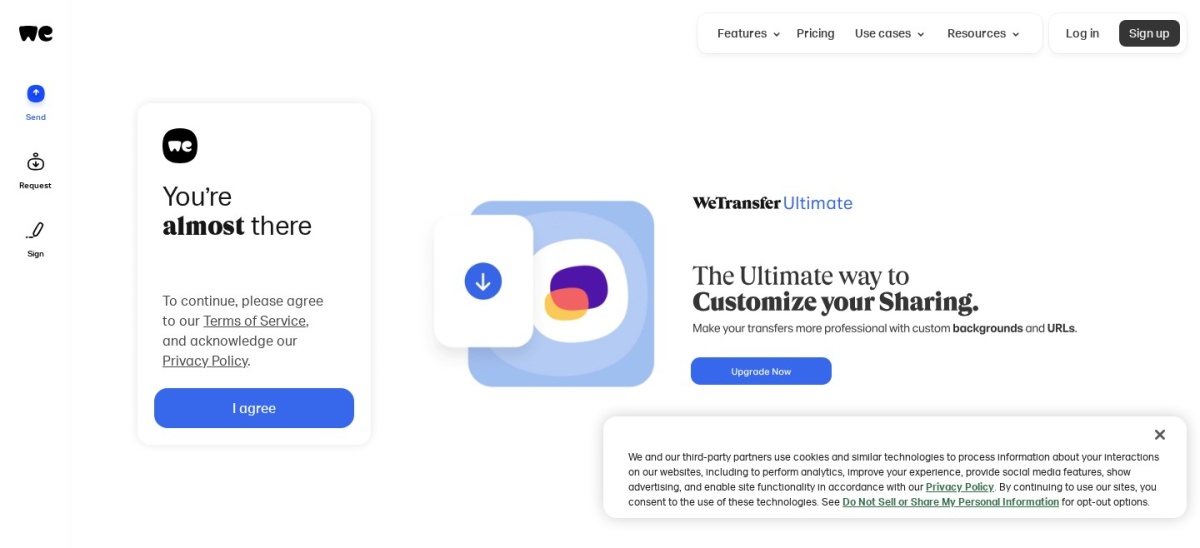
WeTransfer is the simplest way to send a big file: no account, no app, just a link that expires. The free tier sends files up to 2 GB, and Pro raises the transfer limit to 200 GB, adds 1 TB of storage, a branded portal and password protection for $12 a month.
The trade off is that it is a transfer tool, not a storage home. Files expire, there is no folder sync or real-time collaboration, and heavy users find Pro expensive for what it does. It suits creatives sending large files to clients who should not need an account.
Dropbox is the file sharing app that set the standard for sync, with fast, reliable file syncing across every device and simple link sharing. The free plan includes 2 GB, and Plus adds 2 TB, smart sync, file recovery and transfer tools for $9.99 a month billed annually.
The trade off is value. Two gigabytes free is the smallest here, and 2 TB costs the same as Google's 2 TB while offering less free space and weaker office apps. It suits teams who prize sync speed and reliability above storage size.
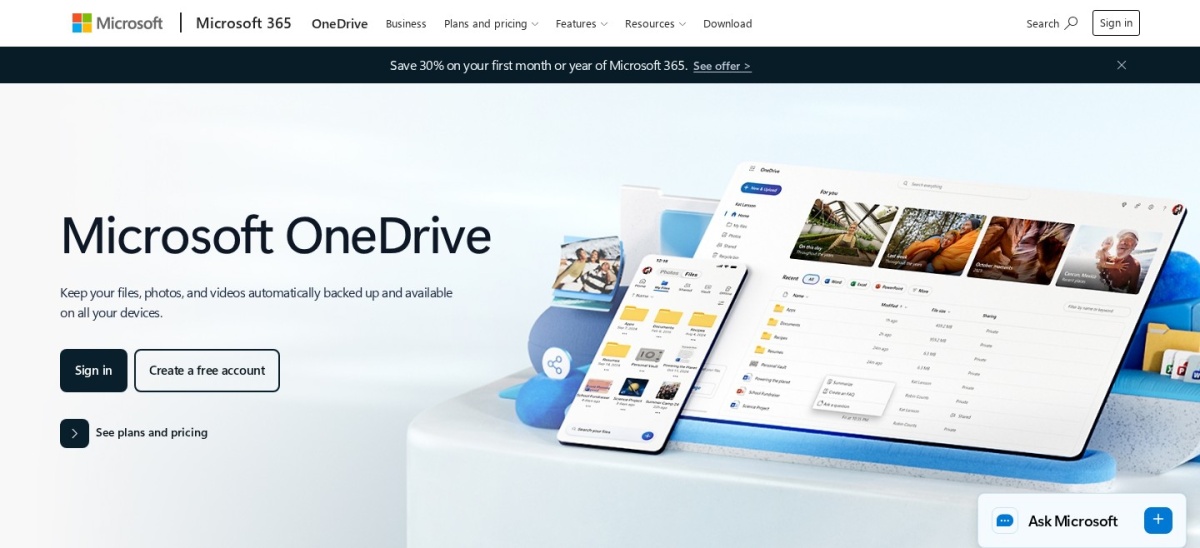
OneDrive is Microsoft's file sharing app, built into Windows and Microsoft 365, so files sync without installing anything extra. The free plan includes 5 GB, and Microsoft 365 Basic adds 100 GB for $1.99 a month, while Personal adds 1 TB with the desktop Office apps for $9.99 a month.
The trade off is the Microsoft tie-in. It shines inside Windows and Office, but the web and Mac experience is weaker, and there is no end-to-end encryption. It suits Windows households and teams already paying for Microsoft 365.
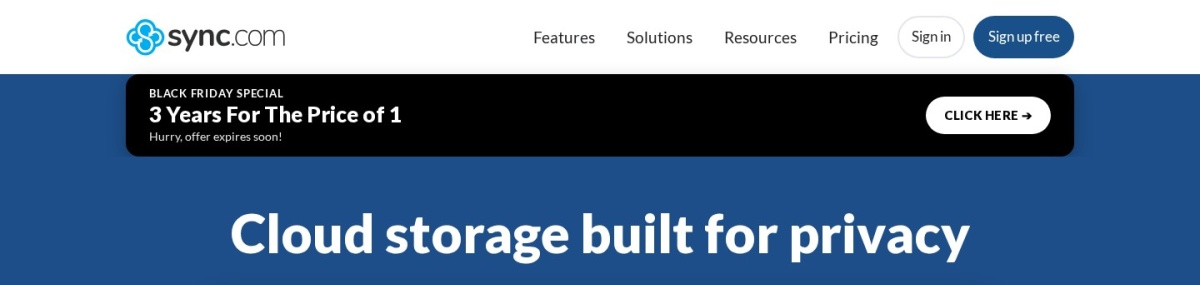
Sync.com is a privacy-first file sharing app from Canada, with end-to-end encryption on every plan and data stored under Canadian privacy law. The free plan includes 5 GB, and Solo Basic adds 2 TB, unlimited sharing and file requests for $8 a month. It also meets HIPAA requirements for health data.
The trade off is the ecosystem. Sync.com has few integrations, no real-time co-editing and no Linux desktop app, so it feels narrower than Drive or Dropbox. It suits lawyers, accountants and health workers who need private sharing above all.
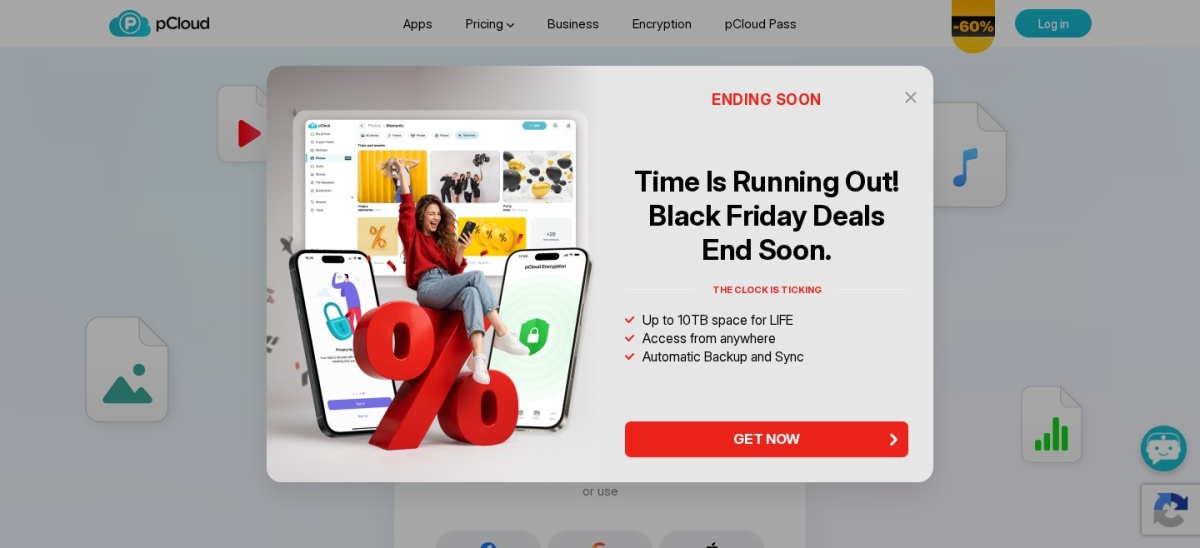
pCloud is a file sharing app from Switzerland with a rare offer: one-time lifetime plans alongside monthly ones. The free plan includes 10 GB, and Premium adds 500 GB for $3.99 a month billed annually, with a virtual drive, media streaming and password-protected links. Premium Plus adds 2 TB for $7.99 a month.
The trade off is that the best privacy costs extra. Client-side encryption is a paid add-on, not included, and the apps are plainer than Drive or Dropbox. It suits individuals who want to pay once for storage and keep it for years.
Box is a business-grade file sharing app with the strongest admin controls in this list: granular permissions, audit trails, e-signatures and integrations with more than 1,500 apps. The free plan includes 10 GB, and Personal Pro adds 100 GB, a 5 GB upload limit and 10 file versions for $10 a month billed annually.
The trade off is cost and complexity. Business plans need at least three users, so a small team pays from $15 a month, and the interface feels built for IT rather than individuals. It suits regulated teams that need governance more than cheap storage.
What we like
Strongest admin controls and audit trails
1,500+ integrations including Office and Slack
Built-in e-signatures on paid plans
Watch out for
Business plans need at least three users
Pricier per gigabyte than Drive
Feels built for IT, not individuals
Personal Pro adds 100 GB and bigger uploadsVisit box.com
08
ShareFile
4.2/5on G2 (1,475 reviews, checked Nov 2026)
Starts at$16.50/user/mo
Best for secure client document sharing
Free planNo, 14-day trial
Paid planAdvanced, $16.50/user/mo
Storage1 TB per licence
ComplianceHIPAA, FINRA and SEC support
sharefile.com
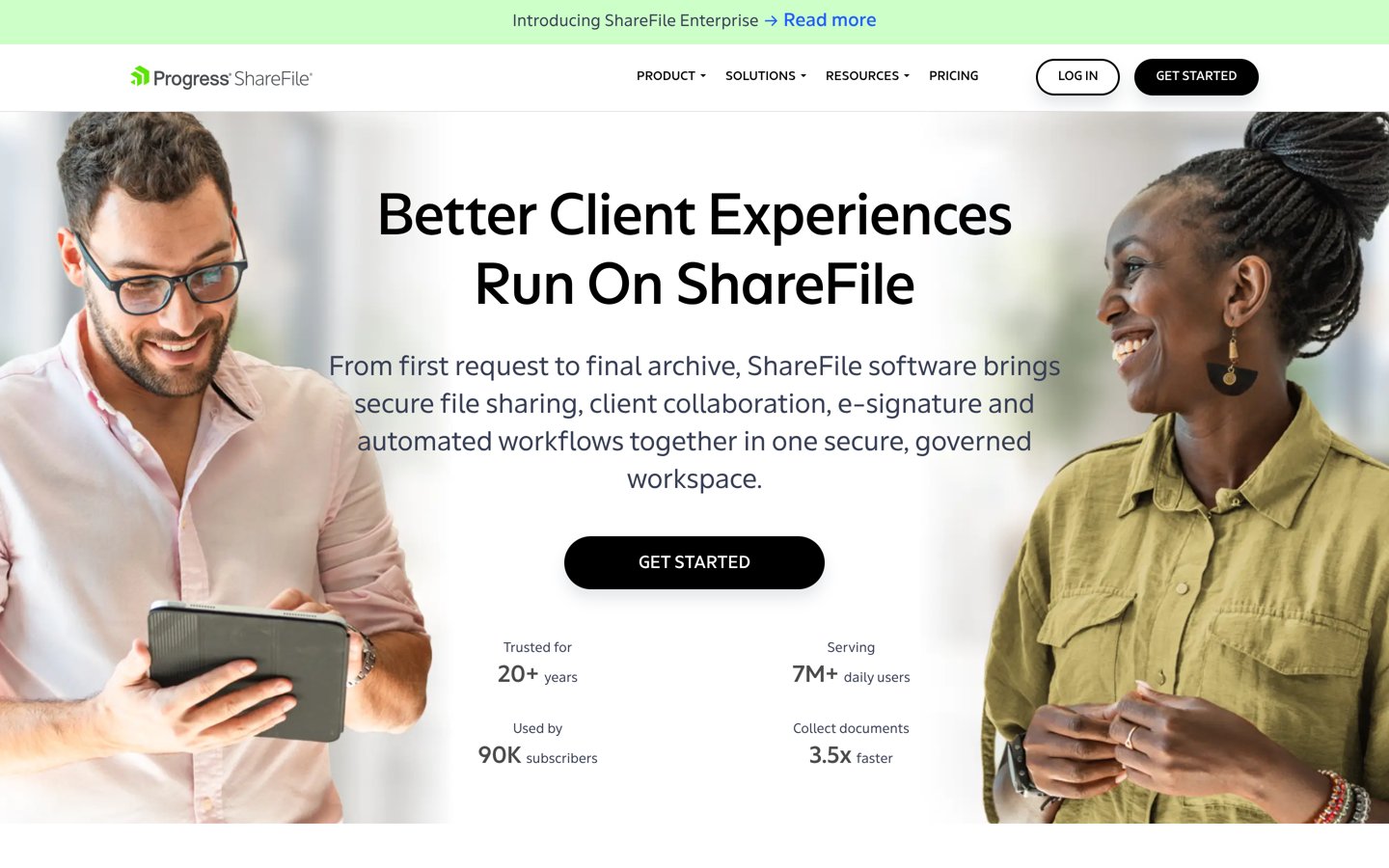
ShareFile homepage, captured Nov 2026.
ShareFile is a secure file sharing and client portal platform for accounting, legal and health firms, now owned by Progress Software. Advanced adds encrypted sharing, a client portal, e-signatures on higher tiers and audit trails, with 1 TB per licence. Pricing is per user with a three-user minimum.
The trade off is the minimum spend. Advanced costs $16.50 per user a month billed annually, so the smallest account is $49.50 a month for three seats, and sync reliability draws complaints. It suits firms that collect sensitive documents from clients every day.
Storage apps keep your files in the cloud and sync them to every device. Drive, Dropbox, OneDrive, Box, Sync.com and pCloud all work this way.
Transfer apps send a file and forget it. WeTransfer is the classic example: upload, share a link, and the file expires after a set time.
Use storage for files you keep and transfer for files you send once. A big video edit goes by transfer; the project folder lives in storage.
How we chose
We started from the file sharing apps with the largest review bases on G2, then kept the eight with a published paid price and a real free tier or trial. Each tool below has a verifiable G2 rating and review count from November 2026.
Prices come from each vendor's pricing page and G2's vendor-provided pricing, checked on 25 November 2026. Where a vendor bills annually, the list shows the annual monthly rate, and the yearly total in the price ladder.
We left out apps without a verifiable rating or a published price. No vendor paid for a place, and we do not claim hands-on testing for this list.
How to choose a file sharing app
Start with how much you store, then check the free tier, the sharing controls and the price.
Count your storage. Check how much you use today across Drive, Gmail and Photos. If you are under 15 GB, Drive's free tier may be enough.
Decide storage or transfer. If you send big files once, WeTransfer is enough. If files must live somewhere, pick a storage app with sync.
Check the sharing controls. Look for link expiry, passwords and permission settings before sharing sensitive files with clients or the public.
Compare the tier you will use. Do not compare headline prices. Compare the price for the storage you need, and watch for per-user minimums on business plans.
FAQ
What is the best file sharing app?
Google Drive is the best file sharing app for most people, with 15 GB free, real-time Docs collaboration and paid plans from $1.99 a month, backed by 42,900 G2 reviews. Dropbox wins on sync reliability, and WeTransfer wins for one-off big files.
How can I send a large file for free?
WeTransfer sends files up to 2 GB free with no account, and Google Drive shares files up to 15 GB free with a Google account. For files over 2 GB without paying, split the file or use a free trial of a paid plan.
Is Google Drive better than Dropbox?
For most people, yes. Drive gives 15 GB free against Dropbox's 2 GB, and its Docs collaboration is stronger. Dropbox still syncs more reliably and its interface is simpler, so teams that prize sync speed may prefer it.
Which file sharing app is most private?
Sync.com is the most private pick here, with end-to-end encryption on every plan and data stored in Canada. pCloud offers client-side encryption as a paid add-on, while Drive, Dropbox and OneDrive do not offer end-to-end encryption.
How much storage do I need?
Most casual users fit in 100 GB, which costs $1.99 a month from Google or Microsoft. Photographers and video editors should look at 2 TB plans, which run $7.99 to $9.99 a month, and check upload limits before buying.
Can I share files without an account?
Yes, with transfer tools. WeTransfer lets anyone send up to 2 GB without signing up, and recipients open the link with no account either. Storage apps need an account to upload, though anyone can open a shared link.
SaaS SEO and WordPress specialist with about 8 years of experience. Rakib compares WordPress plugins, themes, hosting and software using public pricing, documentation and user reviews. See how we rank.