Ramp is the best expense reporting dashboard software for most companies, with free cards, live spend visibility and AI-assisted reporting in one platform. Pick Brex for global spend dashboards and Expensify for classic report dashboards that work with any card.
How we make this list: we compare pricing pages, product documentation and public user reviews, then re-check every price before each update. No product paid for a place. Disclosure.
Ramp and Brex give live spend dashboards for free, funded by card spend, with paid tiers from $12 per user a month.
Expensify remains the classic reporting dashboard, with receipt OCR and automatic sync from $5 per member a month.
Zoho Expense is the cheapest paid dashboard, at $3 per user a month billed annually.
Sage Expense Management adds real-time reporting dashboards for Sage users at $11.99 per active user a month.
SAP Concur is the only major tool priced per report, at $7 per report with unlimited users.
What an expense reporting dashboard should show
An expense reporting dashboard turns raw spend into decisions. It should show spend by team, category and vendor in real time, flag out-of-policy items, track approvals and close the month without spreadsheet exports.
Card-first platforms such as Ramp and Brex update dashboards the moment a card is swiped, while report tools such as Expensify update them when reports are submitted. That timing gap matters for month-end close.
Pricing runs from $0 on Ramp, Brex and BILL to $15 per user a month for Navan, with Sage at $11.99 per active user a month and Concur at $7 per report. Dashboard depth usually follows the paid tier, not the free one.
If you need the whole finance picture, look wider. Our best accounting software guide covers the full finance stack.
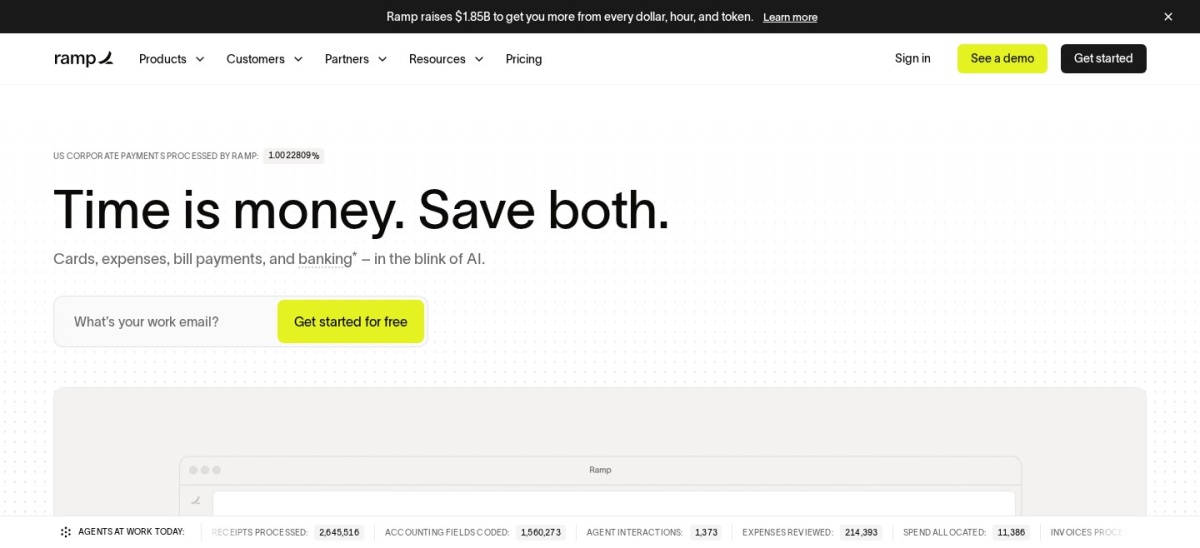
Ramp is a free-to-start spend platform that combines corporate cards, expense management, bill pay and travel in one system. Ramp Free covers unlimited physical and virtual cards, travel and expense, bill pay, AI-assisted reporting and accounting sync with QuickBooks Online and Xero.
The trade off is structural. Ramp makes its money when your team spends on Ramp cards, so the economics work best when you move most company spend there. Plus costs $15 per user a month and adds advanced controls. It suits startups and growth companies that want cards plus expenses free.
What we like
Core platform free, including cards and bill pay
AI receipt chasing, coding and month-end work
Accounting sync with QuickBooks and Xero
Watch out for
Best value needs Ramp cards to carry spend
Plus tier adds a platform fee on top of per-user pricing
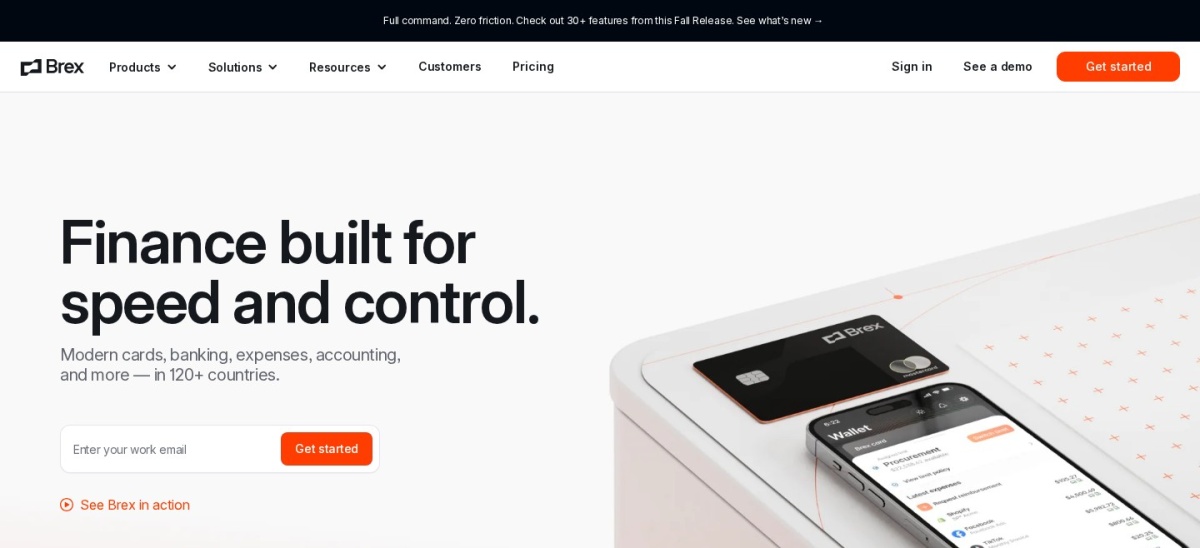
Brex is a modern finance platform for speed and control, combining cards, banking, expenses, accounting and travel in more than 120 countries. The free Essentials plan includes global card acceptance, one local card program, AI-written expense rules, accounting integrations, bill pay and reimbursements.
The trade off is similar to Ramp's. You get the most value when Brex cards carry your spend, and Essentials is limited to two entities, so multi-entity companies need Premium at $12 per user a month. It suits venture-backed startups and mid-market companies with global entities.
What we like
Free Essentials plan with global cards
Works in more than 120 countries
AI expense rules and auto-enforced budgets
Watch out for
Best value needs Brex cards to carry spend
Essentials limited to two entities
Premium adds multi-entity support at $12/user/moVisit brex.com
03
Expensify
4.5/5on G2 (5,685 reviews, checked Nov 2026)
Paid from$5/mo
Best classic reporting dashboard
Free planYes, individuals
Collect plan$5/member/mo
Members15M+
Receipt scanOCR, automatic
expensify.com
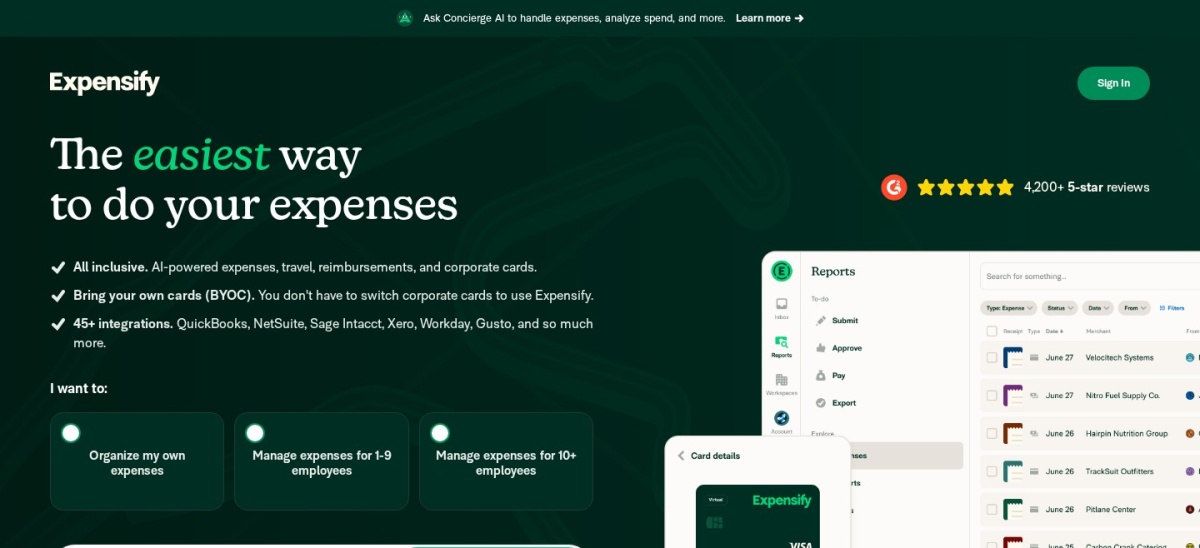
Expensify homepage, captured Nov 2026.
Expensify is the classic expense reporting tool, trusted by more than 15 million members. It scans receipts, submits reports, approves and reimburses, with reports syncing automatically to accounting, and it works with any card your company already uses.
The trade off is the per-member price. Collect costs $5 per member a month, and the free plan is for individuals only, so teams pay from the first member. It suits companies that want to keep their existing cards and still automate receipts.
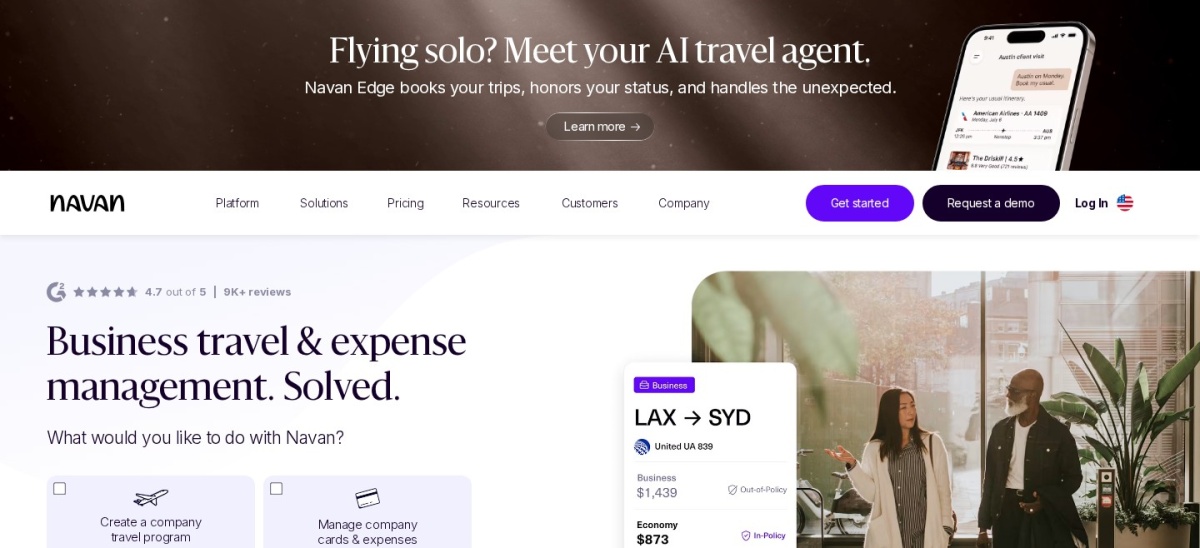
Navan is a travel and expense platform that puts booking and expensing in one flow. Travel booking is free for companies up to 300 employees, and expensing is free for the first 5 expensing users, with AI receipt capture and automatic policy checks.
The trade off is the per-user price. After the first 5 free expensing users, expense costs $15 per user a month, so larger teams pay more than on a free card-first platform. It suits companies that want travel booking and expense in one app.
What we like
Travel booking and expense in one flow
Free travel for companies up to 300 staff
AI receipt capture and policy checks
Watch out for
$15 per user a month after 5 free users
Costs more than free card-first platforms at scale
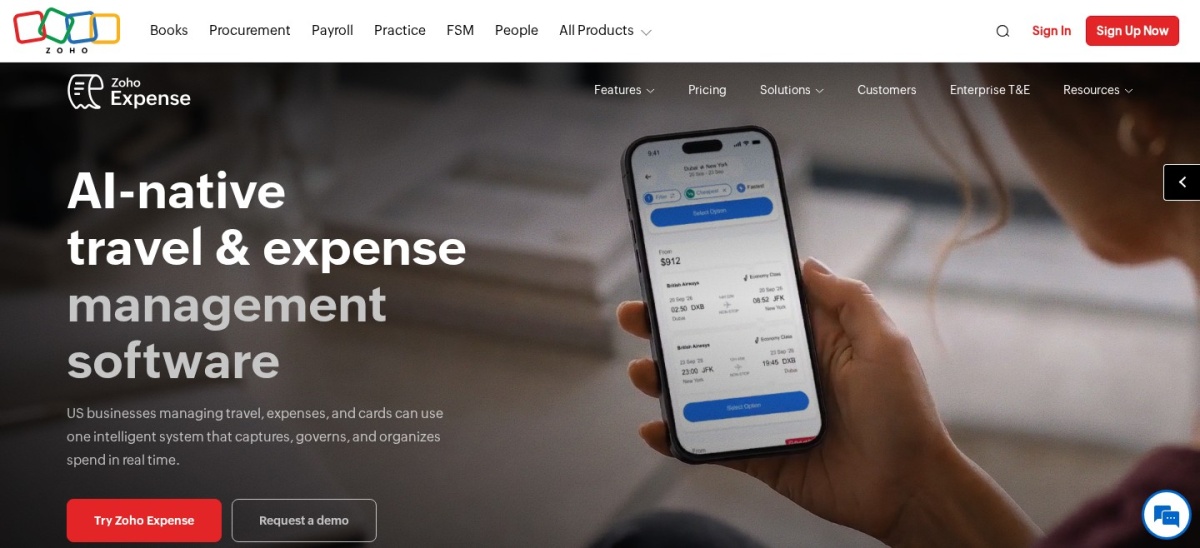
Zoho Expense is the budget pick for card-agnostic teams, with receipt scanning, approvals, mileage tracking and accounting sync. The free plan covers up to 3 users, and Standard costs $3 per user a month billed annually.
The trade off is depth. Zoho Expense is simpler than Ramp or SAP Concur, so large enterprises may miss advanced controls, and the cheapest paid tier is per active user. It suits small teams that want low-cost expense reports without switching cards.
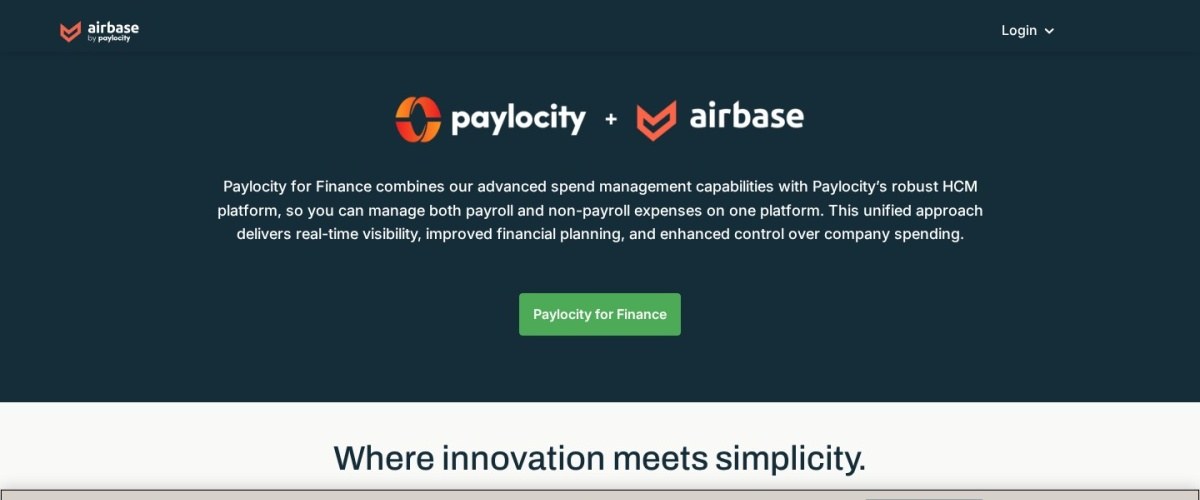
Airbase is a spend management platform with corporate cards, bill pay, reimbursements and accounting automation in one system. It enforces budgets before purchases happen and syncs approved spend to the general ledger automatically.
The trade off is transparency. Airbase publishes no prices and sells by quote, and its homepage now presents Airbase as part of Paylocity, so buyers should confirm the current packaging before purchasing. It suits mid-market companies that want spend controls plus bill pay.
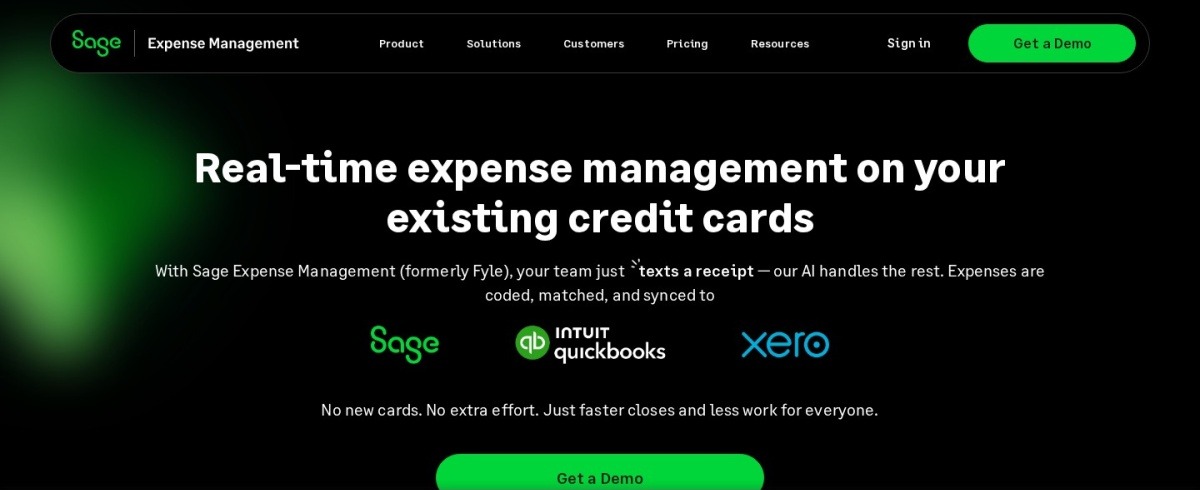
Sage Expense Management homepage, captured Nov 2026.
Sage Expense Management is Sage's expense tool, with receipt scanning, approvals, mileage and real-time reporting dashboards. Growth costs $11.99 per active user a month billed annually, with a 5-user minimum, and it syncs with Sage accounting.
The trade off is the ecosystem. Sage Expense Management fits best inside Sage accounting, and Growth needs at least 5 users, so very small teams pay for seats they do not use. It suits Sage customers that want expense dashboards in their own stack.
Rydoo is an expense management tool for international teams, with receipt scanning, per diem, mileage and multi-currency expenses. Team costs $9 per user a month billed annually, with a 5-user minimum, and it syncs with major accounting tools.
The trade off is the minimum. Team needs at least 5 users, so very small teams pay for seats they do not use, and the cheapest tier is per active user. It suits international teams that need per diem and multi-currency expenses.
SAP Concur is the enterprise standard for travel and expense, built for complex policies, audits and multi-entity structures. It covers travel booking, expense reports, invoice management and duty of care, with deep SAP and ERP integration.
The trade off is cost and complexity. Concur is priced per report on its Base plan at $7 per report with unlimited users, and implementation takes longer than on lighter tools. It suits large enterprises with complex travel policies.
Card-first dashboards update the moment a card is swiped, so finance sees spend as it happens and can block out-of-policy purchases before they settle.
Report-based dashboards update when employees submit reports, which can lag spend by days or weeks. They suit companies where reimbursement, not card spend, is the main flow.
Sage Expense Management and Airbase sit in the middle: approvals and budgets update in real time, while accounting sync runs on approval.
How we chose
We started from every established expense reporting dashboard software tool with public reviews on G2, Capterra or Trustpilot, then kept those with a current product and published pricing or a clear quote-based model.
Prices come from each vendor's pricing page, checked on 25 November 2026, or from the vendor's own site where pricing is by quote. Ratings and review counts come from G2, Capterra or Trustpilot on the same day. Where a vendor shows a sale, the list shows the regular price.
We left out tools with no verifiable rating on any of the three review sites. No vendor paid for a place, and we do not claim hands-on testing for this list.
How to choose expense reporting dashboard software
Start with how fast you need to see spend, then check the dashboard depth.
Decide real-time or report-based. Card-first tools show spend live; classic tools update on report submission.
Check the views finance needs. Look for spend by team, category and vendor, plus approval tracking and policy flags.
Confirm the export and close workflow. Dashboards should feed month-end close without spreadsheet exports.
Price the tier with the dashboard you need. Advanced dashboards often sit on paid tiers such as Ramp Plus and Brex Premium.
FAQ
What is the best expense reporting dashboard software?
Ramp is the best pick for most companies. Its free tier covers cards, live spend dashboards and AI-assisted reporting, and it is rated 4.8 out of 5 on G2 from 2,540 reviews. Brex is the best alternative for global teams.
What should an expense dashboard show?
It should show spend by team, category and vendor in real time, flag out-of-policy items, track approvals and support month-end close. Card-first tools update live; report tools update when reports are submitted.
Is there a free expense reporting dashboard?
Yes. Ramp and Brex offer free dashboards funded by card spend, Expensify offers a free individual plan, and Zoho Expense is free for up to 3 users. Paid team plans start at $3 per user a month.
How much does expense dashboard software cost?
Prices here run from $0 on Ramp and Brex to $15 per user a month for Navan. Expensify costs $5 per member a month, Zoho Expense $3 per user a month, Sage $11.99 per active user a month, and Concur $7 per report.
Which dashboard is best for Sage users?
Sage Expense Management is built for Sage accounting, with real-time reporting dashboards at $11.99 per active user a month billed annually on Growth, with a 5-user minimum.
Which dashboard is best for enterprises?
SAP Concur is the enterprise standard, priced at $7 per report with unlimited users and deep SAP integration. Airbase suits mid-market companies that want spend control plus bill pay by quote.
SaaS SEO and WordPress specialist with about 8 years of experience. Rakib compares WordPress plugins, themes, hosting and software using public pricing, documentation and user reviews. See how we rank.