Confluent is the best event stream processing software for most teams, pairing managed Kafka with Flink stream processing, connectors and governance in one platform. Pick Redpanda for low-latency Kafka-compatible streaming and Estuary for CDC into a warehouse.
How we make this list: we compare pricing pages, product documentation and public user reviews, then re-check every price before each update. No product paid for a place. Disclosure.
Confluent is the default enterprise pick: managed Kafka, Flink SQL, 80+ connectors and governance in one platform.
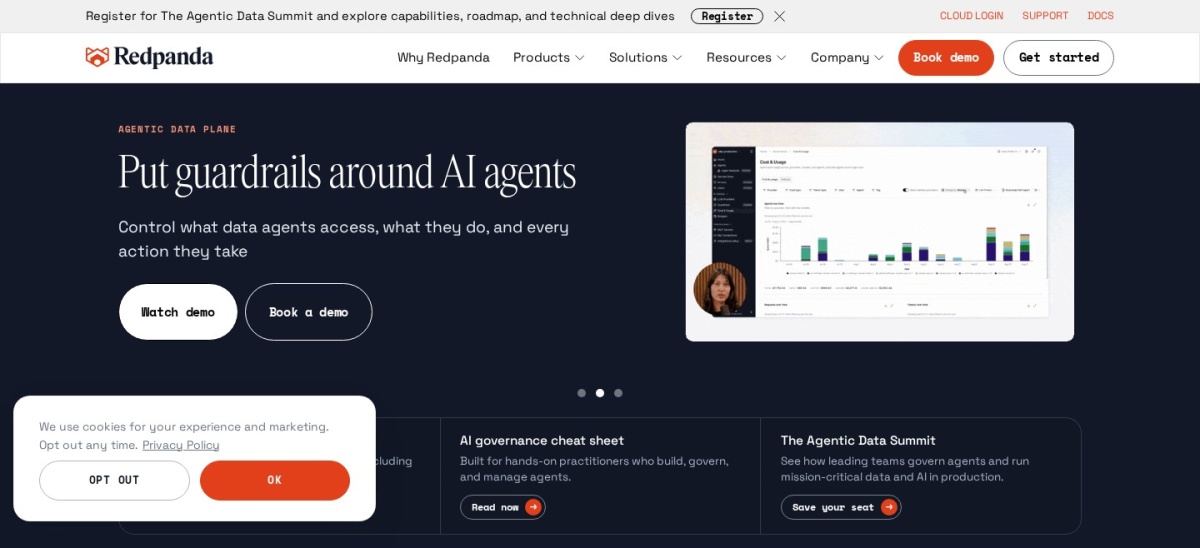
Redpanda is the fastest alternative, with Kafka compatibility in a single binary and no JVM to tune.
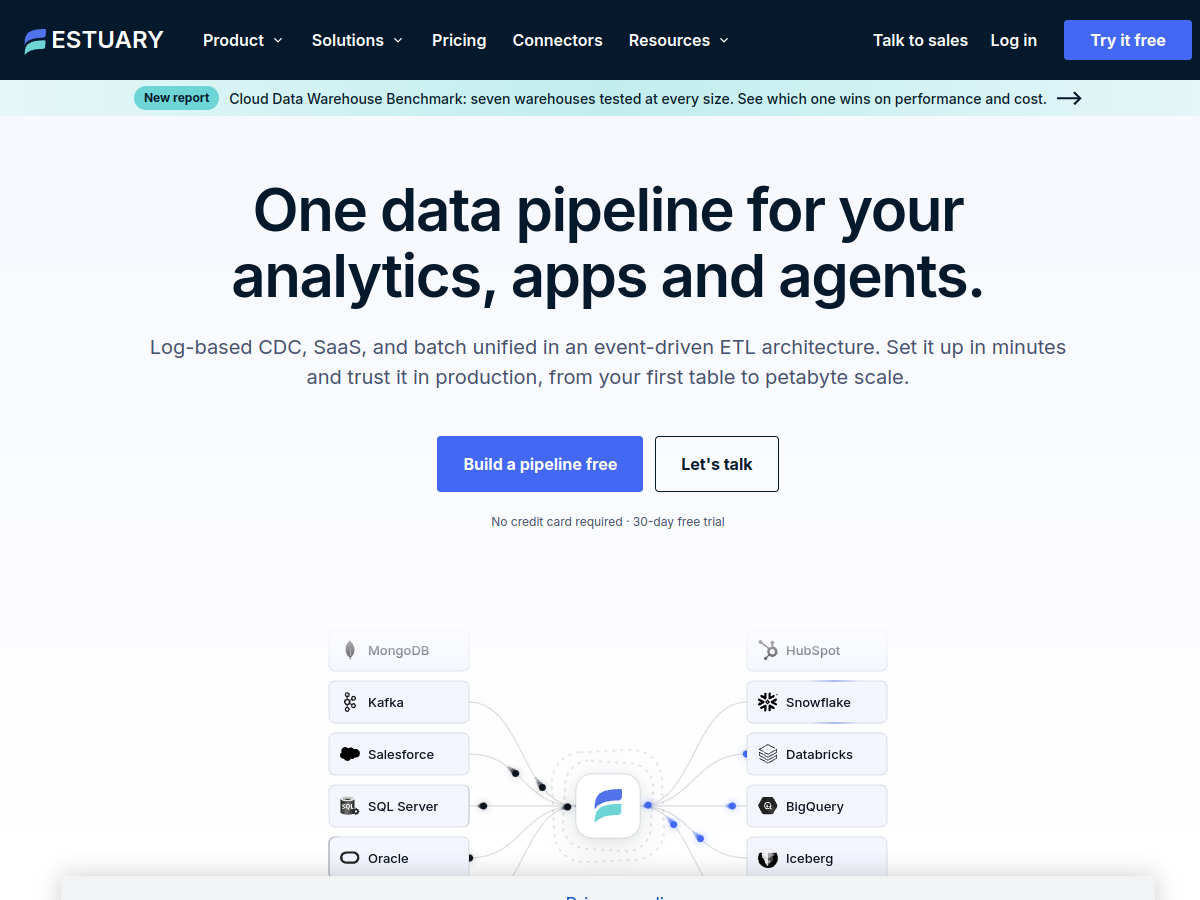
Estuary Flow is the simplest route for database CDC into a warehouse, from $0.50 per GB.
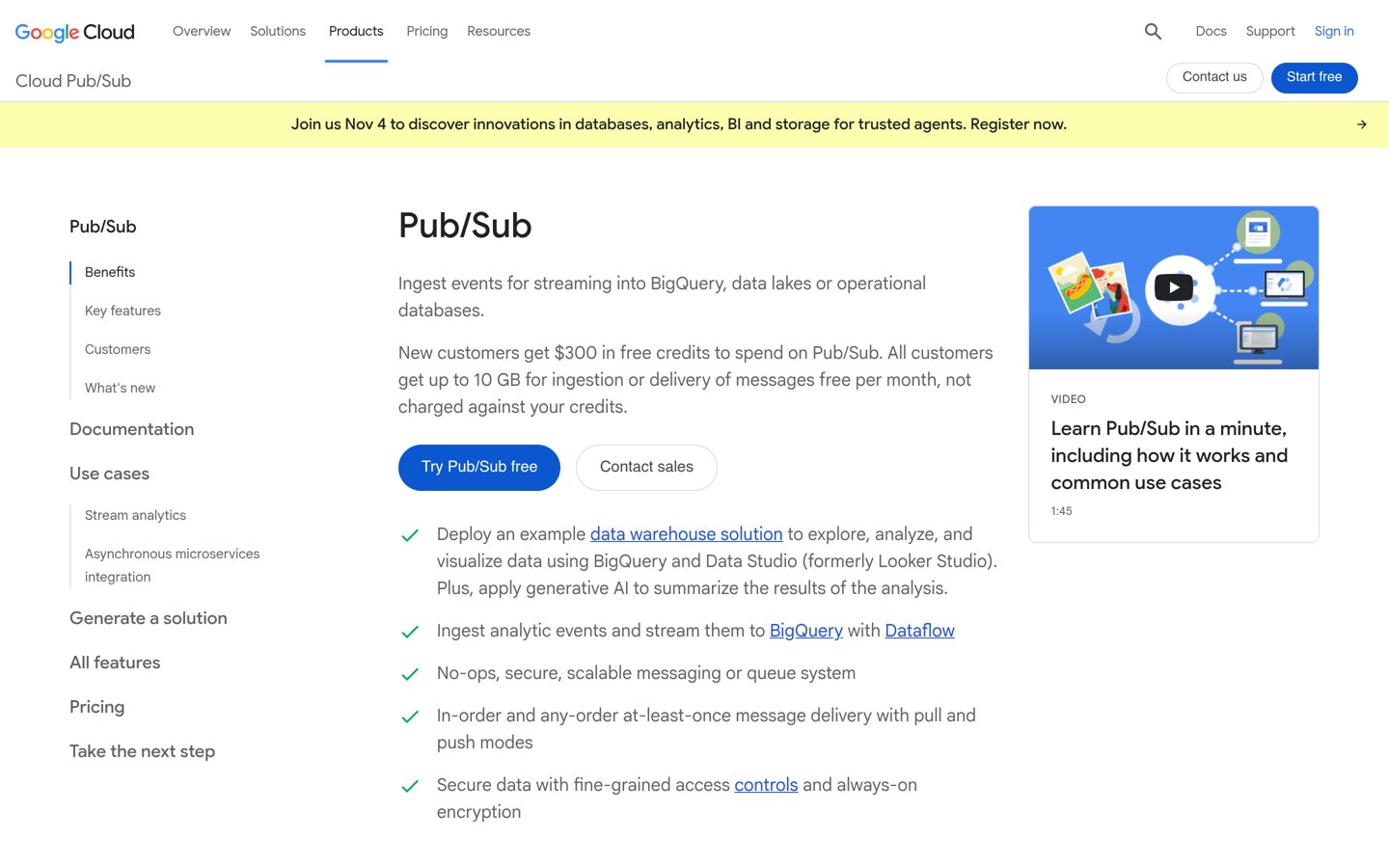
Google Cloud Pub/Sub is the best fit for teams already on Google Cloud, rated 4.5 out of 5 on G2.
Every tool here bills by usage except Aiven, which starts at $35 a month for a Developer Kafka service.
What event stream processing software should do
Event stream processing software moves data while it is still fresh. It ingests events from apps, databases and devices, then filters, joins and aggregates them before they land in a warehouse or trigger an action.
Most teams start with Kafka or a Kafka-compatible service as the backbone, then add a processing engine such as Flink or a SQL layer for live views.
Pricing is usage-based almost everywhere in this list. Compare the dimensions each vendor bills on, such as throughput, storage, connectors and compute, because the cheapest entry tier rarely stays cheapest at scale.
Check the best big data software guide if your job is batch analytics rather than live streams.
If you only need to move data between systems, a data integration tool fits better than a streaming platform.
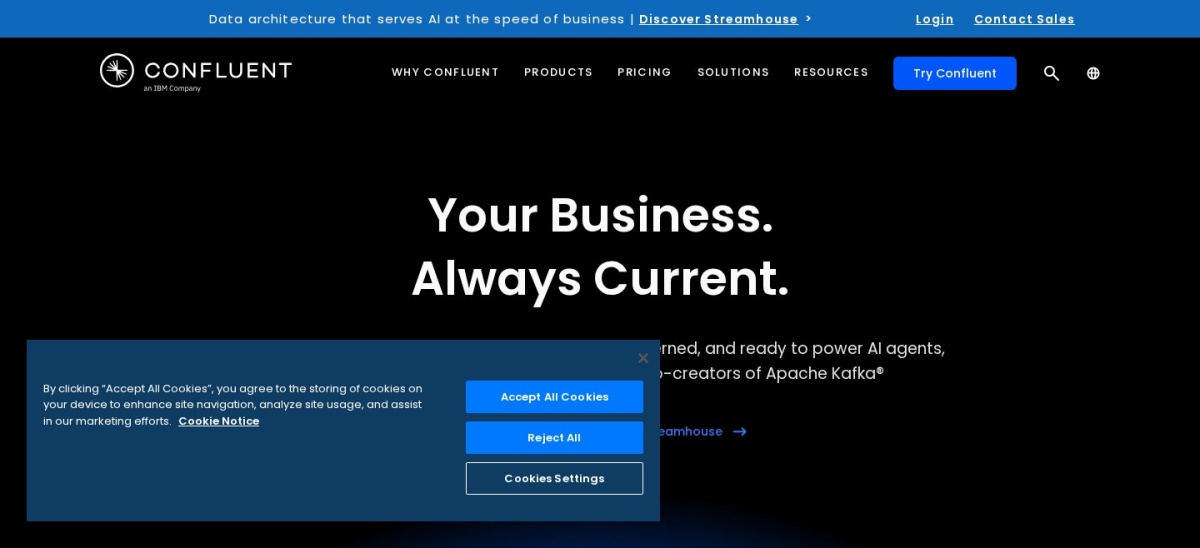
Confluent is the managed Kafka platform from the company founded by the creators of Apache Kafka. Confluent Cloud adds Flink for SQL stream processing, a schema registry, stream governance and more than 80 fully managed connectors, so teams move data without running brokers themselves.
The trade off is the bill. Pricing is usage-based across compute, data in and out, storage and connectors, and costs can rise fast with volume. The Basic tier starts at $0 a month, while Standard starts at about $385 a month. It suits enterprises standardizing on Kafka.
Redpanda is a Kafka-compatible streaming platform rewritten in C++ on the Seastar framework, so it runs as a single binary with no JVM tuning and no ZooKeeper. It speaks the Kafka API, which means existing producers and consumers work without rewrites, and it is built for low-latency, high-throughput pipelines.
The trade off is ecosystem maturity. Confluent's connector catalog is deeper, and the Community Edition uses a Business Source License rather than Apache 2.0. Serverless starts at $0 with pay-as-you-go usage. It suits greenfield teams that want Kafka semantics with less operational weight.
Estuary Flow is a managed streaming platform that unifies CDC, streaming and batch ELT in one place. It captures changes from databases such as Postgres and MongoDB and lands them in warehouses in under 100 milliseconds, with more than 200 source and destination connectors.
The trade off is scope. Estuary is not a replacement for Kafka as an application messaging backbone; it is the pipeline layer that feeds analytics. Cloud costs $0.50 per GB plus $100 per connector instance a month, with a free Developer tier. It suits teams whose main job is CDC into a warehouse.
Google Cloud Pub/Sub is Google's fully managed messaging service for event ingestion and streaming analytics. It scales globally without clusters to manage, integrates directly with BigQuery and Dataflow, and supports ordered delivery, dead-letter topics and exactly-once delivery for subscribers.
The trade off is cost at scale. Billing is per GiB ingested plus per GiB delivered, so high-volume pipelines need careful estimates, and the service is most useful inside Google Cloud. A free tier covers 10 GiB a month. It suits Google Cloud teams that want messaging without operations.
Aiven for Apache Kafka homepage, captured Nov 2026.
Aiven for Apache Kafka is a fully managed Kafka service that runs on AWS, Google Cloud, Azure and other clouds, so teams avoid lock-in to one provider. It covers automated backups, upgrades, monitoring and security, with Kafka Connect, Schema Registry and Tiered Storage available as add-ons.
The trade off is price at the low end. The Developer tier starts at $35 a month, and production tiers with more brokers and storage cost far more. It suits teams that want managed open source across clouds without operating Kafka themselves.
Apache Flink is the open-source engine for stateful stream processing, built for complex event logic, windowing and exactly-once results at millisecond latency. It runs on any cluster, supports SQL and Table APIs, and powers the stream processing inside several managed platforms on this list.
The trade off is operations. Flink is a framework, not a service: you run the cluster, tune checkpoints and watch state size yourself, or pay a managed vendor. It is free under Apache 2.0. It suits engineering teams that need real stream compute and can operate it.
Amazon Kinesis Data Streams homepage, captured Nov 2026.
Amazon Kinesis Data Streams is AWS's serverless service for real-time data ingestion, built for teams already on AWS. It captures gigabytes of data per second from apps and devices, integrates with Lambda, Firehose and Kinesis Data Analytics, and scales by shard or on-demand capacity.
The trade off is cost management. Provisioned mode bills $0.015 per shard-hour plus $0.014 per million PUT units, and on-demand mode bills per GB written, so idle shards and bursty traffic both cost money. It suits AWS-native teams building event-driven apps.
Azure Event Hubs is Microsoft's fully managed event ingestion service, and it is the natural choice for organizations standardized on Azure. It offers a Kafka protocol endpoint, so Kafka clients can connect without code changes, and it feeds Stream Analytics, Azure Functions and Synapse.
The trade off is value. G2 reviewers rate its support highly but note the wider Azure stack can feel expensive, and throughput units bill $0.015 per hour on Basic before ingress events. It suits Azure shops that need Kafka-compatible ingestion without running brokers.
Almost every tool here bills by usage, not by seat. Confluent bills compute, data in and out, storage and connectors separately, while Kinesis bills per shard-hour and Pub/Sub bills per GiB.
Start with a rough events-per-second estimate and a retention target, then price the same workload on two vendors before committing. Free tiers help here: Confluent Basic starts at $0 and Estuary's Developer tier covers 10 GB a month.
Watch connector and networking charges. Reviewers flag them as the surprise line on Confluent bills, and they apply on most managed platforms too.
How we chose
We started from every established event stream processing software tool with public reviews on G2, Capterra or Trustpilot, then kept those with a current product and published pricing or a clear quote-based model.
Prices come from each vendor's pricing page, checked on 25 November 2026, or from the vendor's own site where pricing is by quote. Ratings and review counts come from G2, Capterra or Trustpilot on the same day. Where a vendor shows a sale, the list shows the regular price.
We left out tools with no verifiable rating on any of the three review sites. No vendor paid for a place, and we do not claim hands-on testing for this list.
How to choose event stream processing software
Start with where your events already live, then match the engine to the job.
Check where your producers and consumers run. If they already speak Kafka, a Kafka-compatible platform avoids rewriting client code.
Decide whether you need transport or processing. Kafka moves events; Flink or a SQL layer processes them. Many teams need both.
Price the same workload on two vendors. Usage billing differs by dimension, so compare throughput, storage and connector costs together.
Confirm the free tier covers your trial. Confluent Basic, Estuary Developer and Pub/Sub all offer free starting tiers for evaluation.
FAQ
What is the best event stream processing software?
Confluent is the best pick for most teams. It combines managed Kafka with Flink stream processing, 80+ connectors and governance, and it is rated 4.4 out of 5 on G2 from 114 reviews.
Is Redpanda better than Confluent?
Redpanda is faster and simpler to operate, with Kafka compatibility in a single binary and a 4.7 out of 5 G2 rating. Confluent wins on connectors, governance and ecosystem depth, so pick Redpanda for latency and Confluent for breadth.
Can I process streams with SQL instead of code?
Yes. Confluent offers Flink SQL, Estuary uses SQL for live views, and Apache Flink has SQL and Table APIs. SQL suits filtering, joins and aggregations; complex stateful logic still needs code.
How much does event stream processing cost?
Most platforms bill by usage, so there is no single flat price. Confluent Basic starts at $0 a month with usage charges, Aiven for Kafka starts at $35 a month, and Estuary Cloud costs $0.50 per GB plus connector fees.
Do I need Kafka to do stream processing?
No. Pub/Sub, Kinesis and Event Hubs move events without Kafka, and Flink can run on top of several backbones. Kafka matters most when many producers and consumers must share one durable event log.
What is the difference between Kinesis and Kafka?
Kinesis is a managed AWS service that scales by shard or on-demand capacity, while Kafka is an open protocol you can run anywhere. Kinesis is simpler inside AWS; Kafka is more portable across clouds.
SaaS SEO and WordPress specialist with about 8 years of experience. Rakib compares WordPress plugins, themes, hosting and software using public pricing, documentation and user reviews. See how we rank.