WLWPLegible EditorsLast verified 24 Nov 2026How we rank8 min read
★ Short answer
Databricks is the best big data software for most teams, rated 4.6 out of 5 from 1,366 G2 reviews, with data engineering, SQL and AI in one platform. Pick Snowflake for the easiest warehouse setup and BigQuery if your data already lives on Google Cloud.
How we make this list: we compare pricing pages, product documentation and public user reviews, then re-check every price before each update. No product paid for a place. Disclosure.
Databricks leads the list at 4.6/5 from 1,366 G2 reviews, with Spark, SQL and AI in one platform.
Snowflake is the easiest warehouse to start with: 4.6/5 from 783 reviews and $2 per Standard credit.
BigQuery is the cheapest way to start: the first 1 TiB of queries each month is free.
Only Apache Spark is fully free; the rest bill by usage or by quote, so compare unit rates, not headline prices.
Cloudera and Splunk are quote-only, and Synapse has just 38 G2 reviews, so treat those entries with care.
What big data software should cover
Big data software covers tools that store, process and query data too large or too varied for a single database. The list below leans toward cloud warehouses and lakehouses, with an open source engine and a log platform for contrast.
Most of these tools bill by use, not by seat. Databricks sells DBUs, Snowflake sells credits, BigQuery charges per TiB scanned and Redshift charges per RPU-hour, so two teams can pay very different amounts for the same tool.
Check the unit rate against your own workload before you commit. Our guide on MySQL vs MariaDB for WordPress shows how storage choices shape a smaller setup, and the same habit of matching the store to the workload applies at this scale.
Ratings here come from G2, checked on 24 November 2026. Where a vendor publishes no price, the list says so instead of guessing.
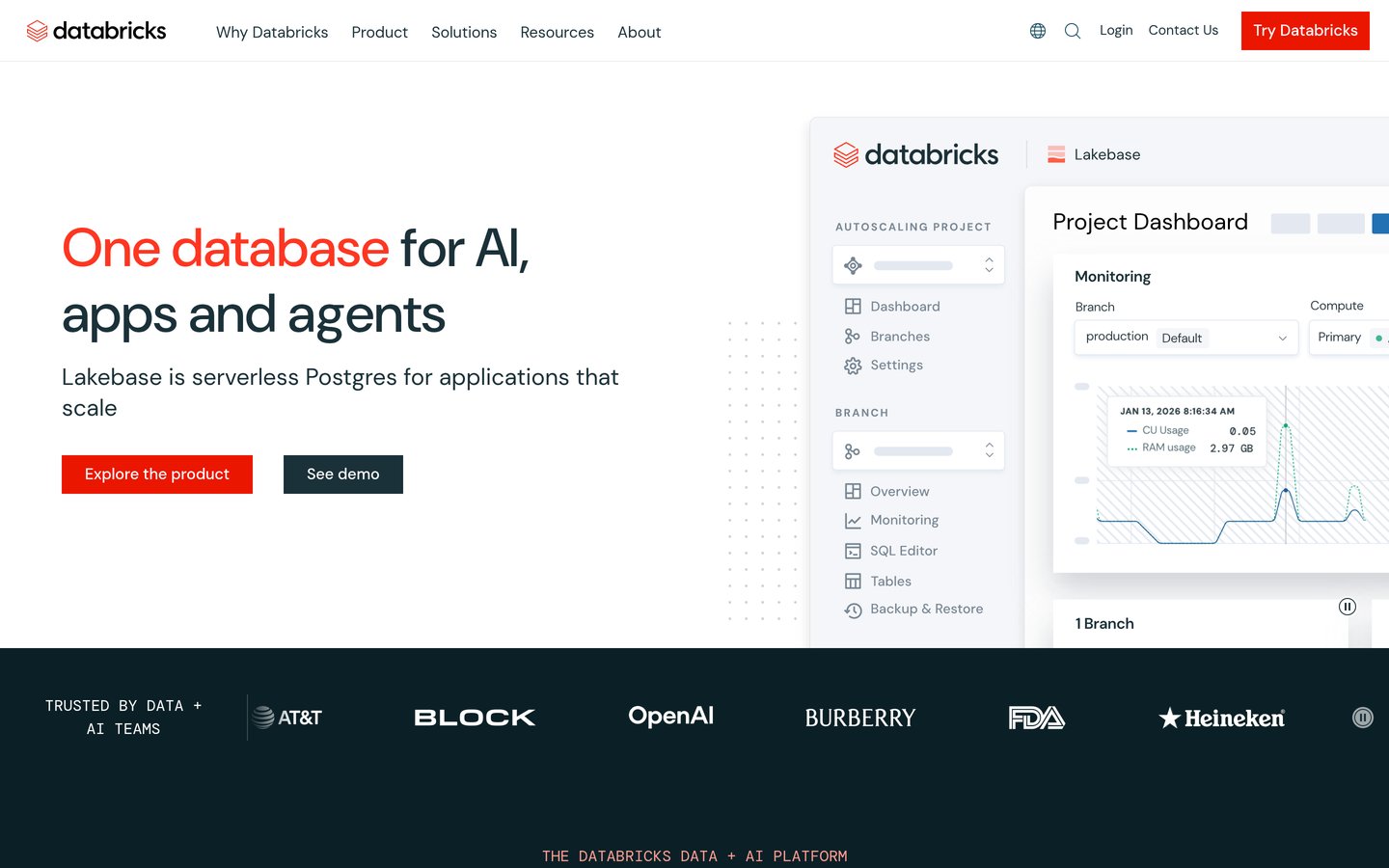
Databricks is a unified data and AI platform built on Apache Spark, covering data engineering, analytics and machine learning in one workspace. Its Lakehouse combines a data lake with warehouse features, governed by Unity Catalog, and it runs on AWS, Azure and Google Cloud. A free edition and a free trial let teams start without paying.
The trade off is usage billing. Jobs Compute lists at $0.15 per DBU on AWS, and cloud VMs bill on top for classic compute, so a busy cluster can cost more than expected. It suits teams that want one platform for engineering, SQL analytics and AI work.
Snowflake is a cloud data warehouse that separates storage from compute, so each scales on its own. It runs SQL analytics, data sharing and AI workloads on AWS, Azure and Google Cloud, with no servers to manage. A free trial lets new accounts try it before paying.
The trade off is the credit meter. Standard credits list at $2 each on AWS US East, and an X-Small warehouse uses 1 credit an hour, so costs rise with use and need watching. It suits teams that want fast SQL analytics with little setup.
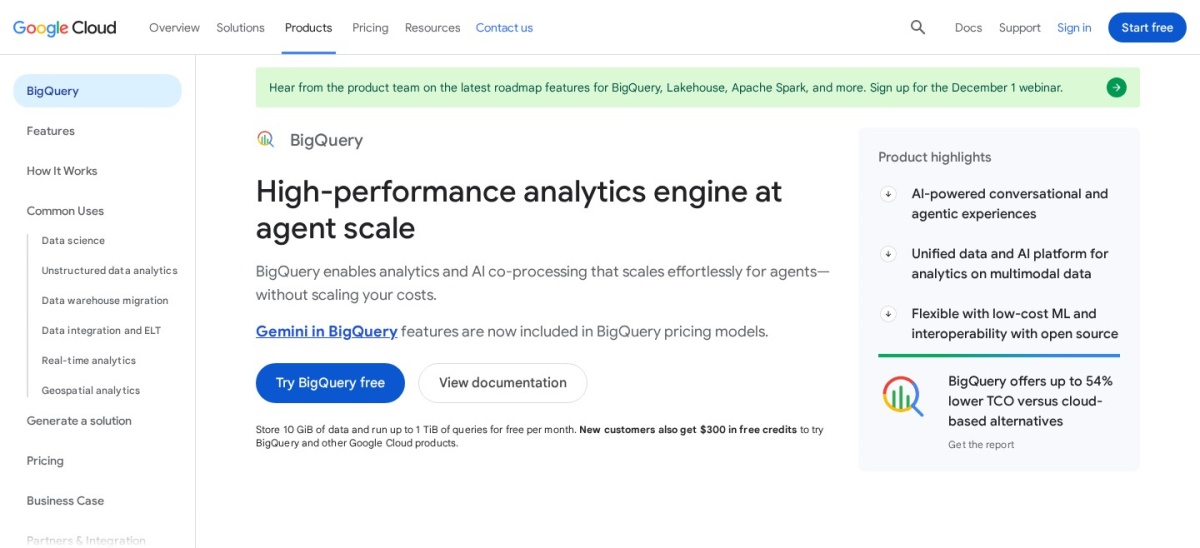
Google BigQuery is a serverless data warehouse from Google Cloud that runs SQL over large datasets without servers to provision. Queries bill on demand at $6.25 per TiB scanned, and the first 1 TiB a month is free. It links closely with Google Cloud storage, BI tools and Gemini features.
The trade off is cost control. A wide query over unpartitioned data can scan far more than planned, and storage bills separately from compute. It suits Google Cloud teams that want quick answers on large data without running a cluster.
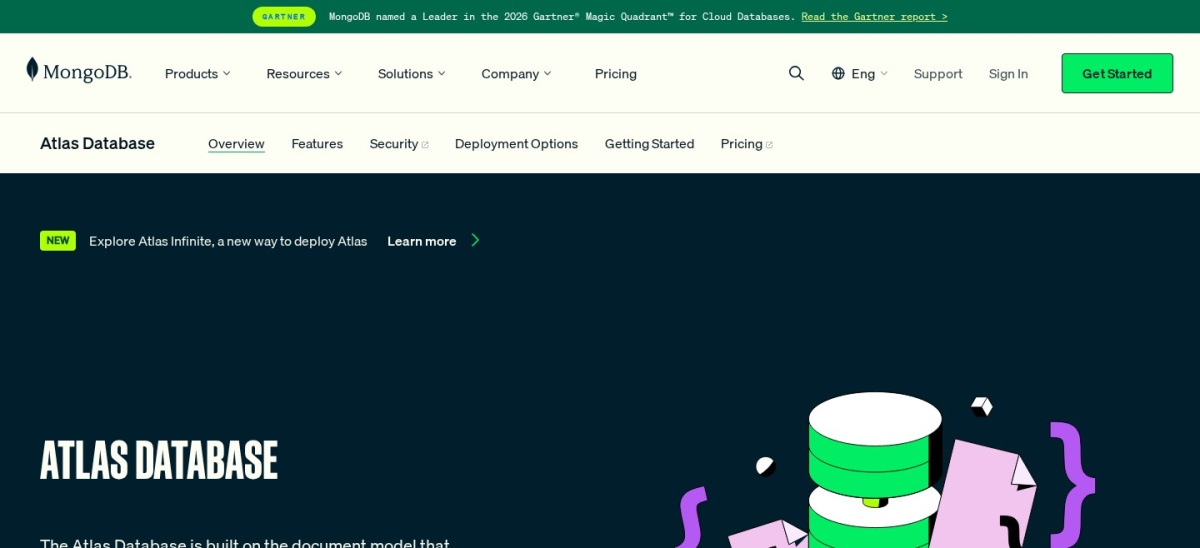
MongoDB Atlas is the managed cloud database for MongoDB, running on AWS, Azure and Google Cloud. It stores data as flexible JSON-like documents, which fits apps whose records change shape often. The M0 tier is free, Flex starts at about $8 a month, and dedicated M10 clusters start at $57 a month.
The trade off is that it is a document database first, not a warehouse. Heavy joins and wide analytic scans fit SQL warehouses better, and costs climb as storage and usage grow. It suits app teams that need a managed operational store for large, varied data.
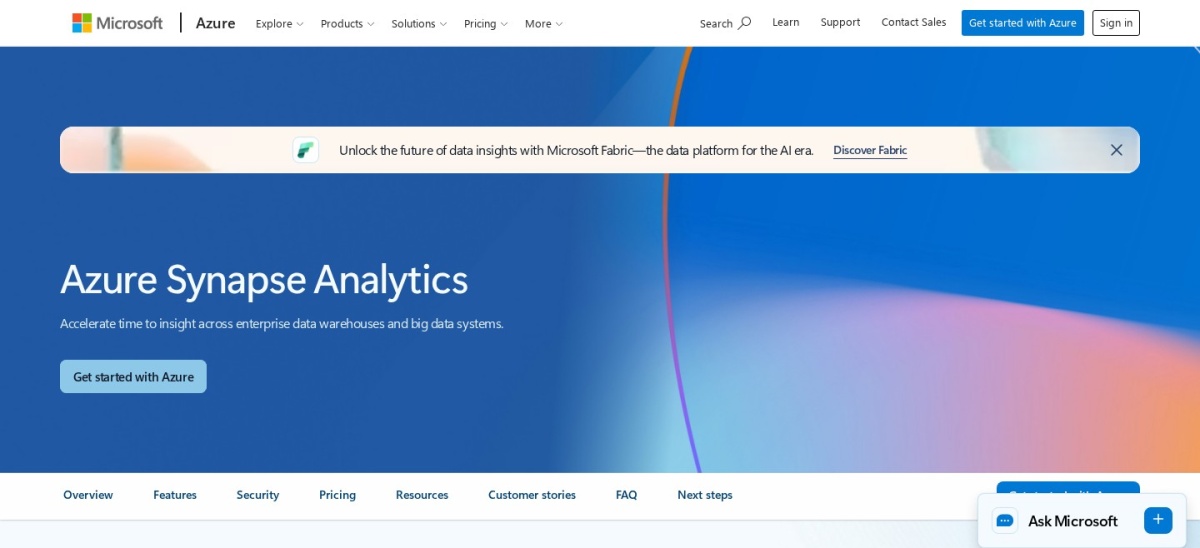
Azure Synapse Analytics homepage, captured Nov 2026.
Azure Synapse Analytics is Microsoft's unified analytics workspace, joining data warehousing, big data and pipelines in one place. Serverless SQL pools query files in the data lake at $5 per TB processed, with no pool to keep running. Dedicated SQL pools and Spark pools cover steady, heavy workloads.
The trade off is complexity. Each engine bills its own way, and dedicated pools start at about $1.51 an hour, so working out the full cost takes care. It suits Azure teams that want warehousing and Spark work in one workspace.
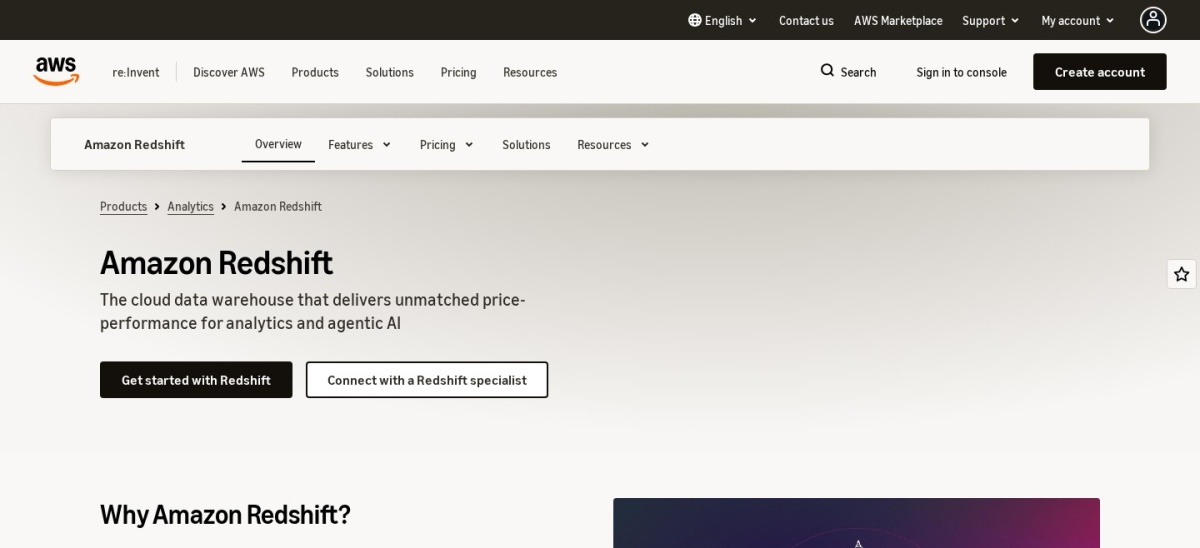
Amazon Redshift is AWS's cloud data warehouse for SQL analytics on large datasets. Redshift Serverless scales compute in RPUs and bills $0.375 per RPU-hour, starting at $1.50 an hour for 4 RPUs. It sits close to S3, Glue and IAM, which suits teams already on AWS.
The trade off is the AWS tie-in. Moving data or skills to another cloud takes work, and the default 128 RPU base can cost $48 an hour while busy if left unchanged. It suits AWS teams running steady SQL reporting and analytics.
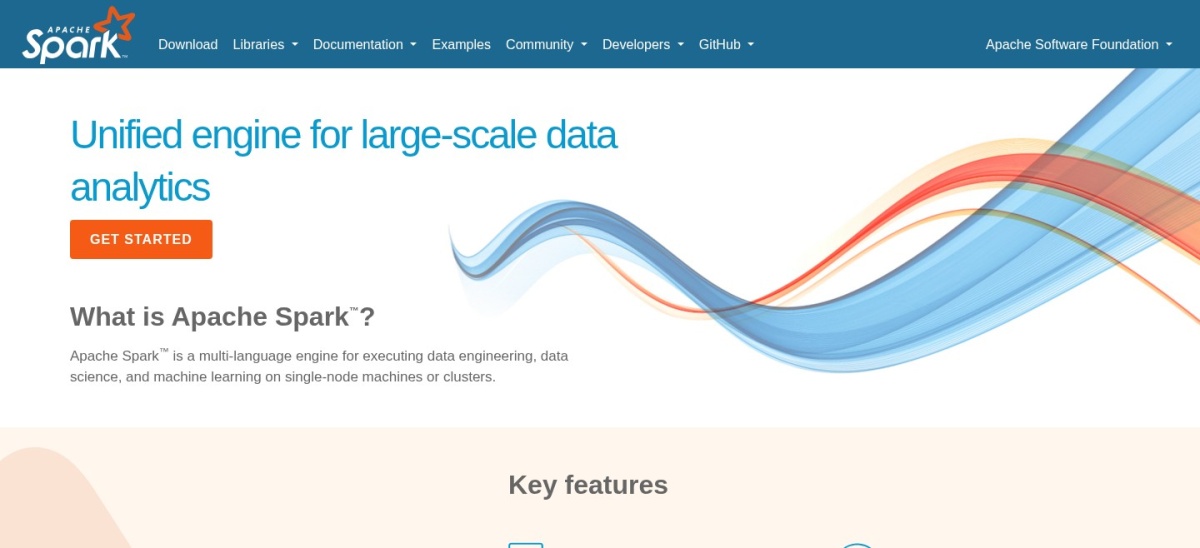
Apache Spark is a free, open source engine for large-scale data processing, from the Apache Software Foundation. It runs batch jobs, streaming, SQL and machine learning in Python, Scala, Java and R, on one machine or a cluster. Most cloud platforms run it under the hood.
The trade off is the work it leaves you. There is no managed console, billing or support desk, so you run the cluster, tune jobs and fix failures yourself. It suits engineers who want full control and no licence cost.
Splunk is a platform for searching, monitoring and analysing machine data, from logs to metrics and events. It suits security and operations teams that need real-time search, alerts and dashboards over large log volumes. Splunk Free indexes up to 500 MB a day, and a 60-day trial opens the full Enterprise set.
The trade off is price. Splunk does not publish list prices for Cloud or Enterprise, so every deal is a custom quote, and ingest pricing rises with daily data volume. It suits large teams where log search and security monitoring justify an enterprise contract.
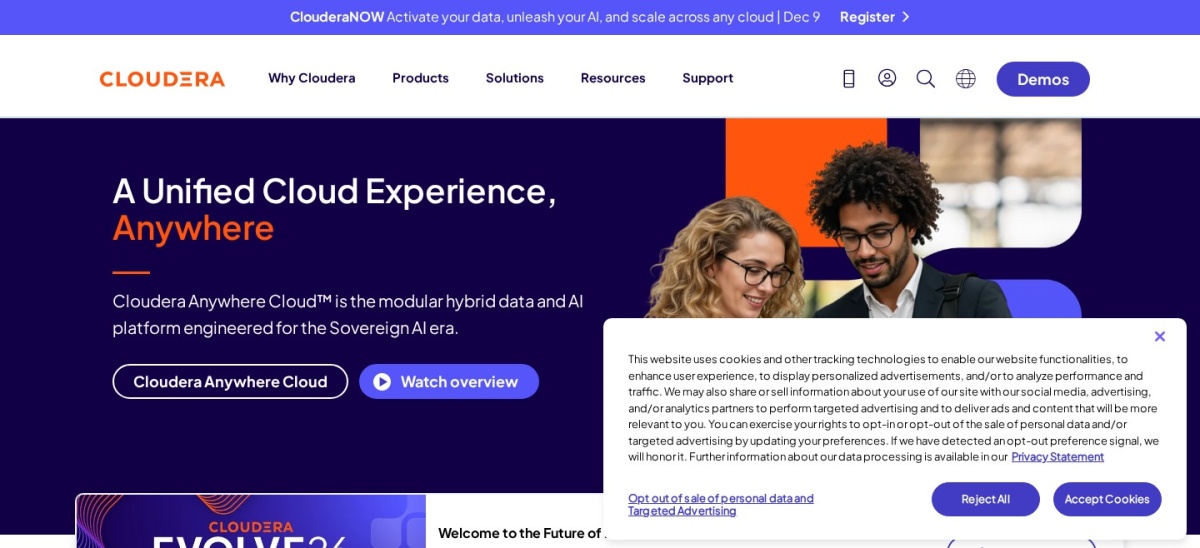
Cloudera is a hybrid data platform that runs open source engines such as Spark, Hive, Flink and Kafka across cloud and on-premises systems. It covers data engineering, warehousing and machine learning with central security and governance. It suits large firms that must keep some data in their own data centres.
The trade off is weight and price. Setup is heavy, reviewers often call it costly, and pricing is quote-only with no public list. It suits regulated enterprises that need one platform across cloud and on-premises data.
The unit rates in this list do not compare line for line. A DBU, a credit, a TiB scanned and an RPU-hour each measure a different thing, so a lower number does not mean a lower bill.
The fair test is a trial workload. Run a typical week of queries on each shortlisted tool, note the units used, and multiply by the list rate. That gives a monthly figure you can compare.
Set a cap or an alert before the trial ends. Every tool here can run up a large bill on a forgotten job or a wide query, and the meter keeps running until you stop it.
How we chose
We started from the most-reviewed data platforms on G2 in the data warehouse, lakehouse and big data categories, then kept nine established tools that cover cloud warehouses, lakehouses, an open source engine and log analytics.
Prices and free tiers come from each vendor's pricing page, checked on 24 November 2026. Ratings and review counts come from G2 on the same day. Where a vendor shows no list price, the entry says Custom instead of using a guessed figure. Most tools bill by usage, so the ladder shows the entry unit rate and a $0 yearly figure means no fixed annual price.
We left out tools with too few reviews to judge and niche products aimed at one industry. No vendor paid for a place, and we do not claim hands-on testing for this list.
How to choose big data software
Match the tool to your cloud, your workload and your budget before you sign anything.
Start with the cloud you already use. BigQuery fits Google Cloud, Redshift fits AWS and Synapse fits Azure. Cross-cloud tools such as Databricks and Snowflake cost more in effort if your data lives elsewhere.
Work out your unit cost on a real workload. Run a typical week of queries on a trial and multiply the DBUs, credits or TiB by the list rate. A headline rate means little until it meets your data.
Decide how much running you want to do. Managed warehouses need little care, while Apache Spark is free but leaves setup, tuning and support to your team.
Check the free tier before you pay. BigQuery gives 1 TiB of queries a month free, and most others offer a trial. Use it to test speed and cost, not just features.
FAQ
What is the best big data software?
Databricks is the best pick for most teams. It is rated 4.6 out of 5 from 1,366 G2 reviews and covers data engineering, SQL and AI in one platform. Snowflake is the easier warehouse, and BigQuery fits Google Cloud teams best.
How much does big data software cost?
Most tools bill by use, not by seat. Databricks lists Jobs Compute at $0.15 per DBU, Snowflake at $2 per Standard credit and BigQuery at $6.25 per TiB scanned. Apache Spark is free, while Splunk and Cloudera are quote-only.
Is Apache Spark free?
Yes. Apache Spark is open source under the Apache licence, so there is no licence fee for the engine itself. You still pay for the machines it runs on, or for a managed service such as Databricks or a cloud Spark offering.
What is the difference between a data warehouse and a data lakehouse?
A warehouse stores structured data for fast SQL analytics. A lakehouse adds data lake storage to warehouse features, so one platform holds raw files and tidy tables. Databricks is built as a lakehouse, while Snowflake and BigQuery are warehouses with lake features.
Which big data tool is best for small teams?
BigQuery is the easiest cheap start, with 1 TiB of queries free each month. MongoDB Atlas also has a free tier for small projects. Avoid quote-only enterprise platforms until your data volume justifies their cost and setup.
Do I need to manage servers for these tools?
No for the cloud warehouses: BigQuery, Snowflake and Redshift Serverless run with no servers to manage. Yes for self-run Apache Spark, and Cloudera can run on-premises with your own operations team.