Best Email Archiving Software in 2026: 9 Tools Compared
WLWPLegible EditorsLast verified 23 Nov 2026How we rank9 min read
★ Short answer
Exchange Online Archiving is the best email archiving software for most Microsoft 365 teams. It costs $3 per user a month as an add-on and needs no second console. Pick Google Vault for Workspace teams and MailStore Server if you want a one-time licence on your own server.
How we make this list: we compare pricing pages, product documentation and public user reviews, then re-check every price before each update. No product paid for a place. Disclosure.
Exchange Online Archiving homepage, captured Nov 2026.
Exchange Online Archiving is Microsoft's cloud archive for Exchange mailboxes. The $3 per user per month add-on keeps a separate archive mailbox with retention policies and eDiscovery search, and it is included in Exchange Online Plan 2 and Microsoft 365 E3 and E5. It is rated 4.5/5 on G2 from 21 reviews.
The trade off is it only archives Exchange mail, so Gmail or other mail needs a different tool. It suits Microsoft 365 teams that want archiving without a second console.
What we like
No separate console to learn for Microsoft 365 admins
Cheapest paid planWorkspace Business Plus, $22/user/mo
Free planNo, trial only
Rating4.3/5 on G2
UsersNot published
workspace.google.com
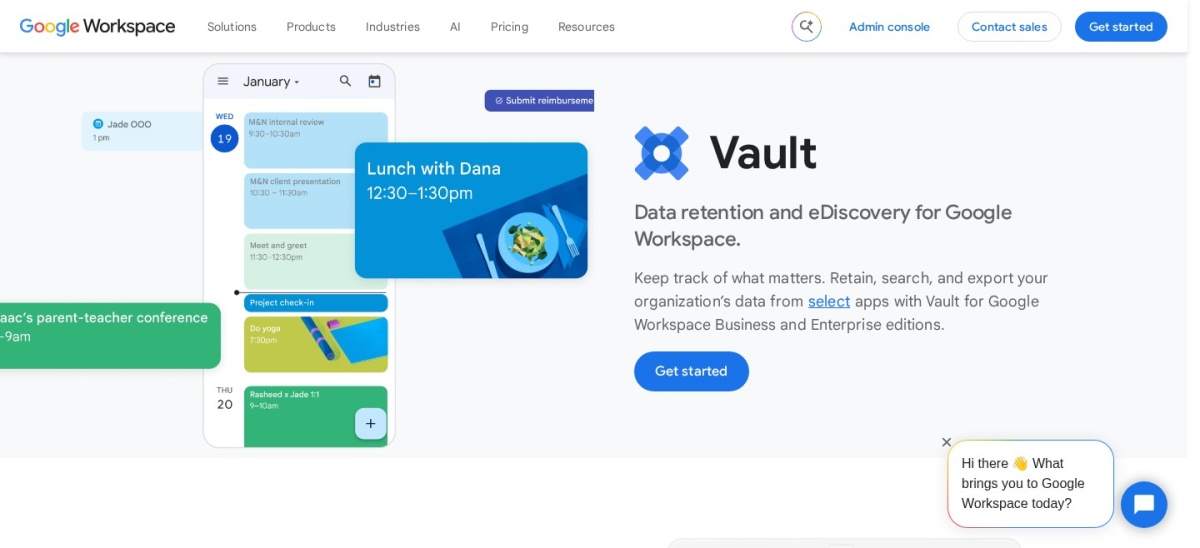
Google Vault homepage, captured Nov 2026.
Google Vault is Google's retention, legal hold and eDiscovery service for Workspace. Vault comes with Workspace Business Plus at $22 per user a month on annual billing, covering Gmail and Drive with holds, search and export for audits. It is rated 4.3/5 on G2 from 473 reviews.
The trade off is it is not sold on its own, so a Workspace upgrade is the price of entry. It suits Google Workspace teams that need retention and legal holds in one place.
Cheapest paid planServer, $259 one-time for 5 users
Free planNo, trial only
Rating4.2/5 on G2
UsersNot published
mailstore.com
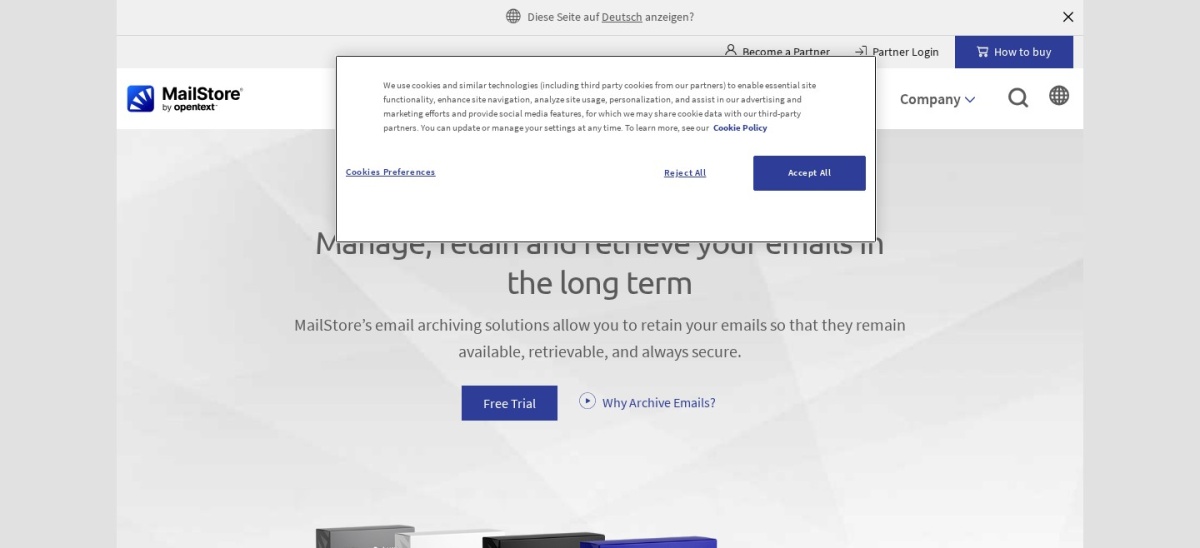
MailStore Server homepage, captured Nov 2026.
MailStore Server is a self-hosted email archive for small and mid-size businesses. The $259 starter licence covers up to 5 users with full-text search, legal hold and Outlook access, and the archive lives on your own server with no monthly bill. It is rated 4.2/5 on G2 from 13 reviews.
The trade off is you run the server, storage and backups yourself. It suits teams that want to own the archive and pay once instead of monthly.
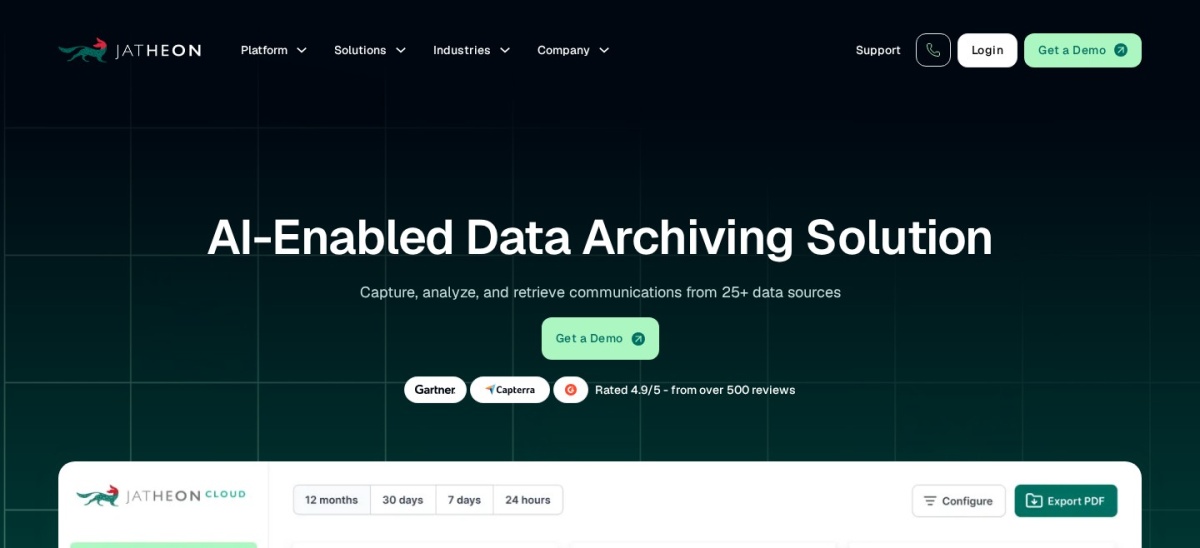
Jatheon Cloud is a cloud archive for regulated teams. Jatheon Cloud archives email plus more than 25 other sources, including chat, social and mobile, with AI classification, redaction and exports up to 64 GB per file. It is rated 4.7/5 on G2 from 21 reviews.
The trade off is its $2.50 figure is quote-based on the vendor site and rests on directory listings. It suits regulated teams that want a low per-mailbox price with no charge for inactive mailboxes.
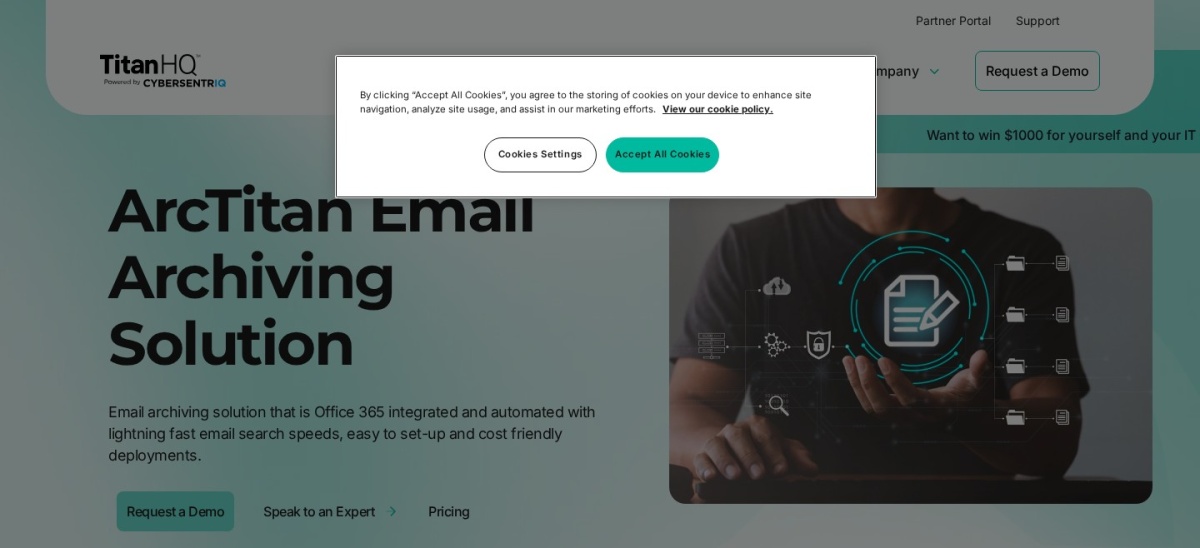
ArcTitan is a cloud archive from TitanHQ for Microsoft 365 and Google Workspace. ArcTitan pairs unlimited storage with fast search, granular retention, tamper-evident audit trails and white-label delivery for MSPs, at $2.80 per user a month. It is rated 4.1/5 on G2 from 12 reviews.
The trade off is its review base is thin at 12 G2 reviews and there is no self-serve trial. It suits MSPs and businesses that want unlimited storage at a low published price.
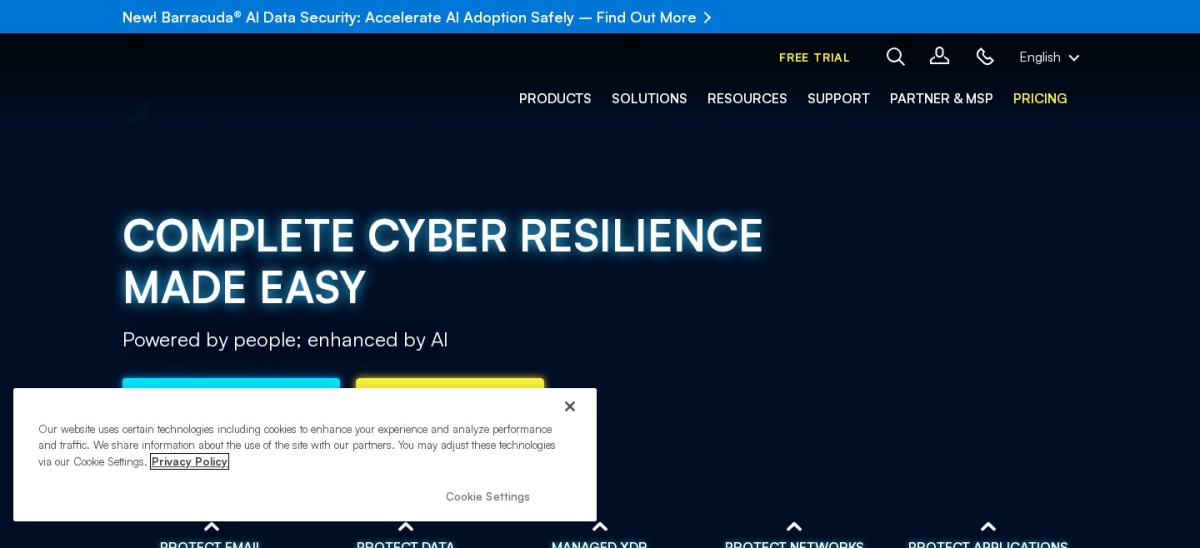
Barracuda Cloud Archiving homepage, captured Nov 2026.
Barracuda Cloud Archiving is Barracuda's cloud archive for Microsoft 365 and Exchange. Barracuda archives Microsoft 365 mail, Teams and OneDrive content with retention policies, legal hold and search, and it is often bundled with Barracuda email protection. It is rated 4.4/5 on G2 from 15 reviews.
The trade off is its $4 figure rests on directory listings, not a dedicated pricing page. It suits small and mid-size businesses that want a simple set-and-forget cloud archive.
What we like
Archives mail, Teams and OneDrive in one place
Rated 4.4/5 on G2 from 15 reviews
Published pricing with no hidden tiers
Watch out for
Published price rests on directories, not a price page
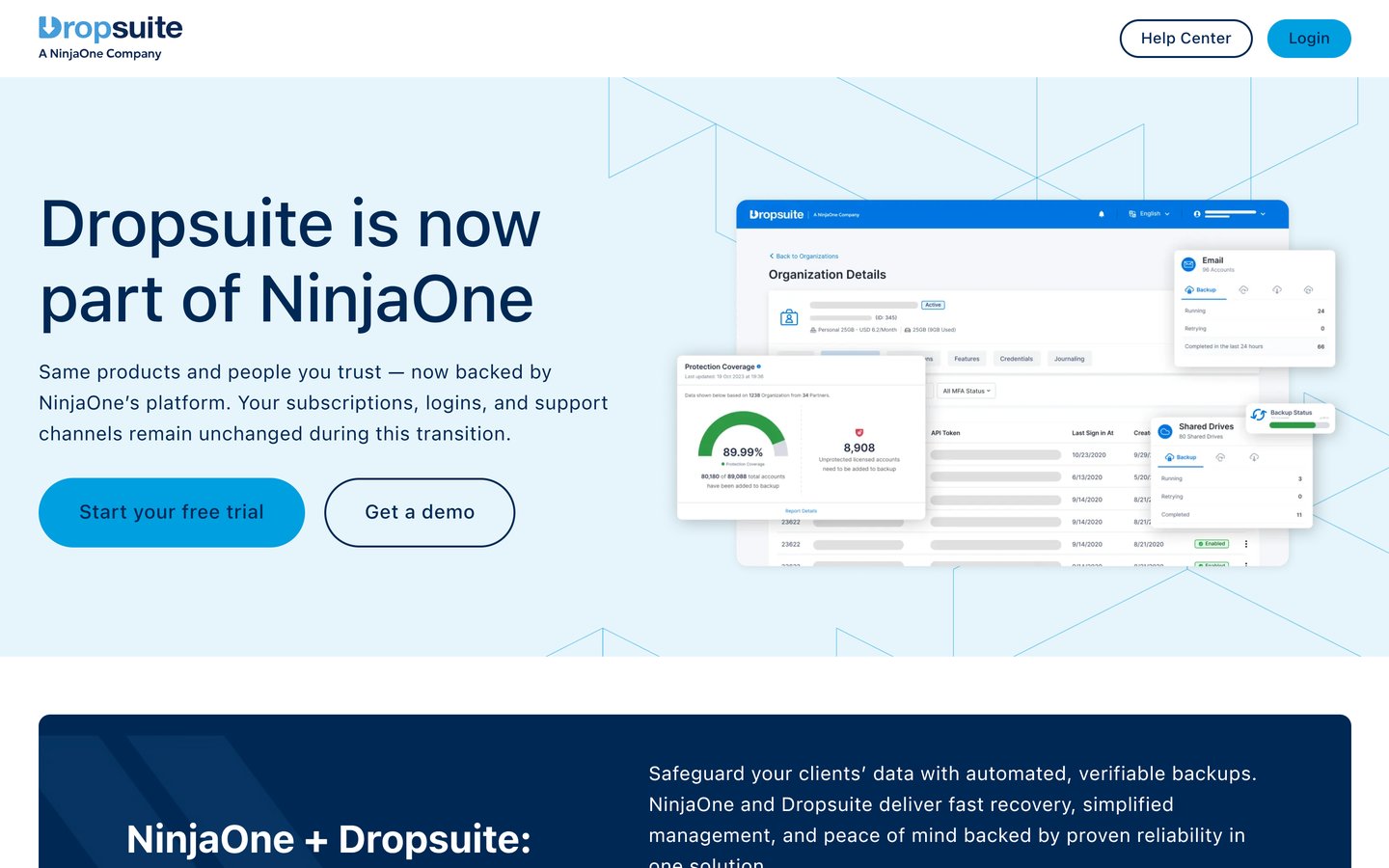
Dropsuite is a cloud backup and archiving service for Microsoft 365 and Google Workspace. Dropsuite backs up and archives Microsoft 365 and Google Workspace mail automatically, with dynamic retention policies and point-in-time restore. It is rated 4.6/5 on G2 from 80 reviews.
The trade off is it sells mainly through MSP partners, so a solo business may need a reseller. It suits teams that want backup and archiving from one cloud service.
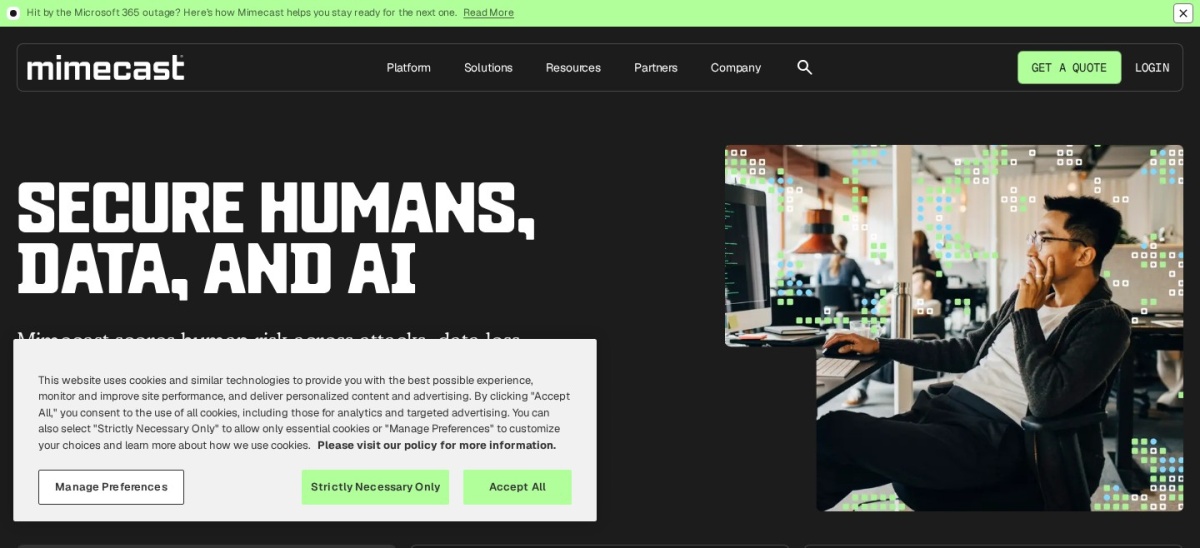
Mimecast Cloud Archive homepage, captured Nov 2026.
Mimecast Cloud Archive is Mimecast's cloud archive inside its email security platform. Mimecast keeps an independent, immutable copy of mail with fast search, legal hold and eDiscovery, alongside its security gateway and continuity service. It is rated 4.3/5 on G2 from 31 reviews.
The trade off is pricing is quote-based and bundled with security services. It suits enterprises that want archiving, security and continuity from one vendor.
What we like
Immutable archive plus continuity when mail is down
Enterprise Vault is a long-established on-premises archive, now from Arctera. Enterprise Vault is built for large archives with deep classification, complex retention schedules and eDiscovery across jurisdictions. It is rated 4.2/5 on G2 from 16 reviews.
The trade off is pricing is quote-based and deployment is heavy. It suits large enterprises with long-term retention needs and on-premises infrastructure.
Native archives are cheapest when you already pay for the suite. Exchange costs $3 a month and Vault comes with Business Plus.
Dedicated archives add journaling, supervision and eDiscovery that go beyond the built-in tools, which matters in regulated industries.
If you need a standalone archive, Jatheon Cloud costs $2.50 a user and ArcTitan $2.80, while MailStore Server is $259 once for 5 users on your own server.
Quote-only tools suit enterprises with a compliance team. Small teams should shortlist the published prices first.
How we chose
We started from the established tools in this category, then kept those with a published price or a clear quote route and a verifiable rating on G2.
Prices come from each vendor's pricing page, checked on 23 November 2026. Ratings and review counts come from G2 on the same day. Where a vendor page renders its prices in JavaScript, the figure rests on a November 2026 read of that page and is flagged in the notes. Where a price is quote-based, the list says so instead of guessing a figure.
We left out tools with no verifiable rating. No vendor paid for a place, and we do not claim hands-on testing for this list.
How to choose email archiving software
Start with what you already use, then fill the gaps with one main tool.
Check what you already pay for. Many suites include a basic version of this tool. Do not buy a second copy of what you own.
Pick one main tool. Two tools doing the same job create duplicate data and double bills. Choose one and learn it well.
Test the free plan or trial first. Import a small list and run one real workflow before moving everything over.
Check the price at your real volume. Most of these tools charge by contacts, users or sends, so price the plan at the size you will reach in a year.
FAQ
What is the best email archiving software?
Exchange Online Archiving is the strongest pick for most buyers in this list. It combines a high G2 rating with a published price and a free plan or trial, so most teams can start without a sales call.
Do I need a paid plan to start?
No. Most tools here offer a free plan or a 14-day trial that covers the core features. Start free, run one real workflow, and pay only when the limits bite.
Why do prices rise so fast?
Most of these tools charge by contacts, users or sends. A list that doubles in size can double the bill, so check the price at the size you expect in a year, not today.
Can I switch tools later?
Yes, but moving lists, templates and automations takes time. Export your contacts and templates before you cancel, and run the old and new tools side by side for a month.
Is a free plan enough?
For a small list or a single user, often yes. Free plans usually cap contacts, sends or automation steps, so growing teams outgrow them within a year.
What should I check before buying?
Check the price at your real volume, the rating on G2, whether the free plan covers your main workflow, and whether the vendor publishes its price or hides it behind a sales call.