Blancco Drive Eraser is the best drive wipe software for businesses, with certified erasure and a signed certificate for every device. KillDisk is the best free pick for bootable wipes, while CCleaner is the easiest option for a quick wipe on a PC you already own.
How we make this list: we compare pricing pages, product documentation and public user reviews, then re-check every price before each update. No product paid for a place. Disclosure.
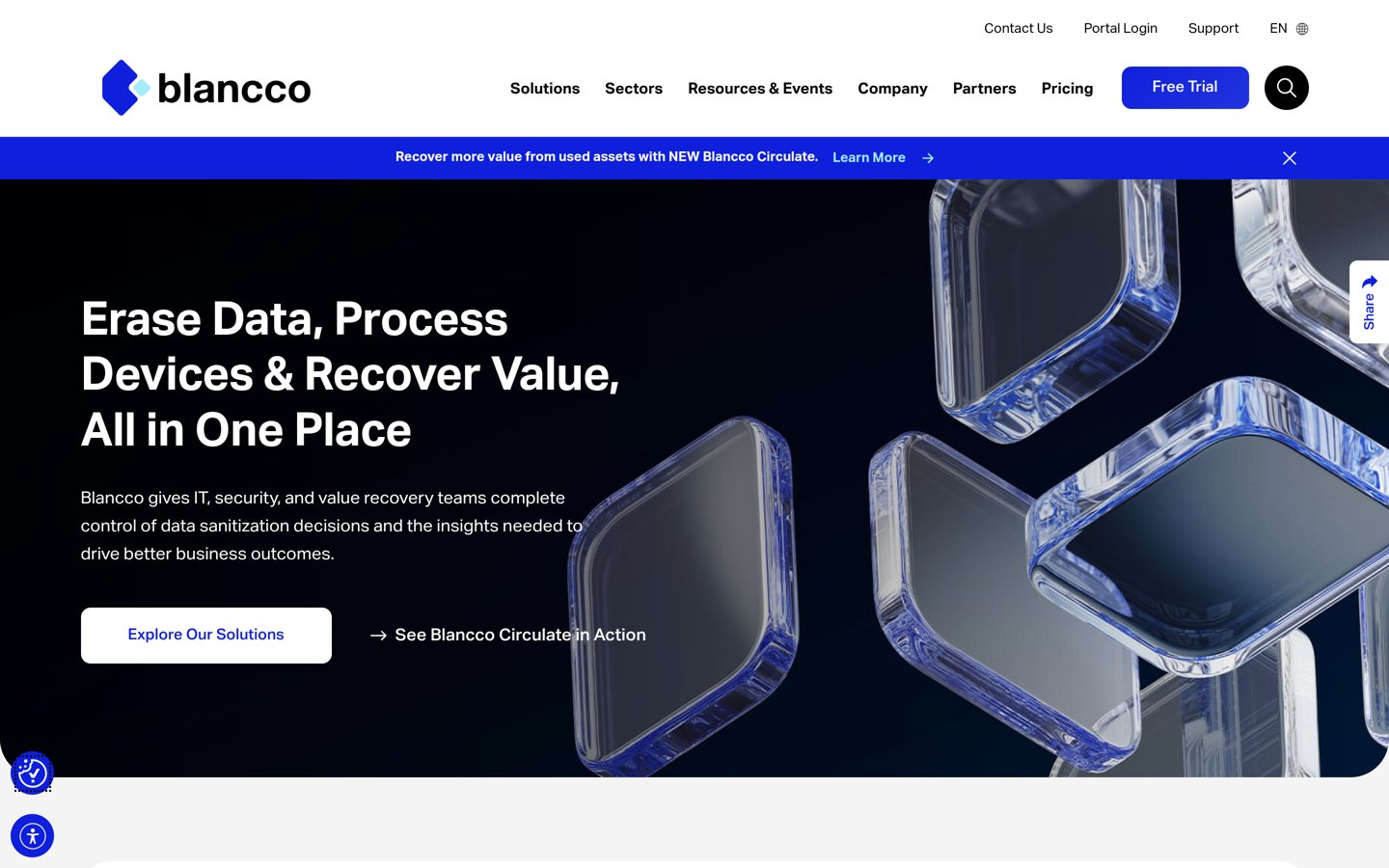
Blancco Drive Eraser is the best drive wipe software for businesses, rated 4.5 out of 5 on G2, with certified erasure and signed reports.
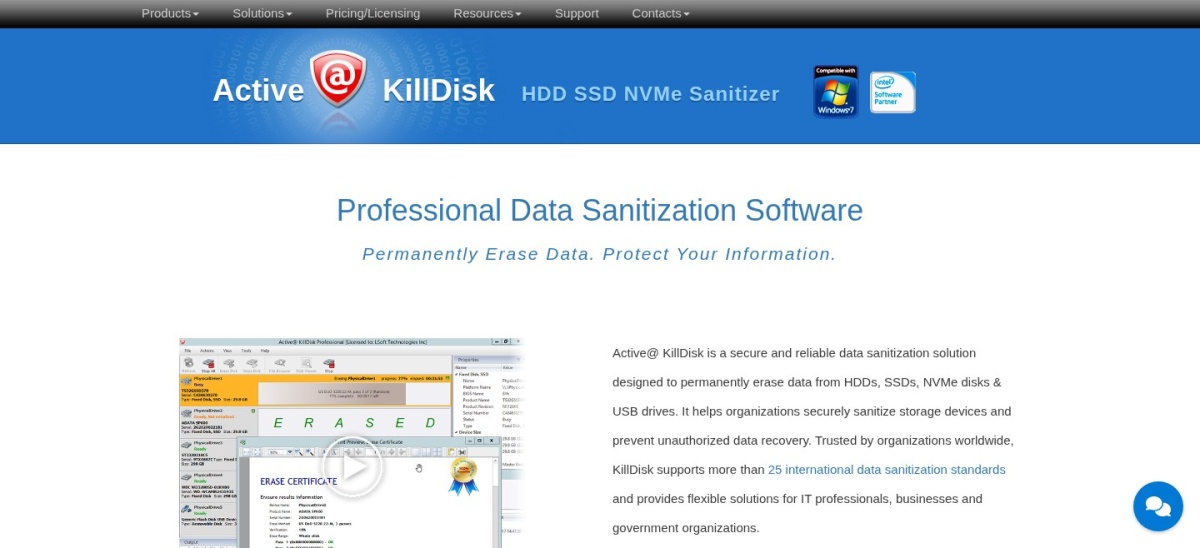
KillDisk's freeware edition wipes HDDs, SSDs and NVMe drives from a bootable USB, and the commercial licence starts at $85.
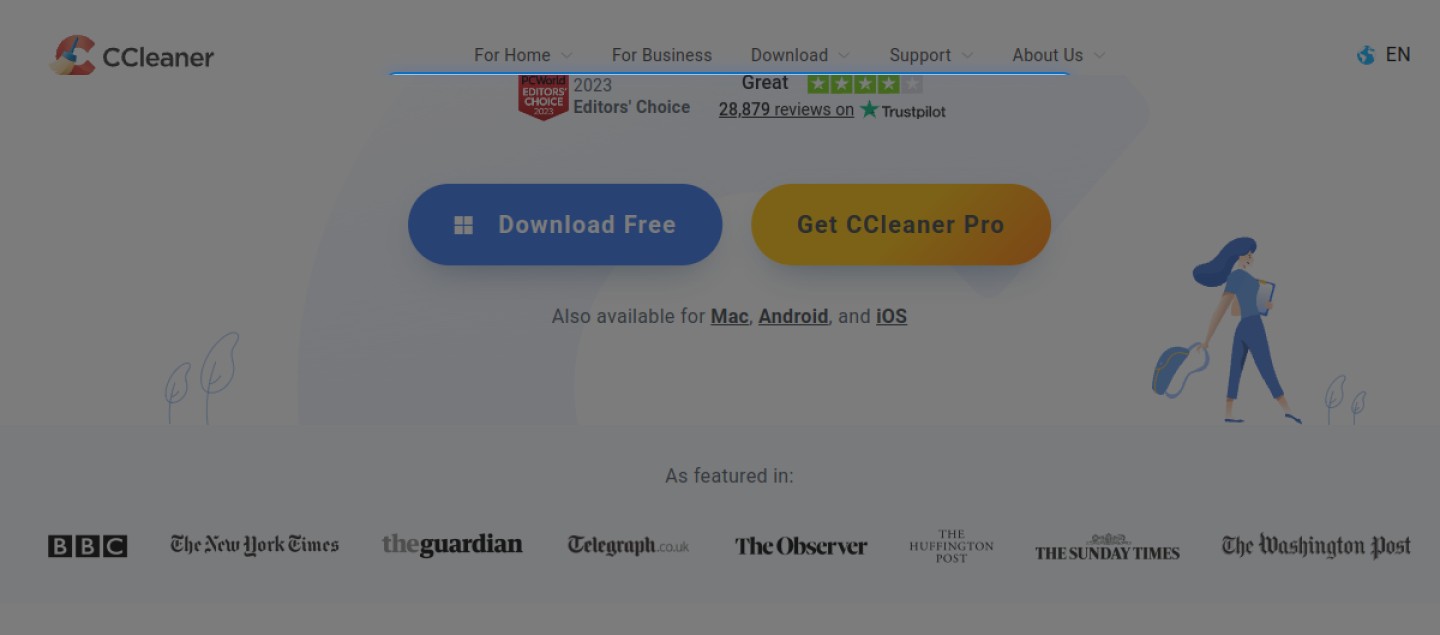
CCleaner Professional costs $44.95 a year, but the Drive Wiper is already in the free version, with 1 to 35 overwrite passes.
Parted Magic costs from $4 a month and bundles secure erase with cloning and recovery in one bootable toolkit.
BCWipe holds 4.9 out of 5 on G2 from 7 reviews, and File Shredder is a free file shredder with a disk wiper built in.
What to look for in drive wipe software
Deleting files or formatting a drive does not erase data. It only removes the file index, and the data stays on the disk until overwritten, recoverable with free tools. The tools below do the actual overwriting, from free utilities for a single laptop to certified platforms that produce audit reports for a thousand retired office PCs.
The US National Institute of Standards and Technology defines media sanitization in three levels: Clear, Purge and Destroy, in NIST SP 800-88. A wipe that reaches Clear is enough for most reuse and resale, while regulated industries need certified erasure with proof. Our guide to the best data recovery software covers the other end of the same problem: getting data back when there is no wipe.
SSDs need special handling. Overwriting every logical address does not reach the physical flash cells, because the controller remaps writes for wear leveling. The correct approach is the drive's own secure erase command, or cryptographic erase on self-encrypting drives.
The certificate is the deliverable for businesses. A wipe that completes and verifies is final, but without a signed report you cannot prove it to an auditor, a regulator or a resale buyer.
Blancco Drive Eraser is what enterprises and IT asset disposition firms use when a drive leaves the building. Every erasure produces a tamper-proof certificate, which is what auditors, regulators and resale buyers actually want to see, and it handles SSDs with firmware-level commands and cryptographic erasure where plain overwriting fails.
The trade off is price and fit. None of it is priced publicly, so expect a sales conversation built around volume, and the platform assumes an IT operation, not a single home PC. It suits businesses retiring hardware with customer data on it.
Active@ KillDisk is the most accessible serious erasure tool in this list. The freeware version erases HDD, SSD, NVMe and USB drives at no cost, while the commercial licence starts at $85 and adds parallel erasing, PDF certificates with digital signatures, S.M.A.R.T. monitoring and reporting.
The trade off is the interface. It is spartan and technical, and the free version is limited to two parallel erasures. It suits technicians and small businesses that need real erasure without enterprise pricing.
CCleaner is the easiest drive wipe option because millions of PCs already have it installed. The Drive Wiper under Tools overwrites an entire drive or just the free space, with up to 35 passes, and wiping free space destroys deleted-file remnants without harming your current files.
The trade off is that it is a cleaner with a wiper attached, not a dedicated erasure platform. It lacks bootable media for wiping the system drive, and there are no compliance reports. It suits quick personal jobs on a PC you already own.
Parted Magic is a bootable Linux toolkit that includes secure erase alongside disk partitioning, cloning and recovery. It runs from a USB stick or network boot, so it wipes drives without installing anything, and it supports ATA Secure Erase for SSDs.
The trade off is that it is a technician's tool. The interface packs a lot in, and the subscription starts at $4 a month for a toolkit most people will open a few times a year. It suits technicians who want one boot disk for erasing, cloning and repartitioning.
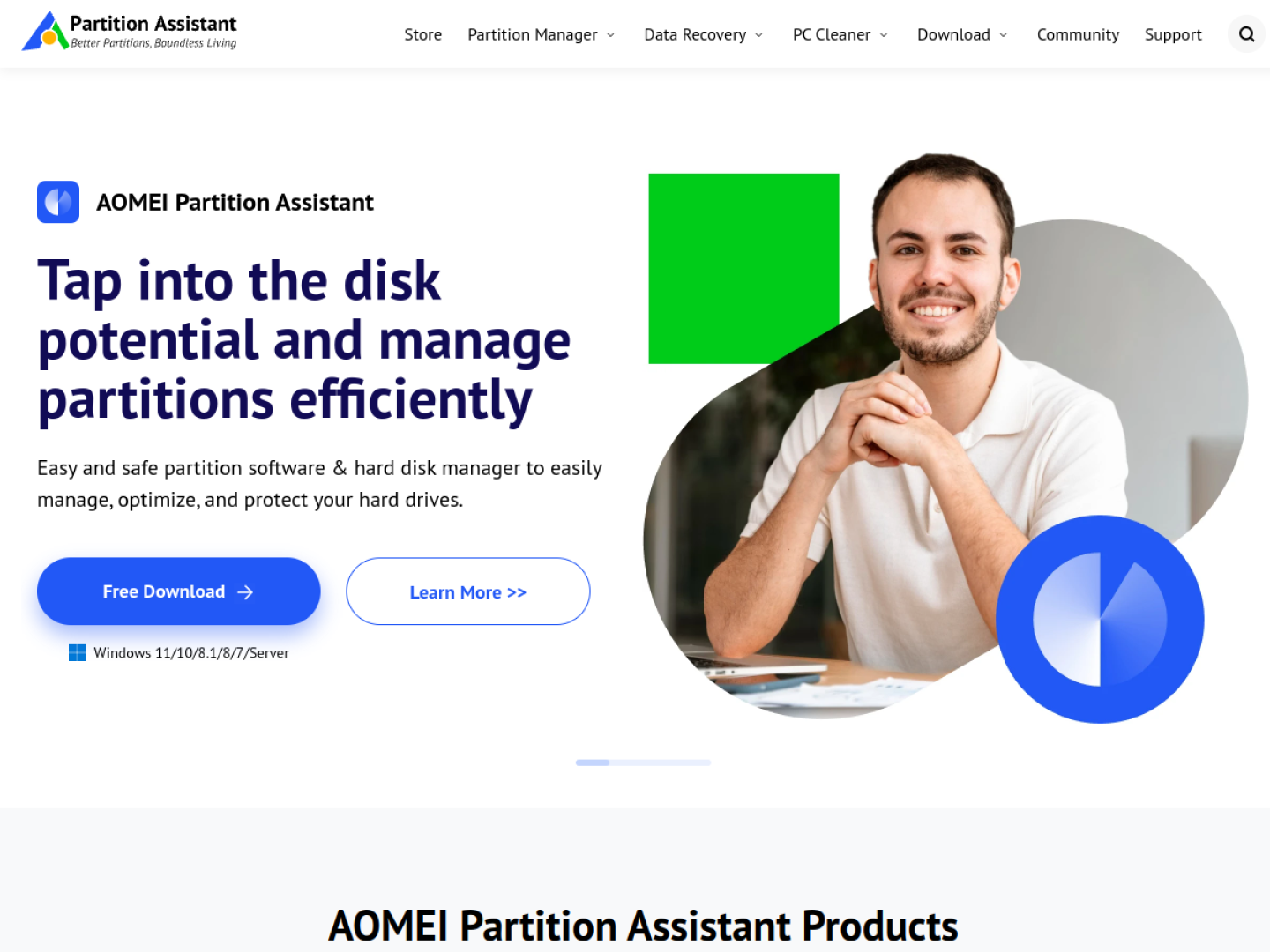
AOMEI Partition Assistant homepage, captured Nov 2026.
AOMEI Partition Assistant is a disk manager that wipes drives as part of a full toolkit. The free Standard edition partitions, clones, migrates and wipes, so a user preparing drives for reuse gets the whole toolkit in one install, with guided wizards for full-disk wiping and SSD secure erase.
The trade off is scope and price. The free edition is personal-use only, and businesses need a paid licence, with pricing not shown on the homepage. It suits people who manage disks regularly and want wiping alongside partitioning.
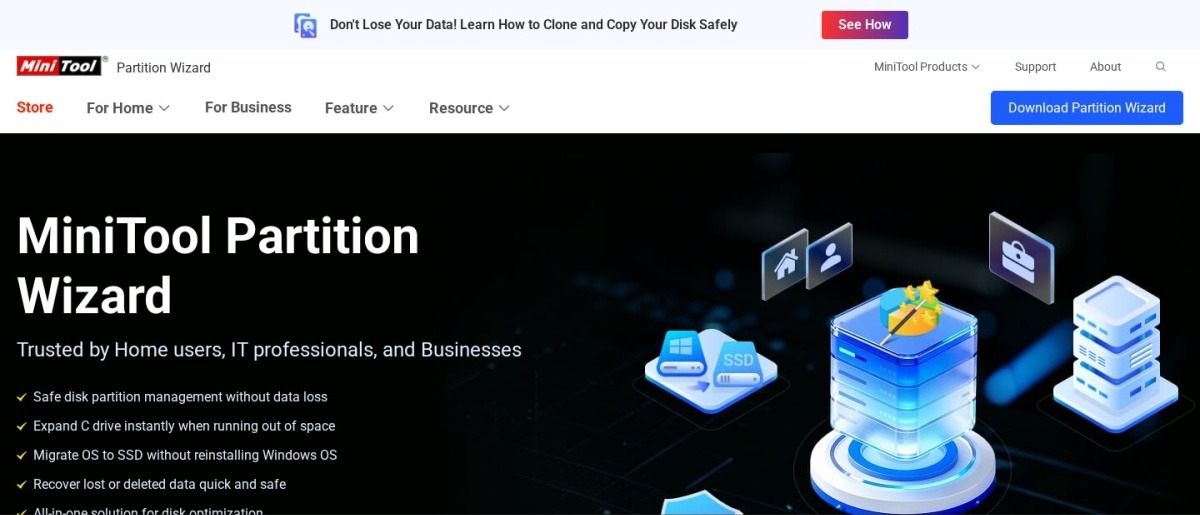
MiniTool Partition Wizard homepage, captured Nov 2026.
MiniTool Partition Wizard is a Windows disk manager with wiping built in. The free edition covers basic formatting and partition work, and the Pro edition at $59 a year adds OS migration, data recovery and deeper wipe options, with a simple interface that beginners can follow.
The trade off is that wiping is one feature among many, and the free version is limited, so the wipe options are shallower than a dedicated erasure tool. It suits home users who already use MiniTool for partition work.
BCWipe is Jetico's file and drive wiping tool, trusted for over 20 years by the US Department of Defense. It selectively erases files and folders beyond forensic recovery, including free space, file slack, temporary files and shadow copies, and BCWipe Total WipeOut handles whole drives including hidden areas.
The trade off is the product lineup and the price. Jetico sells several products, so picking the right one takes care, and pricing is not published. It suits security-conscious organizations that need both file-level and whole-drive wiping.
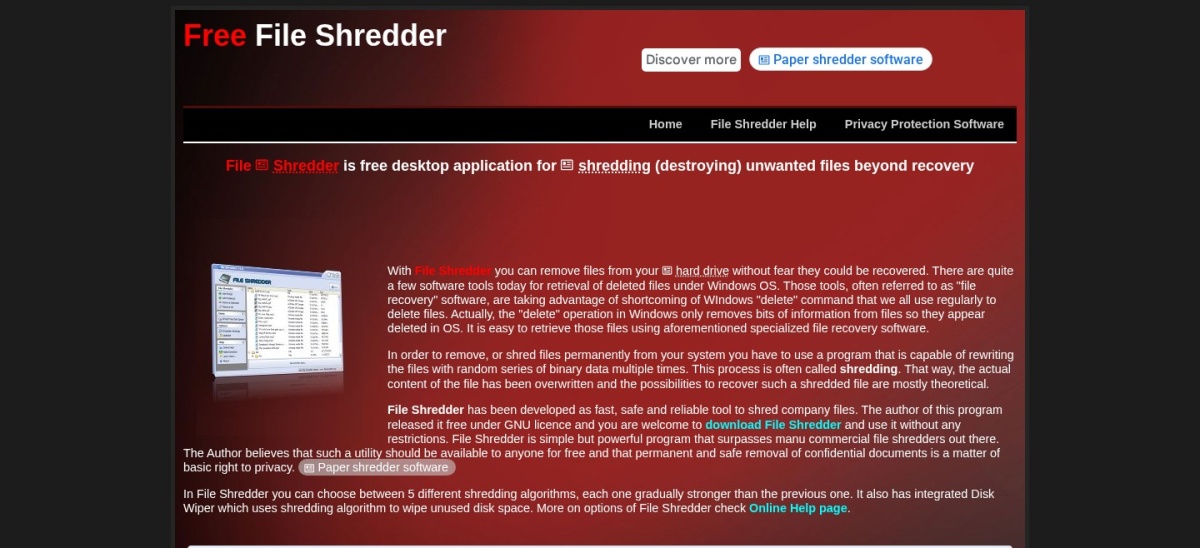
File Shredder is a free desktop application that permanently deletes unwanted files from your hard drive, so they cannot be recovered. It offers five shredding algorithms, integrates with the Windows right-click menu, and its Disk Wiper feature applies the same algorithms to unused disk space.
The trade off is scope. It is a file shredder first, so full-drive wiping is less central than in KillDisk, and it runs on Windows only. It suits people who want free, simple secure deletion for daily use.
Everything intuitive about wiping comes from hard drives, and SSDs break the intuition. Overwriting every logical address does not reach the physical flash cells because the controller remaps writes for wear leveling, leaving old data in unreachable blocks.
The correct approach is the drive's own secure erase command, ATA Secure Erase or NVMe Format, which tells the controller to purge everything, or cryptographic erase on self-encrypting drives, which destroys the key and renders all data unreadable instantly.
In practice, use a tool that explicitly offers SSD secure erase. Blancco, KillDisk and AOMEI all do. For a personal SSD going to a new owner, one proper secure erase is sufficient.
How we chose
We started from the drive wipe tools most often recommended in 2026, then kept those with a verifiable rating on G2 and a current, maintained version.
Prices come from vendor pricing pages and recent reads of them, checked on 25 November 2026. Blancco and BCWipe do not publish prices. KillDisk's commercial licence starts at $85, CCleaner Professional is $44.95 a year, Parted Magic starts at $4 a month, AOMEI Partition Assistant Professional is $49.95 a year, and MiniTool Partition Wizard Pro is $59 a year.
We left out BitRaser, whose only G2 rating rests on a single review, and DBAN, Eraser, DiskGenius and EaseUS BitWiper, which have no verifiable rating on G2, Capterra or Trustpilot. No vendor paid for a place, and we do not claim hands-on testing for this list.
How to choose drive wipe software
Pick for the proof you need: a certificate for auditors, a bootable wipe for a dead machine, a free tool for one laptop.
Decide what proof you need. If an auditor or a contract demands evidence, shortlist Blancco or BCWipe. For personal use, a free tool is enough.
Check SSD support. Use a tool that explicitly offers SSD secure erase or cryptographic erase, not just multi-pass overwriting.
Make bootable media for system drives. A Windows-installed wiper cannot wipe the drive Windows runs on, so boot from USB for the system drive.
Verify the wipe and keep the report. A wipe that fails silently is worse than none. Save the certificate or log if compliance is involved.
FAQ
What is the best drive wipe software?
Blancco Drive Eraser is the best pick for businesses. It offers certified erasure meeting more than 25 standards, including NIST and IEEE, with a digitally signed report for every device. It holds 4.5 out of 5 on G2 from 51 reviews.
Does formatting a drive erase data?
No. Formatting removes the file index but leaves the data on the disk, recoverable with free tools. Secure wiping overwrites every sector, or issues a firmware erase on SSDs, so the data is actually gone.
How many overwrite passes do I need?
One verified pass is enough for personal use on a hard drive. Multi-pass standards with 3, 7 or 35 passes exist for regulated environments and add time without meaningful security benefit on modern drives. On SSDs, use the secure erase command instead of passes.
Can wiped data be recovered?
Properly wiped data cannot be recovered with any commercially available means. This is also why you should double-check you wiped the right drive before starting, because a wipe that completes and verifies is final.
What is the best free drive wipe software?
KillDisk's freeware edition is the best free pick for full bootable wipes, Eraser and File Shredder cover secure file deletion and free-space wiping, and CCleaner's free Drive Wiper handles quick jobs. All four handle personal use without spending anything.
Should I wipe or physically destroy an old drive?
Wipe for reuse, resale or donation: a verified wipe protects your data and keeps the hardware useful. Destroy the drive by drilling, crushing or shredding only for drives that held highly sensitive data under strict compliance rules, or drives that no longer work.
SaaS SEO and WordPress specialist with about 8 years of experience. Rakib compares WordPress plugins, themes, hosting and software using public pricing, documentation and user reviews. See how we rank.