Best Encryption Software in 2026: 9 Tools Compared
WLWPLegible EditorsLast verified 23 Nov 2026How we rank13 min read
★ Short answer
VeraCrypt is the best encryption software for most people: it is free, open source and encrypts whole drives and containers on Windows, Mac and Linux, rated 4.5 out of 5 on G2. Pick NordLocker for encrypted cloud storage and BitLocker if you run Windows Pro.
How we make this list: we compare pricing pages, product documentation and public user reviews, then re-check every price before each update. No product paid for a place. Disclosure.
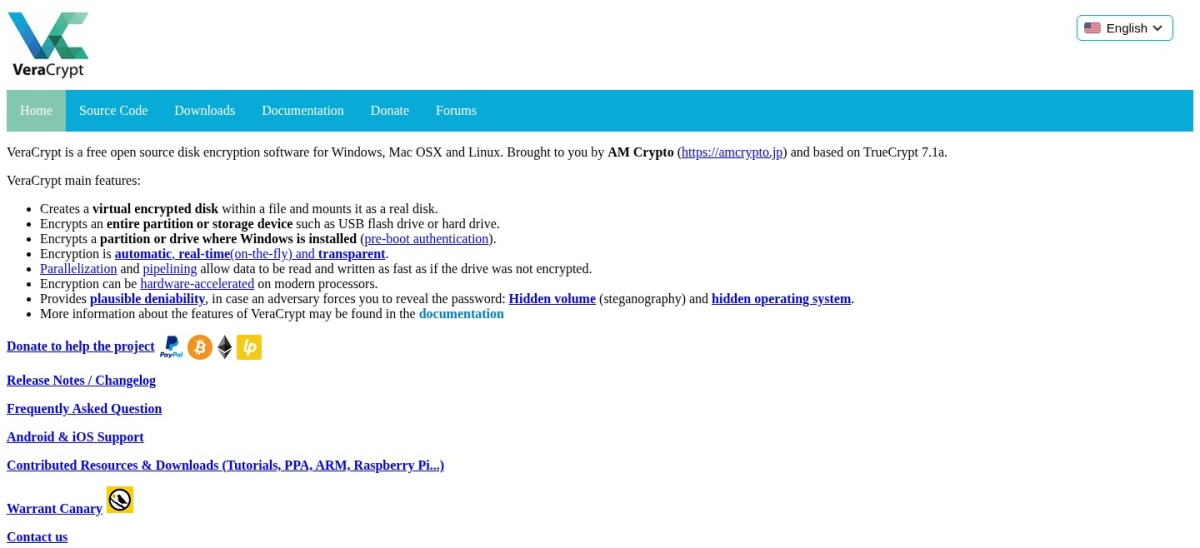
VeraCrypt is free and covers full drives, partitions and containers on Windows, Mac and Linux, rated 4.5/5 on G2.
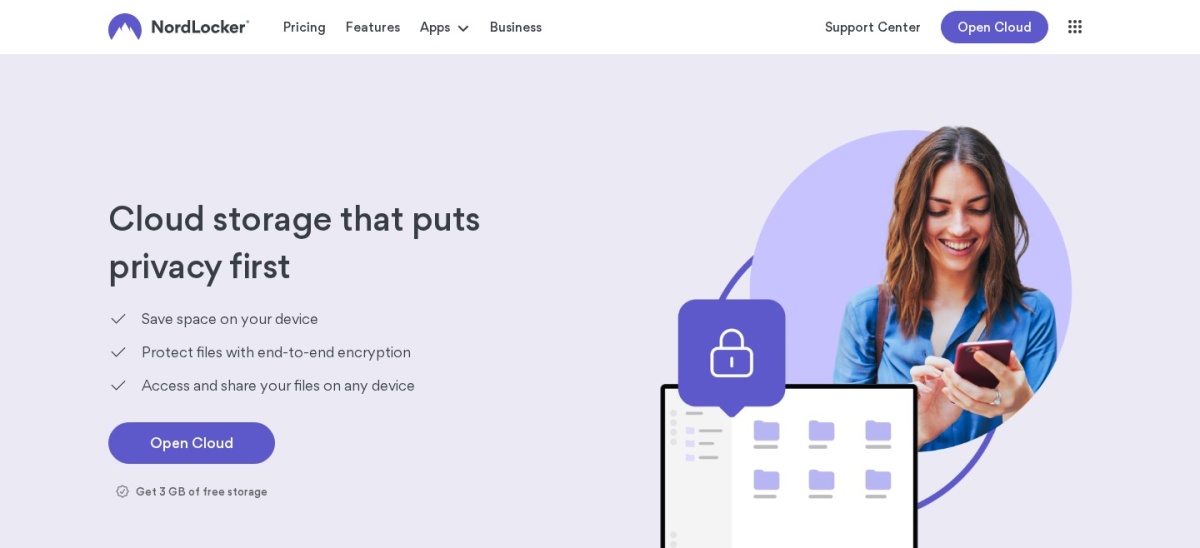
NordLocker's 500 GB plan costs $35.88 in year one, then renews at $59.88 a year, and its free plan gives 3 GB.
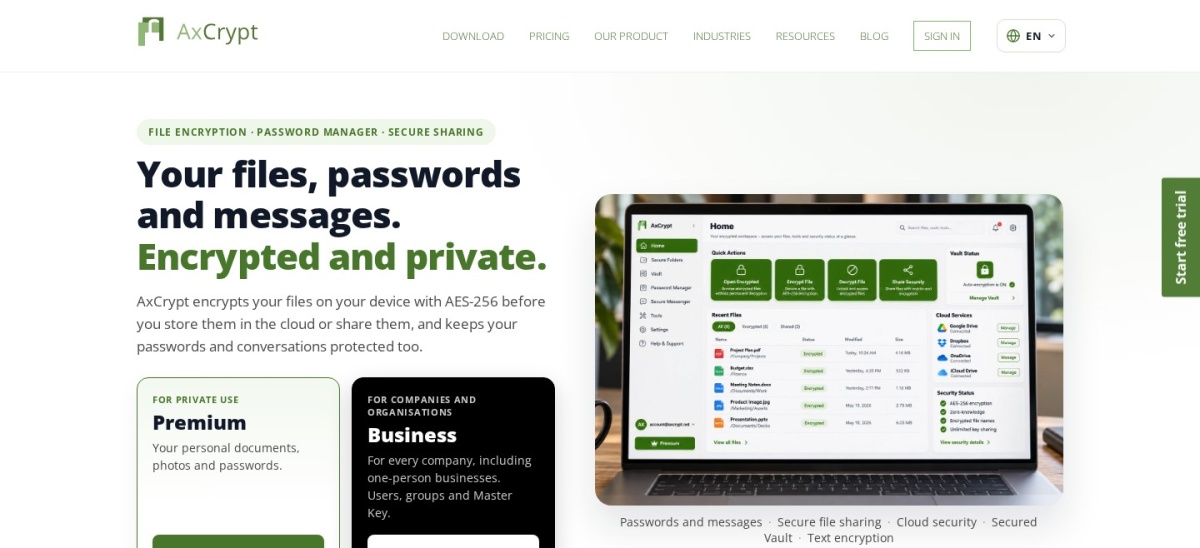
AxCrypt Premium costs $3.75 a month billed yearly and adds key sharing, secured folders and a password manager.
BitLocker and FileVault are free with Windows Pro and macOS, and 7-Zip makes AES-256 archives at $0.
Tresorit is the highest-rated cloud option here at 4.5/5 from 262 G2 reviews, but Lite starts at $5.59 a month billed yearly.
What encryption software should cover
Encryption software keeps files unreadable without the right password or key. It covers three different jobs: locking a whole drive, locking single files, and locking files before they sync to the cloud.
Start with the job, not the brand. A stolen laptop needs full-disk encryption, a file sent by email needs an encrypted archive, and a cloud folder needs encryption before upload.
Free tools cover most of these jobs well. VeraCrypt, BitLocker, FileVault and 7-Zip all cost $0, and Cryptomator adds cloud encryption for free on desktop.
Paid tools mostly add sharing and convenience. They sync encrypted files, share keys with other people and add support, which matters more for teams than for one laptop. Our guide on how to secure a WordPress site covers the same trade-off for site security.
VeraCrypt is a free, open-source tool that encrypts whole drives, partitions and container files on Windows, macOS and Linux. It offers AES, Serpent and Twofish ciphers, plus hidden volumes, and it works without an account or a subscription.
The trade off is the learning curve. There is no cloud sync, no password recovery and no support desk, so a lost password means locked files. It suits people who want full control of drive encryption and do not mind setting it up themselves.
NordLocker is an encrypted cloud storage app from Nord Security, the company behind NordVPN. The free plan gives 3 GB of end-to-end encrypted storage, and files sync across Windows, macOS, iOS, Android and the web.
The trade off is the renewal price. The 500 GB plan costs $35.88 for the first 12 months, then renews at $59.88 a year, and there is no Linux app. It suits people who want simple encrypted cloud storage and already trust Nord's apps.
AxCrypt is a file encryption app that locks single files and folders with AES-256 on Windows, macOS, Linux, Android and iOS. Premium adds secured folders, key sharing, cloud folder protection and a password manager.
The trade off is the free version. It only opens files that someone else encrypted, so encrypting your own files needs Premium at $3.75 a month billed yearly. It suits people who send single files and want one-click encryption with sharing.
What we like
One-click encryption from the file menu
Key sharing without handing over a password
Password manager included in Premium
Rated 4.9 out of 5 on Capterra
Watch out for
Free version cannot encrypt new files
Does not encrypt whole drives
Small review base of 27 on Capterra
Business adds a master key and group controls at $12 a user a monthVisit axcrypt.net
04
Cryptomator
4.1/5on G2 (12 reviews, checked Nov 2026)
PriceFree
Best free encryption for cloud folders
Desktop priceFree
VaultsUnlimited
Mobile full accessPaid, per platform
G2 rating4.1/5, 12 reviews
cryptomator.org
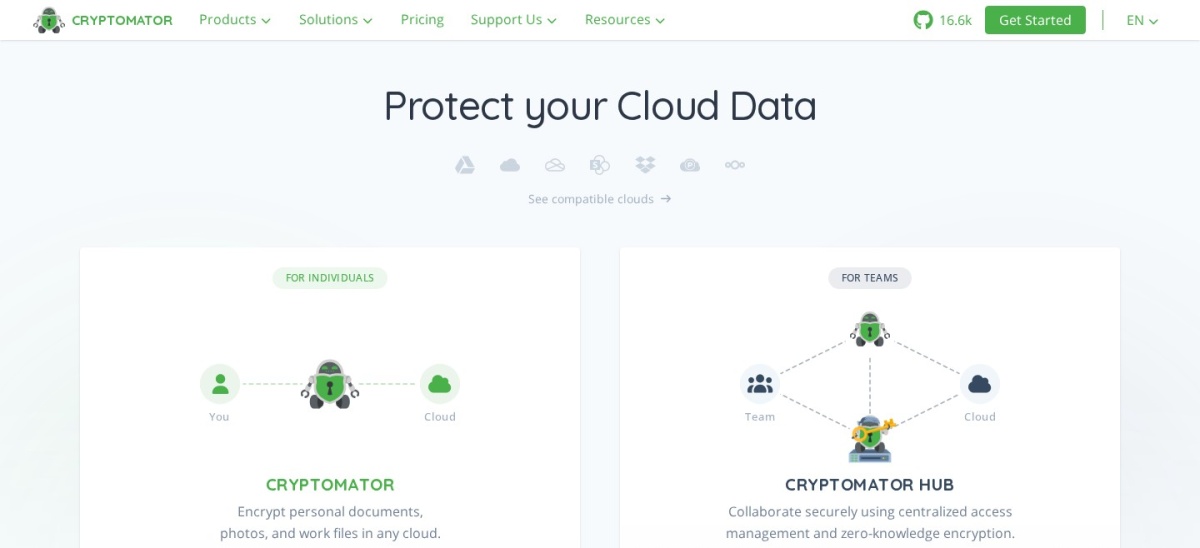
Cryptomator homepage, captured Nov 2026.
Cryptomator is a free, open-source app that puts an encrypted vault inside a folder that syncs to Dropbox, Google Drive, OneDrive or a similar service. Files and file names are encrypted on your device with AES-256 before they leave it, and desktop vaults are unlimited.
The trade off is mobile. The desktop app is free, but full write access on iOS and Android needs a separate one-time purchase per platform, and it stores no files itself. It suits people who already pay for cloud storage and want to keep the provider out of their files.
What we like
Free on desktop with unlimited vaults
Works with the cloud storage you already use
Encrypts file names as well as contents
Open source, so the code can be inspected
Watch out for
Mobile write access costs extra per platform
No cloud storage included
Lowest G2 rating in this list at 4.1/5
Teams can add Cryptomator Hub, with a free self-hosted plan for 5 seatsVisit cryptomator.org
05
Tresorit
4.5/5on G2 (262 reviews, checked Nov 2026)
Paid from$5.59/mo
Best encrypted storage for sensitive files
Free storage3 GB
Cheapest paid50 GB, $5.59/mo
Max file size500 MB free, 2 GB Lite
G2 rating4.5/5, 262 reviews
tresorit.com
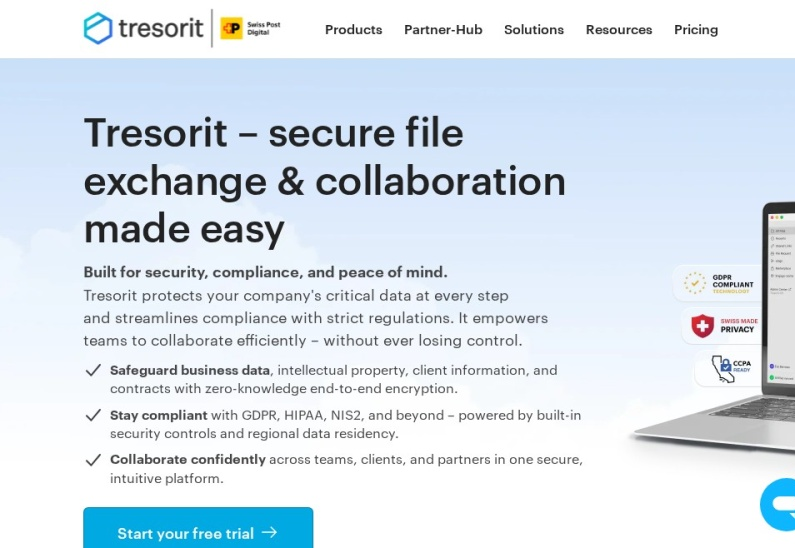
Tresorit homepage, captured Nov 2026.
Tresorit is a zero-knowledge cloud storage service that encrypts files on your device before upload. The free Basic plan gives 3 GB across 2 devices, and paid plans add more storage, larger files and version history.
The trade off is price. Personal Lite costs $5.59 a month billed yearly for 50 GB, and prices rose in November 2026, so it costs more than mainstream cloud storage. It suits people who share sensitive files and want tight access controls.
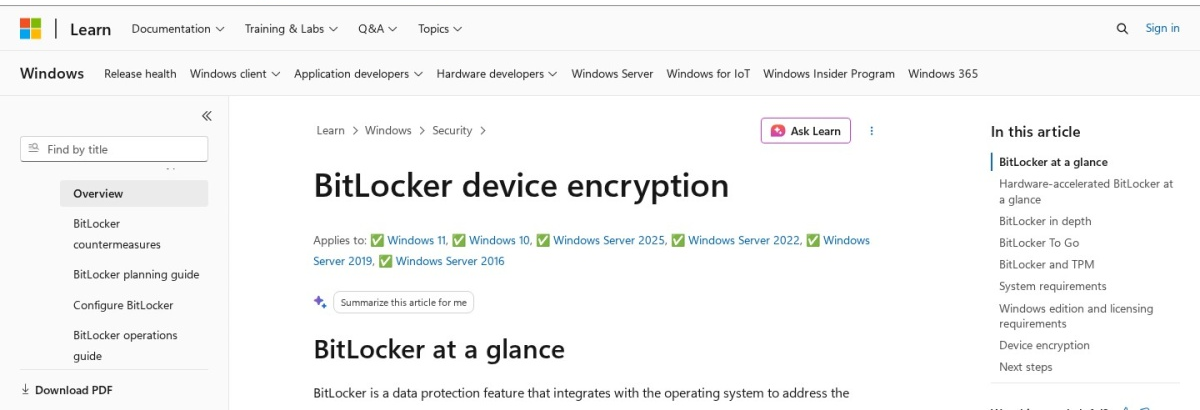
BitLocker is Microsoft's full-disk encryption, included with Windows Pro, Enterprise and Education at no extra cost. It encrypts the whole drive, works with a TPM chip, and can be managed centrally in workplaces.
The trade off is the edition. BitLocker is not in Windows Home, and recovery keys need safe storage, since a lost key can lock you out of the drive. It suits Windows Pro users who want drive encryption without installing anything.
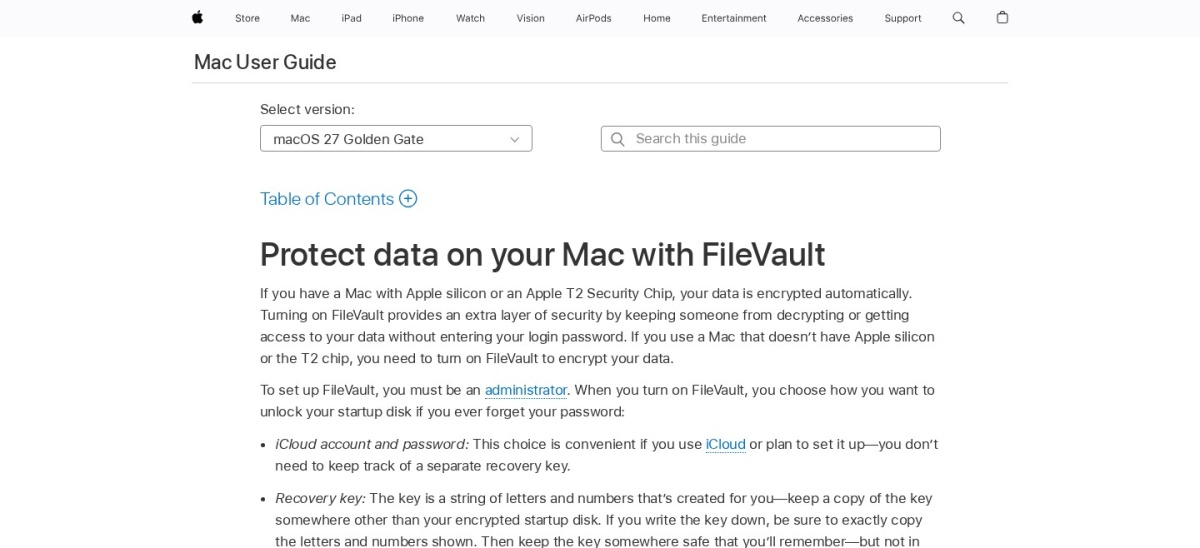
FileVault is Apple's built-in full-disk encryption for Mac, included with macOS at no extra cost. It encrypts the whole startup disk with XTS-AES-128 and unlocks with your login password or recovery key.
The trade off is the platform. FileVault runs only on Mac, and a forgotten password without a recovery key means the data is gone. It suits Mac owners who want drive encryption switched on in a few clicks.
What we like
Free with every Mac
Switches on in a few clicks
Encrypts in the background while you work
Recovery key option through Apple
Watch out for
Mac only, no Windows version
No recovery without the password or key
No container or single-file encryption
Turn it on in System Settings under Privacy and SecurityVisit apple.com
08
Folder Lock
4.5/5on G2 (16 reviews, checked Nov 2026)
Paid from$39.95/yr
Best all-in-one locker for Windows
EncryptionAES-256
Free versionYes, limited
PlatformsWindows, macOS, Android, iOS
G2 rating4.5/5, 16 reviews
newsoftwares.net
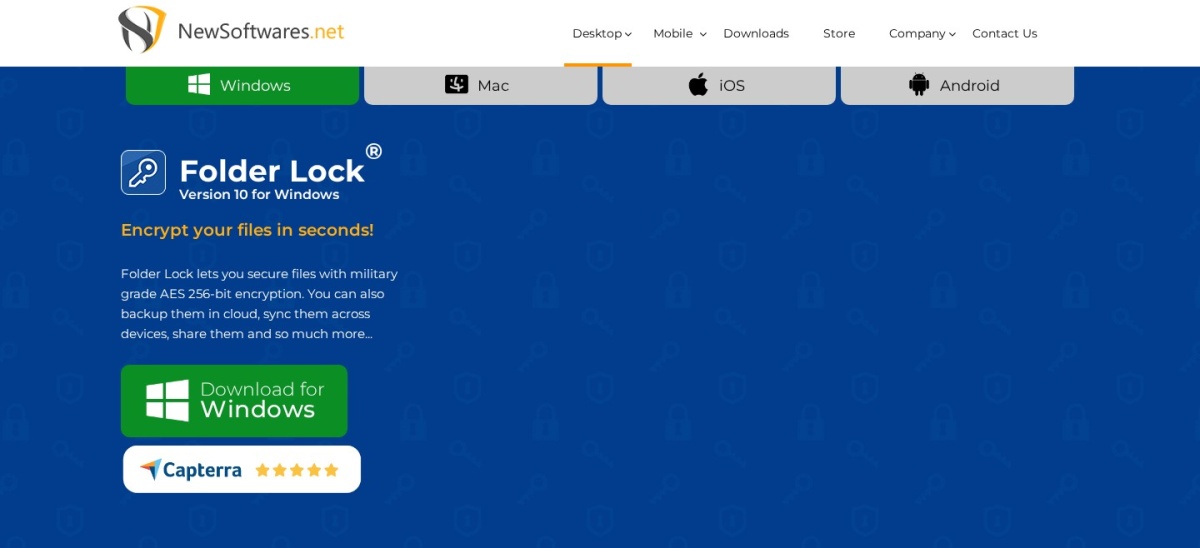
Folder Lock homepage, captured Nov 2026.
Folder Lock is a Windows and Mac app that locks files, folders and drives with AES-256 encryption. It also bundles a password wallet, secure notes, file shredding and lockers you can carry on a USB drive.
The trade off is the platform focus. It is strongest on Windows, and the $39.95 a year Pro plan is needed for the full feature set. It suits Windows users who want one app for encryption plus a password wallet and shredder.
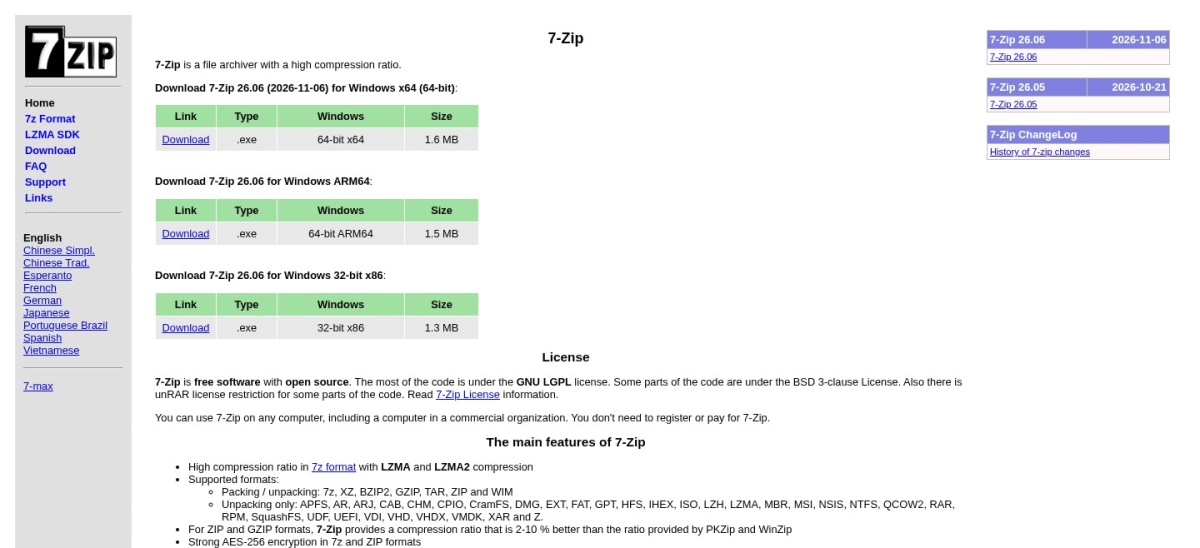
7-Zip is a free, open-source file archiver for Windows that can pack files into AES-256 encrypted 7z or ZIP archives. Right-click a file, add it to an archive, set a password, and anyone with free software can open it.
The trade off is the model. 7-Zip encrypts copies in an archive, not live files, so there is no vault, no sync and no way to revoke access after you send it. It suits sending a protected file by email or storing an encrypted copy offline.
Free tools cover the basics well. VeraCrypt, BitLocker, FileVault and 7-Zip all cost $0, and Cryptomator encrypts cloud folders for free on desktop.
Paid tools mostly add sharing and convenience. You get synced encrypted storage, key sharing with other people and support when something goes wrong.
The one thing no free tool gives you is recovery. If you lose a VeraCrypt password or a BitLocker key, the files stay locked, so save recovery keys before you need them.
For a single laptop, start free and upgrade only when you need to share encrypted files. Our security audit guide shows the same start-free approach for sites.
How we chose
We started from the encryption tools most often named in 2026 comparisons, then kept 9 established products with published prices and a public review footprint on G2 or Capterra.
Prices come from each vendor's pricing page, checked on 23 November 2026. Ratings are G2 scores from the same week, except AxCrypt, which uses Capterra because its G2 base is only 5 reviews. Where a vendor shows a sale, the list shows the regular price. NordLocker's and AxCrypt's pricing pages render prices by script, so their figures come from November 2026 captures of those pages.
We left out Boxcryptor, which stopped operating on 31 December 2025, and tools with no published price. No vendor paid for a place, and we do not claim hands-on testing for this list.
How to choose encryption software
Start with what you need to lock, then check price, platform and recovery options.
Decide what to encrypt. A whole laptop needs BitLocker, FileVault or VeraCrypt. Single files need AxCrypt or 7-Zip. A cloud folder needs Cryptomator, NordLocker or Tresorit.
Check what you already own. Windows Pro includes BitLocker and macOS includes FileVault, so check those first before paying for a tool that does the same job.
Read the renewal price, not the first year. NordLocker's 500 GB plan costs $35.88 in year one and renews at $59.88, so add up two years before you commit.
Save the recovery key first. Write down the password or recovery key and store it somewhere safe before you encrypt anything, because most of these tools cannot reset it for you.
FAQ
What is the best encryption software?
VeraCrypt is the best pick for most people. It is free, open source and encrypts whole drives and containers on Windows, Mac and Linux, rated 4.5 out of 5 on G2 from 51 reviews.
Is there free encryption software?
Yes. VeraCrypt, Cryptomator, BitLocker, FileVault and 7-Zip all cost $0. BitLocker needs Windows Pro and FileVault needs a Mac, while VeraCrypt and 7-Zip work on the platforms their pages list.
What is the difference between VeraCrypt and BitLocker?
VeraCrypt runs on Windows, Mac and Linux and encrypts containers as well as drives, while BitLocker is built into Windows Pro and higher editions only. BitLocker is easier to switch on, and VeraCrypt gives you more control over ciphers and hidden volumes.
Can I encrypt files before uploading them to the cloud?
Yes. Cryptomator puts an encrypted vault inside a cloud folder, so the provider only sees encrypted files and names. NordLocker and Tresorit encrypt files on your device before upload too, with storage included.
What happens if I forget my encryption password?
In most cases the files stay locked. VeraCrypt, BitLocker and FileVault have no password reset, so save the password or recovery key somewhere safe before you encrypt anything.
Is 7-Zip encryption safe to send by email?
Yes, for most files. 7-Zip packs files into an AES-256 encrypted archive that anyone can open with free software and the password. Share the password through a different channel than the file itself.